
Forgetting to print and share family photos is a universal pain, but the solution isn’t another dusty shoebox of prints. An 8 x 10 digital photo frame transforms how you display memories by cycling through high-resolution images on a dedicated screen that blends into your home decor, automatically updating whenever family sends new shots from their phones. The real challenge isn’t finding a frame—it’s choosing one that delivers sharp image quality, simple setup for non-techy relatives, and no hidden subscription fees that lock away your photos.
I’m Min — the co-founder and writer behind Gadgets Feed. My deep dive into this category involved spending dozens of hours comparing resolution specs, storage capacities, Wi-Fi app ecosystems, and real owner feedback to separate the frames that genuinely work from those that fall short on color accuracy or connectivity.
This guide breaks down the top contenders to help you find the ideal 8 x 10 digital photo frame for your home or as a thoughtful gift that keeps on giving.
How To Choose The Best 8 X 10 Digital Photo Frame
Choosing a digital photo frame that looks great and works seamlessly for your family starts with understanding the core specs that separate a premium viewing experience from a frustrating, pixelated mess. Focus on four key areas before you commit to a purchase.
Screen Resolution and Panel Quality
The display is the entire point of a digital frame. A baseline of 1280×800 pixels is acceptable for an 8 to 10-inch screen, but higher resolution panels like 1920×1200 deliver noticeably sharper text and finer detail in photos. IPS technology ensures wide viewing angles so colors don’t wash out when someone views the frame from the side. An anti-glare coating is a huge practical advantage in bright living rooms or kitchens where overhead lights cause reflections.
Wi-Fi App Ecosystem and Ease of Use
The frame’s ability to receive photos remotely is what makes it a “smart” device rather than a static slideshow player. Look for a mature, well-reviewed companion app (Frameo is the most popular third-party platform, while Skylight and Loop use proprietary apps). The key metric is how many people can send photos without creating separate accounts. Frames that let unlimited family members send pictures via a simple invite code are far more likely to get daily use than those requiring admin-level approval for every image.
Storage Capacity and Expandability
Internal storage ranges from 8 GB to 32 GB on most models, which translates to roughly 10,000 to 40,000 photos at typical sizes. If you plan to store videos or high-resolution images, aim for at least 16 GB of built-in memory. A microSD or USB expansion slot is invaluable because it lets you load photos directly from a computer without touching the Wi-Fi setup, and it gives you unlimited growth potential by swapping cards.
Quick Comparison
On smaller screens, swipe sideways to see the full table.
| Model | Category | Best For | Key Spec | Amazon |
|---|---|---|---|---|
| Pexar by Lexar 11″ | Premium | Ultimate image clarity | 2000×1200 2K anti-glare | Amazon |
| Skylight Frame 2 10″ | Premium | Family sharing ease | 1920×1200 Full HD anti-glare | Amazon |
| Loop Wi-Fi 10.1″ | Mid-Range | Text-to-frame functionality | 1280×800 touchscreen | Amazon |
| Americanflat 10.1″ Matted | Mid-Range | Gallery wall aesthetics | 15×18 matted real frame | Amazon |
| Skylight Frame 10″ | Mid-Range | Plug-and-play simplicity | 1280×800 cloud storage | Amazon |
| KODAK 10.1″ | Mid-Range | Maximum built-in storage | 32 GB internal memory | Amazon |
| Frameo 8″ Arktronic | Budget-Friendly | Entry-level price, great app | 1280×800 IPS touchscreen | Amazon |
In‑Depth Reviews
1. Pexar by Lexar WiFi Digital Picture Frame 11″

The Pexar frame separates itself from the pack with a true 2000×1200 2K IPS display that makes standard 1280×800 frames look noticeably soft by comparison. The anti-glare coating is a practical lifesaver in bright rooms, eliminating the distracting reflections that plague glossy screens when placed near windows or under track lighting. At 11 inches diagonal, it offers the largest active viewing area in this roundup without requiring a bulky bezel.
The Frameo-based app ecosystem is mature, reliable, and free, allowing unlimited family members to send photos directly from their phones without any subscription costs. Internal 32 GB storage is generous enough for roughly 40,000 photos, and the inclusion of both a USB-A port and an SD card slot means you can load images from a digital camera or flash drive without touching the Wi-Fi setup. The touchscreen responds quickly to swipes and taps for manual navigation through albums.
While the plastic frame feels less premium than the Skylight Frame 2’s build, the display quality alone justifies the premium-tier price. The only notable omission is an ambient light sensor for auto-brightness, though the manual brightness adjustment covers most lighting conditions well. This is the frame to buy if image clarity is your top priority.
Why it’s great
- Sharp 2K resolution with excellent color accuracy
- No cloud subscription required for remote sharing
- Generous 32 GB storage plus USB/SD expansion
Good to know
- Plastic frame doesn’t feel as high-end as competitors
- No auto-brightness sensor for ambient light adjustment
2. Skylight Digital Picture Frame 2 – 10″
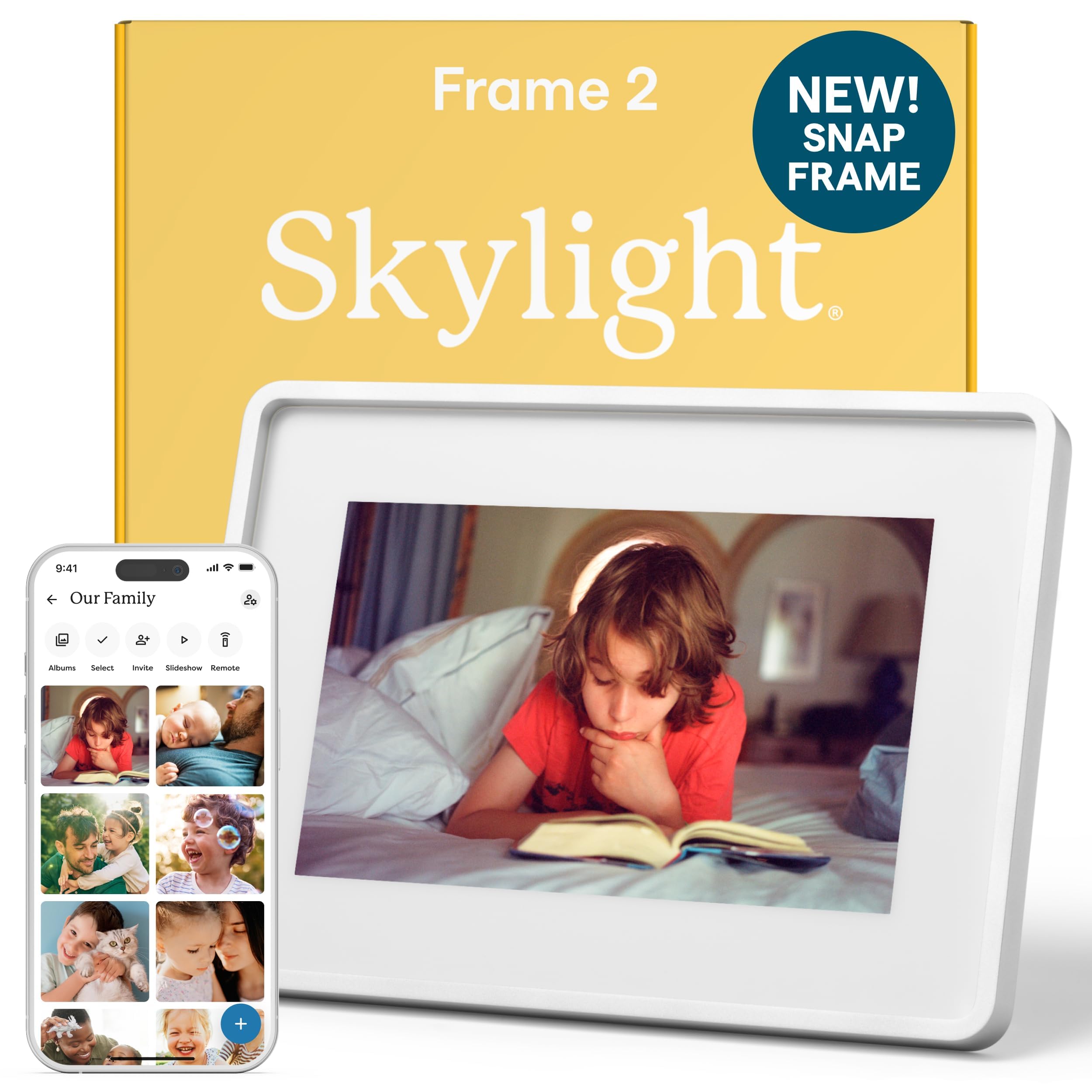
The Skylight Frame 2 addresses the biggest complaint about the original—screen clarity—by jumping from 1280×800 to a native 1920×1200 Full HD resolution. The difference is immediately visible in fine text and detailed landscapes, and the anti-glare coating ensures those details remain visible even when the frame sits on a sunlit kitchen counter. The auto-brightness sensor is a subtle but impactful addition that dims the screen in low light and boosts it during daytime without manual intervention.
Setup is genuinely simple: plug in, connect to Wi-Fi, and the frame generates a unique email address. Anyone can send photos directly from their phone’s gallery app without downloading another app, which removes the biggest barrier for elderly family members. The 16 GB internal storage holds thousands of photos, and the 2 GHz quad-core processor makes the interface feel snappy during slideshow transitions and album browsing. Gift Mode lets you preload photos before giving the frame, so the recipient sees memories from day one.
The proprietary app ecosystem means photos are stored in Skylight’s cloud, and while offline mode works for existing images, you need Wi-Fi to receive new ones. The lack of an SD card slot means expandability relies entirely on internal storage. For families prioritizing effortless sharing over local storage flexibility, this frame delivers the most polished experience.
Why it’s great
- Full HD 1920×1200 display with auto-brightness
- Anyone can email photos without an app
- Gift Mode preloads photos before unboxing
Good to know
- No SD card or USB expansion ports
- Requires Wi-Fi to receive new photos
3. Loop Wi-Fi Digital Picture Frame 10.1″
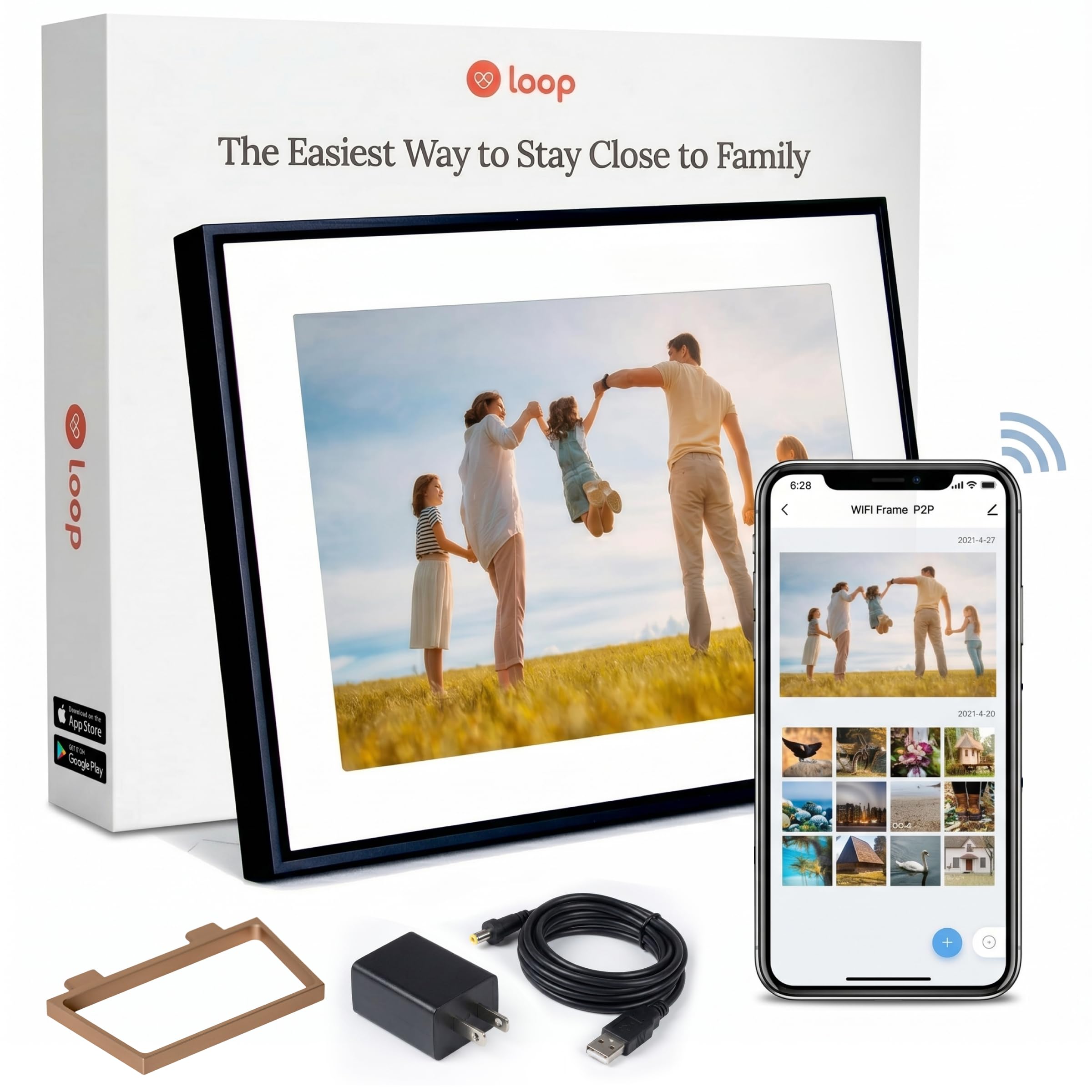
The Loop frame stands out for its text-to-frame feature, which lets anyone send photos via SMS after a one-time verification—no app download required for the sender. This is a tangible advantage for families where elderly members use flip phones or resist installing new apps. The 10.1-inch 1280×800 display delivers adequate sharpness for casual viewing, and the metal frame construction feels more substantial than the all-plastic alternatives at a similar price point.
The dedicated Loop app works on both iOS and Android, allowing bulk uploads and album organization. Cloud sync keeps the frame updated automatically, and the scheduled sleep mode prevents the screen from running all night. The 16 GB of internal storage is sufficient for most households, though the lack of a functional USB port for direct computer upload limits your loading methods to Wi-Fi or the app.
Some users report that the screen brightness is merely average and viewing angles are only okay, not outstanding. The proprietary app also means you’re tied to Loop’s cloud infrastructure for remote sharing. If the text-to-frame capability is something your family would use regularly, this frame is a strong mid-range option. For pure display quality, the Pexar or Skylight Frame 2 are better bets.
Why it’s great
- Send photos via SMS text message
- Metal frame construction feels durable
- Scheduled sleep mode for power savings
Good to know
- Screen brightness and viewing angles are average
- No direct USB computer upload option
4. Americanflat 10.1″ WiFi Digital Picture Frame
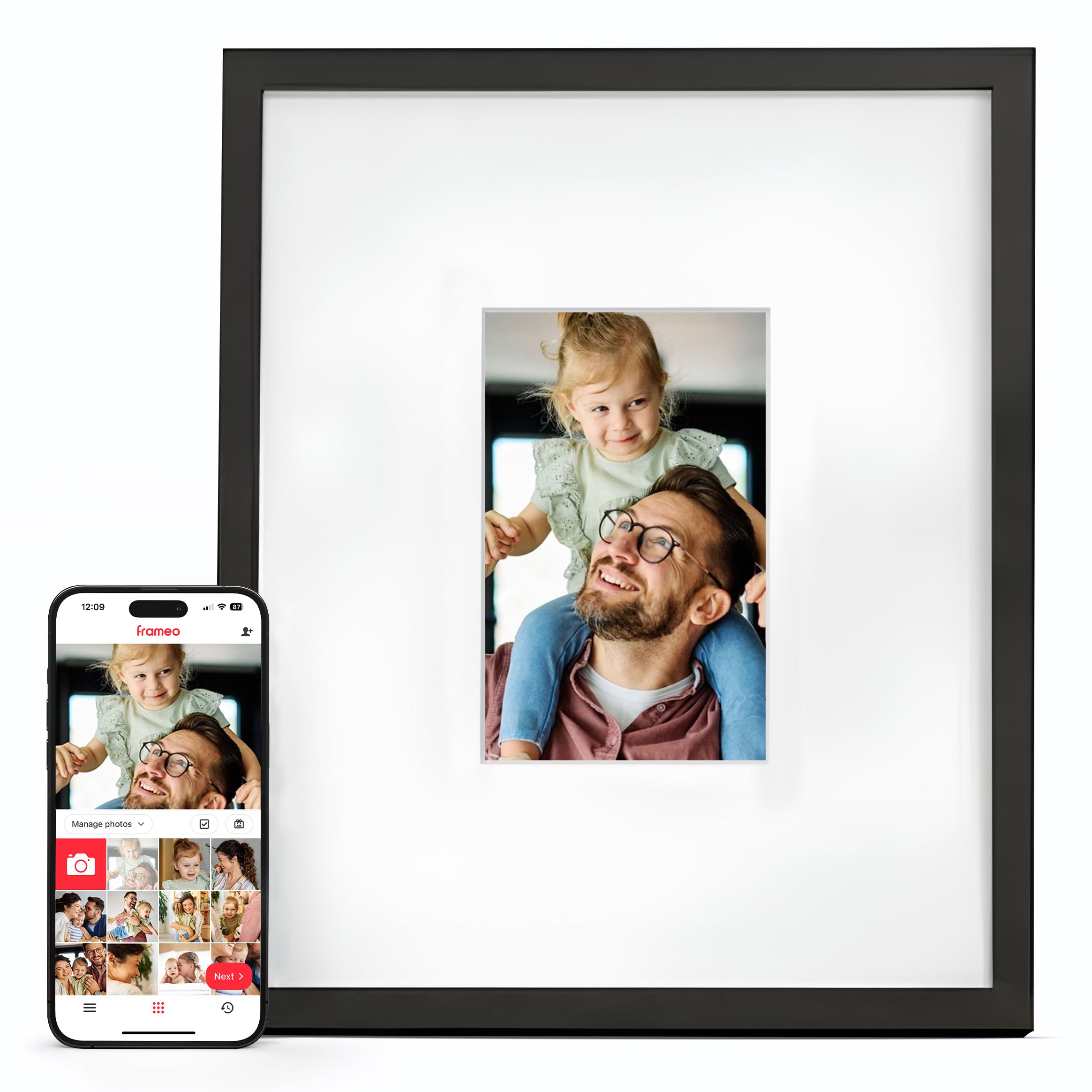
The Americanflat frame solves a design problem most digital frames ignore: it looks like a real framed piece of art, not a black plastic gadget on your shelf. The 10.1-inch touchscreen sits inside a genuine 15×18 matted frame with a substantial border that makes the entire unit blend into a gallery wall arrangement. Visitors don’t realize it’s digital until the photos begin transitioning, which is exactly the effect buyers with curated home decor want.
Under the hood, it uses the same reliable Frameo app ecosystem that powers many budget frames, offering unlimited free sharing, caption support, and easy setup via QR code. The ability to load photos through a microSD card or USB-C port gives you flexibility even when Wi-Fi is unavailable. Wall-mounting is straightforward with the included hardware, and the frame supports both portrait and landscape orientations with auto-rotation based on its physical position.
The panel resolution is a standard 1280×800, which is perfectly fine for casual viewing but lacks the pixel density of the Pexar or Skylight Frame 2 when viewed up close. The matted frame design also adds significant bulk compared to slim competitors. For buyers who prioritize aesthetics and want a frame that disappears into their decor, this is the most visually successful option available.
Why it’s great
- Genuine matted frame blends into wall art
- Frameo app with unlimited free sharing
- Supports microSD, USB-C, and auto-rotation
Good to know
- Standard 1280×800 resolution, not Full HD
- Bulkier frame design than slim competitors
5. Skylight Frame – 10 Inch Black
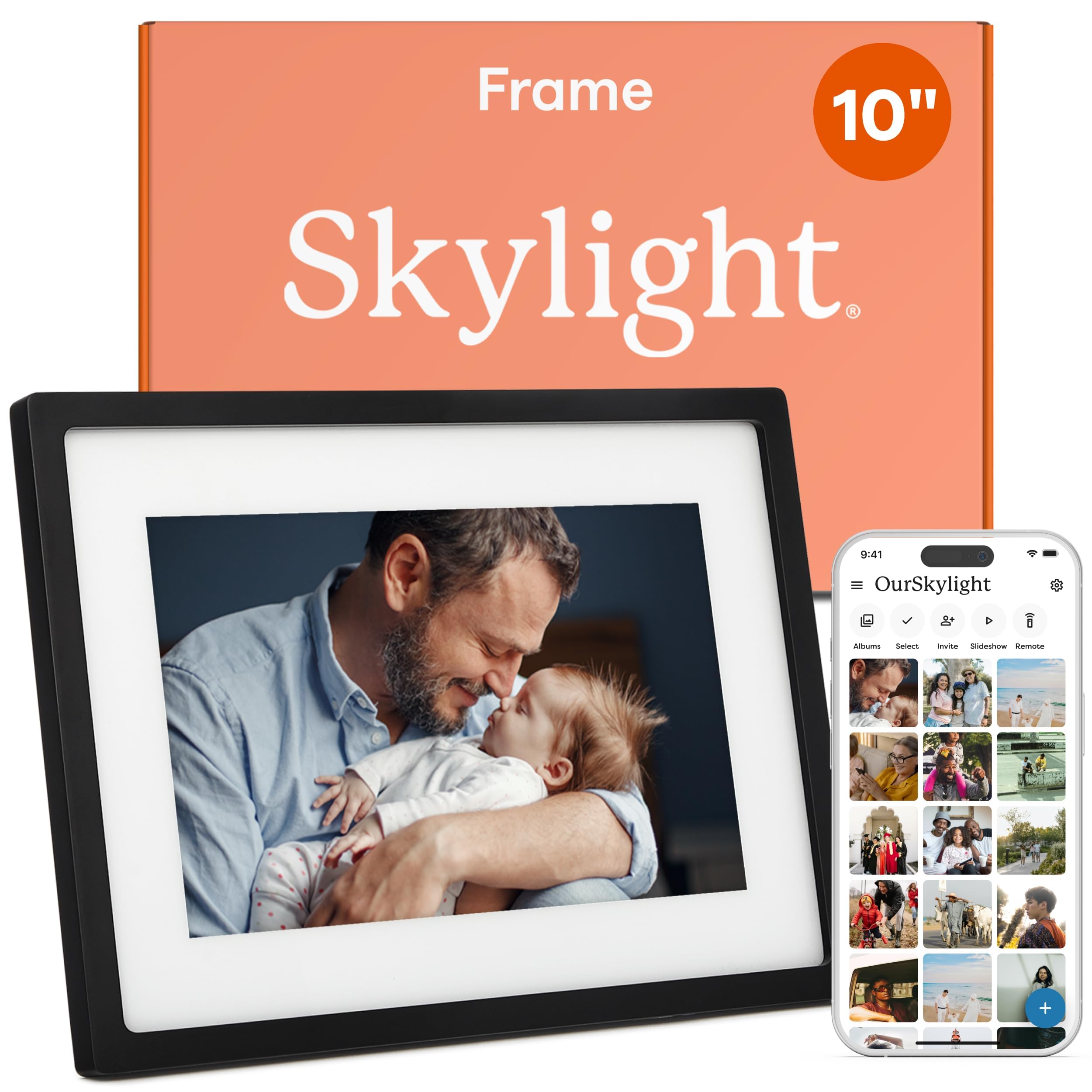
The original Skylight Frame earned its reputation as the most non-techy-friendly digital frame on the market, and for good reason. The setup process is genuinely plug-and-play: connect to Wi-Fi, and the frame generates a unique email address. Family members can send photos directly from their phone’s camera roll without installing any app, which eliminates friction for grandparents who struggle with app stores and login credentials.
The 10-inch 1280×800 IPS display provides solid color reproduction and wide viewing angles, though it lacks the pixel density of the newer Frame 2 model. Cloud storage means you never have to worry about running out of space for incoming photos, though the internal memory is only 8 GB for offline viewing. The Gift Mode feature lets you preload photos before wrapping the frame, so the recipient sees curated memories from the moment they plug it in.
The lack of an SD card or USB slot means you cannot load photos from a computer without using the email method, which can be tedious for bulk transfers. The older model also lacks the auto-brightness sensor of the Frame 2, requiring manual brightness adjustment. For families prioritizing the absolute easiest sharing experience over high resolution or expandability, this frame remains a solid choice.
Why it’s great
- Email-based upload requires no app for senders
- Gift Mode preloads photos before gifting
- Cloud storage prevents memory limitations
Good to know
- Only 8 GB internal storage
- No SD card or USB expansion ports
6. KODAK 10.1 Inch WiFi Digital Picture Frame
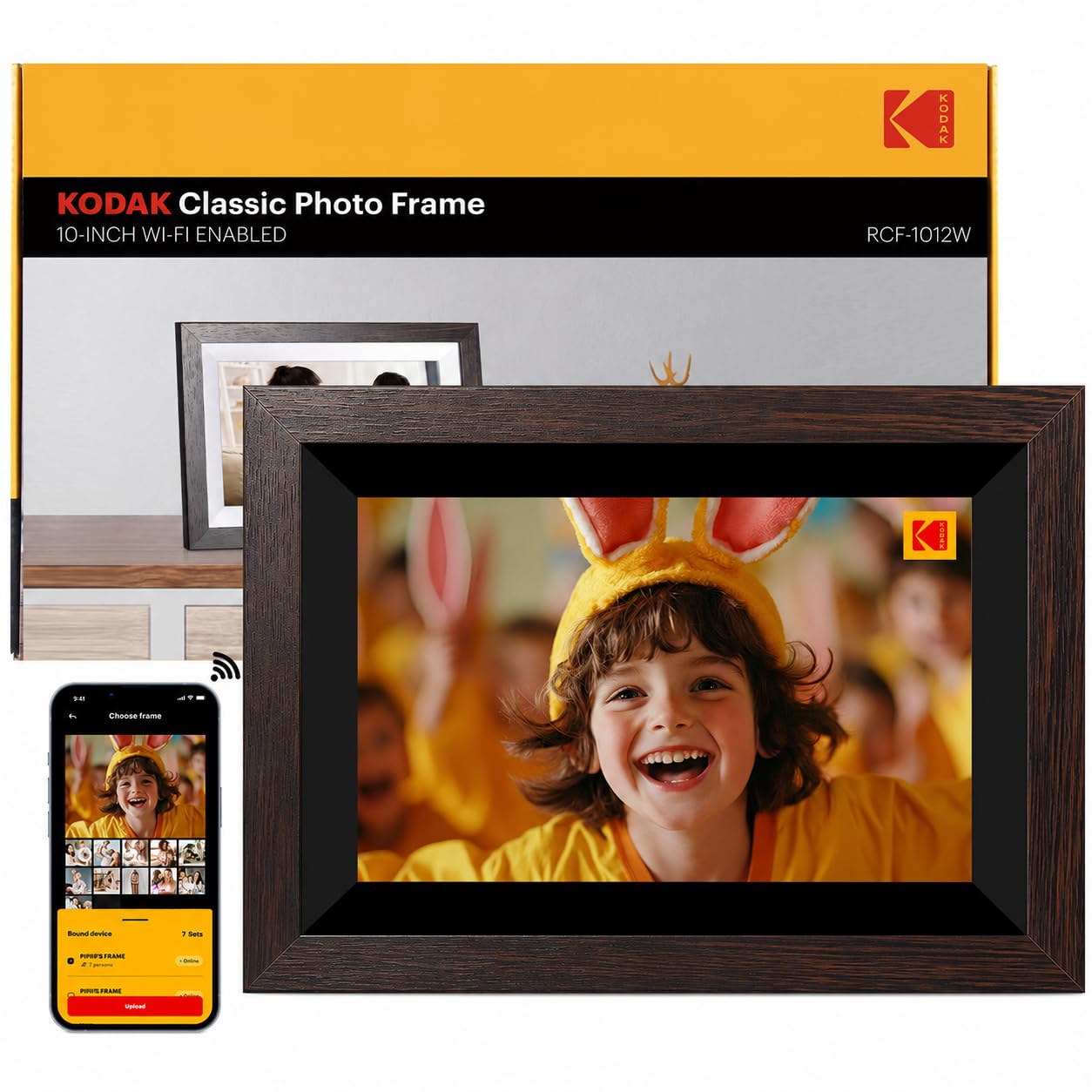
KODAK’s digital frame leans on the brand’s photography heritage and delivers the largest internal storage in this group at 32 GB, enough for tens of thousands of photos without ever needing to swap an SD card. The 10.1-inch 1280×800 IPS touchscreen offers a 16:10 aspect ratio that fits most digital camera photos without excessive cropping, and the 178-degree viewing angle means the image stays accurate from anywhere in the room.
The dedicated KODAK Digital Frame app supports Wi-Fi sharing for both photos and videos, and the frame includes convenient daily features like calendar, weather forecast, alarm clock, and music playback when you upload audio files. The wood frame material gives it a slightly warmer, more traditional look compared to the ubiquitous black plastic frames, and it supports both wall-mounting and tabletop placement with the included stand. The USB and SD card slots provide additional loading flexibility.
Some users have reported a slow boot-up time, and the power adapter requires 20W output, which means older USB wall chargers may not work. There are isolated reports of screen defects discovered after the return window, so inspect the panel thoroughly upon arrival. For buyers who want maximum onboard storage and a trusted brand name, this frame offers excellent memory capacity.
Why it’s great
- Generous 32 GB internal storage
- Wood frame for a warmer aesthetic
- Includes calendar, weather, and clock functions
Good to know
- Slow boot-up time from power-on
- Requires 20W power adapter for reliable operation
7. Frameo 8 Inch Arktronic WiFi Digital Photo Frame
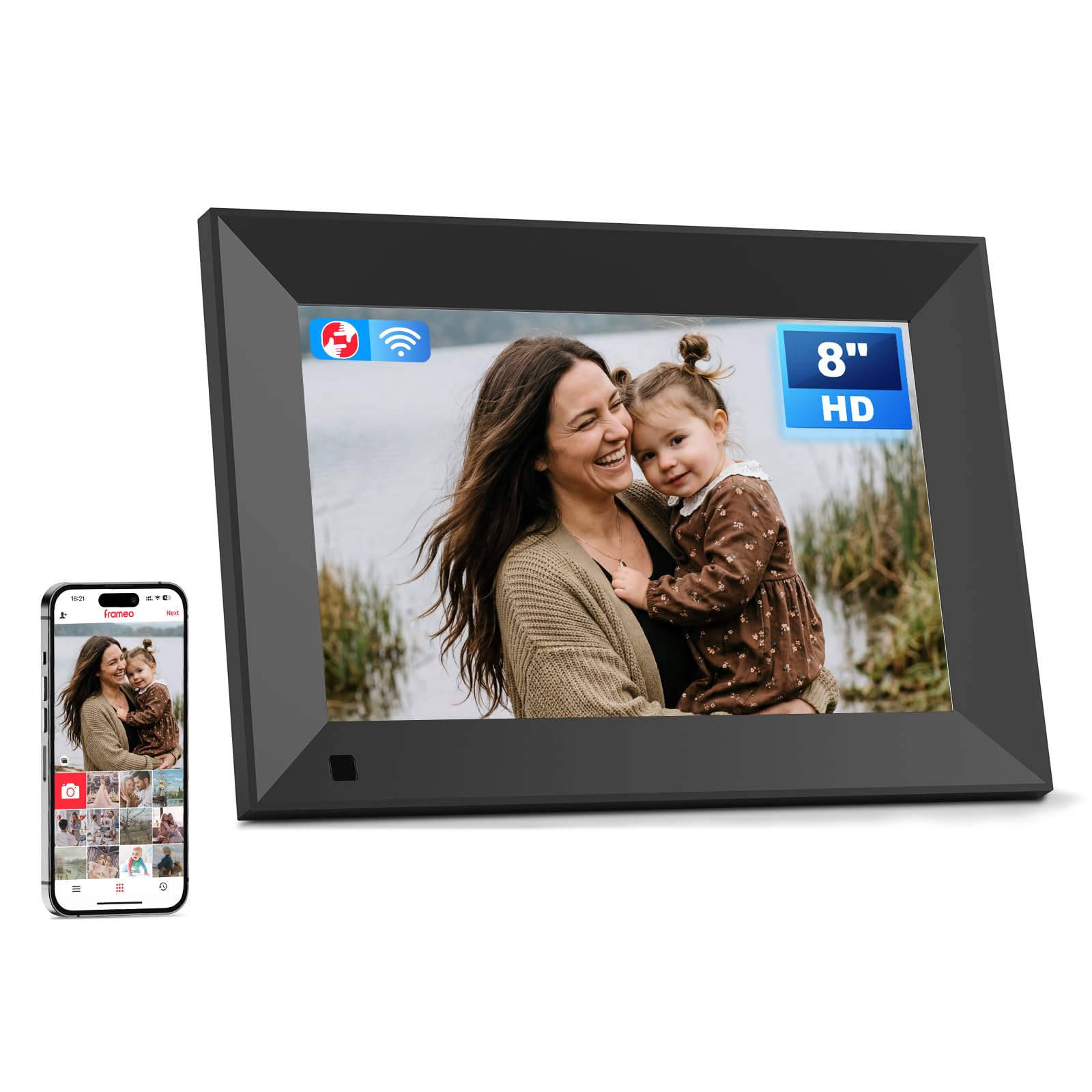
The Frameo-powered Arktronic frame proves that you don’t need to spend a lot to get a genuinely capable digital photo frame. At 8 inches diagonal, it’s the smallest frame in this roundup, but it still packs a 1280×800 HD IPS touchscreen that delivers excellent color reproduction and sharpness for its size. The compact footprint makes it ideal for a nightstand, desk, or kitchen counter where space is limited.
The Frameo app is the most widely used third-party photo frame platform, and its maturity shows in the smooth setup process, reliable photo delivery, and zero subscription fees. Unlimited family members can send photos by scanning the frame’s QR code, and captions display beneath each image to preserve the story behind the shot. The 16 GB internal memory holds roughly 160,000 photos, and the microSD expansion slot supports cards up to 64 GB for even more storage. Additional features include background music support, a light sensor for automatic brightness, sleep mode scheduling, and slideshow customization options.
The smaller 8-inch screen means you lose some visual impact compared to 10-inch models, and the resolution at 1280×800 is standard rather than exceptional. The plastic build is functional but not luxurious. For budget-conscious buyers or those who want a secondary frame for a smaller space, this is the best entry-level option with no compromises on app quality or feature set.
Why it’s great
- Best value with mature Frameo app ecosystem
- Light sensor for auto-brightness adjustment
- Expandable storage via microSD up to 64 GB
Good to know
- Smaller 8-inch screen reduces viewing impact
- Standard 1280×800 resolution, not Full HD
FAQ
Can I use an 8 x 10 digital photo frame without Wi-Fi?
What is the best screen resolution for an 8 x 10 digital photo frame?
Which app is easiest for elderly family members to use with a digital frame?
Final Thoughts: The Verdict
For most users, the 8 x 10 digital photo frame winner is the Pexar by Lexar 11″ because it delivers the sharpest 2K display and the largest storage capacity without forcing you into a cloud subscription. If you want the easiest family sharing experience with the most polished hardware, grab the Skylight Frame 2 for its Full HD screen and auto-brightness sensor. And for a budget-friendly entry point that still offers excellent app support and expandable storage, nothing beats the Frameo 8″ Arktronic.