
Our readers keep the lights on and my morning glass full of iced black tea. As an Amazon Associate, I earn from qualifying purchases.
Specs are compiled from manufacturer listings and verified buyer reviews and can change over time — please confirm the key details on the product page before buying.
Finding a laptop for around eight hundred dollars that actually delivers on speed, screen quality, and battery life without forcing you into a frustrating compromise can feel like a search for a unicorn. You want something that handles your daily work, maybe some light gaming or content creation, and still feels fast in a couple of years. The real trick is knowing which features matter most at this price point and which marketing promises you can safely ignore.
I’m Min — the founder and writer behind Gadgets Feed. This guide is built by comparing the manufacturers’ published specifications and the patterns across verified customer reviews, so you get each pick’s real strengths and trade-offs instead of marketing spin.
if you need a workhorse for school, a creative tool for editing, or a machine that can game on the side, this breakdown of the best 800 dollar laptop options will help you match the right hardware to your actual daily routine.
Our Picks at a Glance

How To Choose The Best 800 Dollar Laptop
At this price, you are looking for the best balance of processor power, memory, storage speed, and display quality. Every choice involves a trade-off, and knowing which spec matters most for your specific use keeps you from overspending on something you will not use.
Processor: The Brain of Your Machine
The CPU determines how fast your laptop feels for everyday tasks like web browsing, document editing, and video streaming. For an 800 dollar laptop, you want at least a 13th Gen Intel Core i5 or an AMD Ryzen 5 series processor. These offer four to eight cores and speeds up to around 4.6 GHz, which is enough for smooth multitasking, light video editing, and even some gaming when paired with a good graphics chip.
Memory and Storage: Speed and Space
16GB of RAM is the balance for this price range, letting you keep many browser tabs and applications open without slowdowns. Stick with DDR5 memory if you can, as it is faster and more power-efficient than DDR4. For storage, a 512GB PCIe NVMe SSD is the standard you should look for. It boots your system in seconds and loads programs nearly instantly. Avoid laptops that still use older SATA SSDs or, worse, traditional hard drives.
Quick Comparison
| Model | Best For | Processor | RAM | Display | Amazon |
|---|---|---|---|---|---|
| Acer Nitro V 15★ Best Overall | Gaming on a budget | i5-13420H | 8GB DDR5 | 15.6″ FHD 144Hz | Amazon |
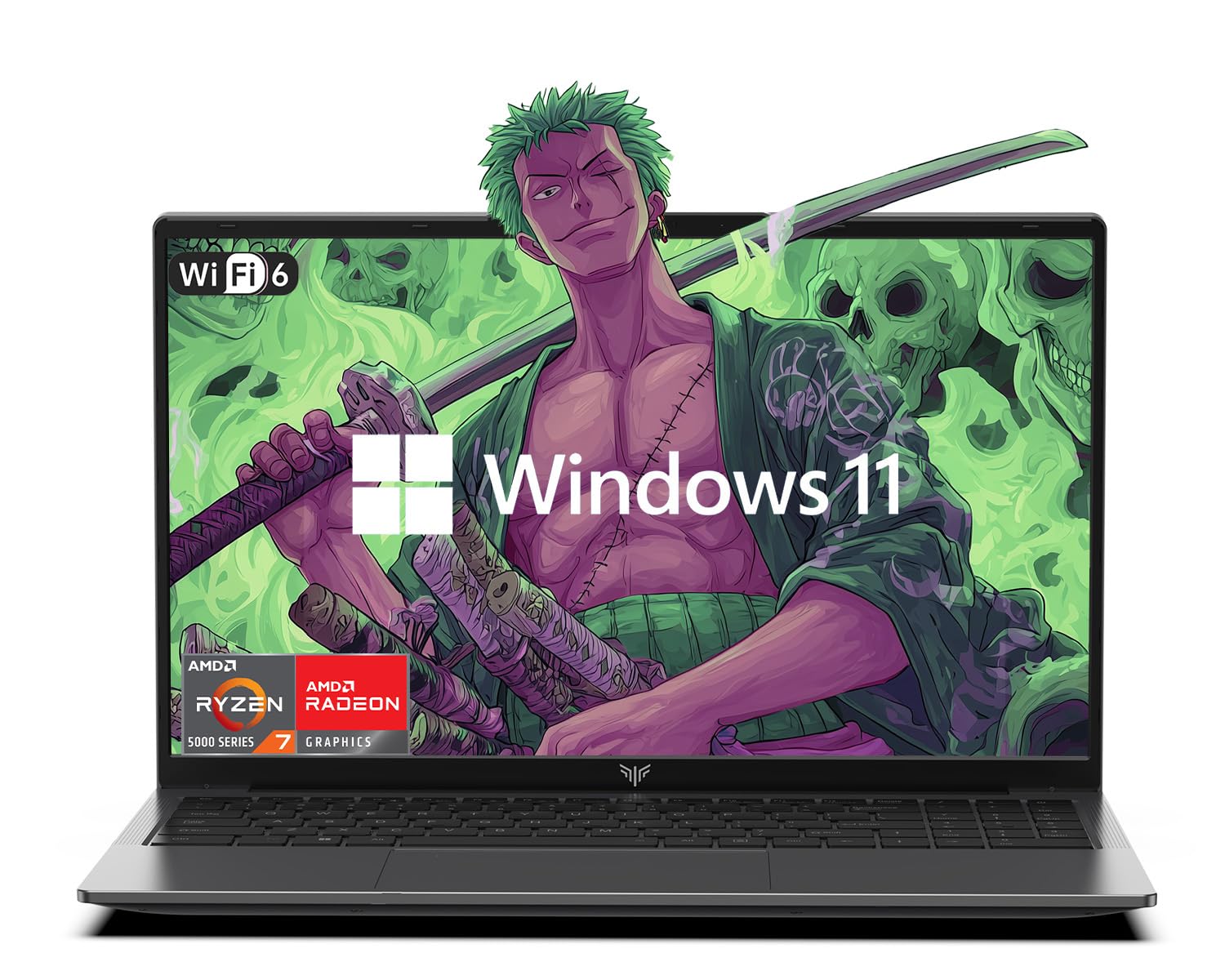
| KAIGERR Light GamingValue Pick | Everyday productivity | Ryzen 7 5700U | 16GB DDR4 | 15.6″ FHD | Amazon |
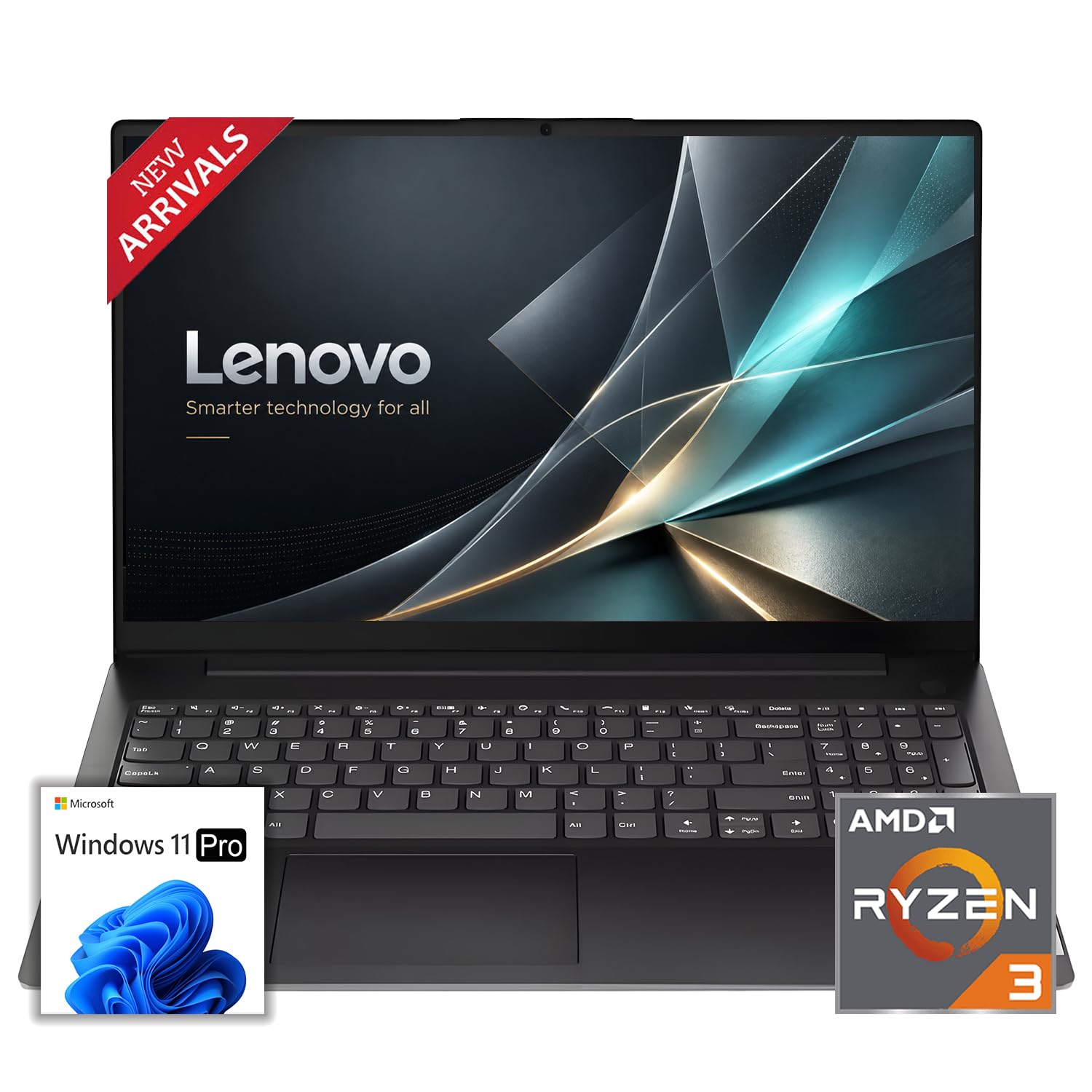
| Lenovo 15.6″ BusinessBattery King | All-day battery life | Ryzen 3 7320U | 16GB DDR5 | 15.6″ FHD IPS | Amazon |
| Lenovo IdeaPad Slim 3X | AI-powered efficiency | Snapdragon X | 16GB | 15.3″ WUXGA | Amazon |
| HP 17.3″ Laptop | Large screen comfort | Ryzen 5 7520U | 16GB LPDDR5 | 17.3″ HD+ | Amazon |
| ASUS Vivobook 16 | AI-ready productivity | Ryzen AI 5 340 | 16GB | 16″ WUXGA | Amazon |
| Lenovo 15.3″ FHD+ | Portability and battery | i5-13420H | 16GB DDR4 | 15.3″ WUXGA IPS | Amazon |
| NIMO 15.6″ Light-Gaming | Heavy multitasking and RAM | Ryzen 7 Pro 6850U | 32GB LPDDR5 | 15.6″ FHD | Amazon |
| Acer Aspire 16 AI | Future-proof AI features | Snapdragon X | 16GB LPDDR5X | 16″ WUXGA 120Hz | Amazon |
| HP Victus 15 | Casual gaming and work | Ryzen 5 7535HS | 16GB DDR5 | 15.6″ FHD 144Hz | Amazon |
In‑Depth Reviews
1. Acer Nitro V 15 (ANV15-51-51H9)
Our pick — over 4★ from 800+ verified ratings; the strongest balance of quality and price.
A genuine gaming GPU at this price makes the Nitro V the one to beat for play and productivity.
This laptop brings a 13th Gen Intel Core i5-13420H processor that can boost up to 4.6 GHz and pairs it with an NVIDIA GeForce RTX 4050 laptop GPU. The RTX 4050 uses AI-driven DLSS 3 technology to keep frame rates smooth in demanding games, and buyers report it handles demanding games at high settings without stuttering. The 15.6-inch Full HD display runs at a fast 144Hz refresh rate, so fast-moving scenes stay clear and ghosting is minimal.
The catch is battery life: the data says 3 hours, and real-world use is often closer to 2-3 hours under light use according to verified reviews. If you mostly work plugged in or near an outlet, this is a non-issue, but for all-day campus use you will want to keep the charger handy. The 8GB of DDR5 RAM is easy to upgrade later, and the dual M.2 slots mean you can add more storage down the road.
Unlike the HP Victus 15 below, which uses an RTX 2050, the Nitro V’s RTX 4050 delivers a significant step up in ray tracing and upscaling performance for not much more money. For a student or professional who also wants to game at 1080p high settings, this is the most capable package in the guide.
Game-Ready Power
- RTX 4050 GPU with DLSS 3 for smooth 1080p gaming
- 144Hz IPS display reduces motion blur
- Easy to upgrade RAM and storage
Battery Reality
- Only 3-hour battery life limits unplugged use
- Loud fans under load
- Heavy bloatware on first boot
Best for the gamer who needs a work laptop too: If you want to play modern titles at high settings and can live near an outlet, this is the strongest value play.
skip it if you need all-day battery: The short runtime makes it a poor fit for long days away from a charger.
2. KAIGERR Light Gaming Laptop (Ryzen 7 5700U)
A Ryzen 7 with 16GB of RAM at a price that undercuts most competitors by a wide margin.
The AMD Ryzen 7 5700U inside this machine has 8 cores and 16 threads, boosting up to 4.3 GHz. That is a 7% slower maximum clock speed than the Acer Nitro V’s i5-13420H, but you get double the thread count for heavy multitasking. Owners mention the battery life is insane, and speed is lightning fast, which matches the 16GB of DDR4 RAM and fast 512GB NVMe SSD inside. The 15.6-inch Full HD display integrates AMD Radeon Graphics, making it capable of light gaming and photo editing without a dedicated GPU.
One reviewer noted the screen went black after some use, though Amazon support resolved it quickly. The build feels solid for the price, but the integrated graphics mean you should not expect to run AAA games at high settings. For everyday productivity, streaming, and older or less demanding games, this is a fantastic value that leaves room in your budget for accessories.
Compared to the Lenovo 15.6″ Business laptop, the KAIGERR offers a faster overall CPU and more RAM at a similar price, though the Lenovo counters with a longer 14.5-hour battery life and a newer DDR5 platform.
Productivity Champion
- 8-core Ryzen 7 handles heavy multitasking smoothly
- 16GB RAM and 512GB SSD for snappy performance
- Great value for everyday use
Integrated Graphics Limit
- Not suitable for modern AAA gaming
- Some reliability concerns reported
- Plasticky feel according to some reviewers
Reach for this if budget is your first concern: You get a fast processor and plenty of memory for school or office work without spending near the full budget.
Look elsewhere if you need a true gaming laptop: The lack of a dedicated GPU means you will run into performance walls on new titles.
3. Lenovo 15.6″ FHD Business Laptop (Ryzen 3 7320U)
A 14.5-hour battery life that genuinely lets you leave the charger at home all day.
The Lenovo Business laptop is built around the AMD Ryzen 3 7320U, a modest but efficient 4-core processor. The headline spec here is the 14.5-hour rated battery life — a massive 4.8x gap compared to the Acer Nitro V’s 3-hour battery. A verified reviewer measured about 6.5 hours on balanced settings, which is still strong for real-world use. It comes with 16GB of DDR5 RAM and a 512GB PCIe SSD, so it feels fast for daily tasks like web browsing, Office apps, and streaming.
The 15.6-inch Full HD IPS display is anti-glare, making it comfortable to use near windows or under bright lights. One buyer replaced Windows with Linux and reported everything worked without any tweaks, which speaks to good driver support. The catch is that the Ryzen 3 is not a powerhouse — if you need to compile code, edit high-resolution video, or game, this is not the right pick. It is built purely for long-lasting productivity.
Unlike the HP 17.3-inch model below, the Lenovo offers a much longer battery life and a higher-resolution IPS screen, though the HP has a larger display and a faster Ryzen 5 processor.
All-Day Companion
- Rated for 14.5 hours of use
- 16GB DDR5 RAM is great for multitasking
- Anti-glare IPS screen reduces eye strain
Modest Processor
- Ryzen 3 is not for heavy workloads or gaming
- No backlit keyboard
- 720p webcam is basic
The right choice for students and remote workers: You get a full day of battery with enough power for school and office tasks.
Not for creators or gamers: The CPU and integrated graphics will struggle with demanding software.
4. Lenovo IdeaPad Slim 3X (Snapdragon X)

A Copilot+ PC with a Snapdragon X that promises all-day battery and built-in AI features.
The IdeaPad Slim 3X is one of the new wave of Copilot+ PCs, running on a Snapdragon X processor with a 45 TOPS NPU. That dedicated AI engine handles tasks like background blur during video calls and intelligent search instantly, without slowing down the main processor. The battery life is rated at 15 hours, and buyers confirm it lasts a long time, making it a strong choice for travel or long workdays away from a plug. The 15.3-inch WUXGA display has a 16:10 aspect ratio, giving you more vertical screen space for documents and web pages compared to a standard 16:9 screen.
The build quality includes a premium-grade metal chassis that passed military-grade MIL-STD 810H tests for durability. A physical webcam shutter and a fingerprint reader keep your privacy and security solid. The trade-off is that the Snapdragon X is an ARM-based chip, so some older x86 Windows applications may run slower or require emulation. If all your software has native ARM support, this laptop is a fantastic blend of battery life, build quality, and modern features.
While the Acer Aspire 16 AI also uses a Snapdragon X chip, the Lenovo has a slightly higher rated battery life (15 hours vs 18 hours for the Aspire), but both offer similar AI capabilities and excellent power efficiency.
Future-Ready Features
- Snapdragon X with AI NPU for smart tasks
- Rated for 15 hours of battery life
- Premium metal chassis with military-grade durability
ARM Compatibility
- Some older x86 apps may need emulation
- Max processor speed of 2.97 GHz is lower than Intel/AMD rivals
- Potential for software compatibility issues
Choose this for battery life and build quality: If you prioritize all-day use and a sturdy feel, this is a top contender.
Check your software first: Ensure your essential apps run natively on ARM before buying.
5. HP 17.3″ Laptop (Ryzen 5 7520U)
A massive 17.3-inch screen and a fast Ryzen 5 make this a desktop replacement for productivity.
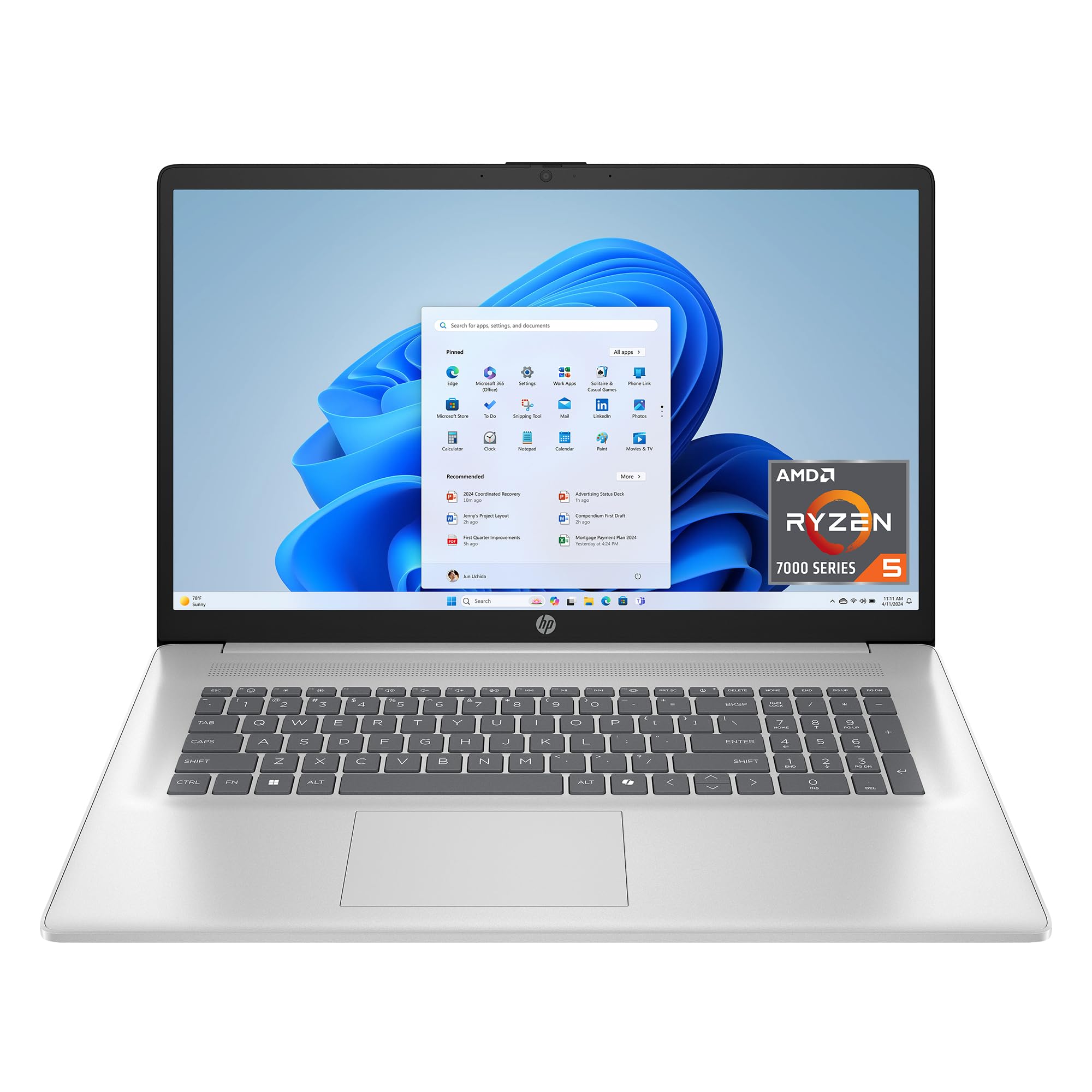
The HP 17.3-inch laptop packs an AMD Ryzen 5 7520U with 16GB of LPDDR5 RAM, which makes multitasking feel fluid. The screen is a large HD+ (1600 x 900) anti-glare panel, so you get a huge workspace for spreadsheets, design software, or watching movies. The battery life is rated at 7.15 hours, and the built-in AI noise reduction helps keep your voice clear during video calls. A lift-hinge design tilts the keyboard for a more comfortable typing angle, and there is a dedicated Copilot button on the keyboard for quick access to Microsoft’s AI assistant.
One buyer mentioned this is the best laptop they have ever owned, especially praising the clear screen and good speakers. However, the HD+ resolution is lower than the 1920×1080 panels on most other laptops in this guide, so text and images will not look as sharp. The laptop is also on the heavier side due to the large chassis, making it less portable for daily commuting.
Unlike the Lenovo 15.6″ Business laptop, the HP offers a much larger screen and a faster Ryzen 5 processor, but at the cost of a lower resolution display and significantly shorter battery life (7.15 hours vs 14.5 hours).
Big-Glass Experience
- 17.3-inch screen is great for multitasking and media
- 16GB LPDDR5 RAM and Ryzen 5 for smooth performance
- AI noise reduction for clearer calls
Resolution Trade-Off
- HD+ resolution is not as sharp as Full HD
- Heavier build makes it less portable
- Not suitable for gaming with integrated graphics
Best for desk-centric users who want a big screen: If portability is secondary to screen size, this is a great value.
Consider another option if you need sharp detail: The lower resolution may bother you if you edit photos or work with fine text.
6. ASUS Vivobook 16 (Ryzen AI 5 340)
A Copilot+ PC with an AMD Ryzen AI chip that brings up to 50 TOPS for local AI tasks.
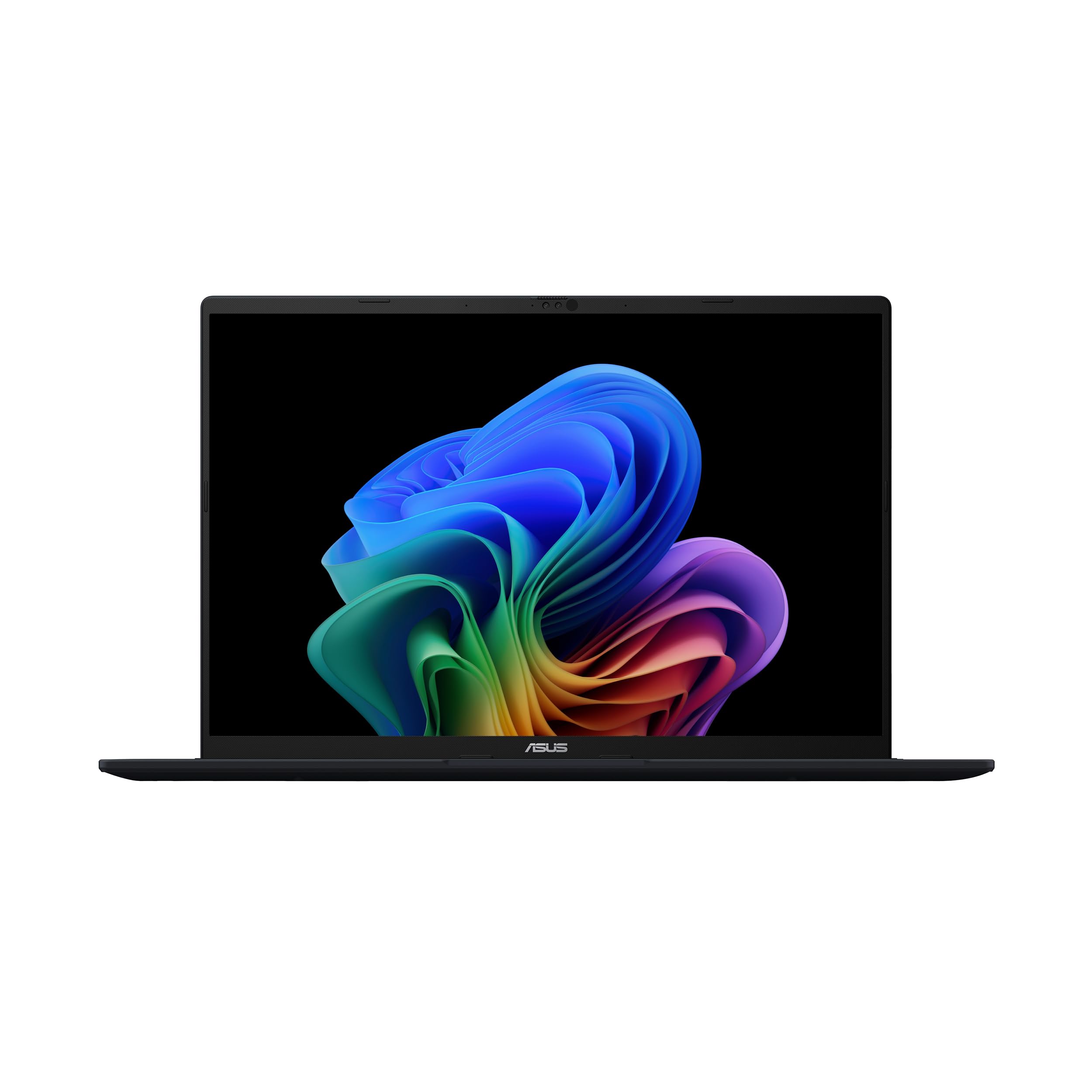
The Vivobook 16 is powered by the AMD Ryzen AI 5 340 processor, which includes an XDNA NPU capable of up to 50 TOPS. That means tasks like real-time caption translation, generative AI image creation from text prompts, and intelligent search can run locally without needing a cloud connection. The 16-inch WUXGA display (1920 x 1200) has a 16:10 ratio and 300 nits brightness, which looks great for creative work. With 16GB of RAM and a 512GB PCIe 4.0 SSD, boot times are instant and multitasking is snappy.
Some buyers reported reliability issues, with one noting the laptop stopped working after a month. The battery life is rated at 8 hours, which is decent but not class-leading. The backlit keyboard with a numeric keypad is a plus for nighttime work, and the FastCharge technology can take the battery from zero to 100% in about 1 hour and 20 minutes. If you want to experiment with on-device AI features without paying for a high-end workstation, this is a compelling entry point.
Compared to the Lenovo IdeaPad Slim 3X, the ASUS has a higher TOPS rating (50 vs 45) and a faster processor, but the Lenovo offers better build quality and longer battery life.
AI-First Performance
- 50 TOPS NPU for local AI processing
- 16-inch WUXGA display with good color
- FastCharge reaches 100% in 80 minutes
Reliability Questions
- Some buyers reported units dying within weeks
- 8-hour battery life is average
- No dedicated GPU for gaming
Choose this for exploring AI features: If you want a laptop that handles on-device AI tools, this is a great testbed.
Look elsewhere for proven reliability: The mixed reviews on longevity may give you pause if you need a workhorse.
7. Lenovo 15.3″ FHD+ Laptop (i5-13420H)
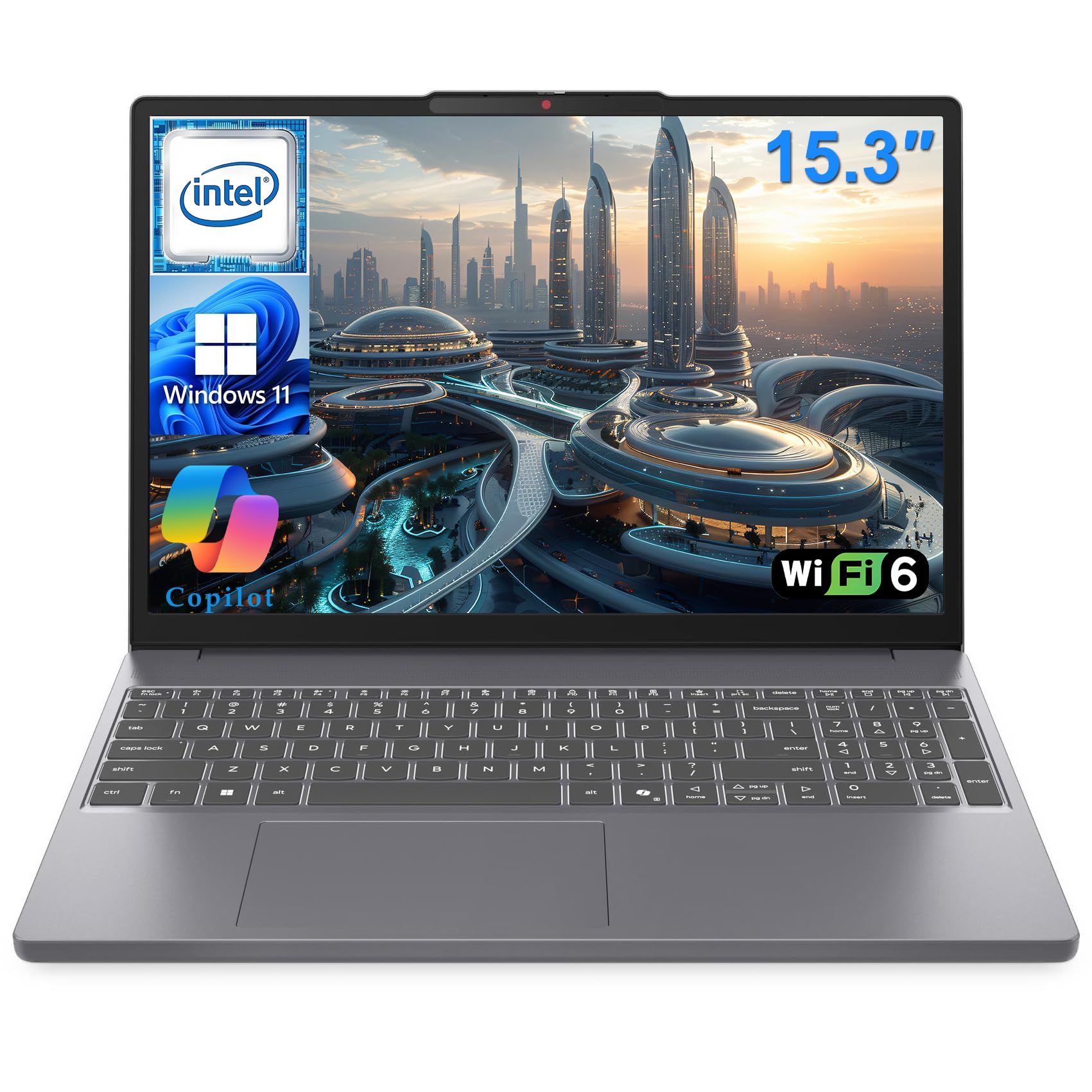
Weighing just 3.5 pounds with a 12-hour battery, this is the true travel companion.
The Lenovo 15.3-inch FHD+ laptop strikes a rare balance: it has the same Intel Core i5-13420H chip (4.6 GHz boost) found in the gaming-focused Acer Nitro V, but it comes in a slim 3.51-pound chassis with a 12-hour battery life. That means you get desktop-class processor performance for compiles, rendering, or heavy spreadsheets without being tied to a power outlet. The 15.3-inch IPS anti-glare screen has a 1920×1200 resolution with a 16:10 aspect ratio, giving you plenty of vertical space for reading documents and browsing the web.
Customers note the laptop handles multiple trading software programs and screen capture simultaneously without slowing down. The inclusion of a USB-C port with DisplayPort and Power Delivery, along with HDMI and a full numeric keypad, makes it a versatile choice for business users. The catch is that it relies on integrated graphics, so it is not meant for gaming. But for a student or professional who moves between classrooms, libraries, and cafes, this is the lightest and most portable way to get a powerful Intel processor.
Compared to the HP Victus 15, the Lenovo is nearly 2 pounds lighter and offers a much longer battery life, though it lacks the dedicated GPU for gaming.
Lightweight Power
- Weighs only 3.51 lbs for easy carry
- 12-hour battery lasts through a full day
- Powerful i5-13420H processor
No Dedicated Graphics
- Integrated GPU cannot handle modern gaming
- 16GB DDR4 RAM is last-gen
- 720p webcam is basic
Best for students and mobile professionals: You get a powerful CPU and all-day battery in a very portable package.
Not for gamers or creators: You need to look at the Acer Nitro V or HP Victus for GPU power.
8. NIMO 15.6″ Light-Gaming Laptop (Ryzen 7 Pro 6850U)
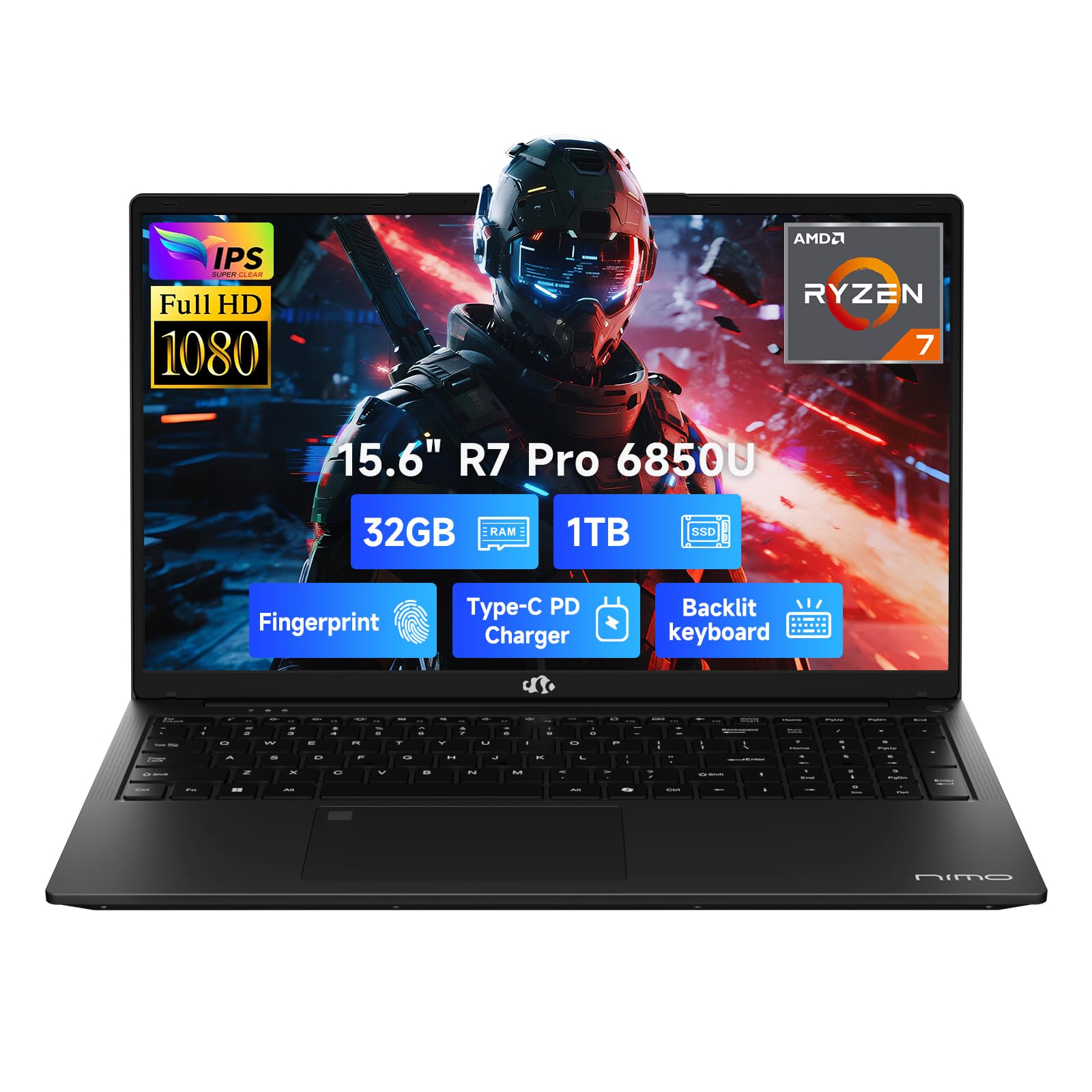
32GB of RAM and a 1TB SSD in a mid-range laptop is almost unheard of at this price.
The NIMO laptop is built for users who need serious memory and storage without moving into premium-tier pricing. It features an AMD Ryzen 7 Pro 6850U with 8 cores boosting up to 4.7 GHz, paired with 32GB of LPDDR5 RAM and a 1TB PCIe 4.0 SSD. For STEM students running simulations, developers running local AI models, or creative pros working with large datasets, this configuration eliminates the performance bottlenecks that plague 8GB or 16GB machines. One buyer confirmed it is excellent for AI/development work with Claude, Gemini, and Codex.
The integrated Radeon 680M graphics, based on RDNA 2 architecture, can handle light gaming at 1080p low settings — one owner reported it runs Valheim at 30fps on low. The 53.58Wh battery is rated for 9 hours, and the included 100W USB-C charger gets you back to full quickly. The 2-year warranty and US-based support add confidence. The main trade-off is that the build quality feels a bit cheap, and the trackpad can be slow to respond, according to some buyers.
Compared to the Acer Nitro V, the NIMO has 4x the RAM (32GB vs 8GB) and double the storage, but it lacks a dedicated RTX GPU, making the Acer the better choice for gaming.
Unprecedented Specs
- 32GB RAM is ideal for heavy multitasking and VMs
- 1TB SSD provides massive fast storage
- 100W PD fast charging
Build Quality
- Plasticky chassis feels less premium
- Trackpad responsiveness can be inconsistent
- Integrated GPU limits gaming potential
Perfect for developers and power users: If you need 32GB of RAM for your workflow, this is the best value in the guide.
Not for gamers who want high settings: The Radeon 680M is capable but cannot match a dedicated GPU.
9. Acer Aspire 16 AI (Snapdragon X)
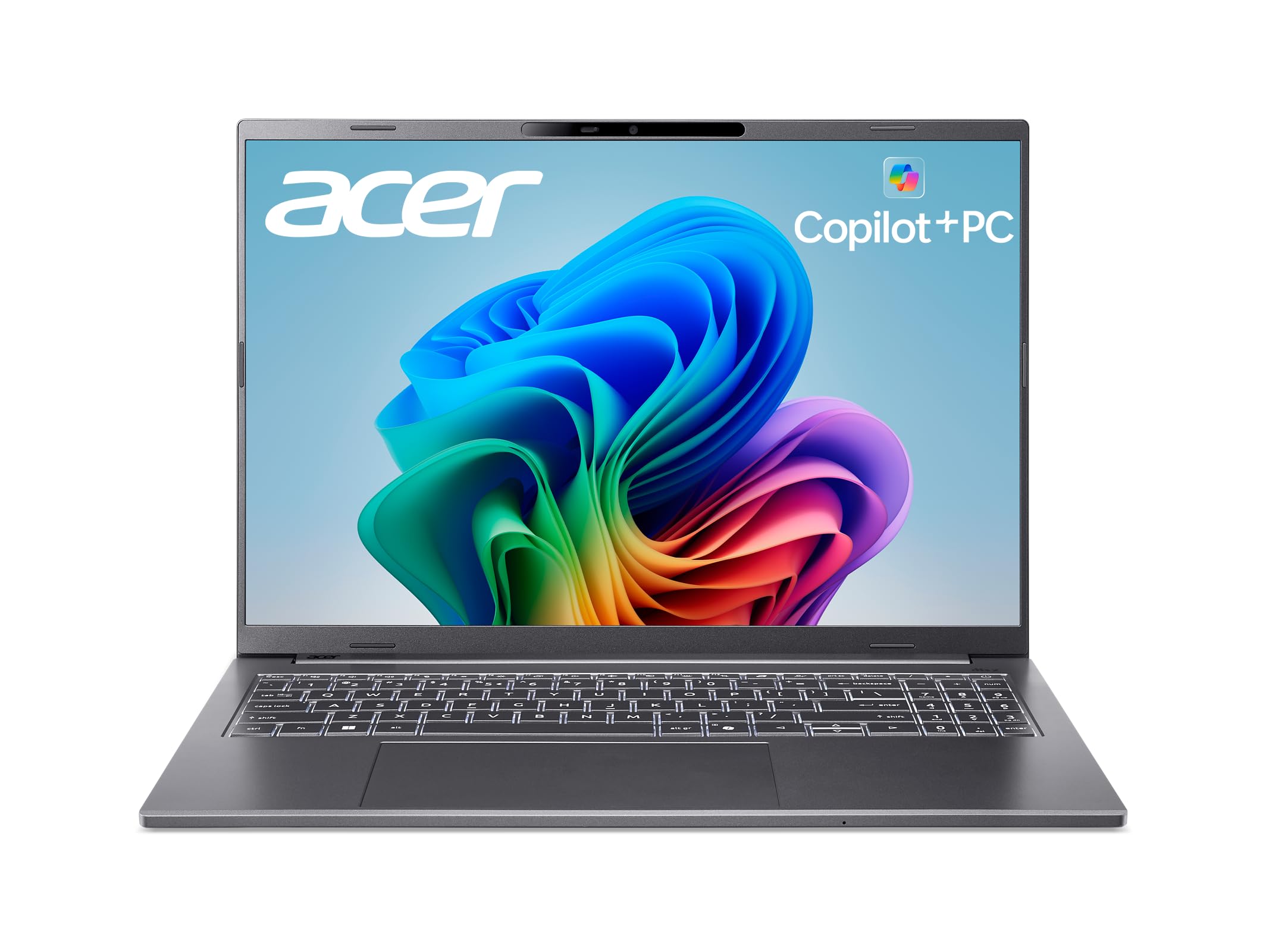
A 120Hz 100% sRGB screen combined with a powerful Snapdragon X chip makes this a creator’s dream.
The Acer Aspire 16 AI is a Copilot+ PC powered by the Qualcomm Snapdragon X X1-26-100 processor, which includes an NPU rated at 45 TOPS. The standout feature is the display: a 16-inch WUXGA (1920×1200) panel running at a smooth 120Hz with 100% sRGB color coverage. That means colors look vibrant and accurate, and scrolling through documents or web pages feels much smoother than on a standard 60Hz screen. The battery life is rated at up to 18 hours for web browsing and up to 27 hours for video playback, which is exceptional.
The aluminum chassis is thin and light, with a 180-degree lie-flat hinge that makes sharing the screen easy in meetings. The 1440p QHD webcam delivers much sharper video than the typical 720p cameras on most laptops in this guide. Some buyers reported that the laptop was smaller than expected, and one noted the product description inaccurately mentioned a touchscreen that was not present. As with other ARM-based Windows laptops, you should verify that your essential software runs natively on the Snapdragon platform.
Unlike the Lenovo IdeaPad Slim 3X, the Acer has a faster 120Hz display with 100% sRGB accuracy, making it a superior choice for photo editing and media consumption.
Creator-Class Display
- 120Hz 100% sRGB screen is excellent for creators
- Up to 18 hours of battery life
- 1440p QHD webcam for sharp video calls
ARM Caveats
- x86 app compatibility may vary
- Smaller than some expect for a 16-inch model
- Premium price for an ARM chip
Best for creators who value screen quality: If accurate colors and smooth motion matter for your work, this is the top display in its class.
Check app compatibility first: Make sure your creative tools are natively supported on ARM.
10. HP Victus 15 Gaming Laptop (Ryzen 5 7535HS)

An RTX 2050 and a 144Hz screen make this the entry-level gaming laptop done right.
The HP Victus 15 comes with an AMD Ryzen 5 7535HS processor (up to 4.55 GHz) and an NVIDIA GeForce RTX 2050 with 4GB of GDDR6 memory. This dedicated GPU can handle competitive shooters like CS2 at over 130 FPS, according to buyers, and can run more demanding games like RDR2 better than a PlayStation 5. The 15.6-inch Full HD display runs at 144Hz, which makes motion look smooth and responsive. With 16GB of DDR5 RAM and a 512GB PCIe SSD, the system feels fast in Windows and applications.
The battery life is the main weakness — reviewers point out 3 to 5 hours of mixed use, and performance drops significantly when unplugged. The fans are always on, which some users find annoying. On the plus side, the laptop has a clean, professional design that does not scream gaming, so it fits well in an office or classroom. The Bang & Olufsen speakers sound great for a laptop. One customer observed it handles CAD and CNC software like Aspire and Fusion smoothly, making it a dual-purpose machine for work and play.
Compared to the Acer Nitro V, the Victus has a slower RTX 2050 GPU (vs the RTX 4050), but it also comes with double the RAM (16GB vs 8GB) from the start, which matters for multitasking.
Solid Gaming Entry
- RTX 2050 runs CS2 at 130+ FPS
- 144Hz display for smooth gameplay
- Professional design suits work environments
Battery Life Trade-Off
- 3-5 hour battery requires frequent charging
- Performance drops when unplugged
- Fans run constantly, even on light tasks
Best for casual gamers on a strict budget: You get a real gaming GPU and a fast screen without overspending.
Consider the Acer Nitro V if you can stretch: The RTX 4050 offers a significant performance uplift for a small price increase.
Understanding the Specs
Processor Cores and Clock Speed
The CPU’s core count tells you how many tasks it can handle at once. For an 800 dollar laptop, 6 or 8 cores are ideal for multitasking. The clock speed, measured in GHz, tells you how fast each core works. Speeds around 4.6 GHz, like the Intel Core i5-13420H, provide snappy single-core performance for applications like web browsing and Office. A higher core count (like the 8 cores on a Ryzen 7 5700U) helps when you are running multiple programs or virtual machines simultaneously.
DDR5 vs DDR4 RAM
RAM is your laptop’s short-term memory for active tasks. DDR5 is the newer standard and offers higher speeds and better power efficiency than DDR4. For example, the Lenovo 15.6″ Business laptop uses 16GB of DDR5, which helps the system feel more responsive than the KAIGERR’s 16GB of DDR4. At this price point, aim for 16GB of DDR5 if possible, as it provides a smoother experience for multitasking and future-proofing your purchase.
FAQ
Can an 800 dollar laptop handle modern gaming?
Which is better for an 800 dollar laptop, Intel Core i5 or AMD Ryzen 5?
How much RAM do I really need in an 800 dollar laptop?
Is a 144Hz display worth it on a laptop?
What is the difference between an SSD and an HDD, and which should I get?
Can I upgrade the RAM or storage in an 800 dollar laptop later?
What is a Copilot+ PC and do I need one?
How long should an 800 dollar laptop last?
Is an ARM-based laptop like the Snapdragon X models good for everyday use?
Which has better build quality, a metal or plastic laptop chassis?
Final Thoughts: The Verdict
For the majority of shoppers, the best 800 dollar laptop is the Acer Nitro V 15 because it delivers genuine gaming-grade graphics with an RTX 4050 and a fast 144Hz display without sacrificing a powerful Intel Core i5 processor. If you prioritize all-day battery life and portability for school or office work, grab the Lenovo 15.6″ FHD Business Laptop. And for the creator who wants a vibrant, high-refresh-rate screen and the latest AI features, the Acer Aspire 16 AI is the standout choice.
How We Picked
We do not accept paid placement. Every pick is matched to a real buyer and a real use-case; we do not hands-on test units.
Sources & Methodology
Specifications: manufacturer listings and product documentation. Review insights: verified customer reviews, as of July 2026. Pricing: not shown on this page (it changes often); check the current price via the retailer link.
As an Amazon Associate, Gadgets Feed earns from qualifying purchases. This does not affect which products we feature.