
Our readers keep the lights on and my morning glass full of iced black tea. As an Amazon Associate, I earn from qualifying purchases.
Specs are compiled from manufacturer listings and verified buyer reviews and can change over time — please confirm the key details on the product page before buying.
You want a frame that shows off your photos properly, not one that chops heads off or washes out colors. That means paying attention to resolution and how the frame handles your phone’s pictures. This guide sorts through the best 8×10 digital picture frame options, focusing on the specs that actually matter for daily viewing: screen sharpness, storage space, and how easy the app is to use.
I’m Min — the founder and writer behind Gadgets Feed. This guide is built by comparing the manufacturers’ published specifications and the patterns across verified customer reviews, so you get each pick’s real strengths and trade-offs instead of marketing spin.
Whether it’s for your living room or a grandparent’s kitchen table, the right frame turns a pile of phone photos into a living gallery. Start with this list of the best 8×10 digital picture frame picks to find the one that fits your family and your Wi-Fi setup.
Our Picks at a Glance

How To Choose The Best 8×10 Digital Picture Frame
Choosing the right frame depends on matching the screen’s aspect ratio and resolution to the room where it will sit. Screen shape and storage capacity are the two specs that most often trip up buyers, so prioritize them first.
Screen Shape and Resolution
Frames come in different screen shapes, and that shape decides whether your photos are shown whole or cropped. A 4:3 screen is close to the shape of most older camera photos, so it shows them with minimal cutting. A 16:9 screen is widescreen like a TV, which can slice the top and bottom off portrait shots unless you adjust settings. For sharpness, look for at least 1280×800 resolution; higher counts like 1920×1200 make text and faces crisper when you stand close.
Storage and Expansion
Built-in memory ranges from 16GB to 32GB. At 32GB you can store tens of thousands of photos, which is plenty for a family archive. If you prefer to keep photos on a card, check whether the frame accepts a microSD card for expansion or transfer. Some frames let you play directly from the card, while others require importing into internal memory first.
App Simplicity Matters Most
The core purpose is letting family members send photos from their own phones via a simple app or code. A good frame has a simple app where you share a code or email address once, and then anyone can send pictures from anywhere. If the person receiving the frame is not tech-savvy, the initial setup needs to be a plug-in-and-connect process, not a puzzle.
Quick Comparison
| Model | Best For | Resolution | Storage | Display Size | Amazon |
|---|---|---|---|---|---|
| Skylight Frame 2★ Best Overall | easy gifting | 1920×1200 | 16 GB | 10 inches | Amazon |
| NETTIPS FrameoBest Value | Budget simplicity | 1280×800 | 16 GB | 10.1 inches | Amazon |
| RCA UhaleStorage King | Big storage value | 1280×800 | 32 GB | 10.1 inches | Amazon |
| PiPivision Frameo | Senior-friendly use | 1280×800 | 32 GB | 10.1 inches | Amazon |
| AEEZO AiMOR | Bright room displays | 1280×800 | 32 GB | 10.1 inches | Amazon |
| KODAK Wood Frame | Classic decor look | 1280×800 | 32 GB | 10.1 inches | Amazon |
| Pix-Star LUX | Feature-rich control | 1024×768 | 16 GB | 10.4 inches | Amazon |
| Aura HD | Premium minimalist look | 1280×800 | Unlimited Cloud | 10.1 inches | Amazon |
| pexar by Lexar | Ultimate sharpness | 2000×1200 | 32 GB | 11 inches | Amazon |
In‑Depth Reviews
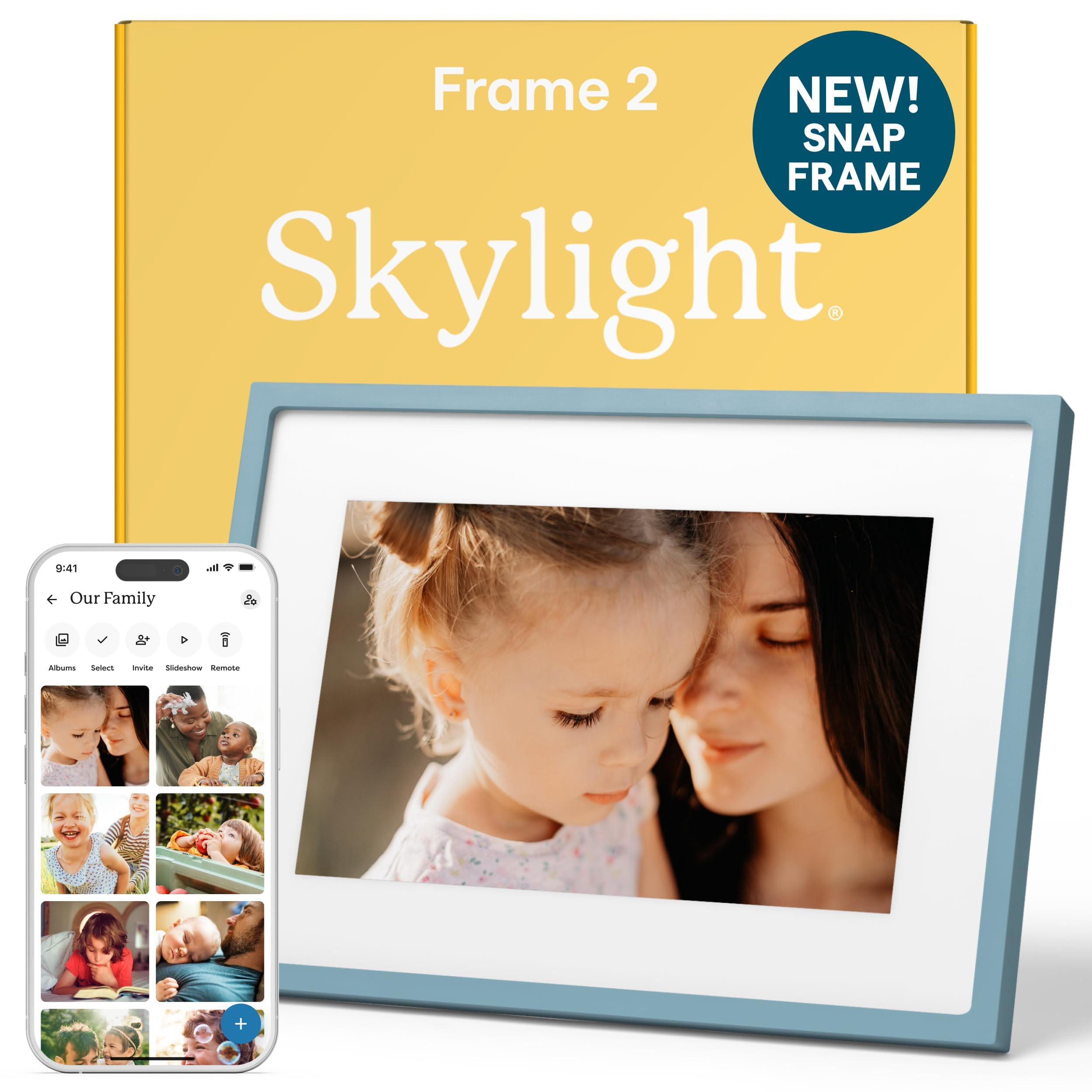
1. Skylight Digital Picture Frame 2 – 10″ Full HD Touchscreen
Our pick — over 4.5★ from 27,000+ verified ratings; the strongest balance of quality and price.
A no-subscription frame that keeps a whole family connected through simple email-based photo sharing.
This is the frame people buy twelve of for every household in the family — the reviews are full of that exact story. The 10-inch Full HD (1920×1200) touchscreen with auto-brightness and anti-glare coating keeps photos clear in both a sunny kitchen and a dim bedroom, which is the difference between a frame you ignore and one you actually look at.
Setup is genuinely plug-and-play: you plug it in, connect to Wi-Fi, and it hands you a unique Skylight email address. Anyone can then email photos and videos straight to the screen from their phone, no app required on the sender’s end. The 16GB internal memory stores thousands of photos and videos, and the 2GHz quad-core processor keeps the touch response snappy.
There is no subscription fee, ever, which makes the value easy to defend. A recurring note from owners is that photos occasionally revert to their original size after you resize them, a quirk rather than a dealbreaker. If you want the frame that has the most goodwill baked in, this is it. As the review pages sum it up: “Bought 12 as gifts; universally loved.”
Why families love it
- Full HD 1920×1200 resolution for sharp, true-to-life photos
- Auto-brightness adapts to any room lighting
- Simple email-based sharing from any phone
The trade-offs
- 16GB storage is half the space of some rivals
- Resized photos can occasionally revert to original size
Reach for this if: you want the easiest possible gift that grandparents and kids can use without instructions.
Think twice if: you need maximum onboard storage for a massive archive — the RCA below doubles it.
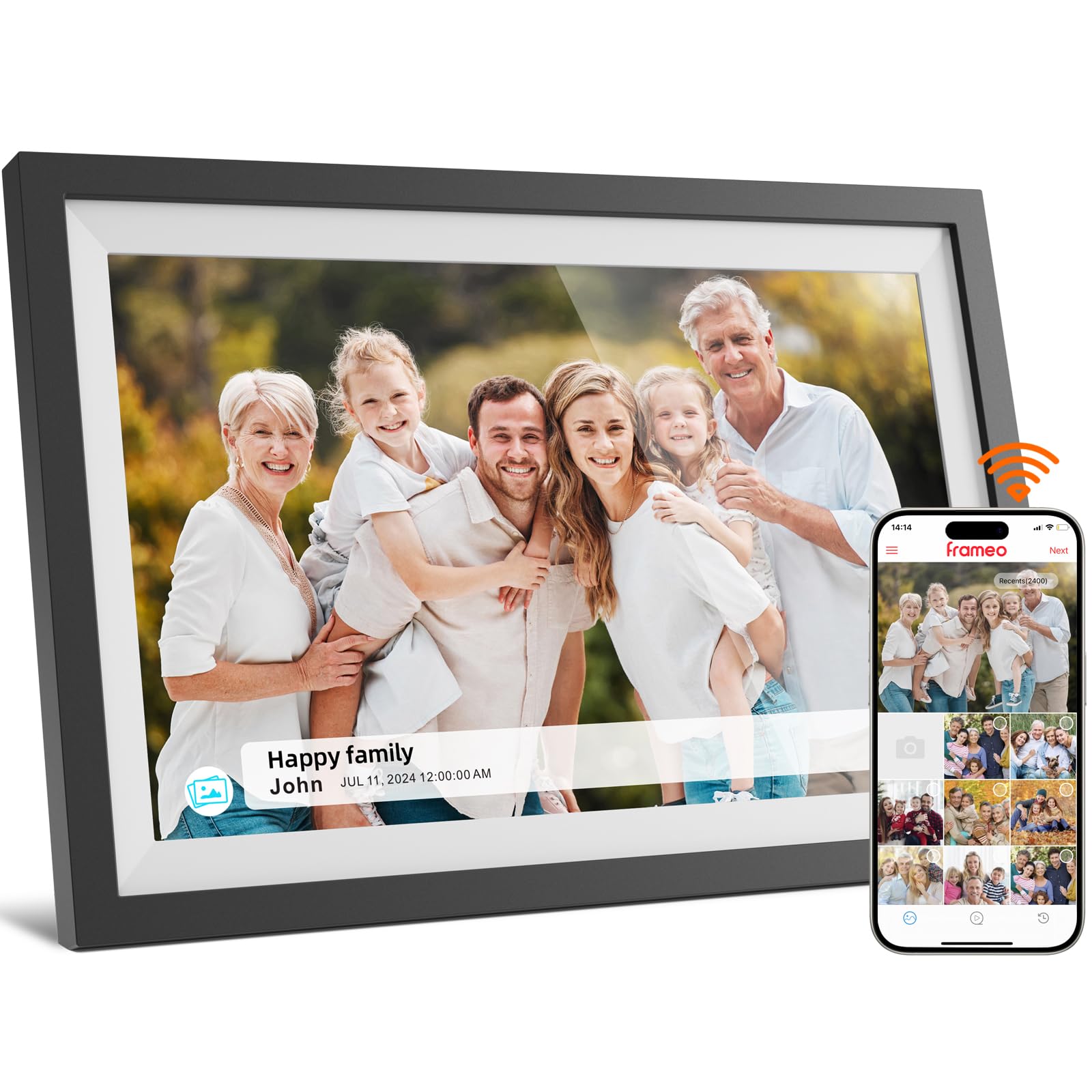
2. NETTIPS 10.1 Inch Frameo Digital Picture Frame
A budget-friendly Frameo that nails the basics without skimping on the screen.
The 10.1-inch IPS touchscreen at 1280×800 resolution is bright and clear from any angle, which is the core of what most buyers mention. This one runs the popular Frameo app, so setting it up and sharing photos with family is a familiar, smooth process on both Android and iOS. You can even send videos up to 15 seconds long to the frame.
It comes with 16GB of built-in storage, which holds approximately 4,000 photos at 3MB each. When you need more room, it supports Micro SD cards up to 32GB. The frame also auto-rotates between horizontal and vertical, so a landscape photo or a portrait selfie always fills the screen correctly.
Unlike the Skylight above, this frame is half the price and gives you expandable storage, but it drops the higher Full HD resolution. A small but real bonus is the time, date, and temperature display on screen, plus scheduling that turns it on in the morning and off at night. Its simple Frameo app and auto-rotate make it an ideal first frame for a parent new to digital frames. As one happy owner put it: “I really love this video frame.”
Smart budget pick: The Frameo app makes remote sharing easy, and the expandable storage gives you room to grow without upgrading the frame.
Best for: someone who wants a reliable, low-cost frame with the most popular sharing app built in.
Look elsewhere if: you demand crisper Full HD resolution for close-up viewing.
3. RCA 10.1″ WiFi Digital Picture Frame
Double the storage of most rivals for a price that undercuts the premium names.
The headline here is 32GB of built-in memory, which stores over 60,000 photos. That is a 2x storage gap compared to the 16GB Skylight, and it means you can load a lifetime of memories without ever worrying about space. If you still run out, a USB or SD card expands it by up to 64GB.
The 10.1-inch HD IPS touchscreen runs at 1280×800 resolution and brings colors to life with a bright, clear picture. Sharing works through the free Uhale app, which allows unlimited users, and you can also upload photos directly from a computer through the Uhale website. The frame auto-rotates for portrait or landscape viewing and comes with a detachable stand for the desk or wall-mounting hardware for vertical display.
Owners praise the vibrant display and build quality, and the app is simple enough for grandparents to use. The setup does have a small learning curve — the QR code on screen can be confusing, and you may need to use the 10-digit code instead. Slideshow transitions are limited to three styles, a minor creative constraint. The value is undeniable: massive storage and a solid screen at a mid-range price.
Capacity champion: 60,000+ photos of onboard space and SD expansion beat every frame in this lineup on raw volume.
Choose this for: a family with decades of photos who wants everything loaded at once, not managed in batches.
Accept that: the initial connect code takes a moment to figure out, and the slide transitions are basic.
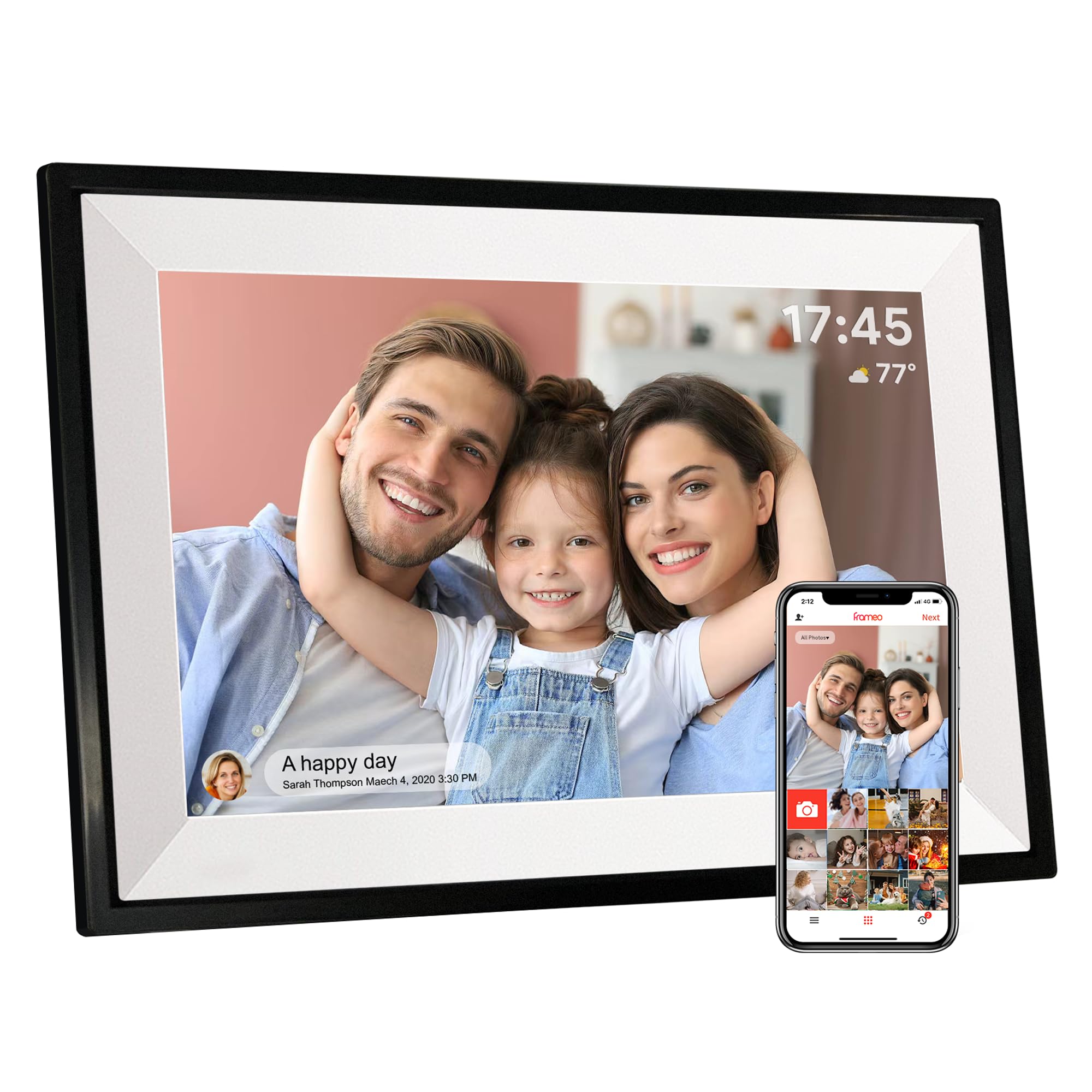
4. PiPivision 10.1″ WiFi Digital Picture Frame
A frame designed around the idea that grandparents should never need a manual.
This Frameo-based frame pairs a 10.1-inch 1280×800 HD IPS touchscreen with 32GB of internal storage, giving you a sharp display and plenty of room for thousands of photos and videos. The wide viewing angle means the pictures stay vivid even when the frame sits off to the side of a room, and auto-rotation keeps every orientation correct.
The selling point is the secure one-time Frameo code. You plug it in, connect to Wi-Fi, and pair it with your phone using a code that expires after first use. Only approved family members can send content, so grandma never gets random strangers’ photos popping up. Photos remain stored and viewable even if the Wi-Fi temporarily drops, a thoughtful touch for unreliable connections.
It also builds in a calendar, weather display, clock, collage mode, and sleep settings to make the frame a daily companion, not just a slideshow. The trade-off other buyers have flagged is connectivity: a fair number report the frame occasionally drops its Wi-Fi connection and needs a reset. For a living-room frame that stays in one spot, the extra bulk — 0.7 kg — is a sign of sturdy build quality.
What wins people over
- 32GB storage for a large photo library
- Secure one-time pairing code for privacy
- Works offline for viewing, even without Wi-Fi
What to know
- Wi-Fi connection can drop and require a reset
- Photos may need manual fit or centering in some views
Ideal when: privacy matters and you want a code-based system that keeps sharing within family only.
Be ready for: the occasional Wi-Fi reconnect if your router signal is weak.
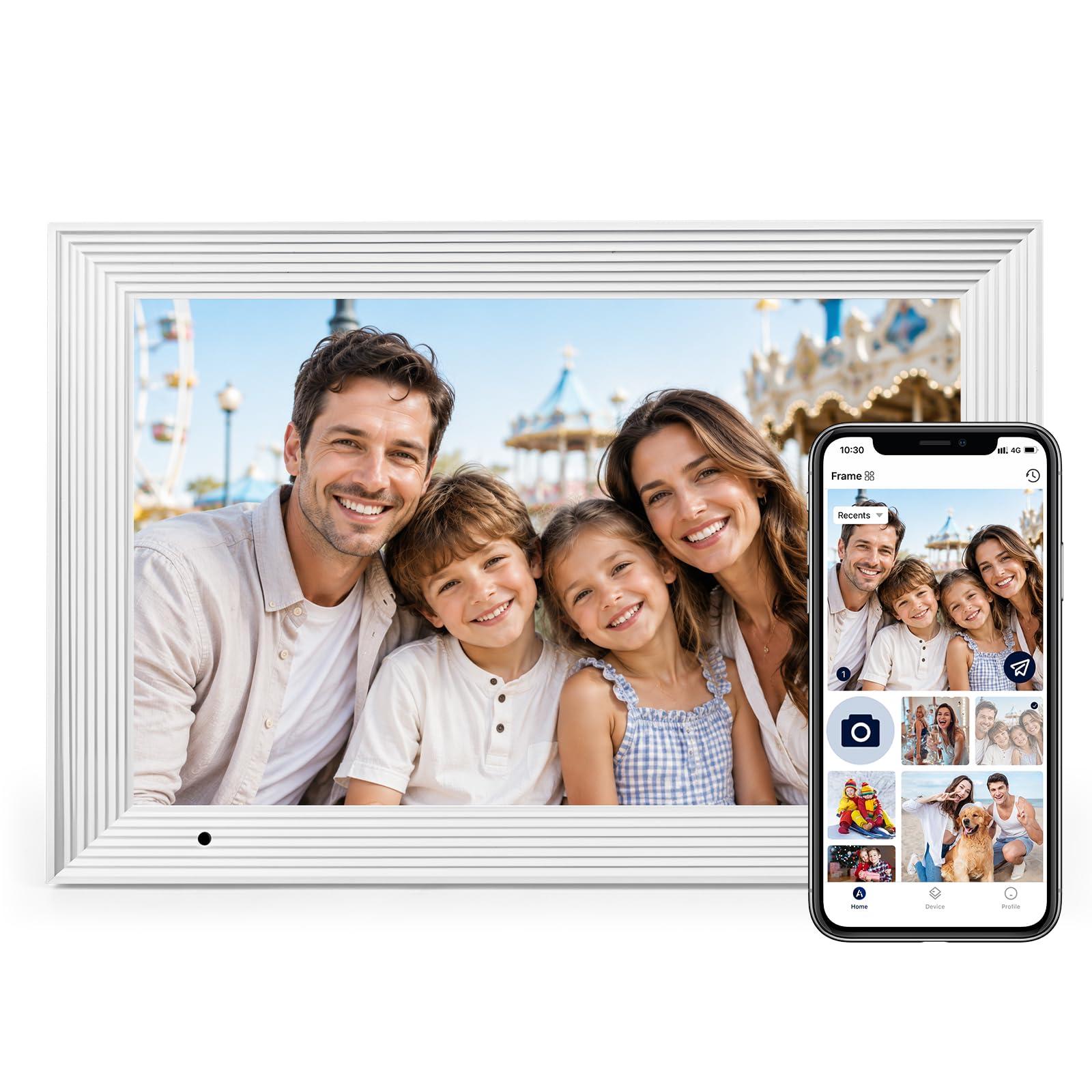
5. AEEZO 10.1″ WiFi Digital Picture Frame
The frame that reads the room and adjusts its own brightness to match.
What sets this one apart is the built-in light sensor, which automatically adjusts screen brightness based on ambient light. Walk into a dark room and the display dims; pull open the curtains and it brightens. That is a small detail that makes a big difference for a frame sitting in a bright living room where you want to actually see the photos.
The 10.1-inch 1280×800 IPS touchscreen has adjustable brightness, and the AiMOR app makes sharing photos from anywhere fast and simple. You can grant upload access to friends and family. A built-in gravity sensor auto-rotates photos based on how the frame is placed, so landscapes and portraits always display correctly. The 32GB internal storage holds over 50,000 photos, and it supports an SD card up to 64GB for file management.
One honest catch: this frame only supports 2.4GHz Wi-Fi, not 5GHz. If your home router broadcasts only a 5GHz network, you will need to enable the 2.4GHz band or use a mobile hotspot. Owners love the sharp resolution and ease of use, and the frame looks like a real frame rather than a small TV screen. The factory runs a 200-hour aging test on every unit before shipping.
Ambient-aware display: The light sensor plus sharp 1280×800 resolution make this a strong choice for sunlit rooms where other frames wash out.
Pick this if: your frame will sit in a bright room and you want it to self-adjust for the best view.
Check first: that your Wi-Fi router offers a 2.4GHz band, or you will need a hotspot workaround.
6. KODAK 10.1″ WiFi Digital Picture Frame
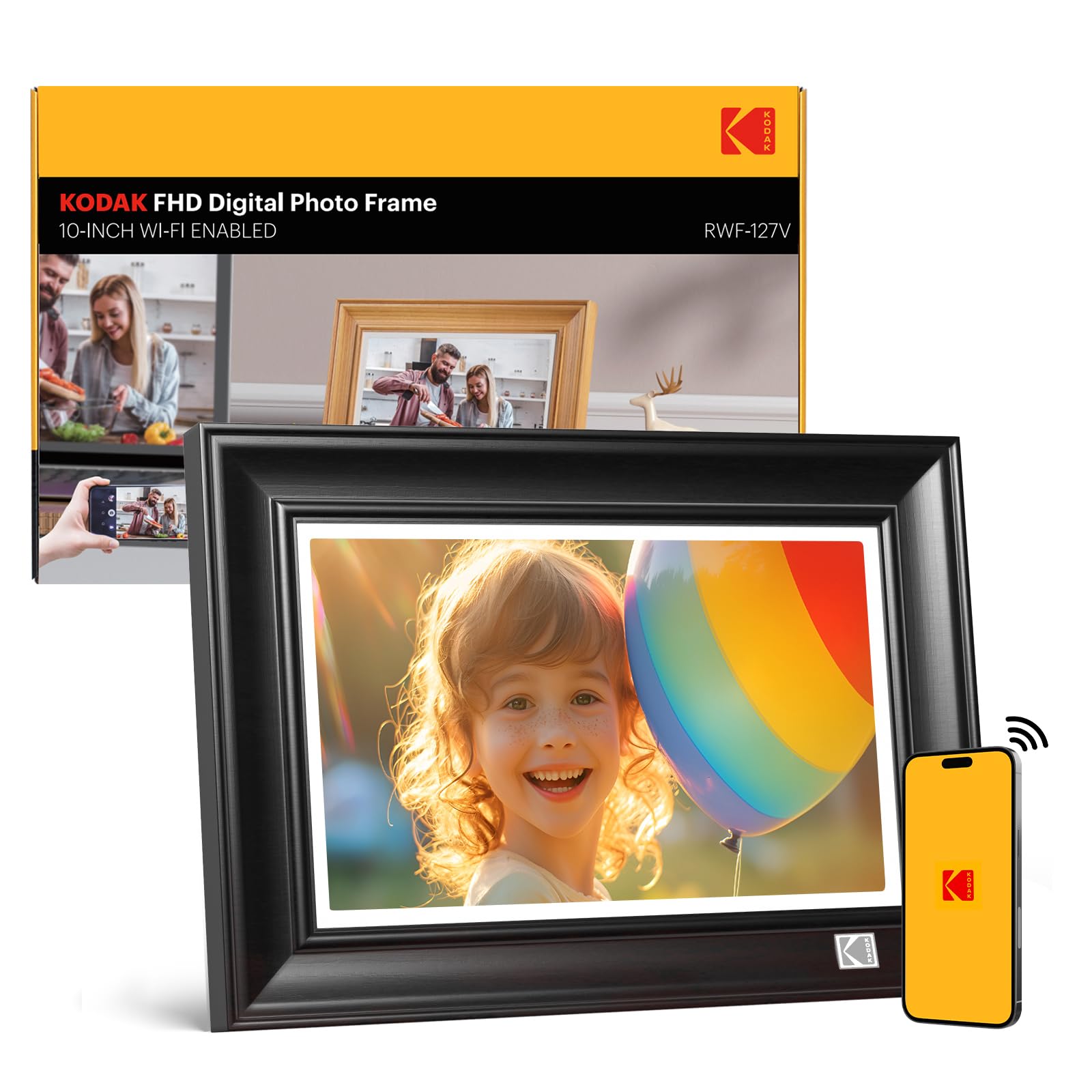
A wood-framed display that looks like furniture, not a gadget, on a desk or shelf.
This KODAK frame looks like real furniture, so it fits a traditional living room or office instead of screaming “gadget.” You get a 10.1-inch HD IPS touchscreen (a screen type that keeps colors accurate from wide viewing angles) at 1280×800 resolution, so your photos stay sharp and vivid. The bendable bracket lets you tilt the screen to your preferred angle, and at 3 pounds, its weight keeps it stable on a desk.
Storage is generous at 32GB, holding around 80,000 photos at 600KB each, and it supports SD cards and USB drives for reading and exporting files. You can share photos and short videos (max 15 seconds) privately via app and email, and the frame works freestanding or wall-mounted in both portrait and landscape with auto-rotation. Multi-function extras like music, weather, alarm, and calendar make it a small entertainment hub.
The honest trade-off is that setup is more complicated than the Frameo-based rivals. The app is not the most intuitive, and some buyers report frustration with the factory-loaded default album that cannot be deleted. The app also limits uploads to around 9 photos at a time, so transferring a big library is easier through USB. It is a lovely-looking frame with real quirks in its software.
The appeal
- Wood frame suits classic home decor
- 32GB stores roughly 80,000 photos
- SD card and USB connectivity for file management
The friction
- Setup is more involved than Frameo frames
- App uploads are capped at about 9 photos at a time
Best for: someone who wants the frame to double as home decor and does not mind a steeper learning curve.
Choose differently if: you want a dead-simple app experience and plan to upload hundreds of photos from your phone.
7. Pix-Star LUX 10.4″ Wi-Fi Digital Picture Frame
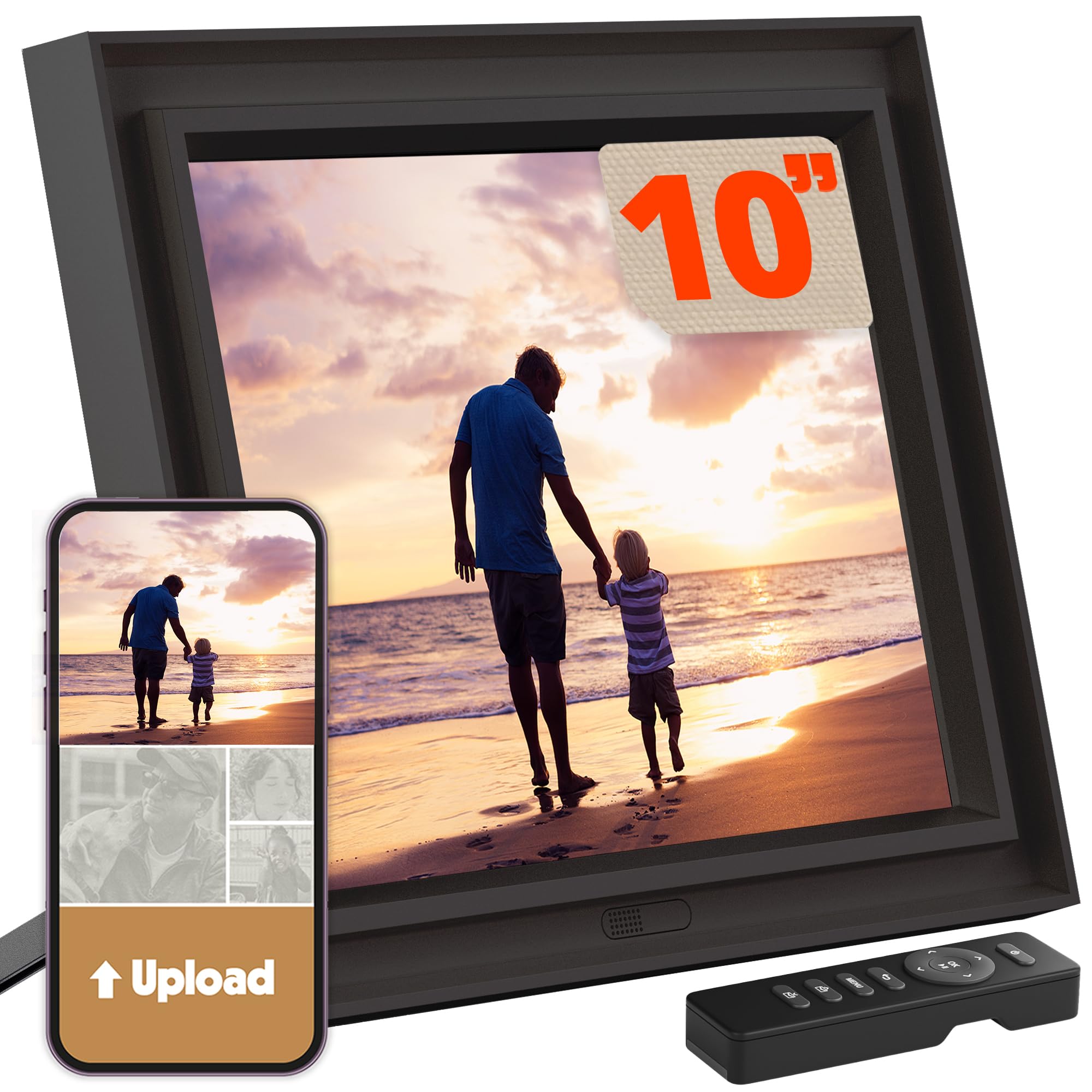
The power-user frame with unlimited cloud backup and a remote control for no-fingerprint viewing.
This is the frame for someone who wants serious control. The 10.4-inch 1024×768 IPS display uses a 4:3 aspect ratio, which means your photos keep their original composition with no cropping and no black bars — a rare and welcome trait. The anti-glare coating keeps it viewable in bright rooms, and wide-angle viewing means colors stay vibrant from across the room.
Storage is a different story: it has 16GB internal, but the real headline is lifetime free unlimited cloud backup. You can manage up to 25 Pix-Star frames remotely, organize albums, create groups, and restore your entire library if you replace the frame. New-generation hardware brings Wi-Fi 6, dual-band 2.4/5GHz, and twice the RAM, with photo transfers up to 10x faster than older models. You can sync Google Photos, Dropbox, OneDrive, and Flickr, or transfer offline via USB or SD card.
The included remote is a standout for elderly users who want to avoid fingerprints on the screen. You can also adjust settings remotely for a loved one’s frame, check weather forecasts, play web radio or MP3s, and rely on the motion sensor (which detects movement to turn the screen on or off) to save energy. Owners mention occasional reliability hiccups and note that a frame in this class should offer contrast control, but the feature depth is class-leading. Its unlimited cloud backup and remote management of up to 25 frames make it the top pick for power users.
Control center: Unlimited cloud storage plus remote management of up to 25 frames makes this the choice for families scattered across states.
Go with this if: you manage frames for multiple relatives and want cloud backup that never expires.
Note that: the 1024×768 resolution is lower than some rivals, and contrast is not adjustable.
8. Aura HD Digital Picture Frame

Wirecutter’s best digital frame, according to itself, and the simplest premium option here.
Aura frames come with the kind of press-quote list most brands pay for — Wirecutter, The Strategist, WIRED, and Oprah Daily all weigh in. The HD display is calibrated for exceptional color, clarity, and saturation, and it automatically adjusts to your room’s lighting for optimal brightness. The 10.1-inch screen runs at 1280×800 resolution, and the Black Stone finish looks minimalist and premium.
The big draw is free unlimited storage with no subscription fee. You can add unlimited photos and videos through the free Aura app, email, text, iCloud, or Google Photos, and invite family and friends to share from anywhere. Setup takes about a minute: connect to Wi-Fi and start adding photos. Frames support iOS live photos and up to 30 seconds of video with sound, plus wireless screen mirroring from a Windows PC.
Smart features include portrait pairing (so you can send photos directly from your phone), adjustable slideshow speed, and automatic on/off. Reviewers consistently mention how easy the app is and how quickly photos upload. Setup can be slightly tricky if you want to preload photos without unboxing, but the payoff is among the most polished experiences in the category. Its premium minimalist design and polished app make it the go-to gift for someone who already owns every gadget. A 4.8-star average across 130+ owner reviews confirms its crowd-favorite status.
Premium strengths
- Free unlimited cloud storage, no subscription
- Calibrated HD display with auto-brightness
- Fast, simple one-minute setup
The finer points
- 1280×800 resolution is solid but not the sharpest here
- Preloading photos before gifting takes some effort
The one to gift: when you want a premium, no-subscription frame that looks great and works flawlessly from the start.
Compare closely: against the pexar below if raw resolution is your top priority.
9. by Lexar WiFi Digital Picture Frame 11″

The sharpest screen in the lineup, with a 2K resolution that makes every photo pop.
This is the frame for people who notice pixelation. The 11-inch screen runs a 2K resolution of 2000×1200, which is noticeably sharper than the 1280×800 displays on most rivals — faces, text, and fine details stay crisp even when you stand close. The anti-glare touchscreen cuts reflections from any angle, so it works well in a bright room where glossy screens turn into mirrors.
Setup works with Apple devices (iOS 14+) and Android (6.0+), and you can load photos via the app or directly from a USB drive. The 32GB built-in storage holds upwards of 40,000 photos at around 600KB each, and you can play photos directly from an SD card or USB-A flash drive. Smart features include auto photo rotation, weather, clock, and sleep mode. There’s no subscription required, and it works even without Wi-Fi if you load via USB.
The catch is the app’s upload limit of about 10 photos at a time, which makes bulk transfer through USB the better route. Storage capacity also gets mixed feedback since the onboard space fills fast if you shoot large files. Owners praise the crisp, vibrant picture and the bright anti-glare screen. This is the one to grab if screen quality is non-negotiable. It is the closest thing to a small art display in this list.
Resolution leader: At 2000×1200, this beats the Skylight’s 1920×1200 and every 1280×800 frame in the group for pure sharpness.
Choose this for: a photo lover who wants gallery-grade sharpness and a screen that works in bright light.
Plan around: the 10-photo app upload cap by using a USB drive for large transfers.
Understanding the Specs
Aspect Ratio and Cropping
The shape of the screen decides how much of your photo you actually see. A 4:3 screen, like the Pix-Star LUX, matches the shape of most standard photos and shows them whole. A 16:9 screen is widescreen, like a TV, and may crop the top and bottom of portrait shots unless you adjust the display mode. If you have lots of old 4:3 photos, pick a frame with a 4:3 screen or one with strong manual fit controls.
Resolution and Viewing Distance
Resolution measures how many pixels the screen packs in. More pixels mean a sharper image, especially when you view it up close. A 1280×800 screen looks fine from a few feet away, but a 1920×1200 or 2000×1200 screen keeps details crisp even from arm’s length. If the frame sits on a desk where you’ll look closely, spend up for higher resolution.
Storage and Cloud Options
Built-in memory runs from 16GB to 32GB. At 16GB, you can store thousands of photos; at 32GB, you can store tens of thousands. Some frames, like Aura and Pix-Star, offer unlimited cloud storage at no cost, which means you never run out of room as long as you have Wi-Fi. Others rely purely on onboard memory, so consider how many photos you plan to load.
Wi-Fi Bands and Connectivity
Most frames connect to your home Wi-Fi to receive photos from your phone. Some support only 2.4GHz networks, while modern ones like the Pix-Star handle dual-band 2.4/5GHz. If your router broadcasts only 5GHz, a 2.4GHz-only frame won’t connect without a workaround. Check your router settings before buying, especially if you’re setting the frame up for a relative.
FAQ
Will an 8×10 frame show my phone photos without cropping them?
Do I need a subscription to send photos to a digital frame?
How many photos can a 32GB frame actually hold?
Can family members send photos to the frame from their own phones?
What’s the difference between a Frameo frame and a Skylight frame?
Can I hang a digital picture frame on the wall?
Will the frame work if my Wi-Fi goes down?
Can I play videos on a digital picture frame?
Final Thoughts: The Verdict
For most people, the 8×10 digital picture frame winner is the Skylight Frame 2 because it pairs the easiest setup with a Full HD 1920×1200 screen and no subscription, making it the safest gift for any family. If you want maximum storage for a huge archive, grab the RCA with its 32GB capacity. And for the sharpest image money can buy, the pexar by Lexar delivers 2K resolution that leaves every other frame behind. The Skylight carries the most goodwill, backed by thousands of owners, so you can gift it with total confidence.
How We Picked
We do not accept paid placement. Every pick is matched to a real buyer and a real use-case; we do not hands-on test units.
Sources & Methodology
Specifications: manufacturer listings and product documentation. Review insights: verified customer reviews, as of August 2026. Pricing: not shown on this page (it changes often); check the current price via the retailer link.
As an Amazon Associate, Gadgets Feed earns from qualifying purchases. This does not affect which products we feature.