
Our readers keep the lights on and my morning glass full of iced black tea. As an Amazon Associate, I earn from qualifying purchases.
Specs are compiled from manufacturer listings and verified buyer reviews and can change over time — please confirm the key details on the product page before buying.
If you are shopping for an A4 DTF printer, the deciding factor is not the printhead model — it is how the white ink behaves after a week of sitting. White pigment settles, nozzles clog, and suddenly a machine that printed beautifully on day one needs a full cleaning cycle before every job. That maintenance reality separates printers worth owning from ones that end up listed for resale.
I’m Min — the founder and writer behind Gadgets Feed. This guide is built by comparing the manufacturers’ published specifications and the patterns across verified customer reviews, so you get each pick’s real strengths and trade-offs instead of marketing spin.
Every pick below uses the same 8.27-inch film width, so the real differences come down to printhead, ink circulation, and support quality. Here are the six machines worth your bench space if you want the best A4 DTF printer.
Our Picks at a Glance
How To Choose The Best A4 DTF Printer
An A4 DTF printer is a desktop machine that prints your artwork onto a special transfer film using DTF ink (a pigment ink set that includes white), which you then powder, cure, and press onto fabric. It is not a paper printer — the film is the product, and the printhead is the part most likely to cause you grief. Four decisions matter more than everything else on the spec sheet.
White ink circulation and cleaning
White pigment is heavier than cyan, magenta, yellow, or black, so it settles in the lines when the printer idles. Manufacturers fight this with a white ink mixing system (a stirrer that keeps the pigment suspended), a circulation system (which pushes ink through the lines in a loop), and some form of automatic cleaning cycle. A printer with all three needs less babysitting. The models below that rely on you to clean manually put that burden in the owner’s hands daily.
Printhead and real speed
The XP600 and F1080 printheads are the two you will see named most. Both are paired with an A4 print width of 8.27 inches here. Speed claims of “twice as fast as L1800/L805” appear on nearly every listing, so treat them as relative, not absolute. What matters for a small shop is how many A4 transfers you finish in an hour of real production, film changes included.
Resolution in DPI
DPI means dots per inch — how many ink droplets the head lays down in one inch. Higher numbers give smoother gradient transitions and cleaner small lettering, which matters most when you print text-heavy or photographic designs onto film. The A4 machines here run from 2440 x 2440 dpi up to 2880 x 1440 dpi, and that gap shows up on fine detail rather than on big blocks of solid color.
Software operating system and roll feeding
Check the operating system first. Some A4 DTF printers here are Windows-only and will not talk to a Mac at all, while others support both. Roll feeding (using a continuous roll of film instead of single sheets) plus a built-in cutter saves both film and time on multi-design runs, and it is the single feature that separates a hobby desk from a production bench.
Quick Comparison
| Model | Best For | Printhead | Max Resolution | OS Support | Amazon |
|---|---|---|---|---|---|
| EXPLUX A4 DTF Printer XP600 L8058★ Best Overall | Shops that want hands-on support | XP600 | 2880 x 1440 DPI | Windows 7/10/11 | Amazon |
| PUNEHOD A4 L800 DTF Printer with OvenBest for Beginners | Beginners who want guided setup | Not specified | — | PC | Amazon |
| PLK A4 DTF Printer with XP600 | Fast turnaround on small batches | XP600 | 2880 x 1440 dpi | Windows 7/10/11 | Amazon |
| DXZ A4 DTF Printer with Roll Feeder | Quiet-running home studio | XP600 | 2800 x 1400 dpi | Windows | Amazon |
| Carbcolords A4 DTF Printer Starter Bundle | Craft makers printing small logos | XP600 | 2440 x 2440 dpi | Windows | Amazon |
| MZK A4 DTF Printer X8 F1080 | Owners who refuse daily maintenance | F1080 | 2880 x 1440 DPI | Windows and macOS | Amazon |
In‑Depth Reviews
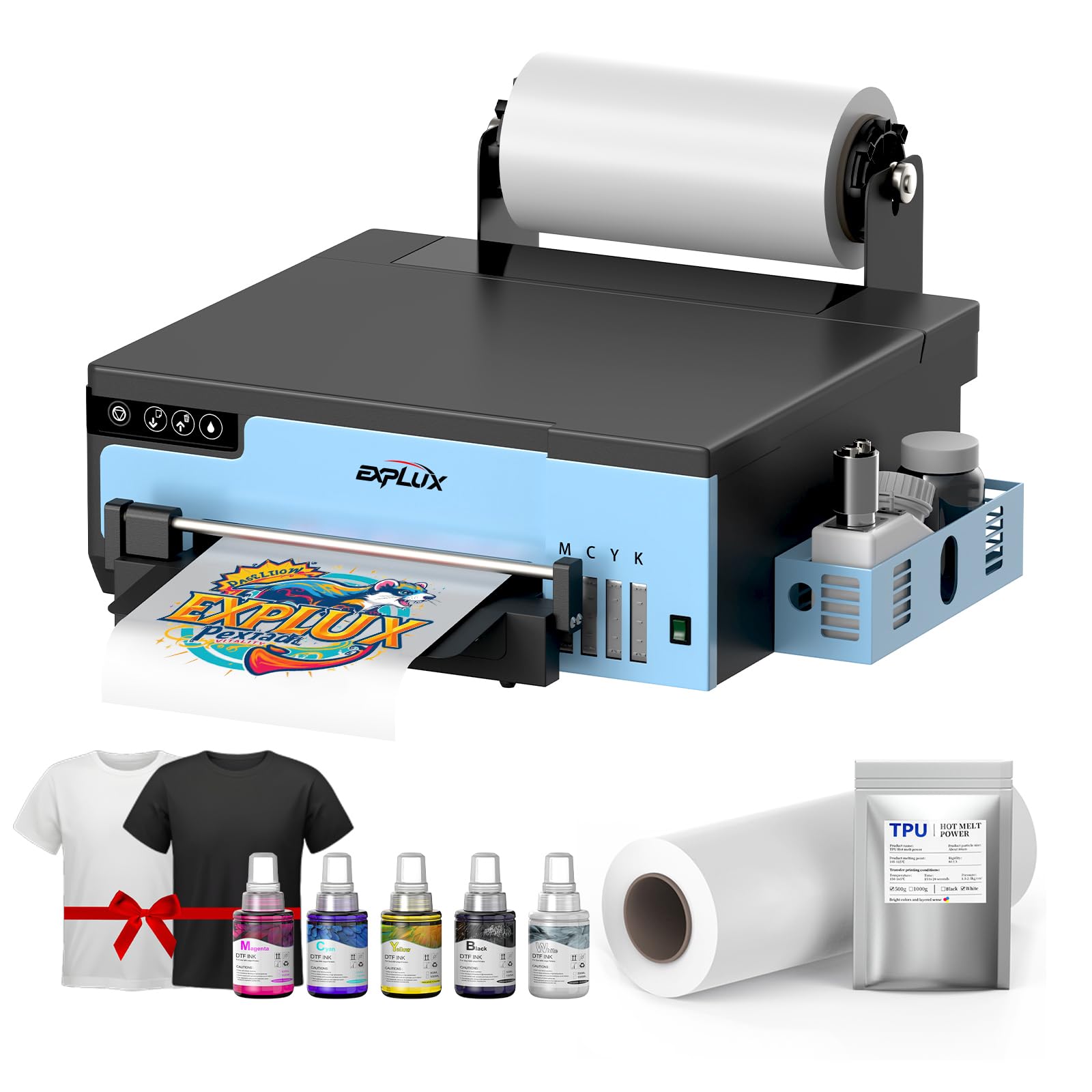
1. EXPLUX A4 DTF Printer XP600 Printhead L8058
Our pick — over 4.5★ from 20+ verified ratings; the strongest balance of quality and price.
The one buyers keep defending in the reviews — for its support team, not its speed.
Support is the whole story with the EXPLUX. Owners describe technicians walking them through software installation, maintenance routines, and a first print over WhatsApp and remote sessions, and the pattern repeats across the reviews with unusual consistency. The crowd verdict sits at 4.7 stars pulled from a small pool of 28 owners, which tells you the people who did buy are not lukewarm about it.
The hardware backs the relationship up. An intelligent white ink mixing system plus a semi-automatic cleaning cycle keeps the white pigment from sinking and settling in the lines, which the maker claims extends XP600 printhead life by up to 80% — a manufacturer figure, not independently verified. Output is 2880 x 1440 DPI, the highest resolution on this list alongside the MZK, and it prints at 1 page per minute. That is roughly 3.3x the throughput of the PLK, which the spec sheet lists at 0.3 pages per minute — a gap you feel across a day of orders.
The package itself is unusually complete: the printer, 100m of transfer film, five 250ml inks, DTF powder, cleaning tools, USB tutorial videos, and two extra T-shirts to practice on. There is an ongoing ink supply program attached too — five 250ml bottles plus 500g of powder every two months for 24 months, with you covering shipping. Two real caveats: it is Windows-only (7, 10, and 11), so a Mac studio is out, and it is set up for laptops as the control device. One owner’s account of head problems at the two-month mark and a drawn-out return is the kind of reminder that this is equipment, not an appliance — keep the maintenance schedule.
What owners rave about
- Technicians who stay on the line until the first print comes out right
- 2880 x 1440 DPI output that holds fine lettering on film
- A starter kit complete enough to print the day it lands
- Built-in cutter trims excess film automatically instead of you doing it
Where it asks more of you
- Windows-only — no macOS path at all
- The 24-month ink program still leaves shipping on your side
Settle here when: you want a responsive support desk more than you want a Mac-compatible machine.
Walk past when: your studio runs on macOS, because there is no workaround in the specs.
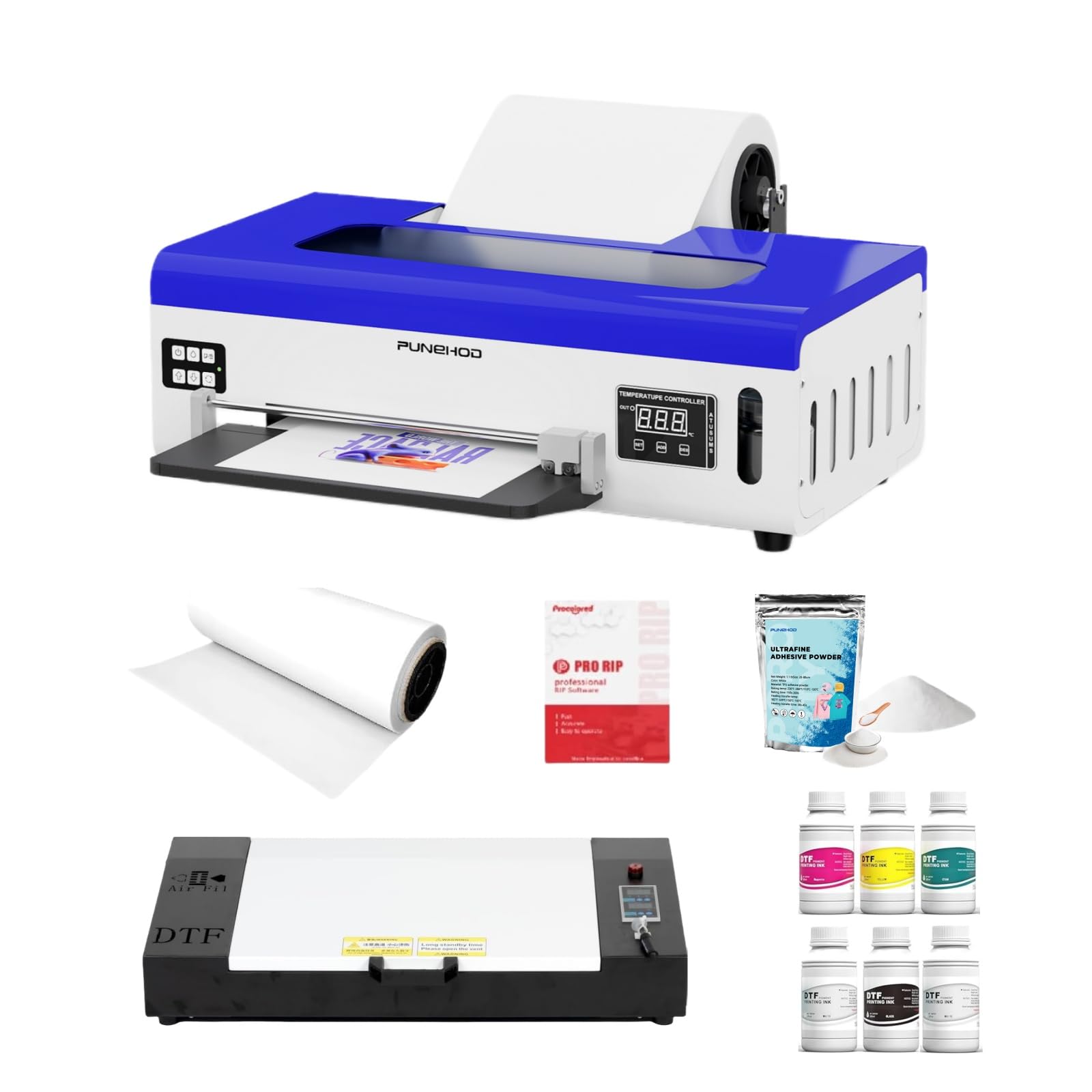
2. PUNEHOD DTF Printer A4 L800 with Roll Feeder and White Ink Circulatory System
Beginner-friendly on paper, with a white-ink system built for people still learning the workflow.
The PUNEHOD leans on three named features to keep white ink moving: a white ink mixing system, a recirculation loop, and an automatic cleaning function. Together those reduce nozzle clogging, which is the failure that ends most beginners’ DTF experiments early. Setup is pitched at newcomers — import an image, print to film, powder it, cure it in the included oven, and press it. The bundle covers an A4 DTF printer, an oven, six 250ml inks, 500g of powder, and 100m of roll film, and the printer and the ink ship in separate packages.
Speed is a genuine weakness rather than a rounding error. The listing carries a B&W and color rating of 1 page per minute, which converts to roughly three minutes for a single A4 transfer, and reviewers who expect production throughput will feel that. That measured 0.3 pages per minute figure quoted for the PLK above puts the gap in perspective. Its own owner feedback runs hot and cold in a way that mirrors the machine’s split personality.
The support side is well reviewed when it works — patient reps, clear self-guided videos, a live chat staffed by people who know the printer. The catch is a real one: this printer does not fully self-clean its printheads, so a daily manual routine is part of ownership, and one buyer walked away after deciding that ritual was not for them. The recurring gripes cluster around overseas support hours and shipping costs if something goes wrong. Set against the cost of the machine, it is a fair trade only if you accept you are the maintenance department.
The honest accounting: the recirculation system does reduce clogging, but “automatic cleaning” here does not mean you can leave white ink sitting for a week. Owners who build a short daily cleaning habit get consistent prints; those who do not, do not.
Reach for this if: you are new to DTF, want the oven bundled, and will actually do the daily ink work.
Look elsewhere if: you need unattended reliability or you cannot handle support on a 12-hour time-zone offset.
3. PLK A4 DTF Printer with XP600 Printhead, Sheet and Roll Feeder, Built-in Film Cutter
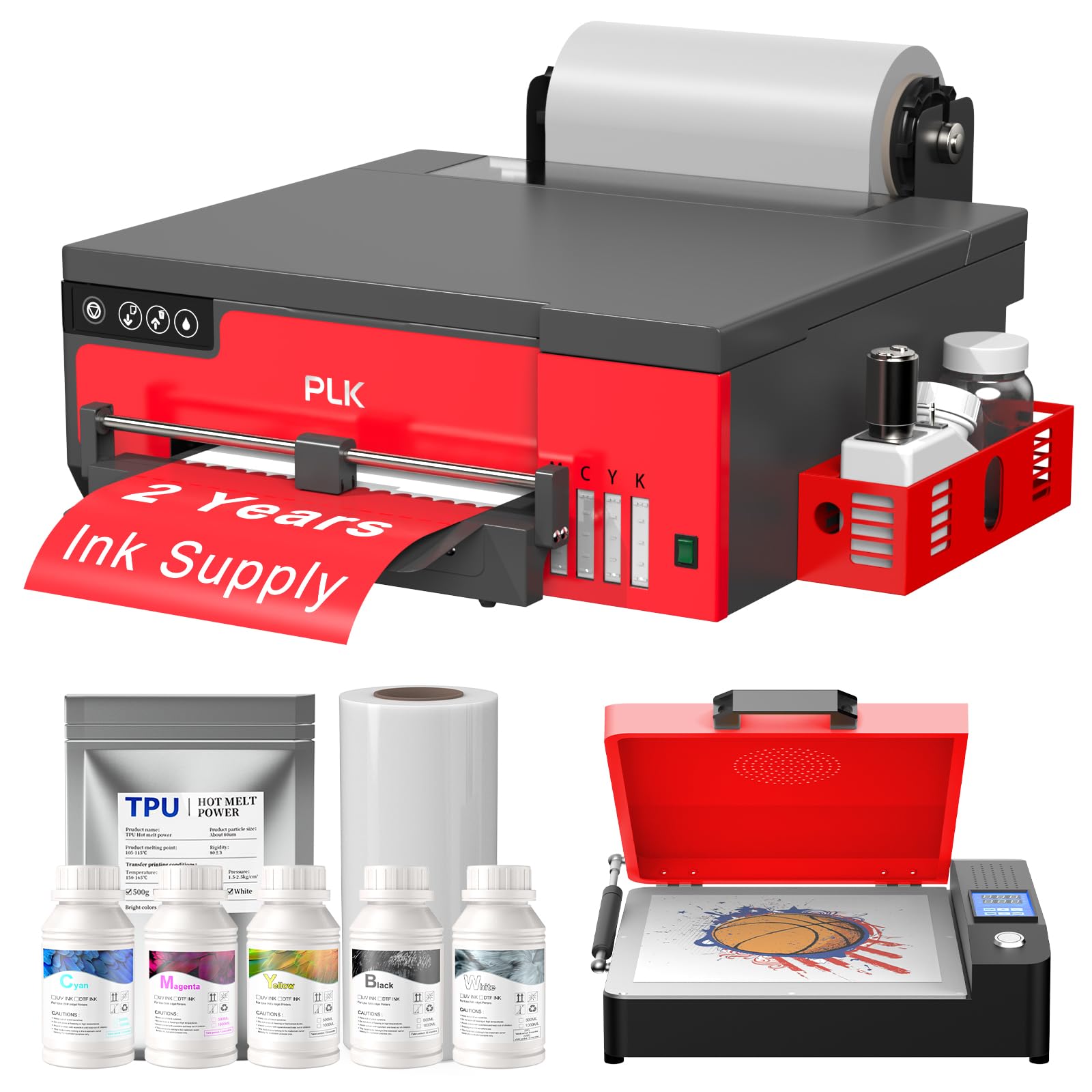
A six-color XP600 build that goes from roll to cut film without you touching a pair of scissors.
If your day is a queue of custom orders, the PLK is aimed squarely at you. Six-color printing at 2880 x 1440 dpi at its best output, a built-in film cutter that trims waste automatically, and an upgraded roller feeder that cuts down on jams — that trio is the productivity story. It accepts both sheet and roll film up to the standard A4 width, and the included bundle covers the printer, an A4 oven, 100m of roll film, five 250ml inks, 500g of powder, and a flash drive with an instructional video. The maker also runs a two-year ink supply: five bottles of 250ml ink and 500g of powder every two months for two years, with shipping on you.
Head-to-head against the PUNEHOD above, the speed gap is the headline. PLK’s listing measures out at 0.3 pages per minute against the PUNEHOD’s 1 page per minute — that is the same three-minutes-per-transfer reality, but the comparison matters if you were weighing them against each other. Precision on gradients and fine edges is strong for the format.
Owner feedback clusters around the after-sales team being fast and reachable, with the recurring friction coming from software delivery and timing rather than print quality. A pair of buyers describe the USB drives arriving unusable and delivery running late — worth knowing before you plan a launch date around it. Windows 7, 10, and 11 only, again with no macOS path, and the printhead carries a six-month warranty while the rest of the accessories get a full year.
Straight read: the cutter and feeder are the features you will use every single day, and the 2880 x 1440 dpi ceiling keeps fine detail intact through the roll workflow.
Flag to know: the printhead warranty is six months while accessories run a year, so budget your first nozzle-cleaning habit around that first half-year.
Built for: growing shops running batches of transfers who hate trimming film by hand.
Not the fit for: someone who needs delivery on a hard deadline or works from a Mac.
4. DXZ 2026 A4 DTF Printer with Roll Feeder-XP600

A semi-automatic cleaning system and white ink stirrer that quietly do the boring work for you.
The DXZ pairs a white ink mixing system with a semi-automatic cleaning cycle, so the printhead gets regular attention without you remembering to run it. An 8.27-inch DTF printer with a built-in cutter, an upgraded roller feeder tuned to reduce jamming, and support for both roll and sheet film up to 8.27 inches wide. It uses an XP600 six-color printhead with a 2800 x 1400 dpi ceiling — slightly under the 2880 x 1440 dpi the EXPLUX and MZK list, and a small margin that mostly shows on ultra-fine text edges.
One thing this one gets right for a home studio is noise. Owner feedback mentions it runs quietly enough to sit through a work session without dominating the room, which is not something every DTF machine manages. The rest of the support review pattern is familiar: buyers reach the team over WhatsApp, get walked through installation, and report quick responses. It also runs Windows only, so a Mac setup is off the table, and the included bundle covers the printer, an A4 DTF oven, CMYKW ink, transfer film, DTF powder, and maintenance, cleaning, and cutter kits with software and a manual.
The recurring honest note in owner accounts is the white ink system itself. A few describe the white stirrer giving out earlier than expected, which lands hardest on someone printing daily on dark garments where white underbase is doing the heavy lifting. The warranty structure — one year on non-consumable parts, six months on the printhead — covers you through the early window where most failures surface, and support is reachable within 24 hours if you hit one.
Standout spec call: 2800 x 1400 dpi color output with a built-in cutter means clean edges plus less film waste, which adds up over a month of small-batch orders.
Second look: the white ink stirrer is the component to check first if you plan to run this five days a week on dark fabrics.
Pick this one for: a home or studio setup where low noise and semi-automatic cleaning matter more than the absolute highest dpi.
Reconsider if: white-heavy dark fabric work is your entire business and you want the toughest white-system reputation on the list.
5. Carbcolords A4 DTF Printer with Oven Starter Bundle
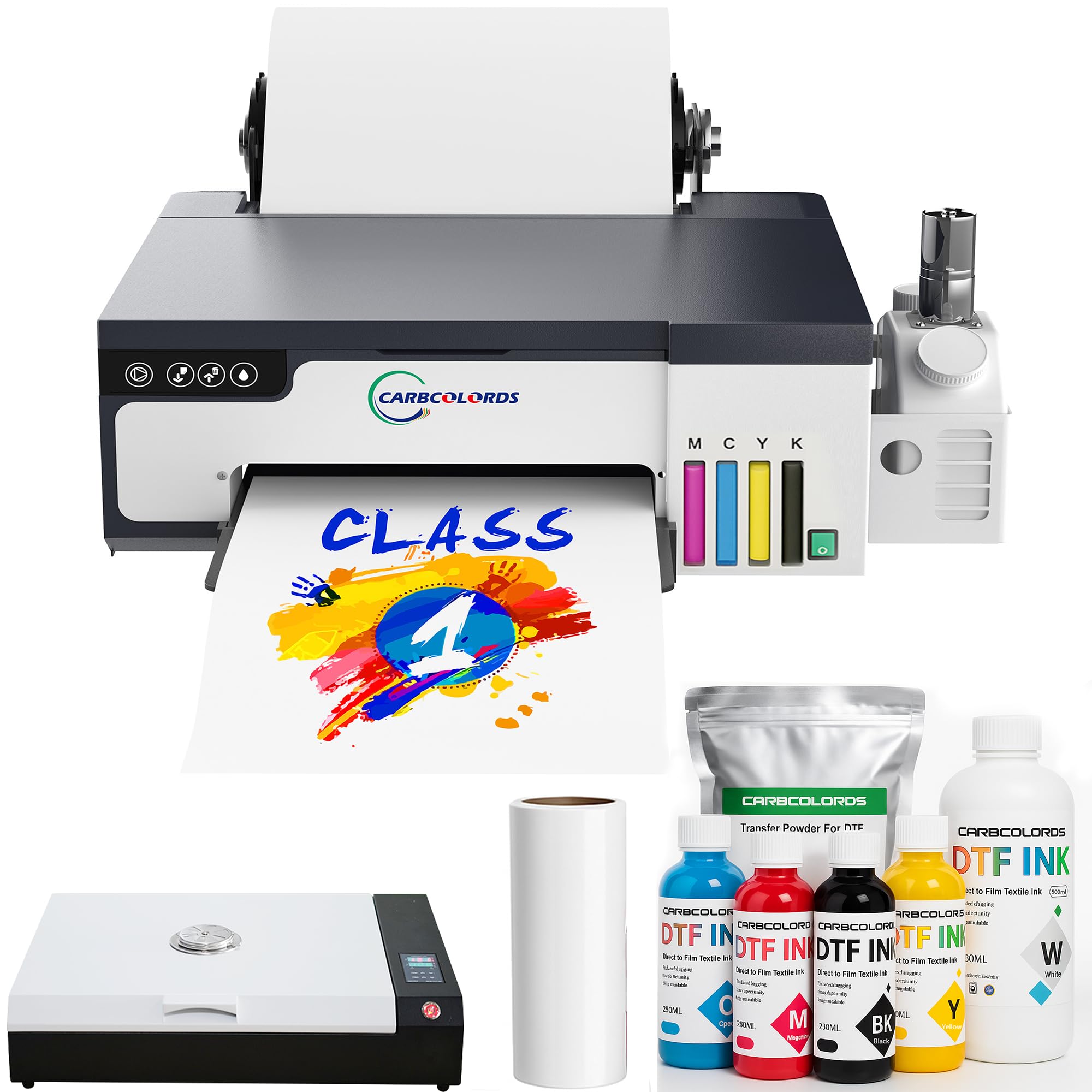
A starter bundle whose print quality and setup help beat its price.
What wins people over here is print quality, and that is the loudest signal in the owner feedback — good enough that buyers who walked in suspicious of the low price changed their minds after the first transfer. It runs an XP600 printhead for crisp detail and smooth gradients, a white ink mixing system to stop pigment settling, and supports white ink underbase printing for designs that need to hold up on dark fabric. Roll film up to 8.27 inches wide feeds through so you can print multiple designs along one strip instead of swapping sheets.
The throughput figure on the listing is the most surprising thing in this whole roundup. It is rated at 3 pages per minute for both black-and-white and color, which no other A4 DTF printer here comes close to on paper. That number is unusual for the format, so treat it as the manufacturer’s rating rather than a promise. Resolution tops out at 2440 x 2440 dpi — the lowest ceiling on this list — so if your work is dense photographic gradients, you will notice the ceiling more than you would on, say, the 2880 x 1440 dpi EXPLUX.
The bundle covers the printer with its roller, an A3 oven, six 250ml inks, 500g of powder, 100m of roll film, the printer software, cotton swabs, and other accessories — a complete print-and-cure setup minus the heat press, which is not included. The recurring inconvenience in owner accounts is that only 8-inch-wide designs fit, which is the A4 format itself; one buyer upgraded to a larger format for that reason. The feeder belt arrived misaligned for another and needed support to reattach. Neither is a print-quality problem, and the support side earns real praise for helping beginners through the whole first job.
Value angle: for a starter bundle that includes a curing oven and full consumables, the price-to-output balance is the strongest on this list — provided your designs stay inside the 8.27-inch width.
Real trade-off: 2440 x 2440 dpi resolution and an A3 oven paired with an A4 printer is a slightly mismatched package; if your plans stretch past A4 now, size up before you buy.
Best fit: craft makers and Etsy-style sellers printing chest logos, sleeve designs, and kidswear graphics.
Think twice if: your order book is already asking for wide-format designs, because this stays inside the A4 footprint.
6. MZK A4 DTF Printer With F1080 Printhead New Model X8
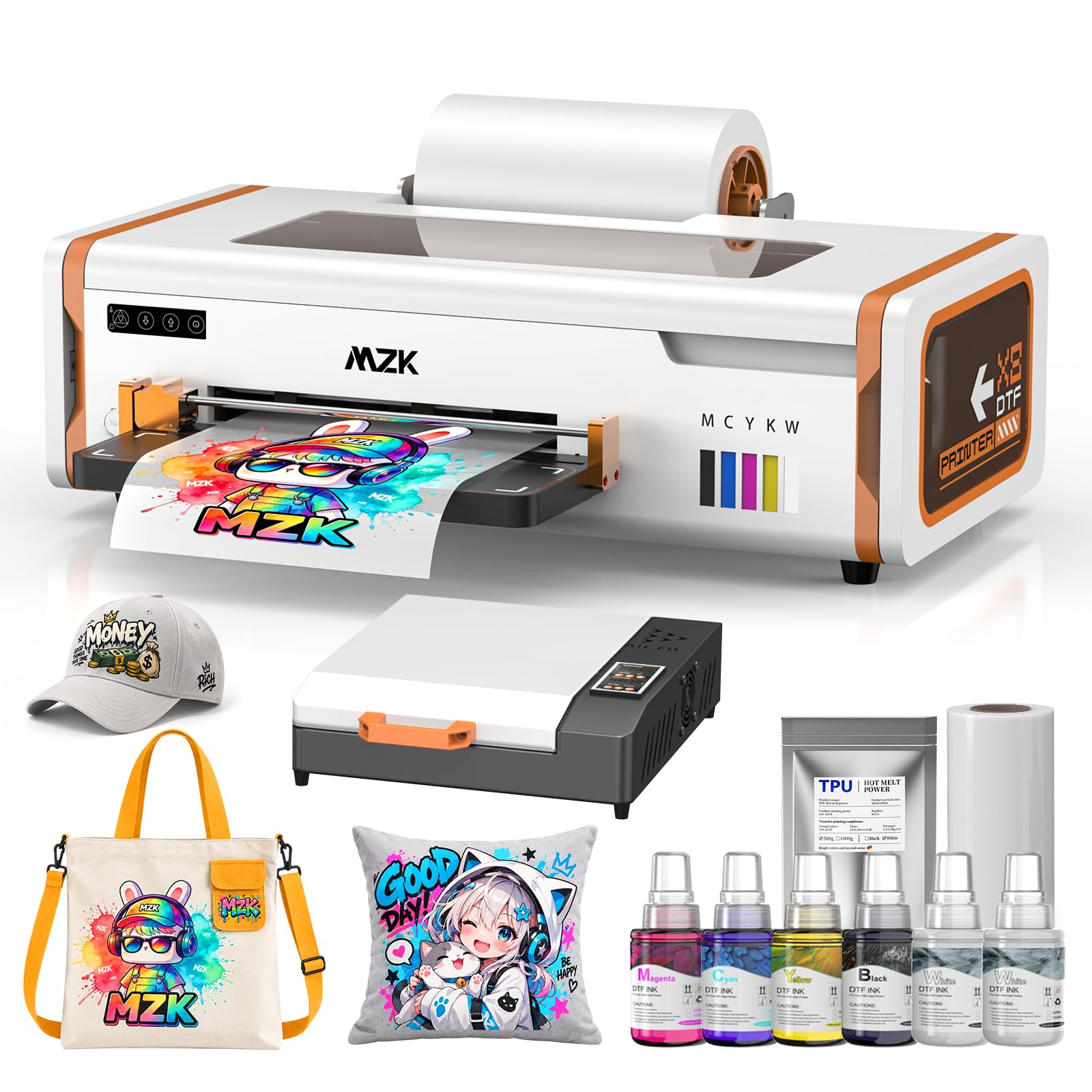
The only A4 DTF printer in this lineup that runs on macOS as well as Windows.
Here is the decision that eliminates most of the field for Apple users: this is the one machine in the roundup with published Windows and macOS compatibility, and no other entry here offers that. It runs an F1080 printhead — a different head from the XP600 units elsewhere on this list — with 1080 nozzles and 12-pass printing reaching a 2880 x 1440 DPI ceiling, plus ICC color calibration curves and Variable Sized Droplet Technology for cleaner gradients. An A4-size print runs in roughly 3 minutes, at up to 20 sheets per hour.
The clever part is what it does when you are not looking. An intelligent timed cleaning cycle fires the printhead every 10 hours automatically, so a printer left overnight is far less likely to greet you with a clogged nozzle. A 3-in-1 white ink circulation system plus a siphon filtration device keeps ink moving and stable, and negative pressure suction holds the film flat and wrinkle-free under the head. A preheating platform cures the ink as it lays down for stronger adhesion to the film. There is a built-in cutter and an upgraded roller feeder rounding out the workflow.
Owners describe a learning curve at the start — this is a workflow, not a plug-and-play device — and the recurring word after that curve is support. Buyers report remote sessions where the team took over and finished setup for them, and several mention a bundle that includes a laptop, film, inks, powder, cleaning accessories, and tutorials on a flash drive. The honest caveat is speed: at 0.5 pages per minute on the listing, it is the second-slowest rated machine here, and an owner notes it feels slow in daily use. DTF printers are generally deliberate machines, so weigh that against what you gain in automation.
Why it earns a spot
- The only Windows and macOS compatible A4 DTF printer here
- 10-hour automatic timed cleaning removes the daily ritual on idle days
- F1080 head with 1080 nozzles and 12-pass printing for fine detail
- Negative pressure suction keeps film flat and feeding consistent
The fine print
- Listed at 0.5 pages per minute, so it will not win a speed race
- First job requires real setup and reading the instructions carefully
- Software documentation is thinner than owners expected
Match made for: Mac-based designers and small apparel brands who would rather have automatic cleaning than peak speed.
Keep looking if: you are chasing the fastest turnaround and your studio is Windows anyway.
Understanding the Specs
DPI and what resolution does for DTF
DPI stands for dots per inch — the number of ink droplets laid down across one inch of film. A 2880 x 1440 DPI rating means the head can place a very high count of droplets horizontally, which smooths out the jagged edges on curved letters and gives gradients a cleaner transition instead of banding. On solid-color logos the difference is subtle; on photographic prints and fine script it is the difference between a professional-looking transfer and a visible one. The machines in this roundup run from 2440 x 2440 dpi up to 2880 x 1440 dpi, so match the number to how detailed your typical artwork is.
White ink systems and why they decide reliability
White pigment is dense and settles out of suspension when the printer sits idle, which is what causes the nozzle clogs DTF owners complain about most. Three named components fight this: a white ink mixing system (a stirrer that keeps pigment suspended), a circulation system (which keeps ink moving through the lines), and a cleaning cycle (which purges the head on a schedule). Some printers here run all three, one runs a timed cycle every 10 hours automatically, and at least one relies on you to clean manually — that is the spec to weigh before you buy, because it determines how much of your week goes to maintenance.
Printhead models explained
An XP600 and an F1080 are two different printheads, and they are the ones named across this list. The XP600 appears on the EXPLUX, PLK, DXZ, and Carbcolords machines; the F1080 appears on the MZK. Both are paired here with an A4 print width and roll or sheet feeding. Speed claims of “twice as fast” against older L1800 and L805 heads come from the makers, so use them as relative guidance — the measured pages-per-minute figures on each listing are the fairer starting point for comparing real output.
OS compatibility and the Mac question
Only one A4 DTF printer in this roundup lists compatibility with both Windows and macOS. The rest are Windows 7, 10, and 11 only, with no macOS path at all, and the software is what drives the print. If you work from a Mac and cannot add a Windows machine to the shop, that single line in the specs narrows your options to one before you compare anything else. Check it before you fall in love with a printhead.
FAQ
What size design can an A4 DTF printer actually print?
Do I need a heat press in addition to the printer and oven?
Why does my white ink keep clogging even with a cleaning system?
Can I use an A4 DTF printer with a Mac?
How long does the printhead last on an A4 DTF printer?
What is the difference between an XP600 and an F1080 printhead?
Is an A4 DTF printer fast enough for a small business?
Do these DTF printers include the ink and film I need to start?
What fabrics and items can an A4 DTF printer print onto?
Final Thoughts: The Verdict
For most small shops, the a4 dtf printer to start with is the EXPLUX XP600 L8058 — its white ink mixing system, semi-automatic cleaning cycle, 2880 x 1440 DPI output, and unusually responsive support desk are the combination that keeps a beginner printing past the first month. If you need scheduled automatic cleaning so idle days do not cost you a printhead, the MZK X8 is the one with a 10-hour cleaning timer and the only macOS path here. And if you are printing logos for craft orders on a tighter budget, the Carbcolords starter bundle earns its place with print quality that outpaces its price point.
How We Picked
We do not accept paid placement. Every pick is matched to a real buyer and a real use-case; we do not hands-on test units.
Sources & Methodology
Specifications: manufacturer listings and product documentation. Review insights: verified customer reviews, as of September 2026. Pricing: not shown on this page (it changes often); check the current price via the retailer link.
As an Amazon Associate, Gadgets Feed earns from qualifying purchases. This does not affect which products we feature.