
A weak WiFi signal in the back bedroom, the garage workshop, or the backyard patio creates a daily frustration that a standard router sitting in a living room corner simply cannot solve. That is the exact problem an AC1200 dual-band repeater is engineered to fix: it captures the router’s signal and rebroadcasts it, pushing coverage into those dead zones without requiring a full mesh system or running ethernet cable through the walls.
I’m Min — the co-founder and writer behind Gadgets Feed. I have spent countless hours comparing the technical specifications, real-world user feedback, and throughput performance data of the most popular AC1200 repeaters on the market to build this focused guide for shoppers who want a clear, actionable decision.
After analyzing seven different models across mid-range and premium tiers, I have identified the specific strengths and trade-offs of each unit so you can stop guessing and pick the right best ac1200 wifi repeater for your home layout and device load.
How To Choose The Best AC1200 WiFi Repeater
Every AC1200 repeater shares the same theoretical maximum of 1200 Mbps, but the real-world experience varies dramatically based on antenna design, processor quality, and supported features. The following factors separate a reliable extender from one that causes more frustration than it solves.
Antenna Configuration and Gain
A repeater with two internal antennas simply cannot match the wall-penetrating power of a unit equipped with four external high-gain antennas rated at 5 dBi each. The antenna gain directly determines how well the repeater can hear the router’s signal and then transmit its own amplified signal into distant rooms. For a multi-story house or a building with thick interior walls, prioritize models with at least two external antennas; four provides substantially better coverage consistency.
OneMesh vs Standard Repeater Mode
Standard repeaters create a separate WiFi network (often named with an “_EXT” suffix), which forces your device to manually switch between the router and the extender as you move around the house. A repeater with OneMesh or a similar mesh protocol creates a single network name and handles the handoff automatically. This seamless roaming matters most for video calls, streaming, and gaming where a dropped connection mid-transition is unacceptable.
Ethernet Port Presence and Use
Not every AC1200 repeater includes an ethernet port, but the ones that do offer a critical fallback. You can place the extender in a room with poor WiFi, plug it into the wall, and then connect a gaming console, smart TV, or desktop PC via the ethernet cable for a wired-speed connection. The ethernet port also enables Access Point mode, which converts the extender into a dedicated access point if you have a wired network drop available.
Physical Size and Outlet Clearance
Repeaters are designed to plug directly into a wall outlet, but some models with bulky bodies or hinged antennas block the second outlet in the duplex receptacle. Compact wall-plug designs with a low profile or right-angle plugs allow you to keep the second outlet free. If you plan to use the extender in a power strip or a surge protector, check that the device does not overlap adjacent sockets.
Quick Comparison
On smaller screens, swipe sideways to see the full table.
| Model | Category | Best For | Key Spec | Amazon |
|---|---|---|---|---|
| TP-Link RE300 | OneMesh | Seamless whole-home roaming | 25 device capacity | Amazon |
| WAVLINK AC1200 | Multi-Mode | Flexibility with 4 antennas | 4x 5dBi external antennas | Amazon |
| ROQRL AC1200 | Wide Coverage | Large home dead-zone elimination | Up to 15,999 sq.ft claim | Amazon |
| NETGEAR EX5000 | Compact | Small footprint simplicity | Wall-plug form factor | Amazon |
| NEWFAST NF-RE523 | Versatile Modes | Multiple operation modes | 4x 5dBi antennas | Amazon |
| Cudy TR1200 | Travel Router | Hotel & public WiFi sharing | Built-in VPN support | Amazon |
| WERCHTAY AC1200 | Budget Broad | Entry-level coverage expansion | 12880 sq.ft coverage claim | Amazon |
In-Depth Reviews
1. TP-Link AC1200 WiFi Extender (RE300)

The TP-Link RE300 is the only unit in this roundup that offers true OneMesh compatibility, which means it creates a single seamless network with compatible TP-Link routers rather than forcing devices onto a separate “_EXT” SSID. This roaming behavior is critical for anyone who moves through the house on video calls or while streaming — the handoff happens without dropping the connection. The rated 1500 square feet of coverage and support for up to 25 devices make it suitable for a medium-sized home with multiple smart devices, tablets, and streaming sticks.
Setup is handled through the Tether app or a straightforward WPS push-button pairing, and the smart signal indicator light helps you find the ideal placement spot between the router and your dead zone. In real-world testing, users reported consistent 105 Mbps down on an Xbox with 0% packet loss, proving that the repeater maintains latency well enough for online gaming. The unit does not include an ethernet port, so if you need to wire a console or TV directly, this model is not the right fit.
TP-Link backs the RE300 with a 2-year warranty and 24/7 technical support, which is a meaningful safety net compared to shorter warranty periods from less established brands. The compact wall-plug design is narrow enough not to block the second outlet, and the clean white finish blends into most home environments. For users who already own a TP-Link Archer A7 or a compatible OneMesh router, this extender becomes part of a cohesive system that behaves almost like a dedicated mesh node.
Why it’s great
- OneMesh provides seamless roaming without a separate SSID
- Tether app and WPS make setup fast and intuitive
- 2-year warranty with 24/7 support from a reputable brand
Good to know
- No ethernet port limits wired device connections
- OneMesh only works fully with compatible TP-Link routers
2. WAVLINK AC1200 WiFi Extender
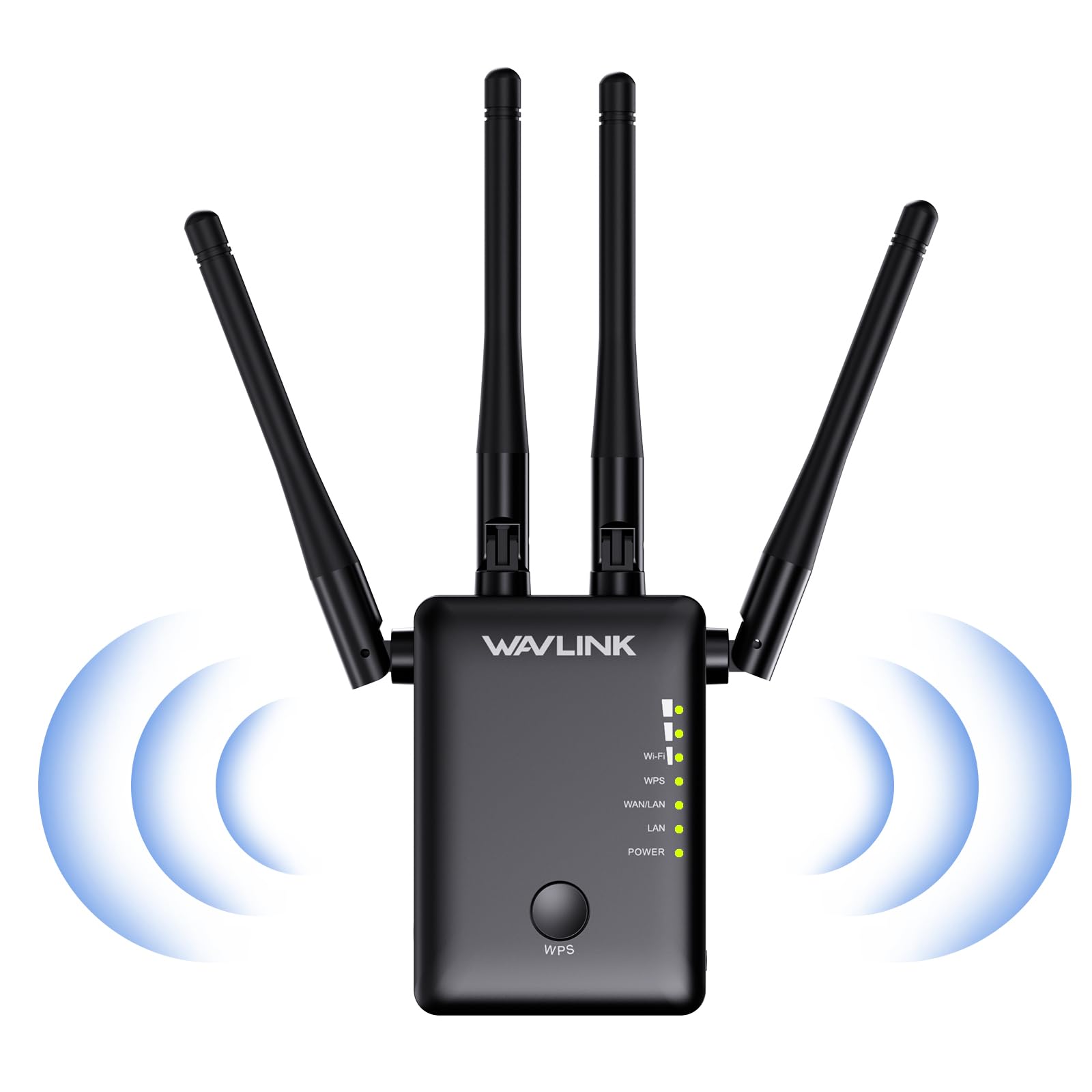
The WAVLINK AC1200 extender stands out for its aggressive antenna configuration: four external high-gain antennas that provide beamforming and directed signal strength. In practical terms, this means the unit can punch through two floors and thick interior walls more reliably than models with internal or dual antennas. It operates in three distinct modes — Repeater, Access Point, and Router — giving you flexibility depending on whether you have an existing wired network drop or just need signal extension.
Setup is accomplished via WPS push-button pairing or a browser-based configuration panel accessed through the extender’s IP address. Users in a 4000-square-foot two-level home reported eliminating a WiFi dead zone on the upper floor by placing the extender at the top of the stairs. The 867 Mbps theoretical maximum on the 5 GHz band is sufficient for 4K streaming and large file transfers, though actual throughput will depend on the distance from the main router and any interference from neighboring networks.
There are a few trade-offs to consider. The unit runs slightly warmer than some competitors, and the four LED indicators are notably bright at night, which could be distracting in a bedroom. Several users noted that the physical size of the antennas requires a bit of clearance around the outlet. WAVLINK provides phone and email support, and the unit carries a model designation (WN575A3) that makes it easy to locate firmware updates and setup guides on the manufacturer’s website.
Why it’s great
- Four 5dBi external antennas for superior wall penetration
- Three operating modes (Repeater, AP, Router) for versatile deployment
- Beamforming technology directs signal to specific devices
Good to know
- LED lights are very bright with no dimming option
- Unit runs hotter than many competing extenders
3. ROQRL WiFi Extender 2026 AC1200
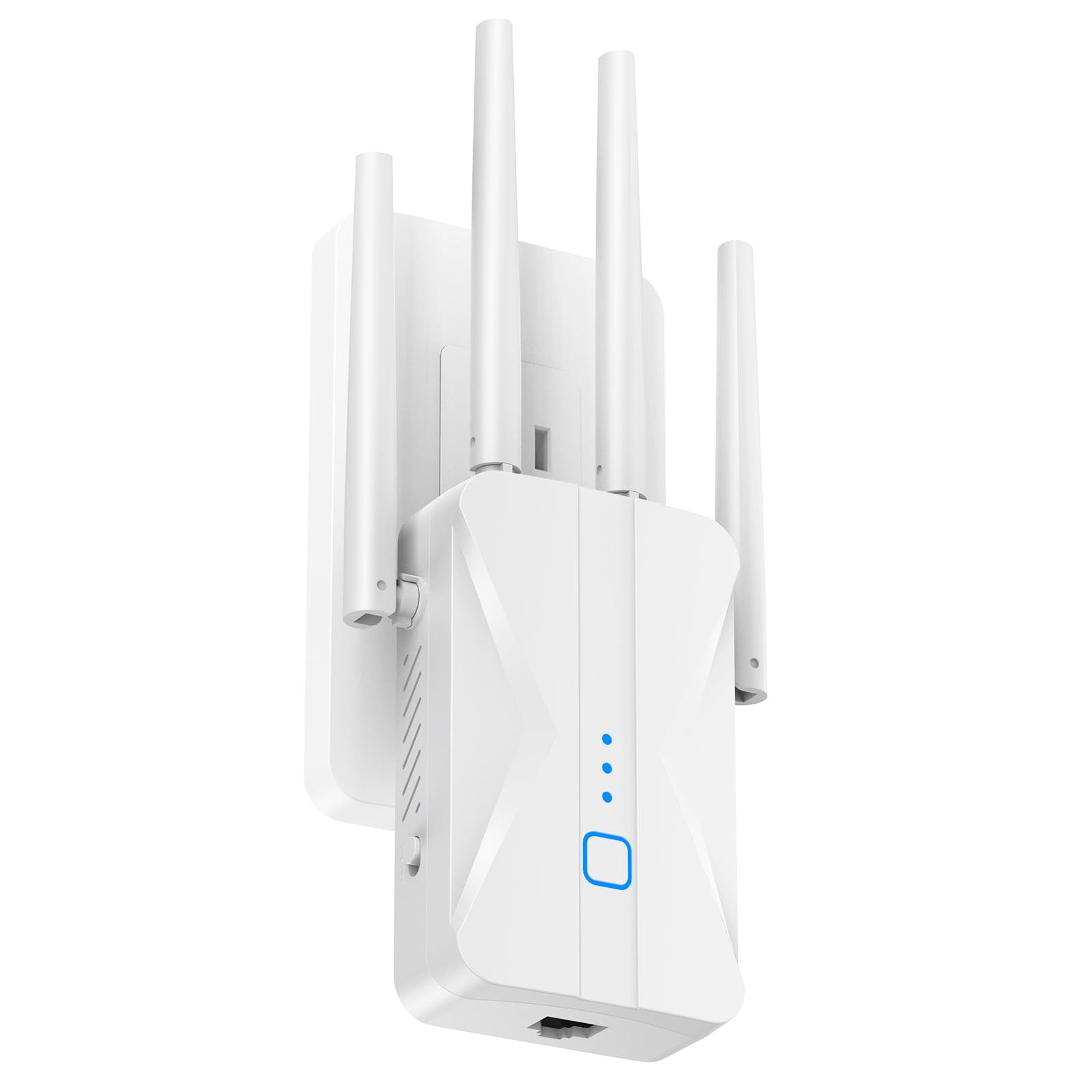
The ROQRL AC1200 extender makes a bold coverage claim of up to 15,999 square feet, which places it at the top of the range among the models reviewed here. It achieves this through four high-gain antennas and dual-band operation that dedicates the 2.4 GHz band for long-range coverage and the 5 GHz band for low-latency tasks. The extender includes a built-in ethernet port, which allows you to connect a wired device like a smart TV, gaming console, or desktop PC directly for a more stable connection than WiFi alone can provide.
Setup is a one-tap WPS process that pairs with any standard router in seconds, and the smart indicator light guides you to the optimal placement spot. Users consistently reported that the unit eliminated WiFi dead zones in basements, garages, and upstairs bedrooms where the main router signal was weak or nonexistent. The support for three modes — Repeater, Access Point, and Ethernet — means you can adapt the extender to different network layouts without buying additional hardware.
The compact wall-plug design is a practical consideration: it sits flush against the outlet and does not block the second receptacle, preserving access for other devices. The unit features MU-MIMO technology, which allows it to communicate with multiple devices simultaneously rather than round-robin, reducing congestion when several family members are streaming or gaming at once. The bank-grade WPA/WPA2 encryption provides a baseline level of security for home network traffic.
Why it’s great
- Extensive coverage claim suitable for large homes and multi-story buildings
- Ethernet port enables wired connections for gaming consoles and smart TVs
- MU-MIMO technology handles multiple devices without congestion
Good to know
- Coverage numbers depend heavily on router placement and home construction
- Brand is less established than TP-Link or NETGEAR for support
4. NETGEAR WiFi Mesh Range Extender (EX5000)

The NETGEAR EX5000 is a compact wall-plug extender that prioritizes simplicity and a small footprint over raw antenna count and coverage claims. It covers up to 1000 square feet and supports up to 15 devices, making it a good fit for apartments, smaller homes, or specific problem rooms like a home office in the back of a house. The AC1200 dual-band performance is standard for the class, with 300 Mbps on 2.4 GHz and 867 Mbps on 5 GHz, but the real draw is the brand reliability and the straightforward WPS setup that NETGEAR is known for.
Setup is as simple as it gets: press the WPS button on your router, then press the WPS button on the EX5000, and the extender syncs within a minute. For users who prefer manual configuration, you can access the extender’s web interface directly via its IP address (192.168.1.250) to adjust SSIDs, security settings, and band steering preferences. The unit works with any wireless router, gateway, or cable modem, so there is no brand lock-in concern.
Several users noted that the extender works best when placed in a location with a strong signal from the main router and where the path to the dead zone is relatively unobstructed. The compact cube form factor is about 2.85 inches on each side, which is small enough to fit in tight spaces without blocking adjacent outlets. The EX5000 does not include an ethernet port, and the coverage is more conservative than some competitors, but for someone who wants a no-fuss solution from a trusted networking brand, this model delivers consistent results.
Why it’s great
- Extremely small wall-plug form factor saves outlet space
- WPS setup is truly plug-and-play for non-technical users
- Works universally with any brand of router
Good to know
- No ethernet port for wired device connections
- Coverage limited to 1000 sq.ft compared to larger extenders
5. NEWFAST AC1200 WiFi Extender NF-RE523

The NEWFAST NF-RE523 delivers a strong value proposition by combining four high-gain 5 dBi antennas with support for five operating modes (Repeater, AP, Bridge, Client, Router) at a mid-range price point. The 9800 square foot coverage estimate makes it suitable for most standard homes, and the dual-band AC1200 speeds provide enough headroom for simultaneous streaming on several devices. The extender also includes an ethernet port, which acts as a bridge to connect wired devices or to operate in Access Point mode if you have a cable drop in the target room.
Setup is handled through either WPS push-button pairing or a browser-based login panel. Several users reported that the extender took about ten minutes to configure via the browser interface and that the signal stabilized quickly after setup. The unit was used effectively in a small medical office to extend WiFi into treatment rooms for charting software and cloud backups, which demonstrates its reliability in a business-adjacent environment. The adjustable antennas allow you to angle the signal directionally toward the specific area that needs coverage.
One practical consideration is the physical design: the antennas protrude from the top and sides of the unit, requiring a wall outlet with enough clearance on both sides. The instructions are printed small and some users found the technical steps challenging, so a moderate comfort level with network configuration is helpful. The unit supports WPA2 security and is compatible with all standard routers, and the manufacturer provides a 1-year warranty with email-based support.
Why it’s great
- Four adjustable 5dBi antennas for directional signal steering
- Five operating modes provide maximum deployment flexibility
- Ethernet port enables wired backhaul or access point mode
Good to know
- Antenna placement requires side clearance around the outlet
- Setup instructions are text-heavy and small-font
6. Cudy AC1200 Pocket-Sized Wi-Fi Travel Router (TR1200)

The Cudy TR1200 is fundamentally different from every other product in this roundup: it is a travel router first and a WiFi extender second. It is powered via USB (no power adapter included), which means you can run it from a laptop USB port, a wall charger, or a portable battery pack. The TR1200 operates in multiple modes including WiFi Router, Access Point, WiFi Extender, and WISP, with the WISP mode being especially useful for hotel and public WiFi networks that use a captive portal login page.
Most public WiFi networks have device limits and time restrictions, and many force you to accept terms through a web browser that cannot be completed on a smart TV or a gaming console. The Cudy TR1200 solves this by capturing the public WiFi signal and creating a private subnet, so every device connected to the Cudy appears as a single login to the hotel network. It also supports PPTP, L2TP, OpenVPN, WireGuard, IPsec, and Zerotier VPN protocols, which means you can route all connected traffic through a VPN for secure browsing on untrusted public networks.
The speed limitation is the most important trade-off: the two ethernet ports are limited to 10/100 Mbps, meaning the maximum wired throughput is around 90–95 Mbps, and that bandwidth is shared across all devices. This is perfectly adequate for web browsing, email, and even HD streaming on one device, but it will bottleneck a 200+ Mbps hotel connection if you need to move large files. The open-source OpenWrt compatibility is a bonus for advanced users who want to customize the router’s firmware and feature set.
Why it’s great
- USB-powered and pocket-sized for true travel portability
- Multi-VPN support secures all devices on public networks
- WISP mode works with captive portal hotel WiFi
Good to know
- Ethernet ports are 10/100 Mbps, limiting maximum throughput
- Power adapter is not included in the box
7. WERCHTAY AC1200 WiFi Extender Signal Booster
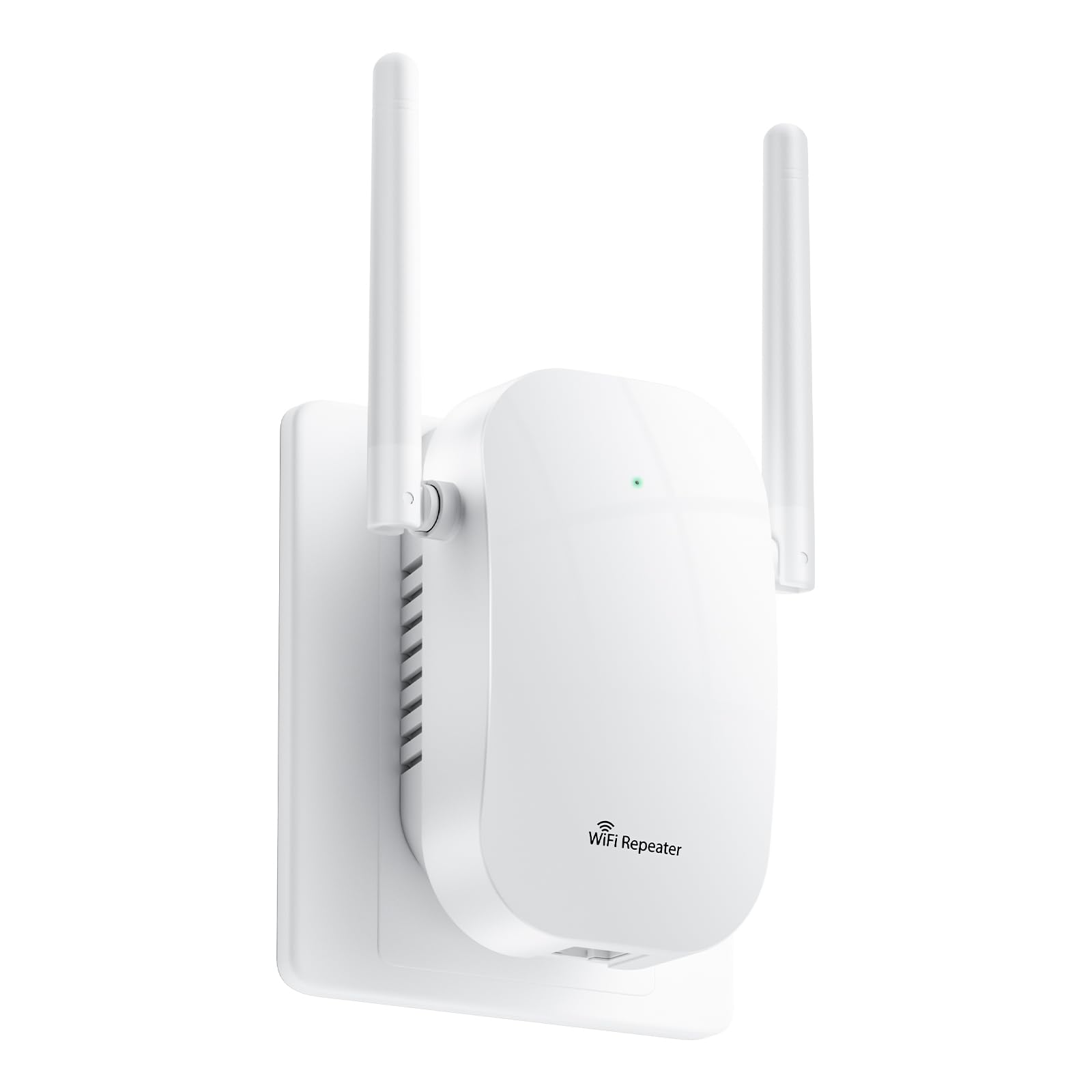
The WERCHTAY AC1200 extender makes an aggressive coverage claim of up to 12,880 square feet and support for up to 105 devices, which positions it as a budget-friendly solution for large homes with many connected gadgets. It uses four high-gain external antennas and a dual-band architecture that splits the 2.4 GHz and 5 GHz bands with distinct SSIDs for manual band selection. The extender includes an ethernet port, allowing you to connect a wired device directly or configure it in access point mode.
Setup is accomplished through the WPS push-button method or via a browser-based interface that requires entering the extender’s IP address. Users with a moderate technical background reported that the extender resolved dead zones in garages, guest quarters, and backyards, and that the signal reliably penetrated thick Florida-style stucco and concrete walls. The distinct SSID approach is helpful for users who want to manually choose between the longer-range 2.4 GHz band and the faster 5 GHz band depending on the task.
The unit has a higher-than-average failure rate in user reviews, with some units stopping communication with the router after a few months of use. A power surge or power cycle event was also reported to cause intermittent connectivity issues that required a factory reset. The manufacturer offers a 3-year warranty and 24-hour after-sales support, which provides a safety net for the price point. For someone willing to accept some potential reliability risk in exchange for the lowest entry cost to AC1200 extension, this model fills that niche.
Why it’s great
- Aggressive coverage claim at an entry-level price
- Ethernet port for wired device connections
- 3-year warranty provides long-term peace of mind
Good to know
- Some units reported failure after a few months of use
- Distinct SSIDs for 2.4GHz and 5GHz bands
FAQ
Will an AC1200 repeater increase my internet speed?
What is the difference between OneMesh and a standard repeater?
Where should I place my AC1200 repeater for the best results?
Can I use an AC1200 repeater with a mesh WiFi system?
Do I need an ethernet port on my AC1200 repeater?
Final Thoughts: The Verdict
For most users, the best ac1200 wifi repeater winner is the TP-Link RE300 because its OneMesh technology eliminates the hassle of juggling two separate networks while providing reliable coverage for up to 25 devices and a 2-year warranty from an established networking brand. If you need ethernet connectivity for wired devices or you want the flexibility of multiple operating modes, grab the WAVLINK AC1200 with its four external high-gain antennas. And for coverage across the largest homes or multi-story layouts where every square foot counts, nothing beats the ROQRL AC1200 with its aggressive antenna array and MU-MIMO support for multi-device households.