
Our readers keep the lights on and my morning glass full of iced black tea. As an Amazon Associate, I earn from qualifying purchases.
Specs are compiled from manufacturer listings and verified buyer reviews and can change over time — please confirm the key details on the product page before buying.
Choosing an active pen for your tablet shouldn’t feel like a research project, but the sheer number of options often makes it one. The central question is simple: which stylus gives you a natural, lag-free writing or drawing experience while staying affordable? This guide cuts through the noise to find the pens that actually deliver on their promises.
I’m Min — the founder and writer behind Gadgets Feed. This guide is built by comparing the manufacturers’ published specifications and the patterns across verified customer reviews, so you get each pick’s real strengths and trade-offs instead of marketing spin.
Whether you own an iPad, an Android tablet, or a Windows device, finding the right active pen for tablet means knowing which specs actually matter for your daily use, from battery life to palm rejection.
Our Picks at a Glance
How To Choose The Best Active Pen For Tablet
Not all active pens work the same way. Your choice depends on three main factors: what tablet you have, how you intend to use the pen, and which features you are willing to trade off for a lower price. Here is what to look for.
Compatibility Comes First
An active pen is useless if it does not work with your device. Most pens on this list are built for iPads from 2018 onward, but a few work with Android phones and tablets, the Nintendo Switch, and even iPhones. Always double-check your iPad model number in Settings before ordering, because older models and non-iOS devices often require completely different stylus technology.
Battery Life Versus Charging Speed
You will see two numbers on every spec sheet: total battery life (how long the pen lasts on a full charge) and charging time (how long it needs to be plugged in). A pen that charges in 15 minutes and lasts 10 hours may be more convenient than one that charges in 2 hours but lasts 20 hours, because you can top it up during a short break.
The Real Value of Palm Rejection
Palm rejection lets you rest your hand flat on the screen while writing without the tablet registering it as a touch input. This is a must-have for note-taking and drawing. Without it, you would need to hover your hand awkwardly above the screen or wear a special glove.
Quick Comparison
| Model | Best For | Battery Life | Charging Time | Compatibility | Amazon |
|---|---|---|---|---|---|
| JAMJAKE Stylus Pen★ Best Overall | Fastest Charging iPad Pen | 15 hours | 15 minutes | iPad 2018-2026 | $15.99$24.99PrimeAmazon |
| Metapen A8Also Great | Best Overall iPad Pen | 10 hours | 30 minutes | iPad 2018-2026 | $15.19$24.99PrimeAmazon |
| SuitMeeUp Stylus Pen | Tilt-Sensitive Drawing Pen | 10 hours | 30 minutes | iPad 2018-2025 | $19.99$29.99Amazon |
| STYLUSHOME Universal Pen | Multi-Device Stylus | 10 hours | 15 minutes | iPad & Android/iOS | $15.99$18.99PrimeAmazon |
| Kenkor Stylus Pen | Budget Universal Pick | 8-10 hours | 1-1.5 hours | iPad, iPhone, Android, Switch | $14.99Amazon |
| HP Active Rechargeable Tilt Pen | Windows/Laptop Stylus | 720 hours standby | USB-C rechargeable | Laptop, Tablet | $56.18Amazon |
In‑Depth Reviews
1. JAMJAKE Stylus Pen for iPad
Our pick — over 4★ from 101,500+ verified ratings; the strongest balance of quality and price.
The stylus that charges twice as fast as most rivals and keeps running for 15 hours.
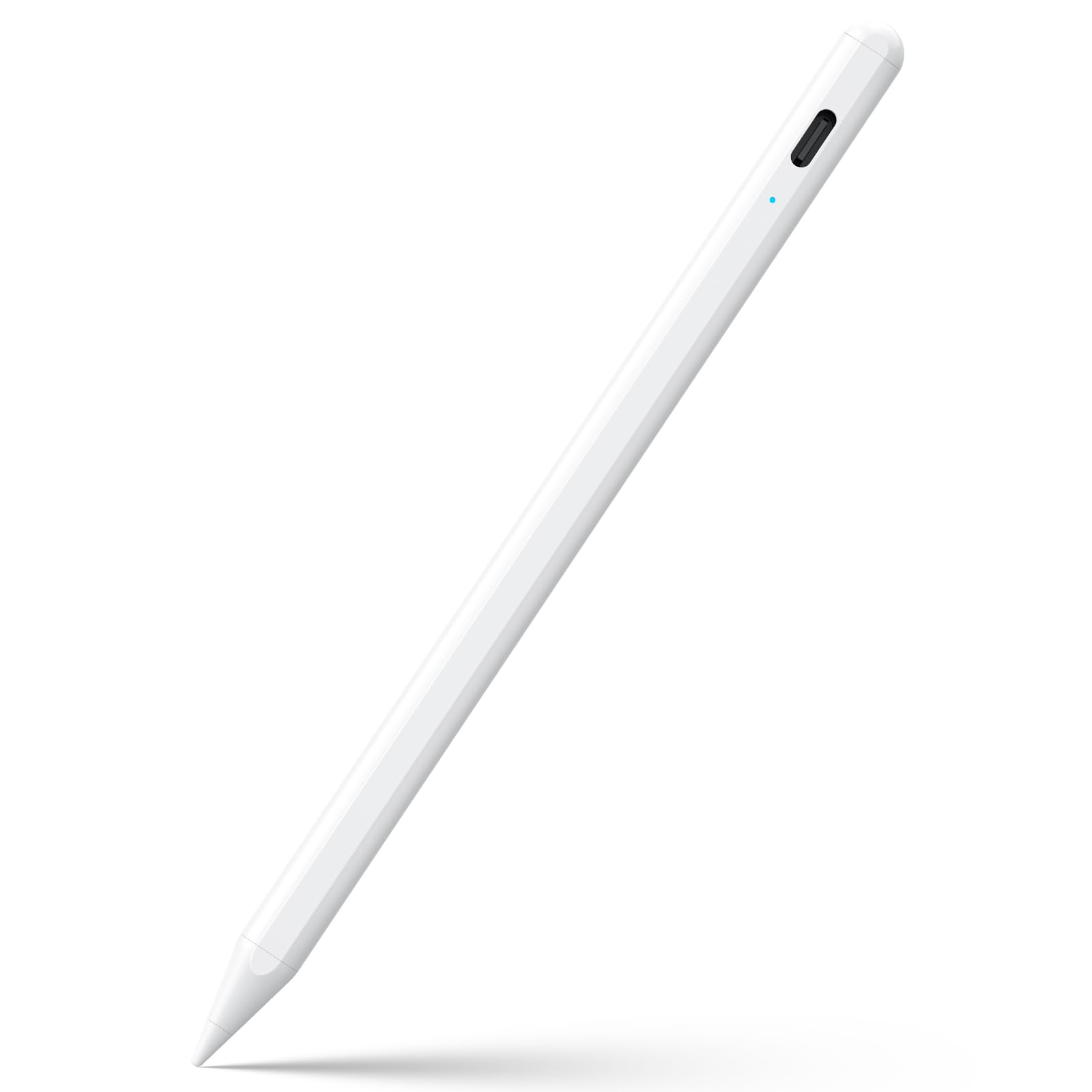
A 15-minute charge gets you 15 hours of work time — that is the headline feature of the JAMJAKE pen, and it beats the Metapen A8 on both charging speed (15 minutes vs 30) and total battery life (15 hours vs 10). The pen activates with a simple touch of the cap button, so no fiddling with Bluetooth pairing or app connections. You just tap and write.
The 1.5 mm tip gives you finer control than a finger, and the palm rejection lets you rest your hand naturally on the screen. Compatible with iPad models from 2018 through 2026 — including the iPad Pro M4 and iPad 11th Gen — but it does not work with iPhones, Android devices, or any Microsoft products. Owners mention that the plastic body feels lighter than the Metapen’s metal build, but the trade-off is a noticeably lower price and that industry-leading battery life.
The pen is also noticeably larger than the Metapen A8 — the JAMJAKE measures 7.52 x 2.4 x 0.6 inches versus the Metapen’s 6.53 x 0.35 x 0.35 inches — so it is a thicker, more substantial pen in your hand. The lack of a pen cap and charging port cover means the USB port is exposed, which is something to watch for if you toss it loose in a bag. It also lacks tilt sensitivity entirely, making it less suited for artists who want variable line widths from angles.
What makes it stand out
- 15-minute full charge is among the fastest available
- 15-hour battery life outlasts almost every competitor in this price range
- Simple touch-switch activation, no Bluetooth pairing needed
Where it falls short
- Plastic enclosure feels less premium than aluminum alternatives
- No tilt sensitivity for shading or variable line width
- Exposed charging port with no cap or cover included
Ideal for: heavy daily writers and students who forget to charge often — the 15-minute top-up and 15-hour endurance mean you rarely get caught with a dead pen.
Not for: artists who need tilt response or anyone who wants a premium metal feel in hand.
2. Metapen A8 iPad Pencil
The all-metal stylus that charges in four minutes and lasts through a full workday.
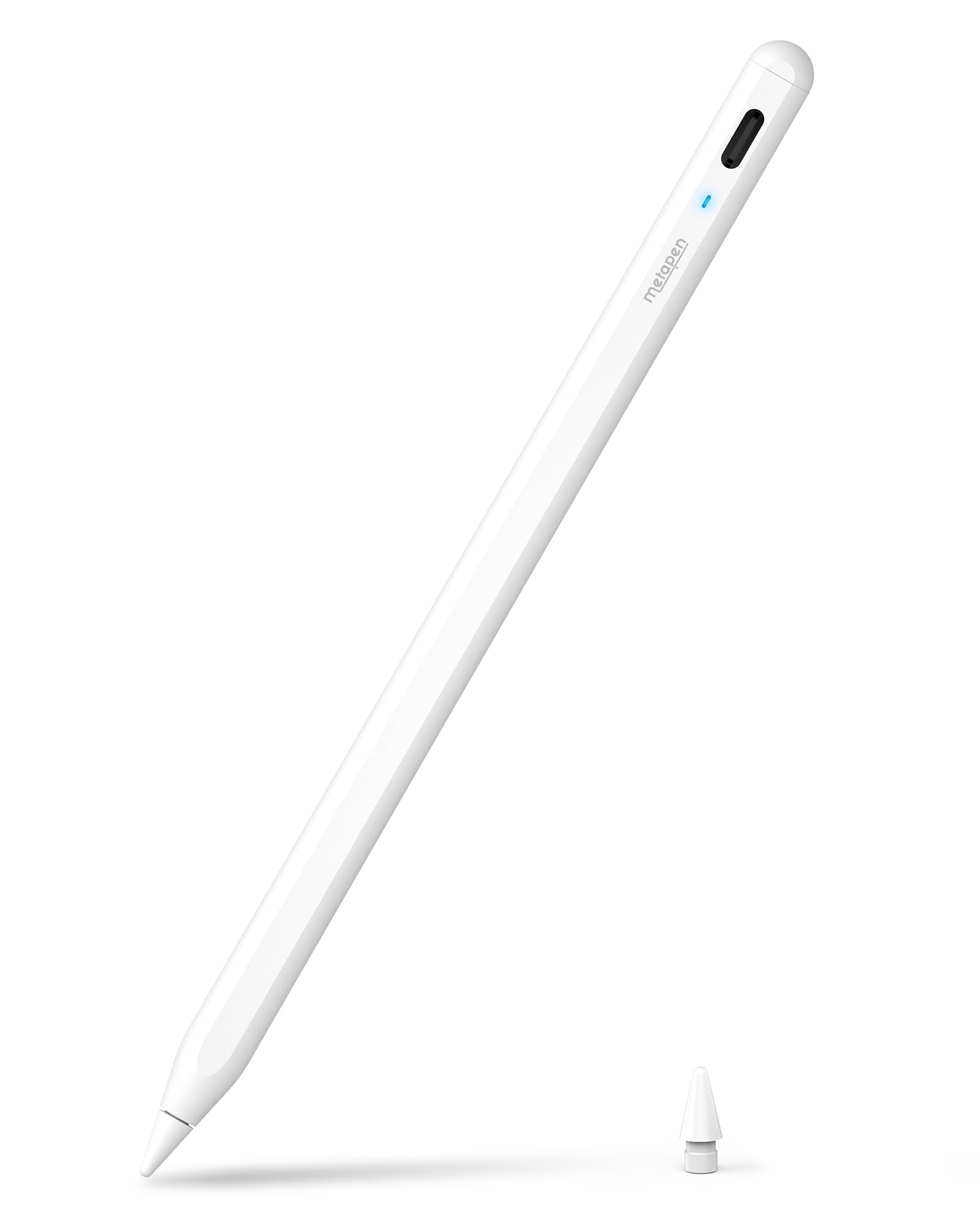
The Metapen A8 gives you a solid, durable feel with its aluminum barrel — the brand states it has 200 MPa flexural strength and survives 1.2m drops over 50 times, so it is built tougher than the plastic alternatives. You get pixel-precise accuracy down to 0.1 mm, which means those tiny handwriting notes and fine sketch lines come out sharp without any lag or breakpoints.
Up to 10 hours of use from a 30-minute full charge is standard, but the a neat extra is the 4-minute fast charge that gives you 2 hours of use. That is a lifesaver when you realize the battery is low right before a meeting or class. The palm rejection works as expected — you can rest your whole hand on the screen without interference — and the two built-in magnets keep the pen attached to the iPad so it does not roll off the desk. Buyers report that the included two extra replacement tips are a welcome touch for frequent users.
The one catch is that this pen does not support pressure sensitivity, magnetic charging, or wireless charging from any iPad model. It also does not magnetically attach to the iPad Air 3rd/M2/M3 Gen, the iPad 6th through 11th Gen, or the iPad mini 5th or 7th Gen — so check your specific model’s magnetic attachment before you buy if that matters to you. Unlike the JAMJAKE below, the Metapen takes 30 minutes to charge versus 15, but you get a metal body that the JAMJAKE’s plastic enclosure does not offer.
Built to last: The aluminum barrel and replaceable tips make this a smart long-term buy for daily note-takers and students who need a pen that can survive a drop.
One limitation: No pressure sensitivity means digital artists looking for brush weight variation will need to look at more expensive options.
Reach for this if: you want a durable metal iPad pen with super-fast emergency charging and zero-lag precision for everyday writing and sketching.
Look elsewhere if: you rely on pressure-sensitive brush strokes for professional digital art or need magnetic attachment to older iPad models.
3. SuitMeeUp Stylus Pen for iPad
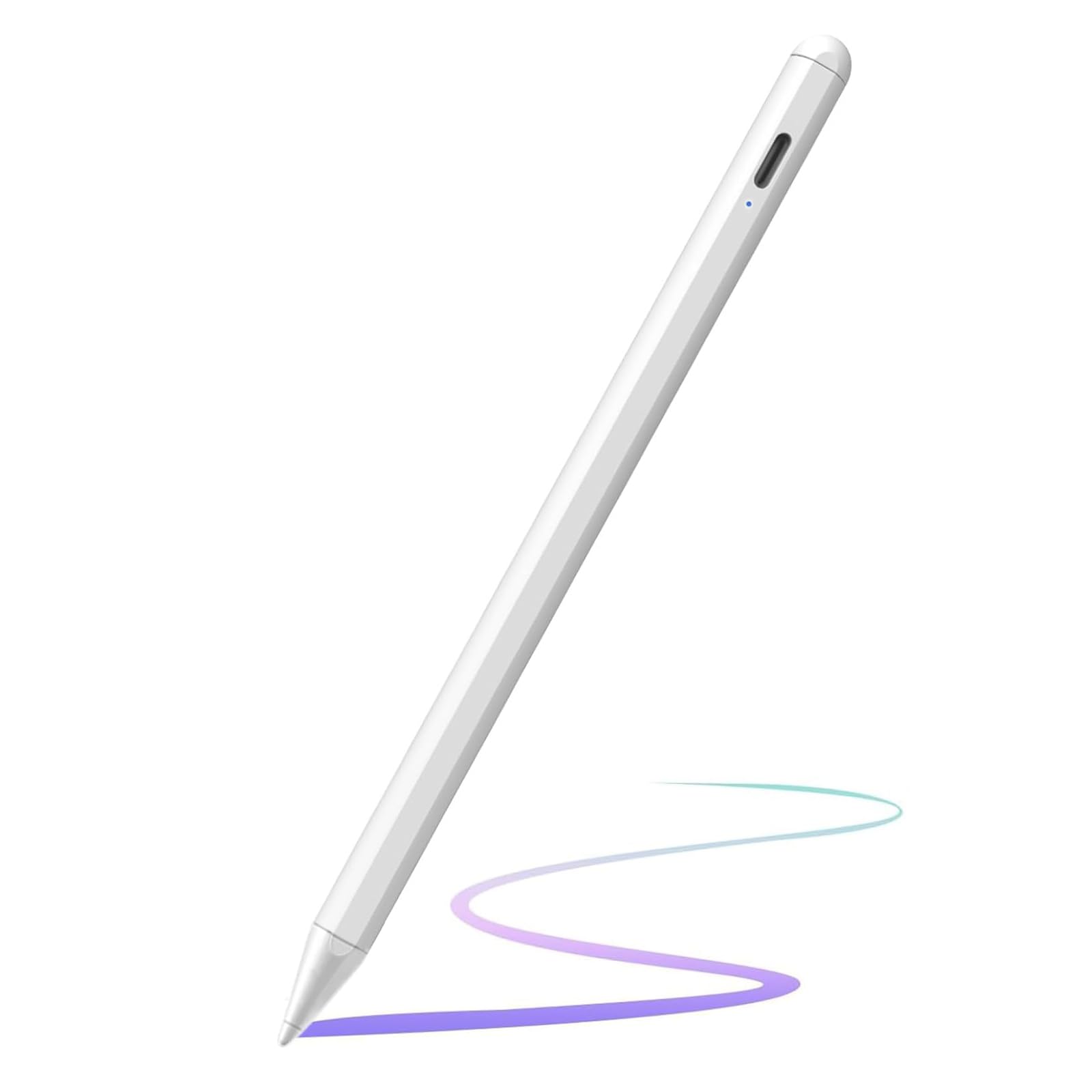
The tilt-sensing stylus that detects angles up to 60 degrees for real-time line shading.
Artists and sketchers will appreciate the SuitMeeUp pen because it offers tilt sensitivity — it detects angular shifts up to 60 degrees and adjusts line thickness and opacity dynamically in supported apps. That is a feature you do not get on the JAMJAKE or the Kenkor pen, and it makes a real difference when you are shading a drawing or trying to get brush-like stroke variation.
The palm rejection works well for long note-taking sessions, and the 1.5 mm tip handles fine details without jitter. It charges fully in 30 minutes and gives you 10 hours of continuous use, which is identical to the Metapen A8 but without the fast-charge nifty trick. It goes into auto-sleep after 5 minutes of inactivity to save battery, and a quick tap on the top wakes it up. Compatible with iPad models from 2018 to 2025, including the iPad A16 and the Pro M4.
Customers note that the magnetic attachment is noticeably stronger than some other pens they have tried, which helps prevent it from sliding off the side of the iPad when you set it down. The body is made from plastic and rubber rather than aluminum, so it lacks the premium heft of the Metapen or the HP pen. It also does not offer pressure sensitivity, which is the next step up for professional digital artists who need brush stroke weight control beyond what tilt provides.
Tilt advantage: The 60-degree tilt detection gives this pen a genuine edge for sketching and shading that most budget styluses lack entirely.
Trade-off to know: The plastic-and-rubber build feels less durable than all-metal pens, and there are no replacement nibs included in the package.
Pick this if: you draw or sketch on your iPad and want tilt response for shading without spending premium money.
Pass if: you are a professional digital artist who needs true pressure sensitivity, or you prefer a metal-bodied pen.
4. STYLUSHOME Universal Stylus Pen

The dual-mode stylus that switches between iPad and Android devices with one button press.
This is the rare active pen that works across both iOS and Android ecosystems. It has two modes: iPad mode (green light) for 2018-2025 iPad models with full palm rejection, and Other Device mode (blue light) for iPhones, Apple Watch, Nintendo Switch, and Android phones and tablets. That means one pen can cover your tablet and your phone, which is convenient if you switch between devices often.
It charges in just 15 minutes via USB-C and lasts up to 10 hours, matching the JAMJAKE on speed but with half the total battery life. The 1.5 mm nib is replaceable — the package includes 3 extra tips and a USB-C cable. Palm rejection only works in iPad mode, so when you switch to Android or iPhone mode you lose that feature and essentially get a fine-tipped capacitive stylus instead. The pen has a multi-function indicator that shows green for iPad mode, blue for other touchscreens, and red when the battery is below 5%, so you always know what is happening.
One downside is that this pen does not work with Fire HD, Kindle, Pixel, or Chromebook devices, which limits its universal promise somewhat. It also lacks tilt sensitivity entirely. Buyers mention that the dual-mode switching is straightforward and responsive, but the pen feels slightly top-heavy compared to all-metal alternatives like the HP pen. The aluminum body is a nice touch at this price point, though, and the included 1-year warranty adds confidence.
Why it wins on versatility
- Works with both iOS and Android devices, plus Nintendo Switch
- Fast 15-minute charging with USB-C
- Dual magnets for secure iPad attachment
- Aluminum enclosure at a budget-friendly price
Where it compromises
- Palm rejection only works in iPad mode
- Not compatible with Fire HD, Kindle, or Chromebooks
- No tilt sensitivity for drawing
Great for: people who have both an iPad and an Android phone and want a single stylus that works across both without carrying two pens.
Skip if: you are an artist who needs tilt or pressure sensitivity, or you own a Chromebook or Kindle Fire.
5. Kenkor Stylus Pen for Touchscreen

The budget-friendly stylus with a backup mesh tip that works even when the battery dies.
The Kenkor pen solves the biggest fear of active stylus users — a dead battery — by including a magnetic mesh tip on the opposite end. When the built-in battery runs out, you can flip the pen over and use the mesh end as a passive capacitive stylus that works on any touch screen without needing power. That is a genuinely thoughtful feature that no other pen on this list offers.
It charges in 1 to 1.5 hours via Micro USB and provides 8 to 10 hours of use, which is the shortest battery life here and the longest charging time. The JAMJAKE, by comparison, offers 88% more battery life (15 hours vs 8-10 hours). The 1.45 mm copper tip is slightly finer than the 1.5 mm nibs on most competitors, which helps with writing small characters. The aluminum enclosure feels sturdy in hand, and it works with a wide range of devices including iPad, iPhone, Android tablets and phones, and the Nintendo Switch.
Where the Kenkor falls short is the lack of palm rejection — it is not advertised as having it, so you need to hover your hand or use a drawing glove when writing. It also does not support tilt sensitivity, and the battery life autosleep kicks in after 5 minutes of inactivity. Reviewers point out that the simple on/off button is easy to use, but the Micro USB charging port feels dated compared to the USB-C ports on newer models. It is not compatible with Chromebooks, Lenovo, Windows, or Samsung devices using the S-Pen.
Smart backup feature: The included mesh tip that works when the battery is empty gives this pen a practical edge that no other budget stylus offers.
Real limit: No palm rejection means you cannot rest your hand on the screen, which makes long writing sessions noticeably more awkward than with the Metapen or JAMJAKE.
Ideal for: casual users who want a single pen for both their tablet and phone and appreciate having a non-powered backup tip.
Not ideal for: heavy note-takers or anyone who wants palm rejection — the lack of it makes sustained writing tiring.
6. HP Active Rechargeable Tilt Pen MPP 2

The professional-grade stylus for Windows laptops and tablets with MPP 2.0 precision.
If you use a Windows laptop, a 2-in-1 convertible, or a tablet like the HP Elite or ProBook, this pen is built specifically for that ecosystem. The HP Active Pen uses Microsoft Pen Protocol (MPP) 2.0 technology, which provides less delay, smoother color transitions, and an enhanced response time compared to older pens. It requires only 9 grams of pressure — a very light touch — to register input, so you do not need to push hard on the screen.
You get two customizable buttons on the barrel that let you control application-specific shortcuts, like right-click, eraser, or page forward, which is a feature none of the other pens here offer. The battery life is listed at 720 hours on standby — that is an astonishingly low power draw when idle — compared to the Kenkor’s 8-10 hours of active use, though HP does not specify the continuous active battery life. It recharges via USB-C and comes with two exchangeable tips.
The major limitation is compatibility: this pen is designed for Windows devices and will not work with iPads, iPhones, or most Android tablets. It is also the most expensive option on this list by a wide margin. Shoppers say that the magnetic barrel stores neatly on the side of compatible HP laptops, but the slim 5.89 x 0.37 x 0.37-inch design may feel too thin for people with larger hands.
What pros will like
- MPP 2.0 technology provides very low latency for drawing and writing
- Two programmable buttons for workflow shortcuts
- Extremely low standby power draw at 720 hours
- Slim aluminum design with magnetic barrel
What limits it
- Only compatible with Windows devices, not iPads or Android tablets
- Premium price compared to every other option here
- Slim barrel may be uncomfortable for larger hands
Best for: Windows laptop or 2-in-1 users who need a precise, low-latency pen with programmable controls for professional creative or productivity work.
Not for: iPad or Android tablet owners — this pen will simply not work with those devices.
Understanding the Specs
Charging Time
This is the most underrated spec in active pens. A pen that fully charges in 15 minutes (like the JAMJAKE) is far more practical than one that takes 1.5 hours (like the Kenkor) because you can realistically top it up during a short break. The Metapen A8 offers a middle-ground solution: a 4-minute quick charge gives you 2 hours of use, even though a full charge takes 30 minutes.
Palm Rejection vs Pressure Sensitivity
Palm rejection stops your hand from creating accidental marks on the screen while you write — it is a standard feature on most active pens and is essential for note-taking. Pressure sensitivity lets you vary line thickness by pressing harder or softer, which is important for digital art. Many budget pens claim palm rejection but lack pressure sensitivity entirely. If you only take notes, palm rejection is all you need. If you draw, you may want both.
FAQ
Will an active pen work with any iPad model?
Can I use an active pen on an Android tablet or phone?
What is the difference between an active stylus and a passive stylus?
Does an active pen work with a screen protector?
How often do I need to replace the nib on an active pen?
Can I charge an active pen with my iPad charger?
What is tilt sensitivity and do I need it?
Why does my active pen show a red light?
Will the HP Active Pen work with my iPad?
Final Thoughts: The Verdict
For most buyers, the active pen for tablet winner is the Metapen A8 because it combines a durable aluminum body, 0.1mm pixel precision, and a practical 4-minute fast-charge feature that fits naturally into daily use. If you want the fastest charging and longest battery life for your iPad, grab the JAMJAKE Stylus Pen. And for tilt-sensitive drawing on an iPad without spending a fortune, the standout is the SuitMeeUp Stylus Pen.
How We Picked
We do not accept paid placement. Every pick is matched to a real buyer and a real use-case; we do not hands-on test units.
Sources & Methodology
Specifications: manufacturer listings and product documentation. Review insights: verified customer reviews, as of July 2026. Pricing: not shown on this page (it changes often); check the current price via the retailer link.
As an Amazon Associate, Gadgets Feed earns from qualifying purchases. This does not affect which products we feature.
Related Guides
Product prices and availability are accurate as of the date/time indicated and are subject to change. Any price and availability information displayed on Amazon at the time of purchase will apply to the purchase of this product. As an Amazon Associate I earn from qualifying purchases.
CERTAIN CONTENT THAT APPEARS ON THIS SITE COMES FROM AMAZON. THIS CONTENT IS PROVIDED "AS IS" AND IS SUBJECT TO CHANGE OR REMOVAL AT ANY TIME.
Amazon and the Amazon logo are trademarks of Amazon.com, Inc. or its affiliates.