
Finding a monitor that balances a crisp Full HD image with a high refresh rate without demanding a second mortgage is the real challenge in today’s display market. The right choice transforms your daily workflow, makes gaming far more responsive, and delivers sharp visuals for years without breaking your budget.
I’m Rikta — the co-founder and writer behind Gadgets Feed. I spend my time dissecting panel technologies, refresh rate performance, and connectivity standards to separate genuine value from marketing noise in the monitor space. (And Homer 🐱 quality-checked the unboxing pile by sitting directly on the cardboard.)
Whether you need a faster display for competitive play or a reliable screen for everyday productivity, this guide covers the best options available right now. Read on for a carefully curated selection of the best affordable 1080p monitor choices that deliver real performance without the premium price tag.
How To Choose The Best Affordable 1080p Monitor
Selecting the right 1080p monitor comes down to understanding which specifications genuinely impact your daily experience. Refresh rate, panel type, and connectivity are the three pillars that define whether a monitor feels like a bargain or a compromise.
Refresh Rate and Response Time
A 60Hz monitor handles basic office tasks, but stepping up to 100Hz, 120Hz, or even 200Hz transforms how smooth motion appears on screen. Higher refresh rates reduce perceived stutter during scrolling and make fast-paced games feel dramatically more responsive. Pair this with a low response time measured in milliseconds to avoid ghosting in fast-moving scenes.
Panel Technology
IPS panels dominate the affordable segment for good reason. They offer superior color accuracy and wide viewing angles compared to older TN panels. VA panels provide deeper blacks and higher contrast but often have slower response times. For a balanced mix of productivity and gaming, IPS is the safe bet.
Connectivity and Adaptive Sync
Check that the monitor includes the ports you need, such as HDMI and DisplayPort. Adaptive Sync technologies like AMD FreeSync or G-Sync Compatible synchronize the monitor’s refresh rate with your graphics card, eliminating screen tearing without introducing stutter. This feature is a must for any gaming-focused purchase.
Quick Comparison
On smaller screens, swipe sideways to see the full table.
| Model | Category | Best For | Key Spec | Amazon |
|---|---|---|---|---|
| Sceptre C255B-FWT240 | Curved Gaming | High-refresh competitive play | 240Hz, 1500R Curve, 1ms | Amazon |
| ASUS TUF VG259QMR5A | Fast-IPS Gaming | Ultra-fast competitive esports | 310Hz, 0.3ms GTG, Fast-IPS | Amazon |
| SANSUI Curved 27 | Curved High Refresh | Immersive gaming with deep contrast | 240Hz, 4000:1 Contrast, 1500R | Amazon |
| AOC 24G42HE | Budget Gaming | Value-focused FPS gaming | 200Hz, 1ms MPRT, 116% sRGB | Amazon |
| LG 27U411A-B | All-Rounder IPS | Fluid everyday use and casual gaming | 120Hz, 1ms MBR, 99% sRGB | Amazon |
| Amazon Basics 27 | Office & Productivity | Multi-monitor office setups | 120Hz, 99% sRGB, Built-in speakers | Amazon |
| Acer SB273 G0bi | Zero-Frame | Sleek dual-monitor workspace | 120Hz, 1ms VRB, Zero-Frame | Amazon |
| Dell SE2725HM | Enterprise Utility | Reliable work from home | 100Hz, ComfortView Plus, Anti-Glare | Amazon |
| ViewSonic VS2747-H | Budget Home Office | Affordable basic productivity | 100Hz, IPS, Eye Care tech | Amazon |
In‑Depth Reviews
1. Sceptre Curved 24.5-inch Prime Gaming Monitor C255B-FWT240

The Sceptre C255B-FWT240 delivers an exceptional 240Hz refresh rate on a 24.5-inch 1500R curved panel that wraps the action around your field of view. The 1ms response time eliminates ghosting during intense shooters, while AMD FreeSync Premium keeps frame pacing smooth without tearing. This monitor is built to give competitive gamers a visible edge without demanding a flagship budget.
Color reproduction is surprisingly vivid for this tier, with a 99% sRGB gamut that makes games and media pop. The built-in speakers are a practical bonus for desk setups where space is tight. The metal stand feels sturdy and provides tilt adjustment, though height and swivel are absent, which is expected at this price.
Setup is straightforward, and the on-screen display offers extensive customization including blue light reduction. Users consistently praise the immersive curve and rock-solid build quality over extended use. For anyone wanting high-refresh gaming in a compact, immersive form factor, this is the standout choice.
Why it’s great
- 240Hz refresh rate with FreeSync Premium for ultra-smooth gaming
- 1500R curve creates genuine immersion without distortion
- Built-in speakers save desk space
Good to know
- Colors may run slightly cool out of the box
- No height or swivel adjustment on the stand
2. ASUS TUF Gaming VG259QMR5A
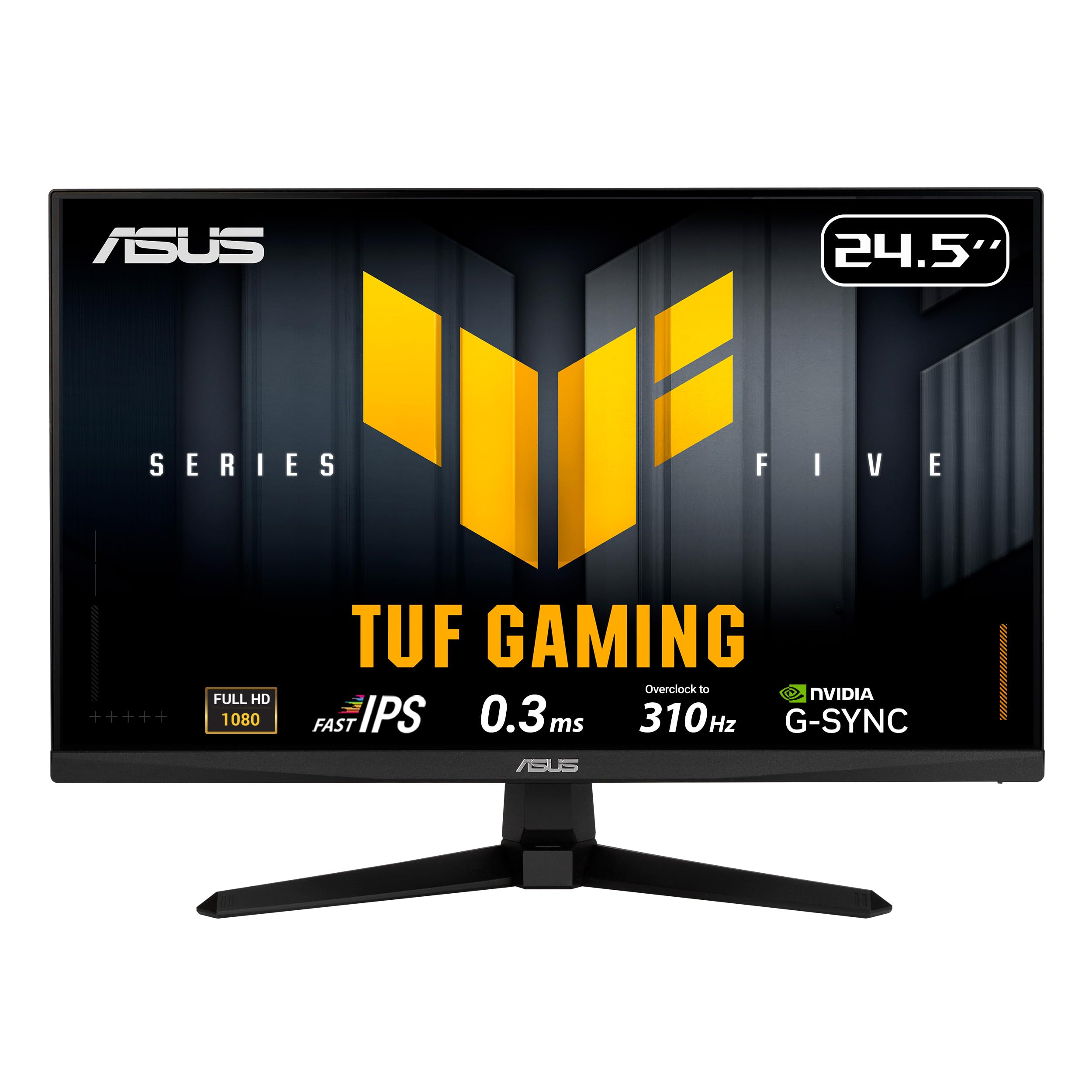
The ASUS TUF Gaming VG259QMR5A pushes 1080p performance to the extreme with a native Fast-IPS panel that overclocks to a blistering 310Hz. The 0.3ms GTG response time is among the fastest available, virtually eliminating motion blur for esports titles where every millisecond counts. It supports both FreeSync Premium and G-Sync Compatible, giving you tear-free gameplay regardless of your GPU brand.
Color accuracy is impressive with 99% sRGB coverage, and the Extreme Low Motion Blur Sync technology allows you to use ELMB alongside variable refresh rate for exceptionally sharp motion. The DisplayWidget Center software lets you adjust OSD settings with a mouse, a convenience rarely seen at this level. Build quality is solid, though the stand lacks height adjustment, so plan for a VESA arm if ergonomic flexibility is critical.
Users highlight the smooth performance and versatile settings, with dedicated gaming modes that enhance immersion. The lightweight design feels durable, and the three-year warranty adds peace of mind. This monitor is built for the serious competitive player who refuses to compromise on refresh rate.
Why it’s great
- 310Hz overclocked refresh rate with 0.3ms response time
- Dual adaptive sync support for any GPU
- DisplayWidget software for easy OSD control
Good to know
- Stand is tilt-only with no height adjustment
- Premium price reflects top-tier specs
3. SANSUI 27 Inch Curved 240Hz Gaming Monitor
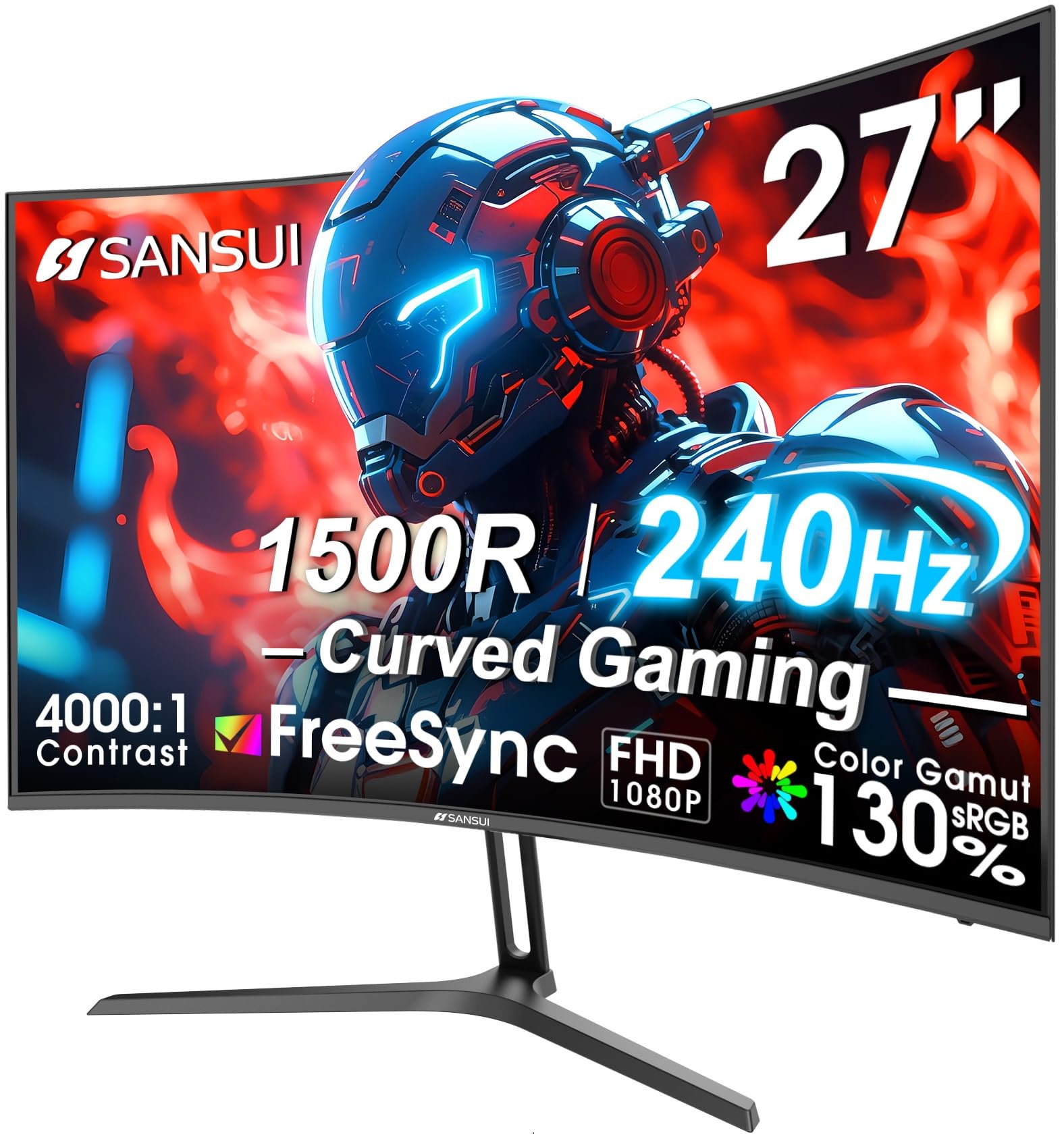
The SANSUI 27-inch curved monitor combines a 240Hz refresh rate with a 1500R curvature and a 4000:1 contrast ratio, delivering deep blacks and vivid highlights that flat panels struggle to match. The VA-type panel provides excellent dark-room performance, making horror games and cinematic scenes notably more immersive. The 1ms MPRT response time keeps fast action clear, while AMD FreeSync ensures smooth frame delivery.
Color gamut covers 130% sRGB and 95% DCI-P3, which is exceptional for the price and produces rich, punchy visuals out of the box. The metal stand offers tilt adjustment and feels more premium than plastic alternatives. There are no built-in speakers, but the inclusion of a DisplayPort cable and VESA compatibility makes setup flexible.
Buyers consistently praise the vibrant colors and sturdy metal stand, noting the monitor punches well above its price bracket. The anti-glare coating reduces reflections in bright rooms. If you want a large, curved high-refresh monitor for immersive gaming and media consumption, this is the standout value pick.
Why it’s great
- 240Hz refresh rate with 1500R curve for deep immersion
- 4000:1 contrast ratio for excellent black levels
- Wide color gamut with 130% sRGB coverage
Good to know
- No built-in speakers
- VA panel may show slightly slower pixel response than IPS alternatives
4. AOC 24G42HE 24 Inch Gaming Monitor
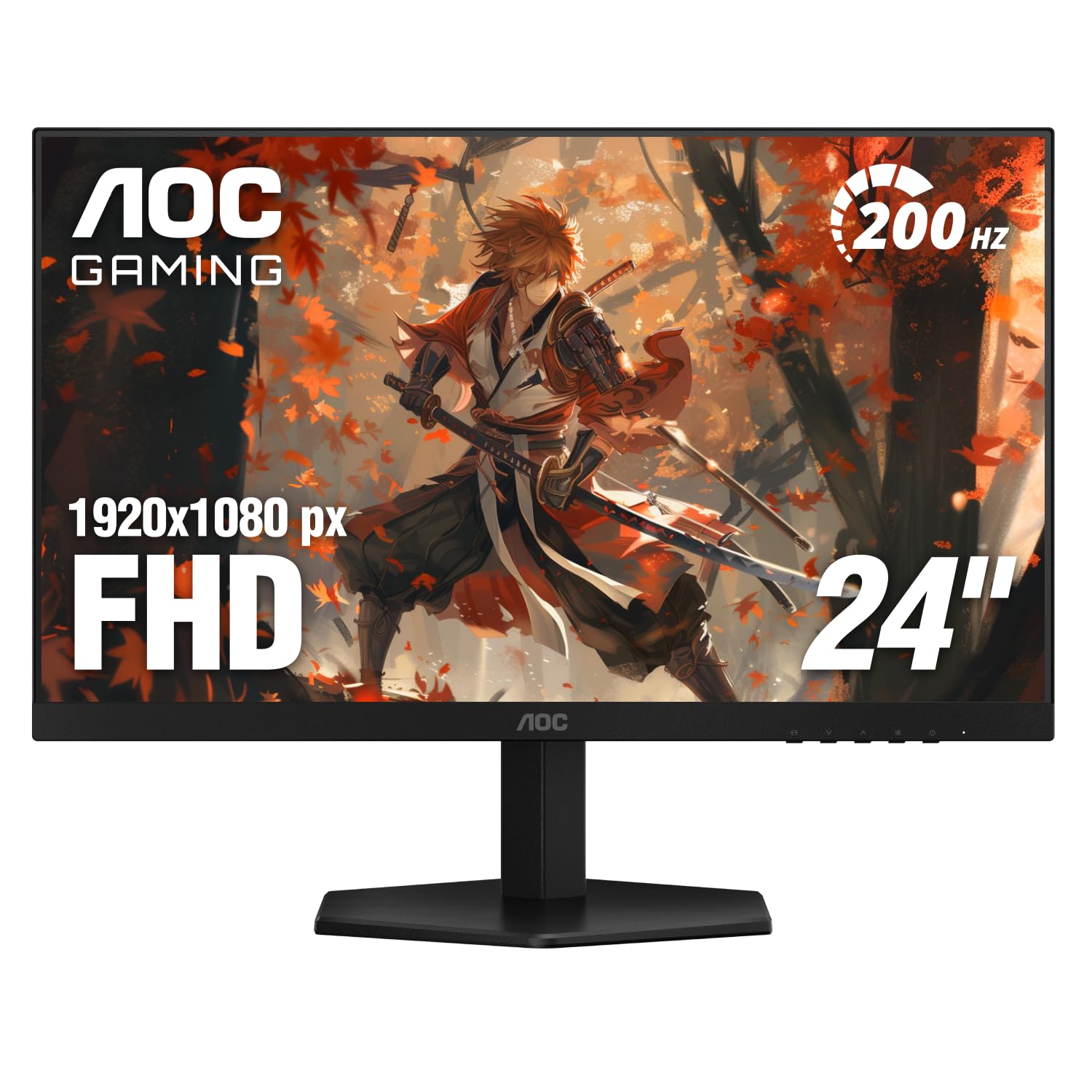
The AOC 24G42HE delivers a 200Hz refresh rate on a 23.8-inch IPS panel with a 1ms MPRT response time, making it a formidable contender for FPS and racing games. The 116% sRGB color gamut produces vibrant, punchy colors that elevate both gaming and media consumption. Adaptive-Sync support keeps gameplay tear-free, and the 3-sided frameless design is ideal for multi-monitor battle stations.
Console gamers benefit from the low input lag mode, which unlocks up to 120Hz on supported consoles. The stand includes tilt adjustment, though some users note it can wobble slightly when pressing the OSD buttons. The three-year Zero-Bright-Dot warranty from AOC provides solid coverage against defective pixels, a rare benefit at this price.
Customer feedback highlights the sharp clarity and impressive color accuracy for a budget gaming monitor. The frameless design makes it easy to line up multiple displays without distracting bezels. For a compact, high-performance IPS monitor that punches above its weight, this AOC is a reliable choice.
Why it’s great
- 200Hz IPS panel with wide color gamut
- Three-year Zero-Bright-Dot warranty
- Console-friendly low input lag mode
Good to know
- Stand can wobble when adjusting OSD
- Speakers not included
5. LG 27U411A-B 27-inch IPS Monitor

The LG 27U411A-B pairs a 27-inch IPS panel with a 120Hz refresh rate and 1ms Motion Blur Reduction, delivering fluid visuals for both work and play. The 99% sRGB color gamut and HDR10 support provide accurate, vibrant colors that make creative tasks more enjoyable. Dynamic Action Sync minimizes input lag, giving you faster reactions in competitive scenarios.
The virtually borderless design and slim stand create a clean, modern look that fits well in dual-monitor configurations. Black Stabilizer brightens dark scenes to reveal hidden details, while Reader Mode reduces blue light for comfortable extended sessions. The on-screen control app allows you to split the display into up to six sections for efficient multitasking.
Buyers appreciate the smooth 120Hz performance and surprising color quality at this price point. The stand lacks height adjustment, but the 100x100mm VESA mount offers flexibility. This LG is an excellent all-rounder that balances high-refresh smoothness with solid IPS color fidelity for mixed use.
Why it’s great
- 120Hz refresh rate with 1ms MBR for smooth motion
- Accurate IPS colors with 99% sRGB coverage
- Useful on-screen control app for multitasking
Good to know
- HDR10 performance is basic
- No built-in speakers
6. Amazon Basics 27-inch Computer Monitor
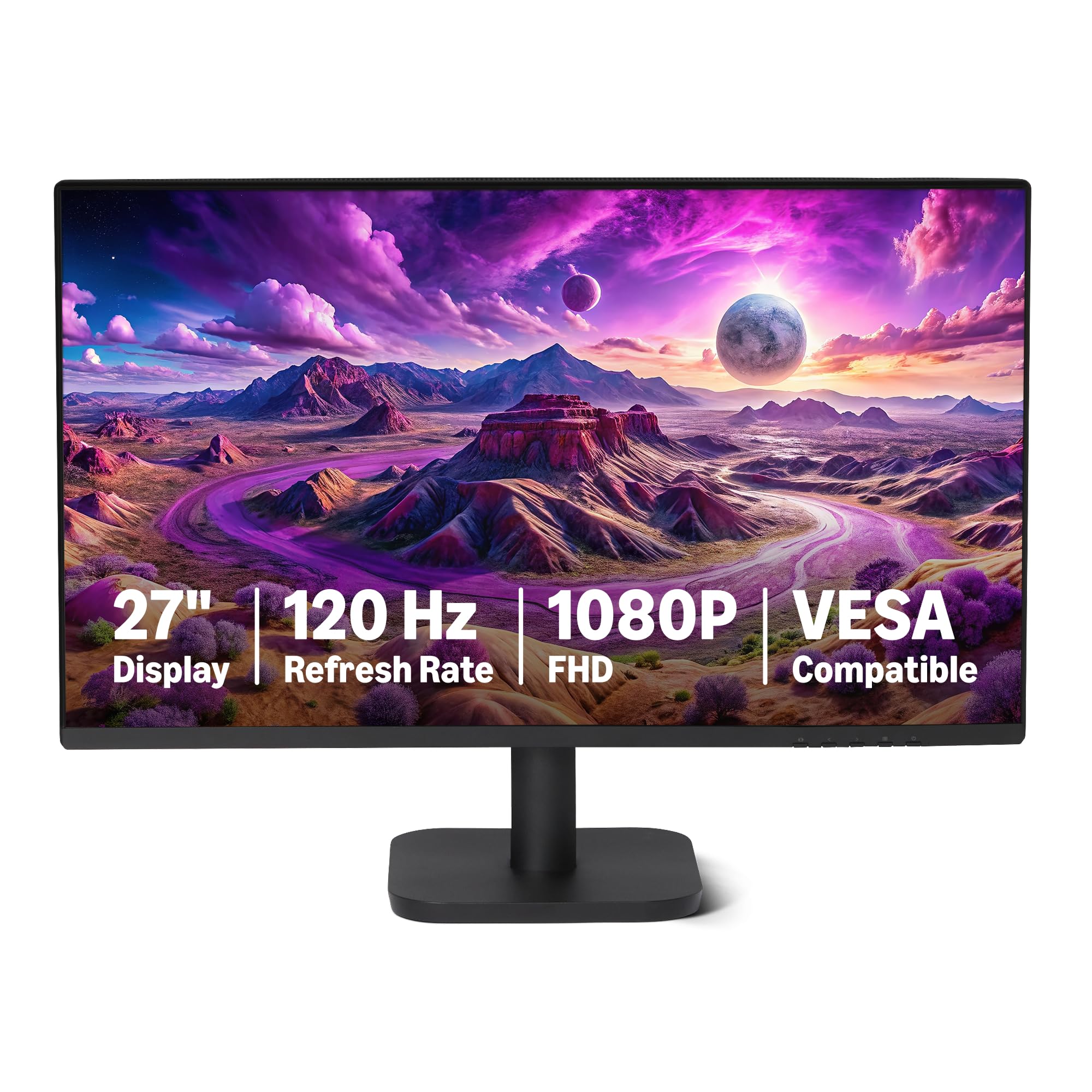
The Amazon Basics 27-inch monitor brings a 120Hz IPS panel with Adaptive Sync to the productivity segment, offering smoother scrolling and reduced motion blur compared to standard 60Hz office displays. The 99% sRGB coverage and 1500:1 contrast ratio deliver clear, vibrant visuals for spreadsheets, documents, and web browsing. The 4-sided narrow bezel design excels in multi-monitor setups where bezel distraction must be minimized.
Connectivity includes HDMI 1.4, DisplayPort 1.2, and a 3.5mm audio-out port, plus built-in 2W x2 speakers for basic audio without cluttering your desk. LowBlue Light and Flicker-Free technology reduce eye strain during long work sessions. The stand offers tilt adjustment, and the overall build feels solid and stable.
Users report excellent plug-and-play compatibility and crisp display quality right out of the box. Some note that achieving the full 120Hz refresh rate requires a compatible cable and graphics card configuration. This monitor is a reliable, no-nonsense choice for home offices and dual-screen productivity workflows.
Why it’s great
- 120Hz Adaptive Sync for smooth office use
- Built-in 2W speakers for convenience
- Ultra-thin bezels for seamless multi-monitor setups
Good to know
- Speakers are functional but not powerful
- Some users needed to manually set 120Hz in display settings
7. Acer SB273 G0bi 27-inch Ultra-Thin Zero-Frame Monitor

The Acer SB273 G0bi combines a 27-inch IPS panel with a 120Hz refresh rate and a 1ms VRB response time, offering fast, tear-free visuals via Adaptive-Sync support. The zero-frame design maximizes screen real estate and makes this monitor an excellent candidate for dual or triple display arrays. The 100,000,000:1 dynamic contrast ratio helps deliver deeper blacks for better image depth.
Connectivity includes HDMI and VGA ports, and the package comes with an HDMI cable for immediate setup. The stand provides tilt adjustment and feels stable, though it is lighter than some competitors. The on-screen display offers multiple presets including gaming, movie, and text modes for quick optimization.
Feedback from users highlights the great price-to-performance ratio, with many noting the picture quality matches far more expensive monitors. Some buyers mention the power cord is short and recommend a replacement for free placement. This Acer monitor is a solid, affordable choice for anyone building a sleek, high-refresh workspace.
Why it’s great
- Zero-frame design perfect for multi-monitor setups
- 120Hz with Adaptive-Sync for smooth gameplay
- Multiple preset modes for different content types
Good to know
- Power cord is relatively short
- VGA only, no DisplayPort input
8. Dell 27 Monitor SE2725HM

The Dell SE2725HM focuses on eye comfort without compromising performance, featuring a 27-inch IPS panel with 100Hz refresh rate and TÜV Rheinland 3-star certified ComfortView Plus. This built-in, always-on technology reduces harmful blue light exposure while maintaining accurate color reproduction, making it ideal for long work sessions and reading. The 100Hz refresh rate provides noticeably smoother scrolling than standard 60Hz monitors.
The matte anti-glare panel minimizes reflections in bright environments, and the built-in power supply with cable holder keeps your desk tidy. Connectivity includes HDMI and VGA ports, and the monitor supports VESA mounting. The stand offers tilt adjustment, and the overall build quality reflects Dell’s enterprise heritage with uniform color temperature across units.
Users consistently praise the vivid color and clarity for productivity tasks like spreadsheets, scrapbooking, and blogging. The dead-center VESA mount ensures neutral balance on monitor arms. This Dell monitor is a premium pick for anyone prioritizing eye health and reliable performance in a home office environment.
Why it’s great
- ComfortView Plus reduces blue light without color shift
- Matte anti-glare panel for bright rooms
- Enterprise-grade build quality with uniform panels
Good to know
- No built-in speakers
- Lacks USB ports and DisplayPort input
9. ViewSonic VS2747-H 27 Inch 1080p Monitor

The ViewSonic VS2747-H delivers a 27-inch Full HD IPS display with a 100Hz refresh rate at an entry-level price point that makes it accessible for budget-conscious buyers. The SuperClear IPS technology ensures accurate colors and consistent brightness from any viewing angle, making it suitable for shared workspaces or family use. The thin bezels give the monitor a modern look that fits well on any desk.
Flicker-Free technology and a Blue Light Filter reduce eye strain during extended use, and the optimized view settings include presets for Game, Movie, Web, Text, and Mono modes. Connectivity is straightforward with HDMI and VGA inputs, and the stand provides tilt adjustment. The monitor is easy to set up and works seamlessly with laptops and desktop PCs.
Users find the picture quality and color reproduction impressive for the cost, with many noting it is more than sufficient for regular work, studying, and casual content consumption. If you need a large, reliable IPS monitor for basic productivity without spending extra on high-refresh gaming features, this ViewSonic delivers exactly what you need at a welcome price.
Why it’s great
- 27-inch IPS panel with accurate colors
- Eye Care tech for reduced fatigue
- Easy setup with modern thin bezel design
Good to know
- No DisplayPort input
- 100Hz is sufficient but not competitive-grade
FAQ
Is a 120Hz refresh rate worth it over 60Hz for productivity?
How does Adaptive Sync improve my gaming experience?
What is the ideal screen size for a 1080p monitor?
Final Thoughts: The Verdict
For most users, the best affordable 1080p monitor winner is the Sceptre C255B-FWT240 because it delivers a 240Hz refresh rate, immersive 1500R curve, and solid build quality at a price that undercuts the competition. If you need the absolute fastest panel for competitive esports, grab the ASUS TUF VG259QMR5A. And for a large curved display with deep contrast that excels in immersive gaming and media, nothing beats the SANSUI 27-inch Curved 240Hz monitor.