
An all-in-one computer promises a single-cable, no-clutter workspace, but the real challenge for a buyer on a tight budget is finding a system that balances enough processing power, responsive memory, and a quality display without buckling under daily multitasking loads.
I’m Min — the co-founder and writer behind Gadgets Feed. I’ve spent hundreds of hours cross-referencing benchmarks, port selections, and real-world usage reports to find the machines that deliver genuine value without hidden compromises.
This guide focuses on systems that handle office work, streaming, and school tasks reliably, cutting through the noise to help you pick the best affordable all in one computer for your specific needs.
How To Choose The Best Affordable All In One Computer
Choosing a budget-friendly all-in-one means making smart tradeoffs between processor, memory, and storage. You want a system that feels fast now and remains usable for years, not one that frustrates you with lag after six months.
Processor and RAM: The Responsiveness Duo
Don’t get tricked by high max boost clocks on ancient Celeron or Pentium chips. An Intel N100 or AMD Ryzen 5 with at least 8GB of DDR4 or DDR5 RAM is the real baseline for smooth web browsing, video calls, and office apps. Stepping up to 16GB of RAM is the single biggest upgrade you can make for future-proofing.
Display Quality and Storage Type
A 1080p IPS panel should be your minimum standard for decent viewing angles and color. An NVMe SSD, not a traditional hard drive, is non-negotiable for fast boot times and snappy application loading. A 256GB SSD is the bare minimum; 512GB or 1TB is far more comfortable.
Quick Comparison
On smaller screens, swipe sideways to see the full table.
| Model | Category | Best For | Key Spec | Amazon |
|---|---|---|---|---|
| HP 24 Touchscreen All-in-One | Premium | Versatile Home & School | 16GB DDR4 / 1TB SSD | Amazon |
| Acer Aspire C24 | Mid-Range | Ultra-Smooth Visuals | 120Hz FHD IPS Display | Amazon |
| Dell 24 All-in-One | Mid-Range | Reliable Work & Streaming | Intel Core 3 100U | Amazon |
| Lenovo IdeaCentre 24″ | Mid-Range | Home Office Productivity | Intel i3-N305 / 16GB RAM | Amazon |
| HP 24 All-in-One Ryzen 7 | Premium | Creative & Office Muscle | AMD Ryzen 7 7730U | Amazon |
| ASUS V470 All-in-One | Premium | Touch + Large Display | 27″ FHD Touch / 1TB SSD | Amazon |
| Lenovo IdeaCentre 27″ i7 | Premium | High-End Multitasking | i7-13620H / 32GB DDR5 | Amazon |
| HP 22″ FHD All-in-One | Budget | Basic Everyday Tasks | 13th Gen N100 / 8GB DDR5 | Amazon |
| Lenovo IdeaCentre 24″ N100 | Budget | Space-Saving Office | Intel N100 / 256GB SSD | Amazon |
| Core Innovations 24″ AIO | Budget | Light Web & Email | Celeron N5095 / 4GB RAM | Amazon |
| SAINTDISE 23.8″ Touch | Budget | Touchscreen on a Budget | Core i7 / 16GB RAM | Amazon |
In‑Depth Reviews
1. HP 24 Touchscreen All-in-One Desktop Computer

The HP 24 Touchscreen combines a responsive 23.8-inch FHD IPS panel with a 1TB PCIe SSD and 16GB of DDR4 RAM, creating a setup that handles both productivity and media consumption without stuttering. The Intel N100 processor keeps things moving for everyday tasks like browsing, video calls, and office work, while the touchscreen makes navigating Windows 11 feel natural.
Users consistently praise the vivid colors and snappy response, with several buyers noting how easy the setup is out of the box. The integrated 720p privacy camera with temporal noise reduction is a thoughtful addition for remote workers who jump between meetings.
The dual-band Wi-Fi 6 and Bluetooth 5.3 keep your wireless peripherals and internet connection stable, and the array of USB ports (including USB-C) covers most external device needs. This is a well-rounded machine that earns its spot as a top contender in this segment.
Why it’s great
- Large 1TB SSD handles your entire file library
- Responsive touchscreen simplifies navigation
- Ample 16GB RAM for smooth multitasking
Good to know
- N100 chip is fine for basics but not for heavy rendering
- Integrated graphics limit casual gaming to light titles
2. Acer Aspire C24 AIO Desktop

The Acer Aspire C24 stands out with its 23.8-inch FHD IPS display that runs at a buttery 120Hz refresh rate, a rare find at this price point. This means smoother cursor movement, less eye strain during long scrolling sessions, and a genuinely better visual feel compared to the standard 60Hz panels found on nearly every competitor.
Under the hood, the AMD Ryzen 5 7430U hexa-core processor paired with 16GB of DDR4 RAM and a 512GB PCIe SSD delivers strong multitasking performance. Users report it handles office applications, video conferencing, and even light photo editing without hiccups.
Connectivity is well-covered with Wi-Fi 6E and Bluetooth 5.2, plus a front-facing USB-C port for easy accessory access. The only recurring complaint is the fan noise under load, but adjusting power settings quiets it down significantly. For the price, this is a standout multimedia and work machine.
Why it’s great
- 120Hz display offers unmatched smoothness in this class
- Hexa-core AMD Ryzen 5 handles heavier workflows
- Front I/O ports for easy peripheral access
Good to know
- Stock fan can be loud until you adjust power plan
- No touchscreen option for this model
3. Dell 24 All-in-One Desktop EC24250

The Dell 24 EC24200 is a clean, white-finished all-in-one built around the Intel Core 3 100U processor, 8GB of DDR5 RAM, and a 512GB SSD. It’s designed for users who value a streamlined, out-of-the-box experience with reliable performance for office tasks, streaming, and research.
The FHD IPS display features 99% sRGB coverage with Dell ComfortView Plus to reduce harmful blue light, making it comfortable for all-day use. A 5MP+IR camera with HDR support and tilt adjustment helps you look your best in video calls, while dual Bluetooth speakers with Dolby Atmos deliver clear spatial audio.
Dell includes a 1-year onsite service warranty and a 6-month migration tool for moving files, which adds real value for less tech-savvy users. Owners report the system is fast, quiet, and easy to set up, with solid build quality that feels more premium than the price suggests.
Why it’s great
- Dolby Atmos speakers for immersive audio
- 1-year onsite service for peace of mind
- Compact, elegant design saves desk space
Good to know
- 8GB RAM is sufficient now but may need an upgrade later
- No touchscreen option available
4. Lenovo IdeaCentre 24″ All-in-One Desktop
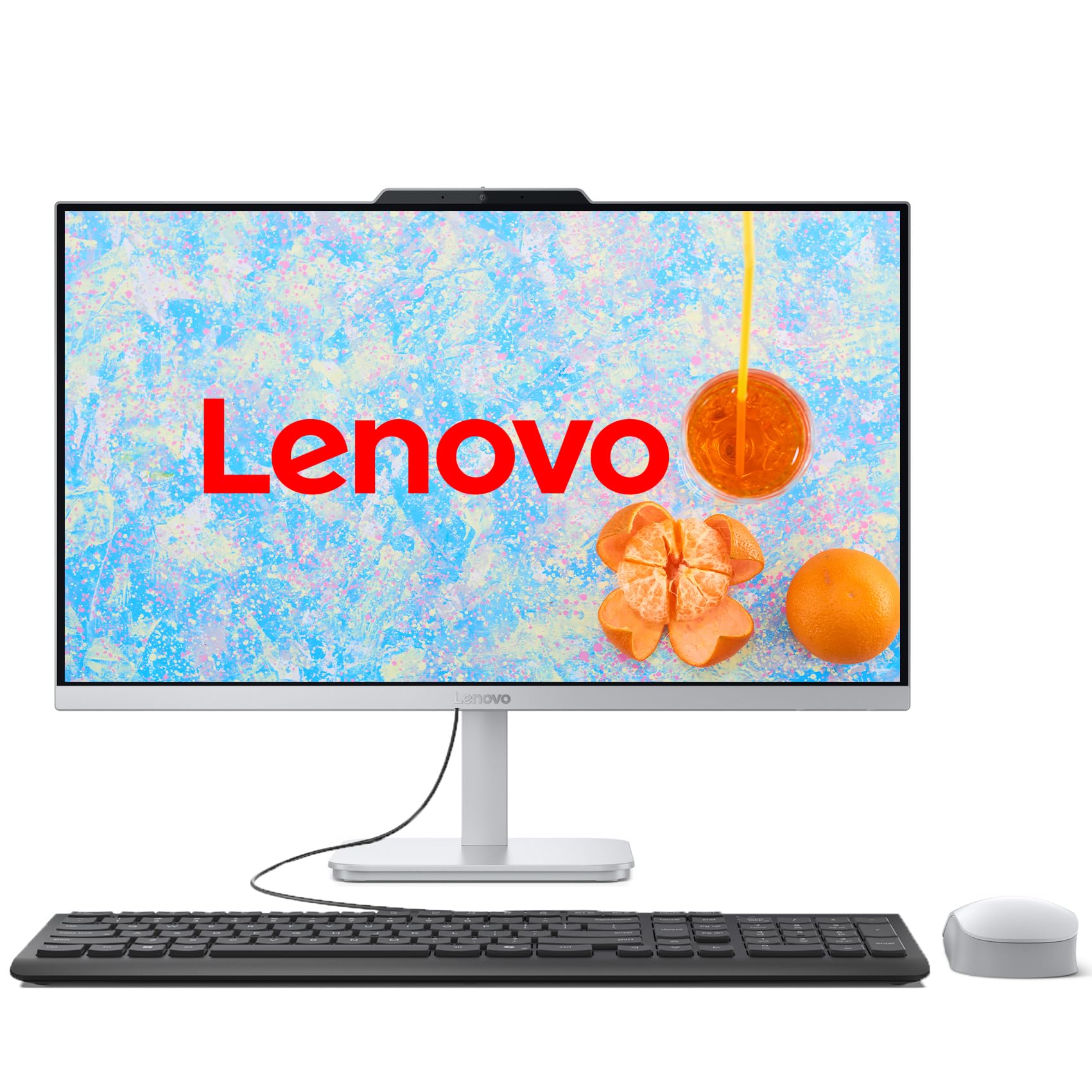
The Lenovo IdeaCentre 24 brings a powerful 8-core Intel Core i3-N305 processor together with 16GB of DDR4 RAM and a 512GB PCIe SSD, creating a system that genuinely handles multitasking without slowdowns. This is the sweet spot for a home office or student workstation where you regularly have a dozen tabs, Office apps, and a video call open simultaneously.
The 23.8-inch FHD IPS display with 99% sRGB coverage and a three-sided borderless design looks modern and provides accurate colors for photo viewing or design work. The Cloud Grey finish and tiltable stand add a touch of elegance, while the integrated HD camera and mono microphone cover basic video conferencing needs.
Users consistently highlight the fast boot times and reliable performance, noting that the system stays quiet during normal use. The only minor complaint is an occasional loud fan on startup, which quiets down quickly. For the price, this is the most balanced performer in the mid-range.
Why it’s great
- 8-core i3-N305 outpaces budget Pentium and Celeron chips
- 16GB RAM at this price is excellent value
- Three-sided borderless design looks premium
Good to know
- No touchscreen option
- Fan can be briefly loud at startup
5. HP 24 All-in-One Desktop PC, AMD Ryzen 7

With an AMD Ryzen 7 7730U processor, the HP 24 All-in-One is one of the most powerful options in this guide. The 8-core chip, combined with 16GB of RAM and a 512GB SSD, provides enough muscle for light video editing, coding, and data analysis alongside standard office work. The Radeon graphics offer a noticeable boost over Intel UHD solutions.
The 23.8-inch FHD display features a three-sided micro-edge bezel with an 89% screen-to-body ratio, giving a modern look. A tiltable pop-up privacy camera with dual microphones and advanced noise reduction ensures you sound and look professional on calls.
Users report a significant speed increase from older machines, with tasks completing in half the time. The build is solid, and the white finish fits well in a bright home office. The keyboard and mouse are functional but basic, and the stand is not height-adjustable, so a monitor riser might be needed for comfortable ergonomics.
Why it’s great
- Ryzen 7 7730U is a genuine productivity powerhouse
- Pop-up privacy camera is a security plus
- Dual array microphones with noise cancellation
Good to know
- Stand is not height-adjustable
- Only two USB-A 3.0 ports may require a hub
6. ASUS V470 All-in-One

The ASUS V470 is built around a large 27-inch FHD anti-glare touchscreen, making it ideal for users who want a spacious display with intuitive touch controls. The Intel Core i5-13420H processor, 16GB of DDR5 RAM, and a 1TB PCIe SSD ensure snappy performance and plenty of room for files.
The 1080p Full HD camera retracts into the bezel when not in use, a neat design touch that enhances privacy. AI noise-canceling technology improves meeting clarity, and the speakers powered by Dolby Atmos deliver room-filling audio. Port selection is generous with USB-C, HDMI, and three USB-A 3.2 Gen 1 ports.
Users appreciate the quiet operation and fast boot times, though some note the stand is not height-adjustable and the system includes some bloatware. For anyone wanting a large touchscreen all-in-one, this is the strongest option in the mid-range.
Why it’s great
- Spacious 27-inch touchscreen display
- 1TB SSD provides massive storage out of the box
- DDR5 RAM ensures future-compatible speed
Good to know
- Stand lacks height adjustment
- Pre-installed bloatware needs manual removal
7. Lenovo IdeaCentre 27″ All-in-One Desktop PC

The Lenovo IdeaCentre 27 is the most powerful machine on this list, featuring an Intel Core i7-13620H processor with 10 cores (6 Performance + 4 Efficiency) that boosts up to 4.9GHz. With 32GB of DDR5 RAM and a 512GB PCIe 4.0 SSD, this system is built for demanding workflows like video editing, coding, data analysis, and heavy multitasking.
The 27-inch FHD IPS display with 99% sRGB accuracy and hardware low blue light technology is easy on the eyes during long sessions. The 5MP webcam with dual microphones and HARMAN speakers with Dolby Atmos deliver a premium conferencing experience. Connectivity includes Wi-Fi 6, Bluetooth 5.2, and both HDMI-in and HDMI-out 2.1 ports.
Users praise the speed and reliability, especially in office environments where multiple applications run simultaneously. The design is sleek and saves space, though some note the build quality feels a bit laptop-like rather than desktop-grade. If your budget stretches, this is the definitive performance pick.
Why it’s great
- 10-core i7 with 32GB DDR5 is class-leading
- HARMAN speakers with Dolby Atmos sound excellent
- HDMI-in and HDMI-out for versatile display setups
Good to know
- Build quality feels less premium than some competitors
- Port placement under bezel can be awkward with stand
8. HP 22″ FHD All-in-One Desktop Computer

The HP 22-inch All-in-One is a solid entry-level option for basic computing. It runs on the latest 13th Gen Intel N100 quad-core processor with 8GB of DDR5 RAM and a 128GB SSD, which is enough for web browsing, email, document editing, and video streaming.
The 21.5-inch FHD IPS display with anti-glare coating works well for long sessions, and the built-in HD webcam with a privacy shutter is helpful for video calls. The port selection includes a USB-C, Ethernet, and HDMI-out, making it easy to connect peripherals and a second monitor.
Users consistently report easy setup and solid performance for everyday tasks. The main limitation is the 128GB SSD, which fills up quickly if you install many applications. For users with light storage needs or those willing to use cloud storage, this is a reliable and affordable choice from a trusted brand.
Why it’s great
- DDR5 RAM is a modern advantage at this price
- USB-C port adds future-proof connectivity
- Trusted HP brand with good build quality
Good to know
- 128GB SSD requires cloud or external storage management
- 4-core N100 limits heavy multitasking
9. Lenovo IdeaCentre Everyday Tasks 24″

The Lenovo IdeaCentre Everyday Tasks model is another budget offering with an Intel N100 processor, 8GB of RAM, and a 256GB SSD. The larger 24-inch FHD display with Harman audio-enhanced speakers makes it a step up from smaller budget options for media consumption.
One standout feature is the 5MP webcam with an IR camera and AI-based noise suppression, which dramatically improves video call quality. The system is whisper-quiet during normal use, and the low blue light technology helps reduce eye strain over long work sessions.
Users recommend this machine for IT professionals and home users who value a clean, simple desktop. The 256GB SSD provides more breathing room than the HP’s 128GB option, but power users will still want external storage. It’s a well-balanced entry-level choice.
Why it’s great
- 5MP IR webcam with AI noise cancellation
- Harman audio speakers deliver good sound
- Quiet operation in daily use
Good to know
- N100 processor is entry-level performance
- Limited to basic productivity tasks
10. 24″ All-in-One Desktop PC with Windows 11 (Core Innovations)

The Core Innovations 24-inch AIO is the most affordable system here, powered by an Intel Celeron N5095 with 4GB of RAM and 128GB of storage. It is strictly for the simplest tasks: web browsing, email, and light document editing. The 24-inch FHD IPS display is the standout feature at this price, offering a large screen for basic use.
Some customers report a good experience for schoolwork and general use, noting the system is easy to set up and works reliably for light usage. The built-in keyboard and mouse are functional, and the 802.11ac Wi-Fi covers standard internet needs.
However, multiple reviews mention reliability issues, with several units failing within months and poor manufacturer support. This is a risky budget pick that offers a large screen at the lowest cost, but durability is a concern.
Why it’s great
- Very low price for a 24-inch FHD IPS display
- Includes keyboard and mouse in the box
- Windows 11 pre-installed and ready to go
Good to know
- 4GB RAM severely limits multitasking
- Multiple reports of units failing within months
- No tilt or height adjustment on the stand
11. SAINTDISE 23.8inch All-in-One PC with FHD Multi-Touch
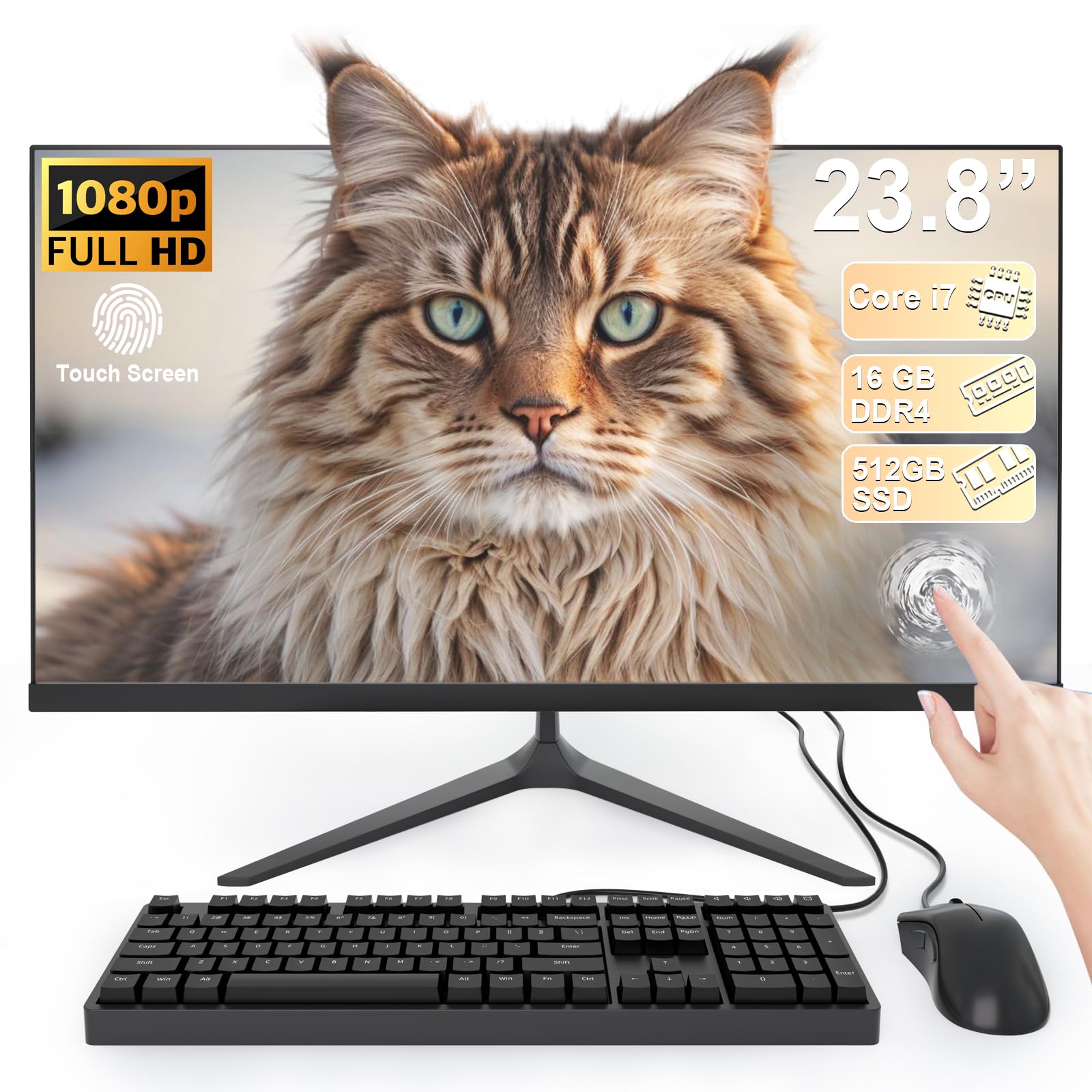
The SAINTDISE 23.8-inch All-in-One offers a multi-touch touchscreen along with a claimed Core i7 processor, 16GB of RAM, and a 512GB SSD at a very low price. The 23.8-inch FHD display supports touch gestures, and the system includes a wired keyboard and mouse.
Users generally report smooth performance for everyday tasks, online work, and light school assignments. The large 512GB SSD and 16GB RAM provide a very pleasant experience for the price, making it feel much snappier than similarly priced competitors with less memory. The port selection includes HDMI, VGA, multiple USB 3.0, and LAN.
Be aware that the “Core i7” in this listing is an older-generation, lower-power chip (likely a 7th-gen or similar) that won’t match the performance of a modern Core i5. It handles basics well, but heavier tasks will reveal its age. The touchscreen is the real draw here, offering a unique feature at a budget price.
Why it’s great
- Multi-touch display at a budget price point
- 16GB RAM and 512GB SSD for smooth multitasking
- Rich port selection including VGA and LAN
Good to know
- Older-gen “Core i7” may not match modern performance
- Touchscreen response can vary
FAQ
Can I upgrade the RAM on an affordable all-in-one later?
Is a touchscreen worth it on a desktop computer?
Final Thoughts: The Verdict
For most users, the best affordable all in one computer winner is the Lenovo IdeaCentre 24 because its 8-core i3-N305 processor and 16GB of RAM deliver dependable multitasking performance without breaking the bank. If you want a super-smooth display for work and media, grab the Acer Aspire C24 with its rare 120Hz panel. And for a premium touchscreen experience with plenty of storage, nothing beats the ASUS V470 All-in-One.