
Staring down a spreadsheet deadline with a laptop that stutters on five browser tabs isn’t just annoying—it’s a productivity killer. The market for budget-friendly work machines is flooded with compromises, but the right pick balances a snappy processor, ample RAM, and a display that doesn’t leave your eyes fatigued after a long session. Forget the marketing fluff; the real question is which notebook delivers consistent performance where it counts: in your daily workflow.
I’m Min — the co-founder and writer behind Gadgets Feed. I’ve spent countless hours dissecting the technical specifications, comparing benchmark results, and analyzing real-user feedback across dozens of models to separate the true workhorses from the underpowered pretenders.
This guide is built to cut through the noise and help you find a reliable machine that handles multitasking, document editing, and video calls without breaking the bank. After extensive research, we’ve curated the very best options to help you find the best affordable laptops for work.
How To Choose The Best Affordable Laptops For Work
Finding a work laptop that doesn’t drain your budget requires a focused approach. You need to prioritize components that directly impact productivity—processor speed, memory capacity, storage type, and display quality—while avoiding flashy features that add cost without real benefit.
Prioritize CPU and RAM Over Brand Name
A 13th-gen Intel Core i5 or a modern AMD Ryzen 5 offers more than enough power for office suites, web apps, and video conferencing. For truly smooth multitasking with dozens of browser tabs and apps, 16GB of RAM is the new baseline. Avoid 8GB unless your workflow is extremely light, as it can cause stuttering with modern software.
Storage: Speed is the New Capacity
A PCIe NVMe SSD is non-negotiable for a responsive system. It determines how fast your laptop boots and how quickly applications launch. While 256GB is a bare minimum, a 512GB or 1TB drive provides comfortable space for documents, projects, and software without constant file management.
Display Quality and Build Matters
A Full HD (1920×1080) IPS panel with anti-glare coating is ideal for long work hours, reducing eye strain. Physical build quality—a metal chassis versus cheap plastic—affects long-term durability. Also consider port selection: having a USB-C port for modern peripherals and an HDMI port for external monitors simplifies your desk setup.
Quick Comparison
On smaller screens, swipe sideways to see the full table.
| Model | Category | Best For | Key Spec | Amazon |
|---|---|---|---|---|
| GEEKOM GeekBook X16 Pro | Premium | Power Users & Creators | 32GB LPDDR5x RAM | Amazon |
| Dell 14 Plus DB14250 | Premium | AI-Ready Multitasking | Intel Core Ultra 7 | Amazon |
| Lenovo 2026 Laptop | Premium | Heavy Multi-Threading | 24GB DDR4 RAM | Amazon |
| Microsoft Surface Laptop 2024 | Premium | Touchscreen & Portability | 20hr Battery Life | Amazon |
| Apple MacBook Neo 13 | Mid-Range | Ecosystem & All-Day Use | A18 Pro Chip | Amazon |
| HP 17.3-inch Laptop | Mid-Range | Large Screen Productivity | 17.3″ FHD Display | Amazon |
| Acer Aspire 16 AI | Mid-Range | AI Features & Battery | Snapdragon X CPU | Amazon |
| Lenovo V15 Gen 4 | Mid-Range | Business & Office Work | Intel Core i5-13420H | Amazon |
| HP 255 G10 | Value | Everyday Home & Work | 16GB RAM / 1TB SSD | Amazon |
| NIMO 15.6″ Laptop | Value | Student & Heavy Multitasking | 32GB RAM / 1TB SSD | Amazon |
| Dell 15 DC15250 | Budget | Basic Work & School | Intel Core 3 Processor | Amazon |
In‑Depth Reviews
1. GEEKOM GeekBook X16 Pro

The GEEKOM GeekBook X16 Pro is a standout in the premium tier, packing an Intel Core Ultra 9 185H with a dedicated NPU for on-device AI tasks, alongside a massive 32GB of LPDDR5x RAM clocked at 7500MHz. This configuration obliterates multitasking bottlenecks, allowing you to run demanding analytical software, dozens of browser tabs, and virtual machines without a hint of lag.
The 16-inch 2.5K IPS display with a 16:10 aspect ratio and 120Hz refresh rate is a productivity dream, offering extra vertical space for documents and timelines. At just 2.8 pounds with a magnesium alloy chassis, it’s incredibly portable for its screen size. The IceBlade 2.0 cooling system with dual fans keeps the powerful internals from thermal throttling during sustained loads.
Connectivity is future-proofed with a 40Gbps USB4 port, HDMI 2.1, Wi-Fi 6E, and Bluetooth 5.4. The 77Wh battery delivers up to 17 hours of use, and the 65W GaN charger brings the battery to 80% in about an hour. It’s the complete package for a professional who needs workstation-level power in an ultraportable form factor.
Why it’s great
- Top-tier performance with 32GB RAM and Ultra 9 CPU.
- Stunning 2.5K 120Hz 16:10 display is excellent for productivity.
- Incredibly lightweight at 2.8 lbs for a 16-inch laptop.
Good to know
- Memory is soldered and non-upgradable.
- Some users report the fans can be audible under heavy load.
2. Dell 14 Plus DB14250

The Dell 14 Plus DB14250 is engineered for the modern AI-enhanced workflow, featuring an Intel Core Ultra 7-258V processor with a built-in NPU. This chip is designed to accelerate AI tasks like real-time background blur, document summarization, and intelligent search, making it a forward-looking choice for professionals who want to leverage Windows Copilot features seamlessly.
The 14-inch 16:10 2.5K (2560×1600) display provides a sharp, color-accurate canvas for detailed work, and the compact aluminum chassis feels premium and robust. With 32GB of LPDDR5X RAM and a 1TB SSD, this machine is built for longevity and heavy-duty multitasking. The backlit keyboard with a Copilot key offers quick access to AI assistance.
Audio and visuals are elevated for collaboration, ensuring clear video calls. The laptop has undergone military-grade testing for durability, which is a strong indicator of long-term reliability. It’s a sleek, powerful tool for the professional who needs a premium experience and the latest AI capabilities.
Why it’s great
- Latest Intel Core Ultra 7 with dedicated NPU for AI tasks.
- Excellent 2.5K 16:10 display in a premium aluminum chassis.
- Ample 32GB RAM and 1TB SSD for future-proofing.
Good to know
- Some users have reported keyboard issues over time.
- No numeric keypad due to the 14-inch form factor.
3. Lenovo 2026 Laptop (13th Gen i7)
This Lenovo laptop is a raw performance powerhouse for the price, driven by a 13th Gen Intel Core i7-13620H processor with 10 cores (6P+4E) capable of reaching 4.9GHz. It is paired with a substantial 24GB of DDR4 RAM, creating a system that laughs at heavy multitasking, from compiling code to running complex spreadsheets alongside multiple virtual desktops.
The 15.6-inch Full HD anti-glare display is practical for long work sessions, and the inclusion of Dolby Audio speakers ensures clear audio for conference calls. It comes with a complete connectivity suite including Wi-Fi 6, Bluetooth 5.2, Gigabit Ethernet, and a USB-C port with Power Delivery. The MIL-STD-810H certification speaks to its durable build quality.
An 8-in-1 USB hub is included in the box, expanding its port options further. This machine is best suited for users who prioritize processing muscle and multitasking memory over the latest AI chips or a premium ultra-light chassis. It’s a no-nonsense, high-performance workhorse.
Why it’s great
- Exceptional multi-core performance from the i7-13620H.
- Large 24GB of RAM for intense multitasking.
- Includes a useful 8-in-1 USB hub and MIL-STD-810H durability.
Good to know
- Some listings may have discrepancies regarding RAM configuration.
- The display is a standard 60Hz FHD panel, not high-refresh.
4. Microsoft Surface Laptop (2024)

The Microsoft Surface Laptop (2024) marks a significant shift to ARM architecture with the Snapdragon X Plus chip, offering a unique combination of long battery life and instant-on responsiveness. It delivers up to 20 hours of battery life, making it one of the best options for all-day work away from a power outlet, and its performance rivals the MacBook Air M3 in many productivity tasks.
The 13.8-inch PixelSense touchscreen display is a highlight, offering vibrant colors, high brightness, and a 3:2 aspect ratio that feels more spacious for reading and editing documents. The aluminum chassis is incredibly thin and light, and the haptic trackpad is one of the best on a Windows laptop, providing a premium, solid feel.
It’s a Copilot+ PC, meaning it’s optimized for Windows AI features. The 16GB of RAM is sufficient for professional workflows, and the 512GB SSD provides adequate storage. This is the ideal choice for the mobile professional who values design, battery stamina, and a top-tier typing and touch experience above all else.
Why it’s great
- Industry-leading 20-hour battery life.
- Excellent 3:2 touchscreen display and premium build.
- Superior haptic trackpad and comfortable keyboard.
Good to know
- ARM architecture can have compatibility issues with some legacy apps.
- Base model storage (256GB) is small, so check the 512GB version.
5. Apple 2026 MacBook Neo 13-inch

The Apple MacBook Neo 13-inch is an entry point into the modern Apple silicon lineup, powered by the A18 Pro chip. This processor delivers the same snappy, responsive feel as the M-series chips, handling everyday tasks like word processing, spreadsheets, and web browsing with effortless efficiency. It’s fanless, meaning it runs completely silent during work.
The 13-inch Liquid Retina display is a joy to use, with a resolution of 2408-by-1506 and up to 500 nits of brightness, making text incredibly crisp and colors vibrant. With up to 16 hours of battery life, it easily lasts a full workday. The build quality is typical Apple: a durable, colorful aluminum unibody that feels premium in hand.
Integration with the Apple ecosystem (iPhone, iPad) is a major productivity boon, with features like Universal Clipboard and iPhone Mirroring. The 1080p FaceTime HD camera and Spatial Audio support make it excellent for video calls. It’s a fantastic all-rounder for users invested in the Apple ecosystem who need a reliable, long-lasting work machine.
Why it’s great
- Silent, fanless operation with excellent battery life.
- Gorgeous 13-inch Liquid Retina display with high brightness.
- Seamless integration with the Apple ecosystem.
Good to know
- Base model has only 8GB of RAM, which is non-upgradable.
- Limited to just two Thunderbolt/USB 4 ports.
6. HP 17.3-inch Laptop (17-cn3399nr)

The HP 17.3-inch Laptop is the definitive choice for users who prioritize screen real estate above all else. The large 17.3-inch Full HD IPS display with 178-degree viewing angles makes it feel like a desktop replacement, ideal for data analysts, writers, or anyone who benefits from seeing more on screen without needing a second monitor.
Under the hood, it packs a 13th Gen Intel Core i5-1334U with Intel Iris Xe graphics, which provides a noticeable boost in multitasking and visual performance compared to older budget chips. The 16GB of DDR4 RAM and 512GB SSD are a balanced setup for a fluid Windows 11 experience. The HP True Vision HD camera has a physical privacy shutter, a welcome security feature.
The trade-off is portability—this is a larger, heavier machine. Battery life is decent but not exceptional, as the bigger screen draws more power. It’s a powerful desktop-replacement laptop for those who rarely travel but want a commanding display and solid performance for their daily work.
Why it’s great
- Massive 17.3-inch FHD IPS display is perfect for productivity.
- Solid performance from the Core i5-1334U and 16GB RAM.
- Physical camera privacy shutter for added security.
Good to know
- Large size makes it less portable for frequent travel.
- Battery life is shorter than smaller laptops (around 2.5-4 hours).
7. Acer Aspire 16 AI (A16-11M-X0LW)

The Acer Aspire 16 AI is a forward-looking Copilot+ PC that brings the power of the Snapdragon X platform and its 45 TOPS NPU to the mid-range segment. This enables on-device AI features like Windows Studio Effects, Recall (preview), and Click to Do, making it a smart productivity tool that learns and assists you throughout the day.
The 16-inch WUXGA display with a 120Hz refresh rate and 100% sRGB coverage is a standout feature, providing stunningly smooth and color-accurate visuals for graphic design and content review. The aluminum chassis with a 180-degree lie-flat hinge is practical for presentations. It also features two USB4 ports for high-speed data transfer and display connectivity.
With up to 27 hours of video playback battery life, its power efficiency is excellent. The 1440p QHD webcam with Acer PurifiedVoice 2.0 ensures you look and sound professional on every call. It’s an excellent value proposition for a user who wants to step into the next generation of AI-powered Windows computing without paying a premium price.
Why it’s great
- Powerful Snapdragon X processor with 45 TOPS NPU.
- Vibrant 120Hz, 100% sRGB display in an aluminum chassis.
- Exceptional battery life and high-quality 1440p webcam.
Good to know
- ARM-based, so some software may have compatibility issues.
- Memory is soldered at 16GB with no upgrade option.
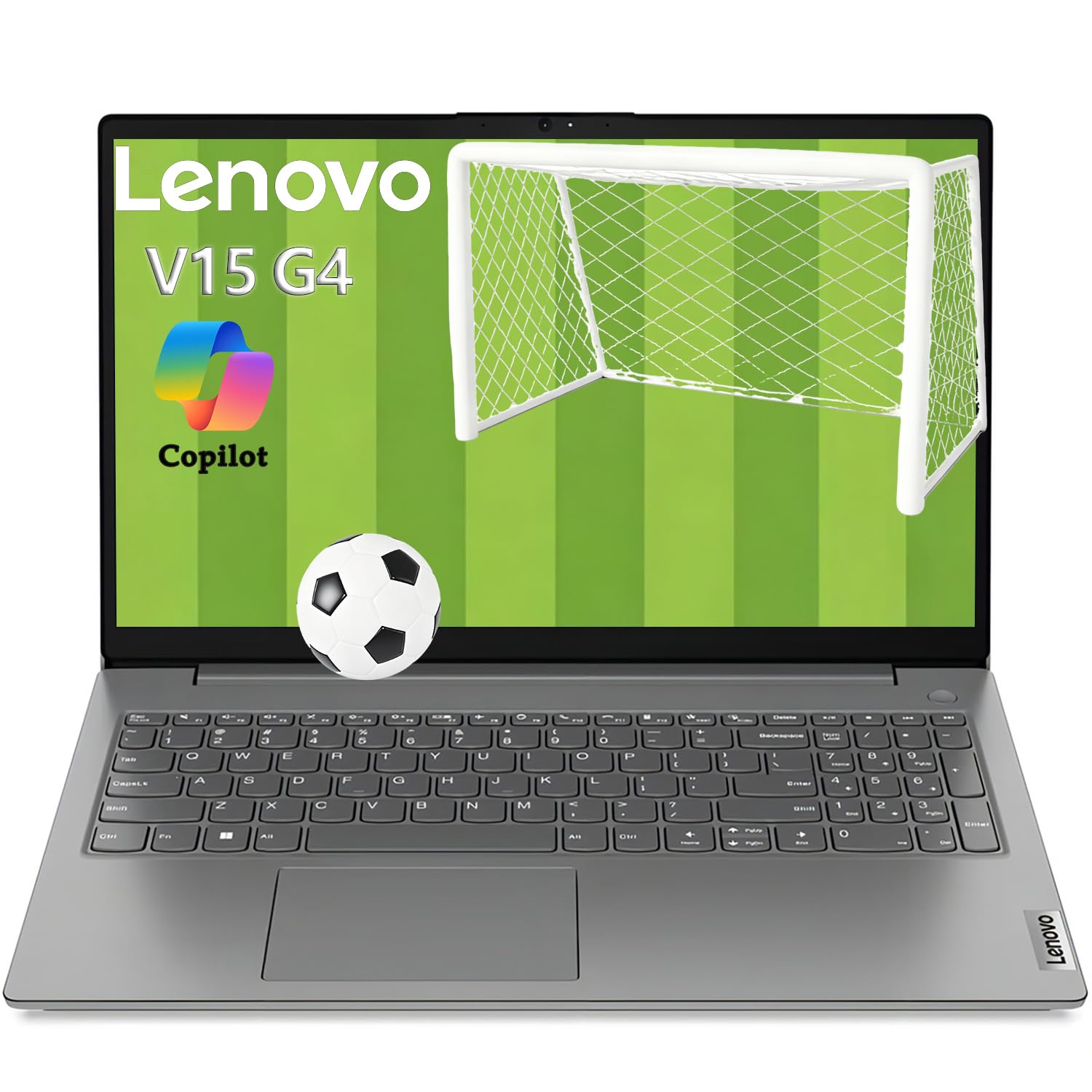
8. Lenovo V15 Gen 4 Business Laptop

The Lenovo V15 Gen 4 is a no-frills business laptop designed for reliability and functionality. It is powered by a capable Intel Core i5-13420H processor, which provides strong performance for standard office applications, data entry, and collaborative work. The inclusion of Windows 11 Pro is a bonus for business environments needing advanced management and security features.
It features a 15.6-inch FHD display, a full numerical keypad for number crunchers, and a comprehensive port selection including HDMI, RJ45 Ethernet, and USB-C. This makes it incredibly easy to connect to office peripherals, projectors, and wired networks without needing dongles. The build quality is sturdy, if a bit plasticky, which is typical for this class.
While the RAM is listed as 16GB, it’s wise to verify the exact configuration as some listings can be misleading. It’s a straightforward, reliable work machine that gets the job done without any unnecessary frills, making it a safe choice for IT departments and budget-conscious professionals who need a dependable workhorse.
Why it’s great
- Strong Core i5 performance for business applications.
- Includes Windows 11 Pro for enhanced business features.
- Excellent port selection with HDMI, RJ45, and USB-C.
Good to know
- Build materials feel cheaper than premium alternatives.
- Display quality is standard; not the brightest or most color-accurate.
9. HP 255 G10 Laptop

The HP 255 G10 offers exceptional storage value, pairing a massive 1TB PCIe SSD with 16GB of RAM. This configuration means you never have to worry about running out of space for your files, projects, and applications, and the 16GB RAM ensures smooth multitasking with office suites and browser-based tools.
Powered by an AMD Ryzen 3 7330U, it delivers solid performance that surpasses many older Intel i5 chips, making it more than capable for daily work tasks like document editing, email, and web research. The 15.6-inch Full HD display is crisp and clear, and the lightweight design makes it easy to carry between home and office.
The main trade-off is that it runs Windows 11 Home and may come with some pre-installed bloatware. The battery life is decent but not class-leading. For the user whose primary need is massive, fast storage and reliable performance for a very reasonable cost, the HP 255 G10 is a compelling choice.
Why it’s great
- Generous 1TB SSD provides enormous storage capacity.
- Solid performance from the Ryzen 3 7330U processor.
- Lightweight design for a 15.6-inch laptop.
Good to know
- May include pre-installed bloatware that needs to be removed.
- Battery life is adequate but not exceptional.
10. NIMO 15.6″ Laptop
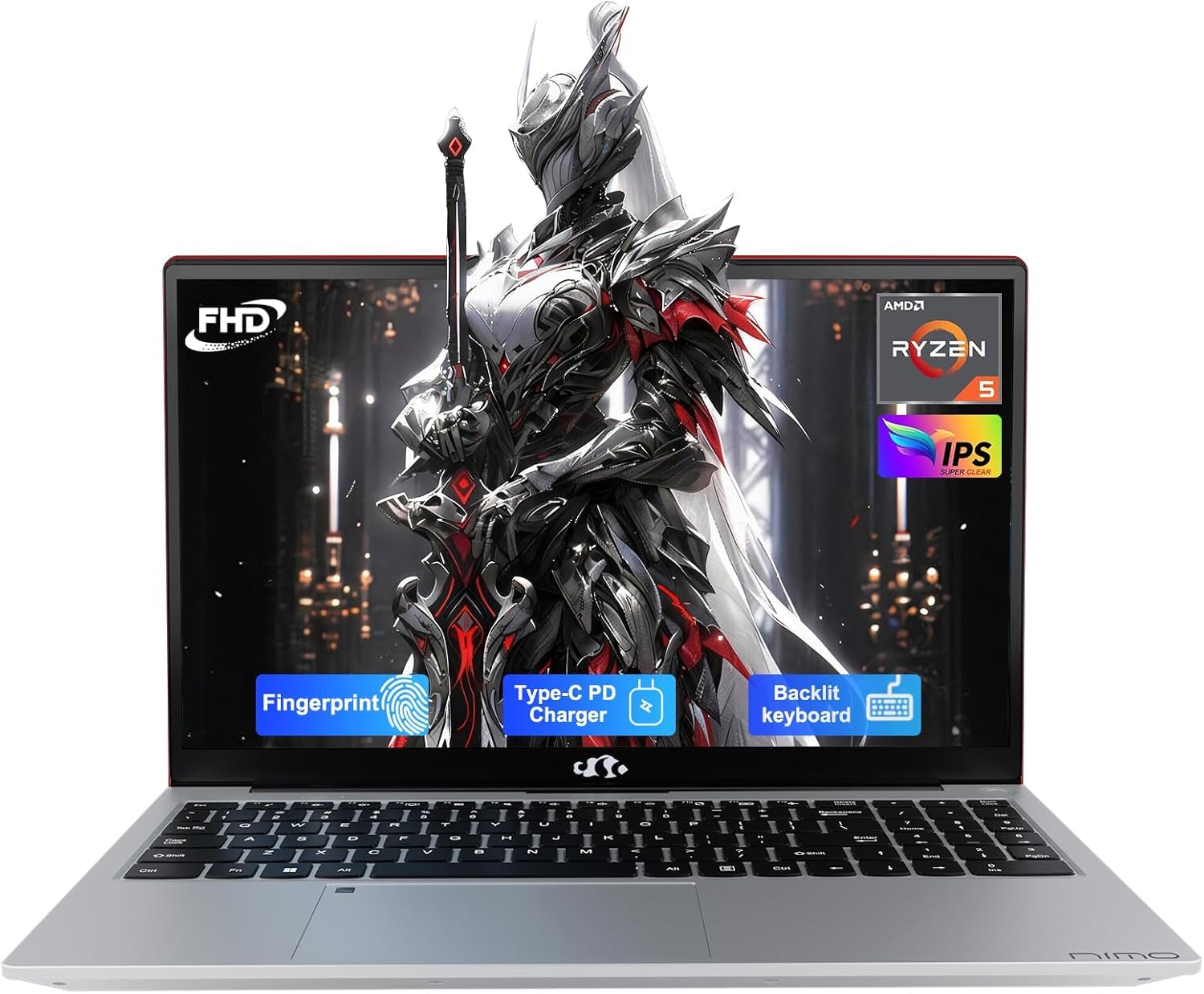
The NIMO 15.6″ Laptop is the undisputed value champion for raw specs, offering a staggering 32GB of DDR4 RAM and a 1TB PCIe SSD at an entry-level price point. This configuration is typically found on machines costing far more, making it an unbelievable deal for students or professionals who need to run multiple heavy applications, virtual machines, or analyze large datasets without any lag.
It is powered by an AMD Ryzen 5 processor and features a backlit keyboard and a fingerprint reader for security and convenience. The 15.6-inch Full HD IPS display with an anti-glare coating is comfortable for long work sessions. The inclusion of a 65W USB-C PD fast charger is a major plus, and it can even charge your other devices.
While the brand may not be as recognizable as HP or Dell, the NIMO comes with a 2-year warranty and is partially assembled in the USA. User reviews suggest a battery life of around 3-9 hours depending on usage, and the backlit keyboard lights only when typing. For pure, uncompromising multitasking power on a tight budget, the NIMO is hard to beat.
Why it’s great
- Incredible value with 32GB RAM and 1TB SSD.
- Includes a 65W USB-C fast charger and backlit keyboard.
- Fingerprint reader for quick, secure login.
Good to know
- Battery life is on the shorter side (around 3 hours for heavy use).
- Less established brand with fewer long-term reviews.
11. Dell 15 Laptop DC15250

The Dell 15 DC15250 is the most budget-conscious option in this guide, designed for straightforward, everyday computing tasks. It is powered by an Intel Core 3 processor (12th Gen), which, while not a speed demon, is perfectly capable of handling web browsing, word processing, email, and video streaming for a single user. The 8GB of DDR4 RAM is suitable for light multitasking.
It features a generous 15.6-inch FHD display with a 120Hz refresh rate, which is a surprising highlight at this price point, making scrolling feel smooth and fluid. It also includes a numeric keypad, a ComfortView feature to reduce blue light, and an ergonomic lifted hinge for a better typing angle. The 512GB SSD provides ample storage for documents and media.
The key compromises are the limited 8GB of RAM, which may feel restrictive with heavier workloads, and a short battery life. The webcam quality is also basic. For a student or a user with a very simple workflow who needs a cheap, reliable machine for core office tasks, this Dell is a solid starting point.
Why it’s great
- Very accessible entry point for a major brand’s laptop.
- Surprisingly smooth 120Hz FHD display.
- Includes numeric keypad and ergonomic lifting hinge.
Good to know
- Only 8GB of RAM, which can limit multitasking.
- Battery life is short, and the webcam quality is poor.
FAQ
Is 8GB of RAM enough for a work laptop in 2026?
What is the most important spec for a work laptop?
Should I buy a laptop with an Intel Core i5 or i7 for work?
What is a Copilot+ PC and do I need one for work?
Final Thoughts: The Verdict
For most users needing a powerful and portable machine, the top-tier affordable laptops for work winner is the GEEKOM GeekBook X16 Pro because it delivers exceptional performance, a stunning display, and incredible portability in one package. If you want the best all-around value and multitasking memory, grab the NIMO 15.6″ Laptop for its unbeatable 32GB RAM and 1TB SSD configuration. And for battery life and a premium software experience, nothing beats the Microsoft Surface Laptop (2024).