
Sticker printers have evolved from niche label makers into pocket-sized creative studios. The latest generation combines thermal or inkjet engines with AI-powered mobile apps, letting you turn a photo from your camera roll into a peel-and-stick artwork in under a minute. But not all sticker printers handle detail, color, or durability the same way — the difference between a grainy mess and a crisp, vibrant sticker comes down to resolution, paper stock, and the capability of the companion software.
I’m Min — the co-founder and writer behind Gadgets Feed. I’ve spent countless hours dissecting the technical specifications, app ecosystems, and print quality of portable sticker machines to find which ones actually deliver on their promises.
If you want a machine that makes custom decals from your phone without messy ink cartridges or complicated setup, this guide to the best ai sticker printer breaks down the real-world performance of seven top contenders.
How To Choose The Best AI Sticker Printer
Sticker printers fall into two engine categories: direct thermal and inkjet. Thermal models are cheaper per print and never need ink, but they output monochrome (black-on-white) stickers. Inkjet models like the Nelko PP01 print full color but require proprietary paper and occasional cartridge swaps. Your choice depends on whether you need vibrant photo stickers or simple black-and-white label art.
Print Resolution and DPI
Resolution determines how crisp text and fine lines appear. Budget thermal sticker printers often ship with 200 DPI, which produces acceptable labels but shows jagged edges on small fonts and detailed graphics. The ORGBRO X3 and the Nelko PP01 push resolution to 300 DPI and 603 DPI respectively — the difference is visible when printing QR codes or small text.
App Ecosystem and AI Features
The companion app is half the product. The best AI sticker printers bundle features like OCR image-to-text conversion, voice-to-text transcription, and AI-assisted photo enhancement directly in the app. NIIMBOT’s app offers over 1,500 symbols and barcode generation, while the Gloryang JD-23 includes AI image processing. Avoid printers whose apps hide essential editing behind a subscription paywall.
Quick Comparison
On smaller screens, swipe sideways to see the full table.
| Model | Category | Best For | Key Spec | Amazon |
|---|---|---|---|---|
| Nelko PP01 | Inkjet | Full-color photo stickers | 603 DPI — inkjet | Amazon |
| ORGBRO X3 Mini | Thermal | Versatile 2/3-inch prints | 300 DPI — thermal | Amazon |
| NIIMBOT B1 | Thermal | Professional labeling | 1500mAh battery | Amazon |
| Gloryang JD-23 | Thermal | Ultra-portable printing | 0.32 lbs — thermal | Amazon |
| Kodak Step | ZINK | Instant color stickers | ZINK Zero Ink tech | Amazon |
| Phomemo M108 | Thermal | High-volume label jobs | 6000 labels/charge | Amazon |
| Hello Blink Sticker Maker | Thermal | Kids’ creative projects | 300 DPI — thermal | Amazon |
In‑Depth Reviews
1. Nelko PP01 Photo Printer

The Nelko PP01 is the only sticker printer in this lineup that uses inkjet technology rather than direct thermal. That means it prints full-color images with a maximum resolution of 603 DPI — noticeably sharper and more vibrant than any monochrome thermal competitor. The 2×3-inch adhesive-backed photo paper produces smudge-proof, water-resistant stickers that retain their color fidelity even under bright light.
Bluetooth pairing is instantaneous, and the companion Nelko app includes AI image editing features such as filters, borders, stickers, and collage layouts. Each ink cartridge yields roughly 80 full-color prints, and the printer itself weighs only 0.6 pounds, making it genuinely pocket-friendly for travel or scrapbooking sessions in a coffee shop.
One minor quirk: if the printer sits idle for extended periods, the ink cartridge head may require a gentle vertical wipe to prevent clogging. The included USB cable handles charging, but a wall adapter is not bundled in the box. For anyone who wants album-quality color stickers on demand, this is the clear winner.
Why it’s great
- Full-color inkjet prints at 603 DPI — far beyond any thermal sticker printer
- Sticky-backed photo paper is water-resistant, smudge-proof, and tear-resistant
- Compact form factor (0.6 lb) fits in a jacket pocket or small bag
Good to know
- Requires proprietary ink cartridges — each cartridge is good for ~80 prints
- No wall adapter included in the box; uses a USB cable for charging
2. ORGBRO X3 Mini Printer
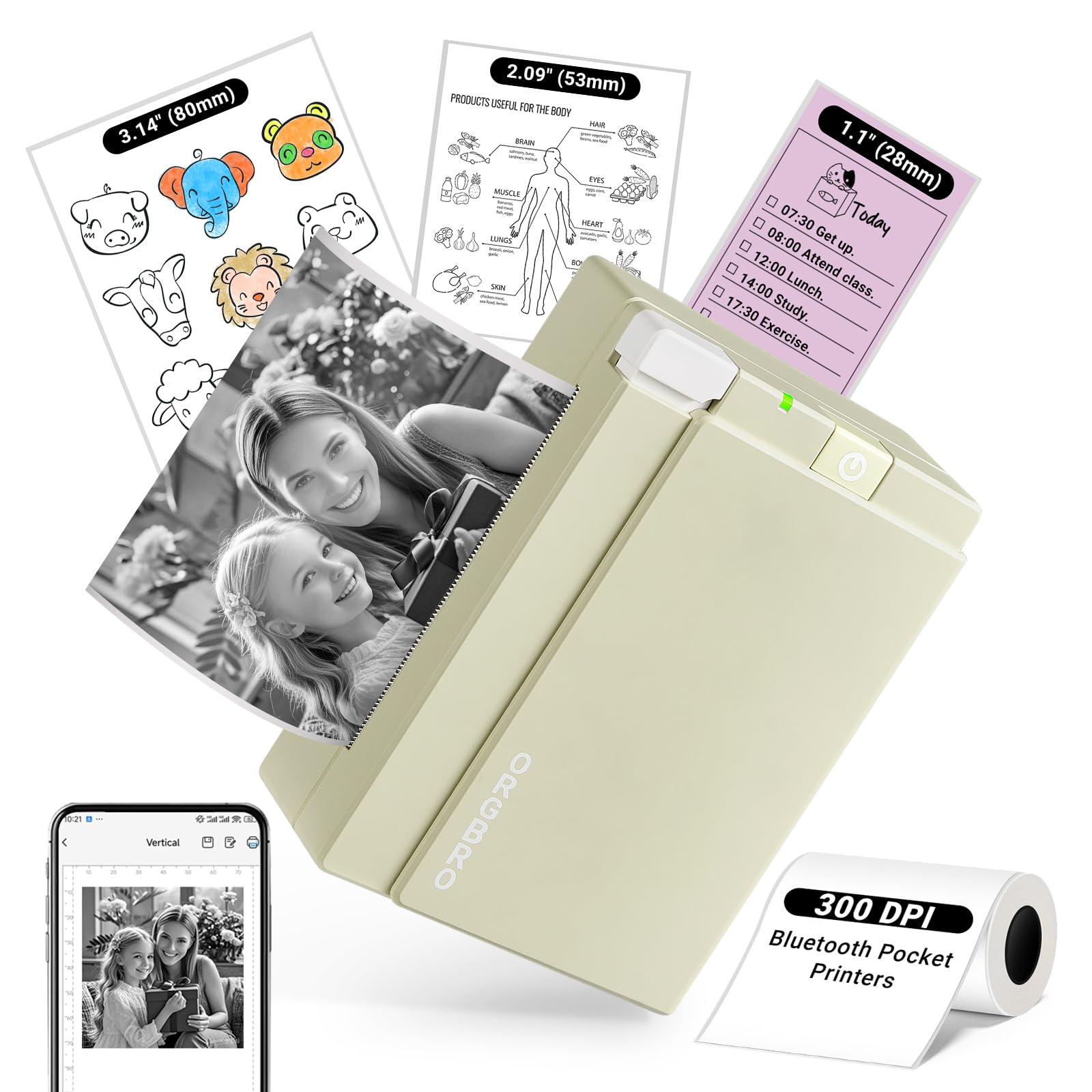
The ORGBRO X3 is one of the few thermal sticker printers that natively supports both 57mm (2.24-inch) and 80mm (3.15-inch) paper widths, giving you far more layout flexibility than fixed-width competitors. At 300 DPI, its print resolution exceeds the typical 200 DPI found on entry-level thermal machines — text is crisp, QR codes scan reliably, and grayscale image details are much better preserved.
The “Snap & Tag” app offers over 100 free templates and connects via Bluetooth instantly. Users report a setup time of roughly three minutes, and the USB-C rechargeable battery lasts several hours of continuous use. The included roll of 80mm thermal paper is enough to get started, and because the printer uses no ink, your per-print cost is essentially the price of the paper roll alone.
On the downside, this is a monochrome-only device — all prints come out in black-and-white. The print quality, while good for thermal, still shows slight graininess on large photographic areas. For sticker enthusiasts who want both label and photo sticker capabilities in one device using two paper widths, the X3 is a fantastic mid-range choice.
Why it’s great
- Dual-width printing (2-inch and 3-inch) from a single unit
- 300 DPI thermal engine delivers sharper text than 200 DPI alternatives
- USB-C rechargeable battery with hours of real-world runtime
Good to know
- Monochrome only — no color printing capability
- Large photo areas can appear slightly grainy
3. NIIMBOT B1 Label Maker

The NIIMBOT B1 stands out for its exceptionally robust app ecosystem. The NIIMBOT app includes over 10 font sets, 100+ borders, 1,500 symbols, plus native barcode and QR code generation — a rare feature at this price tier. The printer itself is a 2-inch direct thermal unit with a 1500mAh battery that provides up to 100 days of standby time on a single charge.
Print quality is excellent for thermal monochrome: text is sharp and even tiny barcodes scan cleanly. The B1 supports label widths from 20mm to 50mm and works with NIIMBOT’s waterproof, oilproof, and tear-resistant label rolls. The physical build is solid, and Bluetooth pairing is reliably seamless with both iOS and Android.
The biggest catch is that NIIMBOT strongly recommends using only its own branded label paper. Off-brand rolls may not be recognized by the printer or may produce inconsistent results. The app also offers premium elements behind a VIP paywall, though the free library is sufficient for daily use. For small-business owners who need barcodes, price tags, and durable labels daily, the B1 is the most professional option here.
Why it’s great
- Built-in barcode and QR code generation via the NIIMBOT app
- 1500mAh battery with up to 100 days of standby
- Waterproof, oilproof, and abrasion-resistant label paper available
Good to know
- Locked to NIIMBOT-brand label paper — third-party rolls may fail
- Some advanced app templates require a VIP subscription
4. Gloryang JD-23 Sticker Printer
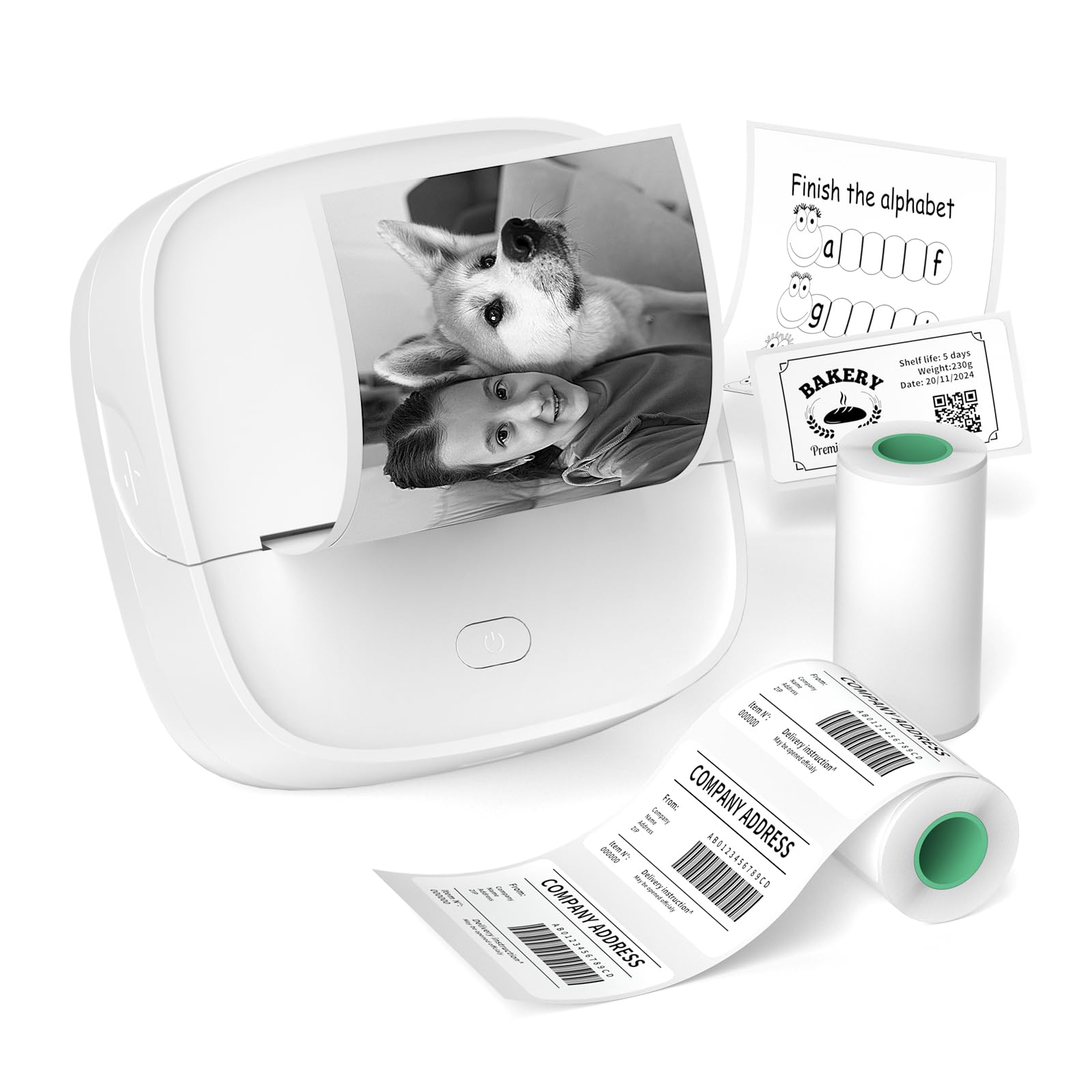
Weighing only 0.32 pounds with dimensions of 3.39 x 3.5 x 1.54 inches, the Gloryang JD-23 is the most portable printer in this roundup. It disappears into a pocket or pencil case, making it ideal for on-the-go labeling during travel, classroom sessions, or trade shows. Despite its size, it supports AI-assisted image printing, OCR text recognition, and voice-to-text transcription through the Jadens Printer App.
The printer uses 2-inch thermal paper and comes with two starter rolls: one 50x30mm label roll for QR codes and address tags, plus a continuous adhesive sticker roll. The built-in serrated cutter tears paper cleanly, and the Bluetooth connection is stable within the app at typical ranges. Print quality is adequate for small text and simple graphics, though it exhibits the graininess common to budget thermal engines.
Black-and-white output is the only option here; there is no color capability. The app is functional but not as polished as NIIMBOT’s.
Why it’s great
- Extremely lightweight at 0.32 pounds — true pocket-portable design
- AI-assisted image editing and OCR text recognition in the companion app
- Two starter rolls included in the box for different use cases
Good to know
- Monochrome only — no color printing
- App interface is less refined than premium competitors
5. Kodak Step Instant Smartphone Printer
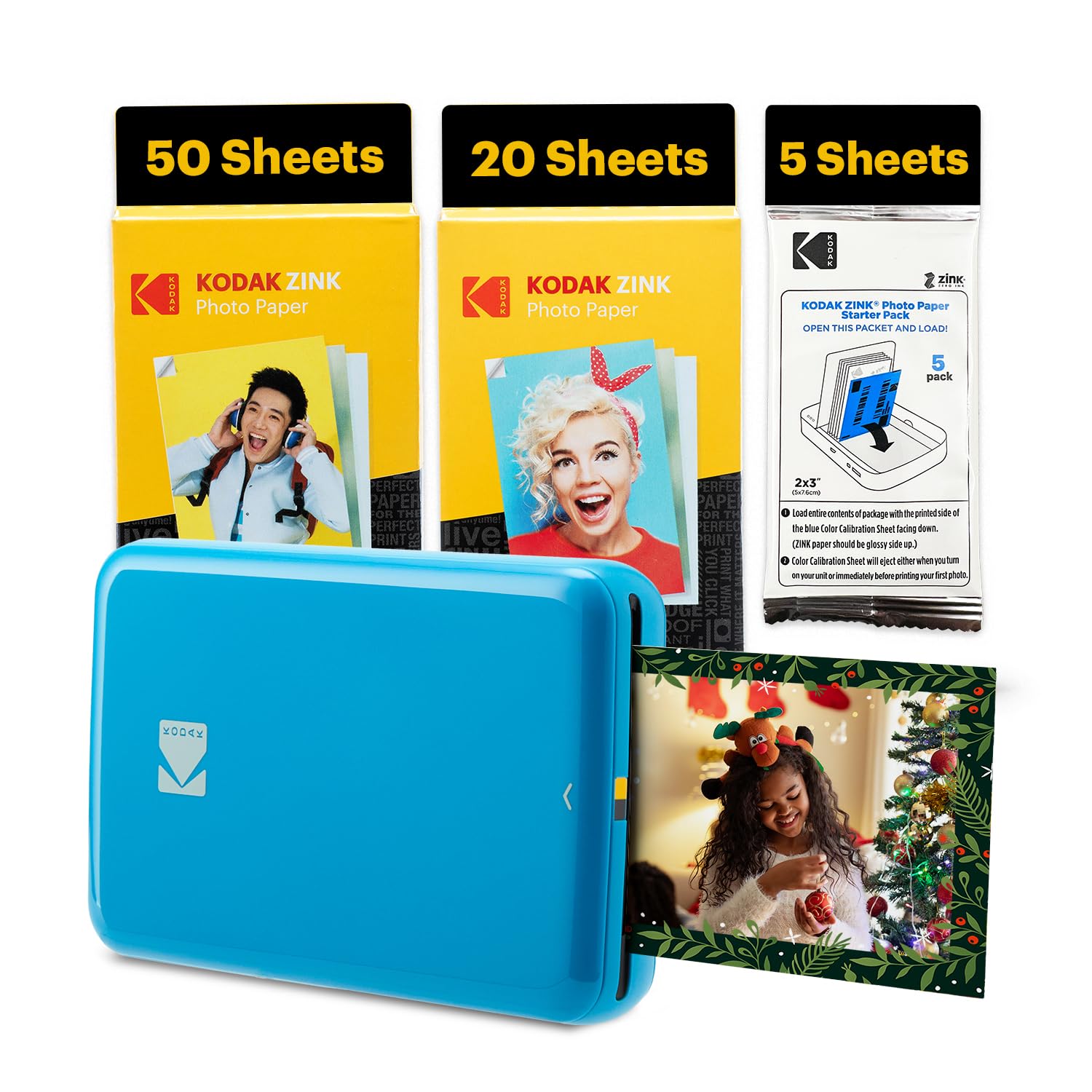
Kodak’s Step printer uses ZINK (Zero Ink) technology, which embeds color crystals into the paper itself — no cartridges, no toner, no ribbon. The result is a full-color 2×3-inch sticker that emerges from the device fully dry, smudge-proof, and ready to peel and stick. The ZINK paper is also water-resistant and tear-resistant, making these stickers durable enough for water bottles, laptops, and travel journals.
Bluetooth and NFC pairing work reliably with both iOS and Android. The free Kodak app offers collages, borders, filters, and stickers, and a full photo prints in under 60 seconds. The built-in lithium-ion battery is good for about 25 prints per charge, which is on the lower side compared to thermal competitors — expect to recharge after a heavy afternoon of printing.
The most common user complaint involves a software bug where the printer sometimes loops the last photo repeatedly until the device is power-cycled. ZINK paper also costs more per print than thermal paper. For users who want instant, vibrant, full-color stickers with zero maintenance, the Kodak Step is the most polished consumer option available.
Why it’s great
- ZINK Zero Ink technology produces full-color stickers — no cartridges to replace
- Prints are smudge-proof, water-resistant, and tear-resistant
- Kodak app provides collage, text, sticker, and border customization
Good to know
- Battery lasts only ~25 prints per charge
- Occasional software bug loops the last print job
6. Phomemo M108 Label Maker
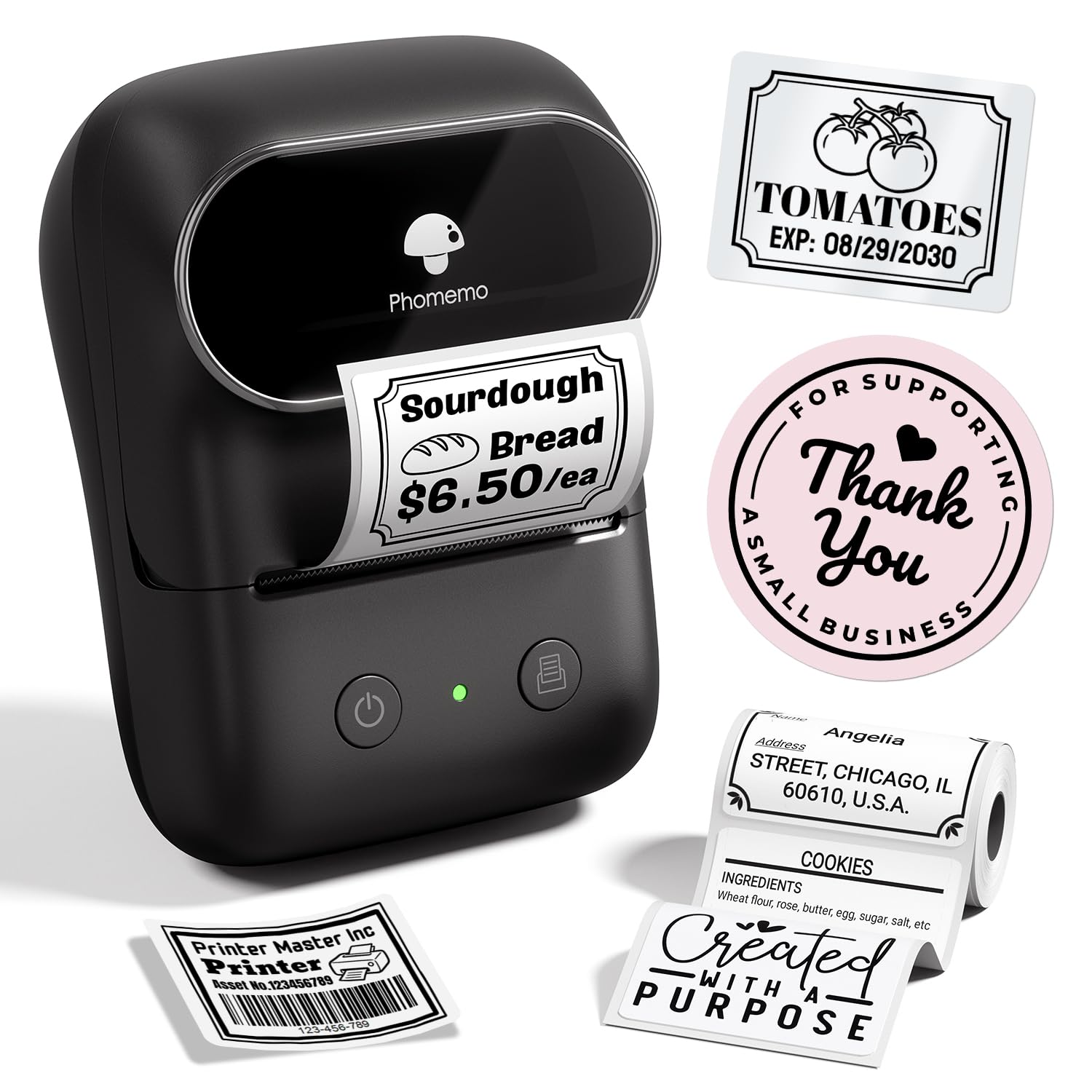
The Phomemo M108 is engineered for volume. With a 1200mAh battery rated to print up to 6,000 labels per full charge, it is the endurance champion of this group. It prints 3/4-inch to 2-inch wide labels and works with both smartphones via the “Print Master” app and PCs through a USB cable — a dual-connectivity setup that few competitors offer.
The M108’s app includes image-to-text conversion, voice-to-text transcription, and AI design functions that generate label layouts from your spoken or typed input. The printer itself is made from durable ABS material, and the included BPA-free thermal labels ensure safe contact with food containers. Print speed is also respectable at 50ppm for simple label tasks.
The major drawback is that the Print Master app hides advanced customization behind a subscription fee. If you only need basic label formatting, the free tier works fine. Power users who want full design control will need to pay. The M108 is still the smart buy for anyone running a craft booth or organizing a kitchen pantry who needs thousands of labels without recharging.
Why it’s great
- 1200mAh battery supports up to 6,000 labels per charge
- Works with both iOS/Android phones and Windows/Mac PCs
- BPA-free thermal labels safe for food storage containers
Good to know
- Advanced app features require a paid subscription
- Monochrome only — no color printing
7. Hello Blink Sticker Maker
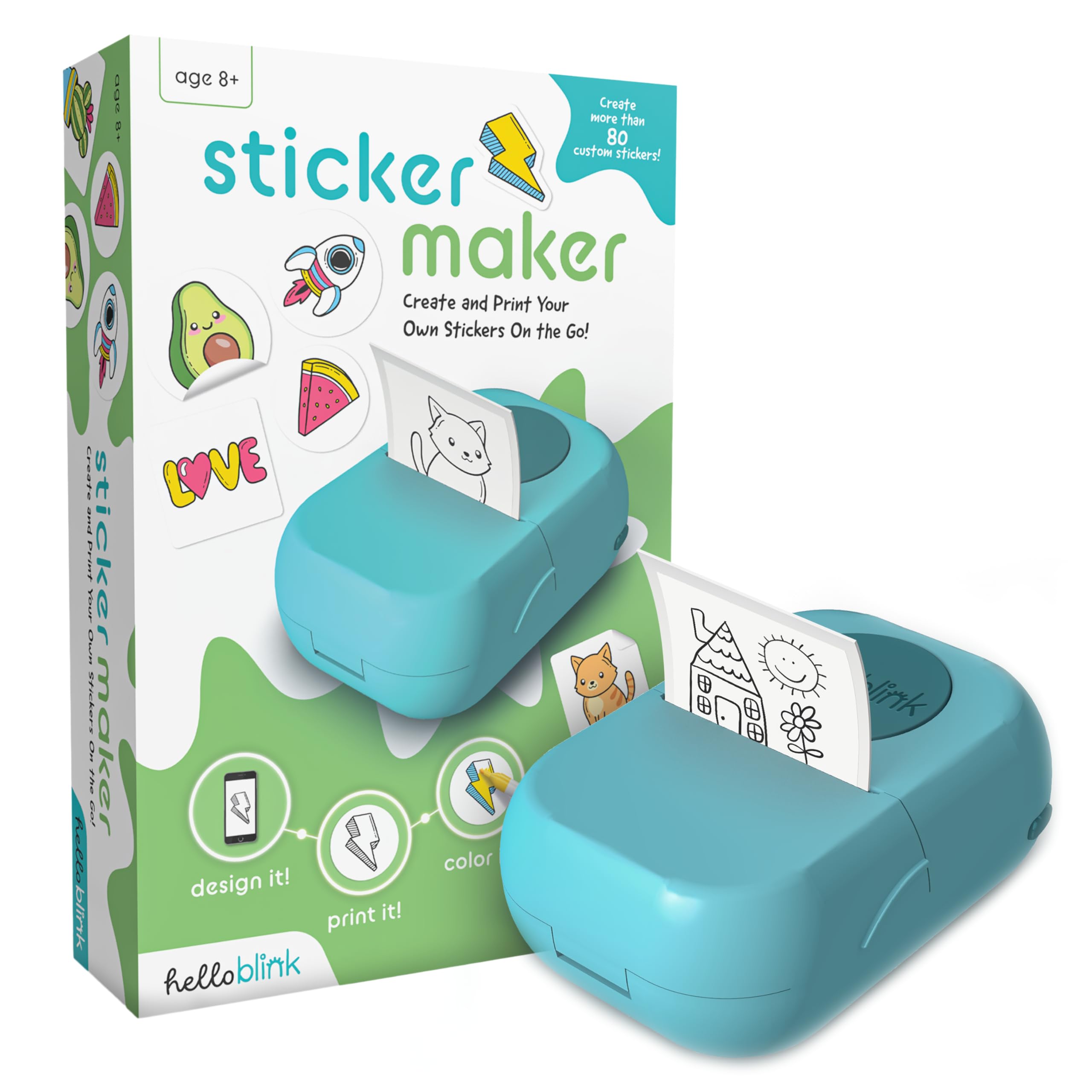
The Hello Blink Sticker Maker is designed specifically for children aged eight and up. It prints black-and-white outline stickers from your phone, which kids can then color in by hand using the four included markers. This hybrid digital-to-physical craft experience encourages creativity without requiring expensive color consumables.
Setup is simple: download the app, connect via Bluetooth, and start printing from the camera roll or the app’s own library of pre-made drawings. The thermal engine prints at 300 DPI, producing clean outlines suitable for coloring. The printer is compact and lightweight, making it easy for small hands to carry to the kitchen table or on a road trip.
The print quality is adequate for the intended use but not sharp enough for detailed photo reproductions. Parents should also be aware that replacement thermal paper rolls are sold separately. For a screen-free craft activity that still engages with modern tech, the Hello Blink is a well-executed concept that delivers exactly what it promises.
Why it’s great
- Specifically designed for kids with included markers for hand-coloring
- 300 DPI thermal prints provide clean outlines for coloring
- Simple Bluetooth pairing — no ink, no messy setup
Good to know
- Prints only black-and-white outline images, not full-color
- Replacement paper rolls are sold separately — not included beyond the starter pack
FAQ
Can AI sticker printers print in full color?
Do I need to buy proprietary paper for each sticker printer?
How long do sticker prints last before fading?
Final Thoughts: The Verdict
For most users, the best ai sticker printer winner is the Nelko PP01 because it is the only model here that prints full-color photos at true inkjet resolution on sticky-backed paper, all in a pocketable form factor. If you want a durable, pro-level labeling machine for small business use, grab the NIIMBOT B1. And for a versatile budget-friendly thermal printer that supports both 2-inch and 3-inch sticker widths, nothing beats the ORGBRO X3 Mini.