
Our readers keep the lights on and my morning glass full of iced black tea. As an Amazon Associate, I earn from qualifying purchases.
Specs are compiled from manufacturer listings and verified buyer reviews and can change over time — please confirm the key details on the product page before buying.
You want a monitor that talks to your iPhone, iPad, or Mac without a single cable in the way. That means native AirPlay 2 support built right into the screen, not a workaround. This guide sorts the true wireless options from the ones that only pretend, so you can mirror your screen, stream a show, or extend your desktop without hunting for adapters.
I’m Min — the founder and writer behind Gadgets Feed. This guide is built by comparing the manufacturers’ published specifications and the patterns across verified customer reviews, so you get each pick’s real strengths and trade-offs instead of marketing spin.
From a 34-inch ultrawide desk centerpiece to battery-powered travel screens, these are the models that actually deliver on the promise of an airplay compatible monitor — and the ones best matched to how you really work.
Our Picks at a Glance

How To Choose The Best Airplay Compatible Monitor
Before you buy, you need to know the difference between a monitor that mirrors your iPhone over Wi-Fi and one that only works when you plug in a cable. Native AirPlay 2 support means the screen itself appears as an AirPlay destination, so your Apple device finds it the same way it finds an Apple TV.
Size and Shape First
Your desk and your work dictate the screen you need. A 34-inch ultrawide with a 21:9 aspect ratio gives you room for multiple documents side by side, while a 15.6-inch portable panel is built for travel and small setups. A 32-inch or 37-inch 4K screen splits the difference for home offices that double as entertainment rooms.
Battery Means Freedom
Portable monitors with built-in batteries let you work from a coffee shop or an airplane seat without hunting for an outlet. The battery capacity in milliamp-hours (mAh) tells you how long it lasts — think 8000mAh for roughly four to five hours of use. If you never plan to leave your desk, a plug-in ultrawide or 4K model is the simpler choice.
Color and Resolution for Real Tasks
Resolution decides how sharp text and video look, and color coverage decides how accurate the picture is. A 1080p display is fine for documents and casual streaming, while 4K UHD with wide color gamut like DCI-P3 suits photo editing and movie watching. Match the panel to what you actually do, not what sounds impressive.
Quick Comparison
| Model | Best For | Screen Size | Resolution | Contrast Ratio | Amazon |
|---|---|---|---|---|---|
| LG 34SR60QC-W★ Best Overall | Desk multitasking | 34-inch ultrawide | 3440 x 1440 | 3000:1 | Amazon |
| LG 37U730SA-WPremium Pick | Big 4K home office | 37-inch | 3840 x 2160 | 1000:1 | Amazon |
| LG 32U889SA-WMost Versatile | Rolling touchscreen | 32-inch | 3840 x 2160 | 1000:1 | Amazon |
| CZGG Wireless Portable | Balanced travel pick | 15.6-inch | 1920 x 1080 | 1000:1 | Amazon |
| UPERFECT Wireless Portable | Travel with extras | 15.6-inch | 1920 x 1080 | 1500:1 | Amazon |
| HotYeah Wireless Portable | Wireless phone mirroring | 15.6-inch | 1920 x 1080 | 1500:1 | Amazon |
| MAGICRAVEN Wireless Portable | Wireless productivity | 15.6-inch | 1920 x 1080 | 1500:1 | Amazon |
| ZSCMALLS Wireless Portable | Budget travel screen | 15.6-inch | 1920 x 1080 | 1500:1 | Amazon |
In‑Depth Reviews
1. LG 34SR60QC-W 34-inch Curved Smart Monitor
Our pick — 4.5★ from 350+ verified ratings; the strongest balance of quality and price.
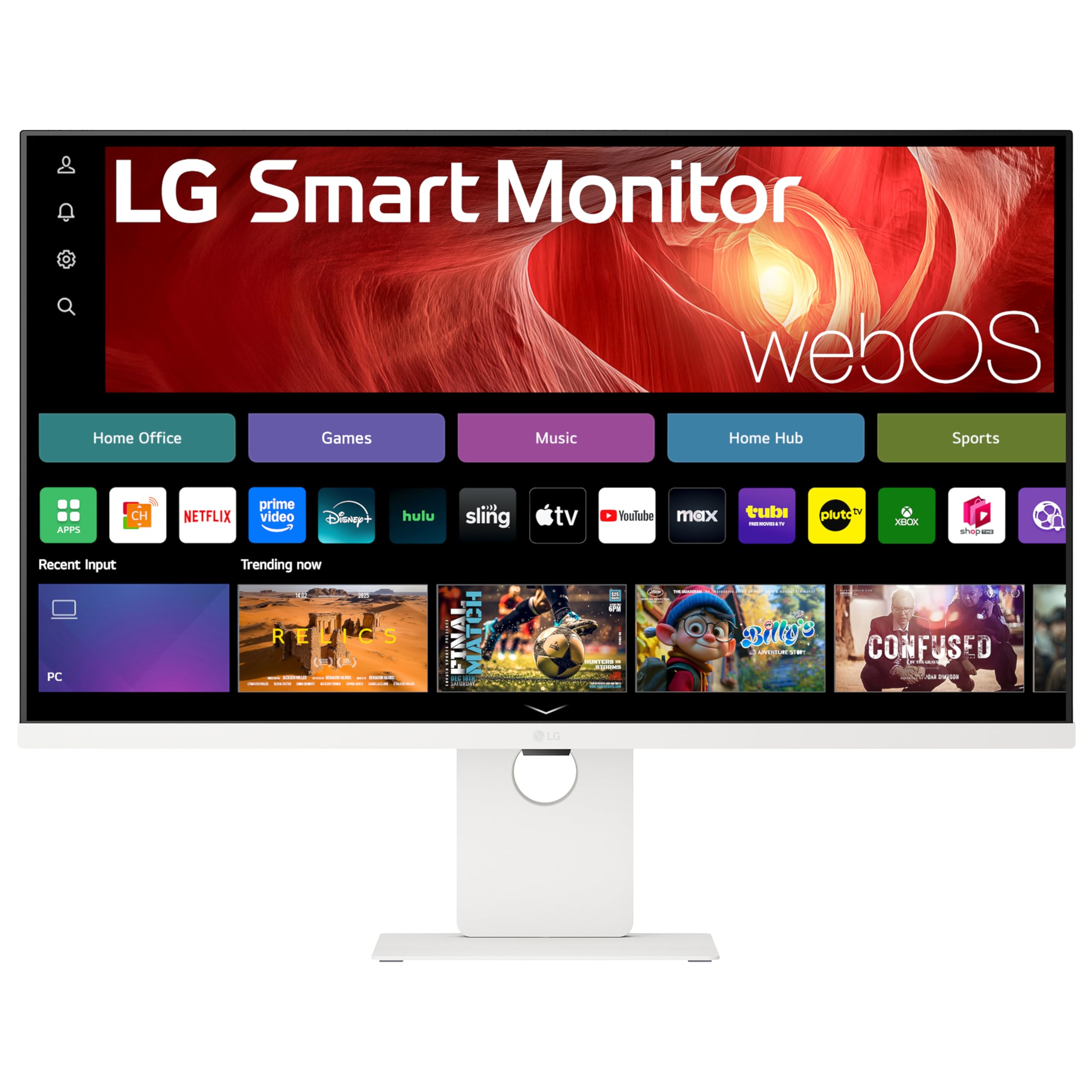
A 34-inch curved ultrawide that doubles as a smart TV and an AirPlay 2 receiver.
This is the desk monitor that replaces your separate streaming box. The 34-inch QHD (3440×1440) panel with a 21:9 aspect ratio shows you 34% more width than a standard 16:9 display, so you can line up three or four documents without tabbing between them. The sweeping 1800R curve wraps around your field of view, which makes long work sessions feel less like staring at a flat wall.
It runs LG’s built-in webOS23, giving you instant access to Netflix, Prime Video, the Apple TV app, Disney Plus, and over 300 free LG Channels — no PC needed. A VA panel with a 3000:1 contrast ratio and up to 99% sRGB color gamut keeps both text and movies looking rich.
Buyers report that the picture is “super clear” and that it fits beautifully on a tiny desk in the corner of a room. The 100Hz refresh rate keeps scrolling smooth, and the two HDMI plus three USB ports handle your peripherals.
Why It Earns the Top Spot
- Ultrawide 21:9 gives you 34% more screen width than a 16:9 display
- Built-in webOS23 with 300+ free LG Channels
- HDR10 and up to 99% sRGB for vivid color
Where It Falls Short
- VA panel means some buyers find movies slightly grainy
- Connectivity is a mixed bag — mostly smooth, occasionally finicky
Reach for it if: you want one screen that handles work, streaming, and iPhone mirroring from a single AirPlay 2 destination on a clean desk.
Look elsewhere if: your priority is a portable screen you can toss in a backpack and take to a coffee shop.
2. LG 37U730SA-W 37-inch Smart 4K UHD Monitor
A massive 37-inch 4K canvas that charges your laptop while it mirrors your iPhone.
If you want movie-sharp detail, this 37-inch 4K UHD (3840 x 2160) IPS panel delivers four times the pixels of a 1080p screen, with up to 90% DCI-P3 color coverage for accurate, wide-angle viewing. You get the same webOS smart platform, so Netflix, Prime Video, Disney+, YouTube, and the Apple TV app are one remote click away.
The single USB-C port is the real standout: it delivers up to 65W of power, so you can connect, charge, and transfer data to your laptop through one cable. Two HDMI 2.0 ports and two USB ports round out the setup. Owners mention it’s worth the price, praising the sturdy metal stand and built-in speakers, though they note the home screen interface looks a little blurry.
The tilt, height, and swivel adjustments let you dial in the perfect angle for long workdays, and the AirPlay 2 support means your Apple devices mirror easily.
Powerhouse Panel: 4K UHD IPS with 90% DCI-P3 color for accurate work and vivid streaming.
One-Cable Desk: USB-C delivers 65W of power to your laptop while handling display and data.
Who it’s for: the home-office power user who wants a giant 4K screen that also serves as a smart TV and a laptop charger.
Who should pass: anyone with a shallow desk — the stand sits about 7 inches from the wall.
3. LG Smart Monitor Swing 32U889SA-W 32-Inch 4K Touchscreen
A 4K touchscreen on wheels that rolls from your desk to your living room.
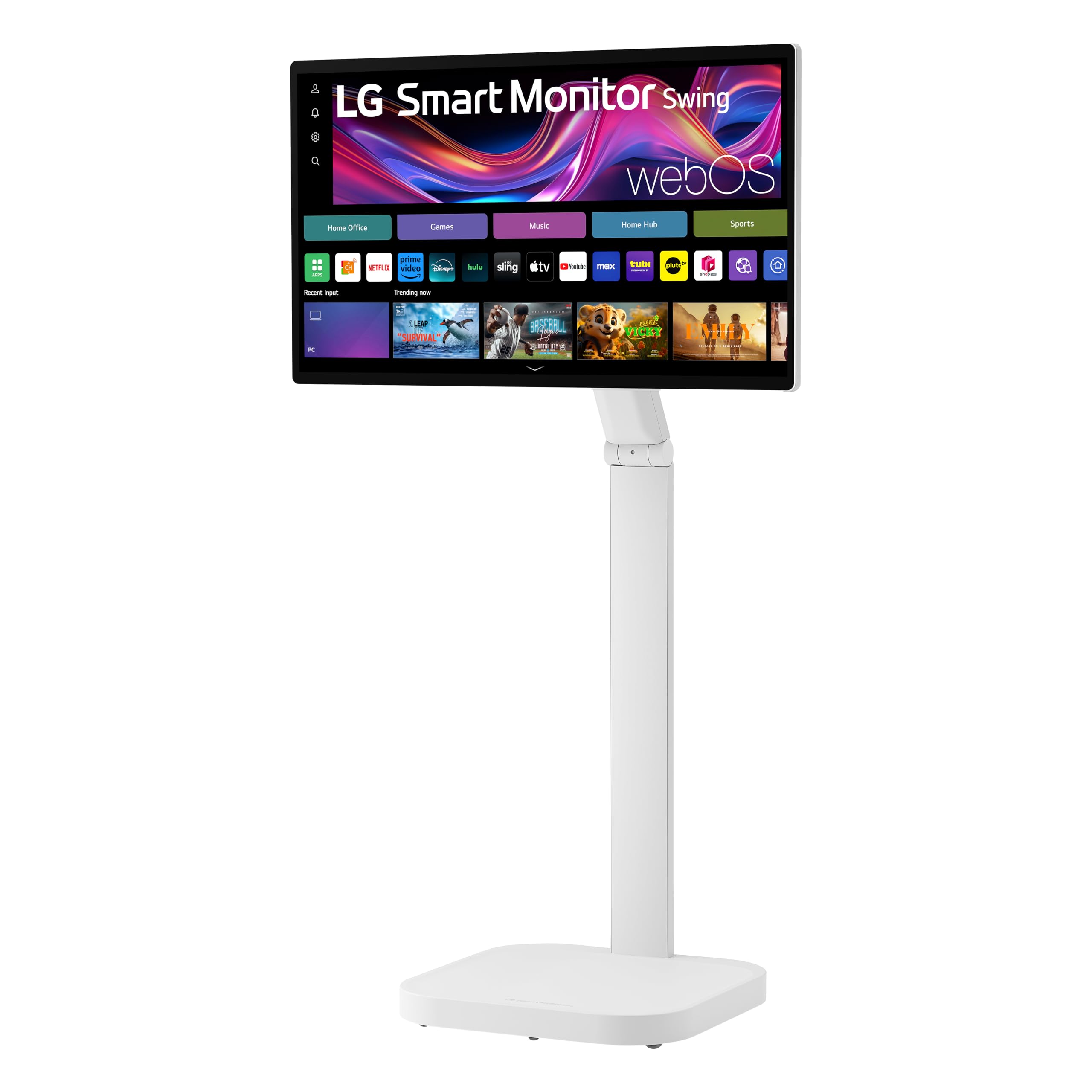
This is the AirPlay monitor that refuses to stay in one place. The 32-inch 4K UHD IPS touchscreen sits on a wheeled base with a torsion spring hinge, letting you tilt, swivel, adjust height, and even flip into Portrait Mode. A hidden adapter compartment keeps the cables tucked away, so it looks clean whether it’s parked at your desk or rolled into a closet.
The touchscreen makes webOS navigation feel like using a tablet, and the Switch app splits the screen into up to six sections for serious multitasking. Three USB-C ports deliver up to 65W of power each, alongside two HDMI ports. At 350 nits brightness and up to 95% DCI-P3 color, the picture is vibrant and detailed.
Customers note it’s easy to set up and love rolling it between rooms for work and streaming. The sound quality draws mixed feedback though — some find the built-in speakers quiet, and a few mention the screen randomly disconnects from Wi-Fi.
Room-to-Room Freedom: the rolling stand with 360-degree adjustability is unlike any other monitor here.
Touch-First Control: the 4K touchscreen makes navigating apps and splitting your workspace intuitive.
Choose it if: you want one screen that moves with you through the house and responds to your touch.
Think twice if: you need high-volume speakers for a large room — plan on a soundbar.
4. CZGG Wireless Portable Monitor 15.6-inch
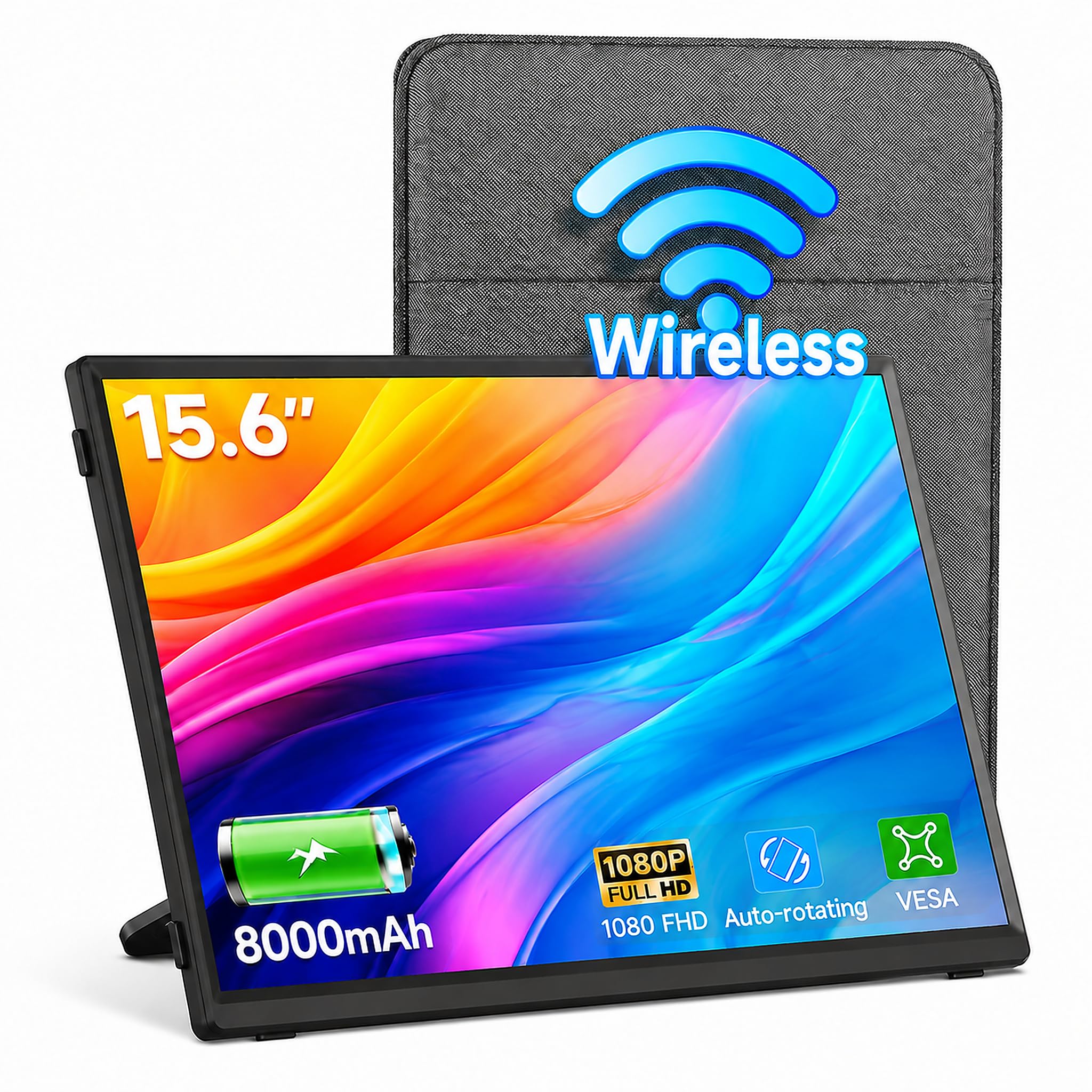
A 4-hour battery travel screen that mirrors your phone and folds into your bag.
This 15.6-inch 1080P FHD portable monitor gives you the cord-free AirPlay experience without draining your phone. The 8,000mAh built-in battery delivers 4 hours of continuous use, ideal for a long flight or a park work session with no outlet in sight. The 360° rotating stand lets you flip between landscape and portrait instantly.
The 178-degree wide viewing angles and crisp colors keep presentations looking sharp, whether you’re mirroring from an iPhone, MacBook, or Android. Beyond wireless AirPlay and Miracast, you get USB-C and Mini HDMI wired options for lag-free gaming on a Switch or PS5. At just 300 cd brightness, it’s best used indoors or in shade.
Reviewers point out it works flawlessly right from the start, with a bright display and a protective sleeve included.
What It Does Well
- 8,000mAh battery provides 4 hours of untethered use
- 360° stand rotates for portrait or landscape viewing
- Wired USB-C and Mini HDMI for lag-free gaming
What’s Compromised
- 300 cd brightness is modest for sunny outdoor use
- Kickstand case leaves the back partially uncovered
Best for: students and remote workers who need a reliable second screen that survives a day away from a wall outlet.
Not for: anyone who relies on booming built-in speakers for entertainment.
5. UPERFECT 15.6-inch Wireless Portable Monitor
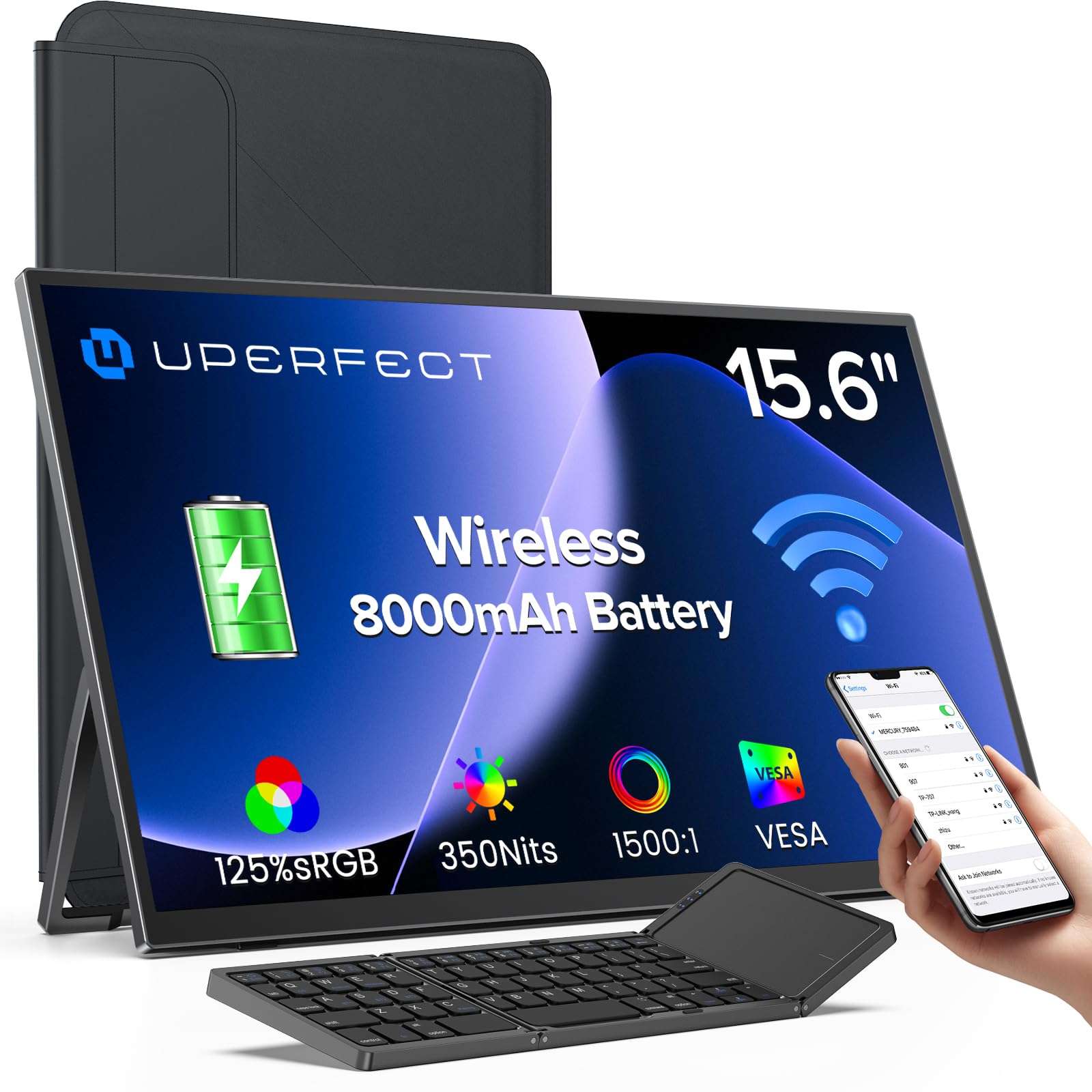
A travel screen with 350 nits brightness and a wireless keyboard in the box.
This 15.6-inch Full HD IPS matte screen stands out for its accessories and its anti-glare panel. The 125% sRGB color gamut and 350 nits brightness keep the picture clear even in a brightly lit café. The matte finish cuts reflections, so you can actually see your work near a window.
The 8,000mAh battery runs for 3 to 4 hours, and the included wireless keyboard plus carry bag make it a genuinely portable workstation kit. Dual USB-C ports and Mini HDMI give you wired backup when the battery runs low. The 75x75mm VESA mount adds even more flexibility.
Shoppers say a crisp picture with jet-black blacks, and the auto-rotation gravity sensor flips the screen when you rotate it for vertical content.
Productivity Kit: wireless keyboard and sleeve included make this a complete travel setup.
Visible in Sunlight: the matte anti-glare screen at 350 nits stays readable near windows.
Ideal for: frequent travelers who want more than a bare screen — a keyboard and bag are already in the box.
Skip if: you need more than 4 hours of battery for a full workday away from power.
6. HotYeah 15.6-inch Wireless Portable Monitor
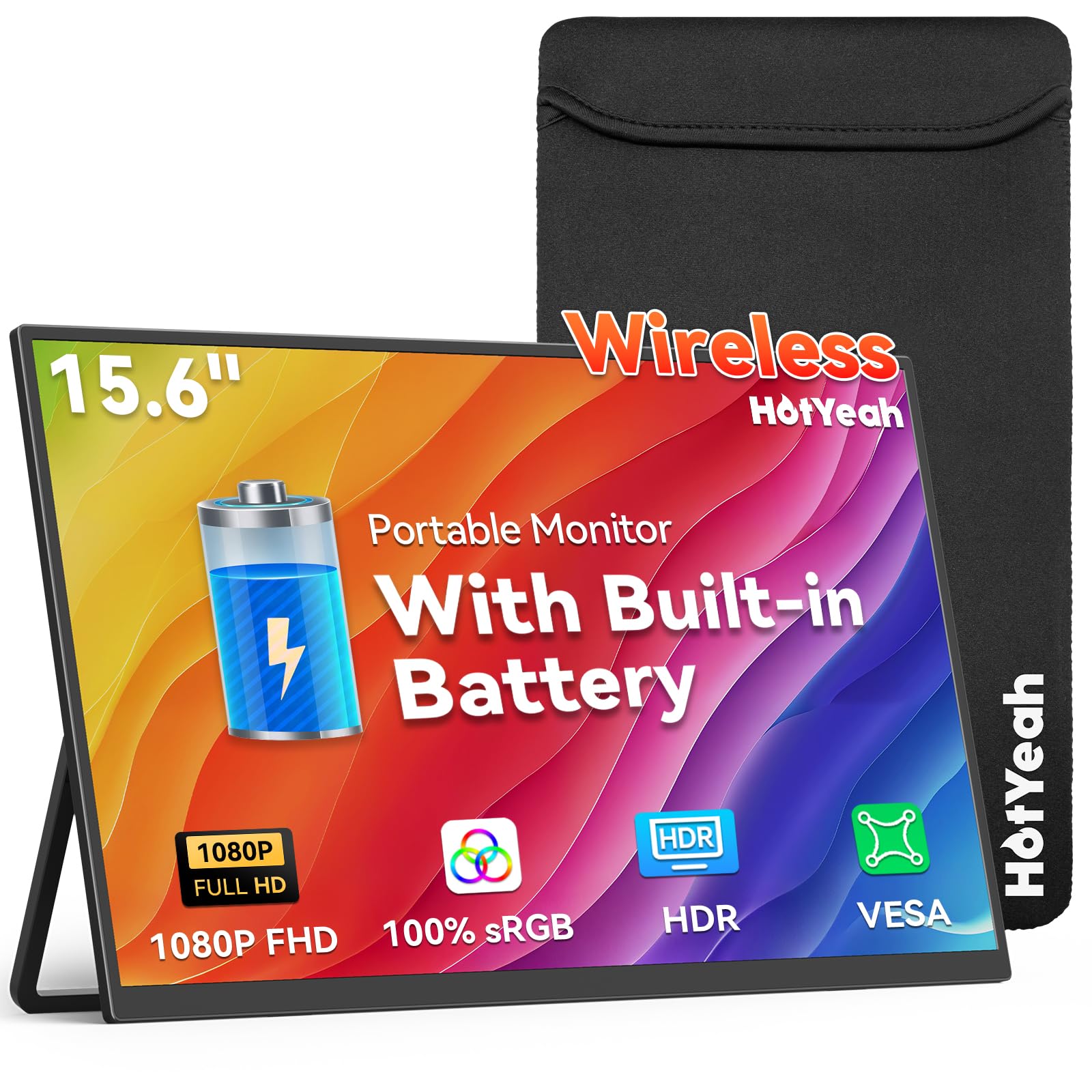
A 400-nit portable panel with the longest cord-free run time in this roundup.
This 15.6-inch 1080P display hits 400 nits brightness, the brightest of the portable options here, which makes it comfortable to use in well-lit rooms. The built-in 8,000mAh battery stretches to 4 to 5 hours on a charge, and the IPS matte screen cuts glare while keeping colors accurate at 100% sRGB.
AirPlay and Miracast support let you mirror an iPhone, iPad, Android, MacBook, or Windows laptop without cables. A built-in metal kickstand adjusts up to 180 degrees, and the 75x75mm VESA mount offers wall or arm options. The gravity auto-rotation flips the screen for portrait when you tilt it with a phone connected.
You can mirror your phone to this monitor in seconds, and buyers report the AirPlay connection stays stable once paired.
Brightest Portable: 400 nits keeps the image vivid in rooms where other travel screens wash out.
Longest Runtime: the 8,000mAh battery delivers 4 to 5 hours, ideal for long travel days.
Pick this if: brightness and battery life matter more than anything else in a travel monitor.
Pass it by: if you need Google Cast or Bluetooth — neither is supported here.
7. MAGICRAVEN 15.6-inch Wireless Portable Monitor
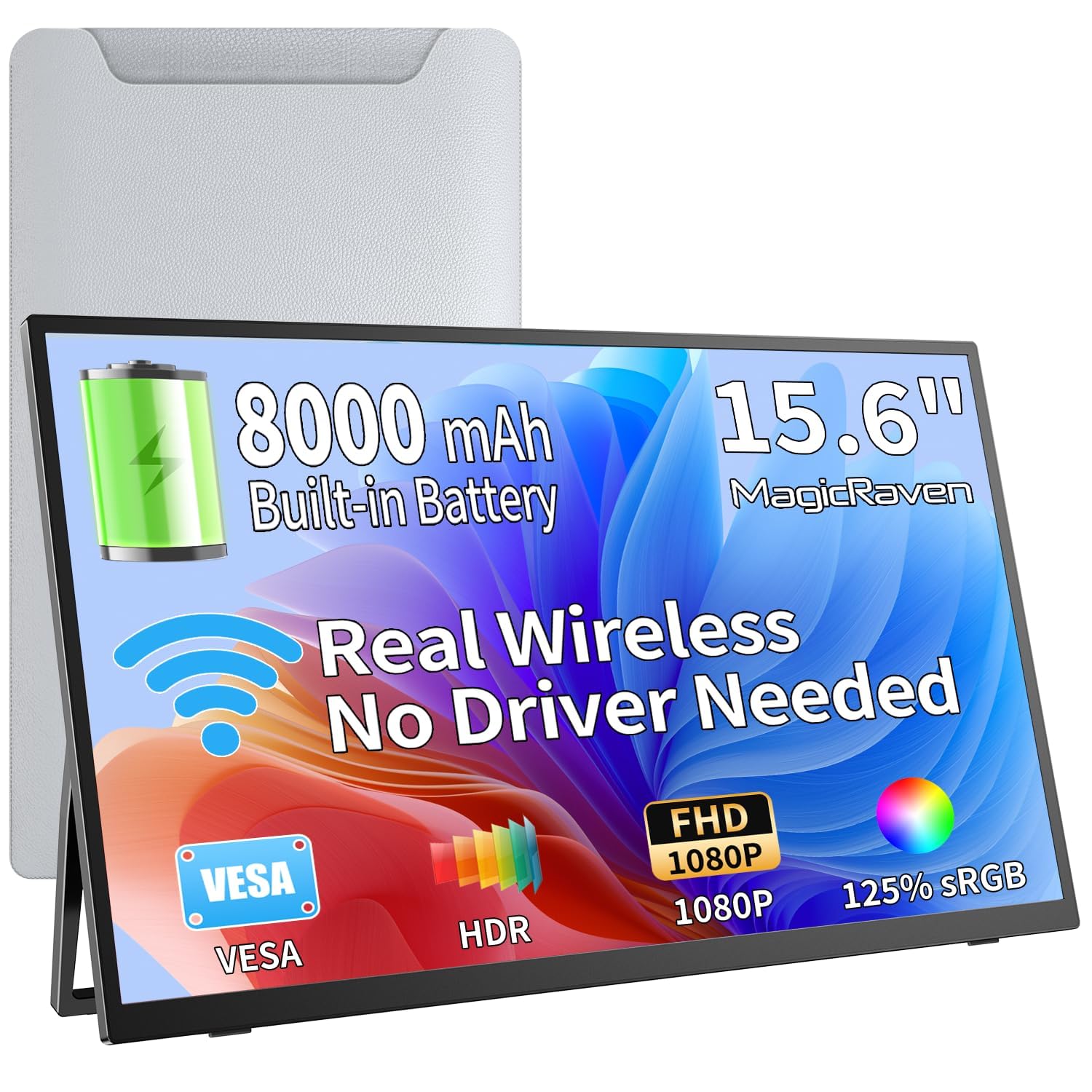
A featherlight 1.69 lb second screen with low-latency mirroring for presentations.
Weighing just 1.69 lbs and measuring 0.2 inches thin, this 15.6-inch 1080P IPS monitor is built for life on the move. It fits easily in a laptop bag, and the 8,000mAh battery provides up to 5 hours of runtime. Low-latency wireless technology keeps your screen near real-time for presentations and multitasking.
The 178° wide viewing angles and 125% sRGB color accuracy make documents and spreadsheets look clean. A 180° adjustable metal stand lets you find the right viewing angle, and the auto-rotation gravity sensor switches between portrait and landscape when you tilt the screen. Dual speakers add sound for streaming and calls.
Owners mention it’s “easy to connect” with “great picture quality” and a nice sleeve case.
Strengths
- Ultra-thin 0.2-inch profile and 1.69 lb weight
- Up to 5 hours of battery on a single charge
- 180° adjustable metal stand included
Limits
- Some customers note reliability issues past the 6-month mark
- Fast motion can show input lag — not ideal for competitive gaming
It’s for: commuting professionals and stock traders who need a light, battery-powered second screen for spreadsheets and presentations.
It’s not for: anyone planning marathon gaming sessions or relying on flawless long-term durability.
8. ZSCMALLS Wireless Portable Monitor 15.6-inch
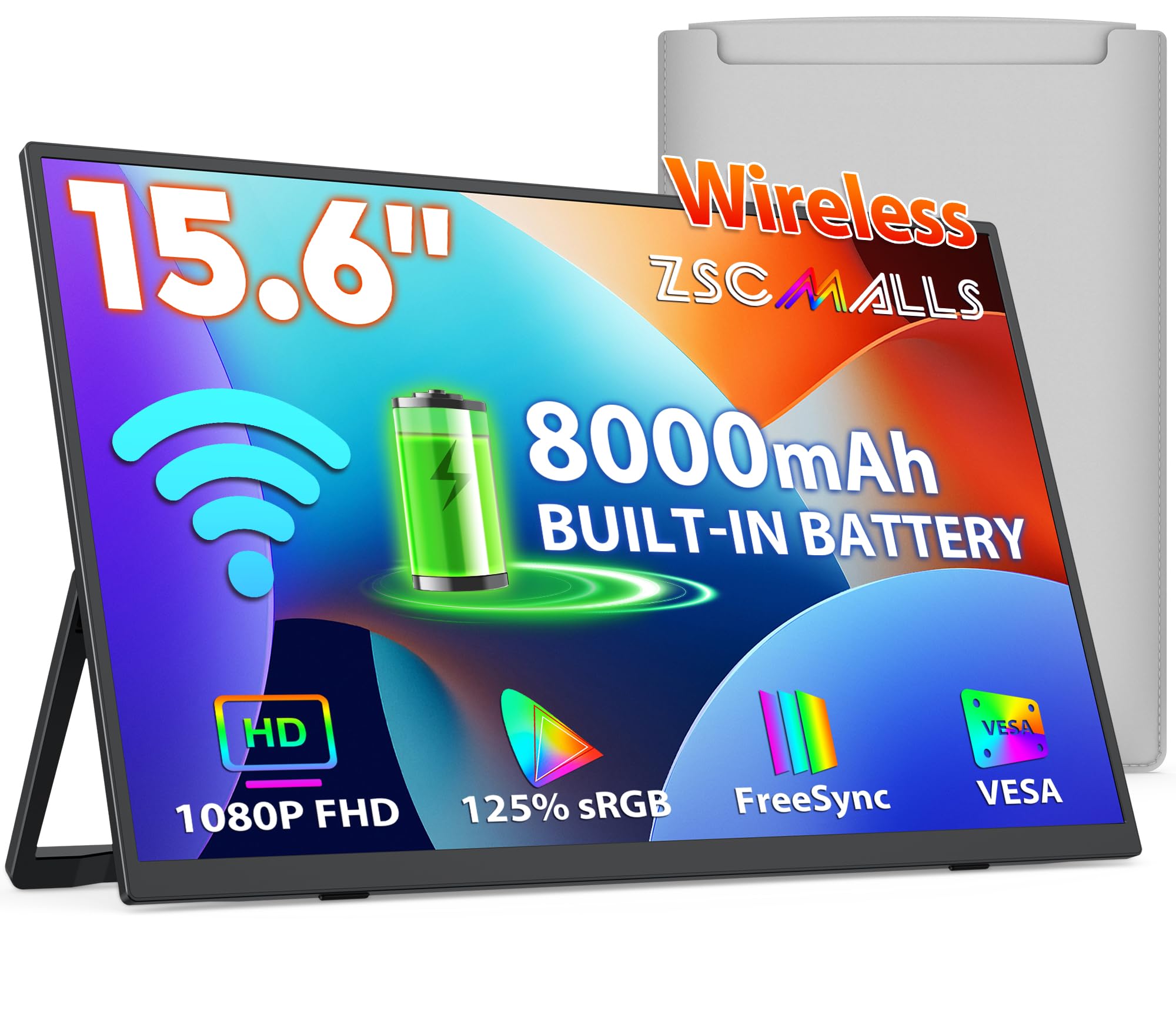
The entry-level travel screen that still manages a bright 1080P picture and a fast-charging battery.
This 15.6-inch 1080P Full HD IPS panel offers serious value for budget shoppers. The 8,000mAh battery runs for about 5 hours on a charge and supports fast charging to top back up in 1.5 hours. A gravity sensor rotates the screen automatically when you flip it with a phone connected.
The 1500:1 contrast ratio and 125% sRGB color gamut deliver excellent color accuracy, while the flicker-free technology and low blue light mode reduce eye strain during long work sessions. A 180° adjustable metal bracket lets you position the screen exactly how you need it. Weighing only 1.69 lbs with a 0.2-inch profile, this monitor slides easily into a backpack.
Reviewers point out it’s a perfect portable monitor, noting the battery often lasts more than 4 hours in real use.
Value Leader: gets you wireless AirPlay mirroring, an 8000mAh battery, and a carry bag at the lowest entry point.
Smart Power: fast charging refreshes the battery in about 1.5 hours, so downtime is brief.
Consider it if: you want the essentials — wireless mirroring, a bright screen, and a long-lasting battery — at the tightest budget.
Look past it if: durability is your top concern, as some shoppers say breakage within six months.
Understanding the Specs
AirPlay 2 vs. Screen Mirroring
AirPlay 2 is Apple’s wireless standard that lets your iPhone, iPad, or Mac send video and audio to a compatible screen over Wi-Fi. When a monitor lists native AirPlay 2 support, it appears as a destination on your Apple device just like an Apple TV. You don’t need extra apps or dongles.
Contrast Ratio and Color Gamut
Contrast ratio compares the brightest white to the darkest black a screen can show — a higher number like 3000:1 means deeper blacks and more depth in dark scenes. Color gamut, measured in sRGB or DCI-P3 percentage, tells you how many colors the panel can reproduce. Higher percentages mean more accurate, vivid color for photo editing and movies.
FAQ
How do I mirror my iPhone to an AirPlay compatible monitor?
Do these monitors work with a MacBook without an Apple TV?
How long does the battery last on a portable AirPlay monitor?
Can I use a wireless portable monitor for gaming?
Will streaming apps like Netflix work over wireless mirroring?
What is the difference between AirPlay and Miracast?
Do these monitors support touch input?
Can I charge my laptop through the monitor’s USB-C port?
Which is better for a permanent desk setup, an ultrawide or a 4K monitor?
How do I set the monitor to stop booting into the smart TV home screen?
Final Thoughts: The Verdict
For most people, the airplay compatible monitor winner is the LG 34SR60QC-W because it pairs an ultrawide 21:9 workspace with built-in webOS streaming and native AirPlay 2 in one clean package. If you want a 4K home-office centerpiece that charges your laptop, grab the LG 37U730SA-W. And for life on the move, the CZGG Wireless Portable is the one to reach for — its 8000mAh battery keeps you working for hours without an outlet.
How We Picked
We do not accept paid placement. Every pick is matched to a real buyer and a real use-case; we do not hands-on test units.
Sources & Methodology
Specifications: manufacturer listings and product documentation. Review insights: verified customer reviews, as of August 2026. Pricing: not shown on this page (it changes often); check the current price via the retailer link.
As an Amazon Associate, Gadgets Feed earns from qualifying purchases. This does not affect which products we feature.