
A standard alarm clock is a nightmare when your eyes can’t find the tiny digits at 3 AM. For seniors, waking up disoriented, unsure if it’s morning or night, is a daily struggle that a bad clock only makes worse. The right clock doesn’t just tell time — it anchors your whole day with a glance, a tap, or a spoken word.
I’m Min — the co-founder and writer behind Gadgets Feed. I’ve spent countless hours cross-referencing display sizes, voice announcement quality, alarm programmability, and auto-dimming behavior to separate the truly accessible clocks from the ones that just look big on the spec sheet.
Whether you’re navigating dementia, vision loss, or hearing issues, this guide delivers options that eliminate confusion. Here is the definitive guide to the best alarm clock for seniors.
How To Choose The Best Alarm Clock For Seniors
Three specs define a senior-friendly clock: display readability, alarm flexibility, and ambient adaptation. A 7-inch screen with a 1024×600 IPS panel beats a larger 10-inch screen with low contrast every time. Voice announcement capability is a game-changer for visually impaired users who cannot read digits even at 6 inches. Auto-dimming that shifts between 50 and 250 cd/㎡ prevents the clock from becoming a sleep disruptor while staying readable at a glance.
Display Readability and Orientation
The best clocks separate day phases into five segments — Before Dawn, Morning, Afternoon, Evening, and Night — instead of relying on a tiny AM/PM indicator. For dementia patients, this eliminates the disorienting question of whether it’s time for breakfast or dinner. IPS technology ensures the screen stays legible even when viewed from extreme angles across the room.
Alarm and Reminder Programability
Medication adherence demands more than a single wake-up alarm. Look for clocks offering 6 or more independent alarms and at least 10 daily reminders with visual icons for pills, hydration, and sleep. The ability to assign different tones and volume levels to each alert prevents alarm fatigue and ensures critical reminders cut through background noise.
Voice Announcement and Ease of Operation
For severely impaired vision, a one-button voice announcement that speaks the time, day, and date at 85 dB is essential. Remote control support allows caregivers to adjust settings without moving furniture or disturbing the user. Clocks that retain settings after power loss prevent the frustration of resetting after a brief outage.
Quick Comparison
On smaller screens, swipe sideways to see the full table.
| Model | Category | Best For | Key Spec | Amazon |
|---|---|---|---|---|
| Pastigio 7″ | Mid-Range | Day-phase orientation | 7″ IPS 1024×600 | Amazon |
| Pastigio 10.1″ | Premium | Largest HD display | 10.1″ IPS 1280×800 | Amazon |
| Raynic 10.1″ | Premium | Extra alarms & themes | 20 alarms / 20 reminders | Amazon |
| Top Life Talking Clock | Premium | Voice announcement | 85 dB loud speaker | Amazon |
| CAZOKASI 8″ | Mid-Range | 15 alarm versatility | 8″ IPS 16:9 ratio | Amazon |
| Mitoart 7″ | Budget-Friendly | Voice timing function | Auto-dimming 50/250 cd/㎡ | Amazon |
| American Lifetime | Premium | Battery backup & wood frame | 5 alarms / auto-dimming | Amazon |
In‑Depth Reviews
1. Pastigio 7″ Digital Clock
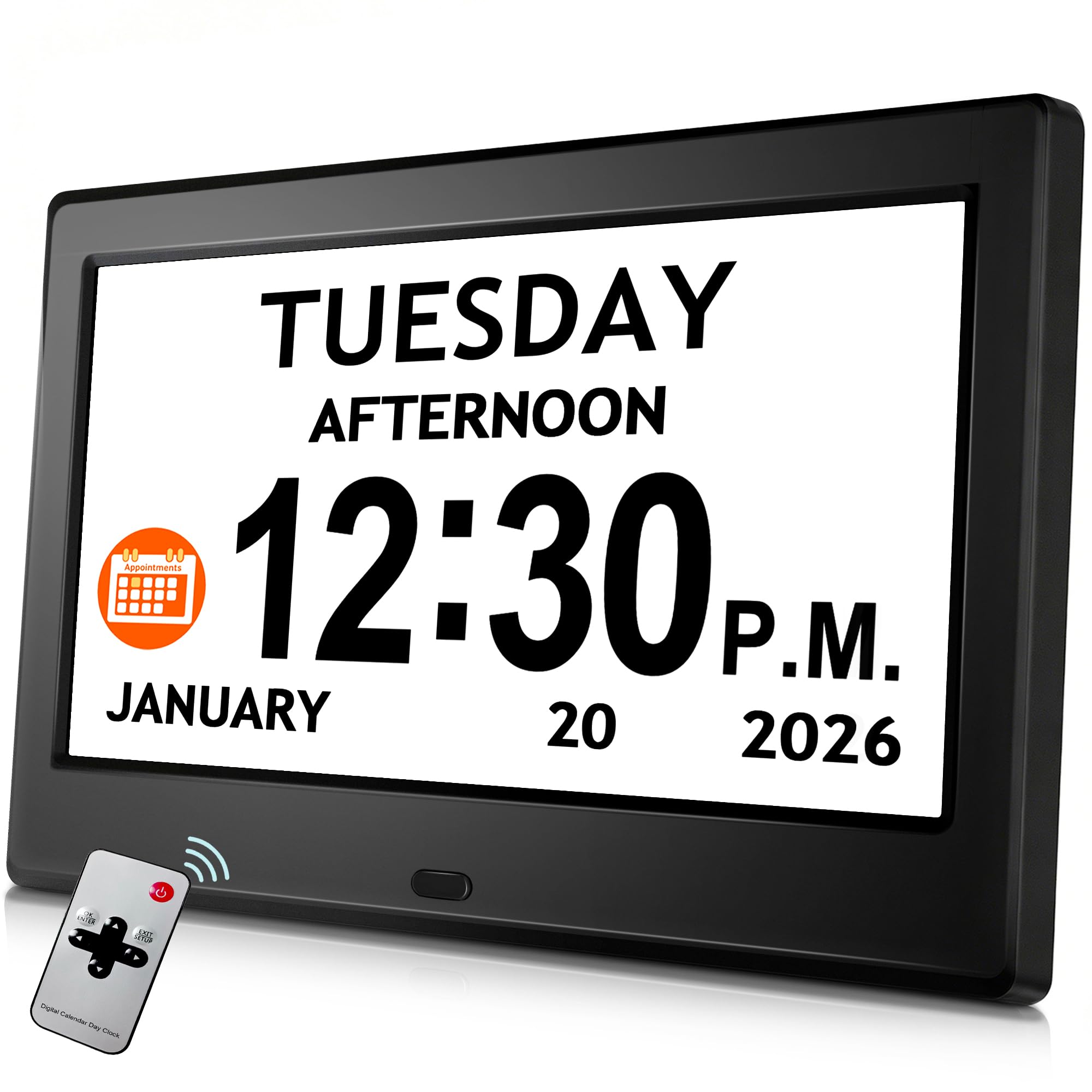
The Pastigio 7″ strikes the ideal balance between screen real estate and footprint. Its 7-inch IPS panel at 1024×600 resolution delivers sharp digits that remain readable from any angle, and the five-phase day segmentation (Before Dawn, Morning, Afternoon, Evening, Night) eliminates AM/PM confusion for dementia users. The auto-dimming sensor transitions smoothly between ambient conditions, and Daylight Saving Time updates automatically after you set your region — no manual fiddling.
With 6 custom alarms and 10 daily reminders that use simple visual icons for medication, hydration, and sleep, this clock covers every common senior schedule. The included remote control lets caregivers adjust brightness, switch display themes, or set a new alarm without reaching behind the unit. Users consistently praise the large, bold text and the ability to mount it on a wall or stand it on a desk.
The only catch is that it must stay plugged in via the included power cord — there is no battery backup. If power outages are common in your area, you will want a model with memory retention. Still, for pure readability and orientation support at a very accessible price point, this clock is tough to beat for most senior households.
Why it’s great
- Five-phase day orientation eliminates AM/PM confusion.
- Remote control makes adjustments effortless for caregivers.
- Auto-dimming and automatic DST save daily hassle.
Good to know
- No battery backup; must remain plugged in.
- Alarm setup can feel cumbersome for multiple daily schedules.
2. Pastigio 10.1″ Digital Clock
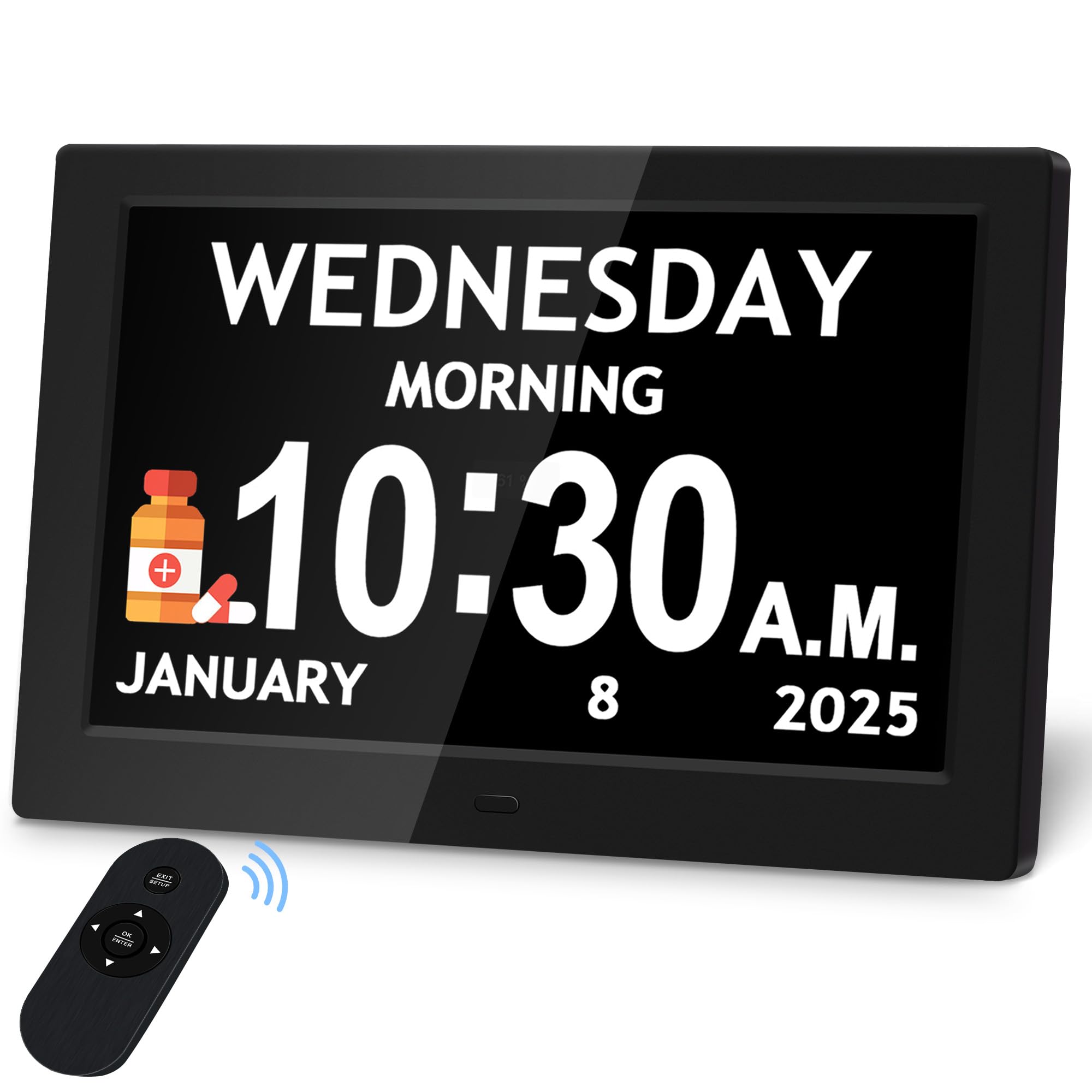
Stepping up to a 10.1-inch IPS panel at 1280×800 resolution, the larger Pastigio model offers the most pixel-dense display in this roundup. The extra bold digits are readable from across a 20-foot living room, and the five-phase day orientation remains just as clear. Auto-dimming here is smart — it adjusts five manual brightness levels or lets the ambient sensor take over — which prevents the screen from becoming a sleep disruptor while staying visible at a glance.
This clock supports 10 customizable reminders and 6 programmable alarms with five tones and five volume levels. The visual icons for medication, hydration, and walking are shown directly on the screen, so a senior with memory issues can recognize a pill icon without reading any text. The remote control is high-quality and sensitive, working even when the clock is wall-mounted — a nice touch for nursing home or hospital room setups.
Like its smaller sibling, it requires continuous AC power. The built-in memory does retain time settings after a power loss, so you do not have to reset everything. A few users note that programming alarms for varying daily times is more tedious than using a smartphone, but for a senior who does not own or use a phone, the large touch-free interface is a clear advantage.
Why it’s great
- Highest resolution display for maximum readability.
- Five-phase orientation and visual reminder icons.
- High-quality remote works reliably at distance.
Good to know
- Alarm programming is not intuitive for variable schedules.
- No battery backup; wall power required.
3. Raynic 10.1″ Digital Clock
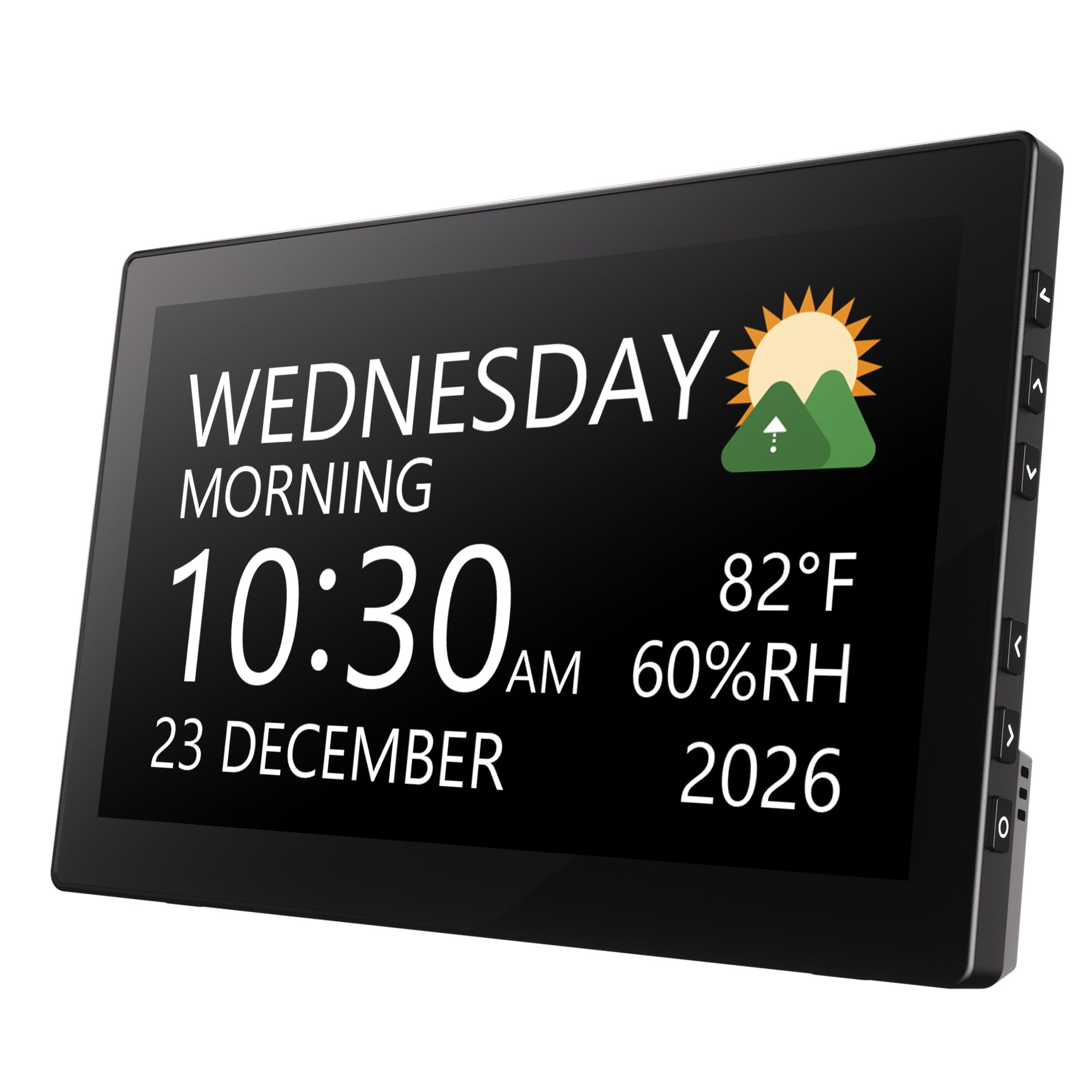
The Raynic 10.1″ enters the conversation when you need the highest possible alarm count — 20 independent alarms and 20 daily reminders. That is enough to schedule medication three times a day, hydration, meals, exercise, and bedtime across an entire month without reusing a single slot. The 10.1-inch display also includes indoor temperature and humidity readings, a bonus for seniors who want climate awareness at a glance.
With 12 display themes, you can switch between a classic elderly clock with no abbreviations, an icon-based view that shows a sun or moon for day phase, a three-color layout that separates time, date, and year, and even a simulated analog clock face. The auto-dimming works on a fixed schedule (bright 7 AM–8 PM, dim 8 PM–7 AM), which is simple but effective. Users who bought it for wall mounting in a 20-foot room report excellent readability.
The downsides are minor but real. The clock is powered by a cord only — no battery backup — and the combination clock/thermometer screen cannot be customized to hide the temperature readout on all themes. For caregivers who simply want maximum alarm slots without spending more, the Raynic delivers staggering programmability that justifies its spot in a high-traffic caregiving environment.
Why it’s great
- Unmatched 20-alarm capacity for complex schedules.
- 12 display themes including analog face and icon mode.
- Indoor temperature and humidity monitoring included.
Good to know
- Temperature/humidity cannot be removed from every theme.
- No battery backup; AC power only.
4. Top Life Talking Clock

The Top Life Talking Clock is the only device in this guide designed specifically for dual sensory loss. Press the single top button once to hear a neutral male voice announce the time at 85 dB; press it again to hear the day, date, and year. This eliminates the need to locate reading glasses or decipher tiny numbers altogether. The large high-contrast digital display is still there for backup reading, but the voice is the primary interface.
It runs on AC power or 3 AA batteries, and it retains all settings during power loss — a critical feature for seniors who cannot handle re-programming. The screen can be completely turned off at night to eliminate light disturbance while maintaining full functionality. A pleasant wake-up chime and snooze function round out the simple feature set. Users in skilled nursing facilities and those with advanced vision loss consistently rate this as their favorite.
The trade-off is that it only has one alarm, not the 6 or 20 you get from the digital display clocks. There are also no visual reminder icons, so medication timing relies entirely on the user remembering the alarm purpose. For pure accessibility with zero fumbling, however, nothing else in this list competes with the 85 dB voice clarity and one-button simplicity.
Why it’s great
- Single-button voice announcement at 85 dB.
- Battery backup retains all settings after power loss.
- Screen can be fully turned off for zero light disturbance.
Good to know
- Only one alarm — no multi-alarm medication scheduling.
- No visual reminder icons for daily tasks.
5. CAZOKASI 8″ Digital Clock

The CAZOKASI 8″ hits a sweet spot between the 7-inch and 10-inch options. Its 16:9 IPS display uses a 8-inch diagonal to render larger text than a 7-inch panel while taking up less desk space than a 10-inch unit. The 15-alarm count is split into 12 standard alarms and 3 dedicated medication reminders (morning, noon, evening) — a thoughtful design that makes pill scheduling feel less intimidating.
It offers 4 time display modes: classic elderly clock with full non-abbreviated day and date, an icon-based period view, a three-color layout separating time, week, and year/month, and a simulated analog circular clock. Auto-dimming runs on a fixed schedule (bright 7 AM–8 PM, dim 8 PM–7 AM) with low, mid, auto, and off settings. Users appreciate the lightweight 0.4 kg build and the simple wall-mount capability.
On the downside, the clock has no battery backup and no remote control — all changes are made via the on-device buttons. A few users mention that the AM/PM indicator cannot be removed from some display modes. Still, for a caregiver looking for a dedicated medication alarm system without paying for a massive display, the CAZOKASI 8″ is a smart, compact choice.
Why it’s great
- 15 alarms with 3 dedicated medication slots.
- Compact 8-inch form saves desk space.
- Four display modes including analog face.
Good to know
- No remote control — all changes via on-device buttons.
- No battery backup; continuous AC power required.
6. Mitoart 7″ Digital Clock
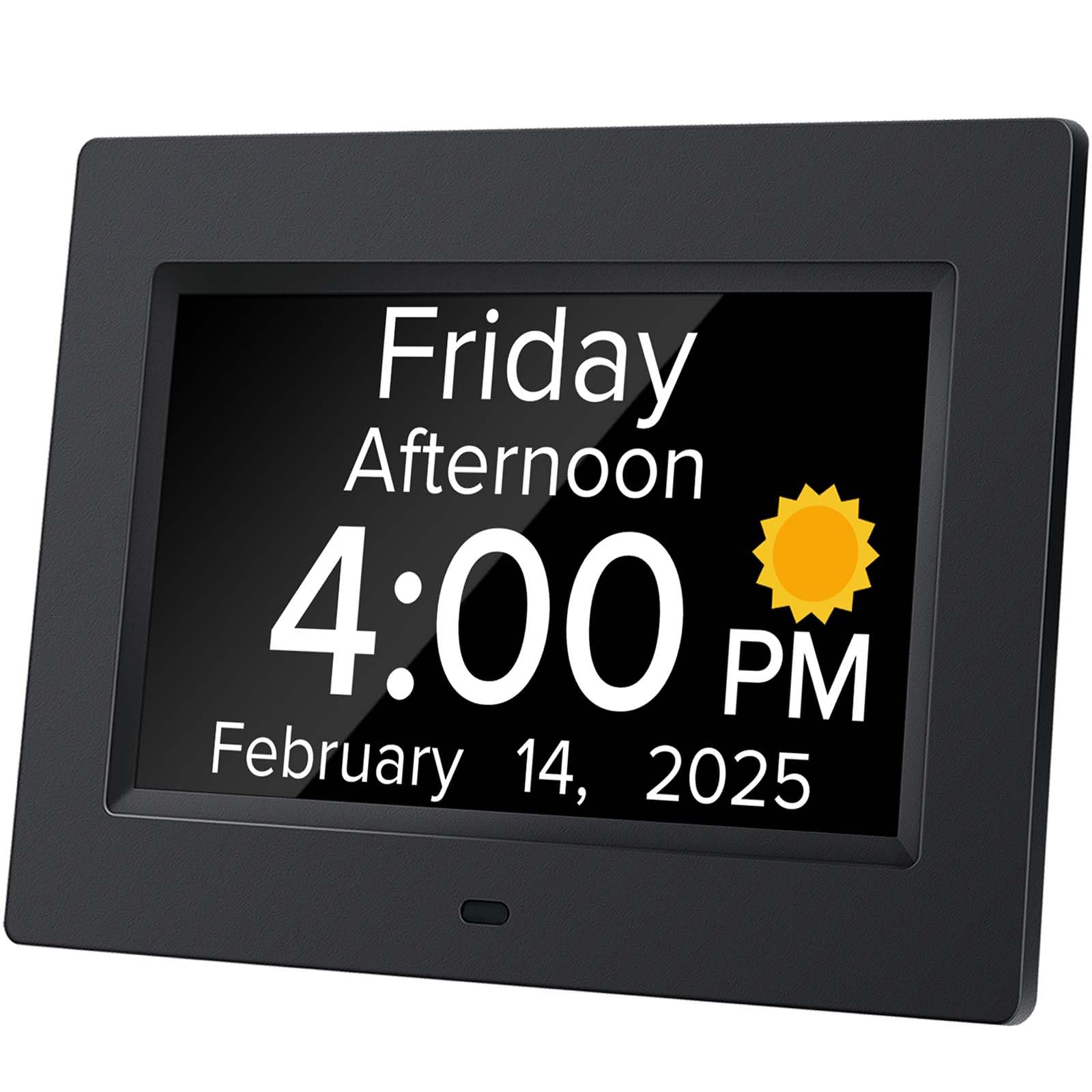
The Mitoart 7″ packs voice announcement capability into a budget-friendly package. Press the OK button on the back or the remote control, and it speaks the time in one of 9 languages — a feature normally reserved for premium models. The auto-dimming switches between 50 cd/㎡ (dim from 7 PM to 7 AM) and 250 cd/㎡ (bright from 7 AM to 7 PM), providing a gentle nighttime experience that does not blind the user when they glance at the screen.
The large font display shows the week, month, and date in un-abbreviated bold letters, which is critical for dementia patients who may misinterpret “Jan” vs “June.” Multiple alarm sets allow medication and schedule reminders. Users in rehab and skilled nursing facilities report that the clock helps their family member track days and time accurately, reducing agitation and repeated questions about when lunch is.
It lacks the 10-alarm count and the high-resolution IPS panel of pricier models, and the auto-dimming is a fixed schedule rather than ambient-light sensor based. For its price tier, however, the inclusion of voice announcement and remote control makes it the most feature-dense option for caregivers on a tight budget.
Why it’s great
- Voice announcement at a budget-friendly price.
- Fixed auto-dimming schedule protects sleep.
- Large un-abbreviated text for dementia users.
Good to know
- No battery backup; must remain plugged in.
- Alarm count is not as high as mid-range models.
7. American Lifetime Upgraded Version
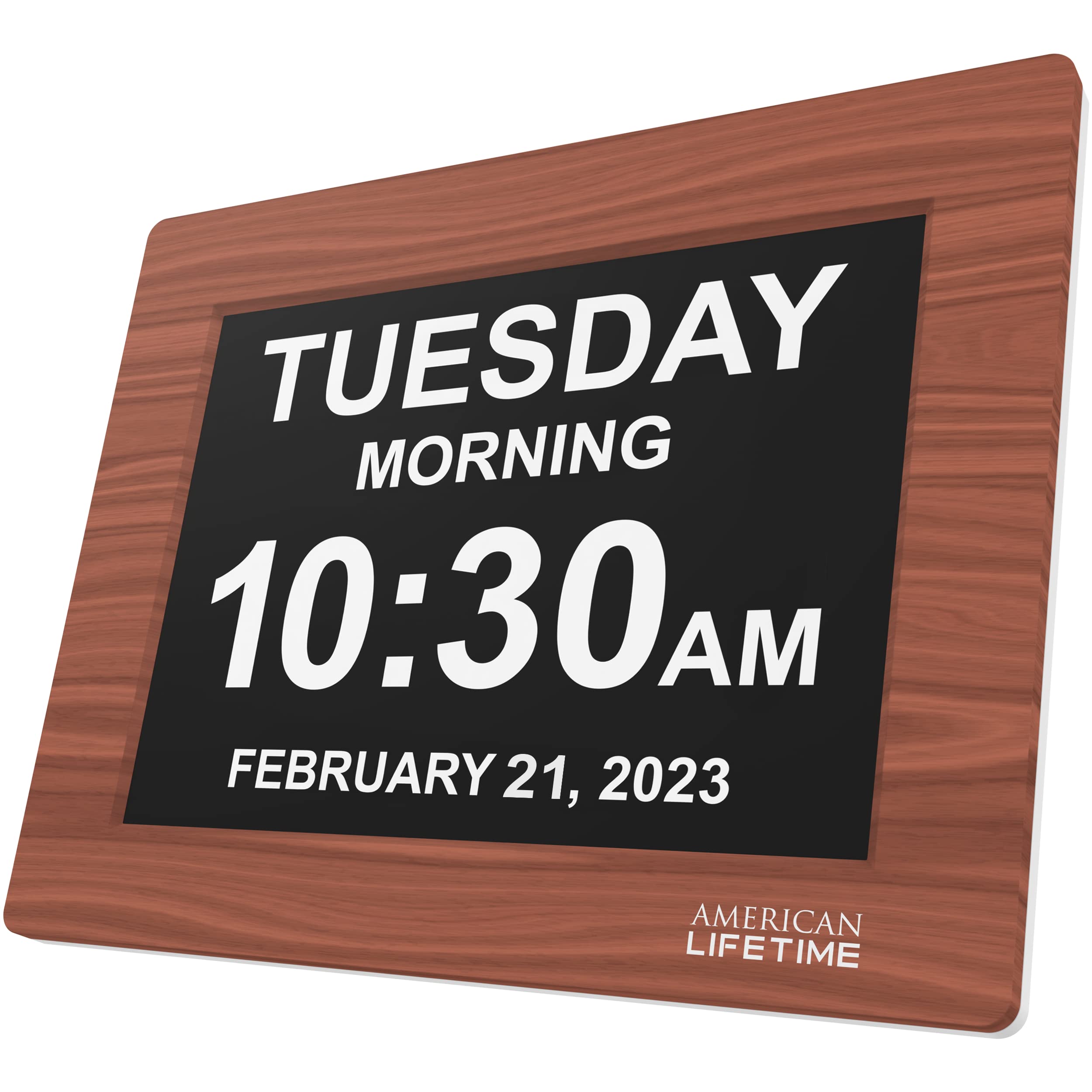
The American Lifetime clock is the only model in this guide with a genuine wood frame, giving it a warm, furniture-like appearance that blends into a traditional bedroom instead of screaming “medical device.” It features a large, high-contrast display that separates morning and evening into text labels rather than relying on a tiny AM/PM indicator — a small detail that makes a huge difference for dementia users.
It comes with a battery backup included, so if the power flickers or you unplug it to move rooms, all settings are retained. Up to 5 customizable alarms can be set for medication, appointments, or wake-up. The auto-dimming feature adjusts brightness to the ambient light level, and the clock is built with durable materials meant to survive accidental drops — a rare consideration in this category.
At its premium price point, you are paying for the wood aesthetic, the included backup battery, and the proven 5-year track record of reliability. The alarm count is limited to 5, and there is no voice announcement or remote control. For a caregiver who prioritizes durability and a non-clinical look above raw feature count, the American Lifetime clock justifies its reputation as a long-term investment.
Why it’s great
- Wood frame blends into home decor seamlessly.
- Battery backup included — retains settings without power.
- Durable build withstands drops and daily wear.
Good to know
- Only 5 alarms — fewer than most digital options.
- No voice announcement or remote control included.
FAQ
Can a clock with auto-dimming still be too bright at night for a senior?
What is the difference between a medication alarm and a regular alarm?
Do these clocks require internet or Wi-Fi to function?
Final Thoughts: The Verdict
For most users, the alarm clock for seniors winner is the Pastigio 7″ because it combines the five-phase day orientation, auto-dimming, remote control, and six alarms at a price that outperforms everything in its tier. If you need the largest possible HD display with the highest pixel density, grab the Pastigio 10.1″. And for vision or hearing-impaired users who need voice announcement, nothing beats the Top Life Talking Clock.