
Our readers keep the lights on and my morning glass full of iced black tea. As an Amazon Associate, I earn from qualifying purchases.
Specs are compiled from manufacturer listings and verified buyer reviews and can change over time — please confirm the key details on the product page before buying.
Finding an Android tablet under $200 used to mean accepting a laggy screen, a weak battery, and storage that fills up after a few apps. That trade-off has basically disappeared, and this guide zeroes in on the nine models that prove it, from a 120Hz display to an 8800mAh battery that outlasts a full workday.
I’m Min — the founder and writer behind Gadgets Feed. This guide is built by comparing the manufacturers’ published specifications and the patterns across verified customer reviews, so you get each pick’s real strengths and trade-offs instead of marketing spin.
These picks balance screen quality, battery life, and storage headroom, plus honest notes on where each model stumbles, so you can confidently choose the android tablet under $200 that actually fits how you use one.
Our Picks at a Glance
How To Choose The Best Android Tablet Under $200
Before you click buy, you need to separate the specs that change your daily experience from the numbers that are mostly marketing. Every tablet here runs modern Android and handles video, browsing, and light work — so your real job is deciding which compromise you can live with.
Screen quality is the first thing you feel
Refresh rate tells you how many times per second the screen redraws. A 60Hz panel looks perfectly fine for email, but a 90Hz or 120Hz panel makes scrolling and animation feel noticeably smoother — a difference you notice the moment you swipe through a feed. Brightness matters just as much if you use the tablet outdoors, where a dim screen becomes unreadable.
RAM and storage are not always what they seem
Many budget tablets advertise big RAM numbers like “24GB” or “32GB,” but part of that is virtual expansion — the system borrows storage to act as extra memory. What you actually get in physical RAM is the smaller figure, and that physical number is what determines how many apps you can juggle. Storage is where you feel real pain: a 64GB base fills fast with games, so check the microSD expansion limit before you commit.
Battery capacity sets your daily rhythm
Milliamp-hours (mAh) is the size of the battery tank. A 5100mAh cell might just make it through a day of light use, while an 8800mAh cell can run video playback for hours longer. If you stream shows, watch movies, or run a toddler’s games, look for a higher number and the real-world hours the maker claims.
Quick Comparison
| Model | Best For | Display Refresh | Battery | Storage Base / Expand | Amazon |
|---|---|---|---|---|---|
| AOC 10″ Tablet★ Best Overall | Smooth streaming and multitasking | 120Hz | 6000mAh | 128GB / 1TB | Amazon |
| Gleeso 10″ TabletBest Value Bundle | All-in-one bundle and big storage | — | 6000mAh | 64GB / 2TB | Amazon |
| Frameflow 11″ TabletBattery Champ | Long battery and fast updates | 90Hz | 8800mAh | 128GB / 1TB | Amazon |
| PYNAREL 10″ Tablet | Keyboard bundle and photo storage | — | 8000mAh | 256GB / 2TB | Amazon |
| Plimpton Kids 10″ | Toddlers and parental controls | — | — | 64GB / 1TB | Amazon |
| Lenovo Tab One | Pocketable travel companion | 60Hz | — | 64GB / microSD | Amazon |
| Samsung Galaxy Tab A11 | Trusted brand and OS updates | 90Hz | 5100mAh | 64GB / 2TB | Amazon |
| HUIHUANG 10″ Tablet | Max RAM and included EVA case | — | 6000mAh | 128GB / 1TB | Amazon |
| Lenovo Idea Tab | Students who want 2.5K sharpness | 90Hz | — | 128GB / microSD | Amazon |
In‑Depth Reviews
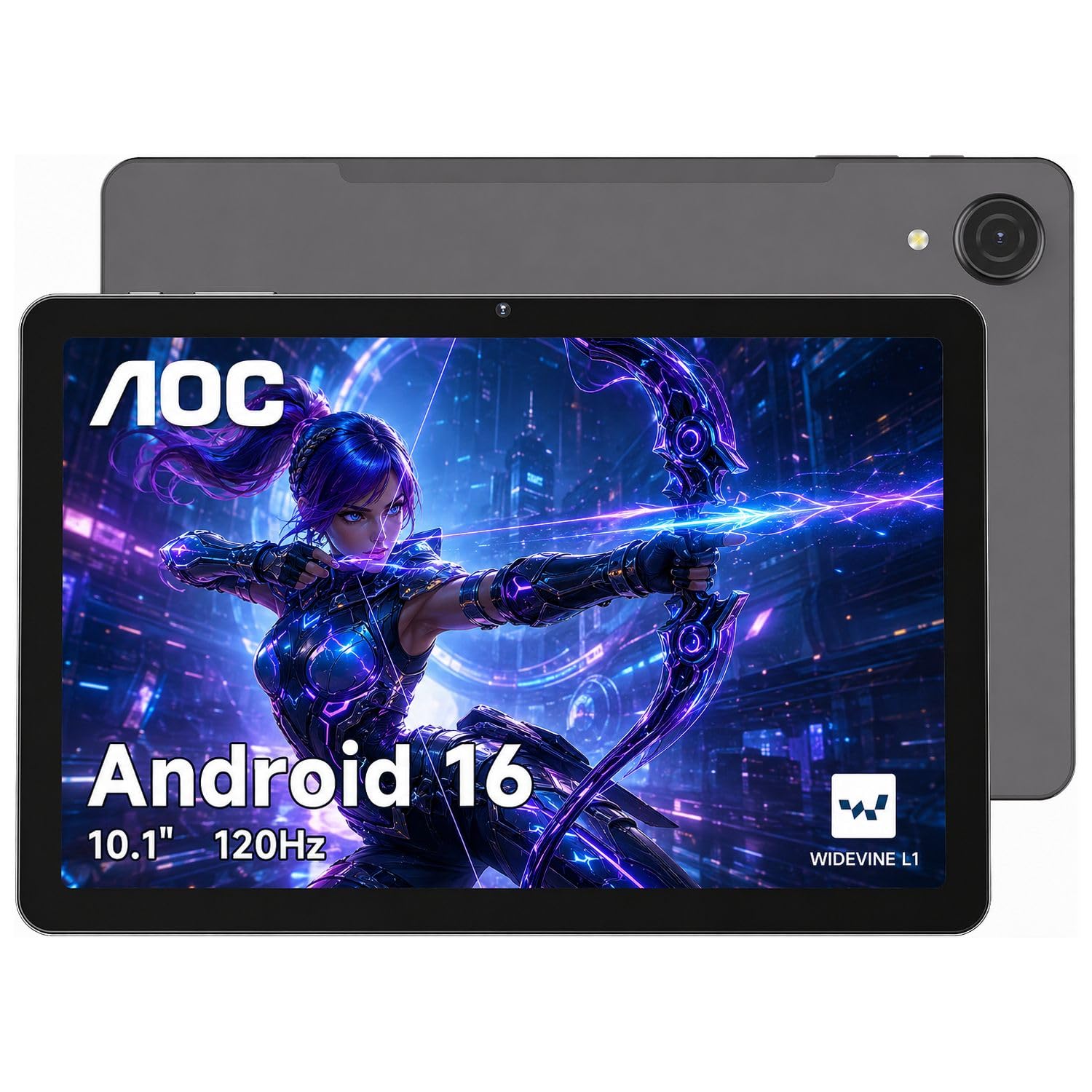
1. AOC 10 Inch Tablet
Our pick — over 4.5★ from 1,500+ verified ratings; the strongest balance of quality and price.
The crowd favorite that turns budget streaming into a silky-smooth 120Hz experience.
You get the smoothest scrolling in this price class with the AOC, thanks to its 120Hz refresh rate (the screen redraws 120 times per second, versus the standard 60Hz on most budget tablets). That fluid feel pairs with a 10.1-inch high-brightness IPS screen (1280×800) that stays readable outdoors, plus Widevine L1 certification (a security standard that lets streaming apps play high-definition content), so Netflix and Prime Video open up full 1080P playback instead of a softer picture.
Under the hood, the Helio G88 chip with 4GB of physical RAM (expandable up to 16GB total smooth operation) handles split-screen note-taking next to a lecture video. Storage starts at 128GB and stretches to 1TB via microSD — double the base of many rivals here — which is plenty for offline movies and study files. The 6000mAh battery is the one mild sore spot, since the general buzz is that it could last longer, but the slim metal body slips into a backpack so easily that the trade-off is worth weighing.
Owners consistently describe it as easy to set up and a strong “value for the money,” with the review pages summing up the sentiment: “Good value for the money! Wish battery life was longer. Fairly easy to set up.” The most consistent criticisms are the tinny speakers (headphones fix that) and the reality that a perfectly matched US-market case is hard to find for this exact model.
What wins people over
- 120Hz refresh rate for notably smooth scrolling and video at this price
- Widevine L1 open up true HD on major streaming apps
- 128GB base storage with 1TB microSD headroom
- Face open up and GPS navigation built in
Where it compromises
- Battery life is the recurring wish-it-were-longer point
- Speakers sound thin, so headphones are the workaround
- Dedicated US cases for this size are hard to source
Reach for this if: you want the smoothest-feeling screen and the most storage headroom in this budget range.
Look elsewhere if: a battery that truly lasts from dawn to midnight is your top priority.
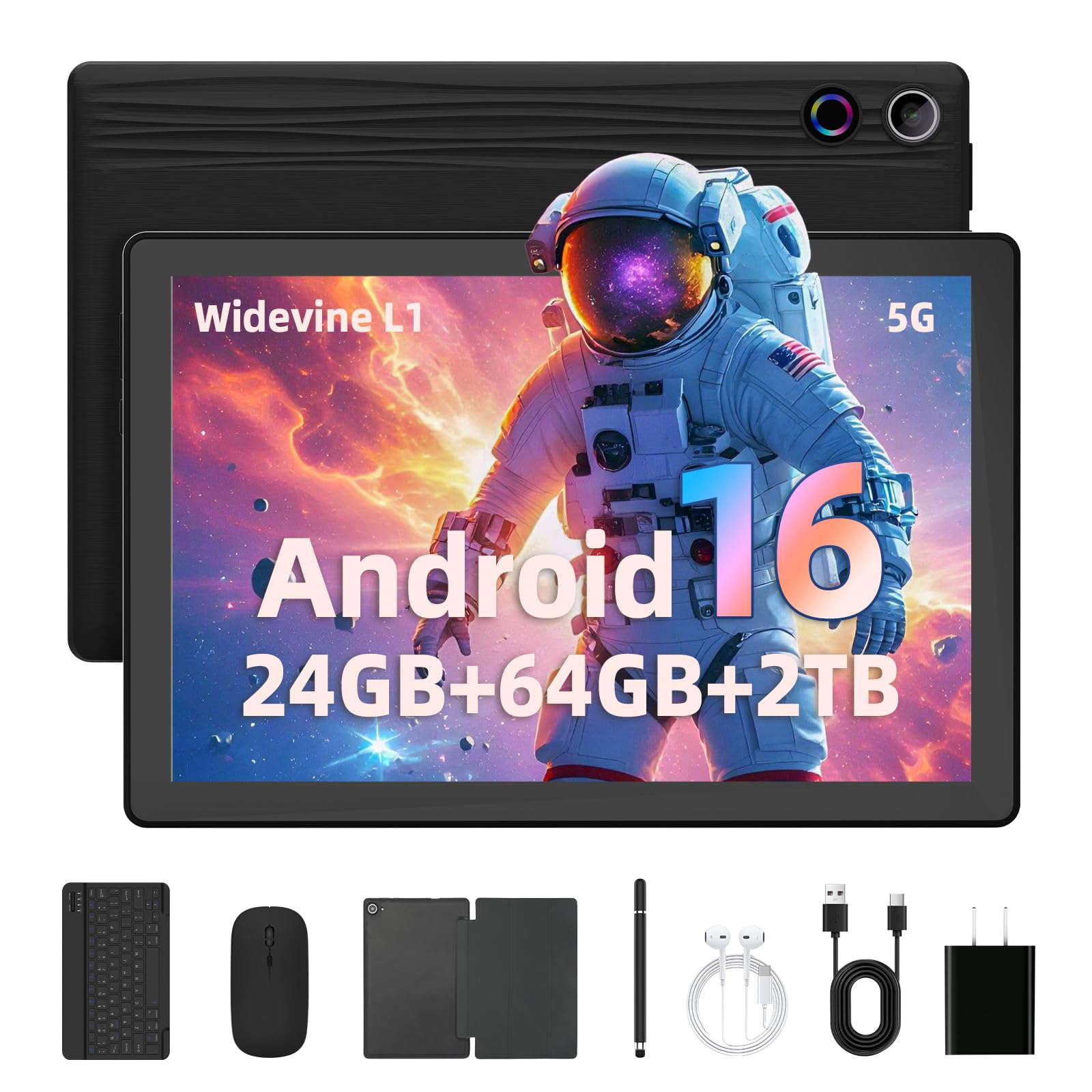
2. Gleeso Tablet 10 Inch
A ready-to-go desk setup with a keyboard, mouse, and pen that hides a 2TB storage ceiling.
This Gleeso is the pick when you want a tablet that acts like a mini laptop right from the start, because it bundles a keyboard, mouse, stylus pen, and protective case. The 10.1-inch HD display (1280×800) with Widevine L1 keeps Netflix crisp, and the 6000mAh battery is built for long work, class, or entertainment sessions without hunting for a charger.
The spec sheet reads huge on memory — 24GB RAM (3GB physical + 21GB intelligent expansion) and 64GB of internal storage. The part that actually matters for your files is the TF card slot that takes up to 2TB, which doubles the expansion ceiling of most rivals here and means you can hoard photos and media without deleting anything.
What wins people over is the everyday smoothness: buyers report it runs great for browsing, videos, and apps, with the battery lasting a long time and the IPS display making movies look crisp and clear. Performance earns the most praise by a clear margin, followed closely by battery life, and the double cameras (5MP front, 8MP rear) cover video calls and scanning. The trade-off is a smaller internal storage base than the AOC above, so heavy app installers should lean on that 2TB expansion right away.
Smart all-in-one: The complete bundle means you spend nothing extra on accessories, and the 2TB expansion ceiling is the biggest file capacity in this lineup.
Know the RAM math: The headline 24GB is mostly virtual; physical RAM is 3GB, so keep heavy multitasking light.
Grab it for: students or professionals who want a full typing setup plus massive media storage without buying extras.
Think twice if: you plan to run many demanding apps side by side, given the modest physical RAM.
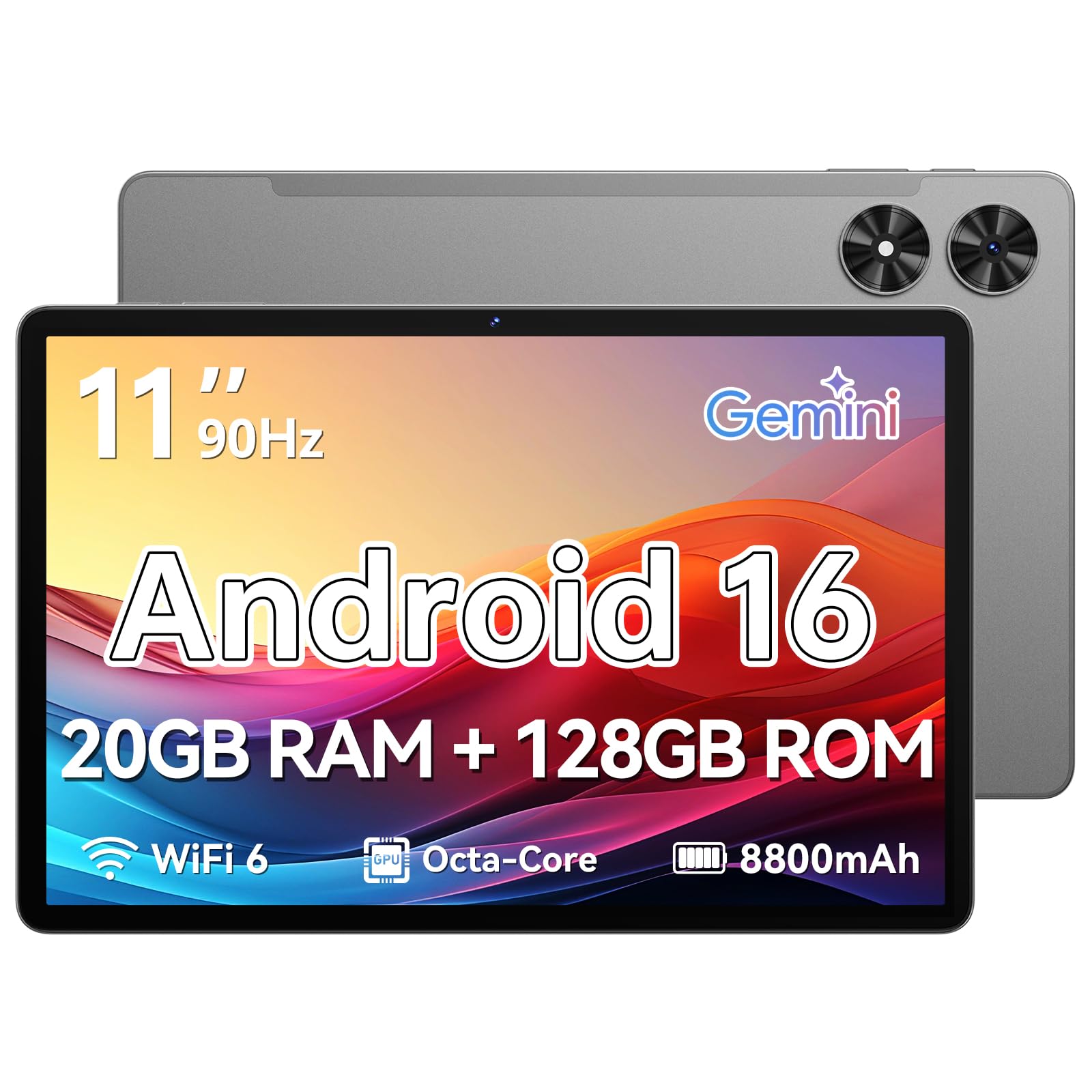
3. Frameflow Tablet 11 Inch
The big-screened stamina king whose 8800mAh battery outlasts every other pick here.
If battery anxiety is your biggest fear, this Frameflow is the answer — its 8800mAh cell holds 47% more capacity than the AOC’s 6000mAh tank, and the maker rates it for up to 8 hours of video playback. That math makes it the clear endurance leader in this lineup, ideal for flights, long study sessions, or a full day of streaming without packing a charger.
You get a noticeably smoother feel than a basic 60Hz panel on this 11-inch HD screen, which runs at 90Hz (the display redraws 90 times per second). The Eye Comfort Mode lets you shift the color temperature for late-night reading, and storage is a strong 128GB built-in with microSD support up to 1TB, so you can keep your whole library on board. The T7250 octa-core processor (an eight-core chip) handles the daily mix of browsing and apps without fuss.
Quality is the thing owners praise most, with many calling it a well-built, easy-to-use device that delivers beautiful clear pictures on that large screen, and value-for-money is a frequent follow-up. The honest mixed notes are a battery that can take hours to fully recharge and built-in speakers that lack bass — a Bluetooth speaker or headphones solves the audio. One owner sums up the ease of use: connecting it to a phone was “a breeze,” and it works perfectly for reading large text.
Endurance first: Pick this tablet when you want to stop thinking about battery percentage entirely, and the 2-year warranty adds rare confidence.
Plan for charge time: The big cell takes a while to fill back up, so charge it overnight rather than expecting a quick top-up.
Best suited to: heavy streamers and students who need all-day runtime plus a large, readable screen.
Not ideal if: you rely on loud built-in audio or need offline GPS, which some owners found unreliable without Wi-Fi.
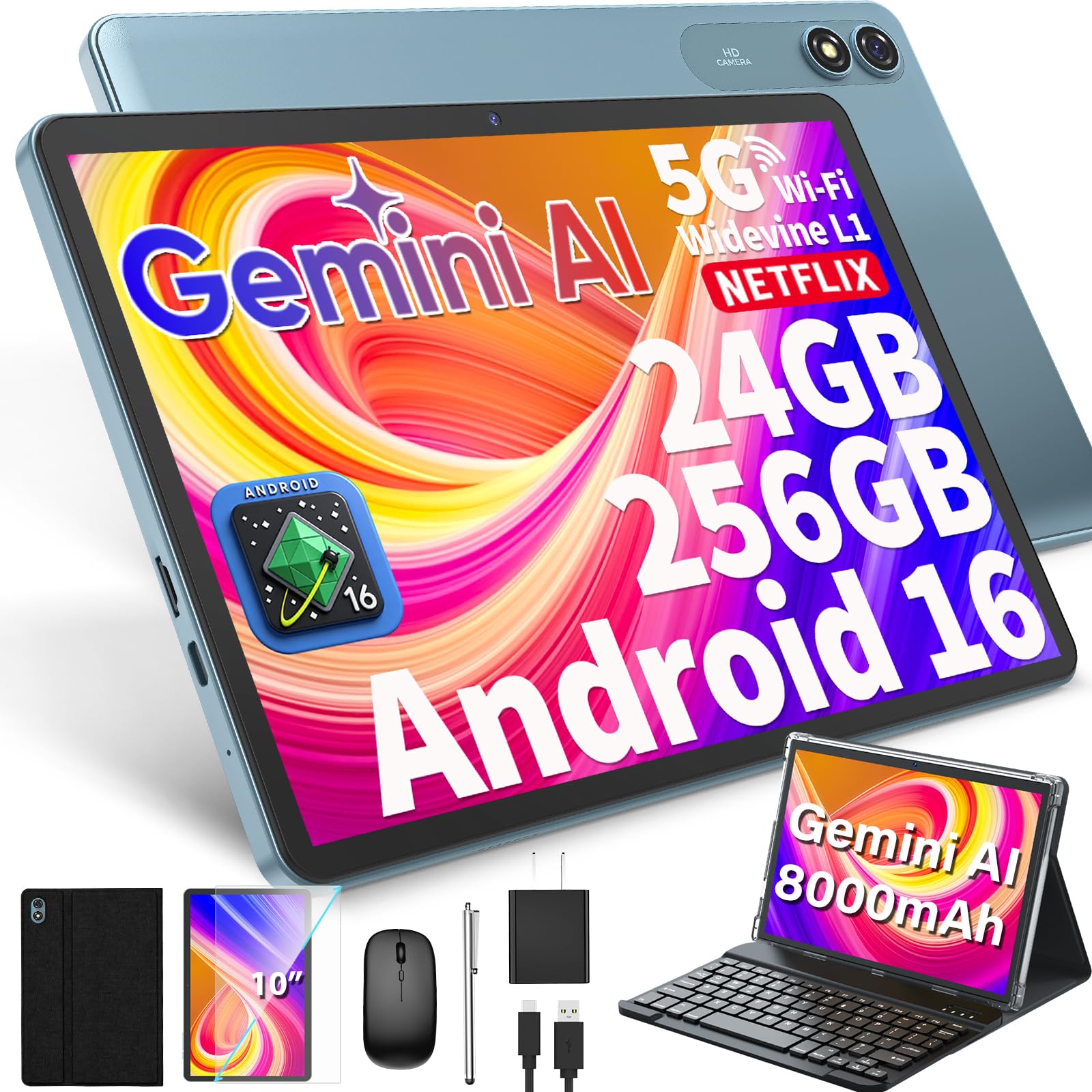
4. PYNAREL 10 Inch Tablet with Keyboard
The photo-hoarder’s dream, starting with 256GB inside and room for 2TB more.
This PYNAREL is the one for anyone who never wants to see a “storage full” warning again. It ships with a generous 256GB of internal space — double the base of the Gleeso above, at 256GB versus 64GB — and that is before you add a microSD card up to 2TB. The bundled keyboard, mouse, stylus, and protective case turn it into a 2-in-1 mini laptop for office work and online classes.
The 10-inch IPS display holds 1280×800 resolution with Widevine L1 certification for HD Netflix, and the 8000mAh battery is pitched for all-day use across work, travel, and entertainment. The T606 octa-core processor keeps the Android 16 system running smoothly for multitasking, while the dual cameras (13MP rear, 5MP front) handle video calls and quick photos.
Performance earns the most praise, with owners describing it as running smoothly with ample storage and calling it a standout “best cheap tablet” that avoids buffering and feels sharp. The complete bundle — pre-applied screen protector, case, keyboard, mouse, stylus, and charger — shows up ready to work, and owners mention excellent picture and sound for the money. The one genuine red flag is a storage discrepancy: some units show only 128GB in the file manager despite the 256GB advertisement, so check your available space right after setup.
Laptop stand-in: With the keyboard and mouse bundle, this genuinely replaces a basic laptop for typing, email, and streaming.
Verify the storage: Because some owners found 128GB instead of 256GB, confirm what your unit actually reports before loading it up.
Choose this if: you want the most base storage and a full accessory set for work and study.
Be cautious if: you need exactly the advertised storage and don’t want to double-check your unit’s real capacity.
5. Plimpton Kids Tablet 10 Inch
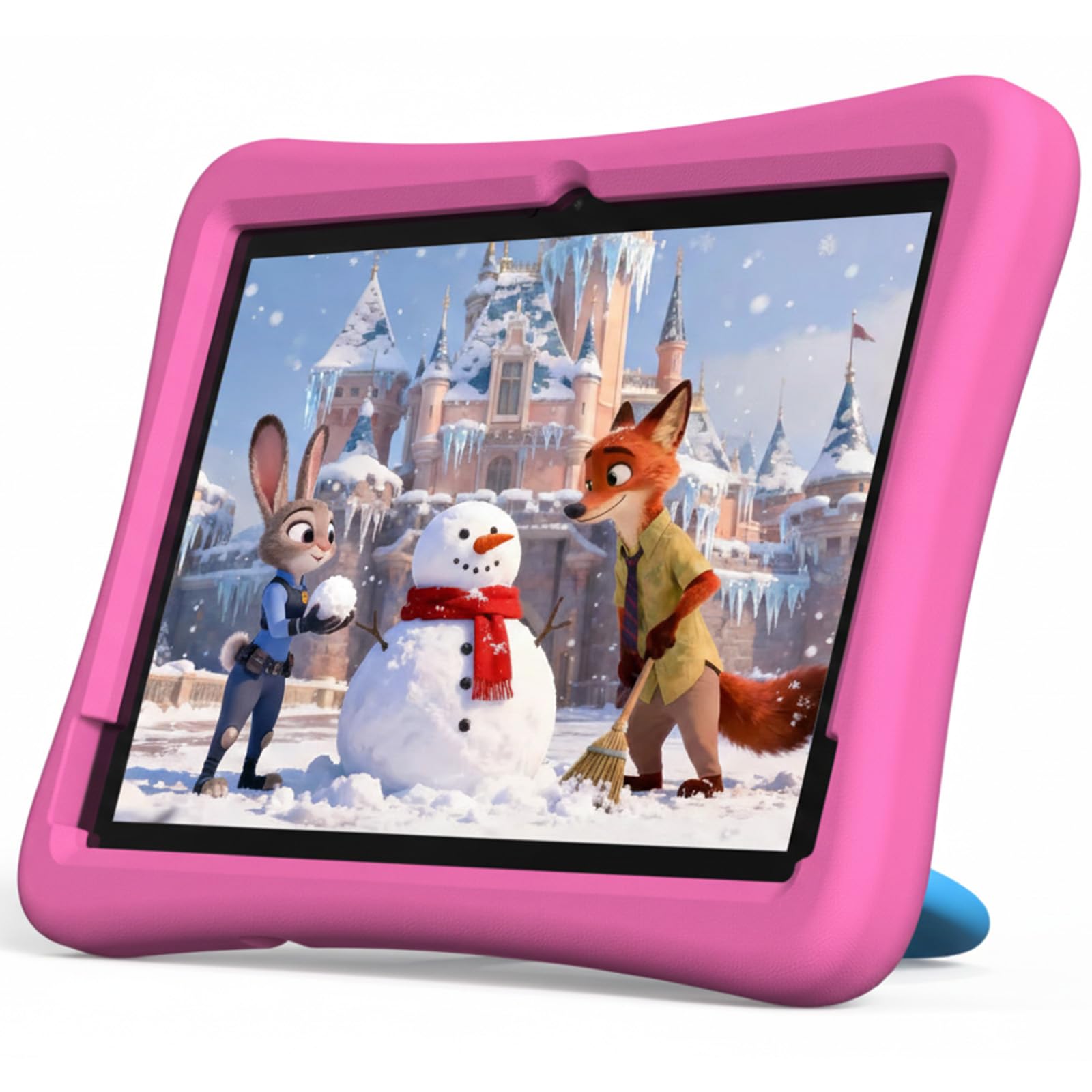
The toddler-tough tablet that brings parental controls and a drop-proof case to the table.
This Plimpton is built for little hands, which means the protection matters as much as the screen. It ships with an environmentally friendly EVA material case that resists deformation, offers better impact resistance than silicone, and includes a 360° rotatable bracket so a child can watch hands-free. The 10.1-inch HD IPS glass screen (1280×800) adds low blue light tech and an eye protection mode to reduce fatigue during longer sessions.
For parents, Google Kids Space comes pre-installed with educator-endorsed apps, coloring activities, and puzzle games for ages 3 and up, and the parental controls let you filter content, set educational targets, and cap screen time. The 2.0GHz octa-core processor with 4GB RAM and 64GB storage (expandable to 1TB) is plenty for learning apps and YouTube Kids, and the maker rates it for roughly 30% longer runtime than its predecessor.
Parents praise this tablet most for its kid-friendliness, noting it is well-built, easy for even a 2-year-old to navigate, and sturdy enough for car-ride streaming and games. Build quality draws the second-most applause, backed by a 2-year warranty. The honest caveats are some reports of slow performance — one owner noted the screen can take over 2 minutes to wake — and mixed reliability, so it is best for light educational use rather than demanding games.
Built for small users
- Kid-proof EVA case with 360° stand included
- Google Kids Space and full parental controls
- Low blue light screen for eye comfort
- 2-year warranty on a kids device
Expect some lag
- Speed gets the most negative mentions; wake times can be slow
- 8.97-hour average battery, not a full-day tank
- Entry-level 4GB RAM limits heavier apps
Perfect for: parents who want a rugged, manageable first tablet for a toddler or elementary-age child.
skip it if: your kid needs a fast device for demanding games — this one suits learning and light play.
6. Lenovo Tab One

The featherweight travel companion that tucks into a purse and streams for 12.5 hours.
When portability beats everything, the Lenovo Tab One wins. The included folio case adds a built-in stand for hands-free viewing and shields it from drops.
The MediaTek Helio G85 processor with 4GB memory and 64GB storage keeps browsing and streaming smooth, and the 480-nit display stays bright enough for most conditions. Dual Dolby Atmos speakers deliver more sound depth than you expect from a tablet this small, and there is a headphone jack for private listening. Android 14 comes with 2 years of security patches, so it stays protected.
Screen quality and size draw the loudest praise, with owners calling the picture clear and vibrant at a resolution of 1340×800, and the light weight making it a favorite travel sidekick. The widely repeated honest note is that this is not a gaming machine — heavier titles and demanding apps will strain the 4GB of memory — and some owners found pre-installed bloatware annoying until removed. A few also report Wi-Fi networks that won’t auto-connect.
Travel-first design: The combination of sub-pound weight, 8.7-inch screen, and 12.5-hour battery makes it the best grab-and-go option here.
Keep expectations light: Stick to streaming, reading, and audiobooks, and it shines; push heavy gaming and it stumbles.
Ideal for: commuters and travelers who want the lightest, most pocketable streaming tablet in this range.
Look elsewhere if: you need a large screen for work or plan to run demanding games.
7. Samsung Galaxy Tab A11
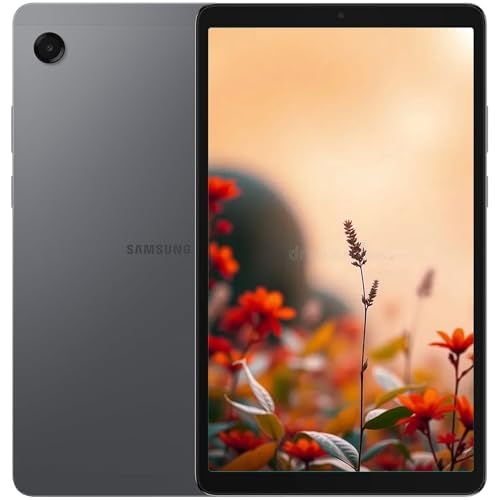
The brand-name 90Hz screen with six years of OS updates and a 2TB expansion slot.
If the brand name and long-term software support matter, the Samsung Galaxy Tab A11 is the safe, familiar choice. This international WiFi model runs Android 15 with One UI 7 and the maker commits to 6 years of OS updates — a longevity story most budget tablets cannot match. The 8.7-inch display runs at a smooth 90Hz refresh rate, and the 1340×800 resolution on a TFT panel looks sharp for its class.
Inside, the MediaTek Helio G99 (6nm) octa-core chip pairs with 4GB RAM and 64GB storage, expandable up to 2TB via microSD — matching the biggest expansion ceiling in this lineup. The 5100mAh battery is on the smaller side, and one important catch: the charger block is not included, so you supply your own USB-C power adapter. The rear 8MP camera has autofocus, and the front 5MP handles video calls.
Quality is the thing owners praise most, with many calling it excellent and responsive, and performance is a strong second — owners describe it handling a smart-home dashboard in every room without complaint. The setup quirk is that this international version’s country list may not show the US, so you pick any country, connect to WiFi, and update the region in settings later. Battery life draws mixed feedback, and there is no US warranty, which is the real trade-off for the lower price.
Long-term value: Six years of OS updates plus a trusted brand make this the most future-proof tablet on this list dollar-for-dollar.
Read the fine print: No US warranty, no charger included, and regional setup quirks mean this suits buyers comfortable with international versions.
Pick this for: anyone who wants Samsung reliability and the longest software support window available here.
Reconsider if: you want a US warranty and a charger in the box, or a bigger battery for all-day heavy use.
8. HUIHUANG Tablet 10 Inch
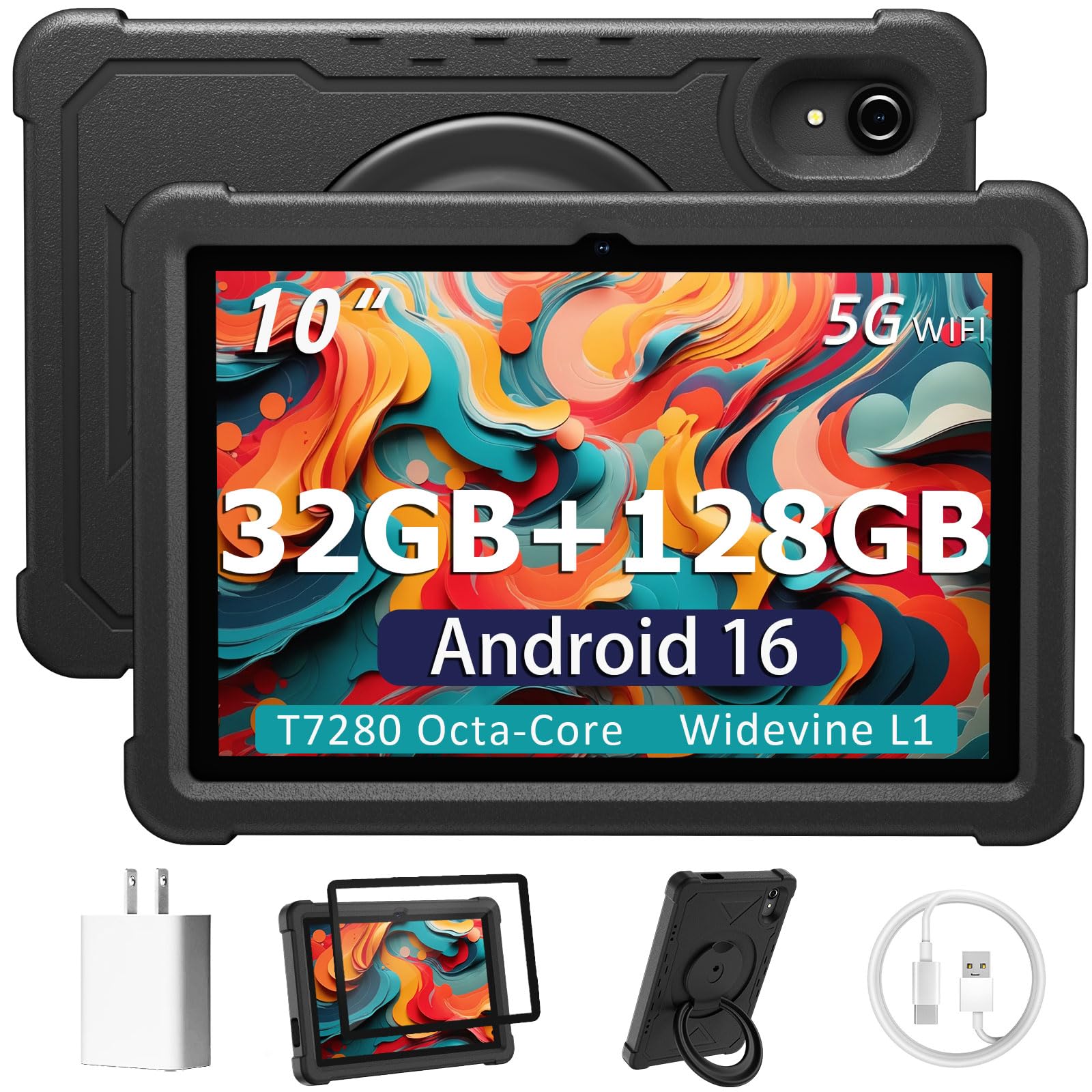
The spec-sheet heavyweight whose 32GB RAM headline is built for relentless multitasking.
Multitaskers who like big numbers on the spec sheet will gravitate to this HUIHUANG. It claims 32GB RAM (8GB physical + 24GB virtual) alongside 128GB built-in storage and a 1TB TF card slot (a microSD-style card), making it among the most flexible memory configurations in this price range. The 10.1-inch HD IPS display delivers bright colors and sharp images from any angle, and the 6000mAh battery keeps streaming and browsing sessions running.
The T7280 octa-core processor (an eight-core chip) running up to 2.2GHz pairs with Android 16 for smooth app performance, and the included rotatable EVA case (a foam-like protective cover) guards against drops, scratches, and dust while its 360° swivel stand opens up multiple viewing and typing angles. It even includes Google Kids Space and parental controls if a child ends up using it, plus GPS, wireless screen mirroring, and Bluetooth 5.2.
Quality earns the most praise by a wide margin, with owners calling it a great-value tablet with a clear, bright screen big enough for videos and browsing. Value-for-money is the second-most-praised aspect, and the durable foam case drew frequent positive comments — arriving ready for daily use. Performance is honestly mixed, with some owners finding it smooth for streaming and others calling it slow, and battery life lands in the same mixed camp, so it suits lighter daily tasks rather than power use.
Case included bonus: The rugged EVA case with a swivel stand adds real value, protecting the tablet from day one.
Mixed performance zone: Since owners disagree on speed and battery, treat this as a capable general-purpose tablet, not a performance beast.
Best for: families wanting one affordable tablet with big RAM numbers, a protective case, and kid-friendly controls built in.
Not for: users who demand consistent speed and all-day battery from every session.
9. Lenovo Idea Tab

The 2.5K resolution sharpest screen in this budget that comes with a pen for note-takers.
If screen sharpness is your obsession, the Lenovo Idea Tab is the clear winner, packing an 11-inch 2.5K IPS touchscreen at a resolution of 2560×1600 — dramatically sharper than the 1280×800 panels found across most of this list. The 90Hz refresh rate keeps scrolling and pen strokes smooth, and TÜV Rheinland Low Blue Light hardware helps protect your eyes during long study sessions.
This is a college-focused tablet, and the bundle reinforces that: a Lenovo Tab Pen lets you circle items for instant Google search results or translate text without switching apps. The MediaTek Dimensity 6300 processor handles multitasking with 4GB memory and 128GB storage, and the maker rates it for up to 12 hours of YouTube playback with a 20W charger for quick top-ups. It ships with four learning apps — Lenovo AI Note, Squid, Nebo, and MyScript Calculator — for writing, organizing, and calculating.
Owners praise quality most by a wide margin, and the screen draws the most specific applause, with buyers calling the resolution unbeatable at its price point. Value-for-money and ease of use are frequent follow-ups, and parents note it handles kids’ apps like ABC Mouse with ease. The honest caution is a mixed record on speed and battery — some customers note slowdowns or units that stop working after months, and the included case feels flimsy to some, with the 11-inch size feeling too large and heavy for one family.
Sharpest display award: The 2560×1600 resolution blows past every rival here and makes reading, notes, and video look superb.
Quality lottery risk: Because speed and durability get genuinely mixed feedback, this is the pick to buy with a clear return plan.
Reach for it if: you are a student who wants the sharpest screen plus a pen for notes and annotations below the premium tier.
Hesitate if: you need guaranteed fast performance and a sturdy case from the start.
Understanding the Specs
Refresh Rate and Widevine L1
Refresh rate, measured in Hertz (Hz), is how many times your screen redraws each second. A 120Hz panel like the AOC feels dramatically smoother when scrolling than the standard 60Hz on the Lenovo Tab One, with 90Hz sitting comfortably in between on the Frameflow and Samsung. Widevine L1 is a certification that tells streaming apps your device is secure enough to play high-definition content — without it, Netflix and Prime Video may cap out at standard definition, so it matters more than most buyers realize.
RAM Expansion and Battery Math
When a budget tablet advertises “24GB RAM” or “32GB RAM,” the physical chips are usually far smaller — like 3GB or 8GB — and the rest is virtual memory borrowed from storage. That virtual boost helps light multitasking but does not replace real RAM. Battery capacity, in milliamp-hours (mAh), tells you the size of the tank: the Frameflow’s 8800mAh cell holds 47% more capacity than the AOC’s 6000mAh battery, which translates into meaningfully longer streaming time before you hunt for an outlet.
FAQ
Is a 90Hz refresh rate worth it over 60Hz on a budget tablet?
What does Widevine L1 mean for Netflix and YouTube quality?
Is the “24GB RAM” on budget tablets real RAM?
How much storage do I actually need in a cheap tablet?
Will these tablets work with a keyboard and mouse?
Are these tablets safe for young children to use?
How long does a 6000mAh tablet battery actually last?
What is the difference between the international and US versions of a Samsung tablet?
Is a 10-inch or 11-inch tablet better for reading and notes?
Which tablet under $200 has the best camera for video calls?
Final Thoughts: The Verdict
If you want one dependable pick, the android tablet under $200 winner is the AOC 10 Inch Tablet because its 120Hz display, Widevine L1 HD streaming, and 128GB base storage deliver the smoothest, most capable everyday experience in this budget. If you want the longest battery and a big screen, grab the Frameflow 11 Inch with its 8800mAh cell. And for a complete typing setup with massive 256GB of base storage, the PYNAREL 10 Inch is the one to reach for. The AOC also carries the strongest owner consensus in this entire lineup, which makes it the safest first choice for most buyers.
How We Picked
We do not accept paid placement. Every pick is matched to a real buyer and a real use-case; we do not hands-on test units.
Sources & Methodology
Specifications: manufacturer listings and product documentation. Review insights: verified customer reviews, as of September 2026. Pricing: not shown on this page (it changes often); check the current price via the retailer link.
As an Amazon Associate, Gadgets Feed earns from qualifying purchases. This does not affect which products we feature.