
Our readers keep the lights on and my morning glass full of iced black tea. As an Amazon Associate, I earn from qualifying purchases.
Specs are compiled from manufacturer listings and verified buyer reviews and can change over time — please confirm the key details on the product page before buying.
You don’t have to put up with a dim screen or a battery that dies by noon just because you are buying an Android tablet under $400. The trick is knowing which spec actually matters: a 90Hz display (which refreshes 90 times per second) makes scrolling feel smooth, while a 60Hz panel with a paper-like finish can be easier on your eyes during long reading sessions.
I’m Min — the founder and writer behind Gadgets Feed. This guide is built by comparing the manufacturers’ published specifications and the patterns across verified customer reviews, so you get each pick’s real strengths and trade-offs instead of marketing spin.
These tablets deliver real value if you need a large screen for sheet music, a rugged device for campus, or a family-friendly tablet. Here are the best performers when you search for a android tablet under $400.
Our Picks at a Glance


How To Choose The Best Android Tablet Under $400
Your budget opens up a surprisingly capable range of tablets. You are not looking at stripped-down hardware here. The key is to match the screen size, performance, and features to your actual daily use — be it homework, streaming, or sketching.
Screen Size and Display Technology
The display is your main interface. An 11-inch screen balances portability with media watching. A 13- or 14-inch screen gives you a more rich view, which helps when reading sheet music or running two apps side-by-side. Look for a resolution of at least 1920×1200 so text stays crisp. Pay attention to “IPS” (a type of LCD that gives wide viewing angles) versus newer tech like TCL’s NXTPAPER, which cuts glare and blue light to feel more like paper.
Performance: Processor and RAM
An octa-core (eight-core) processor like the MediaTek Dimensity 6300 or Snapdragon 695 handles daily tasks smoothly. Do not get confused by “virtual RAM” numbers. A tablet with 4GB of physical RAM plus 16GB of virtual RAM is still a 4GB tablet for demanding apps. Aim for at least 6GB of physical RAM for comfortable multitasking. Android 16 is the latest version and offers better battery management and privacy controls, but many good options still run Android 13 or 14.
Battery Life and Charging
Battery capacity is measured in milliamp-hours (mAh). A 7000mAh to 8000mAh battery is standard and should get you through a full day of mixed use. A 10000mAh battery offers extra endurance for longer trips. Fast charging, such as 30W, is a real convenience if you need a quick top-up between classes. Remember that a larger screen consumes more power, so a big battery is not a guarantee of more hours on paper.
Quick Comparison
| Model | Best For | Display Size & Resolution | RAM / Storage | Battery Capacity | Amazon |
|---|---|---|---|---|---|
| Lenovo Idea Tab★ Best Overall | College students | 11″ 2560×1600 90Hz | 8GB+6GB / 256GB | 7216 mAh | Amazon |
| TECLAST T65Big Screen Choice | Large screen & LTE | 13.4″ 1920×1200 120Hz | 8GB+12GB / 128GB | 8000 mAh | Amazon |
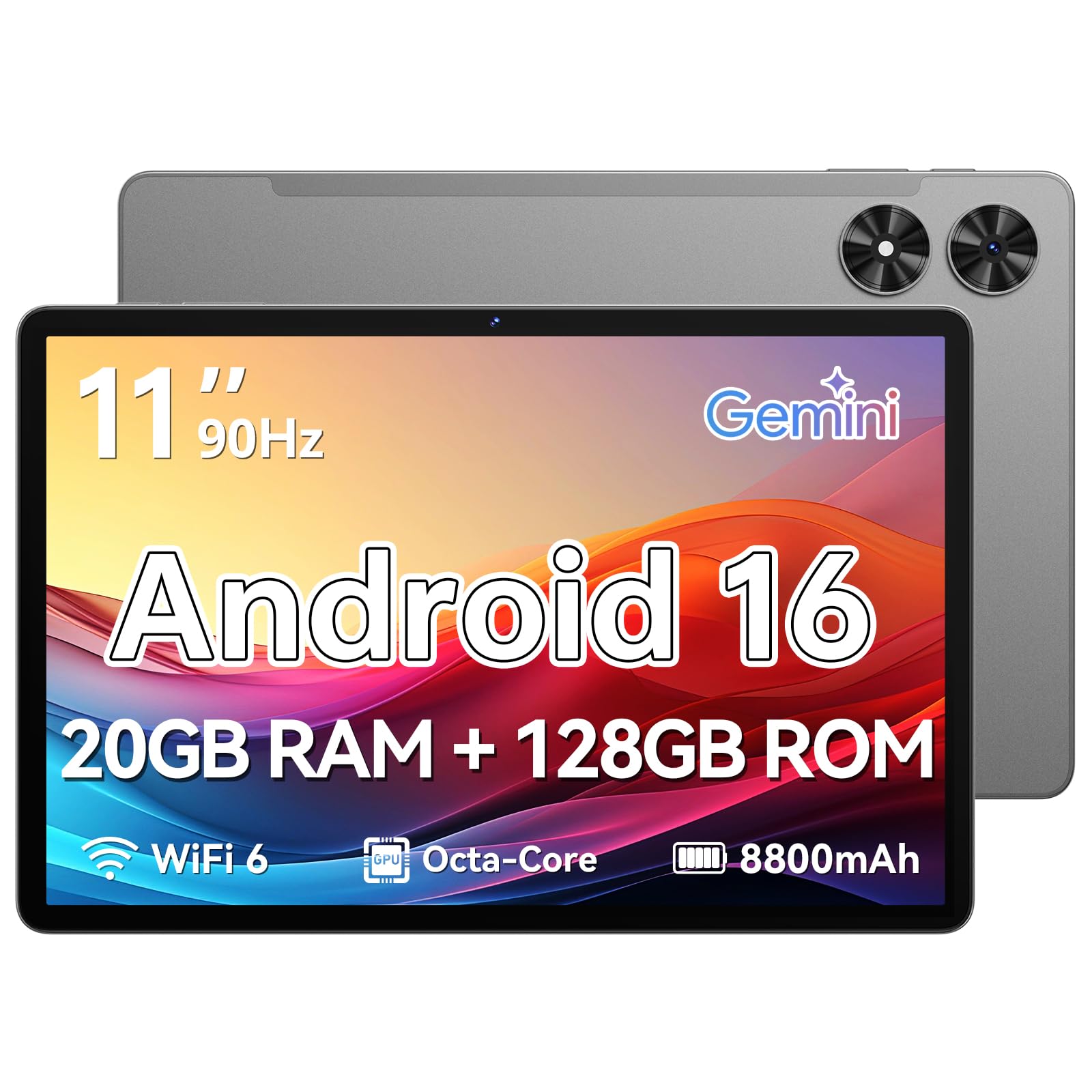
| Frameflow TabletBudget Champion | Budget-friendly basics | 11″ HD 90Hz | 4GB+16GB / 128GB | 8800 mAh | Amazon |
| TCL NXTPAPER 11 Gen 2 | Drawing & eye comfort | 11″ 1920×1200 60Hz | 8GB+8GB / 128GB | 8000 mAh | Amazon |
| Nexall N90 | Productivity bundle | 12″ 2000×1200 | 24GB / 128GB | 9000 mAh | Amazon |
| Samsung Galaxy Tab S7 FE (Renewed) | Premium brand & stylus | 12.4″ 2560×1600 | 4GB / 64GB | 10090 mAh | Amazon |
| URAO Tablet | Massive screen & all-day battery | 14″ 1920×1200 | 6GB+24GB / 256GB | 10000 mAh | Amazon |
| Samsung Galaxy Tab A9+ | Reliable Samsung experience | 11″ 1920×1200 90Hz | 8GB / 128GB | 7040 mAh | Amazon |
| TCL NXTPAPER 14 | Musicians & artists | 14.3″ 2400×1600 60Hz | 8GB+8GB / 256GB | 10000 mAh | Amazon |
In‑Depth Reviews
1. Lenovo Idea Tab – College Tablet
Our pick — over 4.5★ from 550+ verified ratings; the strongest balance of quality and price.
The campus-ready tablet that bundles its stylus and case right in the box.
The screen is the star here — a sharp 11″ 2.5K IPS touchscreen that runs at a fluid 90Hz. That means scrolling through study guides and web pages feels noticeably smoother than a standard 60Hz screen. Under the hood, the MediaTek Dimensity 6300 processor handles multitasking with ease, backed by 8GB of physical RAM plus an additional 6GB of virtual memory for heavy lifting. The 256GB of internal storage is generous for a mid-range tablet, and you can expand it further with a microSD card.
You get four AKG-tuned speakers with Dolby Atmos, which makes a real difference during streaming breaks. The battery is rated for up to 12 hours of video playback, and it charges via a 20W USB-C port. One small frustration is that the included folio case feels a bit flimsy, but the stylus itself is responsive and precise for note-taking. As buyers put it, “I have only had it 2 days, but I love it!” — a common theme around its speed and setup ease.
Sharp Display & Smart Tools
- 11″ 2.5K display at 90Hz for smooth scrolling.
- 256GB storage plus Tab Pen and folio case included.
- Up to 12 hours of battery life for all-day campus use.
- Dolby Atmos-enhanced quad speakers for clear audio.
A Few Compromises
- The included folio case is a bit flimsy; you may want a sturdier one.
- Virtual RAM (6GB) supplements physical RAM; heavy gamers should note this.
Pull the trigger if: you are a student who needs a crisp display, a responsive pen, and long battery life in one tidy package.
Look closer at another if: you absolutely need a larger 13-inch screen or integrated LTE cellular data — those are not available here.
2. TECLAST Android 16 T65
A 13.4-inch screen with a buttery 120Hz refresh rate that rivals tablets costing twice as much.
This TECLAST is a big-sheet-metal tablet for media lovers and classical musicians alike. The 13.4-inch IPS display runs at 120Hz — that is 33% smoother per second than the 90Hz on the Lenovo Idea Tab, which makes a visible difference when you are flipping through web pages or sheet music. It ships with Android 16 from the start, meaning you get the latest privacy settings and an AI-tune interface with features like a sidebar and gesture controls.
The battery is an 8000mAh cell that provides up to 11 hours of mixed-use, and the 4G LTE slot means you can stay connected without Wi-Fi. The 8GB of physical RAM is supplemented by 12GB of virtual memory, and the 128GB storage can be expanded up to 1TB via microSD. Just be aware that no case, keyboard, or stylus is included — you will need to add those yourself, and the tablet’s glass back demands a protective case. Buyers report that the “13.4” 120Hz 1080p display (~430 nits)” is bright and crisp for outdoor use.
rich Display & Modern OS
- 13.4″ IPS screen at 120Hz for exceptionally fluid scrolling.
- 4G LTE support for internet on the go.
- Android 16 with customizable controls and AI features.
- Massive 8000mAh battery with up to 11 hours runtime.
What’s Missing
- No case, stylus, or keyboard included — budget for accessories.
- Gaming benchmarks are lower than some similarly-priced rivals.
Best suited for: streamers, sheet-music readers, and anyone who wants a large, fast screen without spending a fortune.
Think twice if: you need a stylus for note-taking or prefer a smaller, more pocketable device — you will want one of the 11-inch options instead.
3. Frameflow Android 16 Tablet
An entry-level price with a massive 8800mAh battery and Android 16 baked in.
This Frameflow tablet keeps things simple and cheap without cutting the critical corners. You get a large 8800mAh battery that supports up to 8 hours of video playback, which is enough for a full day of casual use. The 11-inch HD screen runs at a smooth 90Hz, making everyday scrolling and web browsing feel responsive. It runs Android 16 with Gemini AI 2.0 for voice assistance and app suggestions.
The octa-core T7250 processor handles email, YouTube, and web browsing well, but it is not built for intense mobile gaming. The 20GB of memory is mostly virtual (16GB virtual + 4GB physical), so treat that number with a grain of salt. Owners mention mixed battery life — some owners find it excellent while others report it drains faster than expected. The build quality, however, is praised most often, and the 2-year warranty provides confidence.
Smart buy if: you want an Android 16 tablet on a tight budget and mainly use it for reading, web browsing, and streaming. It is also a perfect gift for a family member who just needs simple access to apps.
skip it if: battery life is your top concern — reports are split, and the 8-hour video playback is less than the Lenovo’s 12 hours, and it also falls short of the 11 hours on the TECLAST.
4. TCL NXTPAPER 11 Gen 2

A tablet that treats your eyes to a paper-like reading experience, complete with a drawing stylus.
The TCL NXTPAPER 11 Gen 2 is a different kind of Android tablet. Instead of chasing the highest refresh rate, it focuses on a screen that reduces blue light and glare to feel like real paper. The 11-inch 2K display has three modes: Regular for video, Color Paper for drawing, and Ink Paper for a Kindle-like reading experience. Staring at it for hours is genuinely less tiring than a standard LCD.
The included T-PEN stylus has 4096 levels of pressure sensitivity, making it a legit tool for sketching and note-taking. The 8000mAh battery easily lasts a full day of mixed use, and it can even reverse charge your phone in a pinch. The MediaTek Helio G80 processor handles daily tasks well. However, the community notes that the touchscreen can get glitchy when the tablet is charging, and the speakers are mediocre. It also does not have a headphone jack.
Paper-Like Display & Creative Tools
- NXTPAPER 4.0 technology with three display modes reduces eye strain dramatically.
- 4096-level stylus included for precise drawing and note-taking.
- 8000mAh battery lasts a full day; supports reverse charging.
- Includes a flip cover for protection and stand support.
Real-World Notes
- Touchscreen can become glitchy when the device is plugged in and charging.
- No headphone jack and only mediocre speakers — plan for Bluetooth audio.
- Software update policy is unclear; some units shipped with an older security patch.
Grab this if: you are a student, artist, or reader who spends hours on screen and wants a tablet that is kind to your eyes.
Look elsewhere if: you need high frame-rate gaming, a smooth touch experience while charging, or top-tier speaker quality.
5. Nexall N90 Android 16 Tablet
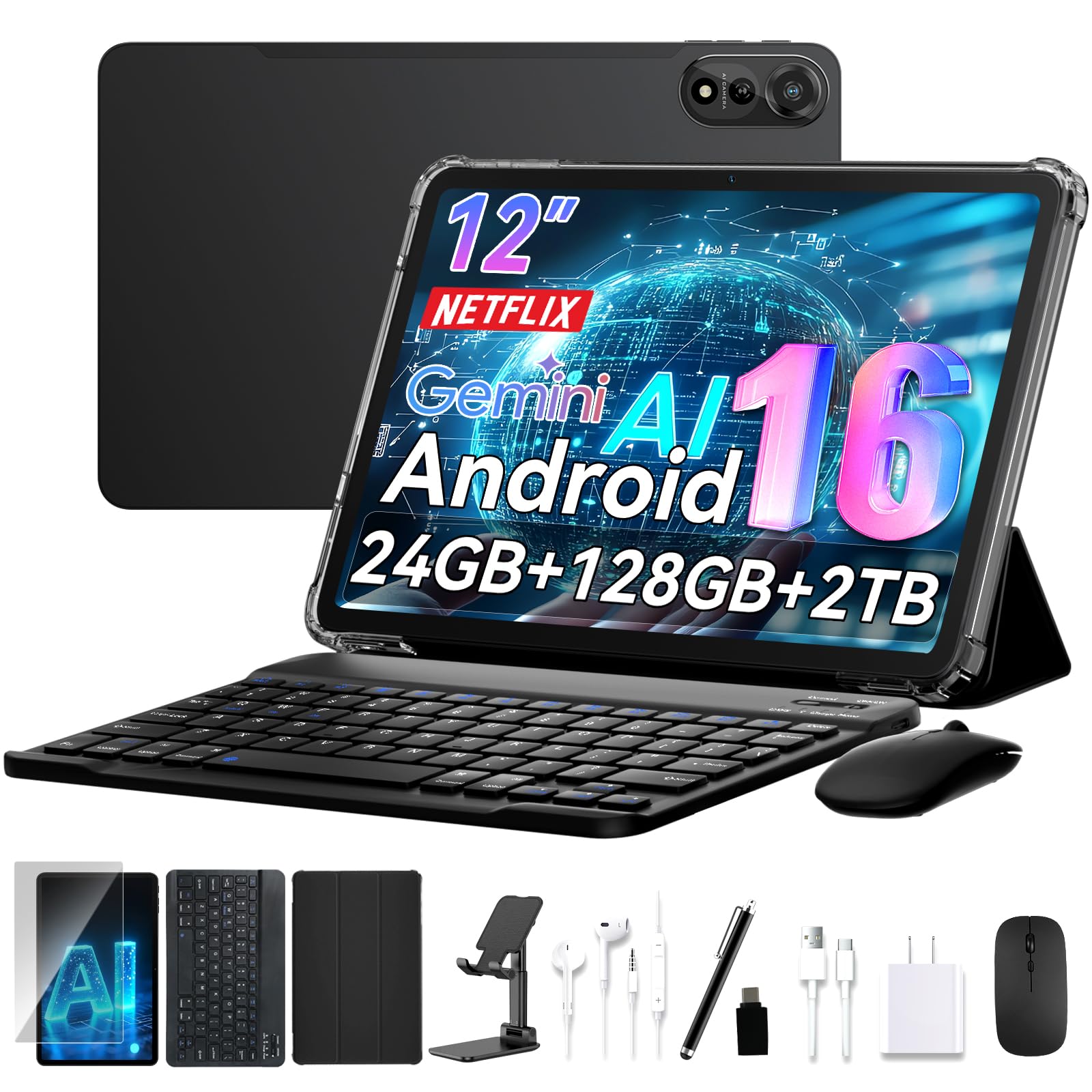
A full productivity bundle that turns your tablet into a portable workstation.
This Nexall N90 comes with everything you need to replace a laptop for light work: a keyboard, a stylus, a stand, and a case — all in the box. The 12-inch 2K display (2000×1200 resolution) is sharp and bright for editing documents or streaming shows. The 9000mAh battery promises all-day use, and the 24GB of RAM (likely a mix of physical and virtual) ensures apps load quickly.
The build quality is solid, and the device is easy to set up, even for transferring data from an iPhone. The main trade-off is weight — this is a hefty tablet, and the keyboard connection can be unreliable for some users. The face recognition sensor also gets mixed reviews for speed. The 4-year warranty (2-year standard plus 2-year extended) is a nice safety net that few competitors match. Owners say it is a “great value but device is quite heavy.”
Ideal for: hybrid workers and content creators who want an all-in-one mobile office without buying extra accessories.
Consider another option if: portability is critical — this tablet is noticeably heavy, and the keyboard connection is not always stable.
6. Samsung Galaxy Tab S7 FE (Renewed)

A renewed Samsung powerhouse with a huge screen and the iconic S Pen for note-takers.
This is the premium pick for anyone who wants Samsung’s ecosystem without paying full price. The Tab S7 FE is a 2021 model sold as a renewed device, meaning it has been inspected and is in good working order. The 12.4-inch display is large enough to run multiple apps side-by-side, and the Qualcomm SM7225 Octa-Core processor handles everything from streaming to light editing smoothly. The stylus (S Pen) is included and offers a near-paper writing feel.
The battery is a massive 10090mAh that can last over 13 hours on a single charge, depending on usage. The 4GB of RAM is the main bottleneck — it is less than modern tablets offer, and heavy multitasking might show signs of slowdown. Some renewed units may ship with a knock-off S Pen or charger, but customer service often resolves that promptly. One buyer summed it up: “Love my table. It works great! Same as described.”
Samsung Excellence at a Discount
- 12.4″ bright display ideal for school and casual work.
- True S Pen included for responsive note-taking.
- Large 10090mAh battery with over 13 hours of runtime.
- Solid performance for media, web, and productivity.
Renewed Realities
- Only 4GB of RAM — heavy multitaskers may notice slowdowns.
- Renewed condition may come with unofficial accessories.
- Software is stuck on an older version of Android with limited future updates.
Reach for this if: you value the S Pen experience and Samsung’s build quality, and you are comfortable buying a renewed device.
Think twice if: you need the latest Android version, more than 4GB of RAM for heavy app usage, or a device with a factory warranty.
7. URAO 14 inch Android 16 Tablet
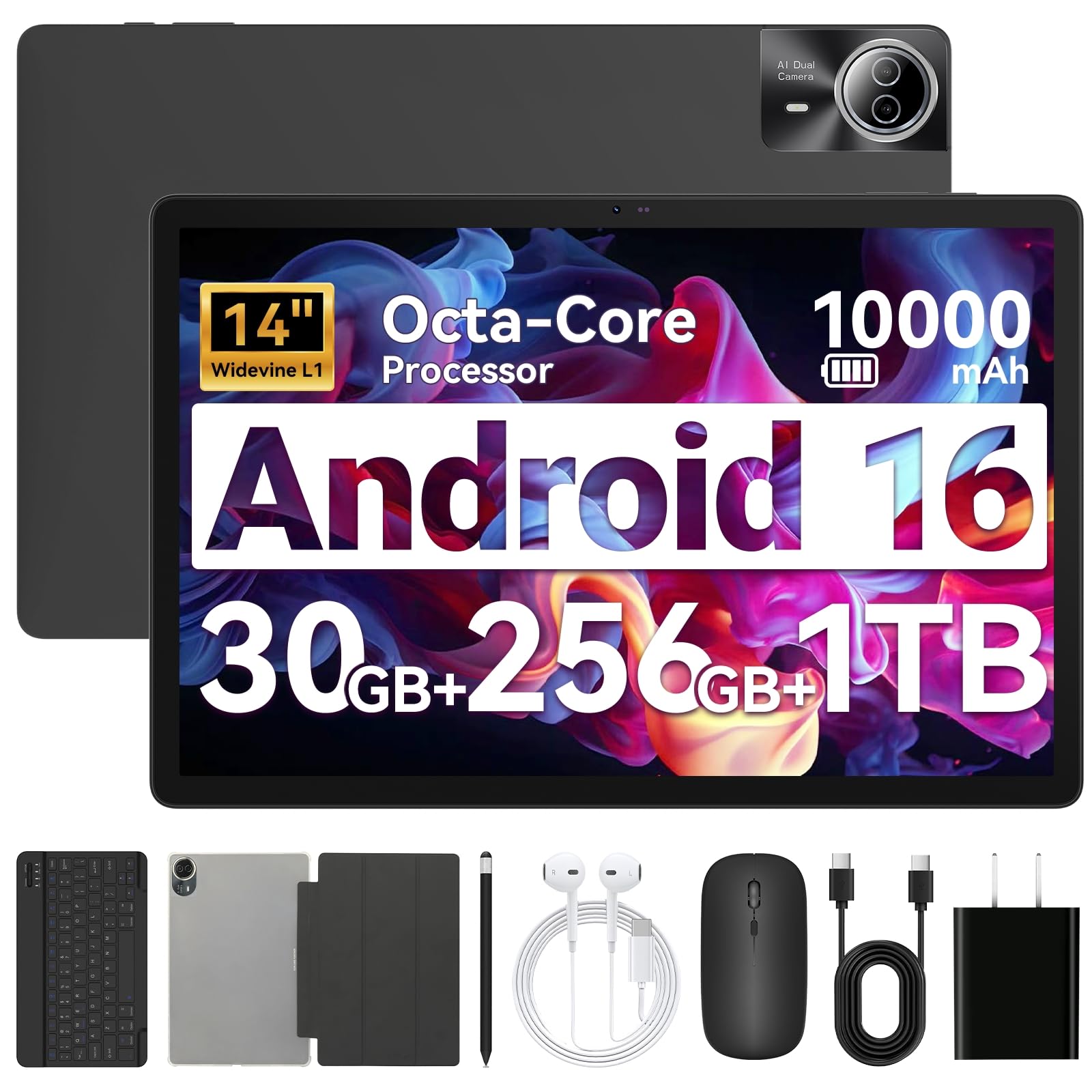
A 14-inch cinematic screen with a 10000mAh battery that charges to full in 2.5 hours.
This URAO tablet flips the script on what a budget tablet can offer. The 14-inch IPS display (1920×1200 resolution) is massive — perfect for watching movies, working on spreadsheets, or reading sheet music. It runs Android 16 and is powered by a 2.0 GHz octa-core processor. The RAM configuration lists 30GB (6GB physical plus 24GB virtual), which is enough for fluid multitasking between apps.
The 10000mAh battery is paired with 30W fast charging, so a full charge takes about 2.5 hours. The accessory bundle includes a Bluetooth keyboard, stylus, case, and headphones, turning this into a true laptop alternative. On the downside, the device does not have built-in GPS, and some owners note it is a bit heavy for one-handed use. The screen quality and battery life are the most-praised features, with owners saying it is a “great tablet for everyday use.”
Massive Display & Fast Charging
- 14-inch IPS screen with FHD resolution for an rich view.
- 10000mAh battery with 30W fast charging, reaching full in 2.5 hours.
- Comes with full accessory kit: keyboard, stylus, case, and headphones.
- Wi-Fi 6 and Bluetooth 5.4 for fast, stable wireless connections.
Real Trade-offs
- No GPS — not suitable for navigation or location-based field work.
- Hefty build; one-handed use is not comfortable for long periods.
Perfect for: anyone who wants a huge screen for media, a long-lasting battery, and a full accessory kit without stretching the budget.
pass on it if: you need GPS for navigation, prefer a lightweight device, or demand the absolute best in raw gaming performance.
8. Samsung Galaxy Tab A9+
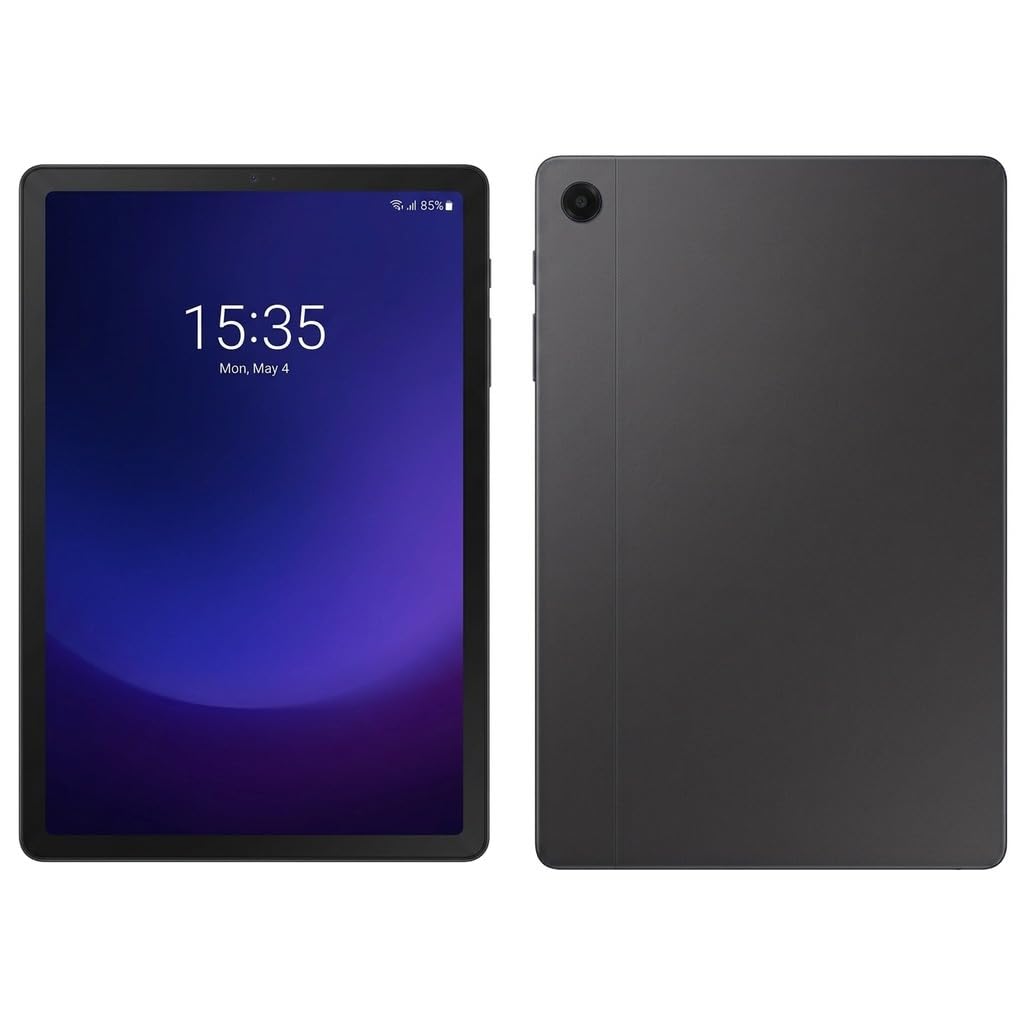
Samsung’s reliable, well-supported tablet with a 90Hz screen and solid Snapdragon performance.
The Galaxy Tab A9+ is the safe, dependable choice from the biggest Android brand. It packs an 11-inch TFT LCD with a 90Hz refresh rate and a resolution of 1920×1200, which looks sharp for everyday use. The Qualcomm Snapdragon 695 processor (built on a 6nm process) is efficient and fast, handling multiple apps and light gaming without a hiccup. The 8GB of RAM and 128GB of storage are practical for most users, and you can add more via microSD.
The four AKG stereo speakers with Dolby Atmos sound great for streaming video, and the 7040mAh battery lasts a full day, though charging is on the slower side. A common point of friction: the initial setup forces you to sign into a Samsung account, which can be annoying if you do not use the extra Samsung services. This is the International Model without a domestic warranty, but seller support is available. One reviewer noted, “I love my new tablet!!!! I can connect it to my cellphone.”
Go with this if: you want a fast, well-known Samsung tablet with a great screen and reliable performance, and you do not mind a slightly slower charge time.
Consider an alternative if: you need LTE connectivity (this is Wi-Fi only) or a longer battery life than the 7040mAh capacity provides — the URAO or TECLAST options offer more.
9. TCL NXTPAPER 14

A 14.3-inch paper-like canvas for artists, musicians, and avid readers who hate eye strain.
This is the big brother to the TCL NXTPAPER 11, and it is a specialized tool. The 14.3-inch display with a 2.4K resolution (2400×1600) is anti-glare and flicker-free, designed for hours of comfortable reading or viewing sheet music under stage lights. It uses NXTPAPER 3.0 technology, which is a generation behind the 11-inch model’s 4.0, but still offers the same paper-like modes. The included T-PEN stylus has 4096 levels of pressure, though some users mention slight lag.
Inside is a MediaTek Helio G99 processor with 8GB of RAM and 256GB of storage. The 10000mAh battery supports 33W fast charging (charger not included). The quad speakers deliver room-filling sound. The biggest drawback is reliability — the review data shows mixed opinions on long-term dependability, and there is no microSD slot or headphone jack. Musicians love it for digital sheet music, with one calling it “excellent for sheet music: lightweight, good battery, reliable.”
Eye-Saving Canvas
- 14.3″ 2.4K NXTPAPER 3.0 display with anti-glare and flicker-free viewing.
- 4096-level T-PEN included for drawing and notation.
- 10000mAh battery with 33W fast charging for all-day work.
- Quad stereo speakers with Smart PA for rich audio.
Notable Caveats
- Reliability is a mixed topic in reviews — some report faults.
- No microSD slot, no headphone jack, and no charger in the box.
- Stylus has slight lag; not as responsive as a premium Samsung S Pen.
Best for: musicians who need a large, glare-free screen for sheet music and artists who work in digital color.
Think twice if: reliability is your top concern, or if you need expandable storage and a headphone jack — the TECLAST T65 offers a larger screen with those features for less money.
Understanding the Specs
Refresh Rate (Hz)
This number tells you how many times per second the screen refreshes its image. A 60Hz screen is fine for reading and video. A 90Hz or 120Hz screen makes scrolling through web pages, social media feeds, and menus feel noticeably smoother. For a tablet used mostly for reading sheet music or e-books, 60Hz is perfectly adequate. For a device used for gaming or fast-paced browsing, 90Hz or higher gives a better feel.
Battery Capacity (mAh) vs. Real Life
The milliamp-hour (mAh) rating tells you the battery’s total charge capacity. A higher number generally means longer usage, but the processor and screen size also matter. A 13-inch tablet with an 8000mAh battery might last about as long as an 11-inch tablet with a 7000mAh battery because the larger screen consumes more power. Look for real-world estimates like “up to 12 hours of video playback” rather than just the mAh number.
Virtual RAM vs. Physical RAM
Some tablets list a large total RAM number that combines physical memory (actual RAM chips) with virtual memory (storage space used as temporary RAM). A tablet with “20GB RAM” might have only 4GB of physical RAM and 16GB of virtual RAM. Physical RAM is much faster for running apps. For heavy multitasking or gaming, look for at least 6GB of physical RAM. The virtual RAM is a nice bonus for keeping more apps in the background, but it is not a substitute for the real thing.
Software: Android Version and Updates
Newer versions of Android (like Android 16) offer better battery management, privacy controls, and newer features. However, the tablet’s manufacturer also decides how long it will provide future updates. A tablet that ships with Android 16 does not guarantee it will receive Android 17 or longer-term security patches. For a device you plan to keep for years, a well-known brand like Samsung is more likely to issue updates than a smaller budget brand.
FAQ
Can I use a tablet under $400 for drawing and note-taking?
How important is a 90Hz or 120Hz screen?
Will an Android tablet under $400 get software updates?
Is 64GB of storage enough, or do I need more?
Can I use a keyboard with these tablets for work?
What is the TCL NXTPAPER display?
Which tablet has the best battery life?
How do I know if a tablet has LTE or cellular support?
Final Thoughts: The Verdict
For most people, the android tablet under $400 winner is the Lenovo Idea Tab because it delivers a sharp 2.5K 90Hz screen, a responsive stylus, and a full 12 hours of battery life in one polished package. If you want a massive 13.4-inch screen with a blazing 120Hz refresh rate and the ability to pop in a SIM card, grab the TECLAST T65. And for the best eye-friendly reading experience with a stylus for drawing, the TCL NXTPAPER 11 Gen 2 is the one to reach for.
How We Picked
We do not accept paid placement. Every pick is matched to a real buyer and a real use-case; we do not hands-on test units.
Sources & Methodology
Specifications: manufacturer listings and product documentation. Review insights: verified customer reviews, as of July 2026. Pricing: not shown on this page (it changes often); check the current price via the retailer link.
As an Amazon Associate, Gadgets Feed earns from qualifying purchases. This does not affect which products we feature.