
Our readers keep the lights on and my morning glass full of iced black tea. As an Amazon Associate, I earn from qualifying purchases.
Specs are compiled from manufacturer listings and verified buyer reviews and can change over time — please confirm the key details on the product page before buying.
Sunlight streaming through a window turns your laptop screen into a mirror, forcing you to squint and shift positions just to read an email. A matte film is the fix, and the right one cuts glare, shields your eyes, and blocks prying eyes in coffee shops. This guide breaks down the best anti-reflection films for laptops, what specs actually matter, and which ones real owners swear by.
I’m Min — the founder and writer behind Gadgets Feed. This guide is built by comparing the manufacturers’ published specifications and the patterns across verified customer reviews, so you get each pick’s real strengths and trade-offs instead of marketing spin.
Whether you’re coding by a bright window or working on a plane, the right anti-reflection film for laptop makes your screen readable without wrecking image quality, and this guide shows you exactly which one to pick.
Our Picks at a Glance
How To Choose The Best Anti-Reflection Film For Laptop
Every matte film fights glare, but they differ wildly in how much sharpness they cost you, how they attach, and whether they double as a privacy shield. Know your screen’s exact dimensions first, then match the film’s strengths to how and where you use your laptop.
Measure Your Screen, Not Just the Diagonal
A 14-inch laptop is not automatically a 14-inch film. The aspect ratio (like 16:10 or 16:9) changes the width and height, so always check the film’s exact measurements against your screen’s actual width and height in millimeters before buying.
Decide Between Adhesive and Magnetic Mounts
Permanent adhesive films stay put and feel like part of the display, but they are harder to remove and can leave residue. Removable slide-in or magnetic mounts let you take the filter off in seconds, ideal if you want privacy on the train but full brightness at home.
Quick Comparison
| Model | Best For | Hardness | Clarity | Mount Type | Amazon |
|---|---|---|---|---|---|
| STARY 14″ 16:10★ Best Overall | Privacy + glare in one | 6H | 0.99 | Slide-in or adhesive | Amazon |
| F FORITO MacBook Pro 14″MacBook Pro Pick | MacBook Pro clarity | 5H | 98 | Adhesive film | Amazon |
| Halloive MacBook Air 13.6″ | MacBook Air privacy | — | — | Magnetic | Amazon |
| ZOEGAA 14″ 16:10 | Healthcare & travel | 5H | 10 | Slide-in or adhesive | Amazon |
| F FORITO 14″ 16:10 2-Pack | Wide 16:10 laptops | 6H | 100 | Adhesive film | Amazon |
| ANTOGOO V 15.6″ 16:9 | 15.6-inch 16:9 screens | 5H | 95 | Adhesive film | Amazon |
| IPROKKO 14″ 16:9 | Reversible glossy/matte | 8H | 95 | Slide-in or adhesive | Amazon |
In‑Depth Reviews
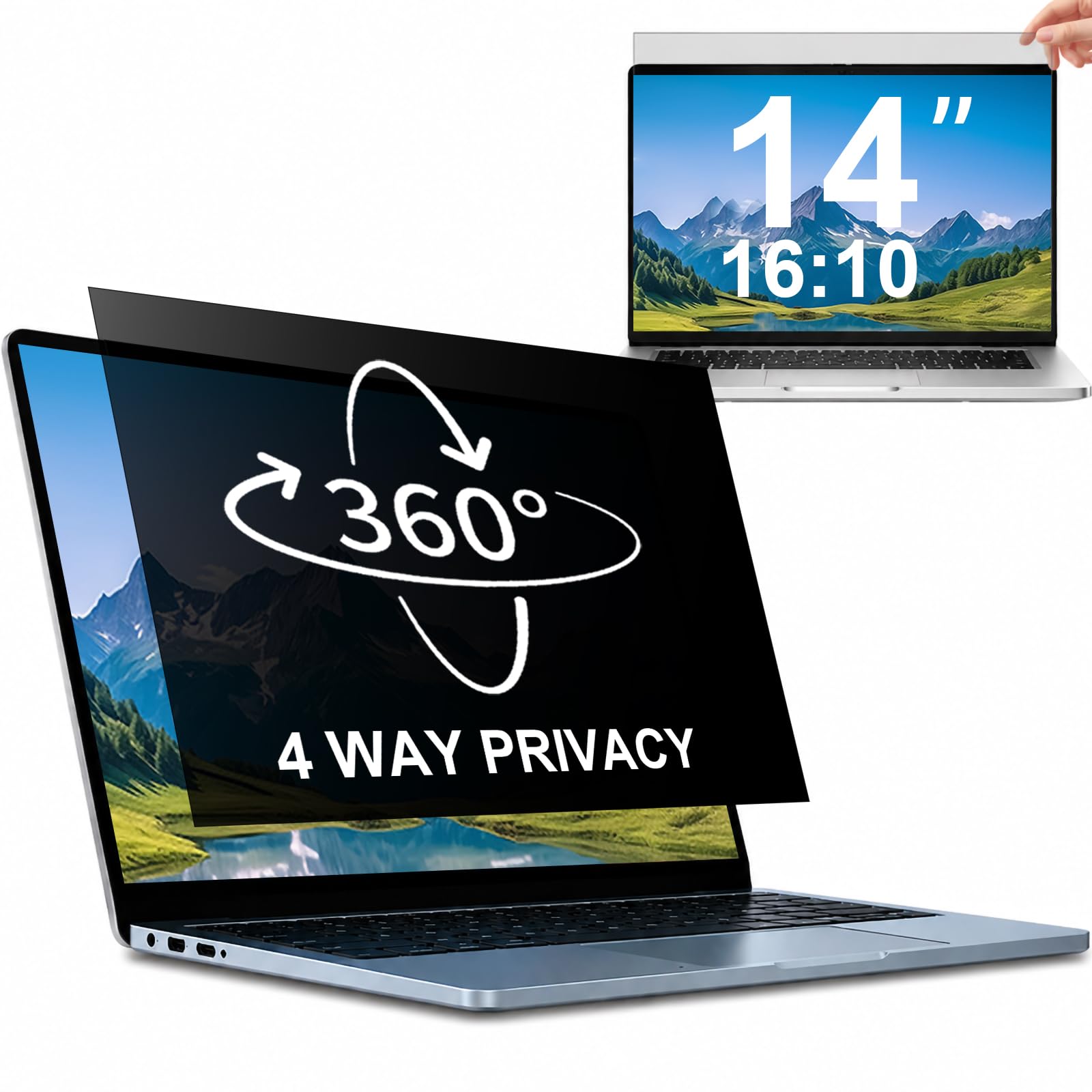
1. STARY 360° Privacy Screen 14″ 16:10
Our pick — over 4★ from 950+ verified ratings; the strongest balance of quality and price.
The all-rounder that kills glare and blocks eyes from every angle at once.
The defining feature here is the 360-degree blackout, which blocks visibility from top, bottom, left, and right — not just the sides like standard filters. Anyone outside a 30° angle sees only a dark screen, so your work stays yours on a plane, in a cafe, or across an open office. Flip it to the matte side and the glare tames right down; flip to glossy and the privacy effect gets even stronger, giving you two tools in one slim panel.
Installation is genuinely flexible. You can use slide-in mount tabs that let you pop the filter on and off whenever you move between home and office, or go with the included double-sided adhesive strips for a firm permanent fit. The PET material carries a 6H hardness (a pencil-hardness scale where higher means more scratch-resistant), so it shrugs off daily keys and bag scuffs — notably tougher than the 5H films on some rivals, a 20% jump in that rating.
The one thing to know: the magnetic top is strong, but the bottom can be less cooperative for some owners, and a few find the matte side makes the screen slightly harder to see. If you are happy with a top-only magnetic hold that still works reliably, this is the most complete package here.
Why owners pick it
- 360° privacy blocks all four directions, not just left and right
- Slide-in tabs make it removable any time, no sticky residue
- 6H hardness beats most rival films for scratch defense
The trade-offs
- Bottom magnetic strip can fail to stick for some buyers
- Matte finish softens sharpness a touch
Reach for this if: you want one filter that handles both glare and privacy, with a removable mount for grab-and-go use.
Look elsewhere if: you cannot tolerate a bottom edge that might not magnetize flush on your specific frame.
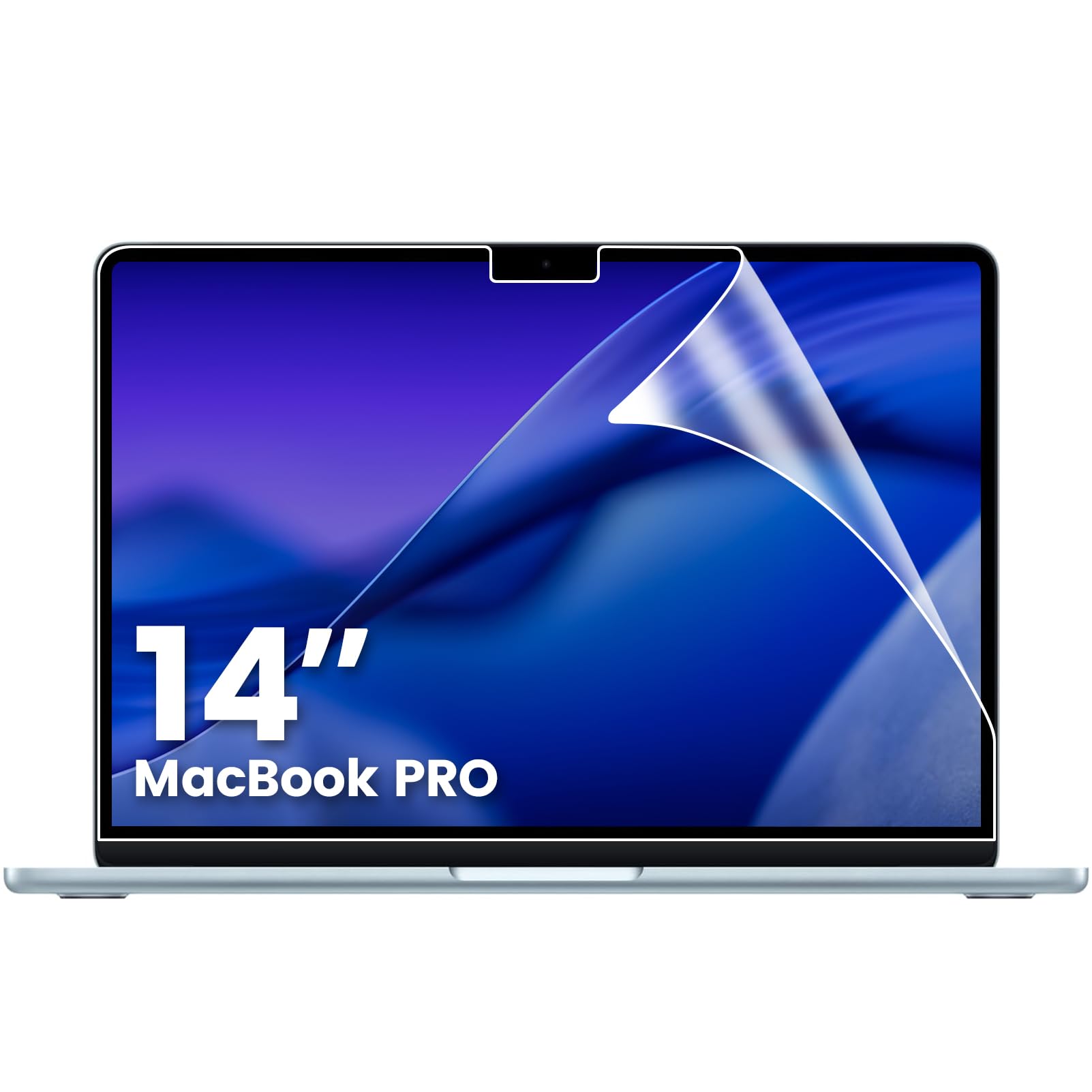
2. F FORITO 2-Pack Matte Screen Guard MacBook Pro 14″
A precision-cut matte film that keeps Retina sharpness while killing reflections.
Built specifically for the 2021-2026 MacBook Pro 14-inch line (M1 through M5 chips), this film is laser-focused on one laptop family, so the fit is exact. It uses high-transmittance PET to preserve 98% of the original color accuracy — a real edge over the 0.99 clarity rating of the STARY above, which means colors stay vivid instead of going muddy. At just 0.15mm thick, your MacBook still closes flush with no gap.
The matte finish diffuses harsh overhead light, so coding by a sunny window stops being a squint-fest. An oleophobic coating resists fingerprints and oil smudges, and the 5H hardness guards against keyboard marks and scratches. Owners consistently call out the quality and the fingerprint resistance — that smudge-fighting is what wins people over on notebooks that otherwise collect prints instantly.
The honest catch is the anti-glare itself: while many owners love it outdoors, feedback on glare reduction is genuinely split, and a few report the fit is slightly imprecise, leaving a sliver of screen edge exposed. It is also a permanent adhesive install, so you are committing to it.
Best for MacBook owners: the precision fit and high clarity make it the sharpest-looking matte option for this specific machine.
Not for: anyone who wants a removable filter or hopes for a dramatic glare-kill — the glare reduction is moderate, not total.
3. Halloive Magnetic Privacy Screen MacBook Air 13.6″
Snaps on and off with magnets — the cleanest way to add privacy without commitment.
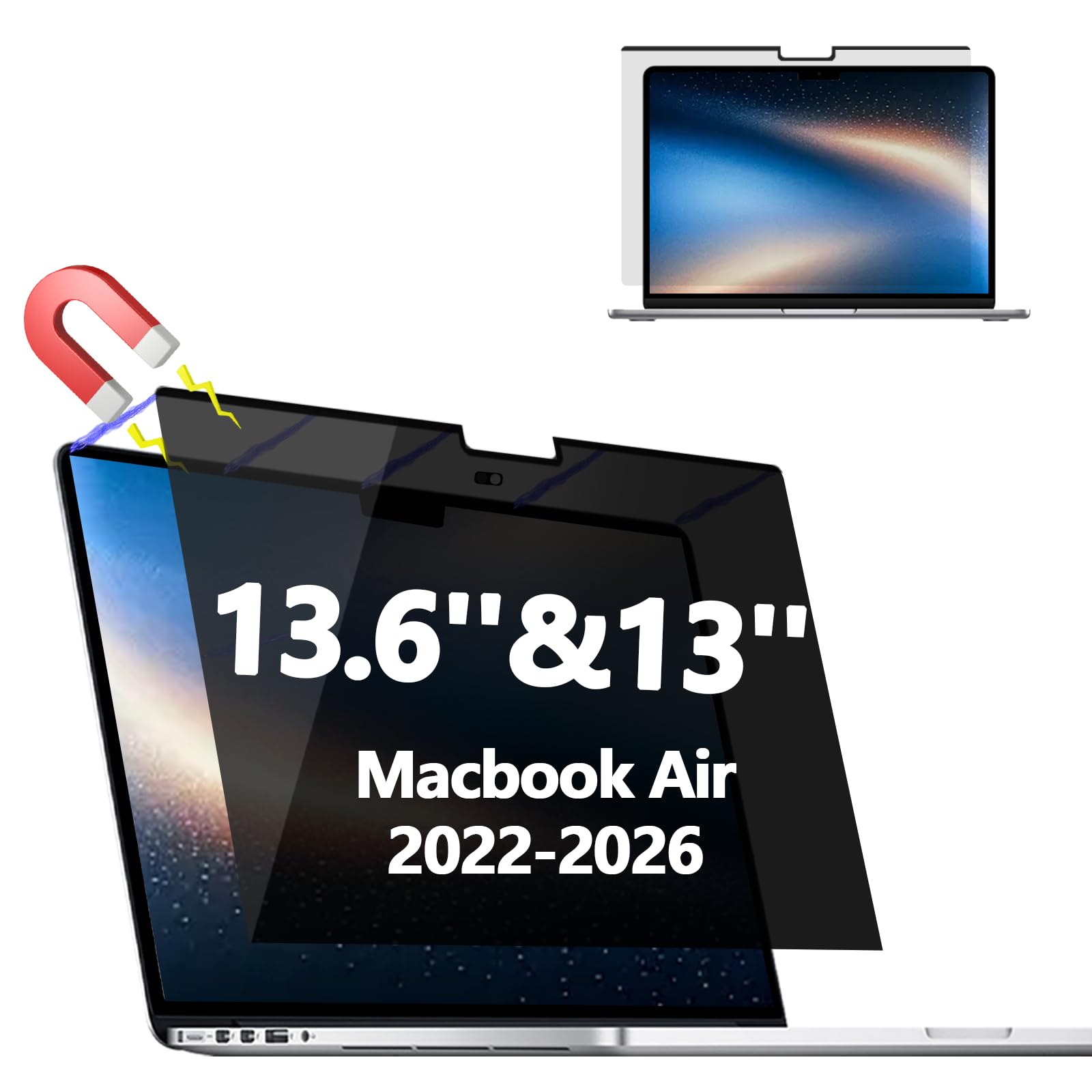
Purpose-made for the MacBook Air 13 and 13.6-inch (2022-2026, M2 through M5), this magnetic filter attaches in seconds and lifts off just as fast. That magnetic mount is the star: no adhesive, no residue, no alignment anxiety. It limits the viewing angle to +/- 30 degrees, so someone beside you sees a black screen, while you in front see your work clearly.
The matte finish folds in anti-blue-light filtering, This filter cuts 90% of blue light and 97% of UV radiation, easing eye strain during long study or work sessions.. The kit arrives with a storage folder and cleaning kit, and the thin build aligns cleanly with the Air’s frame. For owners who value a complete kit, everything you need comes in the box.
Be honest about the trade-offs: the privacy shield does not block views directly behind you, and the finish slightly softens sharpness and vibrancy. Some owners also report a noticeable dimness that pushes you to raise brightness, which can drain battery faster. It is a fit-focused buy, not a universal one.
A quick-swap privacy screen: the magnetic mount makes it the easiest filter to add and remove daily.
Think twice if: you work in a spot where people sit behind you, since the filter only guards front and side angles.
4. ZOEGAA 14″ 16:10 Privacy Screen Filter

A dependable privacy focus for the 16:10 crowd, from Dell to Lenovo.
ZOEGAA targets the exact measurements that define a 14-inch 16:10 screen — 11.94 inches wide and 7.46 inches tall (303.5mm x 189.5mm) — and works across Dell, HP, Acer, Samsung, Lenovo, ASUS, and Toshiba. The multi-layered film blacks out side views while staying crisp straight on, and it layers in glare, UV, and blue-light filtering so your eyes rest easier after a long workday.
It installs two ways: high-quality tape along the outer edge for a permanent hold, or a sliding mount tab for screens with raised bezels, letting you pop the filter in and out as needed. Owners consistently praise the privacy performance — off-angle text becomes unreadable, which is exactly what you want in a shared space — and note the clear instructions make the process straightforward. For healthcare workers and mobile professionals handling sensitive data, this is a solid, reusable shield.
The fit gets mixed feedback: some report it fits perfectly, while others hit compatibility issues with specific models like the Lenovo X1 Carbon. The adhesive tabs are also fiddly, with some reporting they stick to themselves rather than the screen. And the clarity rating sits at 10, so this is a privacy-first panel, not a sharpness-first one.
Choose it for: serious privacy in public spaces where unreadable side angles matter more than perfect sharpness.
skip it if: you need edge-to-edge precision on a Lenovo X1 Carbon or expect display-grade clarity through the filter.
5. F FORITO 2-Pack 14″ 16:10 Blue Light Matte Film
The perfect-clarity matte film that keeps your display looking untouched.
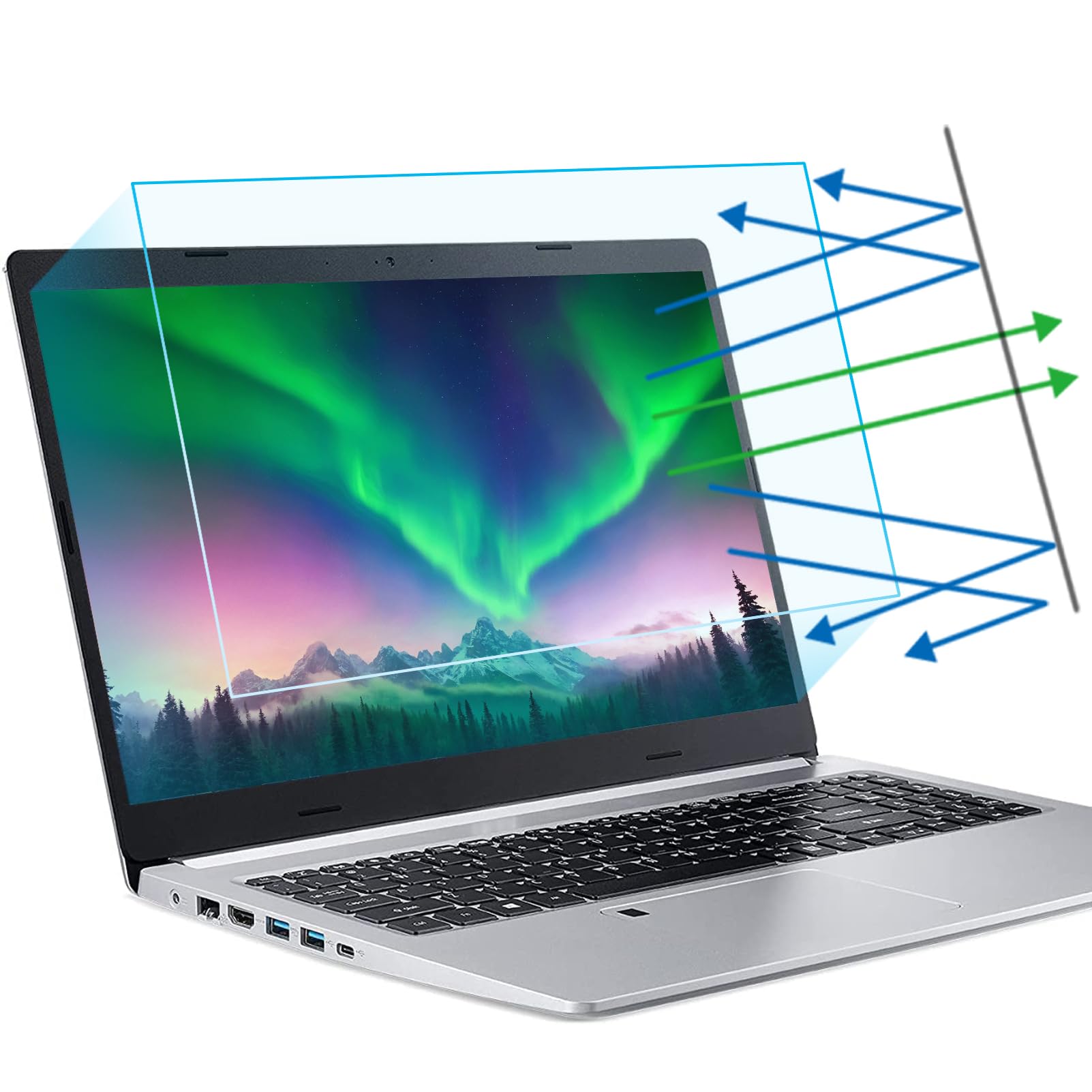
This F FORITO film for any 14-inch 16:10 laptop (11.9″ x 7.4″, 301mm x 188mm) leads the whole list on sharpness with a clarity rating of 100. That means your original brightness and colors shine through almost exactly as designed — no hazy, grainy look that plagues cheaper matte films. It still filters blue light and blocks harsh reflections, so eye strain drops during long coding or study sessions.
The 6H hardness gives serious scratch resistance, and the smooth surface repels dust and smudges for an easy clean. Buyers report the glare reduction is instant and eye strain fades quickly, with one remote-teaching parent noting headaches disappear after a single day of use. The kit includes two protectors plus a cleaning kit, so a spare is ready if the first one ever wears out.
The main caveat is coverage: this film covers only the display area, not the full laptop lid, so do not expect edge-to-edge protection. And while installation is doable, air bubbles can take a while to disappear even when you follow the instructions — patience is part of the process.
Sharpest matte on the list: a 100 clarity rating means minimal visual compromise for glare relief.
Not for: anyone wanting full-lid coverage or a filter that can be removed and reused across devices.
6. ANTOGOO V 15.6″ 16:9 Privacy Screen Filter

The dedicated pick for 15.6-inch 16:9 screens, squeezing glare and spy-proofing into one film.
Most films skip the big 15.6-inch 16:9 crowd, but this ANTOGOO V panel is made exactly for that size (13.6″ x 7.6″, 34.5cm x 19.4cm) and also fits 15.6-inch 1080P portable monitors. With a viewing angle of just ±25°, it is nearly impossible for someone beside you to read your screen, while the front stays crisp. Its layered anti-blue-light design reduces eye strain and headaches during extended use.
The matte surface prevents glare and reflected light, and owners are most vocal about exactly two things: privacy and anti-glare — those are what win people over. The 5H hardness adds scratch protection against dents and dings, and it works on touchscreens, with the film sitting so thin you can barely feel it after installation. The adhesive backing keeps installation straightforward, and all cleaning tools come in the box.
The recurring gripe is bubbles and adhesion: some owners find bubbles easy to squeeze out, others call them unavoidable, and the adhesive is strong enough that it is effectively permanent once applied. One owner who bent the film during install ended up with two vertical bars from the polarized shield — so handle it flat and carefully.
Grab it if: you have a 15.6-inch 16:9 laptop or portable monitor and want combined privacy plus glare control.
Pass if: you want a removable filter — this one is a committed adhesive install.
7. IPROKKO Laptop Privacy Screen 14″ 16:9

Flip it for a matte glare-kill or a glossy high-definition view, all in one panel.
This IPROKKO filter for 14-inch 16:9 laptops (13.26″ x 6.9″) is a two-sided design: one matte surface that blocks blue light and glare, and one glossy surface that keeps your screen looking higher definition. You pick the side that fits the moment — matte for a sunny cafe, glossy for a presentation where you want the punchiest image. The hardness sits at 8H, the toughest rating on this list, which means top-tier scratch defense.
The claim that separates it from rivals: no need to drop your brightness to keep privacy. The matte surface blocks 96% of UV and blue light and reflects 95% of glare, keeping the screen readable in sunlight. Installation takes about 20 seconds with either slide-mount tabs for a removable fit or permanent attachment strips, and the kit is SGS certified.
The honest picture is mixed. Privacy performance splits owners down the middle — some find it blocks side views perfectly, others find it barely helps. Fit also varies by laptop, with some 13.3-inch XPS owners finding it simply wrong for their machine, and adhesion can fail within hours for a few. Treat this as a try-before-you-commit purchase.
Standout spec: the 8H hardness and reversible sides make it the most flexible and scratch-resistant panel here.
Proceed with care if: fit precision and guaranteed adhesion matter most — experiences vary by laptop model.
Understanding the Specs
Clarity and Hardness
Clarity (often rated 0-100) tells you how much original sharpness and color survive the film — a score of 100 means the display looks almost untouched, while a low score washes out detail. Hardness, measured on a pencil scale like 5H or 8H, tells you how scratch-resistant the film is; higher numbers shrug off keys and bag zippers better, but none are unscratchable.
Privacy Angle
Privacy filters narrow the viewing angle so only a person directly in front sees the screen clearly. A lower number like ±25° means tighter privacy (harder for neighbors to peek), while ±30° is a common standard. Remember, most filters still do not block someone directly behind you, and they often dim the screen slightly.
FAQ
Will an anti-reflection film fit my laptop if the diagonal size matches?
What is the difference between a matte and glossy privacy film?
Does a privacy screen protector work on a touchscreen laptop?
How long does a matte laptop screen protector last?
Can I remove and reuse a laptop privacy screen filter?
Does an anti-glare film reduce screen brightness?
Is a privacy screen worth it if I only work at home?
How do I install a laptop screen protector without bubbles?
Final Thoughts: The Verdict
The standout anti-reflection film for laptop is the STARY 360° Privacy Screen because it pairs real glare control with the most complete privacy coverage and a removable mount. If you want the sharpest possible matte view on a MacBook Pro, the F FORITO 2-Pack preserves 98% of color accuracy. And for a 15.6-inch 16:9 screen needing tight privacy, the ANTOGOO V is the dedicated pick.
How We Picked
We do not accept paid placement. Every pick is matched to a real buyer and a real use-case; we do not hands-on test units.
Sources & Methodology
Specifications: manufacturer listings and product documentation. Review insights: verified customer reviews, as of July 2026. Pricing: not shown on this page (it changes often); check the current price via the retailer link.
As an Amazon Associate, Gadgets Feed earns from qualifying purchases. This does not affect which products we feature.