
Our readers keep the lights on and my morning glass full of iced black tea. As an Amazon Associate, I earn from qualifying purchases.
Specs are compiled from manufacturer listings and verified buyer reviews and can change over time — please confirm the key details on the product page before buying.
Your laptop screen turns into a mirror in the wrong light—every reflection pulls your eyes off the work that matters. You want a coating that kills glare, keeps text razor-sharp, and doesn’t cost half the price of the laptop itself. The trick is finding the one that matches your exact screen size, your tolerance for dimming, and if you need privacy on a train or just peace under a desk lamp.
I’m Min — the founder and writer behind Gadgets Feed. This guide is built by comparing the manufacturers’ published specifications and the patterns across verified customer reviews, so you get each pick’s real strengths and trade-offs instead of marketing spin.
If you are a remote worker battling overhead office lights or a student coding by a sunny window, knowing the exact dimensions and finish type for a quality anti-reflective coating for laptop screen removes the guesswork from your purchase decision.
Our Picks at a Glance
How To Choose The Best Anti-Reflective Coating For Laptop Screen
Choosing the right anti-reflective coating depends on two things: your screen’s exact dimensions and the kind of light you work under. A matte finish scatters overhead light so you don’t see your own face staring back, while a glossy finish keeps colors punchier but reflects everything. Measure your screen’s width and height—not just the diagonal—because a protector that is a millimeter off will either hang over the edge or leave a sliver of glass exposed.
Finish Type: Matte vs Glossy
A matte finish is the main weapon against glare. It diffuses harsh light so you can work near a window without tilting the screen. The trade-off is a slight graininess that mutes on-screen colors. Glossy finishes look sharper and more vibrant, but they turn into a mirror whenever a light source is behind you. For long work sessions in bright environments, matte is almost always the better bet.
Hardness and Durability
You want a hardness rating of at least 5H to resist scratches from keys, pens, or the grit on a desk. A 6H rating offers better protection and feels stiffer under your finger. The harder the coating, the longer your screen stays free of hairline marks that catch the light and ruin the anti-reflective effect.
Privacy vs Purely Anti-Reflective
Some anti-reflective coatings also include a micro-louver privacy layer that darkens the screen when viewed from the side. This is excellent for coffee-shop work but can dim the screen from the front too. If you only want to kill reflections and never share your screen in public, a pure matte protector without privacy tech will look brighter and clearer.
Quick Comparison
| Model | Best For | Finish Type | Hardness | Clarity | Amazon |
|---|---|---|---|---|---|
| STARY 360° 14″ Privacy Screen★ Best Overall | Total 360° privacy + removable install | Matte & Glossy | 6H | 0.99 | Amazon |
| BSPROTE 15.6″ Privacy ScreenPremium Pick | Sharp clarity with 95% blue light reduction | Matte | 5H | 99 | Amazon |
| F FORITO 2-Pack for MacBook Air 13.6″Best Value | MacBook Air M2/M3/M4 with two protectors in the box | Matte | 5H | 98 | Amazon |
| Acer 2-Pack 15.6″ Magnetic Privacy Screen | Magnetic 2-pack for 16:9 laptops | Glossy & Matte | 3H | 100 | Amazon |
| F FORITO 360° for MacBook Neo 13″ | MacBook Neo A3404 with 360° privacy | Matte | 6H | 99 | Amazon |
| ANTOGOO V 15.6″ Magnetic Privacy Screen | Removable magnetic install with 80% blue light filter | Matte & Glossy | 6H | — | Amazon |
| BSPROTE 15.6″ Magnetic Privacy Screen | Premium dual-sided (matte/glossy) with 95% blue light block | Matte & Glossy | 6H | 95 | Amazon |
| PYS Magnetic Privacy Screen for Surface Laptop 7 | Surface Laptop 7 13.8″ with 30° privacy angle | Matte | — | 85 | Amazon |
In‑Depth Reviews
1. STARY 360° Laptop Privacy Screen Protector 14″
Our pick — over 4★ from 950+ verified ratings; the strongest balance of quality and price.
The privacy shield that blacks out from every angle—not just the sides—so your screen disappears to anyone outside 30°.
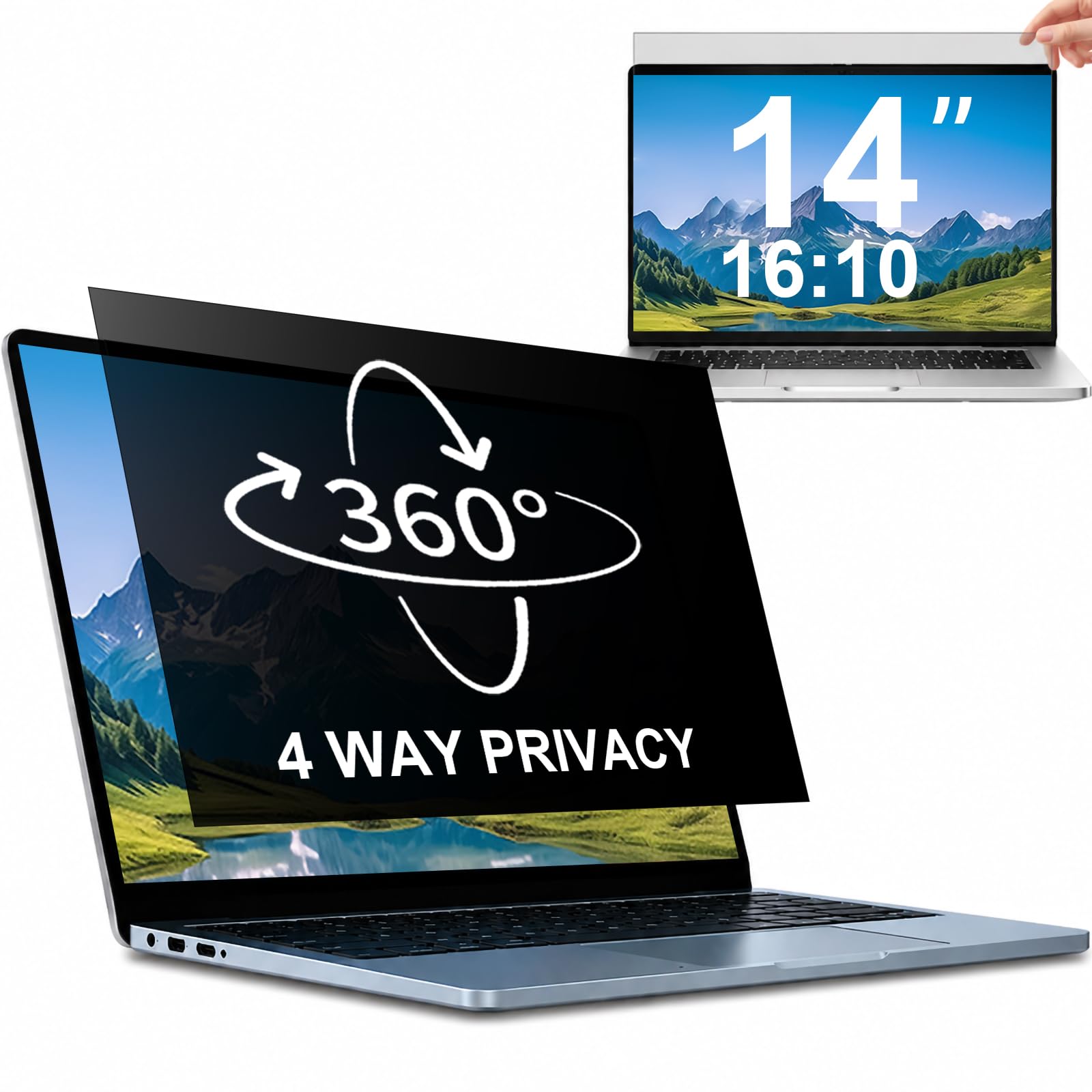
This is the protector you want when you open your laptop in a crowded airport lounge and feel every glance. The key difference here is the 360-degree privacy: most filters block left and right views, but this one also blacks out the top and bottom. Anyone outside a 30° cone sees what buyers call a “complete blackout.” You get two finishes on one film—a glossy side for stronger privacy and a matte side that cuts reflections. However, the matte side itself draws mixed feedback; some owners find it actually makes the screen harder to see, so test both sides before you settle.
The STARY comes with slide-mount tabs and adhesive strips, so you can pop it off when you move between home and office. It is a clear 0.99 clarity film with a 6H hardness that resists scratches better than the 5H competitor below. One specific trade-off buyers report: the magnetic attachment only covers the top, which works well enough for most (“only top part is magnetic but it works for me! Great customer support,” as one person put it), but the bottom can drift loose on some laptops. Fit is precise at 302 mm by 188 mm for 14-inch 16:10 machines, though it explicitly does not fit MacBooks or Surface devices—check the second product image before ordering.
What Wins People Over
- True 360° blackout—top, bottom, left, and right—keeps prying eyes out from every side
- Dual finish (glossy for stronger privacy, matte for glare reduction) lets you choose per environment
- 6H hardness offers noticeably better scratch resistance than the 5H alternative
What Owners Flag
- Bottom magnetic hold is weak on some laptops—may shift when you move the machine
- Anti-glare matte side gets mixed reviews: some find it reduces glare, others say it clouds the display
- Will not fit MacBook, Surface, or any 16:9 screen—only 14-inch 16:10 models
Reach for this if: you work in tight public spaces (planes, trains, open-plan offices) and need the screen to vanish from every direction.
Consider something else if: you have a MacBook or prefer a permanently attached film—the bottom magnet can loosen during transit.
2. BSPROTE 15.6″ Laptop Privacy Screen
The anti-glare film that slashes 95% of blue light while keeping the original color accuracy intact.
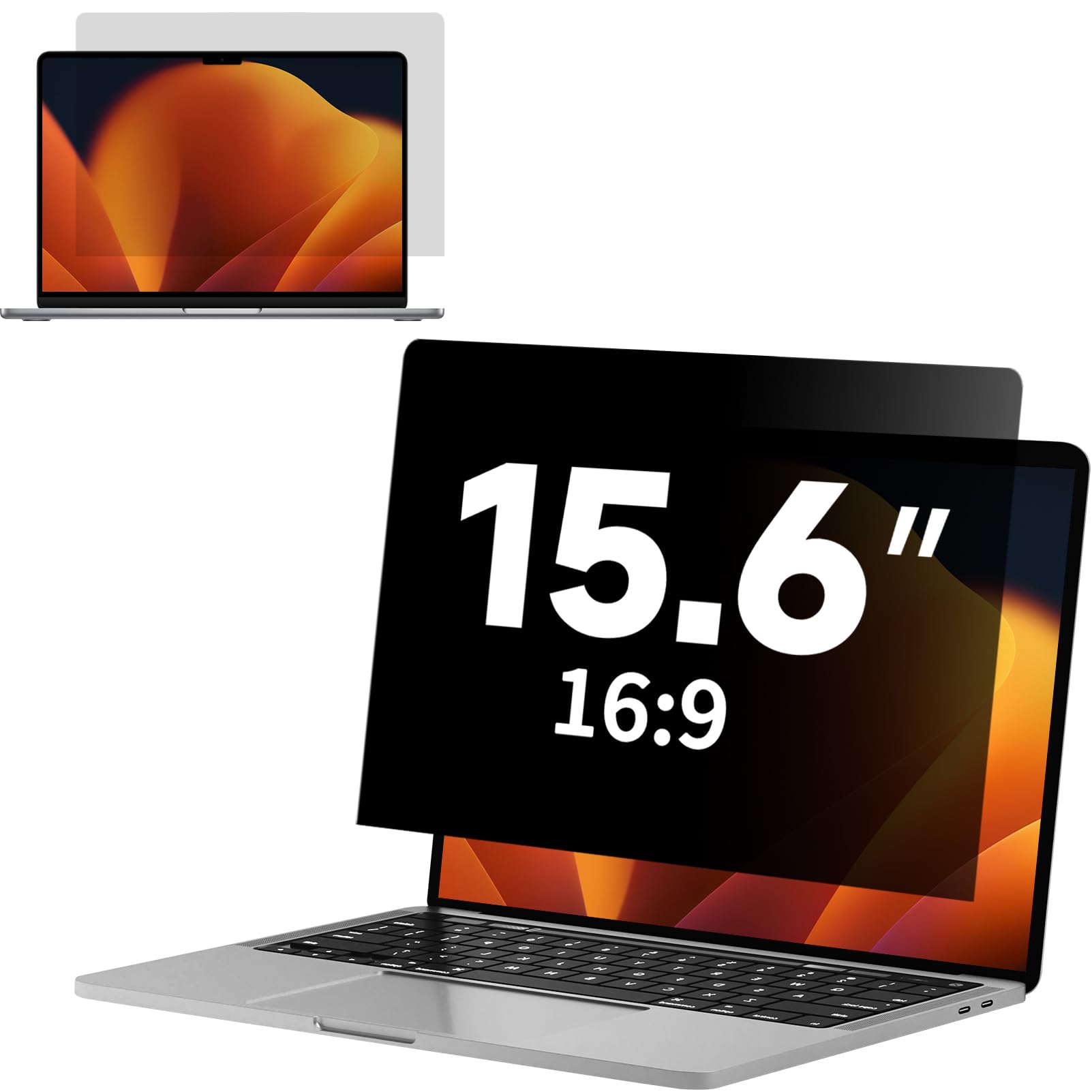
If your workday stretches past eight hours and your eyes start to ache, the BSPROTE is built for you. It cuts 95% of harmful blue light and 99% of UV light, all while using a matte surface to diffuse overhead reflections. Owners mention the display stays “sharp and accurate” after installation, with no color distortion—a genuine advantage over grainier matte films. The ±25° privacy angle darkens side views smoothly, but the view from directly behind remains clear, so someone sitting across a table can still read your screen.
Installation uses electrostatic adsorption (no glue or magnets), which makes it easy to lift and reposition during setup. The 5H hardness is adequate for daily scratches, though it trails the 6H STARY above. One practical note from the reviews: the film comes sized for a 345 mm by 194 mm display area, and a buyer who received the wrong size for a 14-inch Lenovo simply trimmed it. The clarity rating of 99 means text stays crisp, and touchscreen responsiveness remains intact—a rarity among privacy filters.
Eye-care workhorse: The combination of 95% blue-light reduction and a matte anti-glare layer makes this the top choice for anyone who stares at a 15.6-inch screen all day and wants the eyestrain gone.
Best for: students, coders, and office workers on a 16:9 laptop who need eye protection more than total privacy.
Look elsewhere if: you need a removable magnetic screen—this one sticks on with static adhesion and does not pop off easily.
3. F FORITO 2-Pack Anti Glare Matte Screen Protector for MacBook Air 13.6″
Two matte protectors for the price of one—precision-cut for the M2/M3/M4 MacBook Air generations.
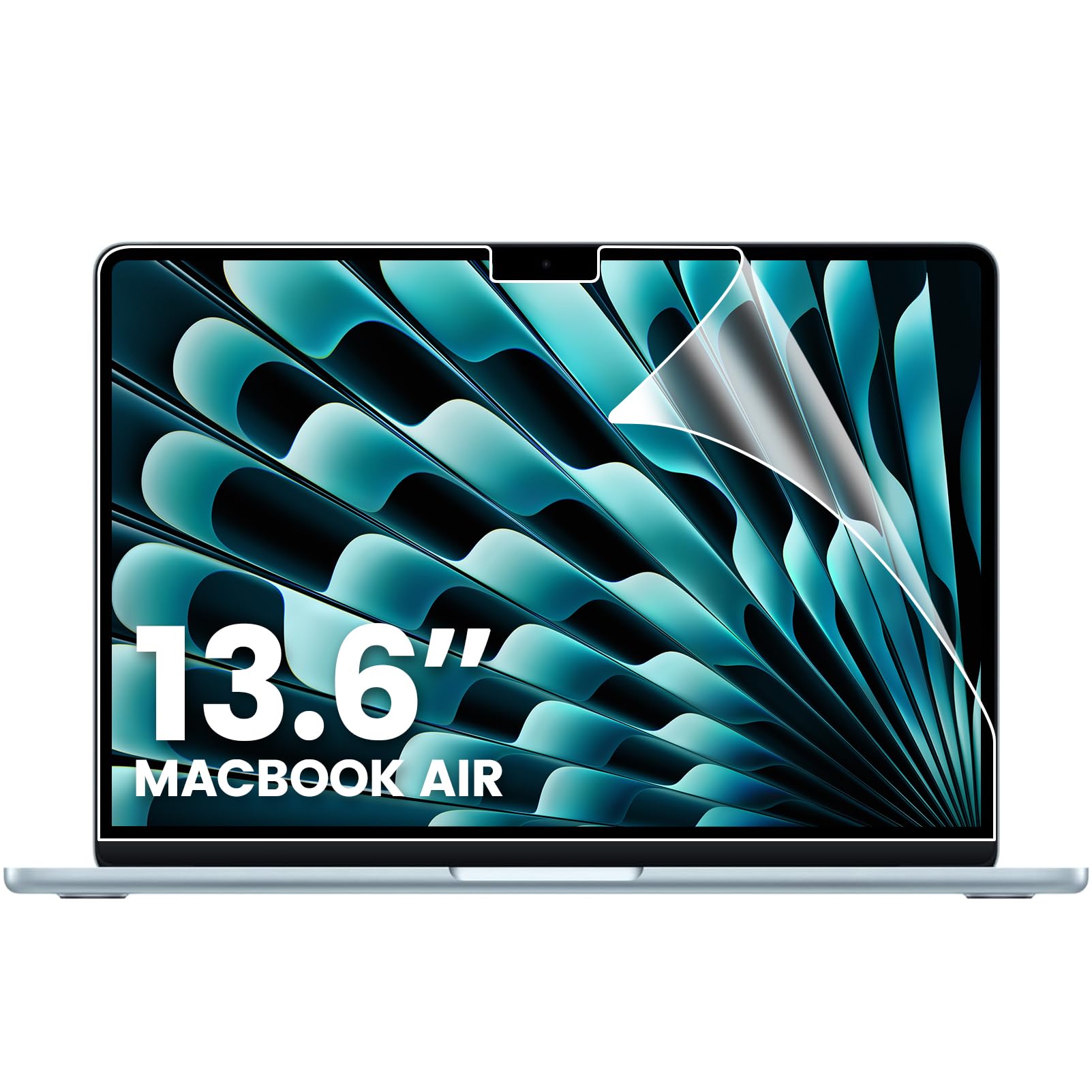
This pack solves the universal fear of a botched installation: if you trap a dust speck on the first try, you have a second protector waiting. F FORITO cuts each film for MacBook Air models A3449, A3240, A3113, and A2681 (13.6-inch from 2022 through 2026), with cutouts that line up perfectly with the camera and sensors. The matte finish diffuses overhead light so you can code by a sunny window without squinting. Build quality is the most-praised aspect, with finger-print resistance coming in second—the oleophobic coating genuinely repels smudges.
The catch is the anti-glare performance itself, which draws the most commentary but splits opinion. Some owners find it excellent for outdoor use, while others say it is not as effective as they hoped. Installation is the second-most-discussed topic and it is mixed—the silicone adhesive layer is designed to push air out automatically, but a fair number of buyers still wrestle with bubbles. The 5H hardness protects against keys and daily wear, and at just 0.15 mm thick, the laptop closes completely without gaps.
Two shots at a perfect install: You get a spare protector and a bubble-free adhesive system—ideal for first-time applicators who want a second chance.
Grab this if: you own a MacBook Air from 2022 or later and want a budget-friendly matte coating that preserves 98% color accuracy.
skip it if: you demand absolute anti-glare—the effect is good but not the strongest in this list, and installation can be tricky.
4. Acer 2-Pack Laptop Privacy Screen 15.6″

A two-pack with magnetic snap-on convenience and a patented bottom glue that leaves zero residue.
This Acer-branded set gives you two privacy screens and two storage folders—one for your main machine and a spare for a second laptop or a colleague. The top attaches magnetically for instant one-handed removal, while the bottom uses a water-soluble nano glue that peels off cleanly. The ±30° privacy angle is slightly wider than the BSPROTE’s ±25°, meaning people off to the side will see a dark screen sooner. Clarity is rated at 100, so text and images stay crisp.
That said, the 3H hardness (a pencil-hardness rating for scratch resistance) is the softest in this lineup—adequate for light scratches but not for everyday wear against a metal keyboard. The installation experience is mixed: some customers note a perfect stick on the first try, while others say the bottom adhesive does not stay put. One reviewer noted, “doesnt stay on and isnt magnetic … when i move my laptop or hold it, the bottom part completely comes off.” Make sure your screen is thoroughly dusted before applying the magnetic strips for the best hold.
Magnetic convenience with a backup: Two screens slide on and off in seconds, and the water-soluble bottom glue eliminates sticky residue when removed.
Ideal for: someone who swaps between a privacy screen and a clear display throughout the day, or who needs a second unit for a family member.
Be aware: the bottom adhesion is inconsistent—some laptops cause the strip to lift, and the 3H hardness is less scratch-resistant than the competition.
5. F FORITO 360° Privacy Screen Protector for MacBook Neo 13″
Purpose-built for the 2026 MacBook Neo with A18 Pro chip and a 360° privacy angle that darkens every side but yours.
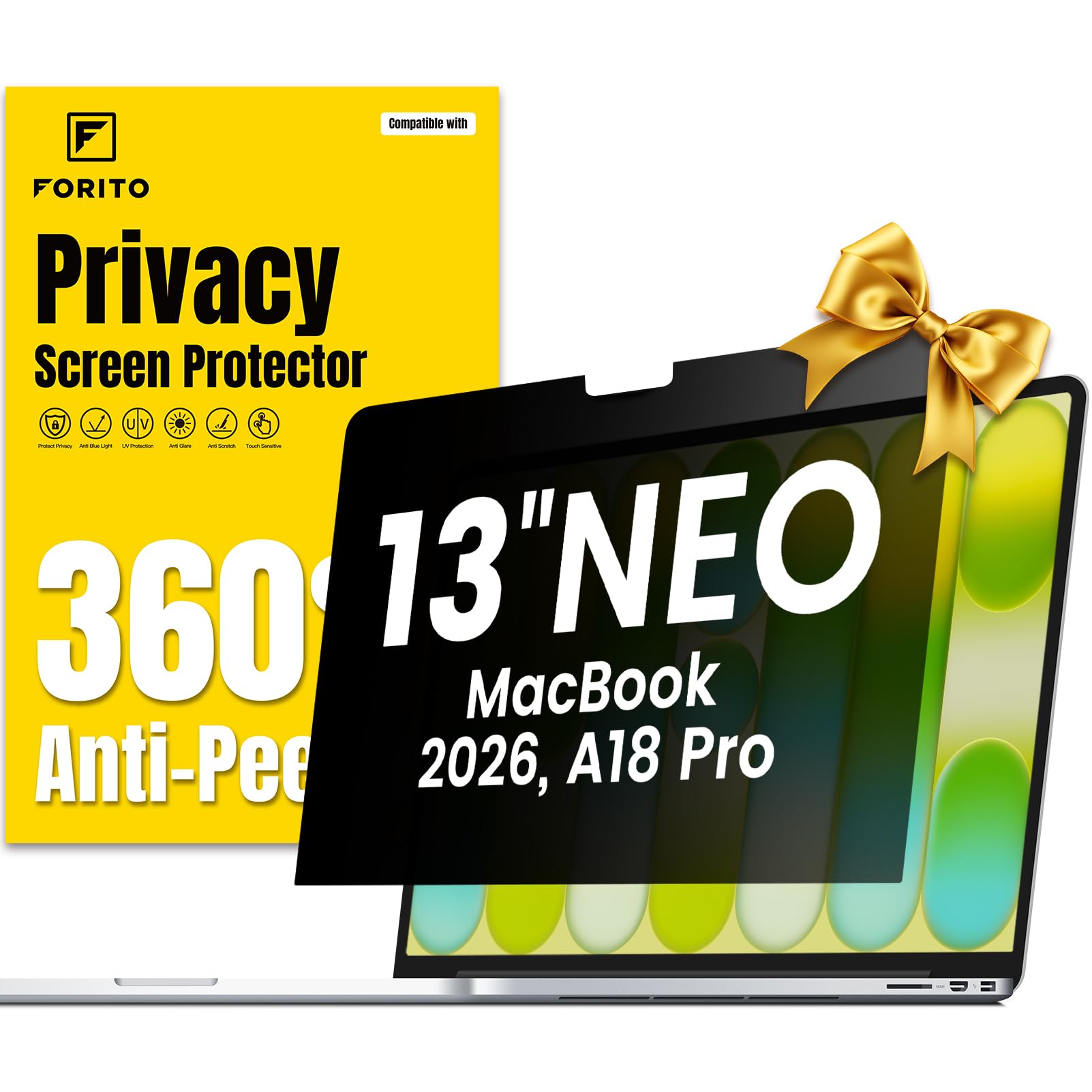
This screen is designed exclusively for the MacBook Neo 13-inch (Model A3404, 2026 year), so the fit is exact—cutouts for the camera and sensors line up without any overhang. The 360-degree privacy means the display blackens from top, bottom, left, and right when viewed from outside the 30° balance (the narrow viewing angle where the screen stays visible). Privacy is the most praised aspect by a wide margin, with over 200 owners calling it effective. The matte finish also anti-glare and anti-reflection, so overhead lights do not bounce back at you.
Where the feedback splits is screen clarity: a few buyers notice a slight decrease in image quality, and bubble-free installation is not guaranteed for everyone. The 6H hardness protects against scuffs and scratches, and the ultra-thin design lets the laptop close fully. One owner who tested it on a 14-inch MacBook Pro found it preserved Retina vibrancy from head-on while darkening side views perfectly—a strong sign the optical design is solid.
Privacy champion for Neo owners: 207 positive mentions for privacy alone tell the story—this film locks your screen down in public without demanding permanent adhesion.
Designed for: MacBook Neo 13 (A3404) owners who work in open offices and want total screen obscurity from every angle.
Think twice if: screen clarity and a bubble-free install are must-haves—results vary, and the matte finish can soften text slightly.
6. ANTOGOO V Magnetic Privacy Screen 15.6″
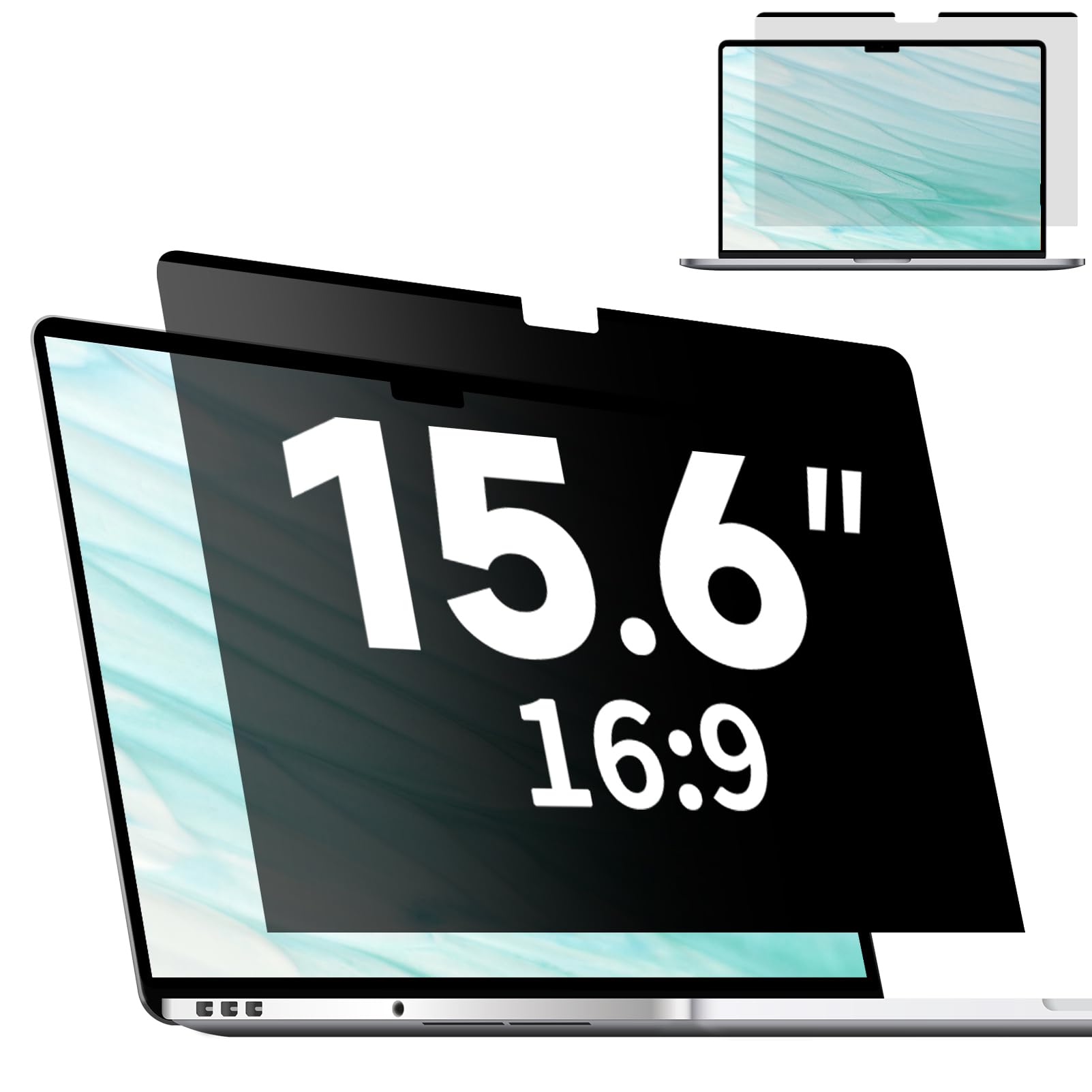
The built-in top magnet means no sticker strips on your laptop frame—just snap it on and go.
Unlike many magnetic filters that require you to attach adhesive metal strips to your laptop bezel, the ANTOGOO V has the magnets woven into the top strip of the screen itself. This keeps your laptop free of sticky residue and makes on-off switching genuinely fast. The ±28° privacy angle is tight enough to keep neighbors from reading over your shoulder, and the matte surface cuts glare while a layered design blocks 80% of blue light. Owners consistently praise the easy-to-use magnetic design and solid overall quality.
The biggest recurring drawback is fit: several reviewers point out that the dimensions are off for their specific 15.6-inch laptop, requiring trimming or simply not matching the advertised size. Adhesion at the bottom is another sticking point—a transparent strip is supposed to hold the lower edge, but some users say it does not stick well. Additionally, touchscreen functionality stops working after installation, so this is not for touchscreen users. The 6H hardness ensures good scratch protection, and the included storage clip keeps the film safe when it is off.
Clean magnetic design: No sticky tabs on your laptop—the magnets live in the protector, so you can remove it in seconds without leaving a trace.
Best for: anyone who wants a removable screen that does not require adhesive strips on the laptop, and who works in moderate-light environments.
Not for: touchscreen users (it disables touch) or anyone with an off-spec 15.6-inch screen—verify your dimensions carefully.
7. BSPROTE Magnetic Privacy Screen 15.6″
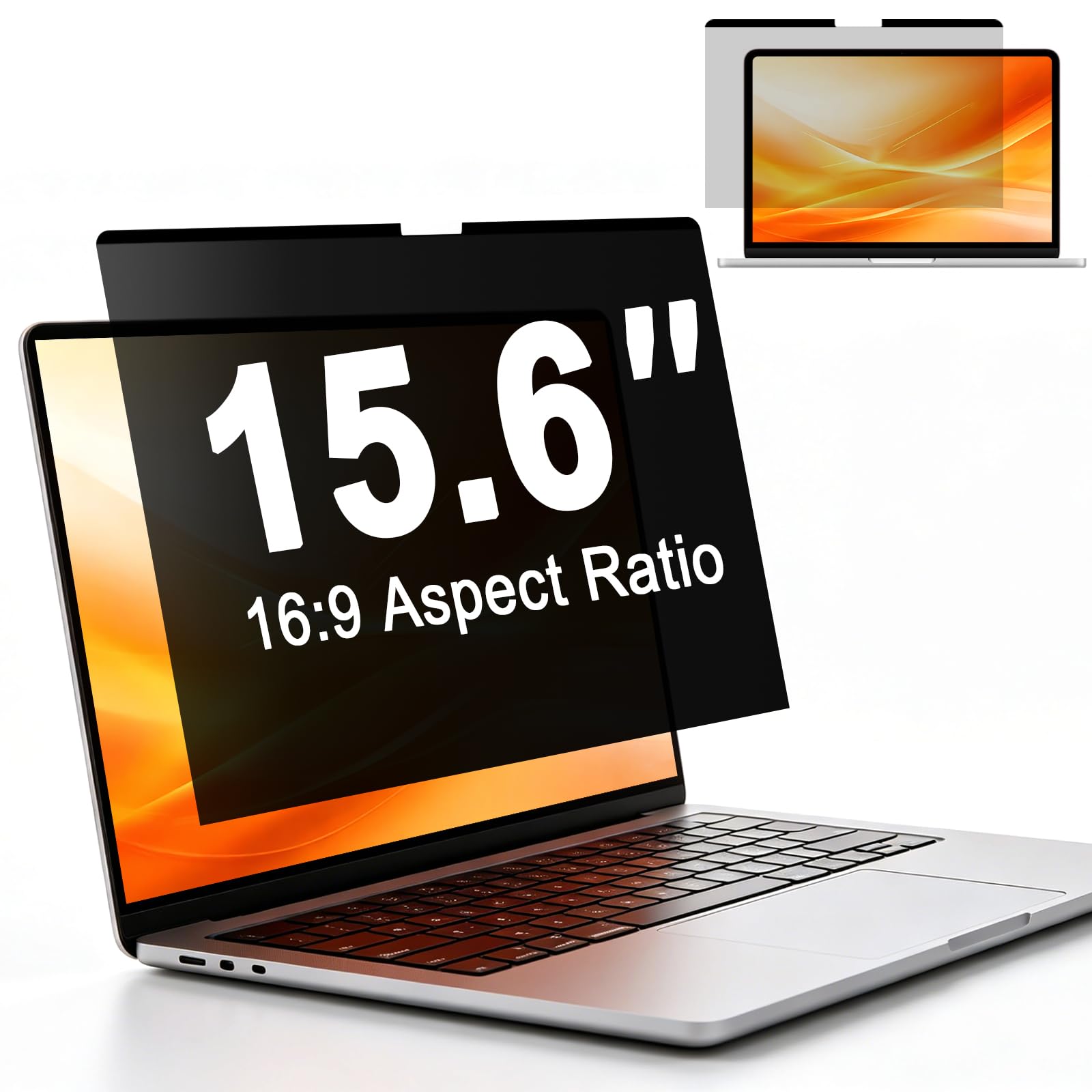
Flip between a matte anti-glare side for daylight and a glossy HD side for nighttime clarity—one screen, two uses.
This BSPROTE model gives you a choice every time you install it: the matte face reduces glare and reflection under bright office lights, while the glossy side delivers a clearer, more vivid display when the room dims. Magnetic attachment along the top edge makes swapping easy—just snap, flip, and go. The privacy angle starts at ±25°, and the screen darkens the farther off-angle someone looks. The blue-light filter blocks 95% of harmful blue light and 98% of UV, so your eyes get real protection during long shifts.
Owners call out the easy magnetic setup and the instant improvement in outdoor visibility. One review noted the privacy is “overstated—side viewing not fully blocked,” so treat it as a strong anti-glare and blue-light screen first, a privacy filter second. The clarity rating of 95 is slightly below some competitors, meaning text may look a hair less sharp than a dedicated non-privacy matte film. At 6H, it resists scratches well, and the included cleaning kit and PP clip holder make storage safe when traveling.
Two screens in one: Matte kills daytime glare, glossy restores vibrancy at night—a true dual-purpose design for changing light conditions.
Choose this for: a 15.6-inch 16:9 laptop used in both bright and dim environments—the reversible finish adapts perfectly.
Manage expectations on: privacy—it works for casual side-blocking but does not fully black out the screen like a dedicated anti-spy filter.
8. PYS Magnetic Privacy Screen for Microsoft Surface Laptop 7 13.8″

Specifically cut for the 2024 Surface Laptop 7, snapping on magnetically with a 30° privacy shield that locks out side glances.
Surface Laptop owners often struggle to find a privacy screen that fits the unique 13.8-inch 3:2 display ratio—this PYS model solves that with a precise cut for model number A3404 (or any Surface Laptop 7 from 2024). Magnetic snap-on requires no adhesive strips; you just align it along the top and it holds firm. The 30° privacy filter means only the person directly in front sees the screen, while everyone else views a dark field. Owners working in busy airports call it “perfect” for keeping sensitive documents hidden.
An important hardware note from the reviews: the lid cannot fully close with the screen installed, so you will need to remove it before sliding the laptop into a bag. The matte finish reduces glare and fingerprints effectively, and the blue-light filter eases eye strain during late-night sessions. The clarity rating is 85—noticeably lower than most competitors, which means text and images will appear slightly softer. One buyer summed it up as “discreet protection with eye comfort built in,” praising the anti-glare and the easy magnetic attachment.
Purpose-built for Surface users: No guessing on fit—this is the only screen on the list designed specifically for the 13.8-inch Surface Laptop 7 with a magnetic snap-on mechanism.
Get this if: you own a 2024 Surface Laptop 7 and want a magnetic privacy screen that fits perfectly and blocks blue light.
Pass if: you keep the screen on full-time—the increased thickness prevents the lid from closing, so you will remove it after every session.
Understanding the Specs
Clarity Rating
This number, usually between 85 and 100, tells you how much of the screen’s original sharpness and color the film preserves. A higher number means less graininess and more vivid text. For design work or streaming, aim for 95 or above; for basic office tasks, 85 is acceptable.
Hardness (5H vs 6H)
Hardness measures how well the film resists scratches. A 5H rating handles light scuffs from a keyboard or cleaning cloth, while 6H feels noticeably stiffer and resists deeper marks from pens or zippers. The harder the coating, the longer your screen stays pristine.
FAQ
Will an anti-reflective coating fix glare from a window behind me?
Can I use a matte screen protector and a privacy filter together?
Does a 5H screen protector prevent scratches from keys?
How do I measure my laptop screen to get the right size?
Will an anti-reflective coating affect touchscreen performance?
How long does a typical matte screen protector last?
What is the difference between a privacy filter and an anti-reflective coating?
Can I remove a magnetic privacy screen without damaging my laptop?
Final Thoughts: The Verdict
Across the board, the anti-reflective coating for laptop screen winner is the STARY 360° Privacy Screen because it is the only one that blacks out all four sides, giving you real privacy with a 6H scratch shield. If you want pure dead-simple glare removal for a 15.6-inch workhorse, grab the BSPROTE Privacy Screen. And for the best two-pack value that fits a MacBook Air perfectly, the F FORITO Matte Protector is the one to reach for.
How We Picked
We do not accept paid placement. Every pick is matched to a real buyer and a real use-case; we do not hands-on test units.
Sources & Methodology
Specifications: manufacturer listings and product documentation. Review insights: verified customer reviews, as of July 2026. Pricing: not shown on this page (it changes often); check the current price via the retailer link.
As an Amazon Associate, Gadgets Feed earns from qualifying purchases. This does not affect which products we feature.