
Our readers keep the lights on and my morning glass full of iced black tea. As an Amazon Associate, I earn from qualifying purchases.
Specs are compiled from manufacturer listings and verified buyer reviews and can change over time — please confirm the key details on the product page before buying.
You don’t need a new GPU or a bigger TV to level up your gaming setup — a pair of AR glasses does the job. These wearables project a huge virtual screen right in front of your eyes, turning any bed, flight, or couch into a private theater. For gaming, watch three things: refresh rate (how smooth motion looks), brightness (how visible the screen is in a lit room), and latency (the delay between your input and the action).
I’m Min — the founder and writer behind Gadgets Feed. This guide is built by comparing the manufacturers’ published specifications and the patterns across verified customer reviews, so you get each pick’s real strengths and trade-offs instead of marketing spin.
From the bright and affordable RayNeo to the feature-packed XREAL, here are the best ar glasses for gaming that actually deliver a big-screen experience without the bulk.
Our Picks at a Glance


How To Choose The Best AR Glasses For Gaming
Picking AR glasses for gaming depends on a few specs that directly affect how good your games look and feel. You don’t need to be a tech expert — just focus on what matters for the games you play.
Refresh Rate: The Key to Smooth Motion
This is how many times the screen updates per second, measured in Hertz (Hz). A 120Hz refresh rate means the image refreshes 120 times a second, so fast camera pans and quick action look fluid rather than choppy. If you play competitive shooters or racing games, 120Hz is the spec you want; anything lower can feel laggy or blurry during intense moments.
Brightness: Playing Beyond the Dark
Brightness is measured in nits. A higher nit count means the screen stays vivid and clear even in a bright living room or near a window. Lower brightness glasses can look washed out or faint unless you’re in a dark room. Look for at least 1,000 nits if you plan to game during the day or in well-lit spaces.
Compatibility: Matching Your Gaming Setup
Most AR glasses connect via a USB-C cable with DisplayPort (DP) support. This works with modern phones, Steam Deck, ROG Ally, and many laptops. If you want to play on a console like PS5 or Switch, which use HDMI, you’ll need a separate adapter or dock. Always check which of your devices the glasses support before buying.
Quick Comparison
| Model | Best For | Refresh Rate | Brightness | Virtual Screen | Amazon |
|---|---|---|---|---|---|
| RayNeo Air 3s Pro★ Best Overall | Brightest Display & Value | 120Hz | 1,200 nits | 201″ | Amazon |
| Lenovo Legion Glasses Gen 2Handheld Match | Legion Go & PC Handhelds | 120Hz | — | FHD | Amazon |
| RayNeo Air 4 ProHDR Value | HDR & 3D Movies | 120Hz | — | 201″ | Amazon |
| Rokid Max2 | Built-in Vision Adjustment | 120Hz | 600 nits | 215″ | Amazon |
| TOZO VIZO Z1 Pro | Outdoor Visibility | 120Hz | 1,800 nits | 160″ | Amazon |
| XREAL 1S | Native 3DoF Tracking | 120Hz | — | 500″ | Amazon |
| VITURE Luma Pro | Sharp 1200p Clarity | 120Hz | 1,000 nits | 152″ | Amazon |
| XREAL One Pro | Wide 57° FOV & Stability | 120Hz | 700 nits | 171″ | Amazon |
| VITURE Luma Ultra | 6DoF & Hand Tracking | 120Hz | 1,500 nits | 152″ | Amazon |
In‑Depth Reviews
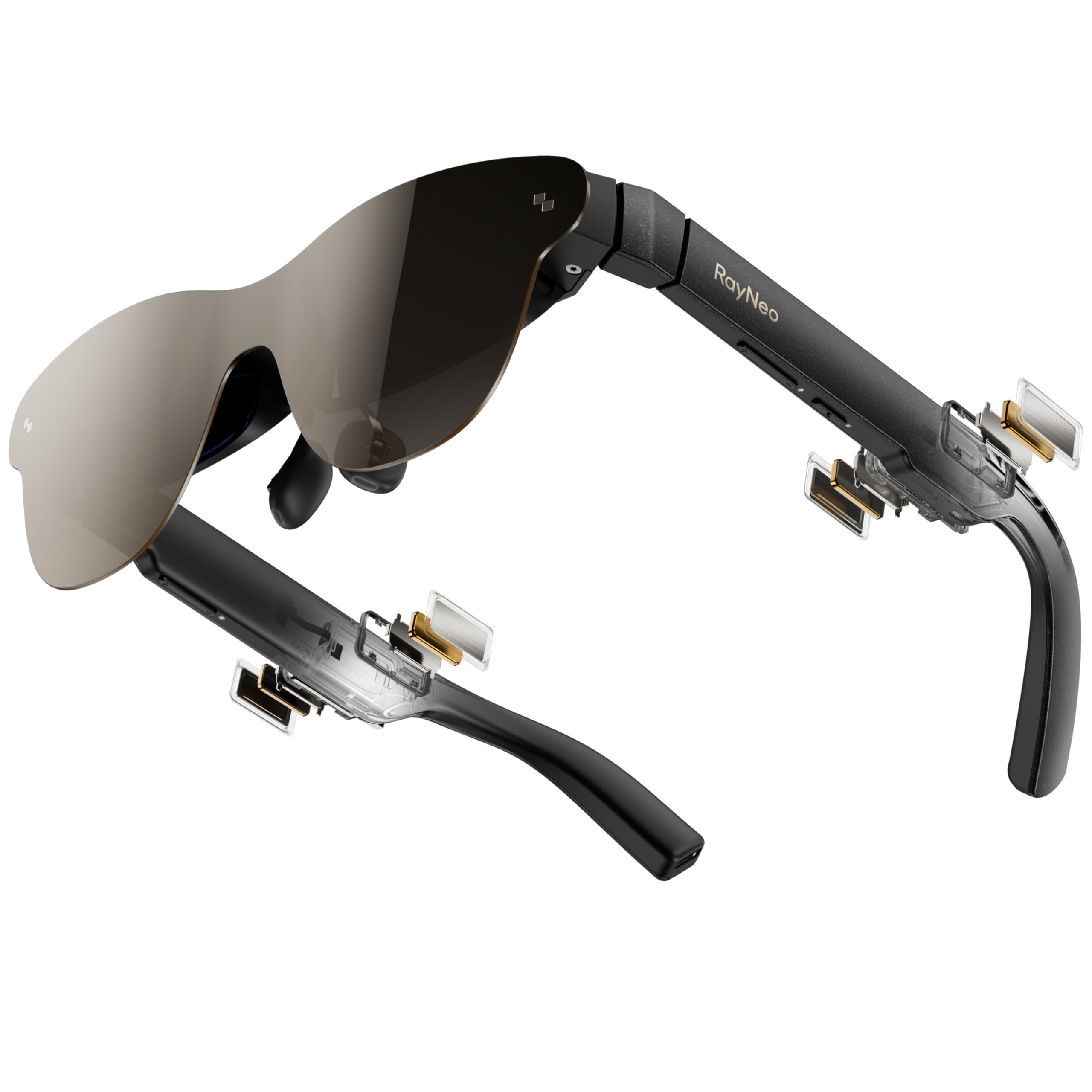
1. RayNeo Air 3s Pro AR/XR Glasses
Our pick — over 4★ from 550+ verified ratings; the strongest balance of quality and price.
The brightest display of the bunch, so your games stay vivid even with sunlight spilling in.
This is the pair to beat for anyone who wants a big, bright screen without spending premium-tier money. With 1,200 nits of brightness, it’s the shining star here — buyers report the picture stays perfectly visible even in direct sunlight, which is rare for this category. The 120Hz refresh rate keeps racing and action games smooth, and the 201-inch virtual screen (at 6 meters away) makes every session feel like a private IMAX.
The display uses a 5.5th-gen tandem Micro-OLED with a 200,000:1 contrast ratio and 98% DCI-P3 color coverage. In plain terms, blacks look deep and colors look rich. It also carries TÜV SÜD Low Blue Light and Flicker-Free certifications, plus 3,840Hz high-frequency PWM dimming — that’s a lot of jargon for “engineered to reduce eye strain during long sessions.” For gamers with prescription needs, the included lens sample lets an optician create custom lenses.
Reviews call the quality and display the standout features, and it earns top marks from a huge number of buyers for its build. The sound is where opinions split — the spatial audio impresses, but some say the volume runs low. It’s also a static display: no head tracking or screen pinning here, so if you move your head, the screen moves with you.
sharpest pocket display
- Brightest AR display at 1,200 nits, visible in direct sunlight
- 120Hz refresh for buttery-smooth gaming motion
- Eye-comfort certified for long binge sessions
- Plug-and-play with iPhone, Android, Switch 2, PS5, SteamDeck
bulky temples
- Speakers get mixed reviews for low max volume
- Static display only — no spatial tracking or screen pinning
- Screen is roughly 20% larger than a 15″ laptop for work
daily driver: you want the best combination of brightness, smooth motion, and value for handheld and console gaming at home or on the move.
desk duty: you need your virtual screen to stay pinned in space while you move your head, since this is a fixed display.
2. Lenovo Legion Glasses Gen 2
A featherweight 65-gram frame built for marathon sessions with the Legion Go.
If you own a Lenovo Legion Go, Steam Deck, or any USB-C handheld with DP-Alt mode, these are the simplest way to get a big-screen view. Just plug them into a full-function USB-C port and they act like a traditional monitor — no software, no setup, just instant. The Micro-OLED panel delivers an rich FHD picture with vivid colors and high contrast, and the 120Hz refresh rate handles fast action smoothly.
At just 65 grams, these are among the lightest in this guide, which matters when you’re leaning back for a few hours. They include adjustable nose pads and a carry case, plus a prescription lens frame (lenses sold separately). The core value is versatility: buyers confirm they work across Steam Deck, Retroid Pocket 5, Galaxy S25, Switch, and any device with the right USB-C video output.
The honest catch is fit and comfort. Reviews highlight that the image quality is A+, but the nose bridge isn’t adjustable outward, so the glasses can slide up and cut off your view of the screen. Get the positioning right and the picture is stunning; get it wrong and you’ll be fiddling. The built-in speakers are also on the weaker side, so you may want earbuds.
long flights: handheld gamers who want a plug-and-play, ultra-light display that pairs perfectly with the Legion Go and Steam Deck.
bright rooms: buyers with wider faces or those who need a secure, custom fit from the start, since the nose bridge isn’t adjustable outward.
3. RayNeo Air 4 Pro AR/XR Glasses
HDR10 processing and four Bang & Olufsen speakers make games pop with color and sound.
This step-up model adds HDR10 support, which means over 10 billion colors and deeper contrast — brighter highlights and richer blacks than a standard screen. The Vision 4000 chip, co-developed with Pixelworks, upscales standard content to HDR in real time and keeps motion sharp at 120Hz for PS5, Steam Deck, and Switch 2 gaming without lag.
It’s also a 3D movie machine: you can watch native 3D films or convert 2D videos to 3D with AI depth enhancement. Audio comes from four Bang & Olufsen precision speakers delivering 360° spatial sound, with a whisper mode for private listening in public. At just 2.88 ounces, it’s light enough for long sessions, and there’s no internal battery — power comes straight from your device via USB-C.
The top compliment is quality, with buyers repeatedly praising the amazing picture and sound — one noted the HDR10 feature makes the picture pop like a movie theater. Compatibility is the split decision: some devices work flawlessly, others report zero connectivity. As an entry into AR, it’s a strong, affordable pick, but the dark lenses mean it’s not for walking around.
outdoor use: gamers who want HDR color depth and premium built-in audio without needing a battery or extra apps.
marathon gaming: your devices don’t support USB-C video output, since compatibility is the most common complaint.
4. Rokid Max2 AR Glasses
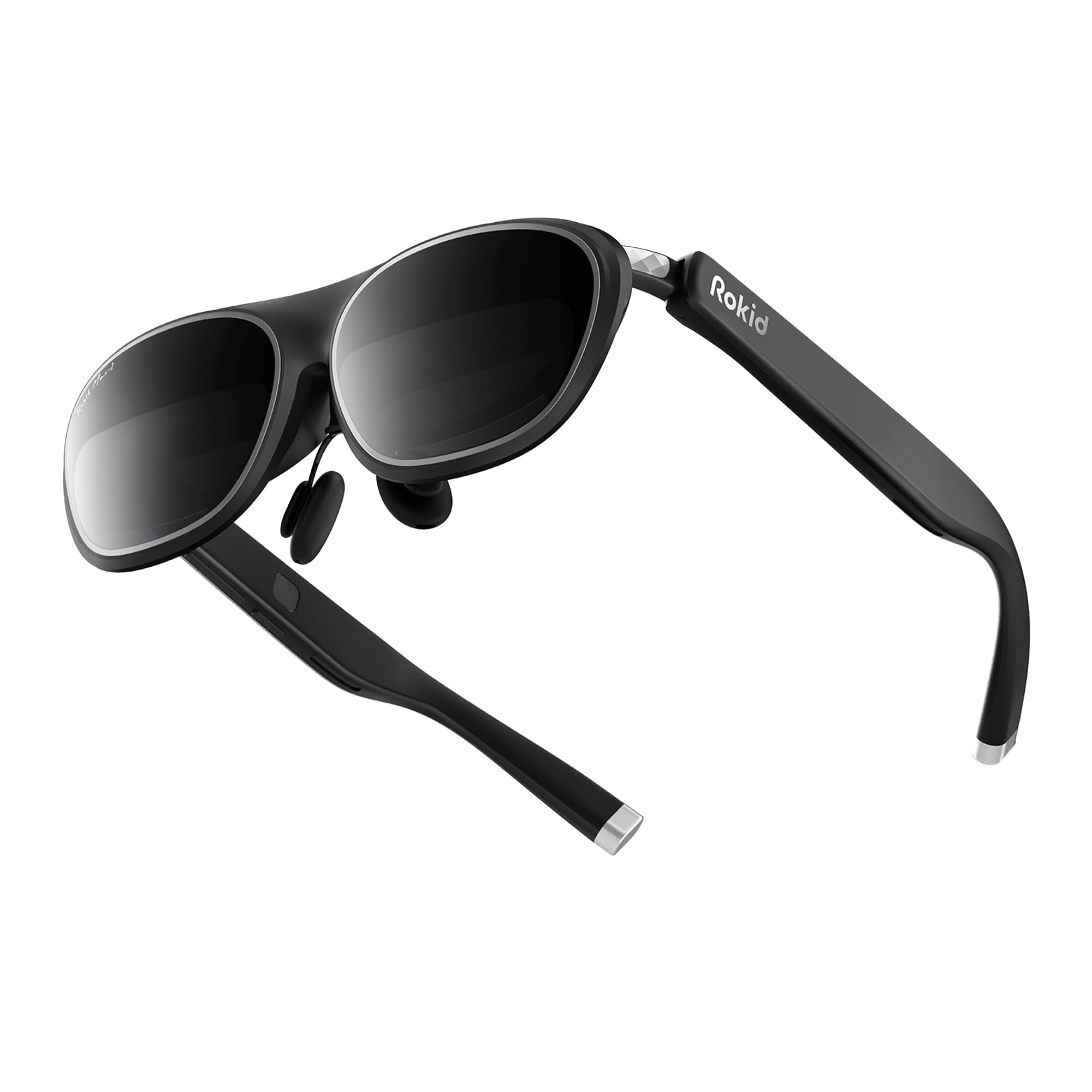
A 215-inch virtual display with built-in myopia dials that go up to -6.00 diopters.
What sets the Rokid Max2 apart is the integrated vision correction. An adjustment dial on top of the glasses lets you fine-tune focus for myopia up to 600 diopters — no prescription inserts needed. That’s a huge convenience for nearsighted gamers who don’t want to fuss with clip-on lenses.
The specs hold up well for gaming: a 215-inch virtual screen at 6 meters, a 50° field of view, 120Hz refresh rate, and 600 nits of adjustable brightness. It weighs just 75 grams and fits faces up to 16cm wide. There’s no internal battery — it’s powered directly via USB-C from compatible phones, Windows laptops, iPads, and Macs.
The design focus is comfort: the nose pad uses an airy cushioning that prevents slipping and reduces fatigue during long sessions. Reviews describe it as “good value” and “very convenient for travel,” with buyers appreciating the adjustable myopia and the optional Station 2 hub (with a 5000mAh battery) for multi-screen work. The mirrors-phone-screen simplicity is a plus, though it lacks the extra spatial tracking found on pricier rivals.
movie nights: nearsighted players who want built-in diopter adjustment and a wide, comfortable 50° field of view at a sensible price.
fit snobs: you need head tracking or spatial anchoring, since this is a straightforward screen-mirroring display.
5. TOZO VIZO Z1 Pro AR Glasses
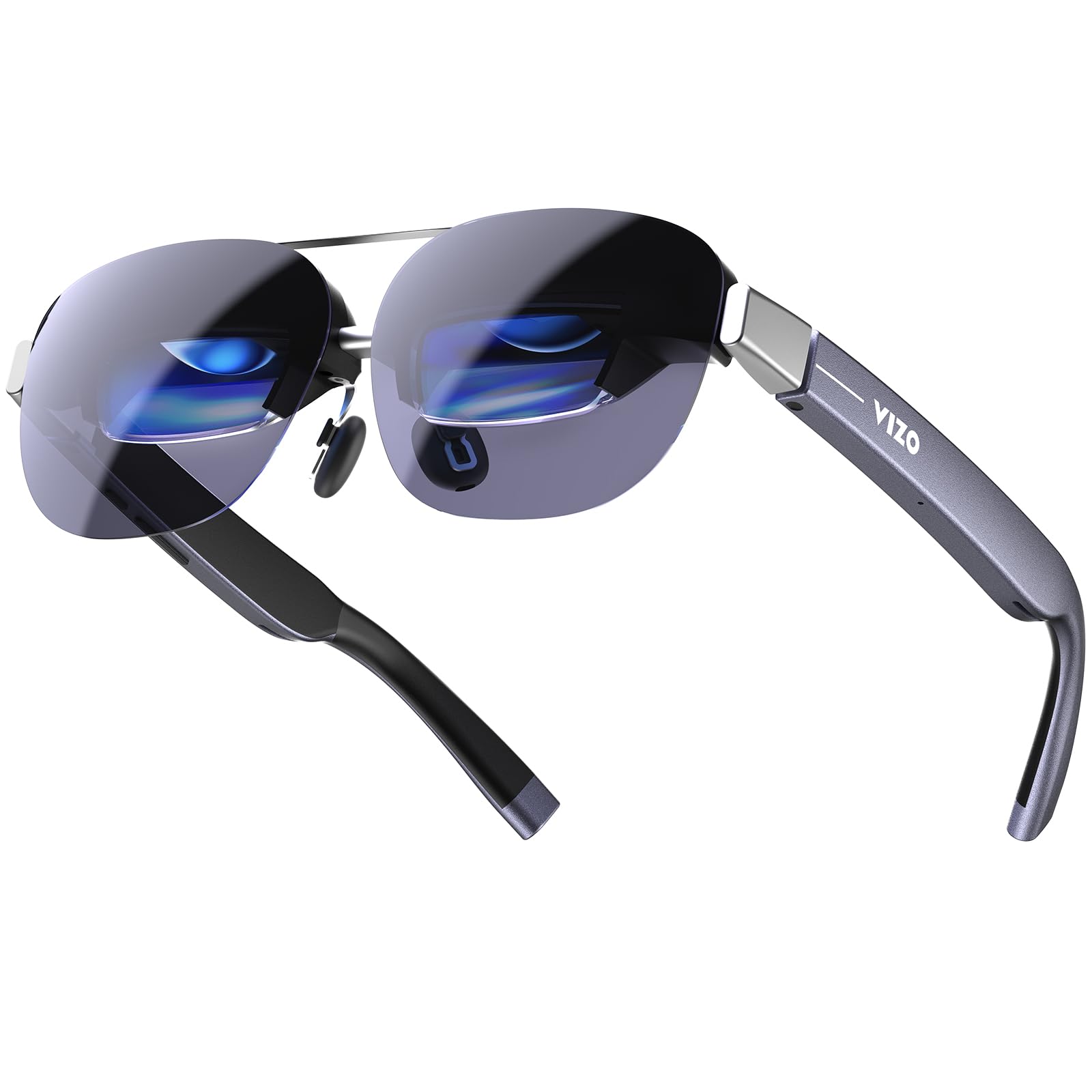
The brightest glasses here at 1,800 nits, made for gaming under harsh sunlight.
If you want to game outside on a patio or by a bright window, this is the pair to get. The TOZO VIZO Z1 Pro delivers a comfortable perceived brightness of 1,800 nits with an ultra-high peak of 6,000 nits, so the screen stays crisp and vivid even in direct daylight. That’s paired with a 160-inch virtual screen, Full HD per-eye resolution, and 98% DCI-P3 color coverage.
At just 63 grams, it’s the lightest in this guide — owners describe it as an easy, all-day wearable. The 120Hz refresh rate keeps fast gameplay fluid, and dual speakers with tactile buttons give you volume control right on the frame. It connects via plug-and-play USB-C DisplayPort to supported phones, tablets, and laptops with no extra apps.
Buyers are most impressed by the “large, crisp, bright screen” and call it a genuine portable big-screen experience, with one noting “handheld gaming will never be the same” thanks to the crisp 120Hz. The catches: there’s no lens cover (so light bleeds in from the sides), no screen size or depth-of-field adjustment, and some corner blur. Owners also note the audio bleeds out, so it’s not private in quiet spaces.
first-timers: outdoor visibility and an ultra-light frame matter more than anything else, especially for handheld gaming in the sun.
detail hunters: you want full control over screen size and focus, since those adjustments aren’t available here.
6. XREAL 1S AR Glasses

A 500-inch virtual screen that stays anchored in space via the X1 chip.
This is where AR glasses stop being a “screen on your face” and start being actual augmented reality. The XREAL 1S uses the X1 chip for native 3DoF tracking, keeping the screen anchored in space with 3ms motion-to-photon latency at 120Hz. For gaming, that near-zero lag keeps visuals stable and comfortable during rapid movement.
The virtual screen can reach up to 500 inches, with a 52° field of view and a 1920×1200 OLED display. You can switch between spatial modes: 0DoF follow mode, 3DoF anchor mode, Ultrawide (32:9 or 21:9), Real 3D, and Side-View. It’s certified by TÜV Rheinland for low blue light and flicker-free viewing, with an IPD range of 59.5–70.5mm covering roughly 95% of users.
Audio is co-developed with Bose for a spacious, balanced soundstage. Buyers are most enthusiastic about the real-time 2D-to-3D conversion, calling it “excellent” and noting the screen is sharp even for reading glasses wearers. The trade-offs: some reflections appear in bright light, and you’ll likely need a powered USB-C/HDMI adapter for out-of-box setup with certain devices.
work monitors: you want a real spatial experience where the screen stays anchored in the room while you move, plus instant 2D-to-3D conversion.
wide heads: you may need to buy a powered adapter for your specific console, and bright rooms can cause reflections.
7. VITURE Luma Pro XR/AR Glasses

A razor-sharp 152-inch screen with per-eye focus dials built right in.
Clarity is the name of the game here. The VITURE Luma Pro packs a 1200p resolution onto a 152-inch virtual screen, which VITURE says feels like 4K — and buyers agree, calling text “razor-sharp” with no blurry edges. Combined with a 52° field of view, 1000 nits of brightness, and a silky 120Hz refresh rate, this is a premium display for both gaming and productivity.
It’s the only pair in this guide with built-in myopia adjustment up to -4.0 diopters, so nearsighted gamers can dial in perfect focus without inserts. For stronger prescriptions or astigmatism, a magnetic lens frame is available. The design includes flexible arms, a magnetic ergonomic nose pad, and tilt-adjustable temples for all-day comfort, available in two IPD sizes.
Audio is tuned by HARMAN for deeper bass and crisper highs, and there’s even first-of-its-kind programmable RGB lighting on the frame. Buyers consistently call it “a standout,” praising the sharpness, brightness, and how it’s “lighter and clearer than the Quest 3.” The honest downsides: there’s no native 3DoF head tracking without the app, the magnetic cord can disconnect easily, and there’s no Lightning support.
fast action: you prioritize the sharpest, most detailed display and want built-in vision correction without inserts.
neck strain: native head tracking requires the companion app, and the magnetic cable can pop loose during movement.
8. XREAL One Pro AR Glasses

The widest field of view in this lineup at 57°, pulling you deeper into the action.
Bigger is better for immersion, and the XREAL One Pro delivers the widest FOV here at 57°. That translates to a virtual screen starting at 171 inches viewed from four meters away, powered by Sony’s 0.55′ Micro-OLED display and a 120Hz refresh rate. The X1 chip delivers native 3DoF tracking with 3ms latency for stable, distortion-free visuals.
The anti-glare design minimizes reflections, and buyers specifically note it has “zero reflection issues” compared to the Viture Pro and XREAL 1S. Onboard controls let you adjust brightness, display mode, screen size, and distance with one tap. It comes in two IPD sizes (M: 57–66mm, L: 66–75mm) with three-stage adjustable arms and zero-pressure nose pads to fit over 95% of users.
Ultrawide mode expands to a 285-inch 32:9 display, ideal for MacBook or Steam Deck multitasking. Audio is professionally tuned by Bose engineers. The praise is strong — buyers call it the “absolute best AR glasses for productivity and gaming” — but it’s not perfect: the carrying case lacks a cable compartment (risking scratches), some internal glare exists, and text-heavy work at 100% zoom can look pixelated.
pro workflows: the most rich, widest field of view available, with rock-solid 3DoF stability and Bose audio.
casual users: the included case has no cable compartment, and the display isn’t ideal for text-heavy productivity from the start.
9. VITURE Luma Ultra XR/AR Glasses
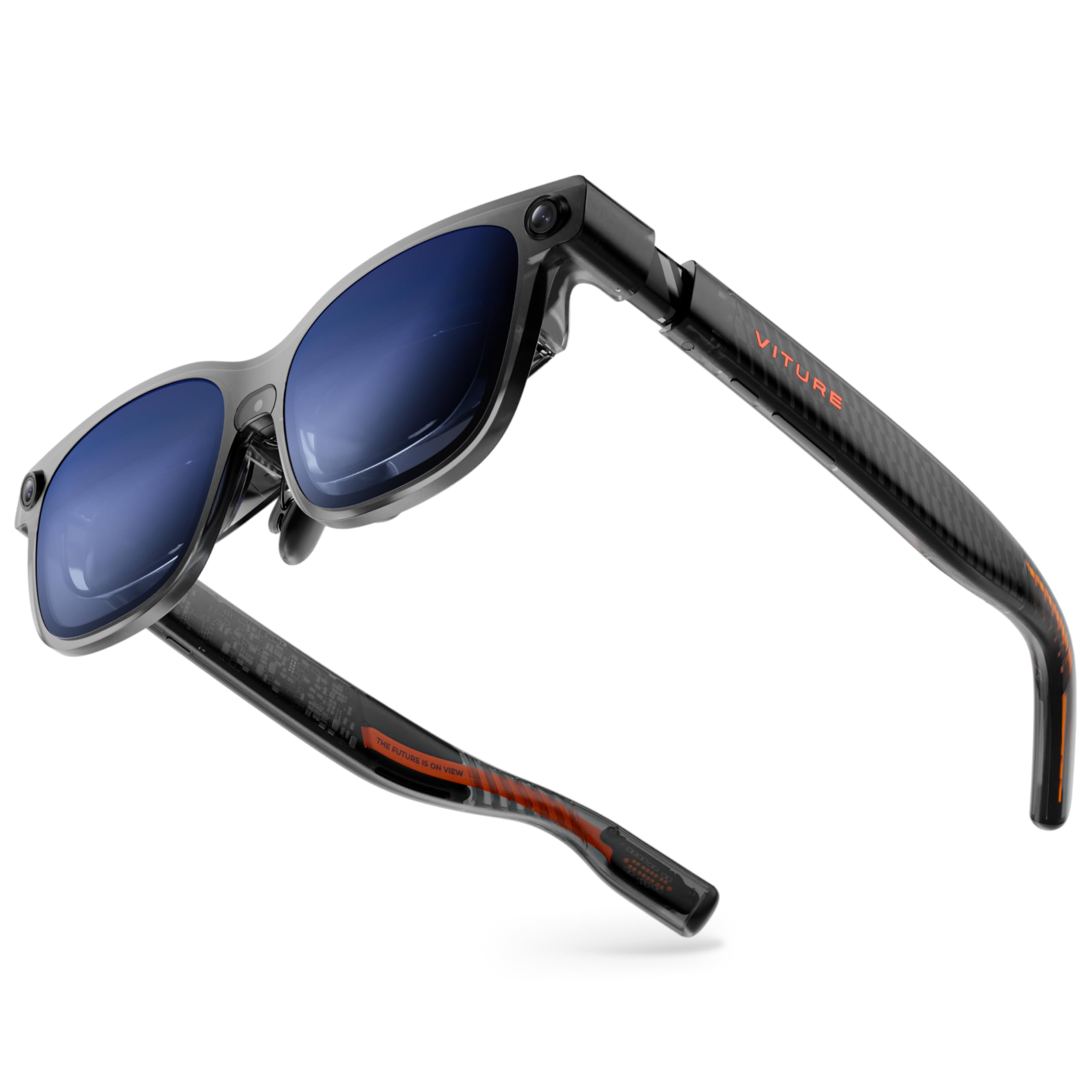
The most future-proof pair here, with 6DoF tracking and hand gestures via the Pro Neckband.
This is the top-of-the-line VITURE, built for gamers who want the full spatial computing experience. The Luma Ultra features a front RGB camera and dual depth cameras for spatial awareness, enabling 6DoF tracking (full movement in 3D space) and hand gesture control when paired with the VITURE Pro Neckband. That means you can actually reach out and interact with virtual interfaces, not just watch them.
The display is outstanding: a 152-inch virtual screen at 1200p resolution on Sony Micro-OLED panels with 35% lower power consumption, 1500 nits brightness, and a 120Hz refresh rate. Text is razor-sharp with zero blurry edges. SpaceWalker support brings multi-screen workspaces, 3DoF head tracking, and One-Click 3D conversion on Mac and Windows.
Built-in myopia adjustment goes up to -4.0D, and HARMAN-tuned open-ear audio keeps you aware of your surroundings. Owners praise it as sharp, vibrant, and comfortable for long sessions. The big caveat: the software is still maturing. Setup can require multiple adapters for some devices, and the full 6DoF experience demands the extra paid Neckband — without it, you’re limited. Some owners mention the software “frustrates you into returning” during setup.
cinema buffs: you want the most advanced AR features available — 6DoF, hand gestures, and a stunning 1500-nit display — and you’re willing to add the Neckband.
minimalists: you want a smooth, out-of-the-box experience, since the software still feels like early beta for some users.
Understanding the Specs
Refresh Rate (Hz) & Latency
Measured in Hertz (Hz), this tells you how many times the screen redraws per second. For gaming, 120Hz is the balance — it makes fast motion look smooth instead of choppy. Latency, measured in milliseconds (ms), is the delay between your input and the screen reacting. Lower is better; top-tier chips like the X1 hit 3ms, which feels instant.
Brightness (Nits) & Field of View (FOV)
Brightness is measured in nits — higher numbers mean the screen stays visible in bright rooms or daylight. Field of view (FOV), measured in degrees, determines how much of your vision the virtual screen fills. A wider FOV (like 57°) feels more rich, while a narrower one can feel like watching a small floating window.
FAQ
Will AR glasses work with my PS5 or Xbox console?
Can I use AR glasses with my Steam Deck or ROG Ally?
Do AR glasses work with iPhone?
Are AR glasses good for people who wear prescription glasses?
What is the difference between 3DoF and 6DoF tracking?
Will I see individual pixels on the virtual screen?
Can I play games in 3D with these glasses?
How long can I wear AR glasses for gaming?
Do I need an internet connection or apps to use AR glasses?
Can I use AR glasses as a replacement for my computer monitor?
Final Thoughts: The Verdict
For most buyers, the ar glasses for gaming winner is the RayNeo Air 3s Pro because it delivers the brightest display at 1,200 nits, a smooth 120Hz refresh rate, and a 201-inch screen at a price that undercuts the premium field. If you want real spatial tracking where the screen stays anchored in the room, grab the XREAL 1S with its native 3DoF X1 chip. And for the