
Building a PC with addressable RGB fans, strips, and coolers often leads to a single frustrating bottleneck: a motherboard with too few 5V ARGB headers. You plug everything in, only to find half your LEDs stay dark or, worse, the lighting effect stutters because the header is overloaded. An external controller solves this by providing dedicated power, more ports, and standalone lighting management.
I’m Min — the co-founder and writer behind Gadgets Feed. I’ve analyzed dozens of controller specs, pored over user reports about voltage drops and software compatibility, and mapped which models actually deliver stable current to each LED channel without introducing flicker.
This guide breaks down the key differences between manual-button hubs, SignalRGB-compatible boards, and ecosystem-locked units so you can pick the right argb controller for your build without wasting time on trial and error.
How To Choose The Best ARGB Controller
Selecting the right lighting hub isn’t complex, but a few key specs determine whether your rig glows smoothly or flickers under load. Focus on three areas: port count, power delivery, and software compatibility.
Port Count vs. LED Capacity
More ports don’t automatically mean more LEDs. Each ARGB channel has a maximum current rating — usually 2A to 3A at 5V. A typical fan LED draws about 0.3A, so a 2A channel handles roughly six fans. Calculate your total LED draw before buying a hub with ten ports but only one SATA power input that can’t supply enough amperage.
Software vs. Standalone Control
Manual controllers with a physical button give you instant mode switching without any OS dependency — perfect for Linux builds or budget systems. Software-connected hubs (USB 2.0 to motherboard header) unlock SignalRGB and OpenRGB, allowing game-reactive effects and per-channel customization. Decide whether you want set-and-forget color cycles or deep software integration before choosing a form factor.
Power Delivery and Safety
SATA power is the gold standard because it delivers clean 5V rail current without taxing the motherboard’s ARGB header. Dual SATA inputs on high-port hubs prevent voltage sag when driving ten fans simultaneously. Look for built-in resettable fuses to protect against short circuits if a cable pulls loose inside the case.
Quick Comparison
On smaller screens, swipe sideways to see the full table.
| Model | Category | Best For | Key Spec | Amazon |
|---|---|---|---|---|
| Airgoo AG-DRGB16 | Premium | Complex multi-brand lighting setups | 16 independent channels, 256 LEDs per channel | Amazon |
| Corsair Commander Duo | Premium | Daisy-chained Corsair fan ecosystems | 2 ARGB/PWM channels, 6 fans per channel | Amazon |
| NZXT Control Hub | Premium | NZXT single-frame fan builds | 5 PWM fans, 8-pin RGB combo | Amazon |
| Auotac HK02 | Mid-Range | RF remote control, no software needed | 10 fans, dual SATA, dedicated PWM | Amazon |
| Thermaltake TT Sync | Mid-Range | Thermaltake PLUS series ecosystem | 9 ports, motherboard sync via 5V header | Amazon |
| Iesooy Nollie 8 | Mid-Range | Budget SignalRGB/OpenRGB builds | 8 ports, 126 LEDs per channel | Amazon |
| Fractal Design Adjust 2 | Budget | Set-and-forget no-software builds | Manual button, 12 color modes | Amazon |
In‑Depth Reviews
1. Airgoo AG-DRGB16
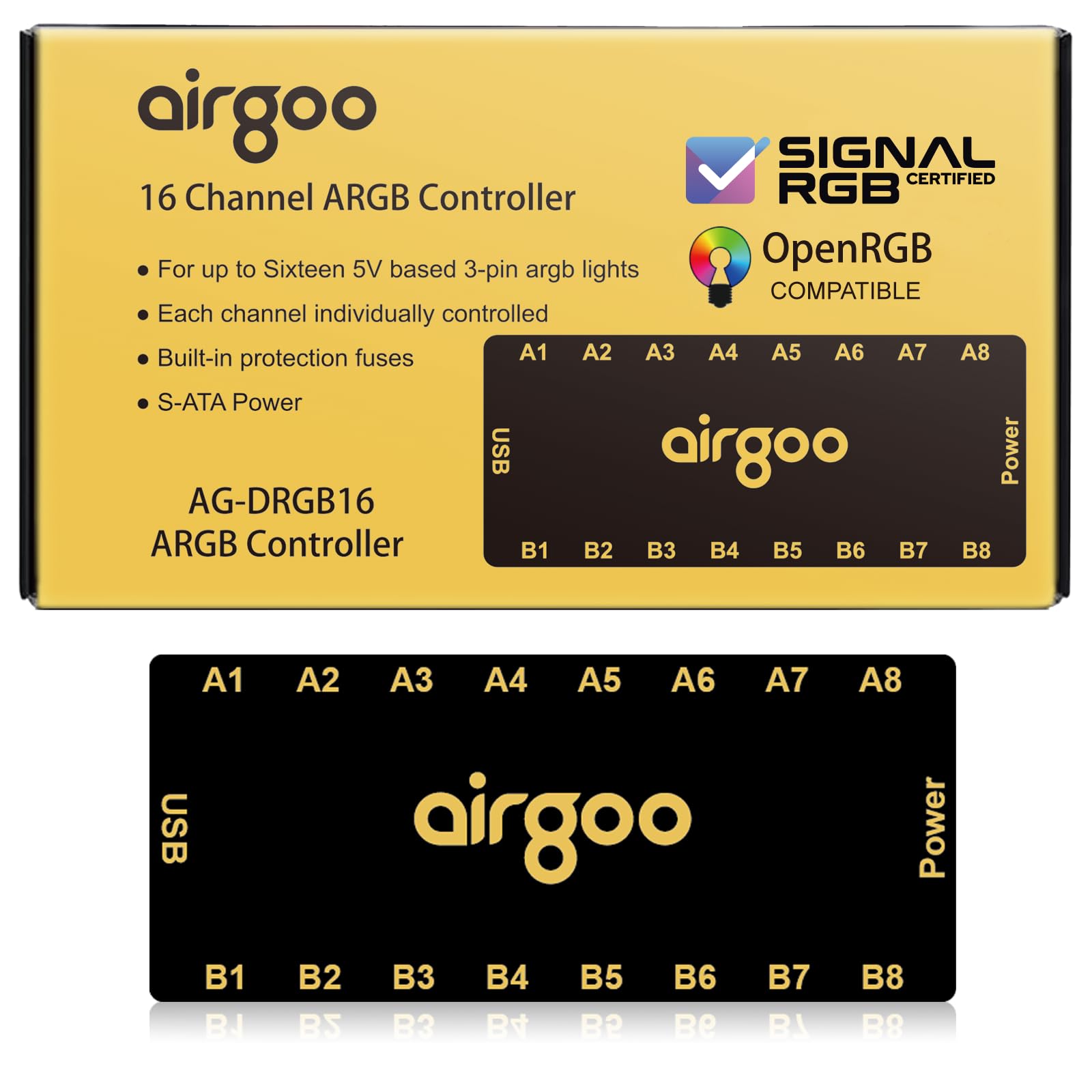
The Airgoo AG-DRGB16 is the only unit here offering sixteen fully independent channels, each capable of driving up to 256 LEDs. This eliminates the shared-current problem that plagues cheaper 8-port hubs — you can run a dozen fans and a strip on separate channels without any cross-dim effect. The USB 2.0 connection feeds straight into SignalRGB or OpenRGB, enabling per-device animations and game-reactive lighting that manual controllers cannot match.
Build quality stands out: a metal chassis with a strong magnet that holds securely to steel case trays. The auto-resetting SATA fuse prevents overload damage if you accidentally short a cable during installation. Some users note that the female ports require female-to-female adapters for certain fan cables, and the magnet grip is weak on thick paint or aluminum cases.
For builds mixing Phanteks fans, Cooler Master strips, and AIO blocks from different brands, the AG-DRGB16 unifies everything under one software pane. The 1-year warranty and Linux OpenRGB support (with some udev-rule configuration) add flexibility that budget hubs skip entirely.
Why it’s great
- 16 independent channels handle complex multi-brand setups
- Metal build and auto-resetting fuse improve durability and safety
- Deep SignalRGB integration enables per-LED effects
Good to know
- Female ports may need adapters depending on your fan cables
- Magnetic mount is weaker on painted or aluminum surfaces
2. CORSAIR Commander Duo
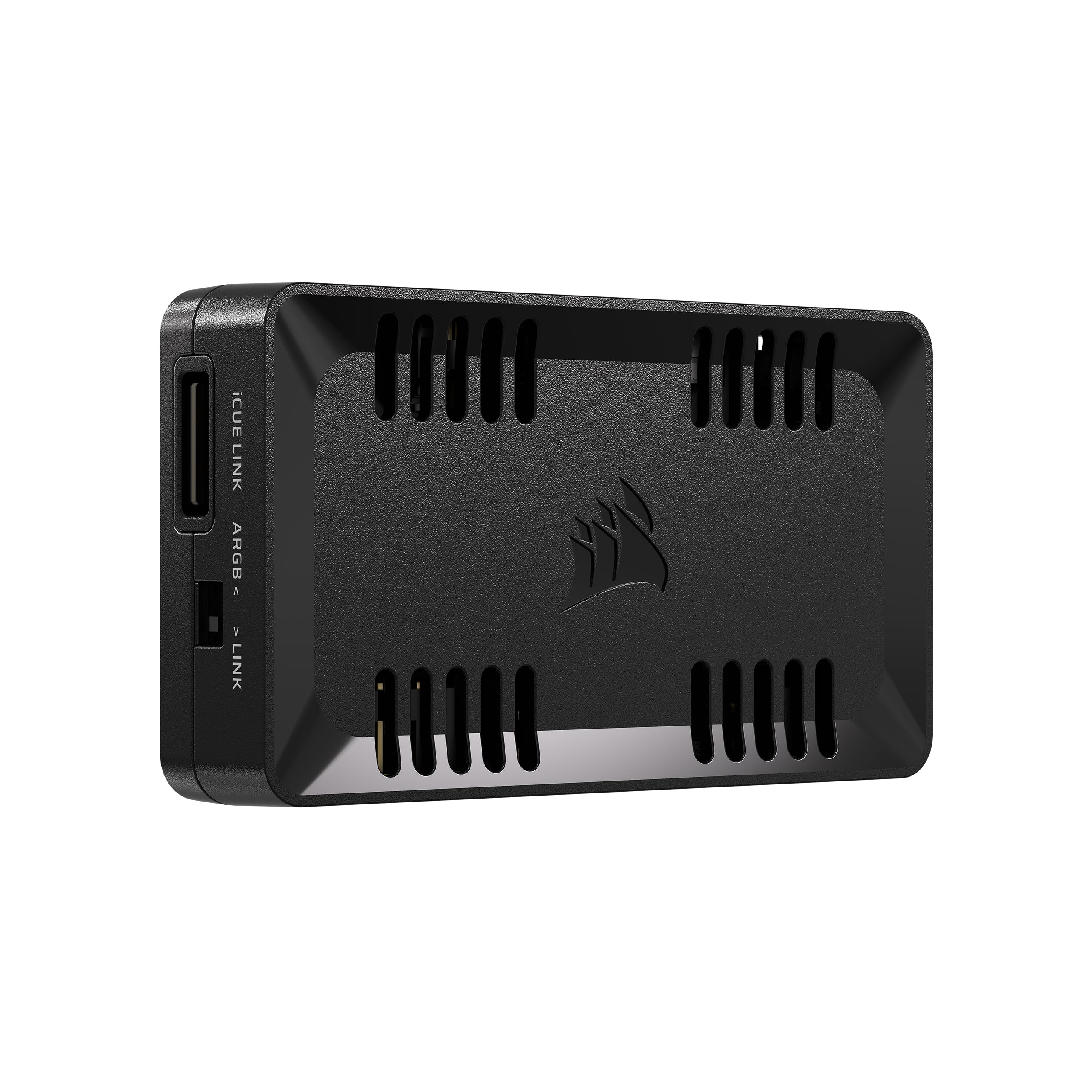
The Commander Duo brings CORSAIR’s iCUE Link ecosystem together with traditional 5V ARGB and PWM support. Each of the two channels supports up to six daisy-chained fans — double the capacity of the Commander Core XT — making it ideal for builds using the 4000D RS ARGB Frame or multiple ML ELITE fans. The built-in temperature sensors allow iCUE to adjust fan curves based on coolant or ambient temps, not just CPU die readings.
Setup requires the iCUE software suite, which some newcomers find finicky until they install it before connecting the hardware. Once recognized, the interface offers intelligent fan detection and per-channel speed curves. The hub also works alongside the iCUE Link System Hub, effectively bridging older ARGB fans with the new daisy-chain standard.
Users report smooth syncing across all connected devices, though the channel limit of 50 LEDs per ARGB channel means very dense strips may require splitting across both channels. The compact 3.62 x 2.08-inch footprint fits behind motherboard trays easily, and the included extension cables reduce cable tension.
Why it’s great
- Supports six daisy-chained fans per channel — double the capacity of older Commander models
- Dual temperature sensors enable responsive coolant-based fan curves
- Bridges legacy ARGB fans with iCUE Link ecosystem
Good to know
- iCUE software must be installed before hardware connection for first-time detection
- 50-LED limit per ARGB channel restricts very long strips
3. NZXT Control Hub

The NZXT Control Hub is purpose-built for the brand’s RGB Core Single-Frame fans, using proprietary 8-pin PWM and RGB combo headers that simplify cable routing. It supports up to five PWM fans (or four single-frame units) and synchronizes all connected NZXT RGB components through CAM software. The Zero RPM mode lets fans stop completely under low loads, eliminating noise during idle desktop use.
Installation is straightforward: the magnetic base attaches firmly to steel panels, and the included 3M Dual Lock fasteners provide an alternative for non-magnetic surfaces. CAM auto-detects each device and offers per-channel lighting profiles. The main caveat is the proprietary NZXT connector — standard 5V 3-pin ARGB equipment requires adapters or motherboard headers to work alongside this hub.
Buyers building an all-NZXT system get seamless out-of-box operation with no third-party software needed. The 36 dB noise rating refers to the hub itself (negligible), and users consistently praise the plug-and-play detection. SignalRGB is not supported, so stick to CAM’s effects library if you choose this route.
Why it’s great
- Proprietary 8-pin connectors reduce cable clutter in all-NZXT builds
- Zero RPM mode enables silent operation at idle
- Magnetic and adhesive mounting options for flexible placement
Good to know
- Proprietary connections require adapters for non-NZXT ARGB hardware
- Incompatible with SignalRGB software
4. Auotac HK02
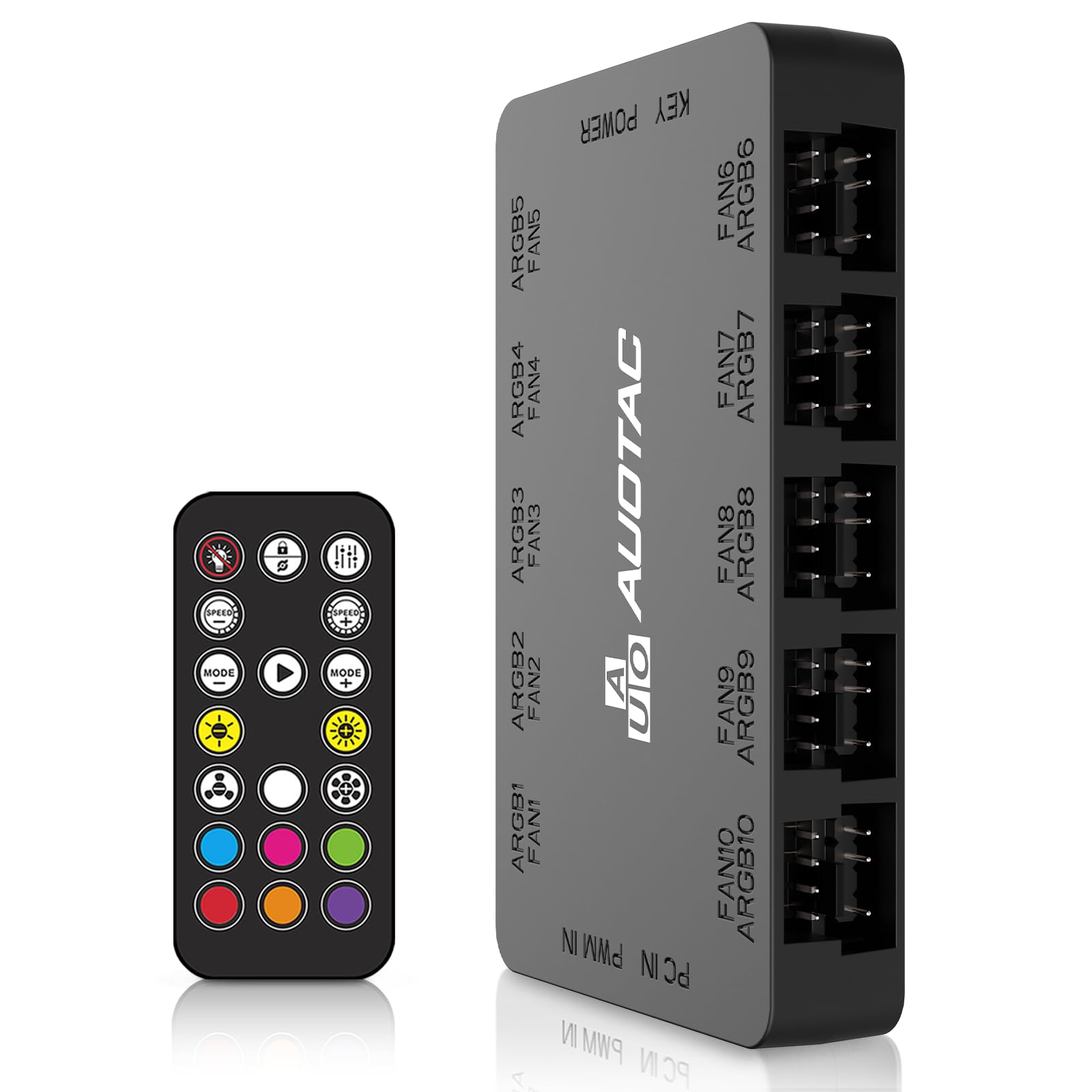
The Auotac HK02 packs a rare combination: a 10-fan ARGB hub with dedicated PWM fan speed control and an RF remote, all without requiring motherboard software. The remote lets you cycle through lighting patterns and adjust fan RPM from across the room — a lifesaver for HTPCs or systems behind a desk wall. Dual SATA power inputs ensure stable current delivery even when all ten channels are loaded.
The included PWM cable connects to your motherboard’s CPU fan header for BIOS-based speed curves, while the ARGB sync cable can tie into an available 5V motherboard header if you want software control later. Users report that the magnetic mount holds securely and that the hub restored full brightness to fans that were dimmed by overloading the motherboard’s single ARGB header.
The trade-off is limited lighting effects compared to software-driven hubs — all devices share the same color and pattern.
Why it’s great
- RF remote provides cable-free control of lights and fan speeds
- Dual SATA power prevents voltage drops with ten fans
- PWM pass-through allows BIOS-based fan curves
Good to know
- All devices share the same lighting color — no per-channel customization
- Fixed fan speed presets rather than fully customizable curves
5. Thermaltake TT Sync

The Thermaltake TT Sync is the go-to hub for Riing Plus, Pure Plus, and other Thermaltake PLUS addressable LED products. It passes lighting control directly to your motherboard’s 5V ARGB header, syncing with ASUS Aura Sync, Gigabyte RGB Fusion, or MSI Mystic Light without any extra software. Nine ports handle up to nine PLUS-series devices, though the maximum Riing Trio fan count is four when other products share the bus.
Mounting is a weak point — the included velcro strip often separates from the adhesive pad, leaving the hub loose inside the case. Some users report that the connector to the motherboard’s ARGB header can slide off easily, requiring a dab of hot glue or electrical tape to secure. The SATA power input delivers stable 5V current, preventing the flicker that can occur when daisy-chaining multiple fans through motherboard headers alone.
Once properly connected, the TT Sync treats all attached devices as a single lighting zone — every fan mirrors the same color simultaneously. This is ideal for unified ambient effects but won’t satisfy builders who want individual fan colors. Buyers with Gigabyte Z390-series boards should note the 4-pin ARGB cable orientation that works with that specific header layout.
Why it’s great
- Native motherboard sync eliminates separate RGB software for Thermaltake products
- Nine-port capacity supports full case and AIO lighting integration
- SATA power prevents voltage sag on heavily loaded setups
Good to know
- Velcro mounting is unreliable — plan to use adhesive tape or zip ties
- All devices function as a single lighting zone, no per-unit colors
6. Iesooy Nollie 8
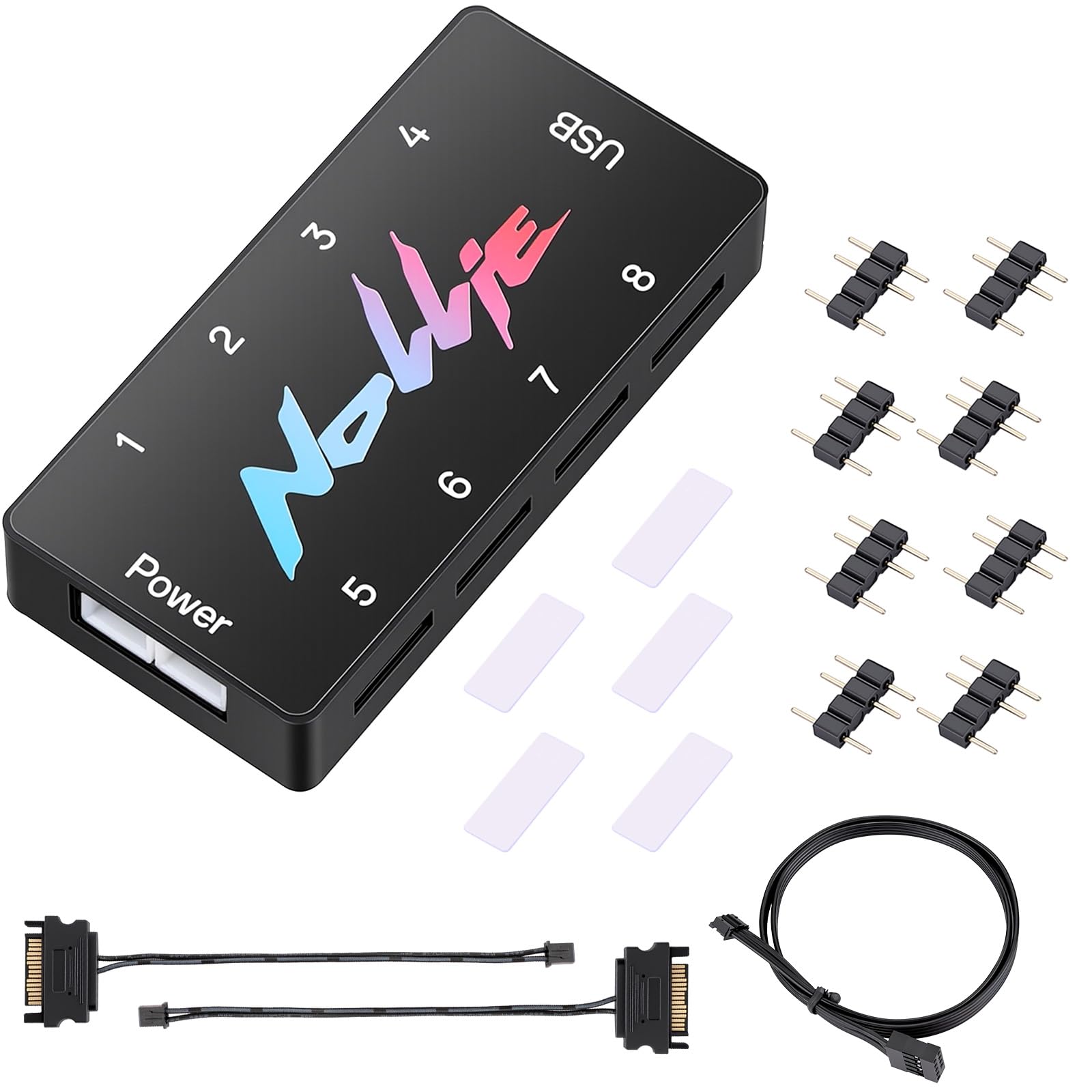
The Iesooy Nollie 8 delivers eight 5V 3-pin ARGB ports with dual SATA power at a price point that typically buys half the ports. Each channel supports up to 126 LED beads — roughly 1,000 LEDs total — making it viable for an eight-fan array with integrated AIO lighting. Certification for SignalRGB and compatibility with OpenRGB mean you get full software customization without paying premium prices.
Build quality has trade-offs at this price. Several users report that the 3-pin ARGB connectors lack locking tabs and can pull loose with minor cable tension, requiring tape or a dab of adhesive to stay seated. The dual SATA cables help distribute power draw, but the Molex-style connector on some units causes frustration during pin insertion. The compact 2.68 x 0.47-inch size squeezes into tight cable-management gaps behind the motherboard tray.
For budget-minded builders who need per-channel control and plan to manage cables carefully, the Nollie 8 offers value that undercuts most competition. The adhesive pad works on flat surfaces, and the included adapter pins help connect non-standard fan cables. Just budget a few minutes extra for connector shimming.
Why it’s great
- SignalRGB and OpenRGB support at entry-level pricing
- Dual SATA inputs provide stable power for high-LED loads
- Compact form factor fits in tight case spaces
Good to know
- ARGB connectors lack locking tabs and may need tape to secure
- Molex-style power pins can be difficult to insert properly
7. Fractal Design Adjust 2

The Fractal Design Adjust 2 is the definitive no-software solution. Twelve color modes, five brightness levels, and nine pulse/motion effects are accessible via three buttons on the unit itself. Settings persist through power loss, so your fans always boot up with the mode you selected last. The built-in magnets let you stick the controller to any steel panel without screws, and the included Y-cable splits one signal to multiple devices.
The LED output maxes at 2.6A via SATA power — verified to drive five Prisma fans (42 LEDs each, 2.1A total) with headroom. Compatibility extends beyond Fractal-branded equipment: any standard 5V ARGB fan, strip, or cooler works out of the box. The trade-off is the limited effect palette compared to software-driven hubs. You won’t get per-fan or per-LED customization; the entire chain runs a single color and pattern simultaneously.
Because the Adjust 2 has no USB connection and uses no software, it works across all operating systems — Windows, Linux, SteamOS, or even a PC without an OS installed. Users consistently praise its reliability for older motherboards that lack ARGB headers entirely. The 1.77 x 0.67-inch footprint hides easily behind cable channels.
Why it’s great
- Fully standalone — no software, no drivers, no OS dependency
- Magnetic mount and compact size simplify hidden installation
- Settings persist after power cycle for consistent boot appearance
Good to know
- Limited to twelve lighting modes — fewer effects than software hubs
- All attached devices share the same color and pattern simultaneously
FAQ
Can I connect non-standard 12V RGB fans to a 5V ARGB controller?
How many fans can a single ARGB controller handle before power becomes an issue?
Does a USB-connected ARGB controller require constant software running in the background?
Why do my RGB lights flicker when I connect them to a cheap multi-port splitter?
Final Thoughts: The Verdict
For most users, the argb controller winner is the Airgoo AG-DRGB16 because its sixteen independent channels give you per-device control through SignalRGB without the power limits that choke cheaper hubs. If you want a clean all-NZXT build with zero software hassle, grab the NZXT Control Hub. And for a set-and-forget system on an older motherboard without any ARGB headers, nothing beats the Fractal Design Adjust 2.