
Our readers keep the lights on and my morning glass full of iced black tea. As an Amazon Associate, I earn from qualifying purchases.
Specs are compiled from manufacturer listings and verified buyer reviews and can change over time — please confirm the key details on the product page before buying.
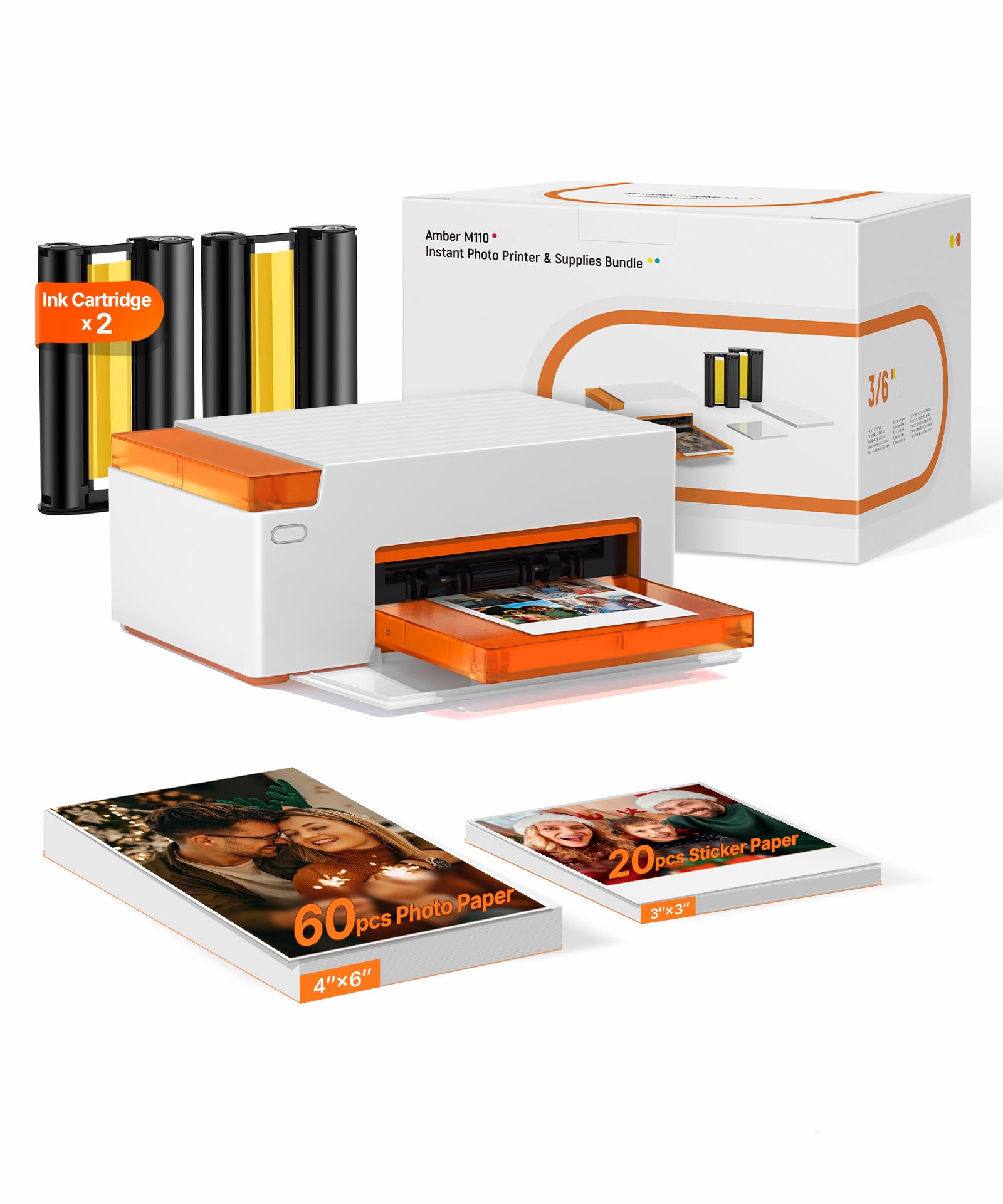
You want a printer that turns phone photos into sticky-backed keepsakes without a master’s degree in setup. The best At Home Sticker Printer for you is the Liene Amber M110, because it handles both 4×6 photos and 3-inch stickers, pairs in 13 seconds, and produces prints that shrug off water and fingerprints.
I’m Min — the founder and writer behind Gadgets Feed. This guide is built by comparing the manufacturers’ published specifications and the patterns across verified customer reviews, so you get each pick’s real strengths and trade-offs instead of marketing spin.
You have three ways to print stickers at home: dye-sublimation for durable glossy photos, ZINK for zero-ink convenience, or a dedicated label maker for organizing. Each technology suits a different project, so here is how to match the at home sticker printer to what you actually want to make.
Our Picks at a Glance
How To Choose The Best At Home Sticker Printer
Before you click buy, you need to know that sticker printers split into two very different camps. Photo sticker printers make glossy, sticky-backed pictures for scrapbooks and journaling. Label makers print text, barcodes, and QR codes for organizing jars, tools, and office files. The right one depends entirely on your project.
Print technology: dye-sublimation vs ZINK vs thermal transfer
Dye-sublimation printers use a ribbon that heats dye into the paper, then laminate over it — that is why those prints resist water, scratches, and fading. ZINK (Zero Ink) printers have color crystals embedded in the paper itself, so there is no cartridge to replace, but the prints can look slightly duller. Thermal transfer label makers use a ribbon for long-lasting, waterproof labels that survive harsh conditions.
Paper size and what you actually plan to print
Think about the end result. A 2×3-inch sticker fits a journal page or a party favor bag. A 4×6-inch print is a real photo you might frame. A 50mm-wide label roll suits organizing spice jars or shop inventory. Some printers handle multiple sizes; most are locked to one format.
App quality and Bluetooth reliability
You will edit photos on your phone and send them wirelessly, so the app experience matters as much as the hardware. Look for apps that offer filters, borders, and text without forcing you to restart the app repeatedly. A fast Bluetooth pairing time — like 13 seconds on the top pick — means less waiting and fewer connection headaches.
Quick Comparison
| Model | Best For | Print Size | Technology | Resolution | Amazon |
|---|---|---|---|---|---|
| Liene Amber M110★ Best Overall | 4×6 photos + 3″ stickers | 4×6″ & 3×3″ | Dye Sublimation | — | Amazon |
| Nelko PP01Best Value | Budget 2×3 sticker photos | 2×3″ | Inkjet | 600 DPI | Amazon |
| KODAK Step | ZINK sticker prints on a budget | 2×3″ | ZINK | — | Amazon |
| NIIMBOT M2 | Durable organizing labels | 20-50mm wide | Thermal Transfer | 300 DPI | Amazon |
| HP Sprocket | Travel scrapbook sticker photos | 2×3″ | ZINK | 300 DPI | Amazon |
| Liene Pearl N200 Pro | AI-enhanced 2×3 stickers | 2×3″ | Dye Sublimation | 300 x 300 DPI | Amazon |
| Canon Ivy 2 | Premium ZINK bundle value | 2×3″ | ZINK | — | Amazon |
In‑Depth Reviews
1. Liene Amber M110 Bluetooth Photo Printer
Our pick — over 4.5★ from 250+ verified ratings; the strongest balance of quality and price.
The dual-tray workhorse that prints real 4×6 photos and 3-inch stickers from one compact machine
The Amber M110 is the pick for anyone tired of choosing between a photo printer and a sticker printer. Its dual tray system means you can load standard 4×6 photo paper for family keepsakes, then swap in 3-inch sticky-backed sheets for journaling or party favors — no separate device, no tray swapping mid-project. That flexibility is rare at this size, and it makes this the most versatile single unit on the list.
Print quality is where the thermal dye-sublimation tech earns its keep. Dyes penetrate the paper and get a laminated surface, so prints resist water, scratches, fingerprints, and fading — meaning the stickers you stick on a water bottle today still look sharp months later. Bluetooth pairs in about 13 seconds, and the machine supports multiple simultaneous device connections, so a group of friends can all print from their own phones at a gathering.
Owners have pushed this printer hard — one school fundraiser churned through 300+ prints over 6 months without jams, and the multi-user simultaneous printing made it a hit at the event. The Liene app adds Polaroid borders, filters, brightness tweaks, and even ID and visa photo templates for 4×6 and 3×3 prints. Buyer feedback sums it up: “Right from the start it’s simple, easy to understand and use.” The crowd favorite — 4.7 stars across 250+ owners — backs up the consensus that this is the one to buy.
compact Bluetooth ease
- Two paper formats in one: 4×6 photos plus 3×3 stickers
- Water, scratch, and fingerprint-resistant laminated prints
- Fast 13-second Bluetooth pairing with multi-device support
- Proven reliability — 300+ prints over 6 months without jams
limited color depth
- Cartridges work only with Liene 4×6 and 3×3 refills
- Some owners wished the finish was glossier than it is
top portable: you want one printer that does both real 4×6 photos and 3-inch stickers with durable, smudge-proof results.
niche only: you only need tiny 2×3 journal stickers and want the cheapest possible entry point.
2. Nelko PP01 Photo Printer
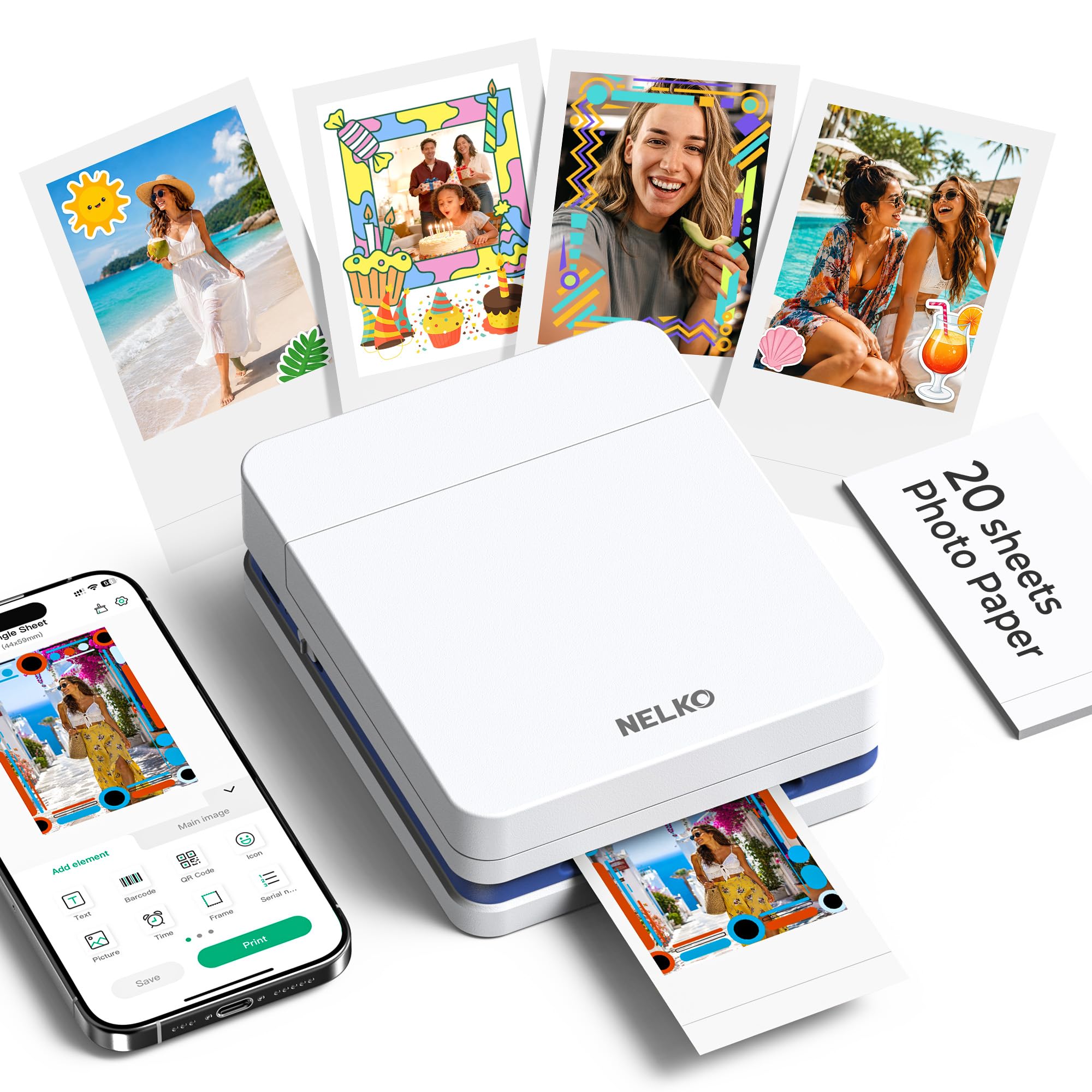
A pocket-sized 0.6-pound inkjet that prints crisp 2×3 stickers with high-resolution detail
The Nelko PP01 wins the budget spot because it prints at 600 DPI (dots per inch — a measure of how finely the printer lays down ink), which means fine details and realistic tones on its premium sticky-backed paper. That paper is smudge-proof, water-resistant, and tear-resistant, so your stickers survive handling. Each ink cartridge prints up to 80 full-color 2×3 photos, keeping your ongoing supply cost predictable.
Weighing only 0.6 pounds, this is the printer to toss in a school bag for field trips or slip into a travel journal kit. It connects to iOS and Android phones over Bluetooth, and the Nelko app is packed with frame designs, filters, graffiti, borders, stickers, text, and AI image editing. You can edit on your phone and have a finished print in under 90 seconds — fast enough for party favor lines and scrapbooking sessions.
Owners consistently note how quick the setup is — under two minutes for one buyer printing dog photos — and how the adhesive backing means no glue or tape needed. What wins people over is print quality, the most-discussed trait by a wide margin, followed closely by overall build quality. The recurring advice from the manual: if the printer sits idle long, fully charge it and gently wipe the ink cartridge head vertically to prevent clogging — a small maintenance habit for an inkjet.
value choice: 600 DPI sticker prints at a budget-friendly price, with a powerful editing app included.
speed seekers: you loathe cartridge maintenance — idle inkjets can clog, and this one asks for occasional head wipes.
3. KODAK Step Instant Smartphone Photo Printer
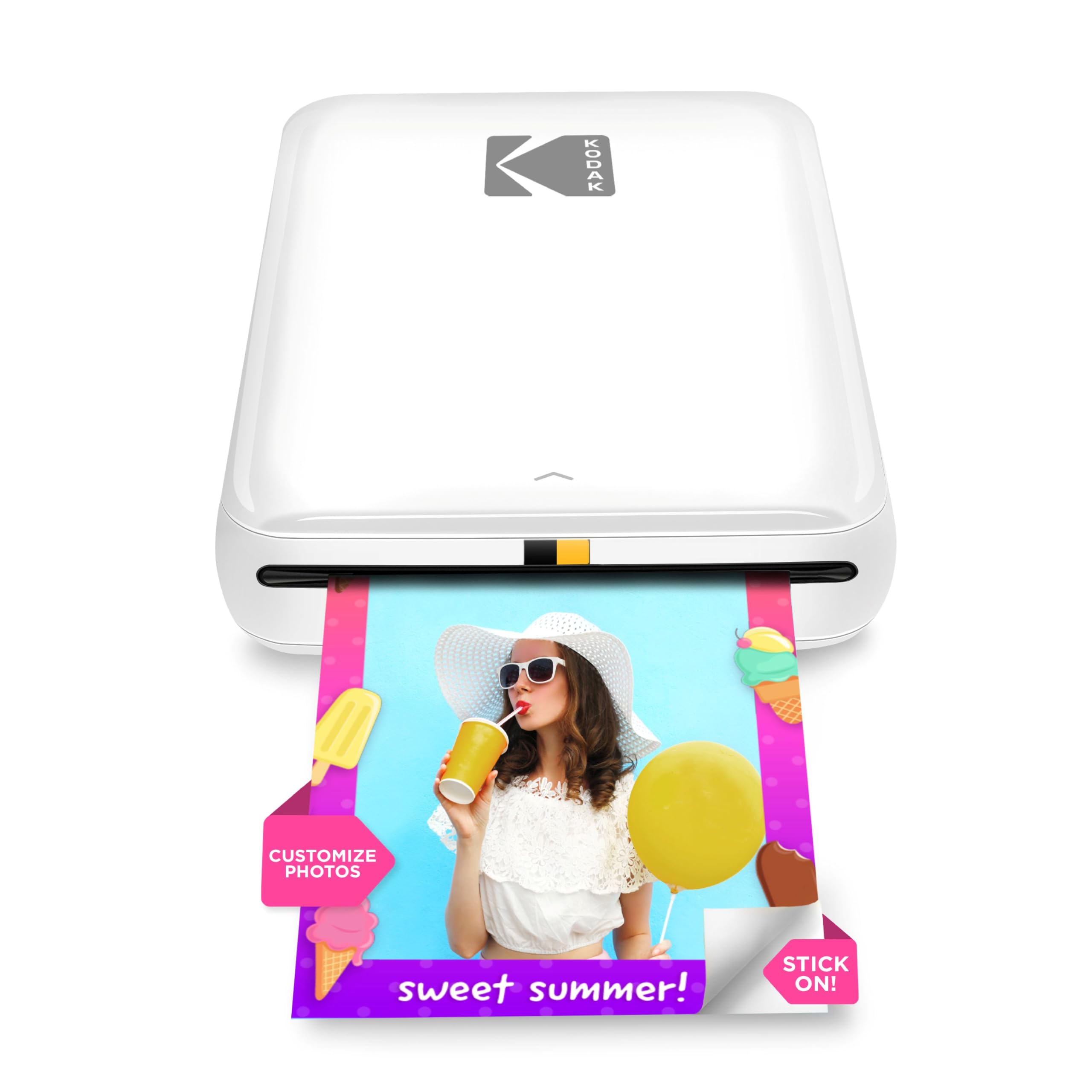
The palm-sized ZINK printer with a built-in battery good for 25 prints per charge
The KODAK Step is the pick for anyone who wants zero-ink simplicity. ZINK (Zero Ink) technology has color dye crystals embedded right in the 2×3-inch sticky-back paper, so there are no cartridges or ribbons to buy — you just load paper and print. The prints are resistant to moisture, rips, tears, and smudges, making them genuinely fine for sticking on a laptop or water bottle. The built-in lithium-ion battery prints about 25 photos on a full charge, which covers a day of party snapshots.
Setup is famously quick — owners connect via Bluetooth or NFC from iOS and Android devices and are printing within minutes. The KODAK app brings collages, filters, borders, stickers, and text. One frequent note: the size is fixed at 2×3, which is smaller than a Polaroid, so do not expect larger keepsakes — but for junk journaling and scrapbooking, that is exactly the right format.
Honest feedback: this is the most-discussed printer in the category — the crowd favorite by owner count — and buyers praise the ease of use and compact fit-in-pocket design. The name-brand reliability and huge owner base make it a safe first sticker printer. The clear color quality trade-off is the recurring theme that separates fans from fence-sitters; it is a “know what you’re getting” situation.
instant fun: you want the most proven, no-cartridge ZINK sticker printer on the market with a massive owner community.
large prints: the prints are a fixed 2×3 size and some units have had reliability hiccups after heavy use.
4. NIIMBOT M2 Label Maker
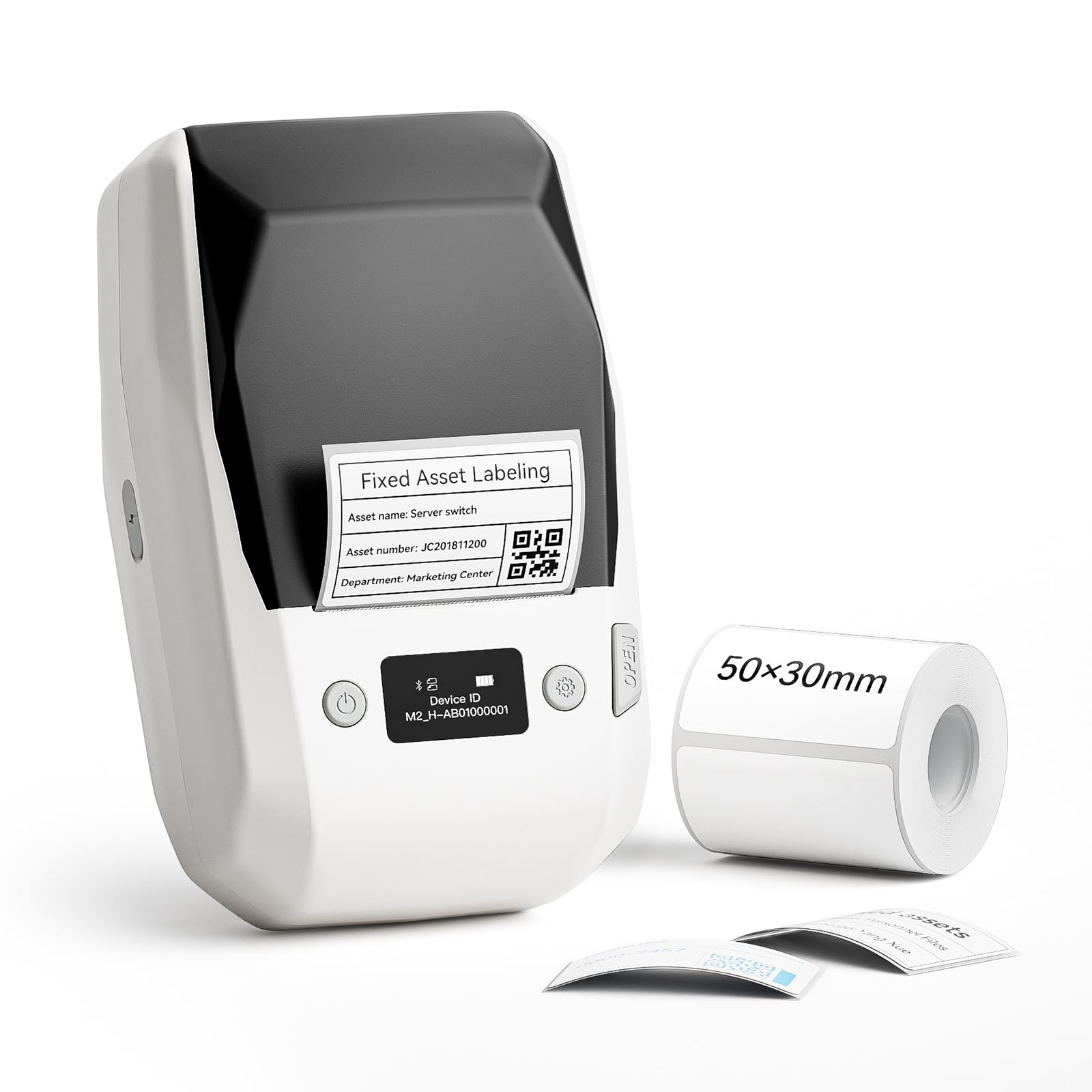
The thermal transfer label printer whose labels outlast the items they mark
The NIIMBOT M2 is a different beast: it is a label maker, not a photo printer, and it is the right tool if your “stickers” are actually organization labels. Using thermal transfer technology at 300 DPI, the labels are waterproof, oil-proof, alcohol-proof, wear-resistant, and scratch-resistant — they can even withstand high and low temperatures. That means pantry jar labels survive the refrigerator, and garage tool labels survive the workshop, without fading or peeling.
This is the pick for office document classification, jewelry, school organizing, essential oil bottling, garage tools, refrigerated food, and small business inventory. The print width runs 20-50mm, and the printer intelligently recognizes consumables and auto-rewinds paper to save labels. One ribbon roll prints roughly three label rolls, keeping supply costs efficient.
The NIIMBOT app supports creative templates with icons, barcodes, QR codes, tables, logos, voice recording, and Excel import — and it can support 10 phones at once (3 iOS, 7 Android). You can also connect to a PC via data cable with a driver install for more editing freedom. Owners describe crisp, perfect labels that stick to plastic, glass, and cardboard, with fast printing and easy phone app control. The key tip from the community: match your on-screen template to the actual label size for best results.
label king: your “stickers” are really labels — durable, waterproof, oil-proof organizing marks for home or small business.
simple needs: you want glossy photo stickers for scrapbooking — this is a text and barcode machine, not a photo printer.
5. HP Sprocket 2×3″ Instant Photo Printer
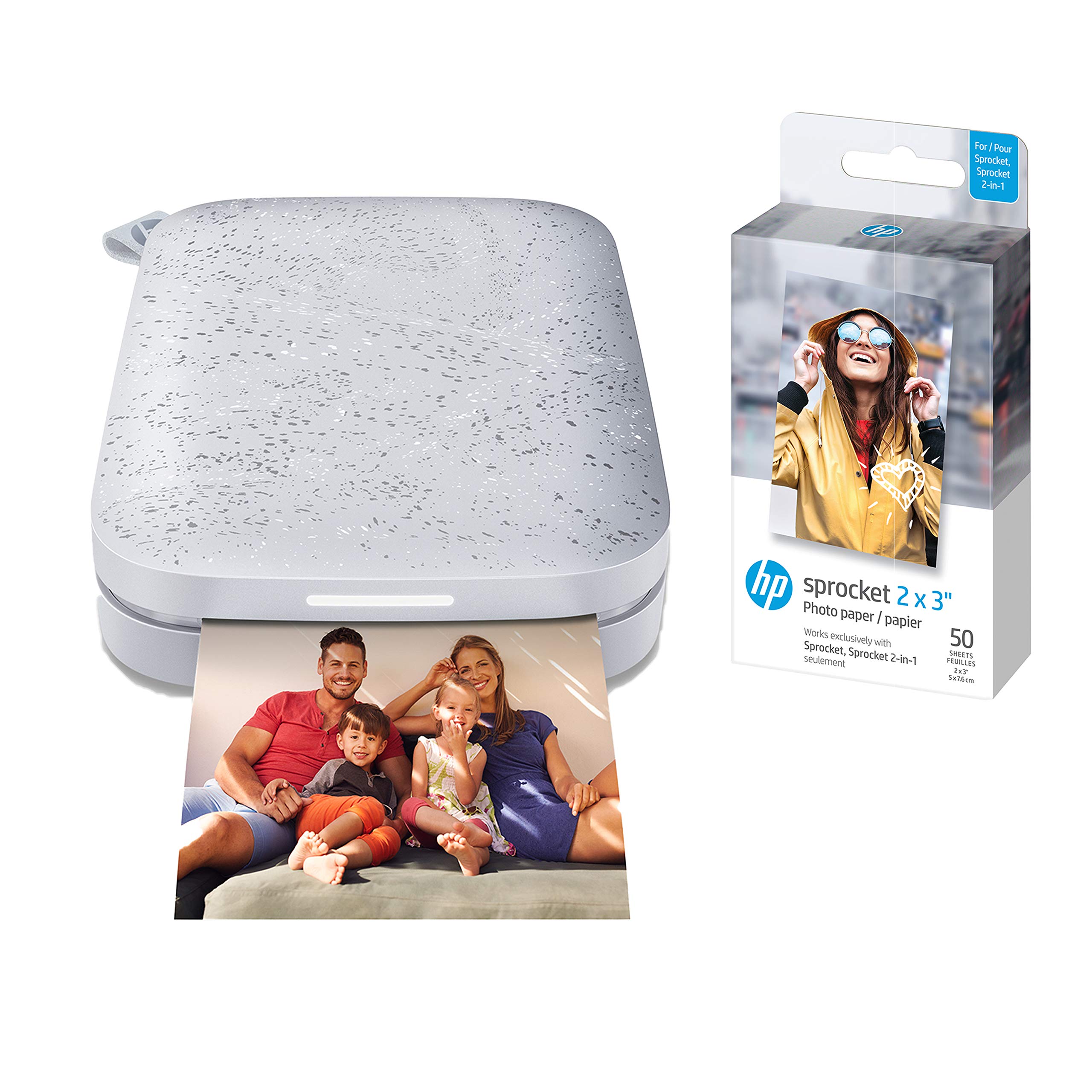
The ultra-thin 0.98-inch ZINK printer beloved by RV scrapbookers and family vacationers
The HP Sprocket is the sticker printer for the traveler who journals on the road. At just 0.98 inches thick, it slides into a bag flap and prints 2×3 glossy sticky-back photos on demand from your smartphone or social media. It supports iOS 10-plus and Android 5-plus devices over Bluetooth 5.3, and the free HP app brings filters, frames, stickers, borders, and emojis to customize every print.
This is a ZINK printer, so the colors are embedded in the paper itself — no toner or ribbon replacements ever. The glossy sticky-back sheets are smudge-resistant, water-resistant, and tear-resistant, ready to be touched the moment they exit the printer. The bundle here includes 50 sheets of HP Sprocket Premium Zink paper, so you can print right away.
Scrapbookers have made this a staple — one owner reports using it for years with no complaints, building RV scrapbooks, while another sticks prints onto decorated wine bottles with lights, shells, and sand for memorials and celebrations. One practical note: print quality depends on your source photo, so use high-resolution images — a 72 DPI source comes out poor, but high-res photos print clear and great.
social pick: you want an ultra-portable, no-cartridge ZINK printer for travel scrapbooking and school projects.
cost conscious: feed it high-resolution photos — low-res phone crops will look soft on the 300 DPI output.
6. Liene Pearl N200 Pro Portable Photo Printer
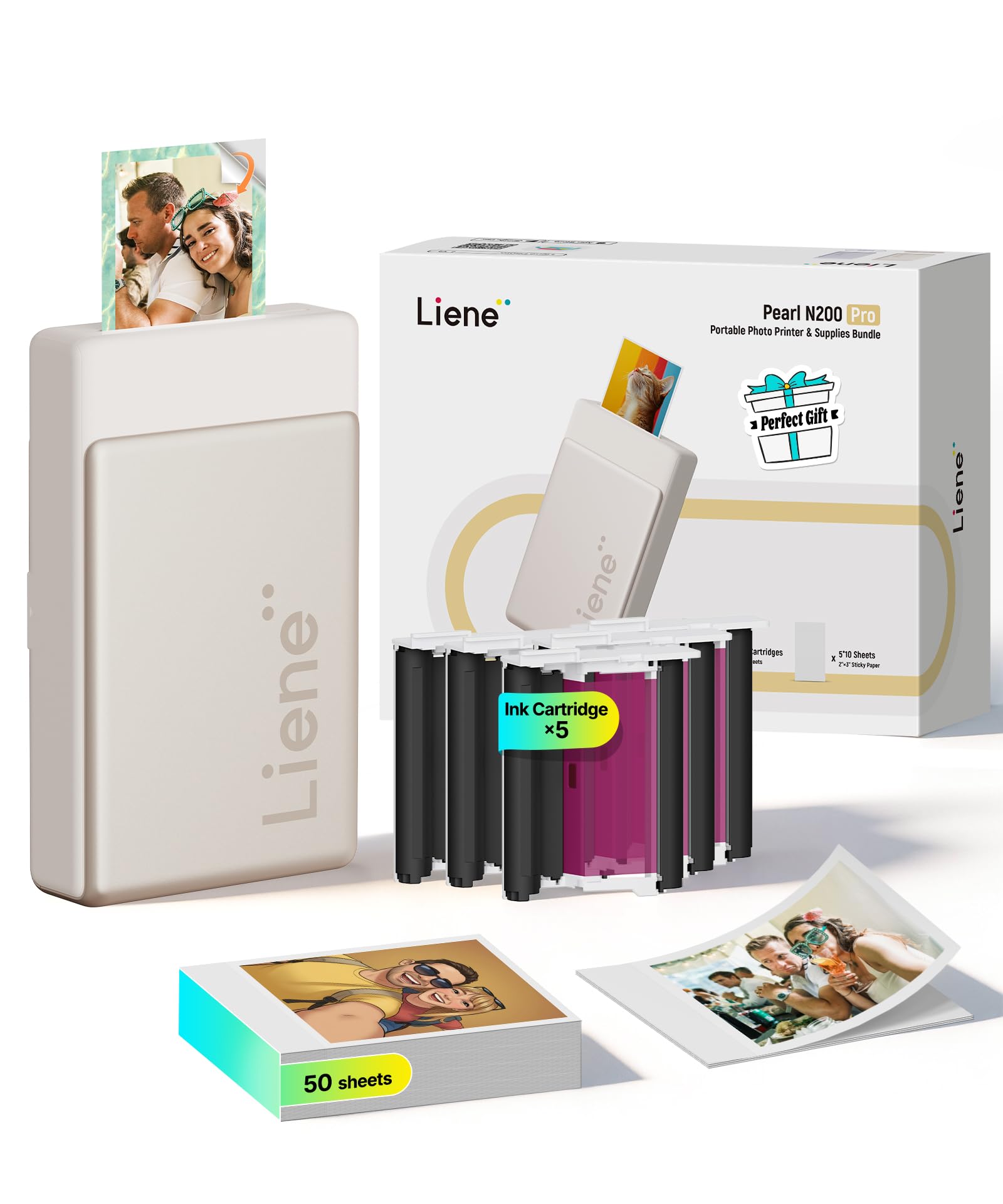
The gold 3-inch printer with AI portrait styles and dye-sublimation color accuracy
The Liene Photo App lets you upload a photo and choose from multiple artistic styles that reimagine you with varied backgrounds while keeping the subject unchanged, all without leaving the app. On top of that, there are built-in frames, AI-powered background removal, personalized watermarks and timestamps, and official stickers.
The dye-sublimation technology here delivers noticeably sharper resolution and more vibrant colors than other portable printers — owners who compared it directly against the HP Sprocket (ZINK) and Canon Selphy called the colors truer, brighter, and crisper. The compact 3-inch design weighs 340 grams and prints up to 27 stickers on a single full charge via the USB-C port, so a party or gathering can keep printing without hunting for an outlet.
Book journalers love it for printing two clear book covers per page with the sticky back, and the fast app with collages gets frequent praise. The straightforward trade-off: refill stickers run about each, and the unit is slightly larger than the HP Sprocket it outperforms on color.
quality option: you want AI portrait styles and the truest dye-sublimation colors in a portable 2×3 sticker printer.
light travelers: refill stickers cost more per sheet than ZINK paper, so budget for ongoing supply.
7. Canon Ivy 2 Mini Photo Printer

The blush-pink ZINK bundle loaded with 110 sheets and a protective case from the start
The Canon Ivy 2 is the bundle deal that removes every starter headache. This package includes the blush-pink printer with an LED light bar, a 110-sheet Zink photo paper pack (two packs of 50 plus 10 inside the printer), a compatible protective case, and a USB-A to USB-C charging cable. You literally unbox, load paper, and start printing — no ink, no ribbon, no extra purchases for a long while.
Its ZINK technology (zero-ink — color dye crystals are embedded in the paper itself) means no cartridges to replace, and the peel-and-stick backing adheres to your favorite surfaces. The IVY 2 generation improved on the original with tune skin tone colors, improved photo contrast, and tune photo sharpness — all of which show up in consistent, excellent print quality that owners rely on for journaling, book covers, and party photo booths.
The fast charging capability powers the printer up in as little as 45 minutes, and it connects to your smartphone or tablet via the Canon Mini Print App. The app offers layouts and a multi-print queue, which is handy for printing several photos in a row. Note from experience: the inkless ZINK prints can lean slightly blue or muddy in shadows, so bright photos print best — and the sticker backing is tough to peel, so be patient with it.
sticker lover: you want a turnkey bundle with 110 sheets, a case, and a trusted brand name — literally everything included.
photo purists: bright photos print best; shadow-heavy shots can come out muddy, and the backing is stubborn to peel.
Understanding the Specs
DPI: resolution explained
DPI means dots per inch — the number of tiny ink dots the printer lays down in one inch. Higher DPI (like 600) means finer detail and smoother gradients; lower DPI (like 300) still looks good for small 2×3 prints. If you zoom in to crop a photo heavily, higher DPI handles the enlargement better.
ZINK vs dye-sublimation vs inkjet
ZINK embeds color crystals in the paper, so there are no cartridges — convenient but slightly softer color. Dye-sublimation melts dye into the paper and adds a protective laminate, giving waterproof, scratch-resistant prints. Inkjet sprays liquid ink onto sticky paper, offering high DPI but needing cartridge care to avoid clogs.
FAQ
Will a 2×3 sticker printer fit my journal pages?
Do ZINK printers need ink cartridges?
What is the difference between a label maker and a photo sticker printer?
Are sticker prints waterproof?
How many prints can I get on one charge?
Can I print from my PC or laptop?
Will all phones connect to these printers?
How fast is Bluetooth pairing?
What paper sizes should I buy for my printer?
Do these printers make noise while printing?
Final Thoughts: The Verdict
For most buyers, the at home sticker printer winner is the Liene Amber M110 because it is the only pick that prints both 4×6 photos and 3-inch stickers from one machine, with water-resistant dye-sublimation quality and a 13-second Bluetooth pairing. If you want a budget-friendly 2×3 sticker printer with the sharpest 600 DPI resolution, grab the Nelko PP01. And if your “stickers” are really durable organizing labels, the NIIMBOT M2 is the one to reach for — its labels shrug off water, oil, and temperature swings.
How We Picked
We do not accept paid placement. Every pick is matched to a real buyer and a real use-case; we do not hands-on test units.
Sources & Methodology
Specifications: manufacturer listings and product documentation. Review insights: verified customer reviews, as of August 2026. Pricing: not shown on this page (it changes often); check the current price via the retailer link.
As an Amazon Associate, Gadgets Feed earns from qualifying purchases. This does not affect which products we feature.