
Our readers keep the lights on and my morning glass full of iced black tea. As an Amazon Associate, I earn from qualifying purchases.
Specs are compiled from manufacturer listings and verified buyer reviews and can change over time — please confirm the key details on the product page before buying.
You want a big picture without a permanent eyesore on your wall. A motorized screen rolls away into a neat casing when you’re done, so your living room stays a living room until movie time. An RF remote or wall switch lowers and raises it on demand. To pick the right one, focus on four things: diagonal size, gain (how much light it reflects back), motor quality, and remote type. Match these to your room and projector, and you’ll avoid a screen that’s too tall or too dim.
I’m Min — the founder and writer behind Gadgets Feed. This guide is built by comparing the manufacturers’ published specifications and the patterns across verified customer reviews, so you get each pick’s real strengths and trade-offs instead of marketing spin.
auto projector screen buyers get a detailed, honest breakdown of ten motorized models, with real-world insights from owner experiences to guide your choice.
Our Picks at a Glance


How To Choose The Best Auto Projector Screen
Three numbers decide if a motorized screen works for you: diagonal size, gain, and drop length. Nail the size, and the rest of the setup falls into place. Miss it, and you’ll face a screen that’s too tall for your ceiling or too dim for your projector.
Match the aspect ratio to your projector
Your projector’s native format should match the screen’s aspect ratio, or you’ll get black bars or a stretched image. For movies and modern TV shows, a 16:9 widescreen format is the standard choice. For older presentations, gaming, or some business setups, a 4:3 ratio may suit your content better. Check the projector’s specs first and pick a screen that shares its ratio.
Check the drop length against your ceiling
The screen’s total drop is often longer than the visible image because of the black border at the top. That border is deliberate — it’s there for contrast and to let you mount the case higher. Before buying, measure from the ceiling to where you want the bottom edge to land, then subtract the screen’s own height to see if it fits. A very tall screen can hit the floor in a low room.
Understand gain and viewing angle for your room
Gain tells you how much light the screen reflects back toward you. A 1.0 gain is a balanced, neutral surface that works in most rooms. A 1.1 gain adds a little extra brightness, and a 1.2 or 1.3 gain can help in rooms with some ambient light but narrows the best viewing angle. The viewing angle is how far off to the side you can sit before the image washes out. Wide angles around 160 to 180 degrees are ideal for family seating that spreads across the room.
Quick Comparison
| Model | Best For | Screen Size | Gain | Viewing Angle | Amazon |
|---|---|---|---|---|---|
| ZUEDA 100″ Motorized★ Best Overall | Best Overall / Large 16:9 | 100″ diag (16:9) | 1.1 | 160° | Amazon |
| Kshioe 92″ MotorizedBest Value | Best Value / Affordable Entry | 92″ diag (16:9) | 1.3 | 160° | Amazon |
| DINAH 120″ ElectricPremium Large 4:3 Display | Premium Large 4:3 Display | 120″ diag (4:3) | — | — | Amazon |
| VIVOHOME 84″ Motorized | Quiet Motor & Compact Fit | 84″ diag (16:9) | — | 160° | Amazon |
| Aoxun 120″ Electric | Wide 4:3 Home Theater | 120″ diag (4:3) | — | 160° | Amazon |
| ZUEDA 120″ Motorized | Premium 4:3 Big Screen | 120″ diag (4:3) | 1.1 | 160° | Amazon |
| Akia 104″ Motorized | Pro-Grade & Low Emissions | 104″ diag (4:3) | 1.0 | 180° | Amazon |
| WASJOYE 120″ Motorized | Bright High-Gain 16:9 | 120″ diag (16:9) | 1.2 | 178° | Amazon |
| Elite Screens 125″ Spectrum | Premium Build & Feature-Rich | 125″ diag (16:9) | 1.1 | 180° | Amazon |
| Elite Screens 110″ Spectrum 2 | Premium Quiet Motor & Finish | 110″ diag (16:9) | 1.1 | 180° | Amazon |
In‑Depth Reviews
1. ZUEDA 100 Inch Motorized Projector Screen
Our pick — over 4.5★ from 550+ verified ratings; the strongest balance of quality and price.
A 100-inch 16:9 screen that turns any living room into a home theater.
This is the screen people reach for when they want the classic home-theater size without the classic headaches. The 100-inch viewing area (87″ wide) with a 16:9 aspect ratio is matched with a 1.1 gain matte white surface that the maker says is wrinkle-free, so you get a crisp image from every seat. The matte finish keeps glare off the picture, and the 160-degree viewing angle means the folks at the edges of the couch still get a solid view.
You control it from the couch with the RF remote, which works through walls and obstacles, so you don’t need to point it at anything. There’s also a wired inline switch for quick manual control. The metal housing mounts on a wall or ceiling. It is a heavy unit, so it’s a two-person install job, and the mounting hardware that ships with it gets mixed reviews — plan to use your own bolts and grab a helper.
What wins people over is the picture quality and how easy it is to live with. The motor is smooth and quiet, and the image stays sharp and vibrant with no wrinkles in the material. The main gripes are a chemical smell when it’s new that fades over time and a beep every time you press the remote button. If you want the biggest screen that fits a normal living room, this is the one to beat.
Why it earns the top spot
- Sharp, wrinkle-free image across a 160° viewing angle
- Quiet motor with RF remote that works from the couch
- Ceiling or wall mount for any room layout
What to know before you buy
- Heavy — the 6.8 kg unit needs a helper to install
- Won’t move without a power outlet nearby
Best for: Anyone who wants a big, clean 16:9 theater experience with a remote that just works.
Think twice if: You’re mounting solo, since the weight makes it a two-person job.
2. Kshioe 92 Inch Motorized Projector Screen
A 92-inch budget pick with a 1.3 gain for a bright, even picture.
If you want to go motorized but keep the budget in check, this 92-inch screen (80″ x 45″ viewing area) is the smart place to start. It’s about 30% smaller on the diagonal than the 120-inch picks above, which makes it a far better fit for a bedroom, a snug living room, or a small office where a giant panel would overwhelm the space. The 16:9 format matches modern projectors and streaming content.
The standout spec is the 1.3 gain, which reflects more light back than a neutral 1.0 surface. Owners find that their projector image gets more detailed and stays punchy even in rooms with a bit of ambient light. The viewing angle is a wide 160 degrees, so the whole couch sees a good picture. The wireless remote works from anywhere in the room, and the wall mount design is easy to work with.
The recurring grumbles are a chemical smell when new and a red power light that stays on whenever it’s plugged in. The drop length is on the shorter side, so measure your ceiling height and the roll-down distance carefully if you need the screen to hang very low. If this is your first motorized screen and you want to spend a little to test the waters, this delivers a lot of capability for the money.
The real-world read: The 1.3 gain is the key — buyers report a noticeably more detailed, brighter picture than they expected from an inexpensive projector, and the setup took one owner just 20 minutes.
Reach for this if: You’re on a budget and want a reliable motorized 16:9 screen that doesn’t demand a dark room.
Look elsewhere if: You have a very tall ceiling — the roll-down length is limited, so it’s best in smaller spaces.
3. DINAH 120 Inch Electric Projector Screen
A 120-inch 4:3 screen built for classrooms, offices, and classic movies.
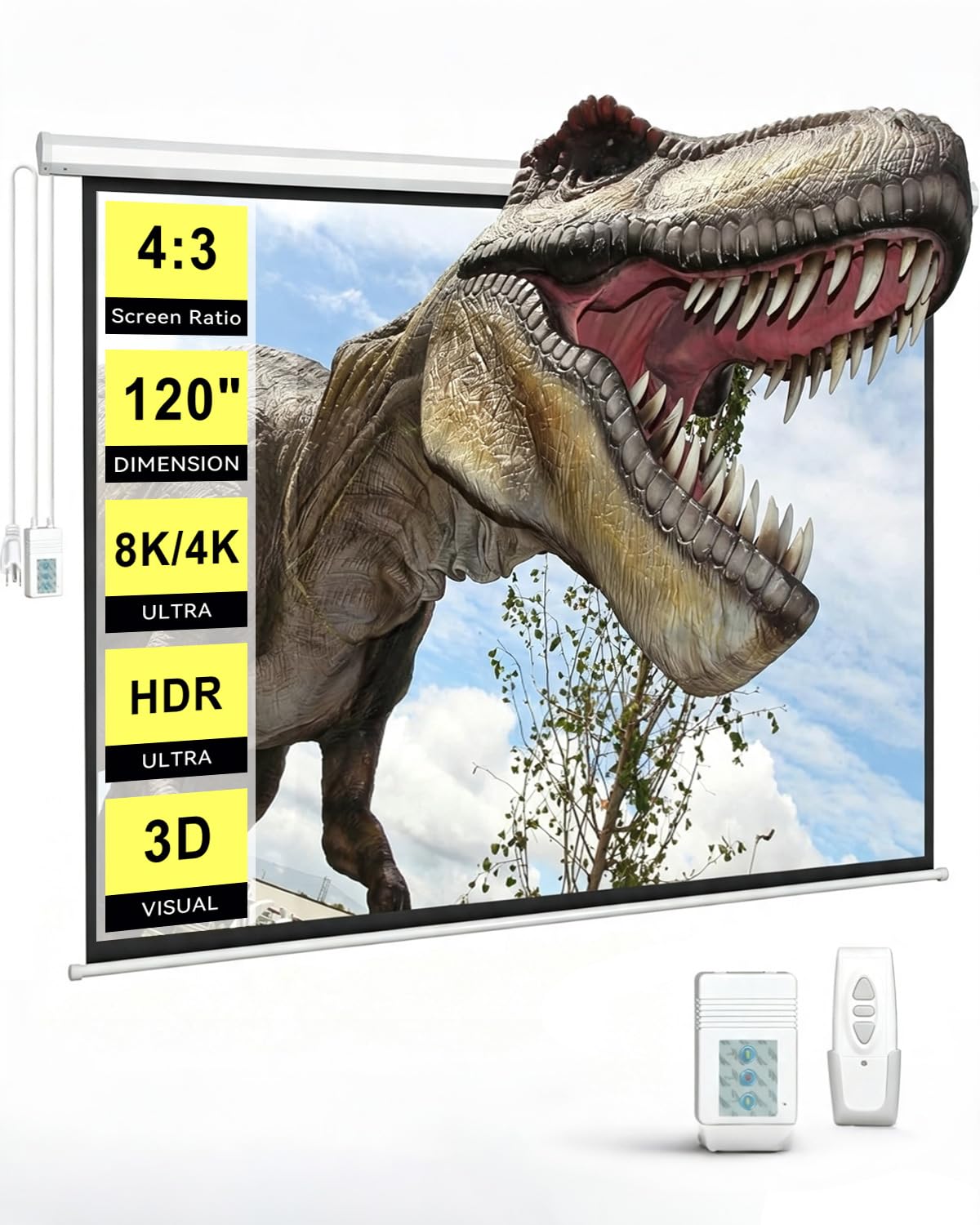
This 120-inch screen brings a genuinely huge picture to rooms that can fit it, and it’s designed for 4K 3D HD projection. The 4:3 aspect ratio is the key difference here — it suits presentations, older TV content, and gaming better than the 16:9 widescreen format used by the other large picks. The screen pulls down from the ceiling on a motorized drop that owners say rolls out smoothly and quietly.
With the remote, you raise or lower the screen at a touch — no manual tugging. The matte finish cuts glare, and owners consistently call the picture “crisp” with sharp movies. The casing weighs 11.79 kg, which is 73% heavier than some smaller models. That heft feels stable and sturdy, but you’ll need solid mounting points and ideally two people to lift it.
There is a persistent theme around the smell when it’s new. Multiple owners mention a chemical odor that fades after a few days of airing out in a garage or with a fan running. One owner who had the screen for six months was still pleased, noting the wrinkles smoothed out and the motor retracted perfectly. If you have the ceiling height for a large 4:3 screen and you can tolerate a few days of new-smell, this is a lot of screen for the price.
What the crowd loves: The far-and-away most-praised trait is screen quality — it’s the thing owners bring up more than anything else by a wide margin, with functionality and picture quality close behind.
Best for: Presentation-heavy spaces and classic 4:3 content where a really big screen matters more than widescreen format.
Weigh this: The strong chemical smell on arrival and the 11.79 kg weight are the trade-offs for this much screen.
4. VIVOHOME 84 Inch Motorized Projector Screen
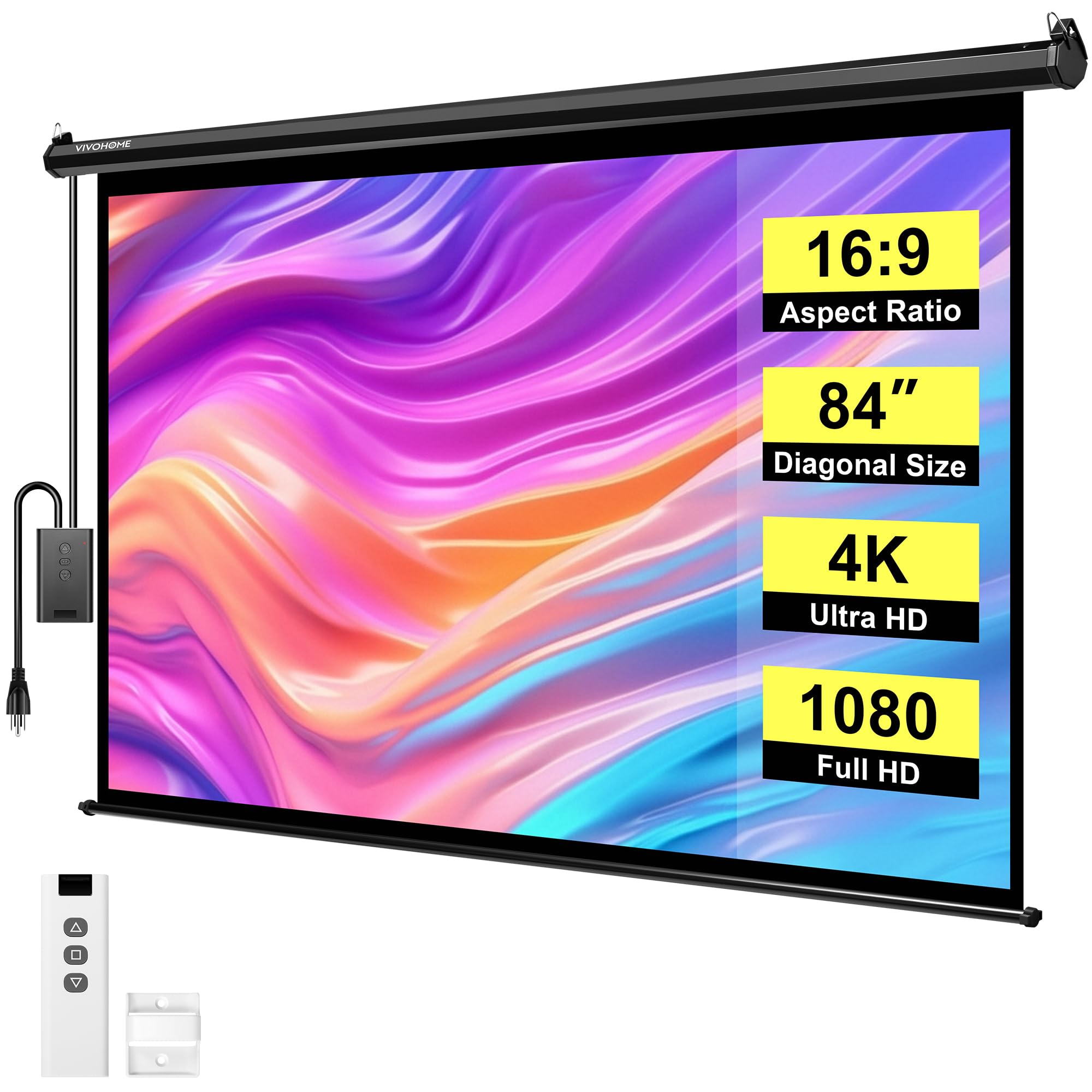
An 84-inch screen with a sub-40 dB motor for quiet movie nights.
This is the screen for the room where the projector sits close and the whole family gathers in one spot. The 84-inch viewing area (73.2″ wide) with a 16:9 ratio is rated for a viewing distance of 6-8 feet, so it works in spaces that would make a 120-inch screen feel overwhelming. The overall case is 81.9 inches wide, so measure your wall before committing.
The defining spec is the motor: it runs at under 40 dB, which is quieter than most conversations and beats the louder whine of some budget motors. The wireless remote works up to 82 feet / 25 meters away and can be wall-mounted for a fixed control point. The matte white surface has a 160-degree viewing angle and bright, uniform images that owners say feel much clearer at night. The screen is compatible with LED, LCD, and DLP projectors, and it supports 3D, 1080P, and 4K images.
Owners praise the picture quality and how visible it stays in brighter rooms. One RV owner replaced their TV entirely, calling it “the best investment ever.” The honest catches: the remote needs a 23A battery, there’s a beep when you raise or lower it, and a few owners note a slight squeak during roll-down, which they blame on metal friction. A brief smell on first opening fades after airing out.
The case for going compact
- Quiet < 40 dB motor that won’t interrupt the scene
- Bright picture owners say works well even in daylight
- Fits rooms where a 120-inch screen would be too large
Know before you mount it
- Remote needs a 23A battery to run
- Beep on every up/down press with no off option
Reach for this if: You want a bright, quiet motorized screen for a medium room or RV where 84 inches is the balance.
skip it if: You’re hoping for a wall-filling 120-inch image — this is deliberately more compact.
5. Aoxun Motorized Projector Screen 120 Inch

A 120-inch 4:3 pull-down that turns a man cave into a proper cinema.
For the dedicated home theater where a TV lives behind the screen, this Aoxun model is a strong fit. It’s a 120-inch diagonal screen with a 4:3 aspect ratio, giving you a tall 93.7″ x 69.7″ viewing area that works with LED, LCD, and DLP projectors. The black backing on the material is a real plus — it blocks light passing through the screen, so colors stay richer and the image looks cleaner.
What makes it appealing beyond the size is the ease of cleaning. The surface wipes down with mild soap or water, which is a relief after a long gaming session or a kids’ movie night. The 160-degree viewing angle keeps the image clear from different seats in the room. It mounts on a wall or ceiling and supports 4K Ultra HD white projection.
The motorized up and down is easy, and owners describe remote-controlled movie nights from a recliner. The most consistent advice from builders: use stronger mounting bolts than the ones that ship in the box, because this is a big, heavy screen. The main frustration with the remote is that it gets mixed feedback — some owners found the wireless controller worked great, while others said the remote didn’t work at all. If you’re set up for 4:3 content and want a huge, cleanable screen, this delivers.
What the owners say: The screen quality earns near-universal praise, and the maker’s customer service gets credit for promptly replacing a unit that arrived damaged in shipping.
Best for: A dedicated media room that shows 4:3 content and values a wipe-clean surface.
Watch out for: The included screws aren’t up to the weight — buy heavy-duty mounting hardware.
6. ZUEDA 120 Inch Auto Motorized Projector Screen

A black-cased 120-inch 4:3 screen that’s a hit for family movie nights.
This is the bigger sibling to the ZUEDA 100-inch pick, sharing its DNA: a 1.1 gain matte white surface that’s wrinkle-free, a 160-degree viewing angle, and an RF remote (radio frequency, so it works through walls) for distance control. The difference is size and aspect ratio. At 120 inches diagonal with a 4:3 format, you get a viewing area of 95.5″ wide by 71.5″ tall — a tall, rich panel that suits classic movies and gaming.
The black alloy steel casing is a premium touch that blends into a darker room, and it mounts on the wall or ceiling. It comes with both a wired inline switch and an RF remote, giving you a backup control method. The PVC matte white finish is yellow-staining-free, so the white stays white over years of use. The heavy 10.89 kg weight tells you it’s built to last, and the solid metal housing should hold up well over time.
Owners’ verdicts are the most uniformly positive of the group. One standout review describes basement pajama parties with kids, where the motorized drop “adds a touch of magic, rolling down smoothly at the press of a button.” Multiple owners confirm it was easy to install, very convenient, and well packaged. The only warning is physical: at 10.89 kg, it needs careful handling — use two people and solid anchors when lifting it into place.
The takeaway: For a family room that wants a big 4:3 canvas, this is the one owners describe as “worth it” — a smooth motor, a clean picture, and no setup complaints.
Reach for this if: You want a big, premium-feeling 4:3 screen with a smooth motor that impresses the family.
Keep in mind: The 10.89 kg weight makes the install a two-person job with solid mounting hardware.
7. Akia Screens 104-Inch Motorized Projector Screen

The ISF-certified pro panel that keeps indoor air quality in mind.
This 104-inch motorized screen (viewable area 83.1″ W x 62.2″ H) is the pick for the buyer who cares about picture accuracy and the air they breathe while watching. The 4:3 aspect ratio leans toward presentations and older content, and the MaxWhite 2 material is ISF Certified for color accuracy — a level of calibration that serious home theater fans look for. It’s 4K/8K ready, so it won’t bottleneck a modern projector.
what separates it is the GREENGUARD Gold certification (a third-party standard for low chemical emissions). If you’re sensitive to the “new smell” that plagues many PVC screens — and this list has a few — this screen is built to minimize it. The 1.0 gain and wide 180-degree viewing angle deliver a consistent image to a room full of people. The RF remote and a 12V trigger (a low-voltage signal that syncs with a compatible projector) let the screen drop automatically when the projector powers on.
The 19.1-pound unit comes from an ISO9001-certified manufacturer with a 1-year warranty and lifetime tech support from a U.S.-based team. It’s recommended for standard long-throw projectors, not ultra-short-throw ones, so check your projector type. The consensus is strong on quality and picture, but there are mixed notes on reliability — an occasional unit arrives with the screen shifted in transit, needing a few remote cycles to free it up. If you want a certified, low-emission screen for a dedicated theater room, this is a serious contender.
The pro-grade appeal
- ISF Certified MaxWhite 2 material for color accuracy
- GREENGUARD Gold low-emission certification
- 12V trigger syncs with compatible projectors
The honest trade-off
- Not for ultra-short-throw projectors
- Heavy 19.1 lb unit needs care during install
Best for: A dedicated theater or classroom where color accuracy and indoor air quality are priorities.
Not for: A short-throw projector setup, which this screen isn’t designed to work with.
8. WASJOYE 120″ Motorized Projector Screen
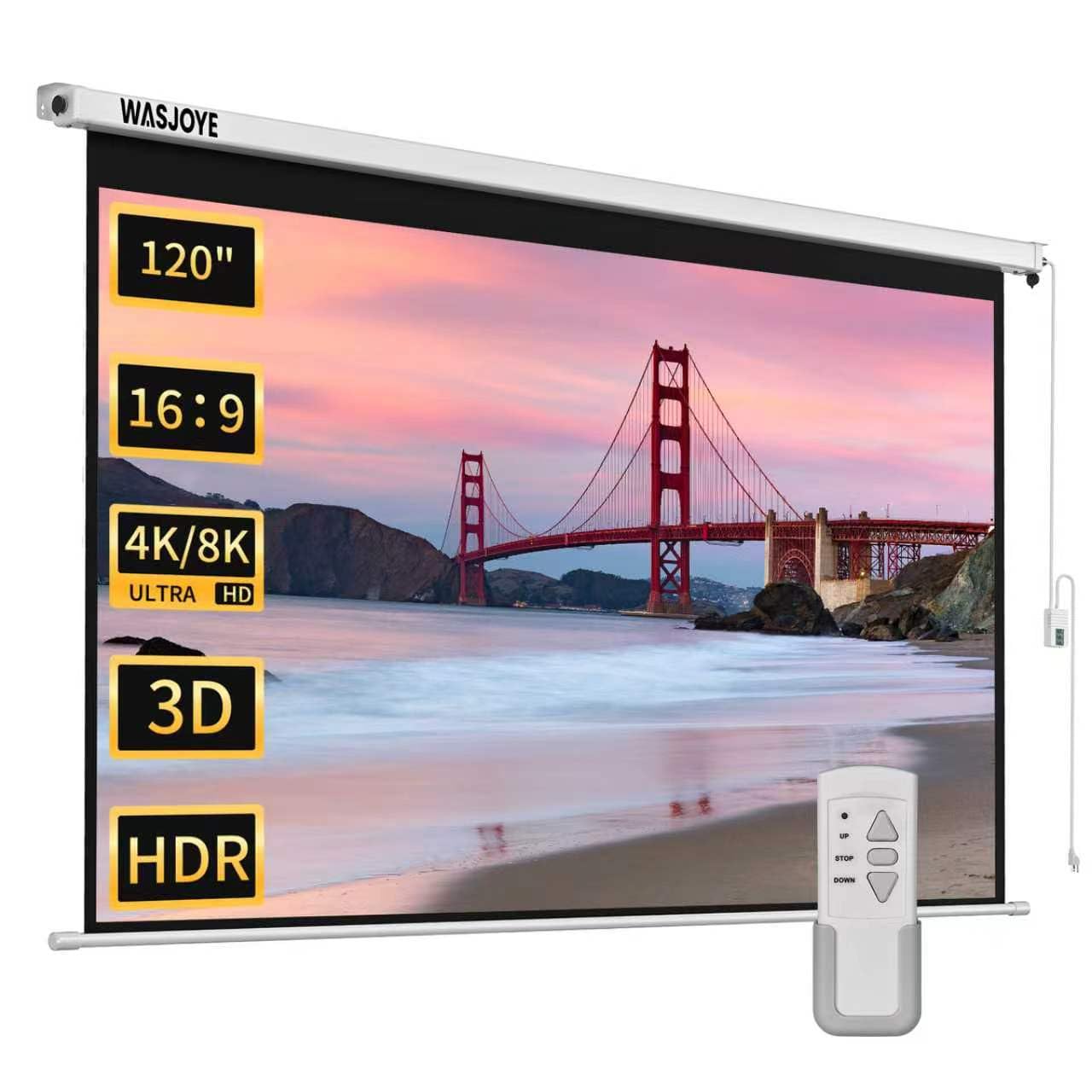
A 178-degree 16:9 giant with a 1.2 gain that fights back against ambient light.
This is the screen to pick when your room isn’t a pitch-black cave. The WASJOYE 120-inch screen (104.72″ wide x 70.47″ high) combines a 1.2 high gain with a 178-degree viewing angle, and that higher gain means the image stays bright and vivid even in a room with some ambient light. Owners confirm it’s usable in daylight, making it a practical choice for a family room that doubles as a theater.
The motor system is genuinely feature-rich. The RF remote works on a long range and runs on two AAA batteries (not included), and there’s a wall-mounted control panel as a backup. The “inching mode” is a standout — press the up or down button once and the screen only moves a short distance, giving you precise control over exactly where it stops. That’s a level of fine-tuning you don’t get on most screens in this range.
The 4-layer black-backed screen material blocks light penetration for cleaner colors, and there are power interfaces on both the left and right ends, so you can wire it from whichever side is more convenient. The two-person install note is real — this is a large unit. One owner measured after buying and had to return it because it was too big for their living room, so measure your space first. The consensus is glowing on the bright picture and quiet motor, with the occasional complaint about incomplete instructions.
The standout claim: One owner compared the image to “120-inch OLED” sharpness with a bright, white reflective screen, and said it still looked great after five months of use.
Reach for this if: You need a bright 120-inch picture that won’t wash out in a room with some light.
Watch out for: The size is genuinely huge — measure your wall carefully before you buy.
9. Elite Screens 125-Inch Spectrum RC1
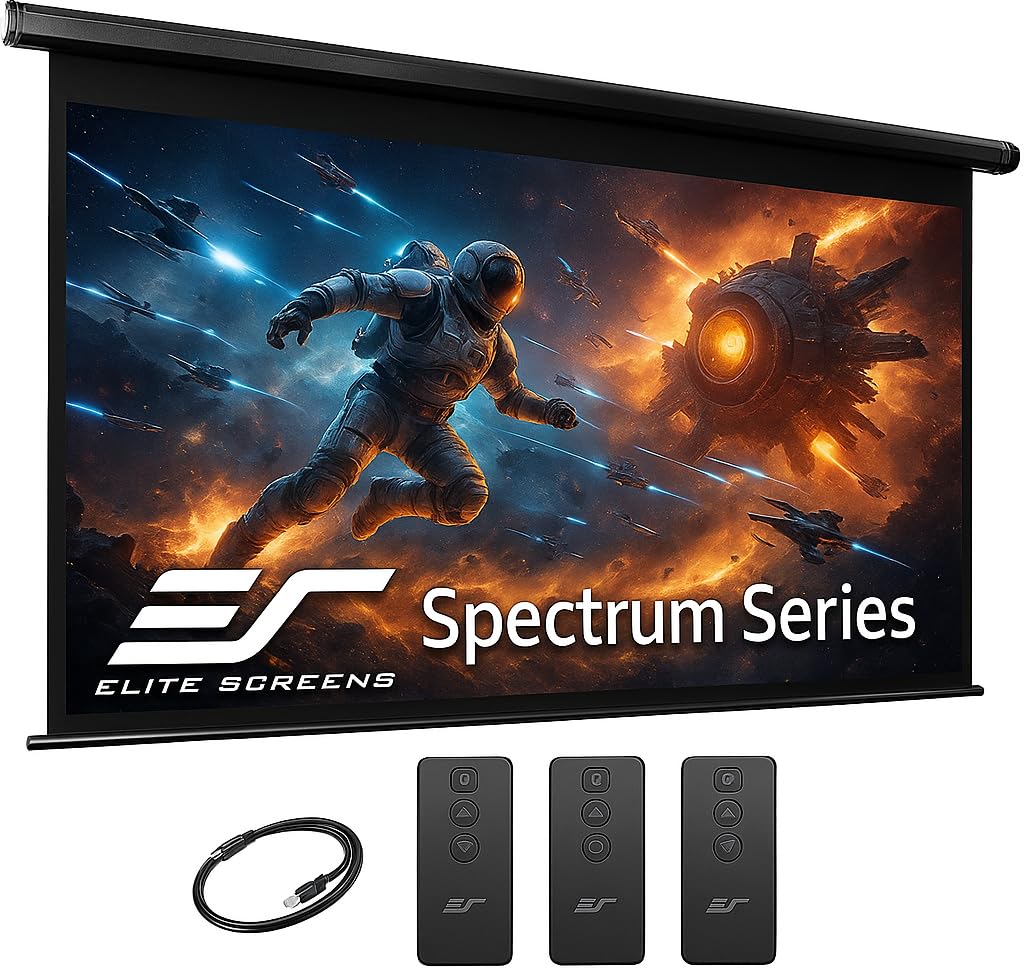
The feature-dense 125-inch panel that keeps working flawlessly for years.
When you step up to the Elite Screens Spectrum RC1, you’re paying for engineering and longevity. This 125-inch screen (viewable 109.0″ W x 61.3″ H) uses the MaxWhite 2 material with a 1.1 gain and a full 180-degree viewing angle, and it’s ready for 4K Ultra HD and Active 3D content. The fully black-backed surface blocks light penetration, so the image stays punchy from any seat in the room.
The control options are the most complete on this list. You get both an Infrared (IR) remote and a Radio Frequency (RF) remote, plus a wall box controller with a built-in IR sensor. There’s an RJ50 port for a wired 12-volt trigger, and the wireless 12V trigger can sync the screen drop with your projector. The programmable vertical drop position lets you set exactly how far the screen lowers, and the selectable channels mean you can control multiple screens independently.
The longevity stories here are remarkable. One owner’s unit has been flawless since 2018, used three to four times a week, with the motor staying quiet and no battery change needed. The 28.4-pound weight makes it a two-person, two-ladder install, and mounting it on studs is the recommended approach. The remote gets mixed feedback — most work great, but a few arrive unreliable. If you want a professional-grade screen that will still be going strong for years, the Spectrum is the benchmark.
Why it’s the premium choice
- IR + RF remotes and a 12V trigger for full control
- 180° viewing angle with 1.1 gain material
- Programmable drop position for a precise setup
The price of pro-grade
- 28.4 lb — a true two-person install job
- Remote reliability is occasionally inconsistent
Best for: The buyer who wants a big, reliable, feature-complete screen that’s still working perfectly years from now.
Not for: Ultra-short-throw projectors or a solo DIY installer.
10. Elite Screens Spectrum 2 110-Inch

The 110-inch fiberglass-backed screen with a motor that’s the stuff of office legend.
This is the screen for the buyer who’s done with the “new smell” and the slow, creaky motors of budget models. The Spectrum 2’s 110-inch screen (95.9″ W x 53.9″ H) uses MaxWhite FG material — a fiberglass-backed matte white surface with a 1.1 gain and a 180-degree viewing angle. The fiberglass backing is the key upgrade: it keeps the surface taut and flat, resisting the ripples and waves that cheaper screens develop over time. It’s 4K/8K Ultra HD, HDR, and Active 3D ready.
The motor is the headline feature. It’s a Somfy tubular motor, and more than one owner notes it’s much faster and smoother than the slow synchronous motors found in cheaper screens. It comes with a 12-inch extra drop, so you get flexibility in mounting height, and the floating wall/ceiling brackets slide horizontally for easy centering on your wall. The case sports a clean, thin profile that looks tidy in any room.
A key detail: the integrated 3-way wall switch (up/stop/down) is the primary control — the remote kit is sold separately. If you plan to control the screen from a couch, budget for that optional kit. Customers note near-flat screens with minimal edge curl, minimal odor, and crisp night-time images even with demanding projectors. The occasional complaint is a slight ripple near the bottom edge and the challenge of adjusting the lower limit stop, which can require drilling an access hole.
The verdict from owners: This is the budget-friendly pick that outperforms its price — the fast, quiet Somfy motor and the near-flat fiberglass surface are the two things that win people over.
Reach for this if: You want a premium, quiet-running screen with a taut, ripple-free picture and a motor that just works.
Keep in mind: The remote isn’t in the box — you’ll need to buy the optional kit for couch-side control.
Understanding the Specs
Screen Gain
Gain is a measure of how much light the screen reflects back toward the audience. A 1.0 gain screen reflects light evenly and is the neutral reference point. A screen with a 1.1 gain reflects slightly more, adding a bit of brightness without narrowing the viewing angle. A 1.2 or 1.3 gain screen reflects noticeably more light, which helps in rooms with some ambient light, but you’ll need to sit closer to the center of the screen for the best image.
Viewing Angle
The viewing angle tells you how far off to the side you can sit before the picture starts to lose brightness or color. A 160-degree viewing angle means the image looks good throughout a wide spread of seats. A 180-degree angle is the widest available, covering nearly a full half-circle. If you have a wide sofa or stadium-style seating, look for the widest viewing angle you can find so no one gets a washed-out view.
Remote Types
Remote controls come in two flavors. Infrared (IR) remotes need to be pointed directly at the sensor on the screen, like a typical TV remote. Radio Frequency (RF) remotes send a signal that can pass through walls, couches, and other obstacles, so they work from anywhere in the room. If your screen sits in a media cabinet or behind a wall, an RF remote is far more reliable. Some premium screens use a 12V trigger, which drops the screen automatically when you power on a compatible projector.
Aspect Ratio
Aspect ratio describes the shape of the screen. A 16:9 ratio is a widescreen format that matches modern movies, streaming shows, and most projectors. A 4:3 ratio is closer to a square and suits older TV content, school presentations, and some business software. Your projector outputs a specific ratio, and the screen should match it to avoid black bars on the sides or top and bottom. Check your projector’s native resolution before choosing.
FAQ
Will an electric projector screen work with any projector?
What is the best size screen for a small room?
How do I know if the screen will fit my ceiling height?
Is a higher gain screen always better?
How long does a motorized projector screen last?
What does the 12V trigger do?
Do electric screens need to be plugged in?
What is the difference between a matte and glossy screen finish?
Is it safe to clean a projector screen?
Why does a brand-new screen smell like chemicals?
Can I install a motorized screen by myself?
Final Thoughts: The Verdict
Across the board, the auto projector screen winner is the ZUEDA 100-inch because it delivers the classic home-theater size with a quiet motor, an RF remote that just works, and a sharp 1.1 gain picture — all at a price that undercuts the premium tier. If you want a brighter image that fights back against a lit room, grab the WASJOYE 120-inch with its 1.2 gain and 178-degree viewing angle. And for a professional-grade, low-emission panel that will last for years in a dedicated theater, the Akia 104-inch is the one to reach for.
How We Picked
We do not accept paid placement. Every pick is matched to a real buyer and a real use-case; we do not hands-on test units.
Sources & Methodology
Specifications: manufacturer listings and product documentation. Review insights: verified customer reviews, as of August 2026. Pricing: not shown on this page (it changes often); check the current price via the retailer link.
As an Amazon Associate, Gadgets Feed earns from qualifying purchases. This does not affect which products we feature.