
Selecting a desktop for AutoCAD is not about chasing the highest clock speed or the flashiest RGB lighting. The software’s 2D linework and 3D solid modeling engines rely on single-core IPC, large L2/L3 caches, and a GPU that can handle viewport rotations without stuttering. Every prebuilt machine on this list has been vetted for the specific combination of CPU cache, memory bandwidth, and discrete GPU memory that stops a complex DWG file from turning your workflow into a slideshow.
I’m Min — the co-founder and writer behind Gadgets Feed. I have spent hundreds of hours cross-referencing benchmark databases, analyzing PassMark CPU single-thread scores, GPU compute units, and NVMe sequential read speeds against the documented system requirements for AutoCAD 2025 to ensure each recommendation here is defensible.
After sifting through dozens of configurations, these picks represent the machines that deliver the highest viewport frame rates and fastest regen times for the investment. This guide breaks down the technical specs that matter most for drafting and modeling so you can confidently pick the best autocad desktop for your specific workload.
How To Choose The Best AutoCAD Desktop
AutoCAD is a unique workload because it is heavily single-threaded during most drafting operations. Throwing more cores at it won’t help if each core is slow. You need to prioritize CPU frequency and cache above all else, then ensure you have enough RAM and a GPU that can handle viewport rendering.
CPU Single-Core Performance & Cache
The “Regen” command and viewport zoom/pan operations rely almost exclusively on single-core performance. Look for processors with boost clocks above 5.0 GHz and at least 20 MB of L3 cache. Intel’s Core i7 and i9 (13th and 14th Gen) and AMD’s Ryzen 7 and 9 (7000 and 9000 series) are the baseline for serious work.
RAM Capacity and Speed
32 GB of DDR5 is the new minimum for any complex 3D modeling. If you frequently work with point clouds or render within AutoCAD, 64 GB or more will prevent the system from swapping to the SSD, which kills performance. Speed also matters; DDR5-5600 MT/s or faster is recommended.
Dedicated GPU Memory
An integrated GPU will struggle with even moderate 3D orbits. A discrete GPU with at least 8 GB of VRAM is essential. While gaming cards like the RTX 4060 work, workstation cards (NVIDIA RTX A-series or AMD Radeon Pro) offer ISV certification for guaranteed driver stability in AutoCAD.
Quick Comparison
On smaller screens, swipe sideways to see the full table.
| Model | Category | Best For | Key Spec | Amazon |
|---|---|---|---|---|
| HP Envy Desktop | High-End | Extreme multi-tasking | i9-14900K, 64GB RAM, RTX 3050 | Amazon |
| Dell ECT1250 (64GB) | Productivity | Massive memory load | i3-14100, 64GB DDR5, 2TB SSD | Amazon |
| Thermaltake View i570 | Gaming/Pro | High-FPS viewport | i9-14900KF, RTX 5070, 32GB | Amazon |
| Alienware Aurora | Premium | Performance & style | Core Ultra 7, RTX 5070, 32GB | Amazon |
| MSI Codex Z2 | Mid-Premium | Balanced rendering | R7-8700F, RTX 5070, 32GB | Amazon |
| Dell Pro Tower Plus (Ultra 7) | Business | Multi-monitor CAD | Core Ultra 7, 32GB, 1TB SSD | Amazon |
| Dell Pro Tower Plus (Ultra 5) | Office | Entry-level CAD | Core Ultra 5, 32GB, 1TB SSD | Amazon |
| WIWB Gaming Desktop | Budget-Perf | Render & streaming | i9-14900HX, RTX 5060 Ti, 16GB | Amazon |
| Dell Tower Plus EBT2250 | Mid-Range | Reliable daily driver | Core Ultra 7, 32GB, 1TB SSD | Amazon |
| Dell Tower ECT1250 (Ultra 7) | Value | Basic 3D modeling | Core Ultra 7, 32GB, 1TB SSD | Amazon |
| HP OmniDesk | Budget | 2D drafting only | Ryzen 7 8700G, 32GB, Radeon 780M | Amazon |
In‑Depth Reviews
1. HP Envy Desktop (i9-14900K, 64GB)

The HP Envy is a workstation-class machine disguised as a consumer desktop. The Intel Core i9-14900K, with its 6.0 GHz maximum turbo, delivers the highest single-core performance available for AutoCAD regeneration tasks. The 64 GB of DDR5 RAM means you can load massive assembly files and run multiple instances of AutoCAD or Revit without hitting a memory ceiling.
The NVIDIA GeForce RTX 3050 with 8 GB of VRAM is adequate for viewport work and light rendering, though it lacks the ISV certification of a professional Quadro card. The 2 TB NVMe SSD provides ample storage for large project files, and the Wi-Fi 6 and Bluetooth 5.3 ensure fast file transfers and peripheral connectivity.
This system is best suited for a power user who needs raw CPU muscle for frequent regens and the ability to keep hundreds of tabs and layers open without slowdown. The RTX 3050 is the weak link here; if you do heavy 3D modeling, you may want to budget for a GPU upgrade.
Why it’s great
- Top-tier single-core turbo clock at 6.0 GHz
- 64 GB RAM handles massive assemblies
- 2 TB SSD for large file libraries
Good to know
- RTX 3050 not ISV certified for AutoCAD
- Premium pricing tier
2. Dell Tower ECT1250 (64GB, 2TB SSD)
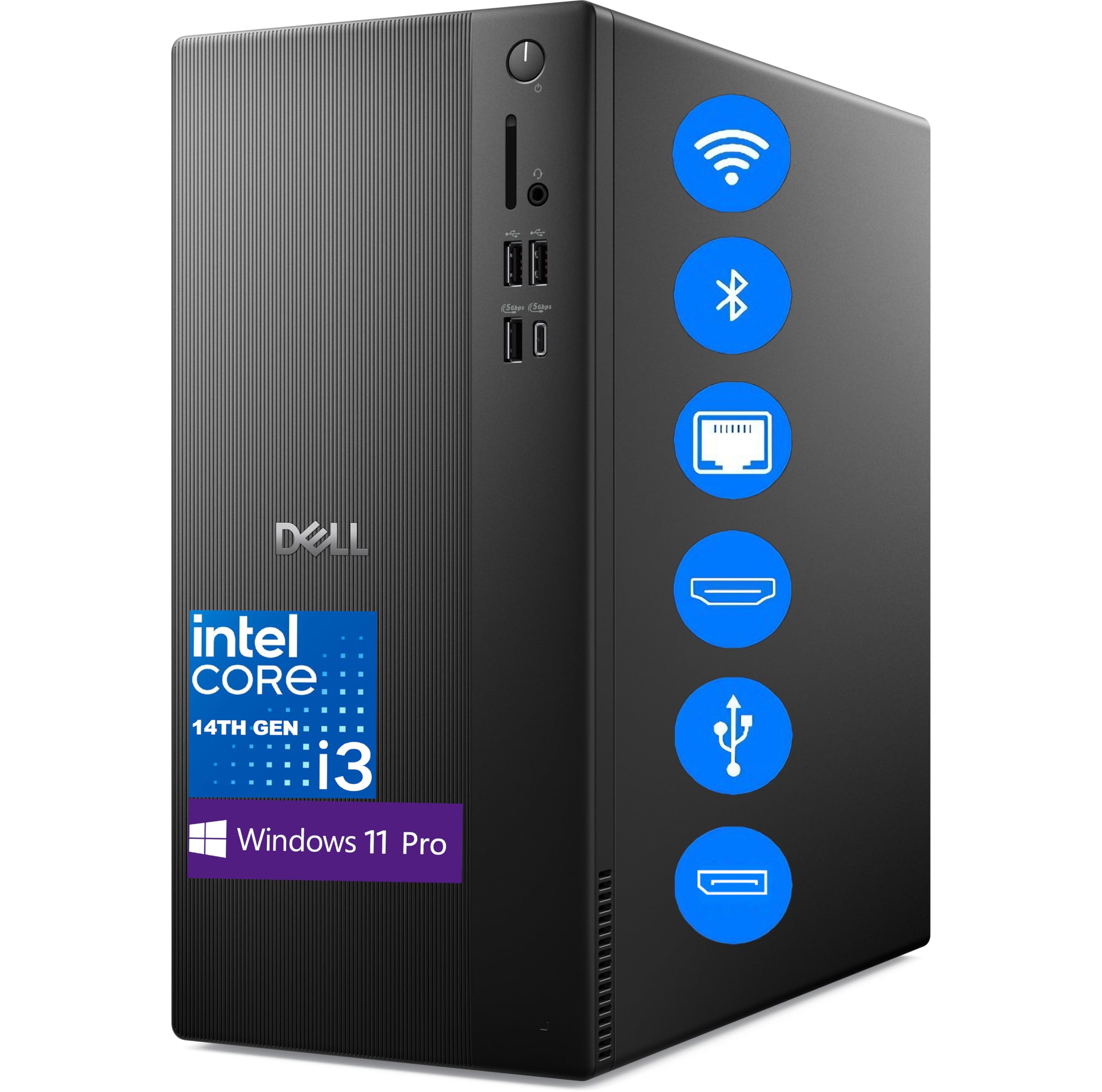
This Dell Tower delivers an extraordinary memory-to-cost ratio. With 64 GB of DDR5 RAM and a 2 TB PCIe SSD, this machine is built for users who deal with enormous point cloud data or run multiple virtual machines alongside AutoCAD. The 14th Gen Intel Core i3-14100 is a quad-core processor, which is a limitation for heavily multi-threaded tasks.
For pure 2D drafting and moderate 3D work, the i3-14100’s 4.7 GHz boost clock is fast enough. The integrated Intel UHD Graphics 730 supports dual 4K displays via DisplayPort and HDMI 2.1, which is great for spreading palettes across screens. However, you will need a discrete GPU for any serious 3D orbiting or rendering.
The inclusion of Wi-Fi 6 and Bluetooth is convenient for a clean desk setup. The lack of a discrete GPU is the main trade-off, but for a user whose primary bottleneck is RAM, this config offers an unbeatable foundation for a budget that can be upgraded with a graphics card later.
Why it’s great
- 64 GB RAM at a mid-range price point
- 2 TB SSD for project storage
- Dual 4K display support out of the box
Good to know
- No discrete GPU for 3D viewport work
- Quad-core CPU limits multi-tasking
3. Thermaltake LCGS View i570-170

The Thermaltake View i570 combines a top-tier Intel Core i9-14900KF with liquid cooling to sustain high boost clocks during long rendering sessions. The 32 GB of DDR5-6000 MT/s RAM is fast enough to feed the CPU without latency, and the 1 TB NVMe SSD provides quick project loading.
The RTX 5070 is a significant step up from standard gaming cards for AutoCAD. With 12 GB of GDDR7 VRAM, it handles complex 3D solids and large point cloud visualizations without stuttering. The liquid cooling keeps the CPU temperatures low even when the i9 is running at full turbo for extended periods, preventing thermal throttling.
The chassis is large—you need to ensure your desk can accommodate its footprint. It also lacks an ISV-certified driver stack, so some users may encounter occasional stability issues with very specific AutoCAD plugins. For raw rendering speed and viewport fluidity, this is a formidable machine.
Why it’s great
- Liquid cooling sustains CPU boost clocks
- RTX 5070 with 12 GB GDDR7 VRAM
- Fast DDR5-6000 memory
Good to know
- No ISV driver certification
- Large chassis footprint
4. Alienware Aurora ACT1250

The Alienware Aurora ACT1250 is built for sustained performance. The Intel Core Ultra 7 265F processor provides excellent single-core speed for AutoCAD commands, and the 1000W Platinum-rated PSU ensures stable power delivery even under full load. The 32 GB of DDR5 RAM is the right amount for most professional workflows.
The RTX 5070 handles viewport rendering and real-time orbit with ease, and the Alienware Command Center allows you to set performance profiles that prioritize the GPU for modeling tasks. The 1 TB SSD is fast, but may fill up quickly if you store many large project files locally.
The clear side panel and customizable RGB lighting are aesthetic bonuses, but the real story is the thermal management. The chassis is designed for marathon sessions, keeping the CPU and GPU cool without excessive fan noise. This is a complete package for a professional who also wants their workstation to look the part.
Why it’s great
- 1000W Platinum PSU for stable power
- Excellent thermal management
- RTX 5070 handles complex 3D solids
Good to know
- Premium price for aesthetic design
- 1 TB SSD may need expansion
5. MSI Codex Z2 (R7-8700F, RTX 5070)

The MSI Codex Z2 offers a balanced AMD platform for AutoCAD. The Ryzen 7 8700F, with 8 cores and a 5.0 GHz boost, provides strong single-core performance and enough multi-threaded power for rendering. The 32 GB of DDR5 RAM is standard, and the 2 TB NVMe SSD gives you double the storage of many competitors at this level.
The RTX 5070 with 12 GB of VRAM is the highlight. It handles large 3D models and viewport orbit without dropping frames. The four-system fan layout (three front intake, one rear exhaust) keeps the components cool without sounding like a jet engine.
Some users have reported Bluetooth module issues, which may require a simple USB adapter fix. The overall build quality is solid, and the tool-less design makes future upgrades—like adding more RAM or swapping the GPU—very straightforward.
Why it’s great
- 2 TB SSD for large project files
- RTX 5070 with 12 GB VRAM
- Tool-less upgrade design
Good to know
- Potential Bluetooth module issues
- Not ISV certified
6. Dell Pro Tower Plus (Ultra 7, Triple DP)
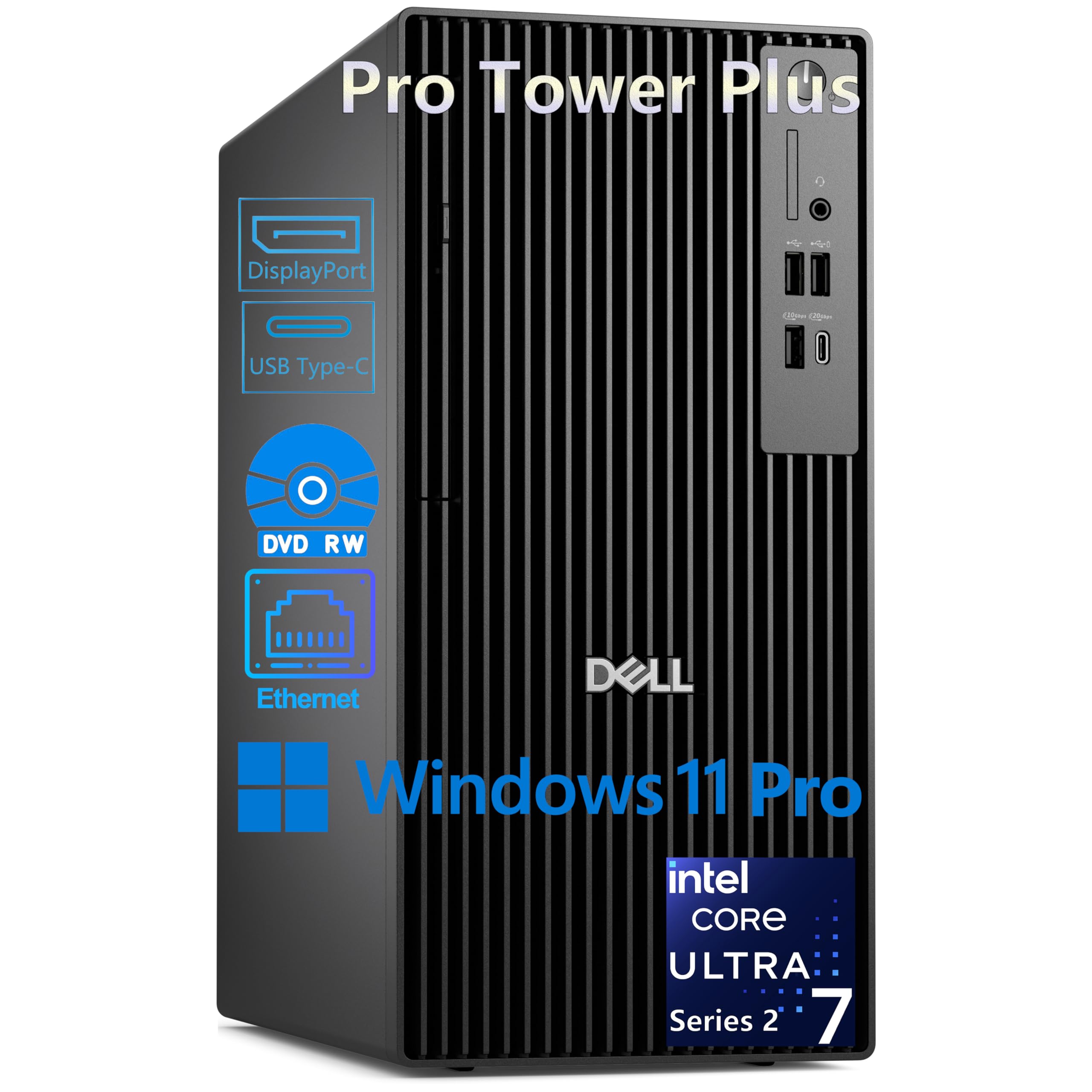
This Dell Pro Tower is engineered specifically for professional environments. The Intel Core Ultra 7 265, with its 13 TOPS NPU, brings AI acceleration that can speed up certain AutoCAD tasks like object recognition and viewport optimization. The 32 GB of DDR5 RAM is more than sufficient for complex 2D and 3D workflows.
The triple 4K display support via three DisplayPort 1.4a ports is a standout feature for CAD users who need multiple monitors for palettes, drawings, and reference materials. The integrated graphics are sufficient for 2D work, but you will need a discrete GPU for heavy 3D modeling.
The chassis includes a DVD-RW drive, which may be useful for archival purposes. The lack of built-in Wi-Fi means you need to use the Gigabit Ethernet port or add a USB adapter. The 1 Year Onsite Service is a valuable safety net for professional users who cannot afford downtime.
Why it’s great
- Triple 4K display support via DP
- AI NPU for future software optimization
- Onsite service and Windows 11 Pro
Good to know
- Integrated graphics limit 3D work
- No built-in Wi-Fi
7. Dell Pro Tower Plus (Ultra 5, Basic CAD)

This Dell Pro Tower is an entry-level business machine that can handle basic AutoCAD tasks. The Intel Core Ultra 5 235 provides a 5.0 GHz boost clock and a 13 TOPS NPU for AI features. The 32 GB of DDR5 RAM is a good starting point, though the 1 TB SSD is the same capacity as higher-tier models.
The integrated graphics support triple displays, making it suitable for 2D drafting across multiple monitors. The chassis is large—nearly triple the size of some competitors—so ensure you have the desk space. The included DVD-RW drive is a plus, but the wired keyboard and mouse feel low-quality.
This is a cost-effective solution for a firm standardizing on a reliable desktop for light CAD work. For any serious 3D modeling, you will need to budget for a discrete GPU. The Windows 11 Pro operating system and basic onsite service add professional-grade support.
Why it’s great
- Good single-core speed for 2D CAD
- Triple display support
- Windows 11 Pro with AI NPU
Good to know
- Large chassis footprint
- Integrated GPU limits 3D work
8. WIWB Gaming Desktop (i9-14900HX, RTX 5060 Ti)

The WIWB desktop uses a mobile-derived Intel Core i9-14900HX, which offers 24 cores and a 5.8 GHz boost clock. This provides excellent single-threaded performance for AutoCAD regen commands. The 16 GB of DDR5 RAM is the minimum for professional work, and you will likely need to upgrade it for large assemblies.
The RTX 5060 Ti with 8 GB of GDDR7 memory delivers solid viewport performance for 3D modeling. The system is pre-built with a clean OS install and no bloatware, which is a nice touch. The lack of a USB-C port is a notable omission for modern peripherals.
Build quality reports are mixed—some units have arrived with defective components. The price-to-performance ratio is strong on paper, but the reliability concerns make it a higher-risk purchase than a brand-name workstation.
Why it’s great
- High single-core boost at 5.8 GHz
- RTX 5060 Ti with GDDR7
- Clean, bloatware-free OS
Good to know
- Only 16 GB RAM base
- Mixed build quality reports
- No USB-C port
9. Dell Tower Plus EBT2250 (Ultra 7)
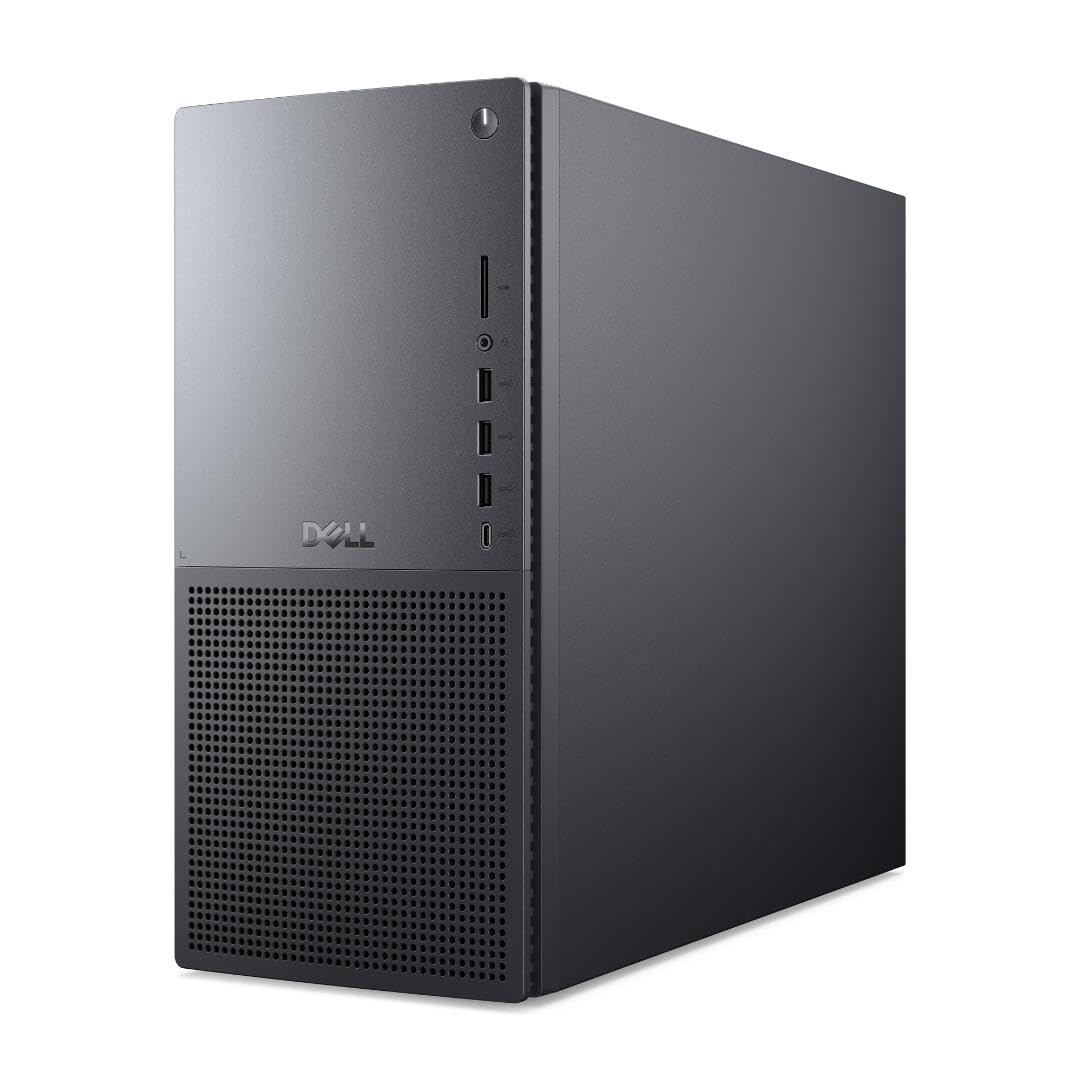
The Dell Tower Plus EBT2250 is a straightforward, reliable machine for daily CAD use. The Intel Core Ultra 7 265 provides strong single-core performance with a 5.3 GHz turbo. The 32 GB of DDR5 RAM and 1 TB SSD are a standard, well-balanced configuration for moderate workflows.
The integrated Intel UHD Graphics are fine for 2D work, but this machine needs a discrete GPU for 3D modeling. The chassis is designed for easy upgrades, with tool-less access to internal components. The 1 Year Onsite Service and 6 months of Dell Migrate provide peace of mind and easy data transfer.
The included keyboard and mouse are basic. The lack of a discrete GPU out of the box means this is a better fit for a user who plans to add a graphics card separately or one who works exclusively in 2D.
Why it’s great
- Easy tool-less upgrades
- Onsite service included
- Strong single-core CPU
Good to know
- No discrete GPU for 3D work
- Basic peripherals included
10. Dell Tower ECT1250 (Ultra 7, AI)

This Dell ECT1250 offers a compelling value proposition for basic AutoCAD work. The Intel Core Ultra 7 265 processor is fast enough for single-threaded tasks, and the 32 GB of DDR5 RAM handles moderate multi-tasking. The 1 TB NVMe SSD is standard for the category, and the tool-less entry makes future upgrades easy.
The integrated Intel UHD Graphics support up to four FHD monitors or two 4K displays via HDMI 2.1 and DisplayPort. This is excellent for a multi-monitor 2D drafting setup. The built-in SD card reader is a convenient addition for importing reference photos or project files from a camera.
The 180W power supply limits the possibility of adding a powerful discrete GPU later without also upgrading the PSU. For pure 2D drafting and light 3D modeling, this machine is a smart, budget-conscious choice that leaves room for expansion if planned carefully.
Why it’s great
- Multi-monitor support up to 4K
- Tool-less chassis for easy upgrades
- Good single-core CPU performance
Good to know
- 180W PSU limits GPU upgrades
- Integrated graphics only
11. HP OmniDesk (Ryzen 7 8700G)

The HP OmniDesk is an entry-level machine that uses the AMD Ryzen 7 8700G, which features the most powerful integrated graphics available in a desktop APU—the Radeon 780M. This can handle basic 3D viewport orbit in AutoCAD, making it a viable option for very light 3D work without a dedicated graphics card.
The 32 GB of DDR5 RAM is a strong point at this tier, preventing memory bottlenecks for most projects. The 1 TB NVMe SSD provides fast boot and load times. The inclusion of Wi-Fi 6 and Bluetooth 5.4 ensures modern wireless connectivity.
The Radeon 780M will still struggle with large assemblies or complex 3D solids compared to a discrete GPU. The included keyboard and mouse are low quality, and you will likely want to replace them immediately. This is a fine machine for 2D drafting and very light 3D, but serious modeling demands more GPU power.
Why it’s great
- Best integrated GPU for light 3D
- 32 GB RAM at budget tier
- Modern Wi-Fi 6 and BT 5.4
Good to know
- Integrated GPU limits heavy 3D work
- Low-quality included peripherals
FAQ
Is a Quadro or Radeon Pro card mandatory for AutoCAD?
Why does AutoCAD benefit more from high single-core speed than many cores?
Is 16 GB of RAM enough for AutoCAD in 2025?
Final Thoughts: The Verdict
For most users, the best autocad desktop winner is the HP Envy Desktop because it combines the fastest single-core CPU available with a generous 64 GB of RAM and a 2 TB SSD, making it ready for the most demanding drafting and modeling tasks. If you want a balance of strong 3D graphics performance and a lower price point, grab the MSI Codex Z2. And for a professional office environment where multi-monitor support and service reliability are key, nothing beats the Dell Pro Tower Plus with its triple 4K display capability and onsite service.