
Our readers keep the lights on and my morning glass full of iced black tea. As an Amazon Associate, I earn from qualifying purchases.
Specs are compiled from manufacturer listings and verified buyer reviews and can change over time — please confirm the key details on the product page before buying.
Manually folding a stack of newsletters, invoices, or church bulletins eats hours from your week and leaves your hands sore. An automatic paper folder does that job for you, turning a messy pile into a neat stack of trifolds or half-folds while you do something more useful. This guide cuts through the spec sheets to help you find the model that matches your volume and your space, without overpaying.
I’m Min — the founder and writer behind Gadgets Feed. This guide is built by comparing the manufacturers’ published specifications and the patterns across verified customer reviews, so you get each pick’s real strengths and trade-offs instead of marketing spin.
You need an automatic paper folder that matches your speed and paper size, whether you run a small office or a busy mailroom. The right pick saves you hours, but the wrong one jams and frustrates. Here is how to choose based on real specs and buyer feedback.
Quick Picks
- Formax FD 300 Desktop Document Folder — Top Performer
- Martin Yale P7500 Paper Folding Machine — Automatic Feed Pick
- United Office Products F100 Automatic Paper — Speed Value Pick
- Martin Yale P6500 Paper Folding Machine — Compact Pick
- Martin Yale 1501X Automatic Paper Folder — Versatile Pick
- Martin Yale 1611 Ease-of-Use AutoFolder — Ease-of-Use Pick
- Martin Yale 1217A Automatic Paper Folder Machine — Heavy-Duty Pick
How To Choose The Best Automatic Paper Folder
The right folder for you is the one that handles the paper you actually use, at the speed you need, without demanding constant babysitting. Start by estimating your busiest day, then let the machine’s speed rating guide your shortlist.
Match Speed to Your Workload
Speed is measured in sheets per hour, and the range is enormous. A small desktop model might handle a modest mailing list, while a commercial-grade unit can process thousands of sheets in the same time. If you fold a few hundred pages a week, the slowest machines are plenty — if you run regular mass mailings, you want the fastest.
Check Paper Size and Weight Limits
Every folder has a window of paper it can handle, from a minimum size up to a maximum. Heavier cardstock and glossy stock behave differently than plain 20-pound bond — some machines grip them fine, others slip. Always compare the listed paper-size range against what you fold.
Understand the Feed System
Manual feed means you slide each sheet in by hand, which is fine for low volume. Hopper or drop-in feed systems hold a stack and pull sheets in automatically, which is what you want for larger runs. The biggest difference between cheap and expensive folders is often the feed system’s reliability.
Quick Comparison
| Model | Best For | Speed | Weight | Fold Types | Amazon |
|---|---|---|---|---|---|
| Formax FD 300 | High-volume paper with drop-in feed | 7,400 sheets/hr | 38.7 lb | 4 | Amazon |
| Martin Yale P7500 | Automatic feed in small offices | 4,000 sheets/hr | 20 lb | Multi | Amazon |
| United Office Products F100 | Letter and legal with LCD control | 156 sheets/min | 23 lb | 4 | Amazon |
| Martin Yale P6500 | Compact manual-feed desktops | 1,800 sheets/hr | 11 lb | 2 | Amazon |
| Martin Yale 1501X | Stapled sets and five fold types | 7,500 sheets/hr | 33 lb | 5 | Amazon |
| Martin Yale 1611 | Mixed paper weights with easy setup | High speed | 42 lb | Multi | Amazon |
| Martin Yale 1217A | Large formats and seven fold types | 10,300 sheets/hr | 59 lb | 7 | Amazon |
In‑Depth Reviews
1. Formax FD 300 Desktop Document Folder
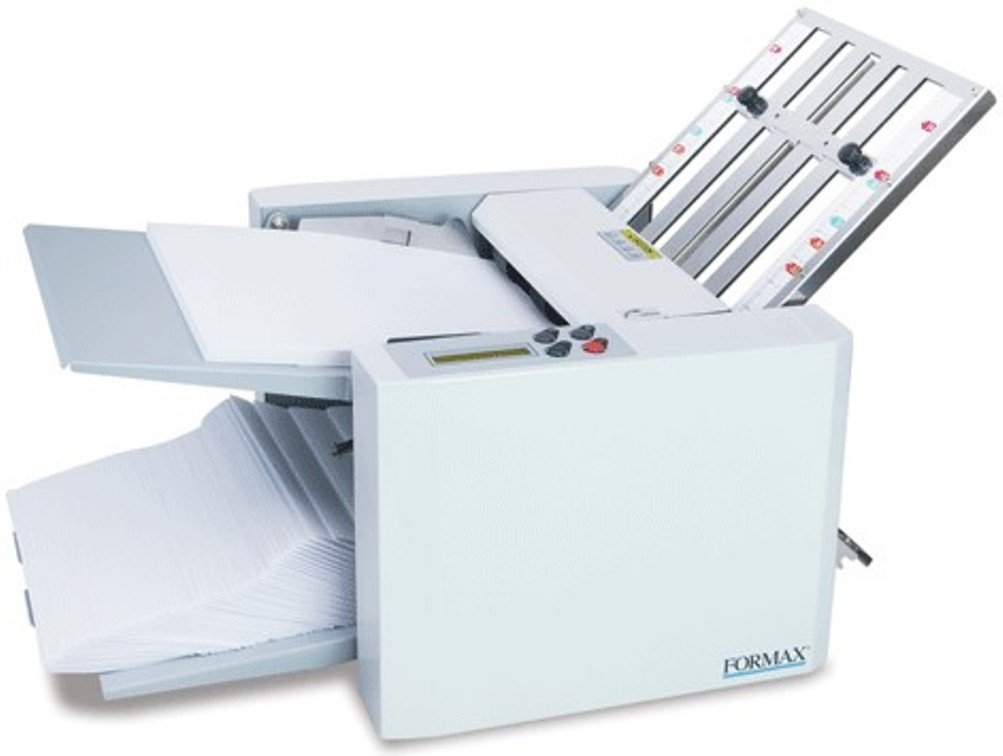
The drop-in feed that skips paper fanning and chews through 7,400 sheets an hour
If your job is folding large runs of standard office paper, the Formax FD 300 earns the top spot because it removes the most friction. Its drop-in top-feed system needs no paper fanning — you simply square the stack, load up to 200 sheets of 20# paper, and let the machine pull them through. That is a real time-saver compared to machines that demand you fluff or align each batch.
At a rated 7,400 folded sheets per hour, this is one of the fastest units here, in the same league as far pricier machines. It handles paper from 4″ x 5″ up to 8.5″ x 14″ and weights up to 30# (112gsm), so legal-size mailings and a range of stock weights are both on the table. The LCD control panel with a 3-digit resettable counter and an AutoBatch function lets you process a set number of sheets with pauses — a genuine convenience for repeat jobs. Pre-marked guides let you switch between four standard fold types: C, Z, V, and Double Parallel.
What wins people over is how solid and fast it feels — one owner folded 30,000 letters and brochures with only a handful of jams, and 300 church bulletins sail through without drama. The output conveyor with adjustable stacker wheels keeps folded pieces in neat, sequential order, though you may need to grab them quickly before they pile up. The recurring gripe is jamming, which shows up in reviews but is usually easy to clear — just pull the paper out and resume. Weighing 38.7 pounds, it is heavy enough to stay put on a desk but light enough to move if needed.
What It Does Well
- Drop-in feed means no paper fanning before loading
- Counter and AutoBatch simplify repeat jobs
- All-metal construction aside from the exit rolls
- Handles letter up to legal-size paper at high volume
Know Before You Buy
- Paper jams do happen, though they clear easily
- Fast output means you must watch the stacking tray
Reach for this if: you fold thousands of sheets regularly and want a fast, reliable workhorse without manual paper prep.
Look elsewhere if: you only fold a few hundred pages a month — this is more machine than a light job needs.
2. Martin Yale P7500 Paper Folding Machine
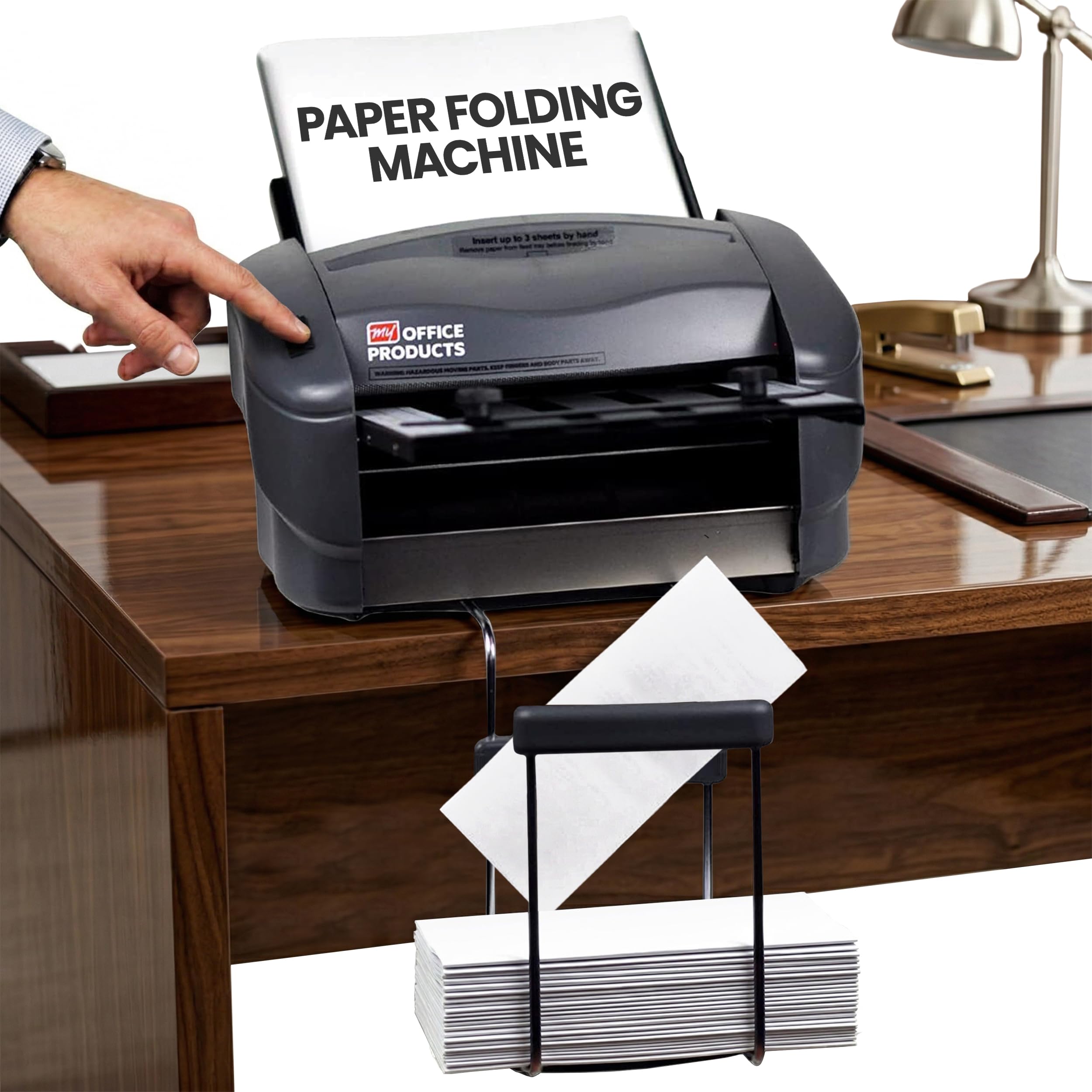
A genuinely automatic folder that loads 50 sheets and runs without training
For a small office that wants real automation without a heavy footprint, the Martin Yale P7500 is the automatic-feed standout. You load up to 50 sheets in the feed tray, and the stacking tray collects your folded documents when they are done. The maker positions it for corporate offices, mailrooms, churches, and similar settings, and the simple operation means anyone can use it without a training session.
At 4,000 sheets per hour, this is a solid mid-range speed — and a big step up from manual-feed units like the P6500, which tops out at 1,800 sheets per hour. The P7500 is also lighter and more compact than many rivals at 20 pounds and 13 x 20 x 10.5 inches, so it fits on a cart or side table. It folds letter-size 8.5″ x 11″ and legal-size 8.5″ x 14″ 20lb bond paper across half, Z-fold, double parallel, and more.
The reliability here is the thing people rave about — it is described as a huge time-saver that needs little maintenance. Buyers report the sturdy metal build and quick five-minute assembly, and multi-page hand feeding works fine. The recurring caveat is that fold alignment isn’t perfect: some owners mention a consistent 1/8″ overhang even with correct setup, saying the guides seem inaccurate or need unclear tweaking. Keep expectations realistic on razor-perfect fold centering and you get a dependable automatic folder.
Solid and simple: the auto-feed convenience and reliable build make this the best hands-off choice for a busy small office.
3. United Office Products F100 Automatic Paper Folding Machine

A 156-sheet-per-minute folder that balances raw speed with an easy LCD panel
If you fold big batches of letters or legal documents, the United Office Products F100 moves fast: it handles 156 sheets per minute, which is about 25 times quicker than the manual-feed P6500’s hourly rating. It accepts both 8.5″ x 11″ and 8.5″ x 14″ paper, so you can switch between standard and legal sizes without changing machines.
A large 200-sheet hopper capacity means you load a thick stack and let it run, and the intuitive LCD control panel with a resettable 3-digit counter makes job tracking simple. You set your fold, load paper, and press start. It supports C (Letter), Z (Accordion), Half, and Double Parallel folds, and folded documents land in sequence on the outfeed conveyor for a clean, clutter-free workspace. At 23 pounds and 24″L x 14″W, it is a mid-size desktop unit that suits offices, schools, and churches.
Buyers who set it up correctly call it a genuine time-saver, folding thousands of pages with relatively few misfeeds. But it is picky: customers note it jams too often and won’t always fold according to settings, with one noting it “Broke after 1 year; jams 95%, parts slow, no manufacturer support.” To succeed, feed cool, fanned paper at a slow speed and avoid heavy full-page ink coverage, which can cause problems. This capable folder has real quirks — best for patient operators who don’t mind a learning curve.
Why It Earns a Spot
- Fast 156 sheets per minute for big letter runs
- Large 200-sheet hopper reduces reloading stops
- LCD panel with resettable counter for tracking
- Folds letter and legal sizes
Fair Warning
- Setup is finicky and the machine runs loud
- Jamming is the most-discussed issue among owners
Choose this for: high-volume letter folding where speed and a big hopper beat perfect quiet operation.
Think twice if: you want a low-fuss machine for occasional light use, or you fold a lot of heavily inked pages.
4. Martin Yale P6500 Paper Folding Machine
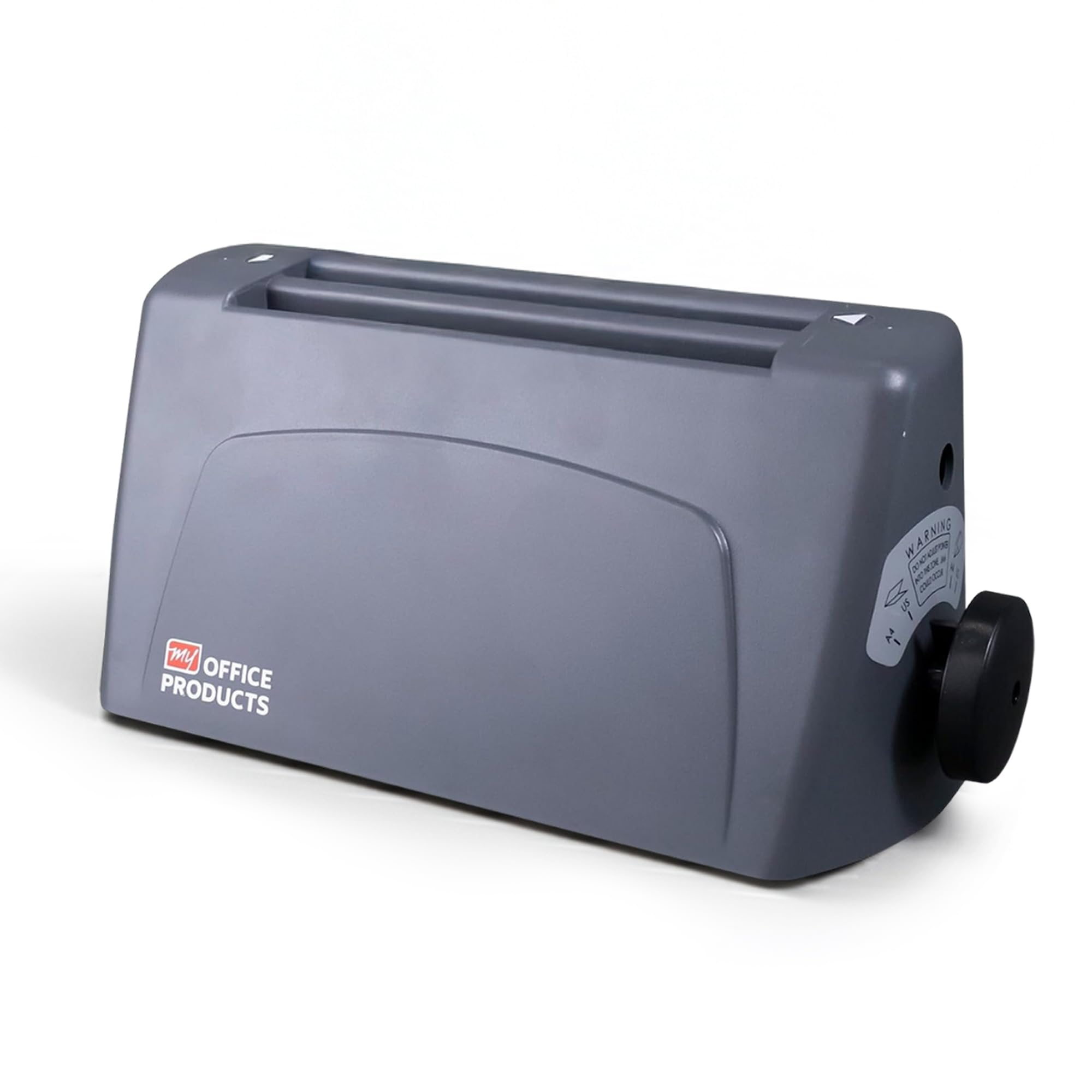
The featherweight desktop folder that slips into a small work area
When space is tight and your folding needs are modest, the Martin Yale P6500 is the compact manual-feed option that disappears onto a desk. At just 11 pounds and 14.25 x 6.75 x 7 inches, it is the lightest and smallest unit here — dramatically easier to tuck away than the 23-pound F100 or the 38.7-pound Formax. Its desktop design fits small mailrooms, schools, and offices where counter space is precious.
It folds 8.5 x 11 letter paper into tri-fold or half-fold formats, and its simple manual-feed, automatic-operation design means you slide each sheet in and the machine does the rest. The speed rating of 1,800 sheets per hour is the slowest in this lineup, but that is fine for daily routine folding rather than mass mailings. Reviewers point out it “Ran through 450 paper folds very easily,” and one satisfied user folded roughly 8,000 pages in six months — solid evidence that it handles steady light duty.
The catch is reliability: this is the most polarizing model in the group. Some owners swear by its perfect folds on letter paper, while others report it running non-stop after two months or needing careful straight feeding to avoid crinkled edges. The recurring warning is that crooked feed causes crumpled paper, and there is no paper guide to help alignment. Treat it as a budget-friendly desktop helper for careful operators, not a heavy-duty workhorse.
Small but specific: the best fit for a low-volume desk where the 11-pound size beats every rival, if you are willing to feed paper straight.
5. Martin Yale 1501X Automatic Paper Folder

The heavy-duty workhorse that folds stapled sets and offers five fold options
The Martin Yale 1501X stands out for a specific trick: it can fold stapled sets of up to three sheets by manually feeding them through the feed table bypass. That capability alone makes it the pick for offices that mail multi-page stapled documents. It handles standard 8.5″ x 11″ and 8.5″ x 14″ paper, and its five fold types — Letter, Half, Z, Double-Parallel, and Gate — cover nearly any job a mailroom throws at it.
Speed lands at up to 7,500 sheets per hour, putting it in the fast tier alongside the Formax. The adjustable paper tray system includes two catch trays that are not fixed to the machine, so you can position them where they work best for your space. Its 33-pound build and plastic-shell/metal-frame construction signal serious durability — shoppers say it replaces older machines with very few problems and handles heavy daily use.
The honest trade-off is jamming: this model gets the most complaints about misfeeds in the group, with one owner noting it “jams way to much” and another finding the pre-set z-fold jams easily and requires a full teardown. Longer-term users agree that once you learn its setup and feed rhythm, it performs reliably — but it rewards experience over impatience. If your staff is willing to learn it, the 1501X offers more fold-type variety than the United Office Products F100, which sticks to basic folds.
Where It Shines
- Folds stapled sets up to 3 sheets via manual bypass
- Five fold types, including Gate fold
- Fast 7,500 sheets per hour
- Flexible catch trays that reposition
Where It Tests You
- Frequent jamming is the most-mentioned owner complaint
- Setup is finicky and rewards hands-on learning
Pick this if: you fold stapled multi-page sets and need the widest selection of fold styles in one machine.
skip it if: you want a set-and-forget folder that tolerates sloppy feeding, or your staff won’t get trained on it.
6. Martin Yale 1611 Ease-of-Use AutoFolder
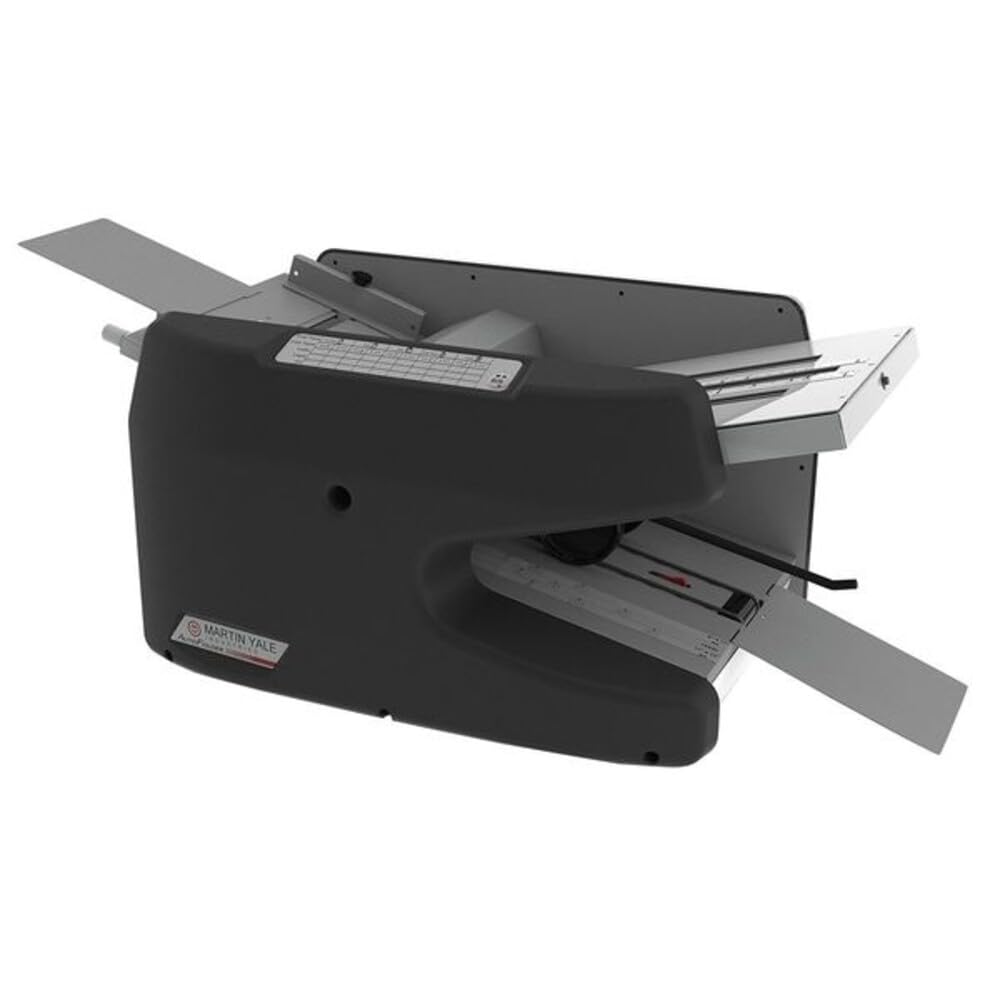
Self-centering paper guides that make setup genuinely easier for everyone
The Martin Yale 1611 earns its “Ease-of-Use” name with a feed system designed to remove guesswork. An improved feed system, self-centering paper guides, and a self-adjusting retarder mean you don’t have to fan paper or fine-tune tension — just load the stack and start. Removable fold tables and easy access to rollers also make cleaning and clearing jams far less painful than on older designs.
It handles a wide range of materials, from 16-pound bond up to 70-pound index, and sheet sizes from 3-1/2 x 5 inches up to 8-1/2 x 14 inches. That flexibility makes it a strong fit for offices that fold everything from lightweight letterheads to heavier card-style announcements. Owners say setup is quick and it works immediately, with color-coded fold directions for common jobs like tri-folds — and it even handles staples, managing 5 at a time during manual feeding.
The feedback is genuinely split: ease of use and overall quality draw the most praise, with one buyer calling it “Super fast. Easy to use.” But functionality gets mixed marks — some report it doesn’t work properly from day one, and a few find it noisy. At 42 pounds, it is a substantial desktop machine that won’t wander, but it is not portable. For a busy mailroom that values quick setup and broad paper compatibility, the 1611 is a worthy contender.
Easy and capable: the self-centering guides and wide paper-weight range make this the most forgiving Martin Yale for daily mixed-stock folding.
7. Martin Yale 1217A Automatic Paper Folder Machine
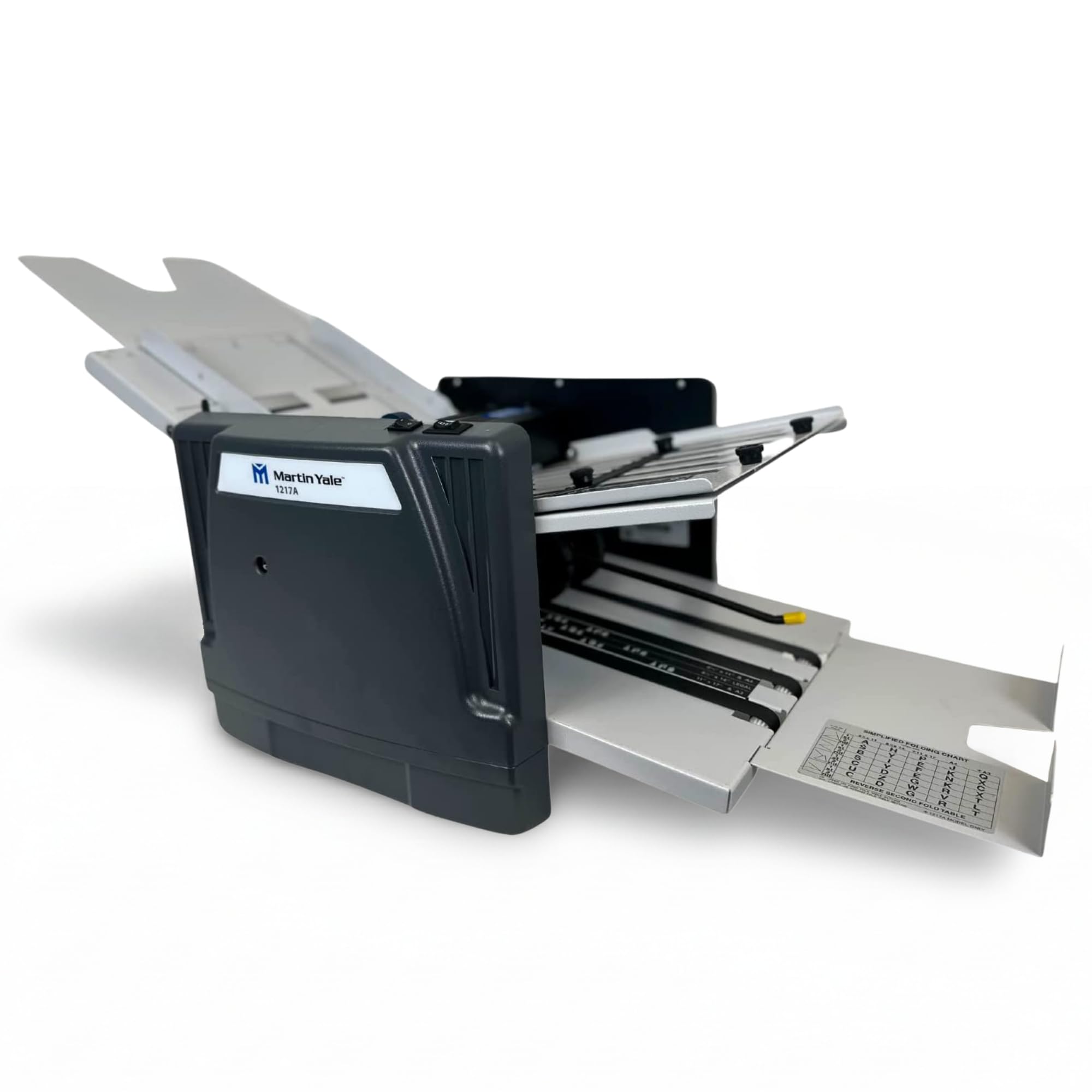
The fastest folder here at 10,300 sheets per hour for serious mailrooms
When folding volume is your whole job, the Martin Yale 1217A is the heavy-duty answer. Its 10,300 sheets per hour rating is the highest in this lineup, and it backs that speed with large rubber folding rollers that keep folds consistent and operation smooth. It feeds up to 250 sheets at a time and handles documents from 4″ x 4″ up to 12″ x 18″ — a much wider size range than the letter-focused machines.
Seven fold types give it the most versatility here, and two adjustable fold tables let you customize the fold precisely. A conveyor belt exit processes stapled or unstapled documents of up to five paper sheets through a manual bypass, so even bound sets move through. It comes with a simplified folding chart for quick reference, which helps new operators get oriented.
Buyers describe it as operating exactly as advertised: fast, flexible, and reliable on large formats and heavier stock, with folding accuracy earning strong praise once everything is squared up. The honest caveat is that initial setup is tricky — owners note the written instructions are unclear, and heavy 80lb cardstock can get mangled. It also weighs 59 pounds, so it is a permanent fixture rather than a movable helper. For a central mailroom, that trade-off is worth it.
The Big Strengths
- Top speed at 10,300 sheets per hour
- Seven fold types with two adjustable tables
- Handles oversized paper up to 12″ x 18″
- Folds stapled sets up to 5 sheets
Know the Costs
- Heavy at 59 pounds, so not portable
- Initial setup is tricky for first-timers
- Very heavy cardstock may not feed well
Get this for: a dedicated mailroom that folds big batches and oversized paper daily at peak speed.
Reconsider if: you only fold standard letters occasionally — the size and setup learning curve are overkill for light work.
Understanding the Specs
Sheets Per Hour
This is the headline speed rating, and it tells you how much work the machine can clear in an hour. The gap between tiers is huge — from 1,800 sheets per hour on a compact manual-feed unit up to 10,300 sheets per hour on a heavy-duty model. Match the speed to your busiest realistic day, not your average one, so you are never stuck mid-batch.
Feed System and Capacity
The feed method decides how much of your time the machine eats. Manual feed means you slide each sheet in by hand, which suits low volume. Hopper or drop-in feed systems hold a stack — anywhere from 50 to 250 sheets — and pull paper in automatically, which is what you want for large runs. A bigger hopper means fewer reloading stops.
FAQ
Will a paper folder handle stapled documents?
What is the difference between manual feed and automatic feed?
Can these machines fold legal-size 8.5 x 14 paper?
Why does my paper folder jam so often?
How heavy are these machines and do I need a stand?
What fold types should I look for?
Is a manual-feed folder ever worth buying?
How much staff training do these machines need?
Final Thoughts: The Verdict
If you want one dependable pick, the automatic paper folder winner is the Formax FD 300 because it pairs drop-in feed convenience with a fast 7,400 sheets per hour at a weight that still fits a desktop. If you want a lighter automatic-feed option for a small office, grab the Martin Yale P7500. And for a mailroom that needs maximum speed and oversized paper handling, the Martin Yale 1217A is the one to reach for.
How We Picked
We do not accept paid placement. Every pick is matched to a real buyer and a real use-case; we do not hands-on test units.
Sources & Methodology
Specifications: manufacturer listings and product documentation. Review insights: verified customer reviews, as of August 2026. Pricing: not shown on this page (it changes often); check the current price via the retailer link.
As an Amazon Associate, Gadgets Feed earns from qualifying purchases. This does not affect which products we feature.