
Our readers keep the lights on and my morning glass full of iced black tea. As an Amazon Associate, I earn from qualifying purchases.
Specs are compiled from manufacturer listings and verified buyer reviews and can change over time — please confirm the key details on the product page before buying.
You never have to pick a single favorite photo again — an automatic picture frame turns your phone’s camera roll into a slideshow that rotates by itself. The real question is which one handles your photos best, and that depends on three things: screen sharpness, storage, and how easily family can send new pictures from their own phones. Here are the top 9 models, from compact 10-inch frames to large 15.6-inch showpieces, with each spec translated into what it means for your daily use.
I’m Min — the founder and writer behind Gadgets Feed. This guide is built by comparing the manufacturers’ published specifications and the patterns across verified customer reviews, so you get each pick’s real strengths and trade-offs instead of marketing spin.
Whether it’s for your parents across the country or your own living room shelf, finding the right automatic picture frame means matching the screen size, storage, and sharing app to the people who will actually use it.
Our Picks at a Glance
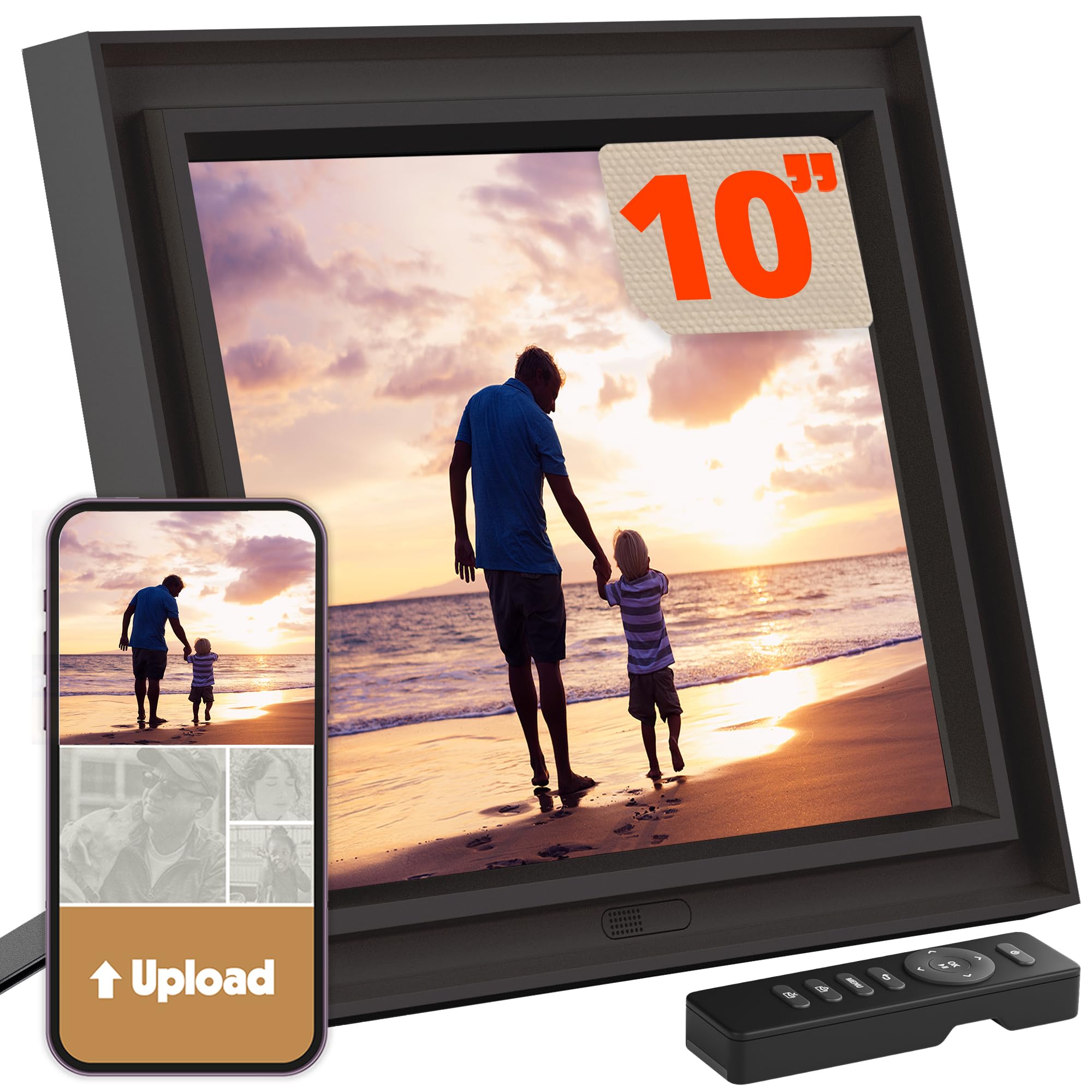
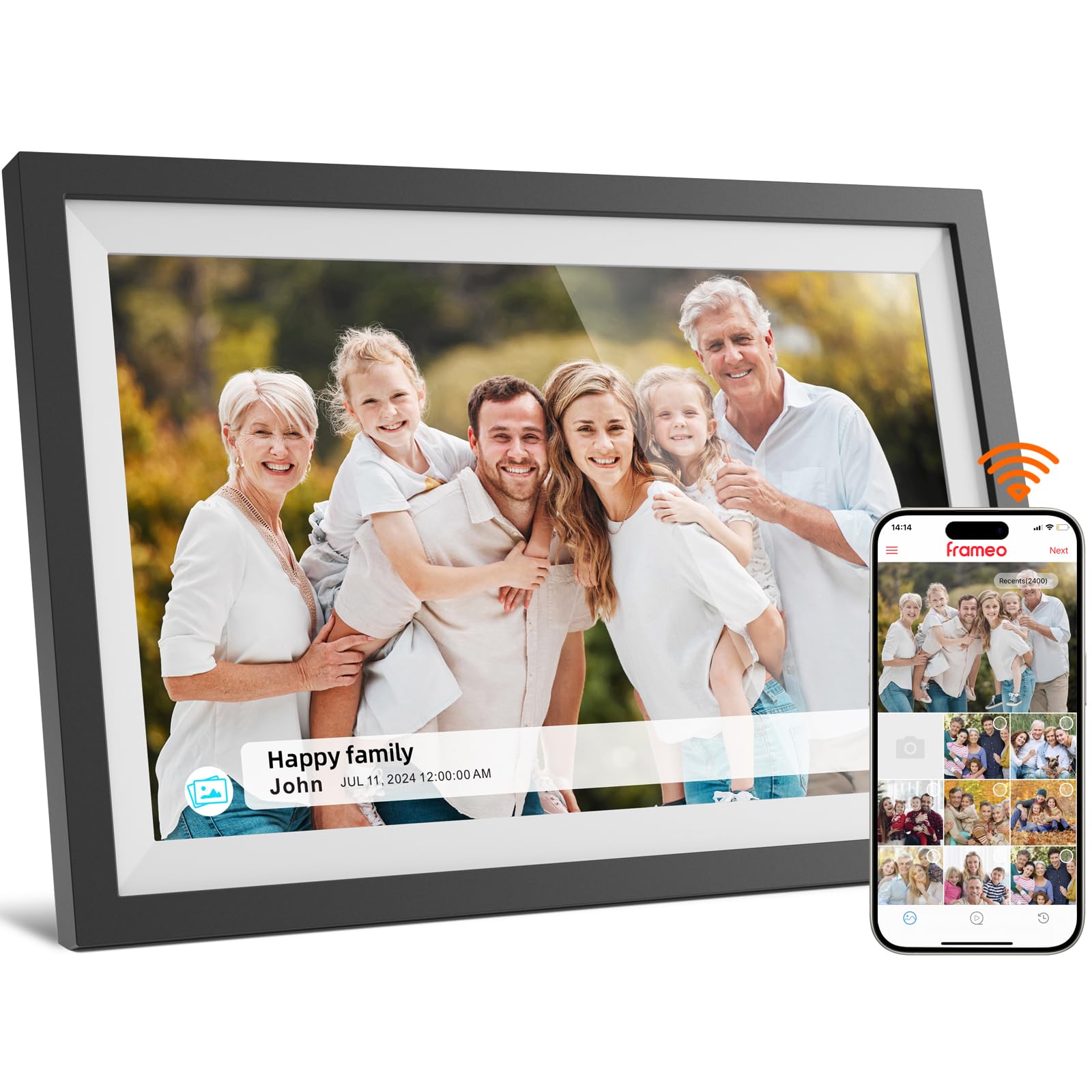
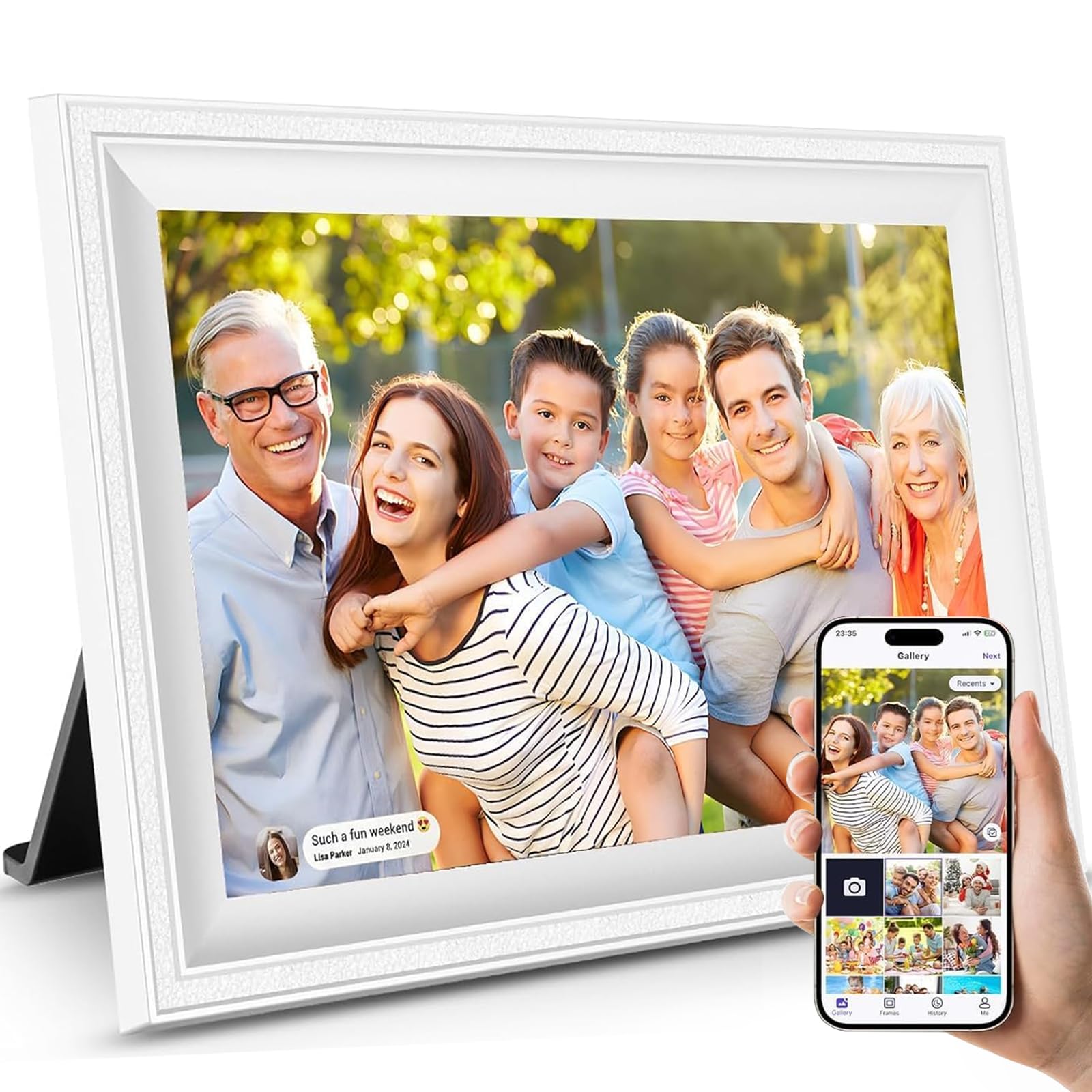
How To Choose The Best Automatic Picture Frame
An automatic frame is really a small computer with a screen, so the specs that matter are the ones that affect how it looks and how easy it is to feed it new photos. Focus on the display, the storage, and the sharing method before you worry about anything else.
Screen Size, Resolution, and Glass
Resolution determines how sharp photos appear on the screen. A 10.1-inch frame with 1280×800 resolution will look sharp up close, while a 15.6-inch frame at 1920×1080 keeps details clear on a larger canvas. IPS panels keep colors accurate when you view from an angle, and an anti-glare coating helps when the frame sits near a sunny window.
Storage and How Photos Get There
Built-in storage ranges from 16GB up to 64GB, which translates to anywhere from roughly 4,000 to 80,000+ photos depending on file size. Most frames support adding an SD card for extra space. The best sharing apps let anyone with a link or code send photos straight to the frame from their own phone.
Automatic Features That Actually Help
Auto-rotate flips portrait photos to fill the screen when the frame is oriented vertically. A motion sensor pauses the slideshow when no one is in the room to save power. Sleep timers turn the display off at night to avoid a glowing screen in your bedroom.
Quick Comparison
| Model | Best For | Screen Size | Resolution | Storage | Amazon |
|---|---|---|---|---|---|
| Pix-Star LUX 10.4″★ Best Overall | No-glare clarity | 10.4 inches | 1024×768 (XGA) | 16GB | Amazon |
| NETTIPS Frameo 10.1″Best Value | Ease of use | 10.1 inches | 1280×800 | 16GB | Amazon |
| JIUGEDPF 10.1″Wall-Mount Pick | Wall mounting | 10.1 inches | 1280×800 | 16GB | Amazon |
| FLYRUIT Frameo 15.6″ | Large gift display | 15.6 inches | 1920×1080 (FHD) | 32GB | Amazon |
| Humblestead AiMOR 15.6″ | Massive storage | 15.6 inches | 1920×1080 (FHD) | 64GB | Amazon |
| BIGASUO Frameo 15.6″ | Family sharing | 15.6 inches | 1920×1080 (FHD) | 64GB | Amazon |
| NexFoto Wood 15.6″ | Premium wood look | 15.6 inches | 1920×1080 (FHD) | 64GB | Amazon |
| Pexar by Lexar 11″ | 2K anti-glare detail | 11 inches | 2000×1200 (2K) | 32GB | Amazon |
| Aura Walden 15″ | Free unlimited cloud | 15 inches | 1280p (Full HD) | Unlimited cloud | Amazon |
In‑Depth Reviews
1. Pix-Star LUX 10.4″ Wi-Fi Digital Picture Frame
Our pick — over 4.5★ from 8,500+ verified ratings; the strongest balance of quality and price.
The frame that keeps every photo sharp, even in a bright, sunny room.
This Pix-Star leads the list because the thing everyone raves about is the no-glare 10.4-inch IPS display with 1024×768 resolution in a 4:3 shape. That 4:3 format is the strength here — your photos show in their original composition without cropping or black bars, which is the most common frustration with frames that force everything into a wide rectangle.
Setup is a strong point across the board, and the included remote keeps fingerprints off the screen. The motion sensor pauses the slideshow to save energy when you leave the room, and you can set custom sleep and wake hours. Storage is 16GB internal, but the unlimited lifetime cloud backup means you can manage up to 25 Pix-Star frames remotely, restore your full library if you replace the unit, and organize albums from your phone.
Buyers report loaded it with over 24,000 photos — easy setup and a beautiful display were the consistent takeaways. Wi-Fi 6 with dual-band 2.4/5GHz support transfers photos up to 10x faster than older Wi-Fi, and the SD/USB slot works even without internet. It also syncs Google Photos, Dropbox, OneDrive, and Flickr, so it fits into however you already store your pictures.
The Standout Strengths
- 4:3 no-glare display preserves full photo composition
- Motion sensor and sleep timer save power automatically
- Free unlimited cloud backup with remote management for multiple frames
- Runs on Wi-Fi 6 and doubles the RAM of older models for smooth slideshows
The Honest Trade-Offs
- Reliability and display performance draw mixed feedback from some owners
- No contrast control, which a few longtime users say they miss
- 10-inch size is on the smaller side for a living-room centerpiece
The smart pick: This is the frame to get when photo fidelity matters more than screen size, and when you want cloud backup that never expires.
Consider another if: You want a giant 15-inch display for a large wall — this one tops out at 10.4 inches.
2. NETTIPS Frameo 10.1″ Digital Picture Frame
A 10.1-inch touchscreen frame that grandparents find genuinely easy.
Ease of use is the #1 reason people pick this NETTIPS frame — it runs the popular Frameo app (a free app that lets friends and family send photos directly to the frame). Once you connect it to Wi-Fi, anyone you invite can push photos and videos (up to 15 seconds long) straight from their own phone. The interface is designed for all ages, making it a great fit for a non-tech-savvy parent.
The 10.1-inch IPS touchscreen delivers 1280×800 resolution, which keeps photos crisp and clear from any viewing angle. You can set it horizontally or vertically, and the auto-rotate function flips the photo to match. Storage is 16GB built-in, and a Micro SD slot expands things up to 32GB — enough room for roughly 4,000 photos at 3MB each.
The screen’s brightness and clarity get steady praise, and buyers love that it shows the time, date, and temperature alongside the slideshow. The picture quality is described as crisp, and the frame ships with a 1-year replacement warranty plus 30-day risk-free returns, so there’s little risk in trying it.
Why it wins: The Frameo app ecosystem is the friendliest sharing method around — almost everyone you’d want to send photos already has the app or can install it in seconds.
The catch: At 10.5″L x 7.2″W it sits noticeably wider than the Pix-Star’s footprint, and some buyers mention the frame size feels smaller in person than photos suggest.
3. JIUGEDPF 10.1″ Smart White Digital Picture Frame
A minimalist white frame that turns a blank wall into a rotating gallery.
This JIUGEDPF stands out because it’s designed to be wall-mounted, so it works as home decor, not just a tabletop gadget. The 10.1-inch screen runs at 1280×800 with a 16:10 ratio and a 178-degree viewing angle, which means colors hold up even if you’re walking past it at an angle. The slim white plastic frame keeps the look clean and modern.
Sharing runs through the companion app for iOS and Android — you can send photos or videos up to 15 seconds long directly from your phone, with no email and no fees. Privacy is a selling point here; sharing stays between the people you invite, and you control who can add to the frame. Built-in storage is 16GB, and the Micro SD slot expands up to 32GB to hold 40,000+ photos.
The software lets you tweak slideshow mode, playback order, hide specific photos, adjust brightness, and set a sleep schedule. It can even show the weather, time, and temperature. A 2-year warranty covers the frame, and the company says it has specialized in digital photo frames for over 10 years.
Perfect for decorators: The wall-mountable design makes this the pick when you want a photo frame that reads as intentional interior design rather than a gadget on a shelf.
Know this: Wi-Fi connectivity and memory capacity draw the most negative feedback, so position it reasonably close to your router and don’t skip the SD card if you plan a huge library.
4. FLYRUIT Frameo 15.6″ Digital Picture Frame

The 15.6-inch showpiece that makes far-away family feel like they’re in the room.
You buy this FLYRUIT for the screen — a 15.6-inch 1920×1080 Full HD IPS touchscreen that makes photos pop with vivid color from any viewing angle. Owners call it the easiest frame to operate and a natural fit for non-tech users, which is the highest compliment a gift frame can earn. The touchscreen responds directly to your finger, so scrolling and switching photos takes no learning curve.
Storage sits at 32GB built-in, expandable to 32GB more via a full-sized SD card or USB drive, holding 10,000+ photos at 3MB each. If Wi-Fi gives you trouble, this frame has fallbacks: pop in an SD card or USB drive in FAT32 format, or connect a USB-C cable straight to a computer. It supports JPG, JPEG, BMP, PNG images and MP4 video.
What makes it feel premium are the small touches — the Greeting feature sends a themed birthday wish to the frame, and React lets family respond to photos with cute emojis so the frame becomes a two-way conversation. It auto-rotates between portrait and landscape, and a sleep mode dims or turns off the display at night. Buyers love that the kids and grandkids in the family can send pictures directly to the frame.
The gift that keeps giving: The 16:9 full-HD screen plus unlimited family members makes this the frame to buy when you want a big, bright window into your family’s daily life.
A fair note: Videos cap at 15 seconds, and everyone shares through the same Frameo app, so you’ll want one designated “owner” to manage the settings.
5. Humblestead AiMOR 15.6″ Digital Picture Frame
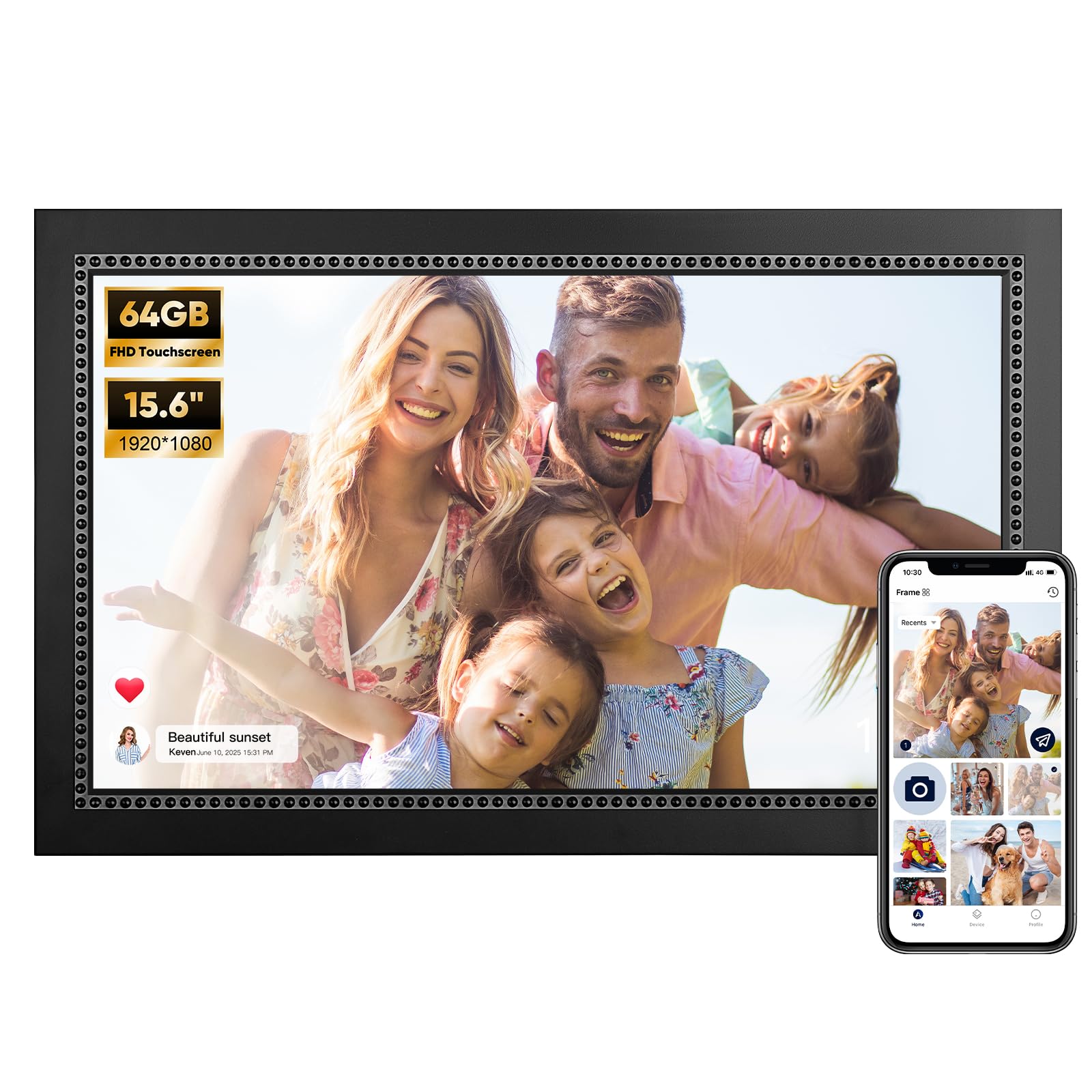
64GB of built-in space means you can load an entire photo history and forget about it.
The 64GB internal storage is the headline here — enough room for 80,000+ photos, which is a decade-plus of family snapshots in one frame. On the 15.6-inch 1920×1080 IPS touchscreen, those photos look crisp and clear, and the large display makes it a natural fit for a mantle or a shared family wall. It comes with a mounting hole, so you can hang it or stand it on a table.
Sharing runs through the AiMOR app, which lets unlimited family and friends join and upload photos and short clips (up to 15 seconds). Auto-rotation adjusts each image to portrait or landscape to fit the frame’s orientation, and a reserved mounting hole makes wall placement simple. The interface is straightforward for all ages.
Owners consistently praise the picture quality and the sheer amount of storage, and the frame gets steady marks for being well worth its price. The app handles photo uploads smoothly from a phone, and the wireless transfer is fast and stable. Security is covered too — the cloud servers are encrypted and GDPR compliant, so your family photos stay private.
The Storage Advantage
- 64GB built-in holds 80,000+ photos without an SD card
- 15.6-inch 1080p IPS touchscreen with crisp picture quality
- Mounting hole supports both wall and tabletop placement
- Auto-rotate adjusts every photo to portrait or landscape
Worth Knowing
- Reliability and wireless connectivity draw mixed feedback from some owners
- The 1080p display shows less detail if you inspect photos from very close range
- App only uploads photos stored locally on your phone, not from cloud libraries
Choose this for: The pure capacity — if you have tens of thousands of photos and want them all in one frame, no other pick in this guide matches the built-in storage space.
Look elsewhere if: Your photo library lives in Google Photos or iCloud and you want to sync it directly without transferring files to your phone first.
6. BIGASUO 15.6″ Frameo Digital Picture Frame
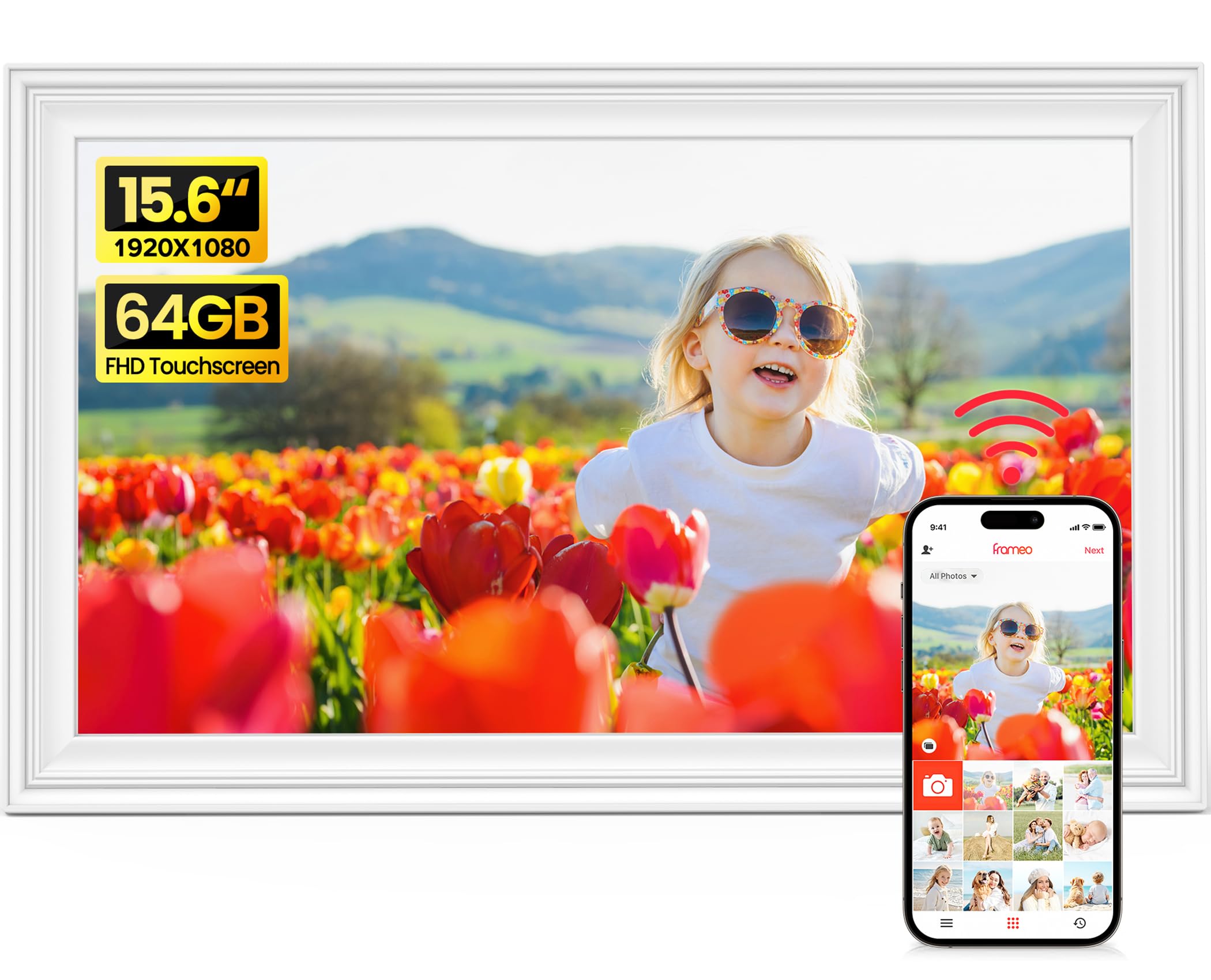
An officially licensed Frameo frame in a bright white finish, built for shared family albums.
This BIGASUO pairs the trusted Frameo app with a 15.6-inch FHD IPS touchscreen (a high-definition screen with wide viewing angles, so colors stay true from any seat in the room) and a clean white brushed finish that suits a modern living room. Being officially licensed by Frameo means you get the stable, familiar app experience millions of people already use — and if your family already has the app from another frame, they can connect to this one with zero new setup.
Storage is a generous 64GB, and the included SD card and USB drive in the box give you offline transfer options right away. Auto-rotate, slideshow, photo hiding, brightness adjustment, sleep mode, and custom album creation all come standard. The responsive touchscreen and quick setup in the free Frameo app suit even the least tech-confident family member.
The tabletop design keeps things simple — it’s a modern single-picture frame built for displaying photos and artwork indoors. Buyers describe it as bright and super clear, and even self-described technology-challenged owners find the setup easy. A one-year warranty backs it up, with responsive after-sales support.
The easy pitch: If your family already lives in the Frameo app, this is the least-friction way to add a big 15.6-inch frame to the mix — same app, more screen.
The honest limit: It’s tabletop-only with no wall-mounting hardware mentioned, so plan a shelf or sideboard spot for it.
7. NexFoto 15.6″ Wood Touchscreen Digital Picture Frame

A real wood frame that hides a 15.6-inch 1080p touchscreen behind a gallery look.
The wood finish is the defining feature here — it makes the frame look like a piece of furniture rather than a consumer gadget, and it comes in a gift-ready box that makes a strong first impression. Under that natural look sits a 15.6-inch 1920×1080 Full HD glossy touchscreen on an IPS panel, giving you wide viewing angles and vibrant colors from across the room. The built-in gravity sensor flips your pictures to the correct orientation automatically.
This is one of the rare frames that pulls photos from Google Photos directly through the NexFoto app, which is a huge convenience if your whole library lives there. Storage is 64GB internal, expandable via Micro SD up to 64GB more. It connects to both 2.4GHz and 5GHz Wi-Fi, which gives it an edge over frames that only support the slower 2.4GHz band.
Custom settings cover captions, slideshow playlists, weather, calendar, clock, and sleep mode. The built-in photo editor in the app lets you tweak photos before they hit the frame. Owners rate the image quality highly and appreciate both the app and USB/MicroSD/USB-C transfer options. A one-year warranty and support responses within 12 hours round it out.
For the design-conscious: The wood frame makes this the pick that blends into a well-decorated home rather than shouting “tech gadget” from the shelf.
Know the trade-offs: Reliability concerns with some units failing around the 13-month mark, and a few owners find the touchscreen lags with double-press errors. The app isn’t the most user-friendly, and some settings live only on the frame itself, not in the app.
8. Pexar by Lexar 11″ WiFi Digital Picture Frame

The 2K resolution frame that banishes glare for a crisp, reflection-free slideshow.
This is the sharpest screen in the lineup, and the defining reason to pick it. The 2000×1200 resolution (2K) in an 11-inch size packs more pixels per inch than any other frame here, and the anti-glare coating kills reflections from any angle. Owners describe the display as crisp, vibrant, and fantastic-looking — the kind of clarity you notice the first time you walk by it.
It runs the Frameo app, which owners call the best frame software around, and you can play photos straight from an SD card without Wi-Fi. It reads large 128GB SD cards in FAT32 format, so an offline library works beautifully. Internal storage is 32GB, enough for upwards of 40,000 photos at around 600KB each. You can also play from a USB-A flash drive.
Smart features include auto photo rotation, weather, clock, sleep mode, and the ability to react to photos with smiles from miles away. Setup is genuinely plug-in-and-go — connect it to Wi-Fi and start sharing from the app within seconds. There’s no subscription required, which owners consistently appreciate. One caveat: the app limits photo uploads to ten at a time, and reliability gets mixed feedback with some crashes reported.
Why the Display Wins
- 2000×1200 2K resolution is the highest pixel density of any frame here
- Anti-glare screen stays readable in bright, sunny rooms
- Plays photos from SD card or USB drive without any Wi-Fi
- No subscription required — build quality and picture quality get equal praise
The Limits
- App uploads photos only ten at a time
- AC-only power with no battery option
- Some owners mention occasional crashes
Buy it for: Maximum sharpness and zero glare — the 2K panel is a legitimate step above the 1080p frames, and the anti-glare coating matters if the frame sits near a window.
skip it if: You need a larger display; at 11 inches it’s smaller than the 15-inch showpieces on this list.
9. Aura Walden 15″ WiFi Digital Picture Frame

The Wirecutter-endorsed frame with free unlimited cloud storage and easy family sharing.
Aura is the name that gets recommended by The New York Times/Wirecutter, Wired, and Oprah’s Favorite Things, and this Walden is their largest wall-worthy model with a 15-inch, color-calibrated, anti-glare Full HD display. The headline benefit is the free, unlimited cloud storage — there are no subscription fees and no storage caps, which is the single biggest stress-reliever for anyone who wants to load years of photos without counting megabytes.
Setup takes minutes through the free Aura app, which works with both Apple and Android devices. The dual-orientation frame automatically adjusts screen brightness to the room, manages photo cropping so images always look right, and turns itself off automatically at night. It includes a built-in speaker for playing videos, and a tabletop stand plus wall-mounting kit come in the box.
Because it’s so large and well-made, it genuinely looks like part of the furniture. Owners describe the display as high-resolution and highly visible even in daylight, and a surprising number of reviews come from people who bought it for an elderly parent — one 83-year-old recipient loves it. The white clay finish and sturdy stand earn consistent praise.
The catch is the price and a few control quirks — there’s no way to turn the frame off directly on the device (it reactivates), and the phone-as-remote has a slight lag. But the picture quality, the simple sharing, and the unlimited storage make it the premium pick for a family that wants a “set and forget” experience.
The premium verdict: If you want the frame that requires the least ongoing effort — free unlimited cloud storage, automatic everything, and editor-approved quality — and you’re willing to pay for it, this is the one.
The honest note: It’s the most expensive frame here, and a few owners wish they could power it down from the frame itself instead of using the app.
Understanding the Specs
Resolution and Panel Type
Resolution tells you how many pixels are packed into the screen — higher numbers mean sharper photos. A 10-inch frame at 1280×800 looks crisp up close, while a 15.6-inch frame needs 1920×1080 (Full HD) to keep details sharp on a bigger canvas. IPS panels keep colors accurate when you’re viewing from an angle, which matters when the frame sits on a shelf and you walk past it throughout the day.
Storage: Built-in vs. Cloud
Built-in storage (16GB to 64GB) determines how many photos live on the frame itself. A 3MB photo takes up roughly the same space on any frame, so 16GB holds about 4,000 photos while 64GB holds far more. Cloud storage (like Pix-Star’s unlimited backup or Aura’s free unlimited storage) means your photos live safely online and can be restored to a new frame instantly — but cloud services vary, and some frames only support local transfer.
FAQ
What does auto-rotate actually do on a picture frame?
How do family members send photos to the frame from their own phones?
How many photos can a 16GB frame hold?
Is a subscription required to use an automatic picture frame?
Does the frame work if there is no Wi-Fi?
What is the difference between IPS and standard LCD screens on a frame?
How does the motion sensor save power on a frame?
Can a picture frame be mounted on the wall?
What is the ideal viewing distance for a 15.6-inch frame?
Final Thoughts: The Verdict
If you want one dependable pick, the automatic picture frame winner is the Pix-Star LUX 10.4″ because the no-glare 4:3 display preserves your photos’ original composition and the free unlimited cloud storage makes managing multiple frames easy. If you want the largest, brightest screen for a family wall, grab the FLYRUIT 15.6″ — the 1080p Full HD display and friendly Frameo app make it the easiest big-frame gift. And if your library is massive, the Humblestead 15.6″ with 64GB of built-in storage is the one to reach for, holding 80,000+ photos without ever needing an SD card.
How We Picked
We do not accept paid placement. Every pick is matched to a real buyer and a real use-case; we do not hands-on test units.
Sources & Methodology
Specifications: manufacturer listings and product documentation. Review insights: verified customer reviews, as of August 2026. Pricing: not shown on this page (it changes often); check the current price via the retailer link.
As an Amazon Associate, Gadgets Feed earns from qualifying purchases. This does not affect which products we feature.