
Our readers keep the lights on and my morning glass full of iced black tea. As an Amazon Associate, I earn from qualifying purchases.
Specs are compiled from manufacturer listings and verified buyer reviews and can change over time — please confirm the key details on the product page before buying.
Picking a flash drive feels simple until you realize the one you grabbed transfers files at a crawl or dies right after the warranty does. What actually matters is matching the drive to how you’ll use it—whether that’s shuttling huge video files daily or just keeping a few documents in your pocket. This guide compares the real-world speed, durability, and compatibility of nine standout models to help you pick the right one.
I’m Min — the founder and writer behind Gadgets Feed. This guide is built by comparing the manufacturers’ published specifications and the patterns across verified customer reviews, so you get each pick’s real strengths and trade-offs instead of marketing spin.
The search for the best deal can feel endless, but this roundup of awesome usb flash drives cuts through the noise to highlight which models truly deliver on speed and reliability.
Our Picks at a Glance

How To Choose The Best Awesome USB Flash Drives
Before you click buy, think about the biggest files you move and the devices you plug into. A phone-friendly drive may struggle with large video transfers to a laptop. Understanding read vs. write speeds and checking for dual connectors prevents slow transfers and adapter headaches.
Decode Speed Claims: Read vs Write
Manufacturers advertise the fastest read speed, which is how quickly you pull data off the drive. Writing data to the drive is usually much slower, and that’s the number that dictates how long you wait. For large backups or OS installs, prioritize a drive with fast write speeds.
Match the Connector to Your Devices
USB-C fits modern laptops and Android phones; USB-A fits older computers and accessories. A dual-connector drive with both USB-C and USB-A lets you move files between phone and laptop without an adapter. If you use only one port type, a single-connector drive is simpler and more reliable.
Quick Comparison
| Model | Best For | Read Speed | Write Speed | Capacity | Amazon |
|---|---|---|---|---|---|
| SANDISK Ultra CZ48★ Best Overall | Everyday Workhorse | 100 MB/s | — | 128GB | Amazon |
| SAMSUNG BAR PlusTop Performer | Top-Tier Performance | 300 MB/s | — | 128GB | Amazon |
| SANDISK Ultra FlairAlso Great | Best Overall | 150 MB/s | — | 128GB | Amazon |
| Lexar Dual Drive D400 | iPhone 15 & Android | 130 MB/s | — | 128GB | Amazon |
| Amazon Basics USB 3.1 | Reliable Storage | 130 MB/s | 30 MB/s | 128GB | Amazon |
| KOOTION USB C OTG | Phone-to-Laptop Transfer | 90 MB/s | 30 MB/s | 32GB | Amazon |
| KOOTION Retractable 64GB | Budget Keychain Drive | 60 MB/s | 15 MB/s | 64GB | Amazon |
| Marryler 230GB Stick | Massive Storage | — | — | 230GB | Amazon |
| myemuun 2-Pack 128GB | Budget Dual-Drive Bundle | — | — | 128GB x2 | Amazon |
In‑Depth Reviews
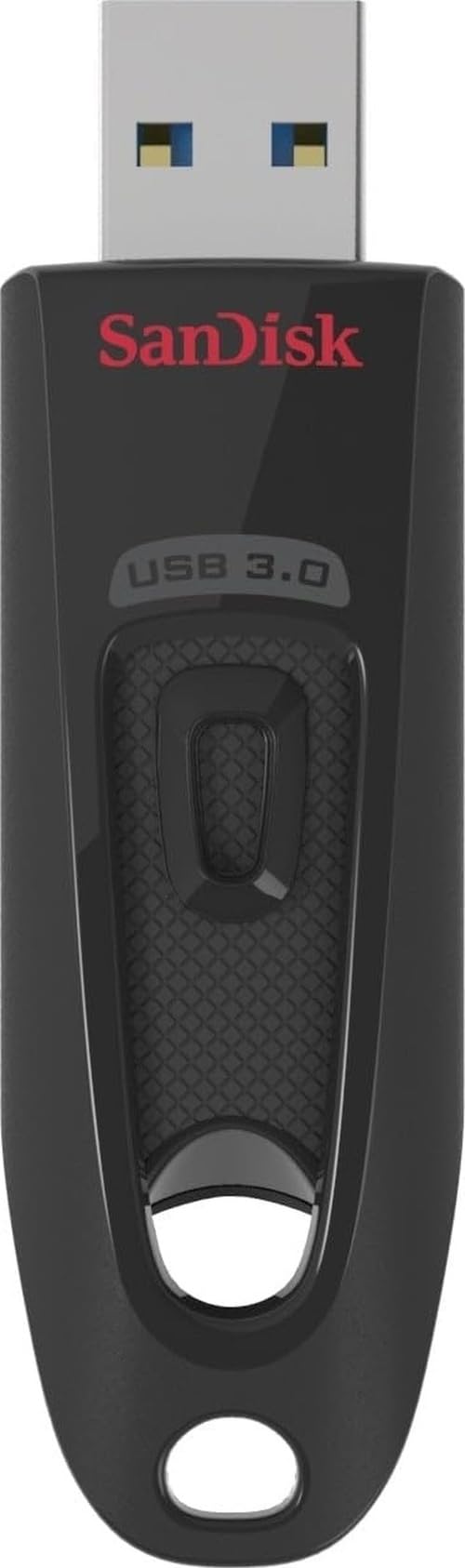
1. SANDISK 128GB Ultra USB 3.0 Flash Drive (CZ48)
Our pick — over 4.5★ from 133,000+ verified ratings; the strongest balance of quality and price.
The trusted classic that’s a favorite for bootable drives and PC rescue missions.
This is the drive that people buy again and again, and its reputation is enormous—a 4.7-star rating from over 130,000 owners is hard to ignore. It reads at up to 100MB/s and is USB 3.0 enabled, which SanDisk says moves large files up to ten times faster than USB 2.0 drives. It’s also backward compatible, so it works in older ports too.
Owners praise its reliability most, with many using it to create bootable USB drives (a drive that starts up your computer) for Windows or Linux installs and PC recovery. They call it plug-and-play, fast on both PC and Mac, and slim enough to slip in a pocket. The 128GB capacity gives you room for lots of files, and it includes a one-year subscription to Rescue PRO Deluxe file recovery software, so you can retrieve deleted data if something goes wrong.
The catch: writing large files is slow—buyers report transfer times around 15 MB/s when saving, even though reading is normal speed. Durability reports are mixed, too. One owner put it plainly: “Works great for everything overall but for what I need it to do it take a long time to transfer stuff.” For reading and portable storage it’s excellent, but if you write lots of data, pick a faster drive.
Bootable drive hero: Its reliability makes it the go-to for OS installs and recovery USBs, even if large writes are slow.
Who it’s for: PC tinkerers and anyone who needs a dependable drive for daily use and system recovery.
Who it’s not for: people who frequently copy big folders—the slow write speed will test your patience.
2. SAMSUNG BAR Plus USB 3.1 Flash Drive
The armored flagship that shrugs off keychains, drops, and even the washing machine.
This is the drive you buy when your data is too important to trust to flimsy plastic. Its solid metal body is built to survive real life—think waterproof, shock-proof, temperature-proof, magnet-proof, and X-ray-proof—so you can clip it to your keys without a second thought. Inside, it delivers read speeds up to 300 MB/s, which means a 3GB 4K video file moves to your PC in about 10 seconds.
The performance here is backed by a 5-year limited warranty, a sign of the maker’s confidence. Reliability earns the most praise by a wide margin, with owners describing how the metal casing survives crushing and constant travel without a hiccup. It also runs hot during very heavy use, like copying 50GB in one go, though people note the aluminum body helps shed that heat and performance never dips.
What wins people over is the blend of speed and toughness—it’s one of the few drives that feels genuinely premium in the hand. The recurring practical note is that real-world write speeds hover around 60 MB/s, so the headline 400MB/s number is about reading, not writing. For backups, media libraries, and anyone who wants a drive that outlasts their laptop, this is the one.
The speed demon: Read speeds of up to 300 MB/s make this the fastest pick here, and the rugged build means you don’t have to treat it gently.
Reach for this if: you need a tough, high-speed drive for large video files and backups.
Look elsewhere if: you’re on a tight budget or only move small documents—the speed premium won’t matter to you.
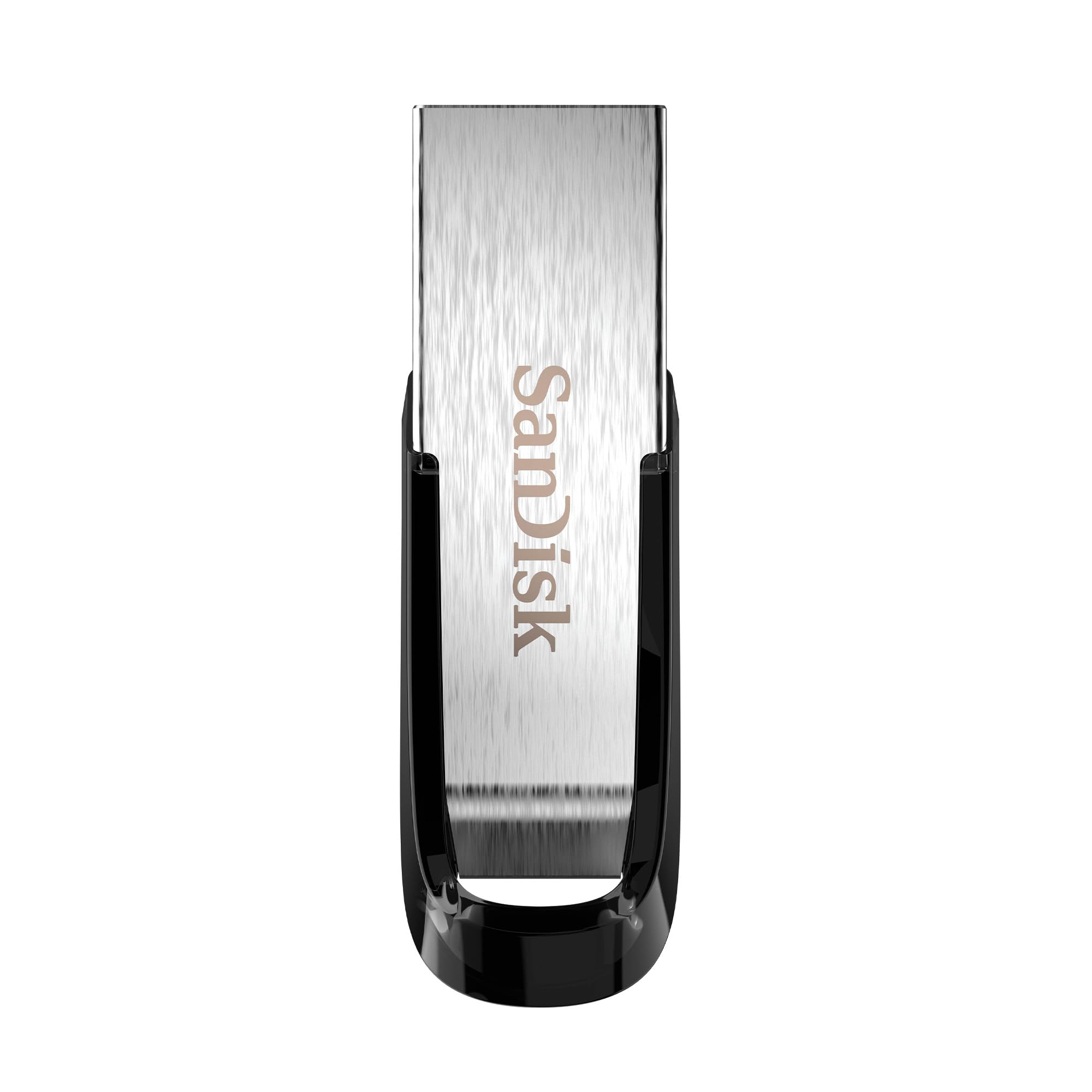
3. SANDISK 128GB Ultra Flair USB 3.0 Flash Drive
The balanced all-rounder with a pocket-friendly metal body and genuinely fast transfers.
This drive earns its “Best Overall” spot by nailing the essentials, and its popularity proves it—it’s the crowd favorite with a strong 4.6-star rating across over 200,000 owners. It reads at up to 150MB/s, which SanDisk says is 15 times faster than standard USB 2.0 drives, so moving a full-length movie takes well under 30 seconds. The sleek metal casing feels tough and premium, not like the flimsy plastic of cheaper sticks.
Quality is the thing everyone praises most here, with owners calling the all-metal build solid and dependable for everything from camera bags to daily work. The compact size draws mixed reactions—some love that it fits anywhere, while others worry it’s small enough to lose easily. Another trade-off is heat: the drive gets warm during heavy transfers, though it never stops working.
Unlike the plastic Amazon Basics drive below, this one adds a touch of durability with its metal shell at a reasonable price. Speed for reading is excellent, but like most flash drives, writing large amounts of data is slower than the headline number suggests. For a dependable everyday drive that balances cost, build, and velocity, this is the one to beat.
What you get
- Durable metal casing that feels premium
- Up to 150MB/s read speed
- 128GB holds a huge media library
The trade-offs
- Gets warm during heavy transfers
- Small size makes it easy to misplace
Who it suits: most people—students, professionals, and anyone who wants a fast, reliable drive without fuss.
Think twice if: you tend to lose small items; the compact body is a genuine risk.
4. Lexar 128GB JumpDrive Dual Drive D400
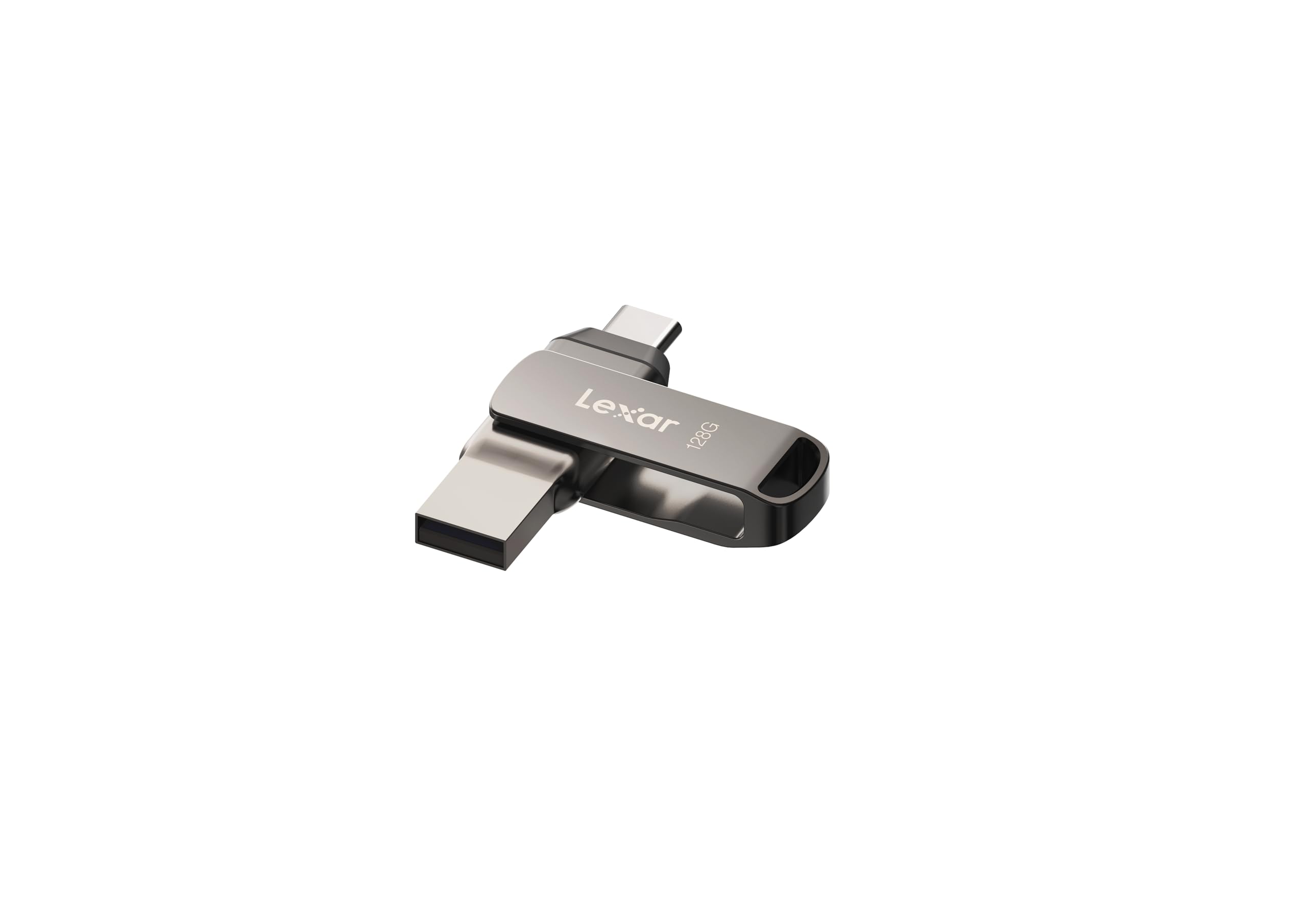
The dual-headed swivel that moves photos straight from your phone to your PC.
Run out of phone storage and this drive bails you out. It has both a USB Type-C and a USB Type-A connector, so you can plug it into your iPhone 15 or Android phone to back up photos, then flip the swivel and plug it into any laptop—no adapter needed. It uses USB 3.2 Gen 1 (a fast data transfer standard) with read speeds up to 130MB/s, which owners say is plenty quick for photo backups and daily file moves.
Speed is the most-praised feature, with people noting it works instantly on PC, Mac, and Android devices like the Pixel 6. The metal housing and swivel design add a layer of protection, though the lack of a connector cap means the exposed port could gather dust. It’s worth knowing that some of the storage is used by Lexar’s own software—one owner reported 116GB usable out of 128GB—so factor that in.
Compared to the myemuun 2-pack below, this drive is pricier but far more reliable, with a much stronger reputation for actually working. The swivel mechanism draws mixed durability feedback, so it’s best treated with reasonable care. For anyone juggling a modern phone and a traditional laptop, this dual-connector convenience is hard to top.
Phone lifesaver: The dual Type-C and Type-A ports mean you can free up phone space and transfer to a PC without hunting for adapters.
Best for: iPhone 15 and Android owners who want easy photo backups.
Not for: anyone who wants a fully sealed, cap-protected connector.
5. Amazon Basics 128 GB Ultra Fast USB 3.1 Flash Drive

The simple, retractable workhorse that just works without any setup fuss.
Sometimes you want a drive that does exactly what it says with zero complications, and that’s this Amazon Basics model. The 128GB capacity stores a mountain of files, and the USB 3.1 connection delivers read speeds up to 130MB/s and write speeds up to 30MB/s. It arrives formatted in FAT32 so it works instantly with both Windows and Mac, though you’ll need to reformat it to exFAT or NTFS if you plan to move files larger than 4GB.
Reliability is the most-praised aspect here, with owners describing it as a sturdy plastic drive with quick recognition on Windows and Linux and no data corruption. The retractable, telescopic design protects the connector and includes a key hole for clipping to your lanyard, though it’s not built for rough keychain abuse. It’s also remarkably light at 8.53 g, so you’ll forget it’s in your pocket.
Owners who reformatted to NTFS report real-world transfer speeds of 180-200 MB/s, beating the advertised numbers, and instant detection on projectors for smooth playback. The trade-off is that basic plastic build—this is a desktop drawer drive, not a rugged travel companion. For sheer plug-and-play reliability at a friendly price, it’s a smart pick.
No-fuss storage: A dependable, retractable drive that’s ready to use the second you plug it in, with reliability as its standout trait.
Reach for this if: you want a straightforward, reliable drive for documents and media and don’t need metal armor.
skip it if: you plan to carry it on a keychain daily—the plastic body isn’t rugged.
6. KOOTION USB C Flash Drive 32GB 2-in-1 OTG
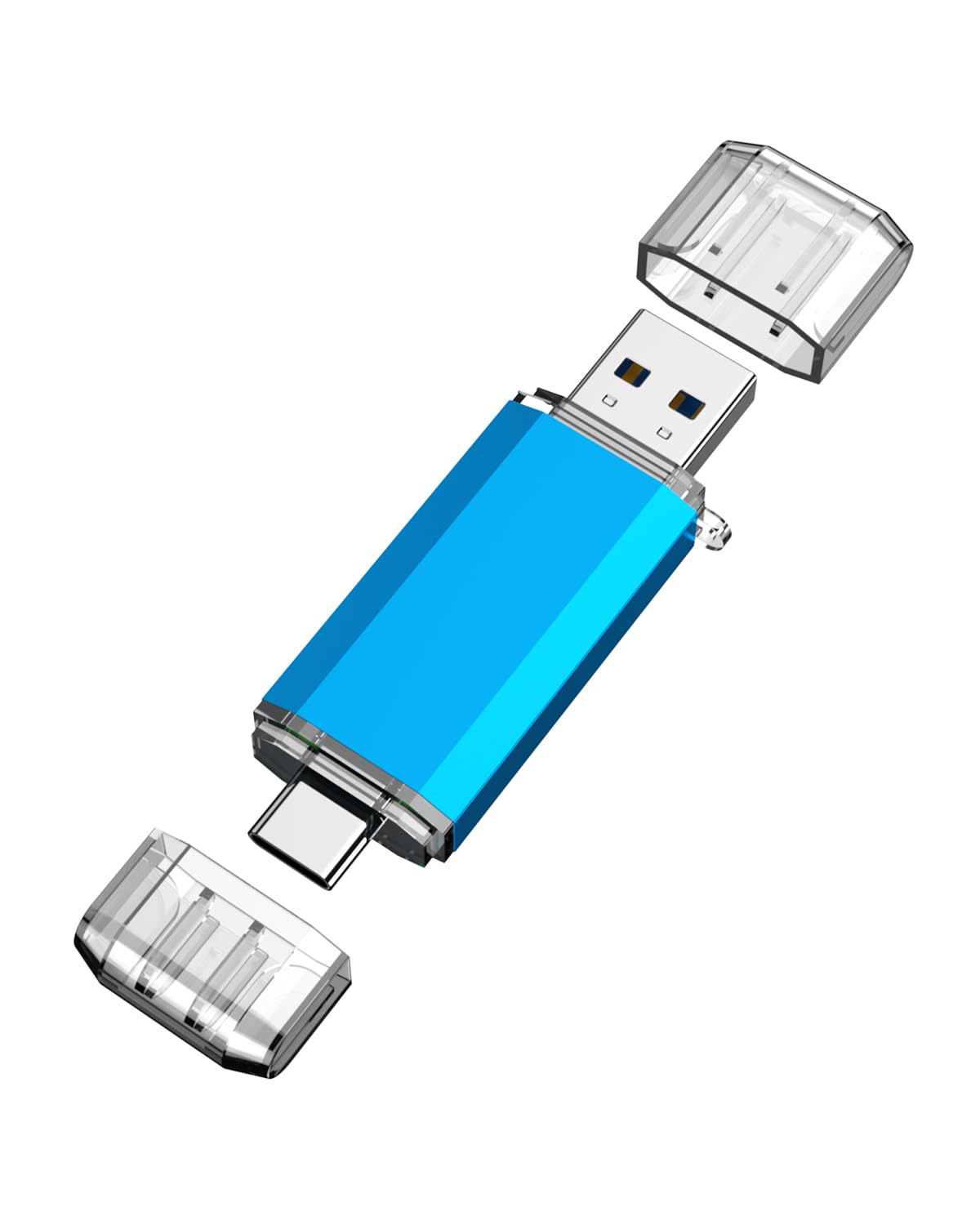
The tiny dual-port bridge that syncs your Galaxy phone and laptop in seconds.
This little drive is built for one great trick: moving files between a USB-C phone and a USB-A computer without any adapter. It has both a USB 3.0 port and a USB-C port, and it works with any Android phone that has OTG function—just remember to enable OTG in your phone’s settings first. Owners have used it successfully with a Steam Deck and a Samsung Galaxy S24.
Functionality earns the most praise, with people calling it a lifesaver that’s quick and easy once you learn the sequence. It reads at up to 90 MB/s and writes at up to 30 MB/s—twice the write speed of its cheaper KOOTION sibling below. At just 10 g and 0.3 inches thick, it’s noticeably smaller and lighter than the bulkier CZ48, making it a true pocket companion.
There’s an important fit note: the design may not socket fully into a phone that has a thick case, so you might need to remove the case to establish a connection. It also won’t register on iPhones, which don’t recognize it as a drive. For Android users who want a compact, affordable way to shuttle files, this is a very solid choice.
True 2-in-1: The USB-C and USB-A combo, plus a 90 MB/s read speed, makes phone-to-laptop transfers easy.
Reach for this if: you have an Android phone and want adapter-free file transfers.
Think twice if: you use a thick phone case or an iPhone—both can be dealbreakers here.
7. KOOTION Flash Drive 64GB USB 3.0 Retractable

A wallet-friendly retractable stick with a keyring hole and a blinking status light.
If you want a cheap, cheerful drive to clip to your keys and forget about, this one delivers. The 64GB capacity is plenty for documents and music, and the slide-in, slide-out retractable design keeps the connector protected when it’s bouncing around in your bag. A built-in LED indicator flashes to show activity, and the integrated lanyard hole means you can attach it to a keychain or backpack.
Owners praise its value most, with one reporting real-world transfer speeds of about 30 MB/s—double the 15MB/s minimum write speed advertised. They said, “I am consistently getting about 30 MB/s transfer speed, which I am very satisfied with.” It comes formatted in exFAT (a file system that works across devices) and ready to use, compatible with Windows, Mac, and Linux. At 9.07 g, it’s a hair lighter than the KOOTION dual-port drive.
The honest catch is that quality and reliability get mixed feedback—some owners find it works flawlessly for OS installs like Ubuntu, while others report units that don’t work at all. It’s also slow compared to premium drives, maxing out at a 60 MB/s read. For a low-stakes backup or classroom drive, it’s a fine budget pick, but it’s not where you should store your only copy of important files.
Budget champ: Great value for 64GB with a retractable design, though quality control varies.
Best for: students or casual users who need a cheap, replaceable drive for school files.
Not for: critical backups—the mixed reliability reports mean you shouldn’t trust it with your only copy.
8. Marryler 230GB USB Flash Drive Metal Stick

An unusual 230GB capacity in a slim metal shell that slides into a smallest pocket.
This drive stands out for its odd-but-useful 230GB capacity, which gives you more room than the typical 128GB sticks without jumping to a pricier 256GB tier. The metal casing is waterproof, shockproof, dustproof, and X-ray resistant, so it’s built to survive daily pocket life. A keychain loop on the end lets you attach it to a bag or wallet so it’s always within reach.
Storage capacity is what owners praise most, with one noting it “takes up very little room” while holding a huge amount of media. The compact profile and light weight make it easy to carry everywhere, and the plug-and-play design needs no app or manual. For someone with a big music or photo collection, this much space at this price point is genuinely appealing.
Manage your expectations here: this is a USB 2.0 drive (an older, slower standard), so transfers are slow, and reliability reports are mixed—some owners describe files vanishing and Windows asking for a scan and repair, while others say it’s dependable and well-made. It’s a budget gamble. If you need 230GB cheaply and can handle slow speeds, it works; if your data matters, spend more on a proven brand.
Space monster: The rare 230GB capacity gives you enormous storage for media, but the USB 2.0 speed is a real limitation.
Reach for this if: you need maximum storage for the money and don’t mind slow transfers.
Look elsewhere if: your files are irreplaceable—the mixed reliability reports are a genuine warning.
9. myemuun 2-Pack 128GB USB C Flash Drive Dual Type-C + USB A

Two 128GB dual-port drives in one box, so you can back up without buying twice.
This is a pure value play: you get two 128GB flash drives—one black, one blue—each with both USB-C and USB-A connectors, so you can use one for work and one for personal files. The dual design works across phones, tablets, MacBooks, and PCs with no adapter needed, and it’s plug-and-play with no drivers to install. The color coding makes it easy to tell your drives apart at a glance.
Versatility earns the most praise, with owners finding it ideal for both professional and personal storage, holding thousands of photos with room to spare. The convenience of switching between USB-C and USB-A is frequently called out as easy. For someone who needs to move files between a modern laptop and an older desktop, having two drives ready to go is genuinely handy.
The blunt truth is this is a USB 2.0 drive, so don’t expect speed, and reliability reports are very mixed—some units work fine while others fail to register at all, including on iPhones. Compared to the Lexar D400 above, this is far riskier. If you need two cheap drives for casual use and can accept the gamble, it’s a bargain; for important data, it’s a roll of the dice.
Double the drives: Two 128GB dual-connector sticks make backups easy, but USB 2.0 speed and mixed reliability hold it back.
Who it suits: bargain hunters who want two drives for casual, non-critical file moving.
Who it doesn’t: anyone who needs reliable performance or iPhone compatibility.
Understanding the Specs
Read vs Write Speed
Read speed determines how quickly you open or copy files from the drive. Write speed is how fast you save files onto the drive, which is usually much slower. For big backups and OS installs, prioritize a fast write speed; if you mostly just store and read files, the read speed matters more.
USB Standards and Connectors
USB 3.0, 3.1, and 3.2 are backward-compatible standards that mostly dictate speed, with 3.2 Gen 1 being the fastest common one. The connector shape matters more practically: USB-A fits older computers, while USB-C fits modern laptops and Android phones. A dual-connector drive covers both worlds without needing an adapter.
FAQ
What is the real difference between USB 3.0 and USB 2.0 flash drives?
Will a USB-C flash drive work with my older laptop?
Can I use these flash drives with my Android phone?
Will a flash drive work with my iPhone?
Why is the actual storage capacity less than what’s printed on the drive?
What does it mean if a flash drive is “retractable”?
How do I move files larger than 4GB onto a flash drive?
Can I create a bootable USB drive for installing an operating system?
Final Thoughts: The Verdict
For most people, the winner is the SANDISK Ultra Flair because it nails the balance of speed, build quality, and value that everyday users need. If speed and toughness are your top priorities, the SAMSUNG BAR Plus is the one to grab, with its 300 MB/s read speeds and rugged metal body. And for phone-to-laptop file moving, the Lexar D400 with its dual USB-C and USB-A connectors is the smartest pick.
How We Picked
We do not accept paid placement. Every pick is matched to a real buyer and a real use-case; we do not hands-on test units.
Sources & Methodology
Specifications: manufacturer listings and product documentation. Review insights: verified customer reviews, as of August 2026. Pricing: not shown on this page (it changes often); check the current price via the retailer link.
As an Amazon Associate, Gadgets Feed earns from qualifying purchases. This does not affect which products we feature.