
Every long family drive follows the same script: fifteen minutes of peace, then the first groan from the backseat. Before you hit the highway, you need a dedicated rear-seat display that keeps passengers entertained without draining your phone’s battery or fighting for a single tablet. The right setup turns a minivan into a mobile theater and transforms road trip dread into quiet, engaged travel time.
I’m Min — the co-founder and writer behind Gadgets Feed. My research involves cross-referencing processor benchmarks, panel resolutions, and connectivity standards across dozens of products to isolate which back seat screens actually deliver reliable performance for real families.
After analyzing screen sizes, OS stability, audio routing, and mounting hardware across the market, these picks represent the strongest options available today. This guide to the best back seat screen breaks down exactly what matters before you buy.
How To Choose The Best Back Seat Screen
Not all rear-seat displays work the same way. Some run full Android operating systems with app stores, while others rely on physical discs or HDMI input. Your choice depends on whether you need offline DVD playback, streaming from a phone hotspot, or the ability to plug in a game console. Start by identifying your primary use case — then match the specs below.
Screen Size and Resolution Basics
Larger screens deliver a more immersive experience, but they also add weight and may block the driver’s rearview if positioned poorly. Most back seat screens range from 10 to 15.6 inches diagonally. Resolution matters more than raw size — a 1920×1080 panel at 12 inches looks sharper than a 1024×600 panel at 15 inches. Higher pixel density reduces eye strain during long viewing sessions and makes subtitles or map details readable at a glance. IPS panels are preferable for their wider viewing angles, which matter when kids are seated off-center.
Operating System vs. Dedicated DVD Players
Android-based screens let you download streaming apps like Netflix, YouTube, and Disney+ directly, provided you have a mobile hotspot or built-in car Wi-Fi. The downside: Android versions vary, and some budget units ship with outdated Android 10 or 11 that may lack security patches. Dedicated DVD players offer reliability — no buffering, no app crashes — but limit content to what you own on disc. Some households prefer DVD units for younger children because there is less distraction from app notifications or game stores.
Audio Routing Options
The biggest tension in a car with a back seat screen is audio conflict. You have four paths: wired headphones (zero front-seat bleed), Bluetooth headphones (wire-free but need charging), built-in speakers (audible to everyone), or FM transmitter (streams through car speakers, but quality varies and static can occur). Models with a 3.5mm headphone jack per screen are the most reliable peacekeeper for families where one passenger wants to nap and another wants to watch.
Quick Comparison
On smaller screens, swipe sideways to see the full table.
| Model | Category | Best For | Key Spec | Amazon |
|---|---|---|---|---|
| WONNIE 12″ Dual DVD | Dual Screen DVD | Two kids watching separate movies | 5-hour rechargeable battery | Amazon |
| Seventour 14″ 4K Android | Android Streaming | Highest resolution streaming | 2240×1400 IPS display | Amazon |
| AINAVI 13.5″ Android 13 | Android Streaming | Premium dual-unit setups | 1920×1280, 2GB+32GB | Amazon |
| AINAVITO 13.5″ 4G+64GB | Flagship Android | Parental control & offline storage | 1920×1280, 4GB RAM | Amazon |
| AINAVIGO 10.8″ Android 13 | Android Streaming | Compact single-screen upgrade | 1920×1080 IPS touch | Amazon |
| DESOBRY 10.5″ DVD Player | Single DVD Player | Budget-friendly disc playback | 1080p video, region-free | Amazon |
| LAMTTO 9.26″ CarPlay Screen | Wireless CarPlay | Navigation + backup camera | 1600×600 IPS display | Amazon |
| Leadtree 11.5″ Android 15 | Android Streaming | Large-screen app streaming | 1920×720, 2GB+32GB | Amazon |
| Seventour 15.6″ Android | Large Android Screen | Maximum screen real estate | 1920×1080, 4GB+64GB | Amazon |
In‑Depth Reviews
1. WONNIE 12″ Dual Car DVD Players

This dual-unit system solves the fundamental problem of backseat entertainment: two kids with different tastes. Each 12-inch screen operates independently, so one passenger can watch a DVD while the other plays content from a USB drive. The 1024×600 resolution is adequate for disc-based video at this size, and the clamshell disc-loading design avoids the latch failures common on top-loading portable players. The built-in rechargeable battery claims five hours of playback, which covers most single-trip scenarios without needing the car charger.
Installation takes about five minutes using the included metal brackets and headrest straps. The bottom-mounted speakers direct sound downward, reducing front-seat audio bleed compared to rear-facing speakers. Both units include remote controls, and the AV cable lets you sync both screens to the same movie if preferences align. The resume-playback function remembers the last position even after the car shuts off, a detail that saves repeated menu navigation on long trips.
Audio output options include a 3.5mm headphone jack per unit and built-in speakers. The dual power adapters (car charger and home AC adapter) let you detach the players and use them indoors. Some users report that the battery life diminishes after several months, and the USB port is limited to 32GB FAT32 drives at 720×576 pixel resolution — not ideal for high-bitrate video files. But as a turnkey dual-screen solution that requires no Wi-Fi, app setup, or streaming subscriptions, this package delivers more practical value than most single-unit alternatives.
Why it’s great
- Two independent screens eliminate sibling content fights
- Rechargeable battery allows indoor and offline use
- Resume playback saves your spot between drives
Good to know
- USB video limited to 720×576 pixels
- Battery life may degrade over months of regular use
2. Seventour 14″ 4K Android 13 Headrest Monitor
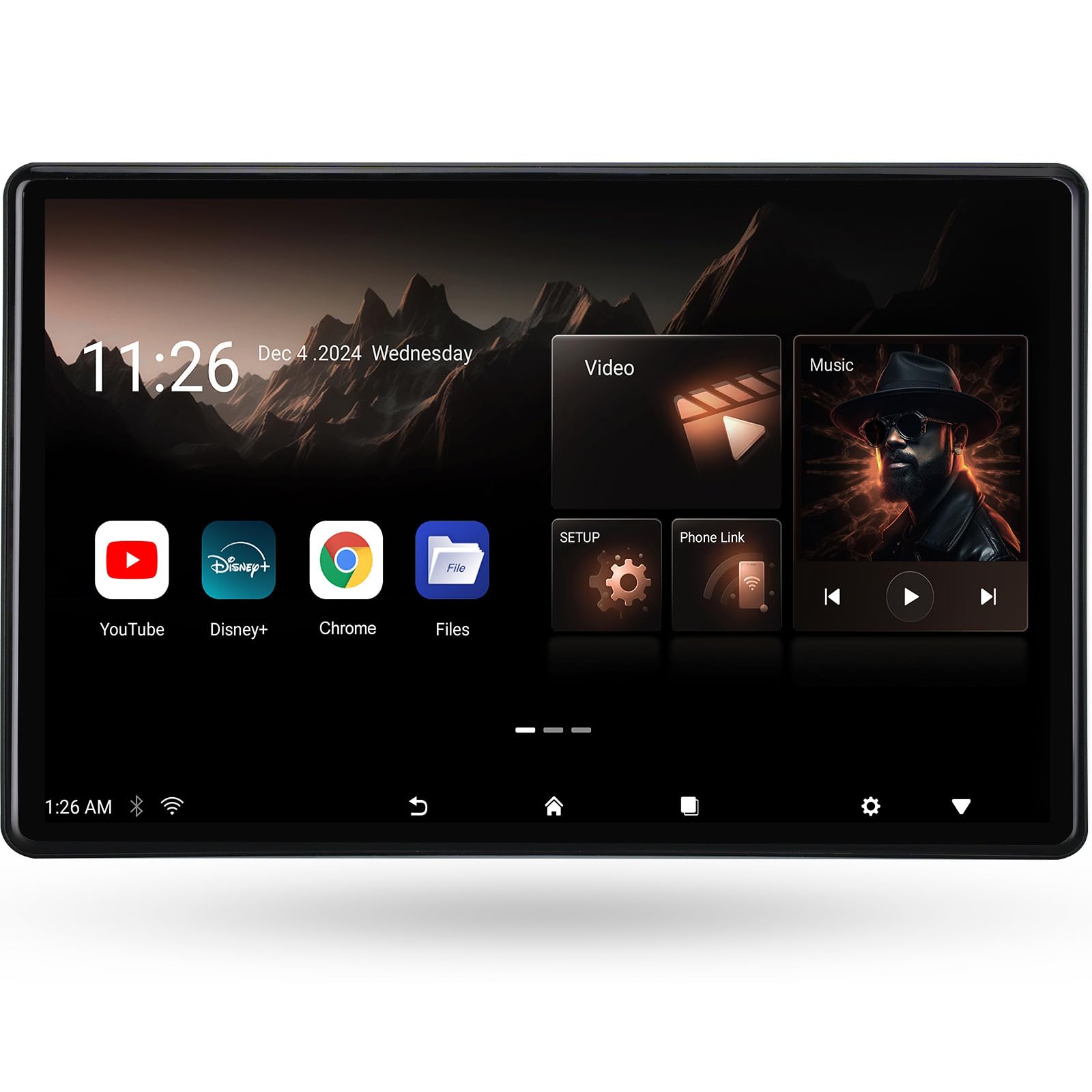
This 14-inch panel sports the highest pixel density in the lineup at 2240×1400, making it the sharpest option for passengers who want to watch 4K video files or high-bitrate streaming content. The IPS touchscreen maintains color accuracy from wide viewing angles, which is critical when the screen is mounted between two rear seats. The Android 13 operating system gives access to the Google Play Store, so you can install Netflix, Disney+, or Plex directly without needing an external streaming stick.
The metal mounting bracket fits 98 percent of vehicles and secures firmly against the headrest posts without wobbling on rough roads. This unit includes both HDMI input and output ports — a rare feature at this price tier. The HDMI input lets you connect a Fire TV Stick or Nintendo Switch, while the HDMI output allows daisy-chaining a second monitor to sync the same movie across both screens. USB and microSD slots support drives up to 1TB, so you can load an entire movie library for offline playback in cellular dead zones.
Audio flexibility covers Bluetooth headphones, wired 3.5mm jacks, and FM transmitter mode. The built-in speakers deliver adequate volume for the backseat, but the FM transmitter can pipe audio through the car’s stereo for a more immersive experience. The MyCar Link app gives the driver parental control over volume and content selection from the front seat. Some users note that the interface can feel slightly laggy when multitasking between streaming apps, and the FM audio quality depends on finding an unused frequency without static.
Why it’s great
- 2240×1400 IPS panel offers the sharpest picture available
- HDMI input and output for gaming consoles and dual-screen sync
- MyCar Link app gives front-seat parental control
Good to know
- UI can lag when switching between apps
- FM audio quality depends on local radio interference
3. AINAVI 13.5″ Android 13 Headrest Monitor (2-Pack)
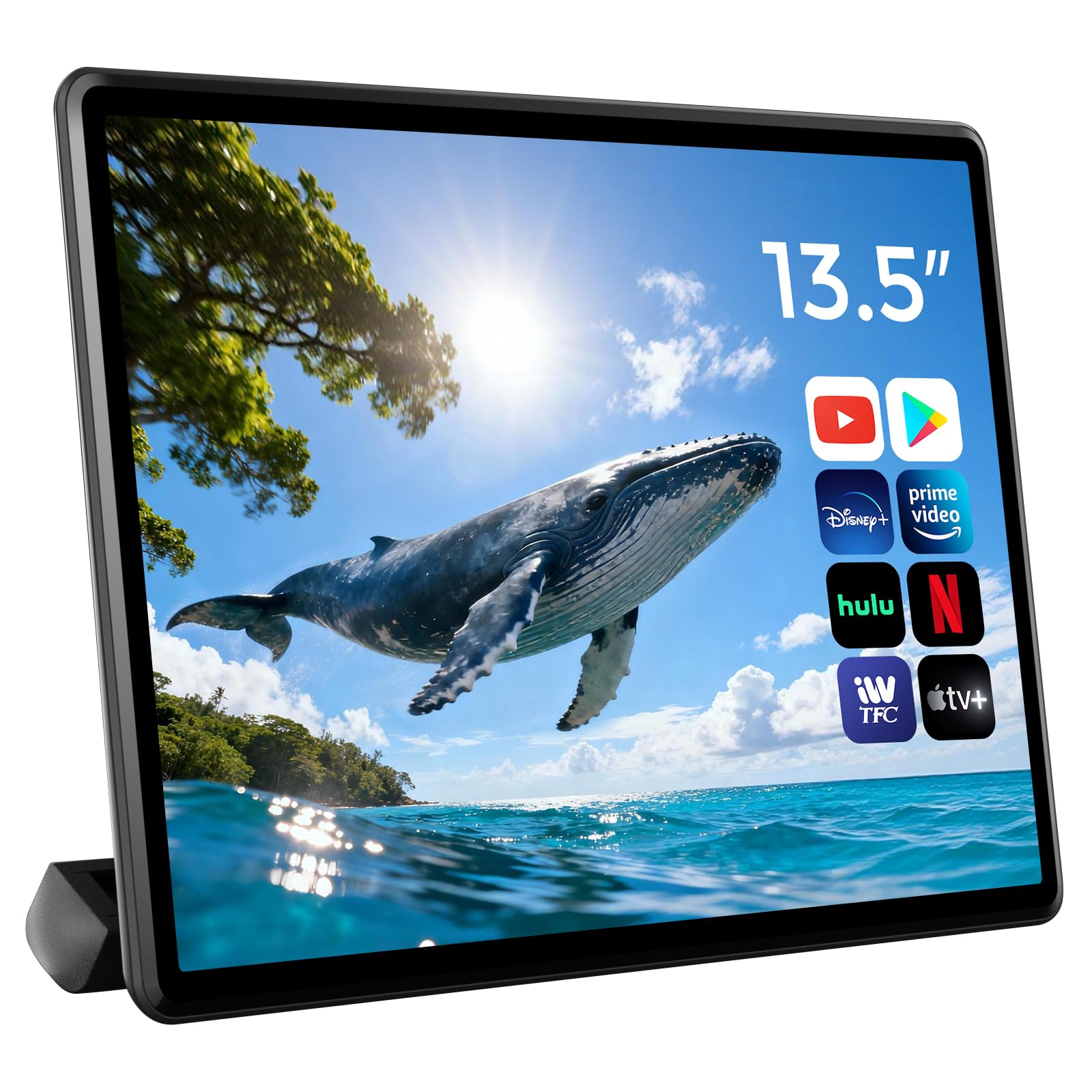
This two-pack delivers a complete rear-seat entertainment system with independent Android 13 operation per screen. Each 13.5-inch unit runs its own 2GB RAM and 32GB storage, so both passengers can stream different shows simultaneously without cross-interference. The 1920×1280 resolution is slightly taller than standard 1080p, which helps reading subtitles and navigation labels without scrolling. The IPS panel produces consistent color from off-center positions, a key advantage when one child is sitting in a booster seat offset from center.
Wireless connectivity includes dual-band 5GHz Wi-Fi, AirPlay for iOS devices, and Miracast for Android screen mirroring. The MyCar Link app allows the driver to control both screens from the front — locking the screen during rest stops or adjusting volume without turning around. Each unit has its own HDMI input and output, meaning you can chain two screens together to play the same movie from a single source. The HDMI input also accepts game consoles, though the 2GB RAM limit means heavy multitasking with streaming apps may cause occasional app reloads.
Audio routing includes Bluetooth headphones, wired 3.5mm output, and FM transmitter. The dual power adapters (12V car charger and wall plug) make it easy to remove the screens and use them as portable Android tablets at home. The universal mounting bracket works on most headrest posts, though some users report that very thick or oddly shaped headrests may require additional padding. The lack of an internal battery means the screens only work when plugged in, so indoor use requires access to an outlet.
Why it’s great
- Two completely independent Android 13 screens included
- HDMI input and output for gaming and screen syncing
- Car and home power adapters for versatile use
Good to know
- No internal battery requires constant power connection
- 2GB RAM limits heavy app multitasking
4. AINAVITO 13.5″ Android 13 4G+64GB Headrest Monitor
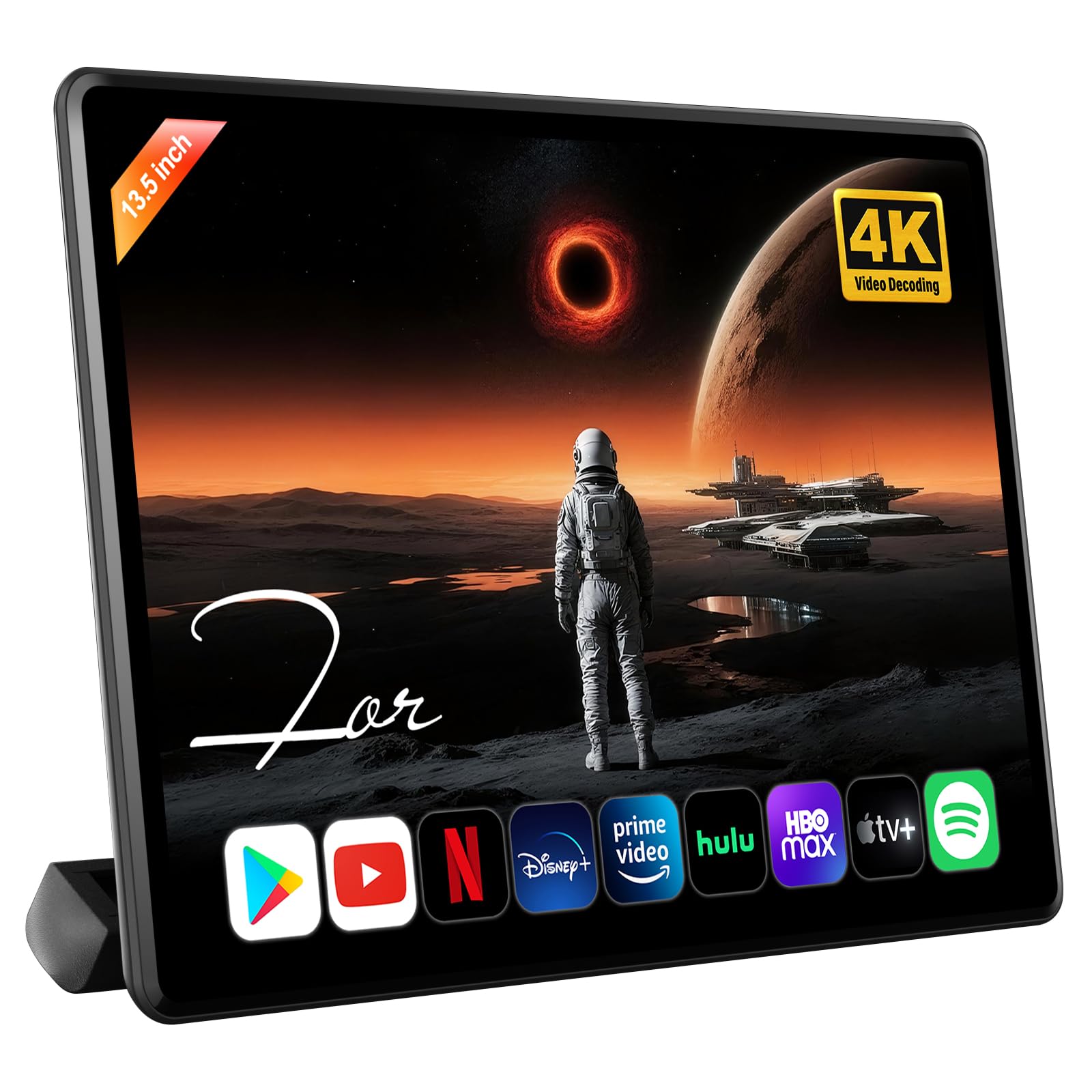
This unit bumps the RAM to 4GB and storage to 64GB, making it the most responsive Android-based option for heavy app usage. The 13.5-inch 1920×1280 IPS screen supports 4K video decoding, so high-bitrate files play without stuttering. The extra RAM means you can leave Netflix, YouTube, and a browser open without forcing app reloads — a real advantage on long trips where kids swap between shows frequently. The Android 13 OS is paired with OTA update support, so security patches and feature improvements arrive automatically over Wi-Fi.
The MyCar Link app offers robust parental control: from the driver’s seat, you can lock the touchscreen, switch video sources, adjust volume, or even push specific content to the rear display. This eliminates the need to reach backward or pull over to manage the screen. The mounting bracket uses a metal clamp that fits most headrests without rattling. HDMI input and output are both present, so you can plug in a Fire TV Stick or connect a second monitor for dual-screen viewing. The SD card slot accepts up to 1TB cards for offline movie libraries.
Audio flexibility covers Bluetooth headphones, a 3.5mm jack, built-in speakers, and FM transmitter. The FM output lets the whole car hear the movie through the stereo, which works well for family movie nights on road trips. The unit includes both a 12V car charger and a wall adapter. Some users note that the speaker volume is modest and recommend Bluetooth headphones for anything above highway speeds. The initial setup requires multiple OTA updates that can take a couple of hours on slow hotel Wi-Fi, so plan ahead before your first trip.
Why it’s great
- 4GB RAM ensures smooth multitasking between streaming apps
- MyCar Link app offers comprehensive front-seat control
- 64GB storage for offline movie downloads
Good to know
- Initial OTA updates can take several hours to complete
- Built-in speakers are quiet at highway speeds
5. AINAVIGO 10.8″ Android 13 Headrest Monitor
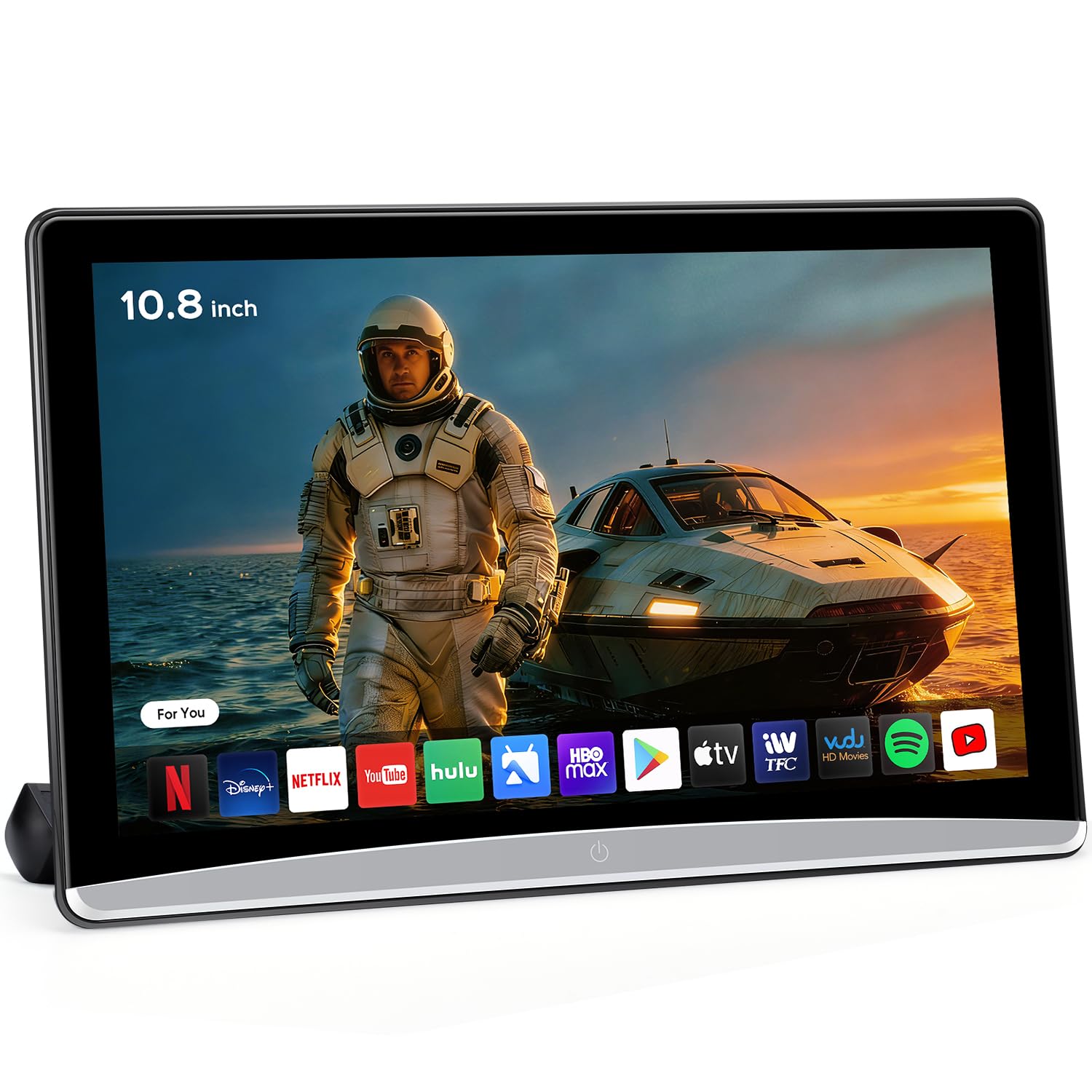
This 10.8-inch monitor is the most compact Android option in the roundup, making it a good pick for smaller vehicles where a 14-inch screen would block the rearview. The 1920×1080 IPS panel delivers full HD sharpness in a form factor that fits between narrow headrest gaps. The Android 13 operating system with 2GB RAM and 32GB storage handles streaming apps reliably, though heavy multitasking may trigger occasional app refreshes. The 5GHz Wi-Fi support ensures stable hotspot connections for Netflix and YouTube streaming.
Connectivity includes HDMI input and output, USB-A, microSD slot, and Bluetooth. The HDMI input accepts Fire TV Sticks or game consoles, while the HDMI output can feed a second screen for synchronized viewing. Phone mirroring works via AirPlay for iOS and Miracast for Android, so passengers can cast content from their personal devices without additional cables. The unit also features seven ambient light colors that can be set to auto-cycle, adding a customizable backlight effect for evening drives.
The mounting bracket fits most headrest posts, and the package includes both a cigarette lighter cable and a DC adapter for home use. Audio can be routed through built-in speakers, Bluetooth headphones, or a 3.5mm jack. One tradeoff at this size: the 2GB RAM is sufficient for single-app streaming but may struggle if you try to run split-screen mode with navigation and video simultaneously. The lack of an internal battery means the monitor only operates when plugged into a power source, so indoor use requires the wall adapter.
Why it’s great
- Compact 10.8-inch size fits smaller vehicles without blocking view
- Full 1920×1080 IPS resolution for clear video
- HDMI input and output for gaming and dual-screen setups
Good to know
- 2GB RAM limits heavy multitasking performance
- No internal battery requires constant power connection
6. DESOBRY 10.5″ Car DVD Player

If your family still relies on a DVD collection, this dedicated player offers the most straightforward path to backseat video. The suction-type disc loading automatically pulls in the disc and starts playback within seconds, a design that avoids the mechanical failures common on top-loading portable DVD players. The 10.5-inch LCD screen supports 1080p resolution and has a 135-degree adjustable angle, letting each passenger find their optimal viewing position without neck strain. The region-free decoding means discs from any country will play without compatibility issues.
The headrest mounting bracket secures firmly and includes a remote control that works from the front seat, so the driver can manage disc changes and volume without stopping. HDMI input allows connecting external devices like a Fire TV Stick or game console, giving you a path to streaming content when Wi-Fi is available. USB and SD card slots support media files up to 128GB in FAT32 format, though video resolution is capped at 1920×1080. The last memory function resumes playback from where you left off, even after the car has been turned off and restarted.
Audio comes through dual bottom-mounted speakers or the included earbud. The bottom speaker placement helps reduce audio bleed to the front seats compared to rear-facing speakers. The unit does not have Bluetooth or FM transmitter, so wireless headphone users need a separate Bluetooth transmitter plugged into the headphone jack. Some users have reported that the disc reader struggles with scratched discs or certain brands of burned DVDs, so stick with newer discs for reliable playback.
Why it’s great
- Suction-type disc loading is fast and reliable for standard discs
- Region-free playback works with DVDs from anywhere
- Remote control lets the driver manage playback from the front
Good to know
- No Bluetooth or FM audio output for wireless headphones
- May struggle with scratched or burned discs
7. LAMTTO 9.26″ Wireless CarPlay Screen
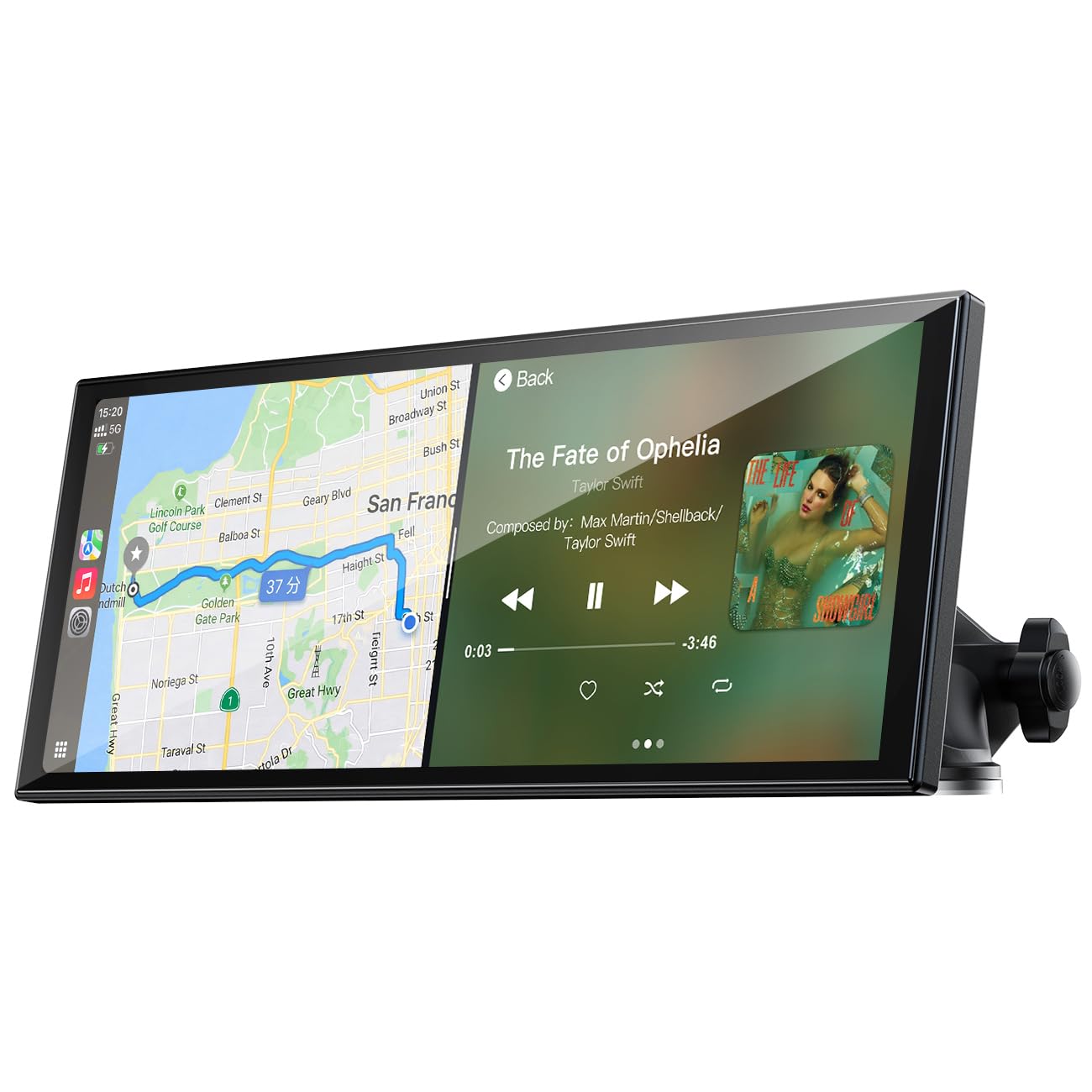
This unit is fundamentally different from the others — it is a CarPlay/Android Auto receiver first, with rear-seat video as a secondary capability. The 9.26-inch 1600×600 IPS display is designed for split-screen navigation and music control, not cinematic viewing. But its wireless screen mirroring feature lets backseat passengers cast videos from their phones to the display, effectively turning it into a shared entertainment screen for shorter trips where a dedicated DVD player feels excessive.
The plug-and-play installation takes under five minutes: mount the included suction cup bracket, plug into the 12V socket, and pair your phone via Bluetooth. Wireless CarPlay and Android Auto connect automatically when you start the engine, so navigation and music resume without manual intervention. The included waterproof backup camera with night vision adds practical safety value that no other screen in this roundup provides. The camera feeds a clear rear view to the display when you shift into reverse, minimizing blind spots.
Audio output routes through Bluetooth, AUX, FM transmitter, or the built-in speaker. The 1600×600 resolution is adequate for maps and menus but noticeably less sharp than 1080p panels when playing video content. The screen mirroring feature requires the Evelink app for Android users on Android 16 or higher due to recent OS changes. The adhesive on the mount bracket may weaken in extreme heat, so some users recommend replacing it with a stronger adhesive pad or using the suction cup on glass surfaces only.
Why it’s great
- Wireless CarPlay and Android Auto with fast auto-connect
- Includes waterproof backup camera with night vision
- Five-minute plug-and-play installation requires no wiring
Good to know
- 1600×600 resolution is less sharp for video playback
- Android 16 users need the Evelink app for screen mirroring
8. Leadtree 11.5″ Android 15 CarPlay Screen
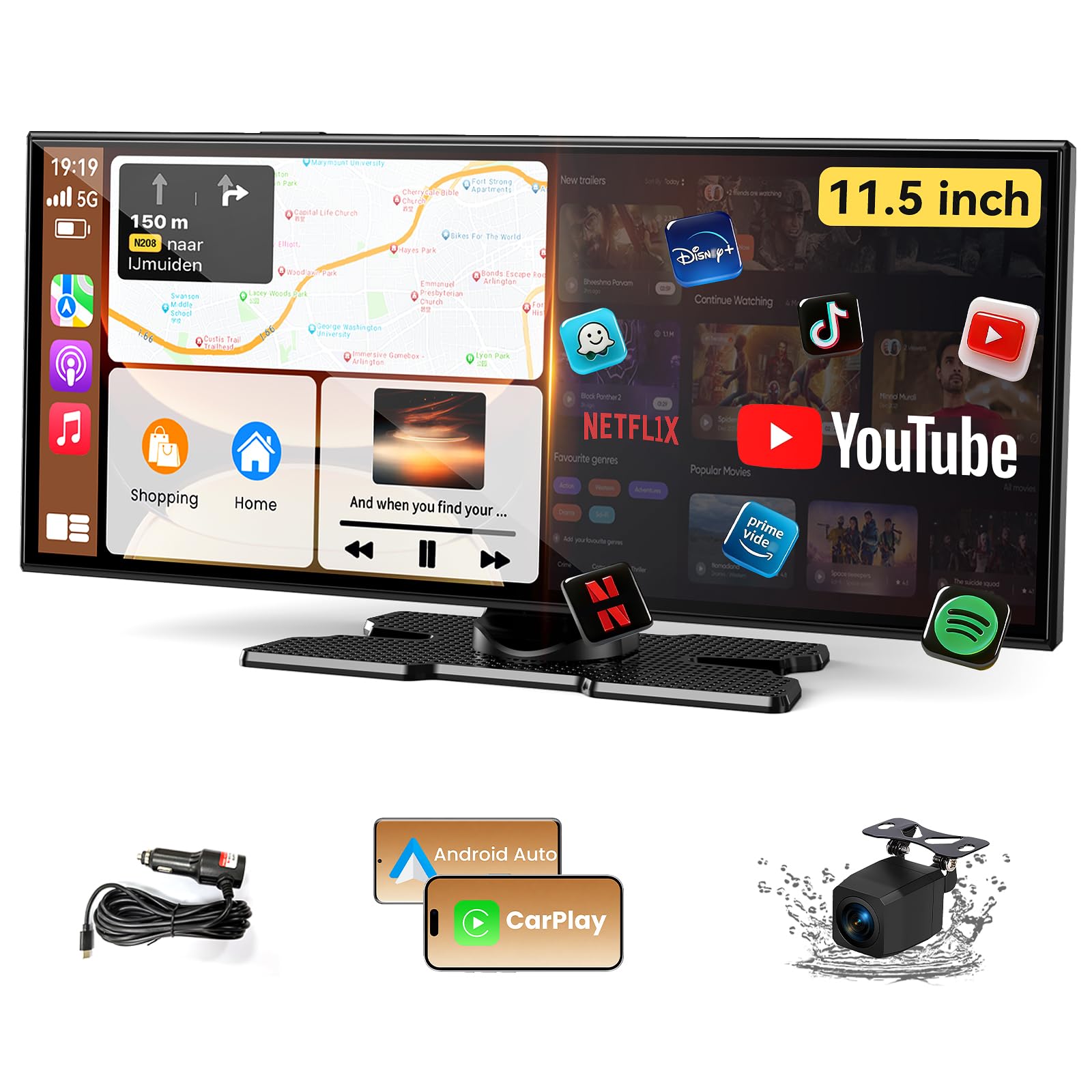
This 11.5-inch screen runs Android 15 out of the box, giving it the most current operating system of any unit in the lineup. The 1920×720 ultrawide display has a 32:12 aspect ratio that feels more like a widescreen monitor than a standard tablet, making it ideal for split-screen multitasking — you can run navigation on one side and a video on the other. The quad-core CPU with 2GB RAM and 32GB storage handles streaming apps like Netflix, YouTube, and TikTok smoothly, though the RAM is the bottleneck if you try to run three apps simultaneously.
The dual-screen display feature lets you run two apps side by side, arranging the layout depending on whether your steering wheel is on the left or right. Wireless CarPlay and Android Auto connect automatically and support Siri voice control for hands-free calls and navigation. The included 1080p backup camera is weatherproof and provides a clear rear view in rain or fog. The unit also supports AirPlay and Android Cast for full phone screen mirroring, so passengers can cast videos from their devices to the large display.
Audio output includes built-in speakers, CarPlay/Auto audio, and AUX. The built-in speakers provide adequate sound for the backseat but lack bass depth for music. The USB Type-C power connection uses standard 12-32V voltage, making it compatible with most vehicles. Some users report that the initial setup prompts a country code selection starting with Nigeria, which can feel alarming — this is a default factory setting that you can change during setup. The 2GB RAM may cause occasional app reloads if you switch between streaming apps frequently.
Why it’s great
- Runs Android 15, the most current OS in this roundup
- Ultrawide 1920×720 display excels at split-screen multitasking
- Wireless CarPlay and Android Auto with quick auto-connect
Good to know
- 2GB RAM causes app reloads when multitasking
- Initial setup may show unexpected country code defaults
9. Seventour 15.6″ Android 13 Headrest Monitor
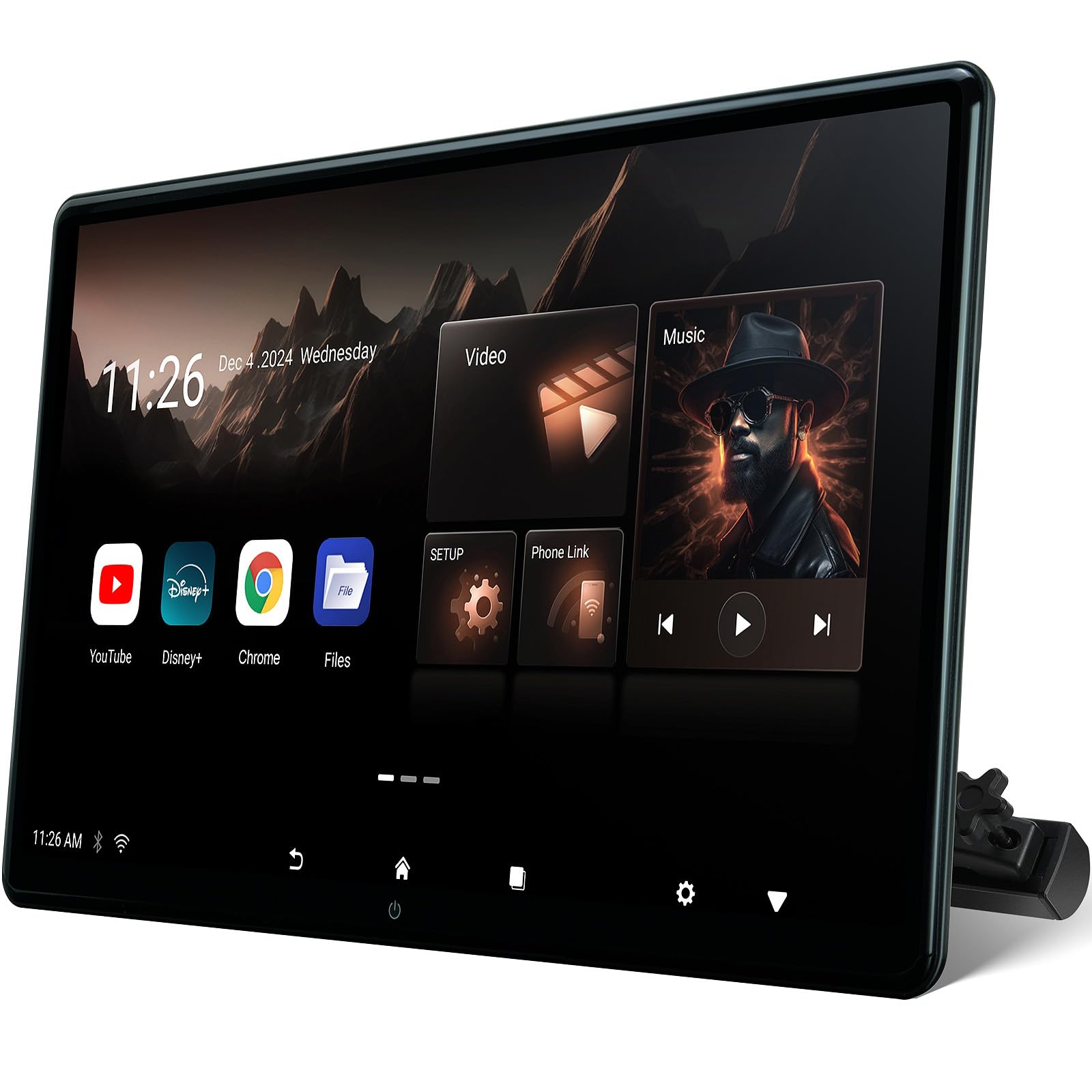
At 15.6 inches, this is the largest dedicated back seat screen in the lineup, offering the closest experience to a home theater in a vehicle. The 1920×1080 IPS panel covers the entire rear-seat viewing area, and the 4GB RAM with 64GB storage ensures smooth operation across streaming apps and local video playback. The Android 13 operating system gives access to the full Google Play Store, so you can install any streaming service or game without an external device. The large screen works especially well in SUVs and minivans where rear-seat passengers sit farther from the display.
Connectivity includes HDMI input and output, USB-A, microSD slot, and Bluetooth. The HDMI input accepts game consoles, Fire TV Sticks, and laptops, turning the car into a mobile gaming hub. The HDMI output allows syncing a second screen for identical playback. The MyCar Link app provides full parental control from the driver’s seat, including screen locking and content selection. The universal metal mounting bracket fits 98 percent of vehicles and secures against headrest posts without rattling on rough pavement.
Audio routing covers Bluetooth headphones, wired 3.5mm output, built-in speakers, and FM transmitter. The dual power adapters (car and home) let you remove the monitor and use it as a portable Android TV in a hotel room. Some users report that the 12V cigarette lighter charger did not work in certain luxury vehicles with recessed sockets — this may require a right-angle adapter or hardwiring. The screen size may partially block the driver’s rearview visibility in compact cars, so measure your headrest gap before purchasing.
Why it’s great
- 15.6-inch screen is the largest option for maximum immersion
- 4GB RAM and 64GB storage for smooth app multitasking
- HDMI input and output for gaming and dual-screen setups
Good to know
- May block rearview visibility in compact cars
- 12V charger may not fit recessed sockets in some luxury vehicles
FAQ
Can I use a back seat screen without an internet connection?
Will a headrest monitor fit in any car?
How do I get audio from the back seat screen without annoying the driver?
Final Thoughts: The Verdict
For most families, the best back seat screen is the WONNIE 12″ Dual Car DVD Players because it eliminates sibling content conflicts with two independent screens, includes the longest battery life for offline use, and requires no Wi-Fi or app setup. If you want the sharpest picture for 4K streaming, grab the Seventour 14″ 4K Android 13 Monitor. And for maximum screen real estate in a large SUV or minivan, nothing beats the Seventour 15.6″ Android 13 Monitor.