
The challenge of finding a home laptop that actually balances cost, durability, and daily usability is harder than it should be. You don’t need a gaming rig or a creative workstation—you need something that boots fast, handles email and streaming, and doesn’t feel obsolete in a year. The real trick is knowing which specs matter for a basic home machine and which are just marketing noise.
I’m Min — the co-founder and writer behind Gadgets Feed. I’ve spent hundreds of hours analyzing the technical specifications, real-world performance, and long-term reliability of entry-level to mid-range laptops to find the ones that deliver genuine value for home users.
After weeks of research and cross-referencing benchmarks, I’ve narrowed down the top contenders to this definitive guide on the best basic laptop for home use.
How To Choose The Best Basic Laptop For Home Use
Selecting a home laptop isn’t about chasing the highest benchmark scores. It’s about matching the core components—processor, RAM, storage, and display—to your specific daily routines. A machine that shines for a student may frustrate a remote worker who juggles multiple browser tabs and video calls all day.
Prioritize RAM and Storage Type Over Raw CPU Speed
The most common bottleneck in a budget home laptop isn’t the processor—it’s insufficient RAM and slow storage. For a smooth experience, aim for at least 8GB of RAM; 4GB models will struggle with more than a few browser tabs. Equally critical is the storage type: a machine with an NVMe SSD will boot and load applications in seconds, while an eMMC drive (which behaves like a slow SD card) can make even modest tasks feel sluggish. Avoid laptops with only eMMC storage unless you have a very low tolerance for waiting.
Screen Quality and Comfort for Extended Use
Don’t overlook the display, especially if you spend hours reading or watching content. A 15.6-inch Full HD (1920×1080) IPS panel offers a good balance of screen real estate and visual clarity at this price tier. Anti-glare finishes reduce eye strain under household lighting, while a 180-degree hinge allows for easy screen sharing with family members. A 1366×768 resolution display is a common cost-cutting compromise—it’s perfectly usable for basic tasks but noticeably less sharp for spreadsheets and text.
Port Selection and Wireless Connectivity
Home laptops should simplify, not complicate, your setup. Ensure the model has at least two USB-A ports for a mouse and a printer or external drive, plus an HDMI port to connect to an external monitor. USB-C with charging capabilities is a major convenience, as it lets you use a single cable for power and data. Wi-Fi 6 is rapidly becoming the standard for modern home routers, offering more stable connections in households with multiple devices.
Quick Comparison
On smaller screens, swipe sideways to see the full table.
| Model | Category | Best For | Key Spec | Amazon |
|---|---|---|---|---|
| NIMO 15.6″ i3 | Mid-Range | Multitasking with 16GB RAM | 12th Gen Intel Core i3-1215U | Amazon |
| Lenovo IdeaPad Slim 3X | Premium | Battery life & AI features | Snapdragon® X / 16GB RAM | Amazon |
| Dell 15 DC15250 | Mid-Range | Everyday computing & streaming | Intel Core 3 (100U) / 120Hz display | Amazon |
| Acer Aspire Go 15 AI | Mid-Range | Long battery & video calls | Intel Core 3 N355 / 8GB DDR5 | Amazon |
| Lenovo IdeaPad 1 | Mid-Range | Students (massive storage combo) | 512GB SSD + 128GB eMMC | Amazon |
| HP 17.3″ i5 | Premium | Large screen home office | Intel Core i5-1334U / 16GB RAM | Amazon |
| Apple MacBook Neo 13″ | Premium | Apple ecosystem & portability | A18 Pro chip / 16-hour battery | Amazon |
| Dell 14 Plus | Premium | Demanding home workflows | Intel Core Ultra 7 / 32GB RAM | Amazon |
| Microsoft Surface Laptop | Premium | Travel & touchscreen use | Snapdragon X Plus / 20-hour battery | Amazon |
| HP 14″ i3 | Budget | Lightweight & basic tasks | Intel Core i3-N305 / 8GB RAM | Amazon |
| AKCHART 15.6″ | Budget | Maximum value on a tight budget | Celeron J4105 / 12GB RAM | Amazon |
In‑Depth Reviews
1. NIMO 15.6″ Intel Core i3-1215U
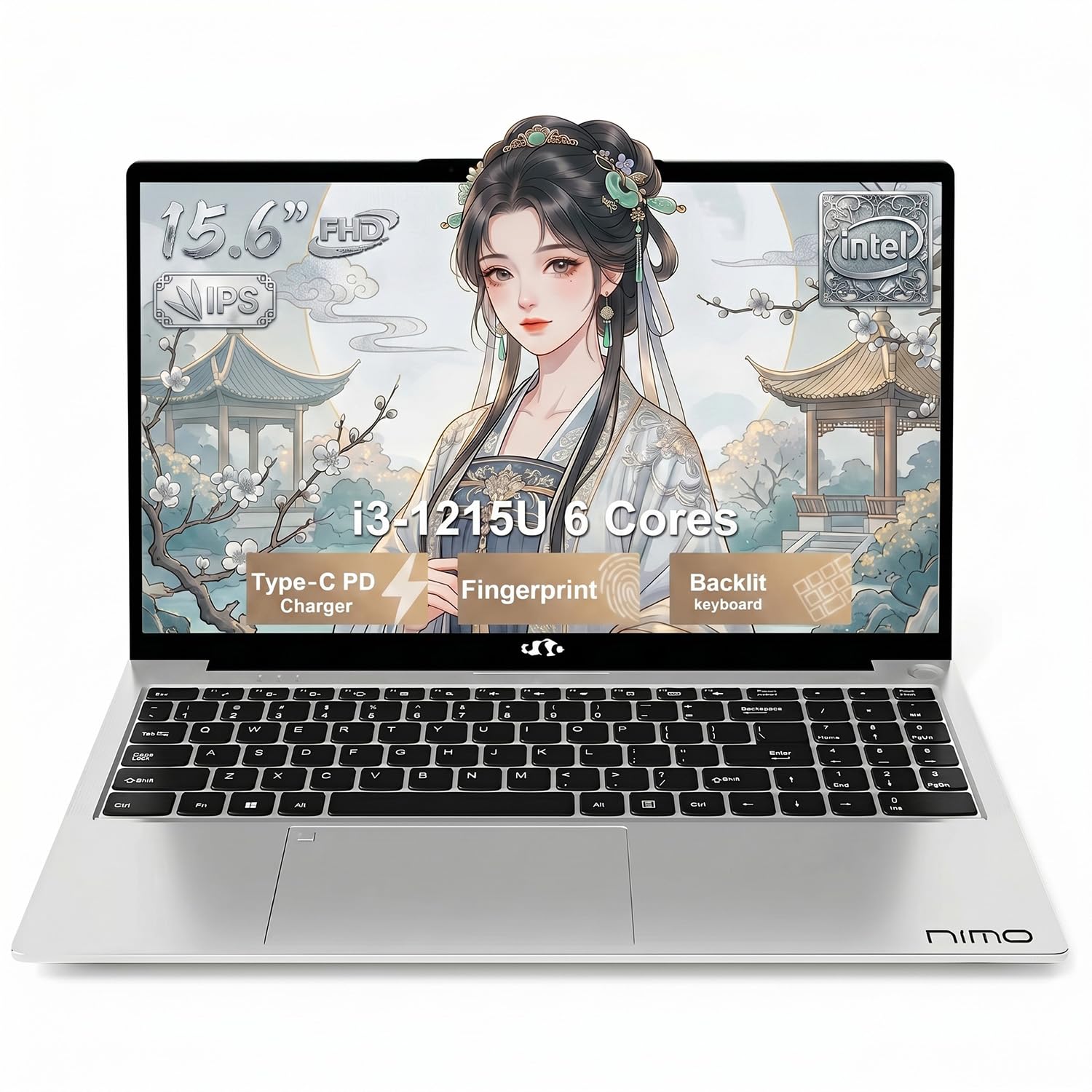
The NIMO 15.6″ laptop is a standout choice because it balances a capable 12th Gen Intel Core i3-1215U processor with 16GB of RAM—a configuration usually found in much pricier machines. This amount of RAM lets you keep a dozen browser tabs, a word processor, and a streaming service running simultaneously without any lag. The 256GB PCIe NVMe SSD provides quick boot times and responsive app launches, which is exactly what a basic home machine needs.
Its 15.6-inch Full HD IPS display offers clear, vibrant visuals with wide viewing angles, making it ideal for family movie nights or reviewing spreadsheets. The 180-degree lay-flat hinge is a thoughtful touch for sharing the screen during collaborative tasks. The backlit keyboard with a full numeric keypad adds comfort for late-night typing sessions, and the fingerprint sensor provides convenient, secure login.
Connectivity is well-rounded with Wi-Fi 6 for a stable connection, Bluetooth 5.2 for wireless accessories, and a USB-C port that supports 65W fast charging. This means you can power the laptop quickly without a bulky proprietary charger. The combination of 16GB RAM, a modern Core i3 processor, and fast storage makes the NIMO a future-proof choice for home computing.
Why it’s great
- Generous 16GB RAM handles heavy multitasking without stutter
- USB-C with 65W fast charging is versatile and convenient
- Backlit keyboard and fingerprint sensor add premium comfort and security
Good to know
- Processor is a 12th Gen Core i3, which lags behind newer i5 chips in intensive tasks
- Integrated graphics are fine for streaming but not for modern gaming
2. Lenovo IdeaPad Slim 3X (2025)

The Lenovo IdeaPad Slim 3X represents a new wave of home laptops powered by the Snapdragon X ARM-based processor. This chip delivers exceptional power efficiency, which translates to a genuine all-day battery life of over 12 hours under real-world use. With 16GB of RAM and a fast 512GB SSD, this machine breezes through web browsing, document editing, and video streaming without breaking a sweat.
The 15.3-inch WUXGA (1920×1200) display has a taller 16:10 aspect ratio, providing more vertical screen space for reading documents and websites compared to a standard 16:9 panel. The premium metal chassis feels robust, and the laptop has passed MIL-STD-810H durability testing, so it can withstand the bumps of daily life. The inclusion of a Copilot key and a 45 TOPS NPU makes it an AI-ready PC for future Windows features.
One of its most practical advantages is the Rapid Boost charging and the user-accessible SSD slot for easy storage upgrades. While the ARM architecture means some older Windows applications may require emulation, all major browsers and productivity suites run smoothly. For home users who value mobility and never want to hunt for a power outlet, the Lenovo IdeaPad Slim 3X is the top choice.
Why it’s great
- Exceptional battery life that lasts through a full day of work and play
- Premium metal build with military-grade durability
- 16:10 display offers more vertical screen space for productivity
Good to know
- ARM architecture may have compatibility issues with niche legacy software
- Includes a 90-day return policy, shorter than some competitors
3. Dell 15 Laptop DC15250

The Dell 15 is a well-rounded mid-range option that packs a surprising feature: a 120Hz refresh rate display. For a basic home laptop, this means smoother scrolling through long web pages and more fluid cursor movement, which makes everyday interactions feel more responsive. Powered by an Intel Core 3 processor (100U) and 8GB of DDR4 RAM, it delivers snappy performance for email, office applications, and video streaming.
This machine comes with a generous 512GB PCIe NVMe SSD, giving you ample space for photos, documents, and a few games. The full-size keyboard includes a dedicated numeric keypad, which is a significant advantage for anyone doing data entry or home budgeting. Dell’s ComfortView software reduces blue light emissions, making it easier on the eyes during extended evening use.
One standout feature is the 1-year Onsite Service from Dell—if a hardware issue arises, a technician will come to your home to fix it. This is a level of support that is rare at this price point. The build quality feels solid, and the lifted hinge design provides a comfortable typing angle. While the webcam and battery life are serviceable rather than exceptional, the overall package is dependable and well-supported.
Why it’s great
- Smooth 120Hz display for fluid scrolling and navigation
- Includes 1-year Onsite Service for peace of mind
- Full numeric keypad is great for home office tasks
Good to know
- Battery life is average compared to energy-efficient ARM-based laptops
- No fingerprint reader; relies on password or PIN login
4. Acer Aspire Go 15 AI Ready Laptop

The Acer Aspire Go 15 is an AI-ready laptop designed for students and home users who value a modern feature set in a familiar package. Its 8-core Intel Core 3 N355 processor delivers responsive performance for multitasking, and the 8GB of DDR5 RAM ensures faster data transfer rates compared to standard DDR4. The dedicated Copilot key provides one-touch access to Microsoft’s generative AI assistant, which can help summarize documents or draft emails.
The 15.6-inch Full HD IPS display offers good color reproduction and sharpness, while Acer’s BluelightShield reduces harmful blue light for comfortable late-night study sessions. Battery life is impressive at over 12 hours, making it suitable for a full day of classes. The dual full-function USB Type-C ports that support power delivery and display output are a rare convenience at this level.
While the 128GB UFS storage is faster than eMMC, it’s smaller than the solid-state drives found in many competitors. This laptop is best suited for users who rely heavily on cloud storage. The build is lightweight and the keyboard is comfortable, though the plastic chassis can scratch more easily than metal alternatives. For students who want the latest Windows AI features and great video call quality, the Acer Aspire Go is a strong contender.
Why it’s great
- Dual USB-C with DisplayPort and 45W charging is versatile
- Exceptional battery life for all-day campus use
- Copilot key offers quick access to AI-powered assistance
Good to know
- 128GB storage is limited for offline file collections
- Plastic build feels less premium than metal counterparts
5. Lenovo IdeaPad 1 Student Laptop
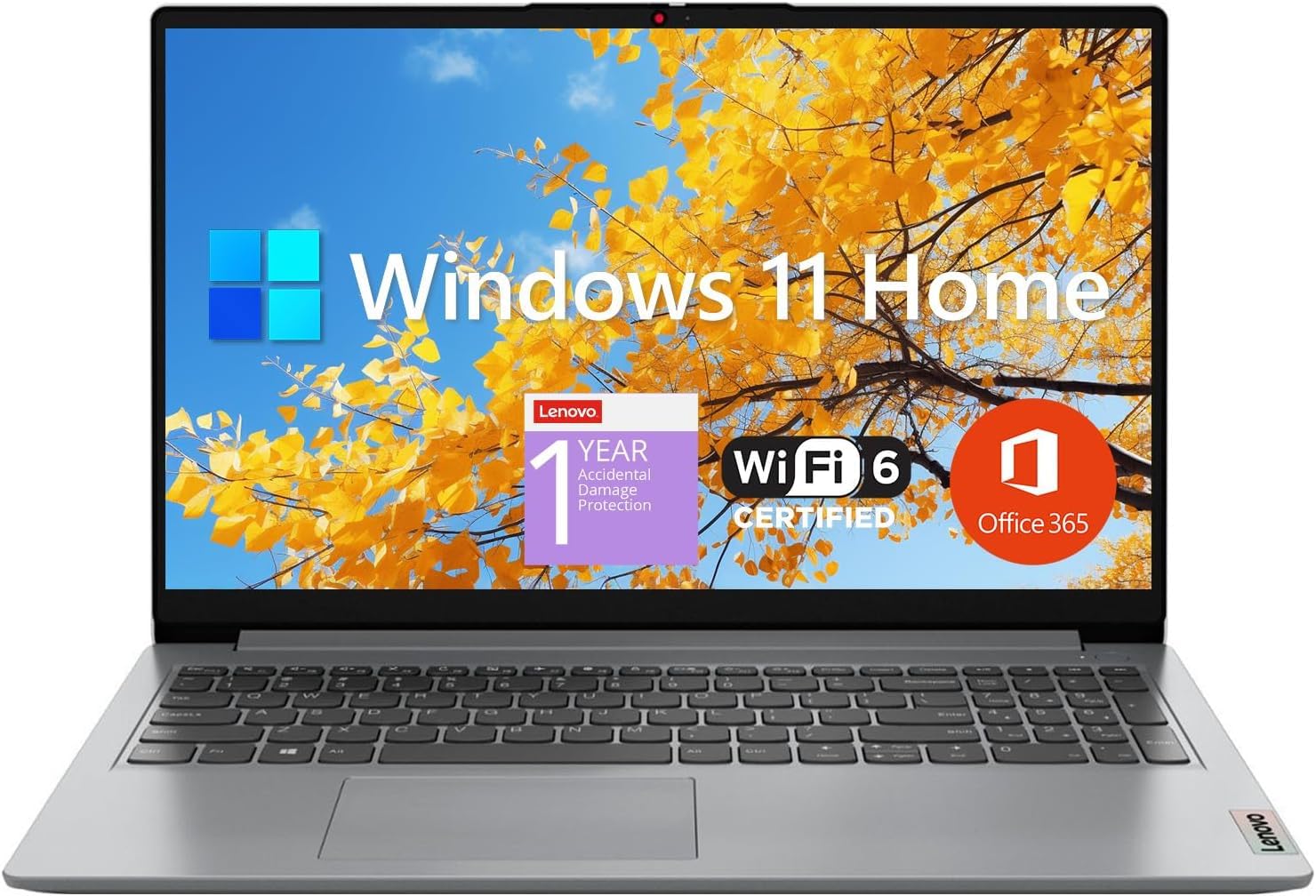
The Lenovo IdeaPad 1 offers an unbeatable storage configuration for its price: a 512GB PCIe NVMe SSD paired with a 128GB eMMC drive. This dual-storage approach gives you the speed of an SSD for your operating system and frequently used programs, plus ample secondary space for documents, movies, and family photos. With 12GB of RAM, this laptop can handle a demanding workload of browser tabs and office applications without significant slowdown.
The 15.6-inch Full HD IPS display with an anti-glare coating is excellent for long study sessions, reducing reflections from overhead lights. The Intel Celeron N4500 processor, while not a powerhouse, is sufficient for web browsing, streaming 1080p video, and running Microsoft Office. The inclusion of a 1-year Office 365 subscription adds significant value, saving you a recurring cost.
Port selection is decent with USB-C, USB 3.2, and HDMI 1.4b, though the USB-C port supports data transfer only, not video or charging. The build is lightweight and feels reasonably sturdy for its class. While the Celeron processor may show its limits under heavy multitasking, the generous RAM and massive storage make the IdeaPad 1 a compelling choice for budget-conscious families and students.
Why it’s great
- Massive 640GB total storage (512GB SSD + 128GB eMMC) at a low price
- 12GB RAM ensures solid multitasking for the price
- Includes a 1-year Office 365 subscription
Good to know
- Celeron N4500 is the weakest processor on this list
- USB-C port does not support charging or video output
6. HP 17.3″ Intel Core i5-1334U

For those who prefer a larger screen for their home office, the HP 17.3″ model delivers a spacious Full HD IPS display with 178-degree wide viewing angles. Powered by a 13th Gen Intel Core i5-1334U, this laptop offers a noticeable performance uplift over Core i3 and Celeron chips, handling more demanding applications like light photo editing or multitasking across many programs. The 16GB of DDR4 RAM ensures you can run numerous applications simultaneously without hitting a wall.
Storage comes in the form of a 512GB PCIe NVMe SSD, which is fast and offers enough space for most home users. The Intel Iris Xe graphics provide a solid experience for 4K video playback and older or less demanding games. The presence of a physical camera shutter and a dedicated microphone mute button with an LED indicator offers strong privacy control for video calls.
One practical consideration is the battery life, which is more moderate at around 8 hours for standard use, partly due to the large, power-hungry display. The keyboard lacks backlighting, and the power button is positioned among the function keys, which can lead to accidental presses. If screen real estate and raw processing power are your priorities over portability, this HP 17.3″ is a premium home workhorse.
Why it’s great
- Large 17.3″ FHD display is excellent for home office work and media
- Powerful Core i5 processor handles demanding tasks with ease
- 16GB RAM and 512GB SSD offer great performance for the price
Good to know
- Battery life is shorter than smaller, more efficient laptops
- Keyboard is not backlit, which may bother some users
7. Apple MacBook Neo 13″ (A18 Pro)

The Apple MacBook Neo 13″ is the most accessible entry point into the Mac ecosystem, powered by the A18 Pro chip built for AI tasks. It delivers excellent performance for everyday home use—editing photos, managing spreadsheets, and browsing the web—all while running silently without a fan. The 13-inch Liquid Retina display boasts a crisp 2408-by-1506 resolution with 500 nits of brightness and support for a billion colors, making text and images look incredibly sharp.
Battery life is a standout feature, with the MacBook Neo lasting up to 16 hours on a single charge. This makes it perfect for remote workers and students who want to leave their charger at home. The aluminum unibody design feels premium, available in four striking colors including Citrus and Indigo. The 1080p FaceTime HD camera and dual-mic array produce clear video call quality, enhanced by the immersive Spatial Audio from the side-firing speakers.
The key trade-offs are the fixed 8GB of unified memory and the absence of a backlit keyboard on the base model. Port selection is also limited compared to Windows laptops. However, the seamless integration with iPhone, iPad, and other Apple devices—via features like iPhone Mirroring and Universal Clipboard—creates a cohesive workflow that is difficult to match. For Apple loyalists seeking a basic but beautiful home laptop, the MacBook Neo is the natural choice.
Why it’s great
- Silent, fanless operation with excellent A18 Pro performance
- Stunning 13-inch Liquid Retina display with 500 nits brightness
- All-day battery life and premium aluminum build
Good to know
- 8GB of RAM is non-upgradable and may limit future-proofing
- Port selection is limited to USB-C; requires adapters for peripherals
8. Dell 14 Plus Laptop DB14250

The Dell 14 Plus is for the home user who demands top-tier performance and doesn’t want to compromise on speed or memory. Its Intel Core Ultra 7-258V processor, paired with a staggering 32GB of LPDDR5X RAM, makes this laptop a true powerhouse for heavy multitasking, running virtual machines, or handling large datasets. The 1TB PCIe NVMe SSD offers lightning-fast storage and ample room for a growing digital library.
The 14-inch 16:10 display features a high-resolution 2560×1600 (2.5K) panel, providing a sharp and detailed canvas for photo editing, coding, and watching high-definition content. The Intel Arc graphics offer better performance than standard integrated graphics, capable of handling creative tasks and even some light gaming. The all-aluminum chassis gives it a premium feel, and it has undergone rigorous military-grade durability testing.
The laptop includes a dedicated Copilot key for easy access to AI features. Its connectivity is modern with Wi-Fi 6E and Bluetooth 5.4. On the downside, the battery life, while decent, is not as exceptional as the ARM-based competitors on this list. Also, the Dell 14 Plus does not come with a fingerprint reader. For users whose idea of “basic home use” includes demanding creative projects and advanced multitasking, the Dell 14 Plus is an ultra-premium choice.
Why it’s great
- 32GB of RAM and a Core Ultra 7 processor handle the most demanding tasks
- Stunning 2.5K display with excellent color and sharpness
- Premium aluminum build with military-grade reliability
Good to know
- Battery life is good but not best-in-class
- No fingerprint reader for quick login
9. Microsoft Surface Laptop (2024)

The Microsoft Surface Laptop (2024) is a beautifully crafted Copilot+ PC that defines the premium thin-and-light category. Powered by the Snapdragon X Plus chip, it offers MacBook Air-beating performance in many tasks while boasting an incredible battery life of up to 20 hours. This means you can easily get through two full days of typical home use without needing to charge. The 13.8-inch touchscreen PixelSense display is bright, color-accurate, and supports HDR content.
The design is minimalist and elegant, with a magnesium-aluminum body that feels both sturdy and lightweight. The Surface Laptop features a fantastic haptic touchpad, a comfortable backlit keyboard, and an excellent webcam for video calls. Windows Hello facial recognition provides instant, secure login. The inclusion of both a USB-A port and a USB-C port ensures broad connectivity without needing a dongle.
While the ARM-based Snapdragon processor may cause compatibility issues with a very small number of legacy Windows applications, it handles all modern web apps, Office 365, and streaming services flawlessly. The 512GB SSD is user-replaceable, a rare feature in this class. For those who want a laptop that combines outstanding mobility, a superb display, and the best battery life available, the Surface Laptop is the definitive choice.
Why it’s great
- Unrivaled battery life that can last up to 20 hours on a charge
- Beautiful, high-resolution touchscreen with HDR support
- Premium design with a comfortable keyboard and excellent haptic trackpad
Good to know
- ARM architecture may not support some older, niche applications
- Base storage of 512GB is sufficient but not overly generous for the price
10. HP 14″ Intel Core i3-N305
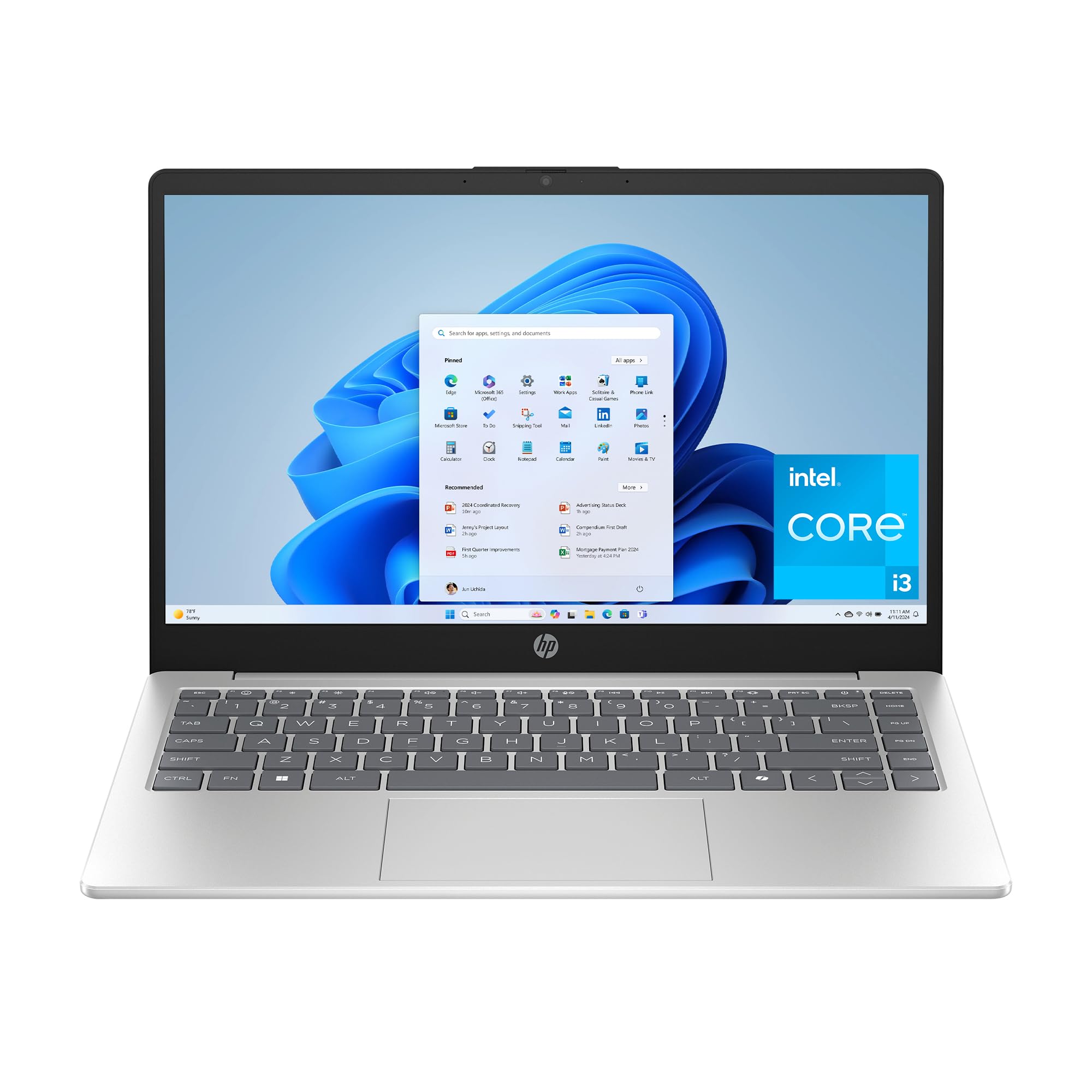
The HP 14-inch laptop is a compact and budget-friendly option for basic home computing. Its 14-inch HD anti-glare display is smaller and less sharp than Full HD panels, but the matte finish effectively reduces reflections, making it comfortable to use near a window. Powered by the Intel Core i3-N305 processor (a new chip in the N-series line), it offers enough grunt for web browsing, email, and word processing. The 8GB of DDR4 RAM is the baseline for smooth multitasking.
Storage is a 256GB PCIe NVMe SSD, which is significantly faster than eMMC storage found on some ultra-budget machines. The HP True Vision HD camera with AI noise reduction provides clear video calls, and the physical webcam shutter gives you peace of mind. The laptop comes in Windows 11 Home in S Mode, which restricts app installations to the Microsoft Store for improved security, but you can easily switch out of it for free for broader software compatibility.
Battery life is decent at over 8 hours, and HP Fast Charge can bring it to 50% in about 45 minutes. The natural silver finish looks professional, though the build is primarily plastic. The keyboard lacks a backlight and the 1366×768 resolution is a notable downgrade from the 1080p screens on other models. This HP 14″ is a great choice for a secondary home laptop or for a user with very basic needs.
Why it’s great
- Lightweight and compact at 14 inches for easy portability
- Anti-glare display is excellent for use in bright rooms
- Price is very accessible for a well-known brand like HP
Good to know
- Display resolution is only 1366×768, which is noticeably less sharp
- Keyboard is not backlit, and the build is mostly plastic
11. AKCHART 15.6″ Office Laptop
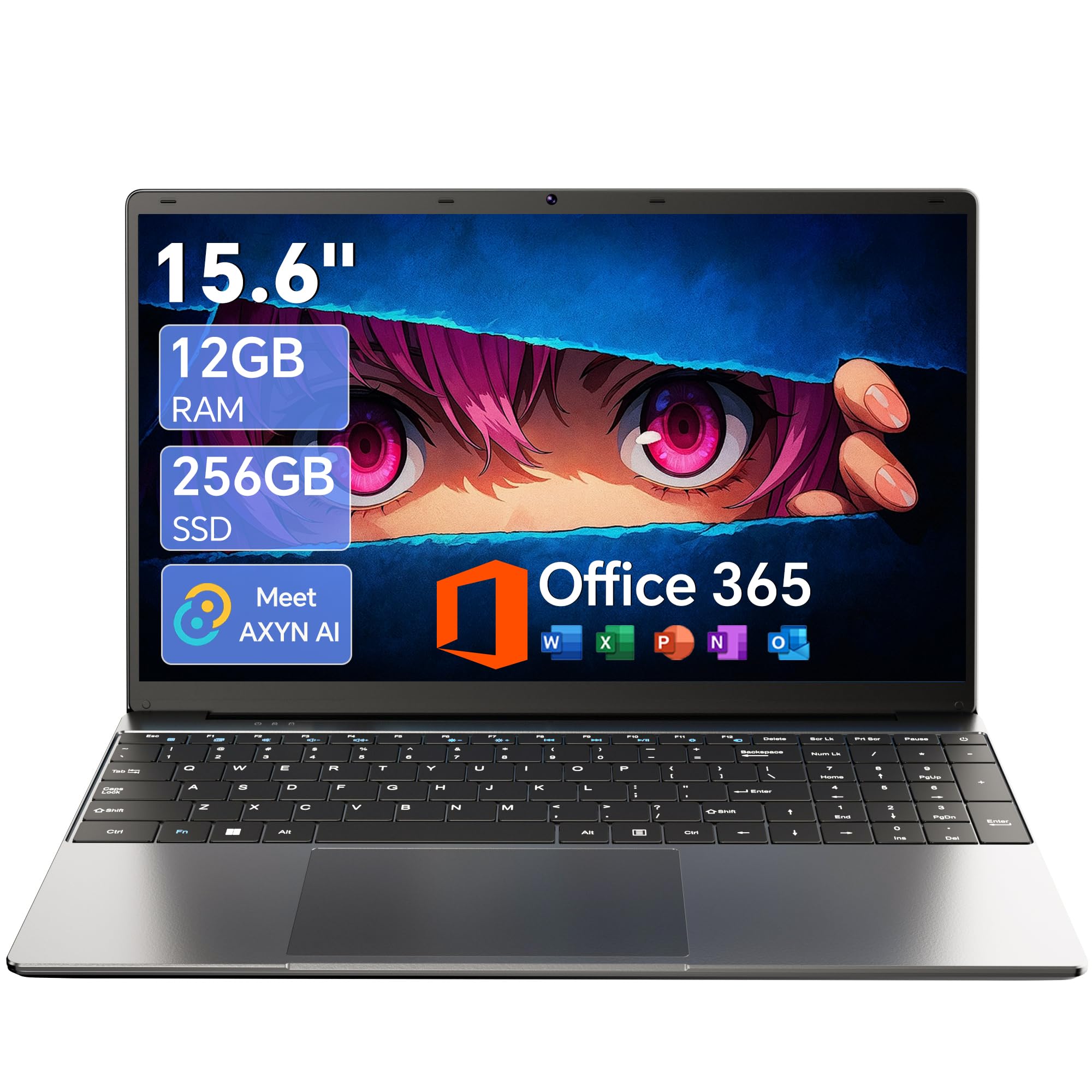
The AKCHART 15.6″ laptop is the most affordable entry point in our guide, yet it offers a surprisingly well-rounded set of specs. It comes with a Celeron J4105 quad-core processor, 12GB of DDR4 RAM, and a 256GB M.2 SSD. While the Celeron is the least powerful processor on this list, the 12GB of RAM helps it manage multiple browser tabs and basic office software without major frustration. The Full HD IPS display is sharp and colorful, a pleasant surprise at this price tier.
This laptop includes a pre-installed Office 365 subscription, eliminating an additional cost. The 180-degree hinge is great for sharing the screen in a classroom or during a presentation. The 7000mAh battery delivers solid all-day endurance for light tasks. Connectivity is decent with USB 3.2, Type-C, Mini HDMI, and Wi-Fi 5, though it lacks the newer Wi-Fi 6 standard found on more expensive models.
The build is entirely plastic, and the design is functional rather than elegant. The keyboard is comfortable, but the trackpad is basic. For the absolute lowest cost, you are trading raw processing power for more RAM and a better screen. The AKCHART is ideal for a student on a strict budget or as a dedicated machine for web-based work. It’s proof that a very basic laptop for home use can be perfectly functional for simple tasks.
Why it’s great
- Unbeatable value with 12GB RAM and a Full HD IPS display at a low price
- Includes a subscription to Office 365, saving you money
- Large 7000mAh battery provides good battery life
Good to know
- Celeron J4105 processor is the least powerful, limiting demanding tasks
- Connectivity uses Wi-Fi 5, not the faster Wi-Fi 6 standard
FAQ
Is a Celeron N4500 processor good enough for basic home use?
Should I get a laptop with Windows in S Mode?
What is the difference between an IPS screen and a standard screen?
Final Thoughts: The Verdict
For most users, the best basic laptop for home use winner is the NIMO 15.6″ Intel Core i3-1215U because it offers the best balance of performance, RAM capacity (16GB), and modern features like USB-C fast charging at a very competitive price. If you prioritize all-day battery life and a premium build, grab the Lenovo IdeaPad Slim 3X or the Microsoft Surface Laptop. And for someone on a strict budget who needs a good screen and Office 365 included, the AKCHART 15.6″ laptop is a solid choice.