
Nothing breaks immersion in a firefight or a platforming section quite like the audio lagging half a second behind the on-screen action. Native Bluetooth on most PCs introduces enough latency to make competitive shooters feel sluggish and rhythm games unplayable, forcing gamers to tolerate a degraded experience or tangle with long cables. A dedicated adapter changes that by prioritizing low-latency codecs and a stable connection.
I’m Min — the co-founder and writer behind Gadgets Feed. My guide is the product of hundreds of hours spent cross-referencing chipset specifications, latency benchmarks, and real-world user reports to determine which adapters actually deliver on their low-latency promises for PC gaming.
After analyzing seven distinct models, I’ve broken down the critical differences in Bluetooth version, supported audio codecs, and native controller compatibility to help you find the perfect bluetooth adapter for pc gaming.
How To Choose The Best Bluetooth Adapter For PC Gaming
Choosing the right adapter means looking past the marketing numbers and focusing on three pillars: audio latency, supported codecs, and Bluetooth version. A cheap dongle may work for a wireless mouse but will fail miserably for gaming headsets where every millisecond of audio delay matters.
Latency and Audio Codecs
The Bluetooth audio codec determines how much delay you experience. Standard SBC codecs can introduce 200–300ms of lag, while aptX Low Latency (aptX-LL) reduces that to around 40ms. The newer LE Audio standard, with the LC3 codec, can achieve under 30ms in its low-latency mode. If you game with wireless headphones, an adapter supporting aptX-Adaptive, aptX-LL, or LE Audio is non-negotiable.
Bluetooth Version and Range
Bluetooth 5.3 and 5.4 bring improvements in connection stability, power efficiency, and simultaneous device handling. For a desktop gaming setup, a version 5.2 or higher adapter with a stated range of at least 30 feet (10 meters) ensures your mouse, keyboard, or headset doesn’t drop out when you lean back. The newer standards also handle Wi-Fi interference better in crowded frequency bands.
Form Factor and Compatibility
A low-profile nano adapter sits nearly flush in your USB port and won’t block adjacent ports. For those who swap between a desktop and a laptop, a USB-C version or one that includes both USB-A and USB-C connectors adds serious convenience. Also verify driver support — while most modern adapters are plug-and-play on Windows 10 and 11, some older or overly cheap models require manual driver installation that can fail on certain system builds.
Quick Comparison
On smaller screens, swipe sideways to see the full table.
| Model | Category | Best For | Key Spec | Amazon |
|---|---|---|---|---|
| UGREEN USB-C Bluetooth Adapter | Dedicated Audio | Lowest latency LE Audio | Bluetooth 6.0, aptX Adaptive/HD | Amazon |
| Sennheiser BTD 700 | Lossless Audio | aptX Lossless fidelity | aptX Lossless, BT 5.4, Auracast | Amazon |
| Avantree DG80-Gaming | Console Plus PC | PS5/console audio | aptX-LL, <55ms latency | Amazon |
| Sennheiser BTD 600 | Reliable Workhorse | Rock-solid codec support | BT 5.2, aptX Adaptive | Amazon |
| BrosTrend 2-in-1 AX900 | Combo Upgrade | Budget WiFi + BT upgrade | BT 5.4, WiFi 6 AX900 | Amazon |
| TP-Link Archer TX10UB Nano | Combo Nano | Ultra-compact combo | BT 5.3, WiFi 6, nano size | Amazon |
| 8Bitdo Adapter 2 | Controller Only | Multi-console controller use | X-input/D-input/Switch modes | Amazon |
In‑Depth Reviews
1. UGREEN USB-C Bluetooth Adapter for PS5, Gaming Consoles & PC
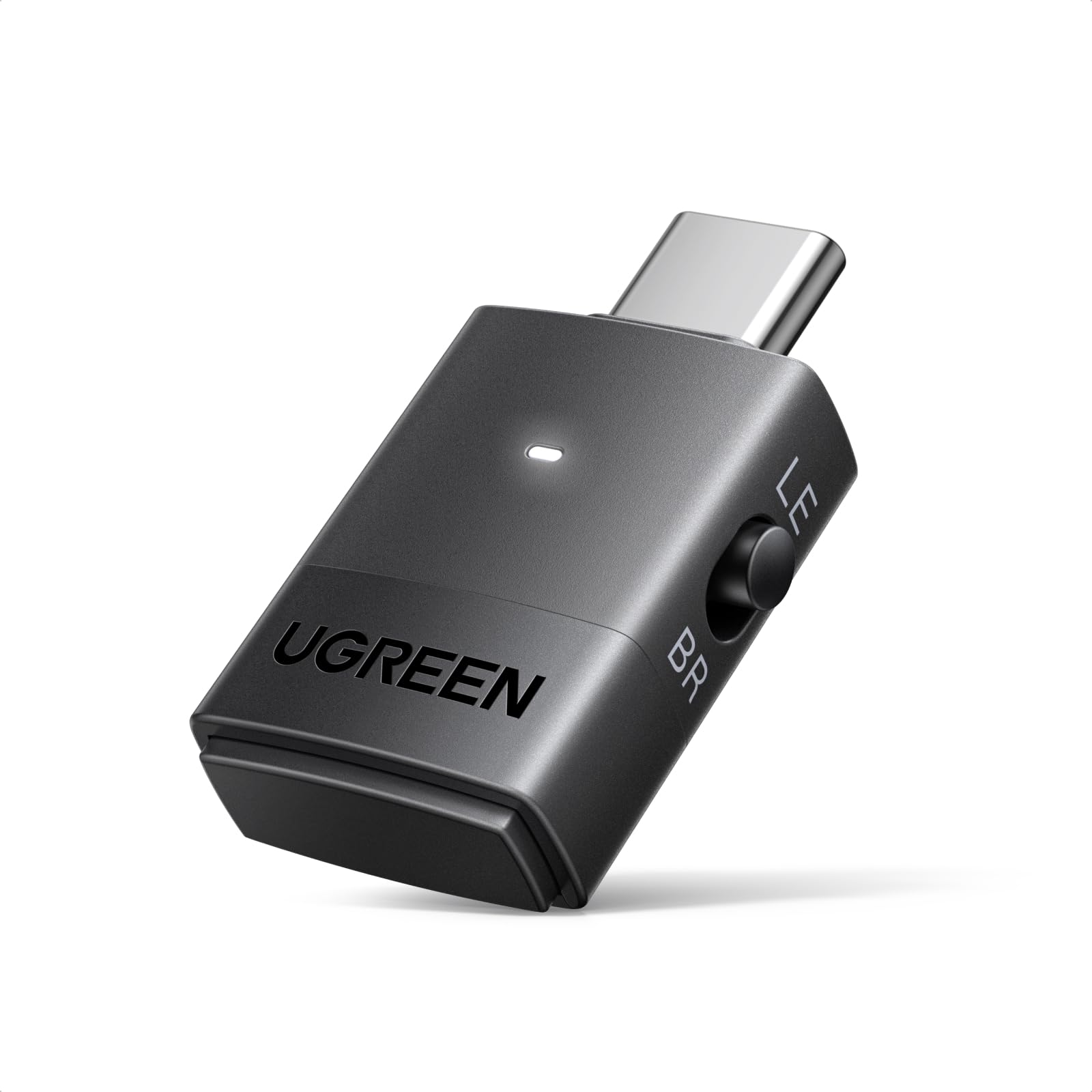
The UGREEN adapter uses a Qualcomm QCC3086 chipset that supports Bluetooth 6.0 and the new LE Audio standard, which is the cleanest path to sub-30ms latency on a PC. Its Low Latency mode (15-30ms) and High-Quality mode (20-45ms) allow you to switch between competitive gaming and music listening without swapping hardware. The LPAC3 codec support future-proofs it for newer gaming headsets.
This dongle also solves the notorious Windows audio-video sync issue by acting as a dedicated USB audio transmitter, effectively bypassing the janky native Windows Bluetooth stack. Dual-device pairing in Classic mode and one-to-many broadcasting in LE Audio mode make it a strong choice for co-op or movie nights on a PC.
The USB-C connector is a boon for modern laptops and Steam Deck, though it lacks a USB-A adapter out of the box. Pairing requires a double-click of the multi-function button — a minor learning curve for a device that delivers the lowest measurable latency in this lineup.
Why it’s great
- LE Audio Low Latency mode achieves 15-30ms delay
- Qualcomm Bluetooth 6.0 chip for stable, interference-resistant connection
- Supports simultaneous dual-device audio in Classic mode
Good to know
- USB-C only — no included USB-A adapter
- Low Latency mode requires LE Audio-compatible headphones
2. Sennheiser BTD 700 Bluetooth USB Dongle
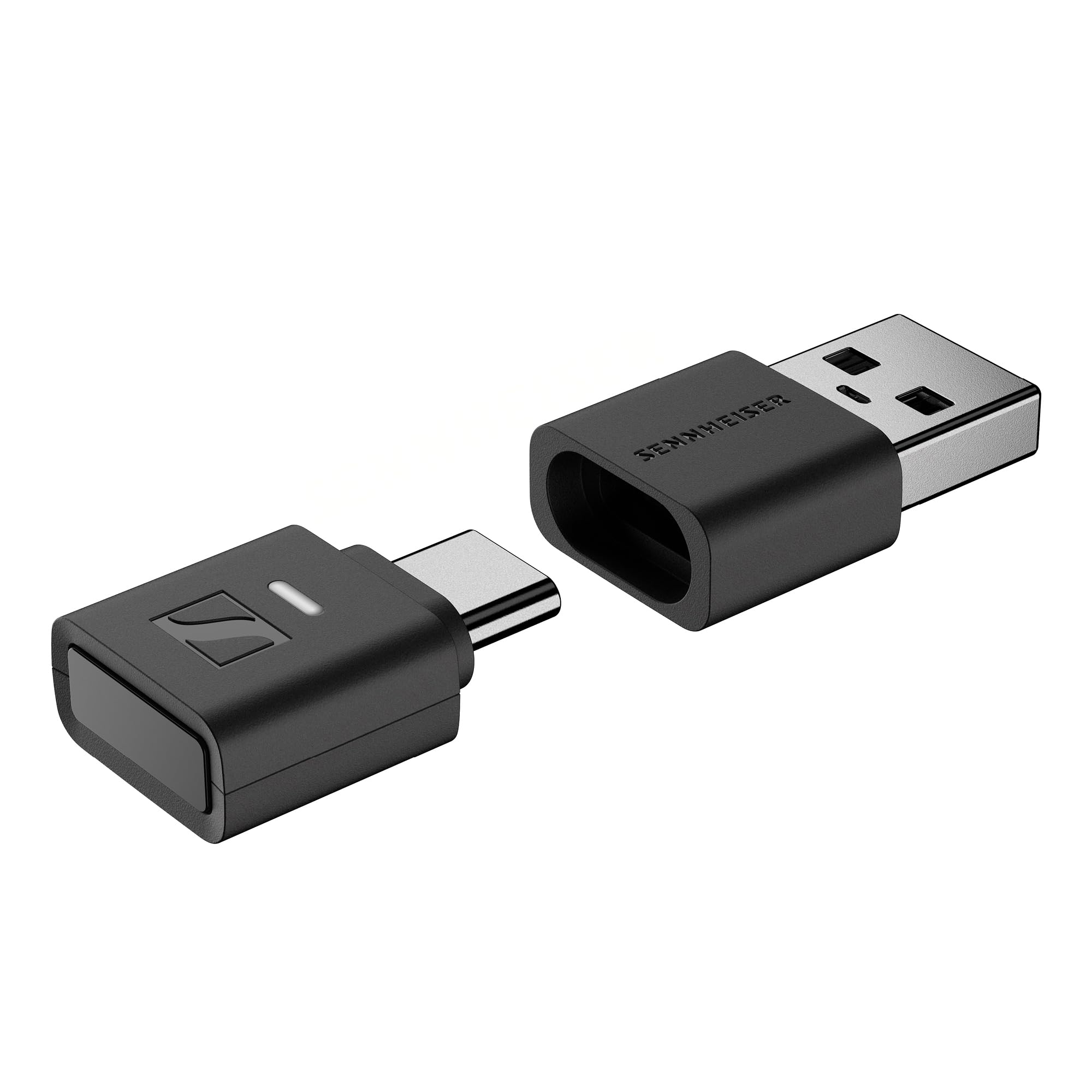
The BTD 700 is the first adapter to bring aptX Lossless — true 16-bit/44.1kHz CD-quality wireless audio — to PC gaming. Its dedicated gaming mode drops latency to 30ms, effectively eliminating perceptible audio lag for competitive play. The Auracast multistreaming feature enables broadcasting audio to multiple receivers simultaneously, useful for streaming or shared listening.
Plug-and-play simplicity is a highlight: no drivers, no software, just pair your headphones and go. The included USB-A and USB-C connectors mean it works on desktops, laptops, and even the iPhone 15/16 series for high-fidelity mobile audio. Multiple users report that it completely replaces a problematic built-in Intel Bluetooth controller.
The 49-gram weight and small form factor travel easily, though the lack of an auto-shutoff feature means it stays powered when plugged in. Firmware updates have fixed earlier quirks, but the initial pairing process can be slightly finicky for users unfamiliar with dedicated dongles.
Why it’s great
- aptX Lossless delivers CD-quality wireless audio
- Gaming mode reduces latency to only 30ms
- Auracast support for multistreaming to several headphones
Good to know
- Headphones control volume lower than expected; requires higher PC volume
- No auto-shutoff; remains on when left plugged in
3. Avantree DG80-Gaming USB Bluetooth 5.3 Adapter

The Avantree DG80-Gaming is purpose-built for gamers who want to use their Bluetooth headphones on a PS5, PS4, or PC with minimal hassle. It is plug-and-play with no drivers needed and auto-connects to previously paired headphones on subsequent uses. The Qualcomm chipset supports aptX-LL, aptX-Adaptive, and aptX-HD, delivering latency under 55ms with compatible headsets.
An extended range of up to 100 feet (30 meters) means you can walk around your space without dropping the audio signal. Real-world testing confirms zero lag when paired with aptX-LL headphones like the Skullcandy Crusher ANC 2 or EarFun Air Pro 4. The support team at Avantree replaced a faulty unit quickly under warranty, showing decent post-purchase support.
The major caveat is Bluetooth microphone support: due to a Sony restriction, the mic will not work on PS5, but it functions fine on PC. Some users also report compatibility issues with certain Sony headphones, so check your specific headphone model before buying.
Why it’s great
- Achieves under 55ms latency with aptX-LL
- Up to 100ft / 30m wireless range
- Auto-reconnects to paired headphones
Good to know
- Bluetooth mic not supported on PS5
- Does not pair with some Sony WH-1000XM5 and Samsung Buds units
4. Sennheiser Consumer Audio BTD 600 Bluetooth Dongle

The BTD 600 is a proven workhorse that upgrades any PC or Mac to high-quality Bluetooth audio. It supports aptX Adaptive, aptX HD, and aptX Low Latency, automatically selecting the best codec for your headphones. After a firmware update, the audio bitrate jumps from 280kbps to 350-430kbps, significantly improving clarity without increasing latency beyond ~80ms.
It works plug-and-play with Windows and macOS, and the included USB-C adapter provides flexibility between devices. Users consistently report resolving native Bluetooth dropouts and audio drift in Wi-Fi congested environments after switching to this dongle. The build quality is sturdy with a satisfying pairing button.
One limitation is that it functions as a dedicated audio device only — it does not handle Bluetooth data peripherals like mice or keyboards. The initial setup requires reading the guide, especially for Apple users who need to pair headphones directly to the adapter rather than the system Bluetooth.
Why it’s great
- Firmware-upgradable to higher audio bitrate (430kbps)
- Simultaneous low latency (~80ms) and good quality for games and movies
- Rock-solid connection stability in crowded Wi-Fi areas
Good to know
- Only supports audio devices — no mouse or keyboard
- Initial pairing requires reading the manual for best results
5. BrosTrend 2-in-1 USB WiFi Bluetooth Adapter, AX900
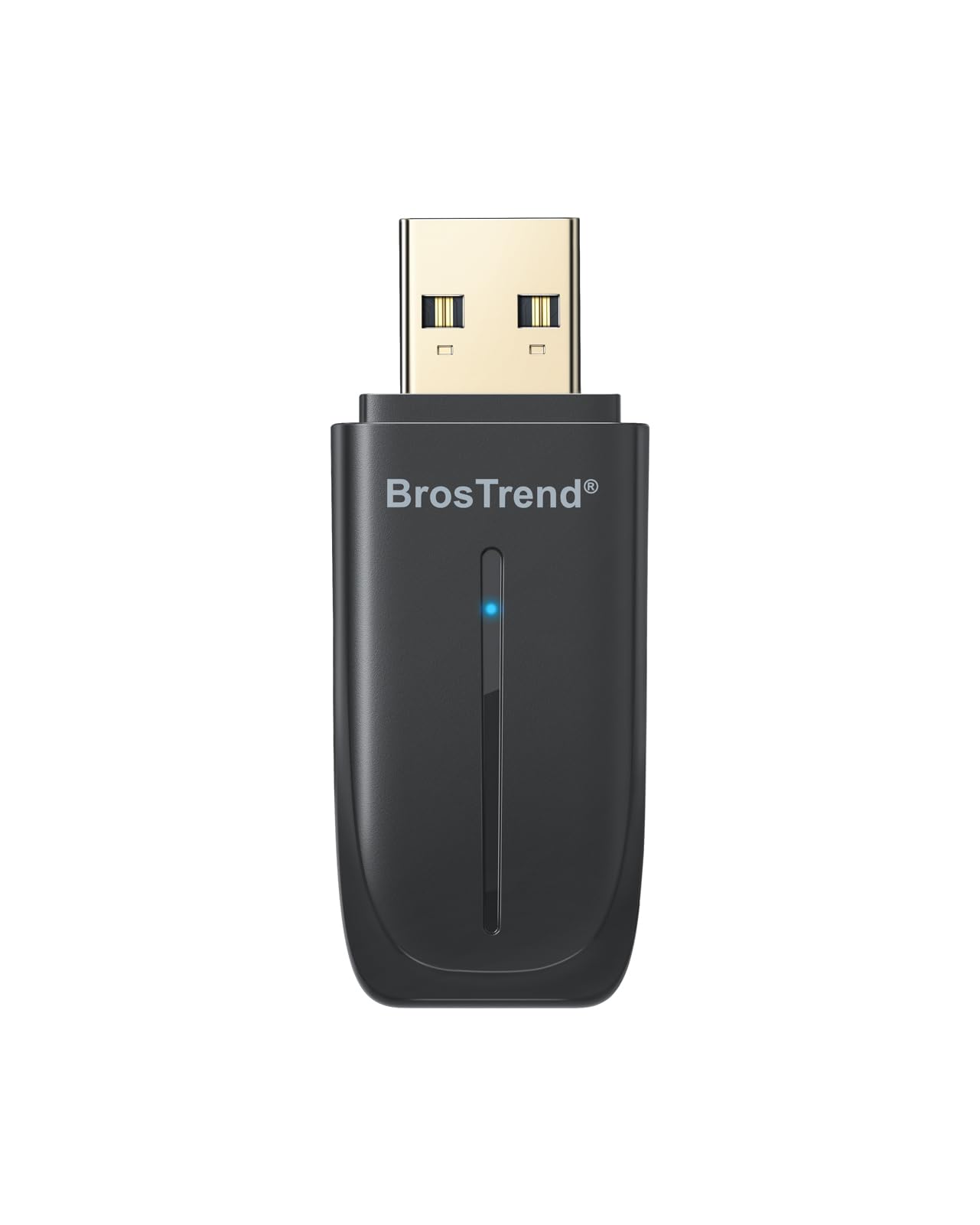
The BrosTrend adapter earns its spot by bundling Bluetooth 5.4 and dual-band WiFi 6 (AX900) into a single tiny dongle. For the price, you get the ability to connect up to five Bluetooth devices — mice, keyboards, headsets — while also upgrading your PC’s wireless networking to 600Mbps on 5GHz. The Bluetooth 5.4 standard provides stable connections up to 32 feet for your peripherals.
Setup is effortless on Windows 10 and 11 with pre-loaded drivers that install automatically. The compact dimensions (2.04 x 0.78 x 0.35 inches) keep adjacent USB ports free, and the vented housing prevents overheating during extended gaming sessions. Multiple users confirm it works on Linux Ubuntu after a bit of configuration.
The main compromise is the USB 2.0 interface, which caps Bluetooth throughput — fine for gaming peripherals but not ideal for high-bandwidth audio streaming. Also, it is not compatible with Mac or Linux out of the box, and the Bluetooth function may conflict with an existing internal Bluetooth adapter if not disabled.
Why it’s great
- Combines Bluetooth 5.4 and WiFi 6 in one low-profile dongle
- Auto-installs drivers on Windows 10/11
- Supports up to 5 simultaneous Bluetooth connections
Good to know
- USB 2.0 interface limits high-bandwidth audio potential
- No Mac or Linux support out of the box
6. TP-Link 2-in-1 USB Bluetooth WiFi Adapter Archer TX10UB Nano

The TP-Link Archer TX10UB Nano is a marvel of miniaturization, measuring just 0.76 x 0.62 x 0.29 inches — it becomes nearly invisible when plugged in. Despite its tiny size, it packs Bluetooth 5.3 and AX900 dual-band WiFi 6, making it a decent upgrade for an old laptop or desktop lacking modern wireless standards. The pre-loaded drivers auto-install, and the Bluetooh 5.3 offers improved power efficiency and connection stability over earlier versions.
It supports OFDMA and MU-MIMO for efficient WiFi handling. For gaming specifically, the reliable Bluetooth 5.3 handled a wireless Xbox controller and headset simultaneously without perceptible lag in testing. Users praise it for reviving old laptops with failing internal WiFi chips, providing both networking and Bluetooth in a single slot.
The Bluetooth function requires you to disable your internal Bluetooth to avoid conflicts. The adapter is also not compatible with macOS, Linux, TVs, or gaming consoles — it is strictly for Windows 10/11 PCs. Additionally, the nano size, while sleek, means no external antenna, so strong range is dependent on proximity to your router.
Why it’s great
- Extremely compact nano design, nearly invisible in use
- Auto-installs on Windows with no CD or download needed
- Combines Bluetooth 5.3 and WiFi 6 for a full PC upgrade
Good to know
- Not compatible with Mac, Linux, or consoles
- Requires disabling internal Bluetooth adapter to avoid conflict
7. 8Bitdo Adapter Switch Controller Adapter 2

The 8Bitdo Adapter 2 is a specialized receiver for connecting Bluetooth controllers to your PC, Switch, or Raspberry Pi — not a general-purpose dongle. It supports Xbox Series X/S, PS5/PS4/PS3, Switch Pro, and Joy-Con controllers with full X-input and D-input mapping. This means your console controller works seamlessly on PC games without worrying about driver compatibility.
The adapter firmware is updatable and must be updated before use with newer systems like the Switch 2. After updating, the connection is strong and simple, with quick binding. It supports advanced customization through the Ultimate Software, allowing macro creation, stick/trigger sensitivity adjustment, and vibration control. The 6-axis motion control works in Switch mode, and vibration works in X-input mode.
One adapter handles only one controller at a time, so multiple players need multiple adapters. It is also incompatible with non-Bluetooth 2.4GHz controllers. The physical connector is Micro USB, which feels dated compared to modern USB-C peripherals.
Why it’s great
- Connects Xbox, PlayStation, and Switch controllers to PC and Switch
- Fully customizable button mapping and sensitivity via software
- Supports 6-axis motion and vibration
Good to know
- One adapter per controller, not multi-controller
- Requires firmware update out of the box for latest consoles
FAQ
Will a Bluetooth adapter reduce headphone lag on my PC?
Is Bluetooth 5.4 or 6.0 worth it for gaming?
Can I use a Bluetooth adapter for my Xbox or PS5 controller on PC?
Final Thoughts: The Verdict
For most users, the bluetooth adapter for pc gaming winner is the UGREEN USB-C Bluetooth Adapter because it delivers the lowest measurable latency through LE Audio while covering both PC and console use cases. If you prioritize lossless audio fidelity, grab the Sennheiser BTD 700. And for console-centric controller gaming, nothing beats the 8Bitdo Adapter 2.