
Our readers keep the lights on and my morning glass full of iced black tea. As an Amazon Associate, I earn from qualifying purchases.
Specs are compiled from manufacturer listings and verified buyer reviews and can change over time — please confirm the key details on the product page before buying.
You need a huge 2TB drive for your games, your work files, or to revive an old laptop. The problem? SSD prices bounce all over the place, and it is easy to overpay for speed you might not even need — or worse, grab a slow drive and feel zero difference. This guide cuts through that noise. You will find the best balance of speed, reliability, and price for your exact machine, whether it is a modern PCIe 4.0 slot or an older SATA port.
I’m Min — the founder and writer behind Gadgets Feed. This guide is built by comparing the manufacturers’ published specifications and the patterns across verified customer reviews, so you get each pick’s real strengths and trade-offs instead of marketing spin.
For this roundup, every single drive delivers 2TB of capacity while staying affordable, but the real difference is in transfer speeds and the type of connection your computer supports. Here is everything you need to confidently choose your next budget 2tb ssd.
Our Picks at a Glance

How To Choose The Best Budget 2TB SSD
Picking a 2TB drive is mostly about matching the exact kind of connector your computer has and deciding how much speed you actually need. Here are the three main things to check so you do not end up with a drive you cannot even plug in.
Form Factor: M.2 or 2.5-Inch?
The physical size of the drive is the first thing you have to get right. An M.2 SSD looks like a stick of gum and slides into a small slot directly on the motherboard — these are used on modern laptops and desktop boards. A 2.5-inch SATA drive is the boxy, chunky shape that goes into a dedicated bay and connects via a cable. Open your PC or check your laptop’s manual to see which one fits. Getting the wrong shape means the drive simply will not physically install.
Interface: PCIe NVMe vs. SATA III
The interface controls how fast the drive talks to your computer. NVMe drives using the PCIe 4.0 standard can hit speeds of 7450 MB/s, while SATA III drives are capped at 550 MB/s. If you play demanding games, edit 4K video, or simply want the snappiest possible system boot, an NVMe drive is the one. If you are upgrading an older PC or laptop that only has a SATA port, a SATA SSD is still a massive upgrade over a mechanical hard drive and will feel much faster in daily use.
Endurance: TBW and NAND Type
An SSD wears out as you write data to it. The TBW (terabytes written) rating tells you how much total data the drive can handle before it starts degrading. A budget drive with TLC (triple-level cell) NAND generally has a higher TBW and longer write life than a cheaper QLC (quad-level cell) drive. For a 2TB drive used as a game library or work storage, look for TLC chips if you plan on heavy daily writing; for a secondary storage drive that mostly stores read-only files, QLC is perfectly fine and often cheaper.
Quick Comparison
| Model | Best For | Interface | Seq. Read | Form Factor | Amazon |
|---|---|---|---|---|---|
| BIWIN Black Opal NV7400★ Best Overall | Top Speed & PS5 | PCIe 4.0 NVMe | 7450 MB/s | M.2 2280 | Amazon |
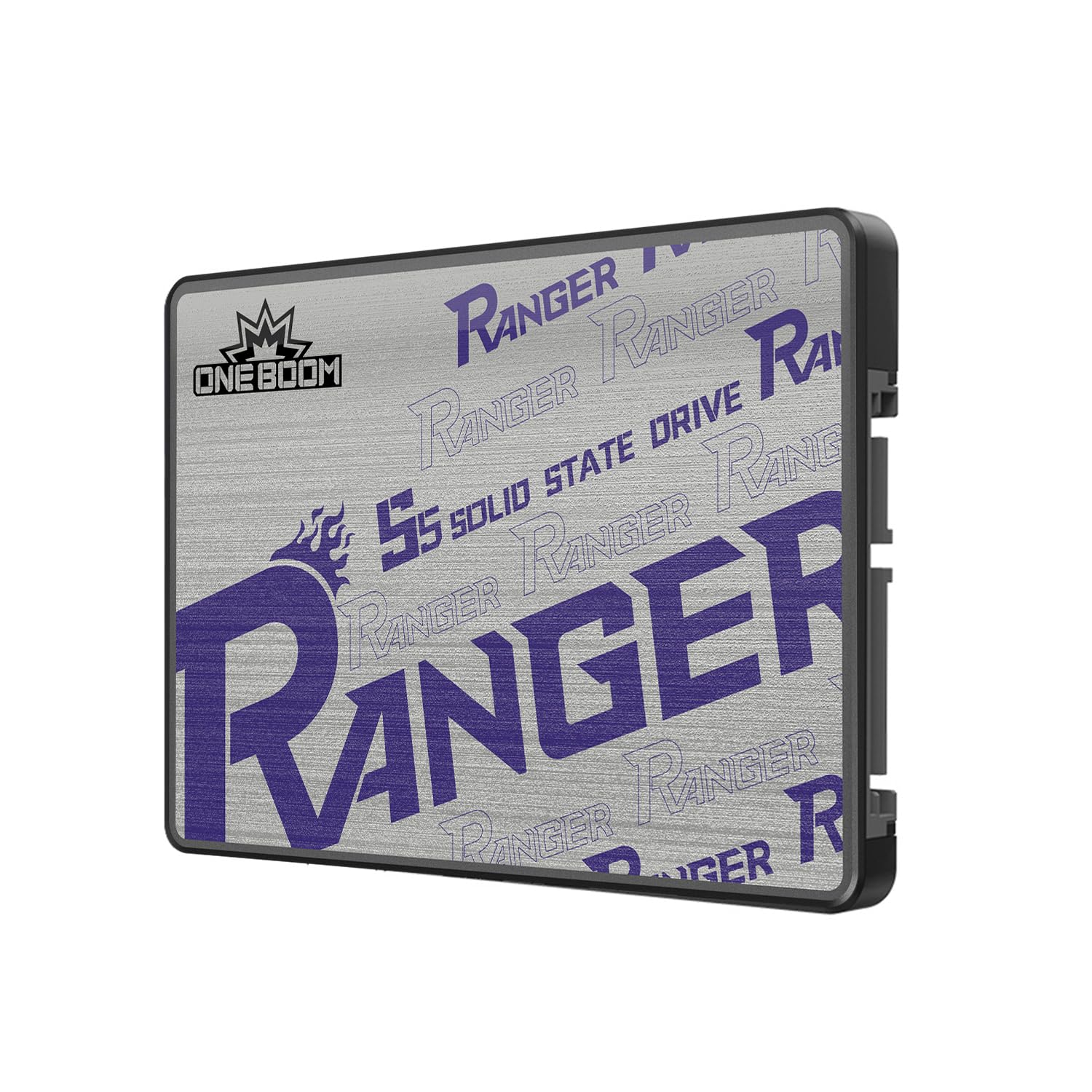
| KingSpec OneBoomBest Value | Reviving Old Laptops | SATA III | 550 MB/s | 2.5-inch | Amazon |
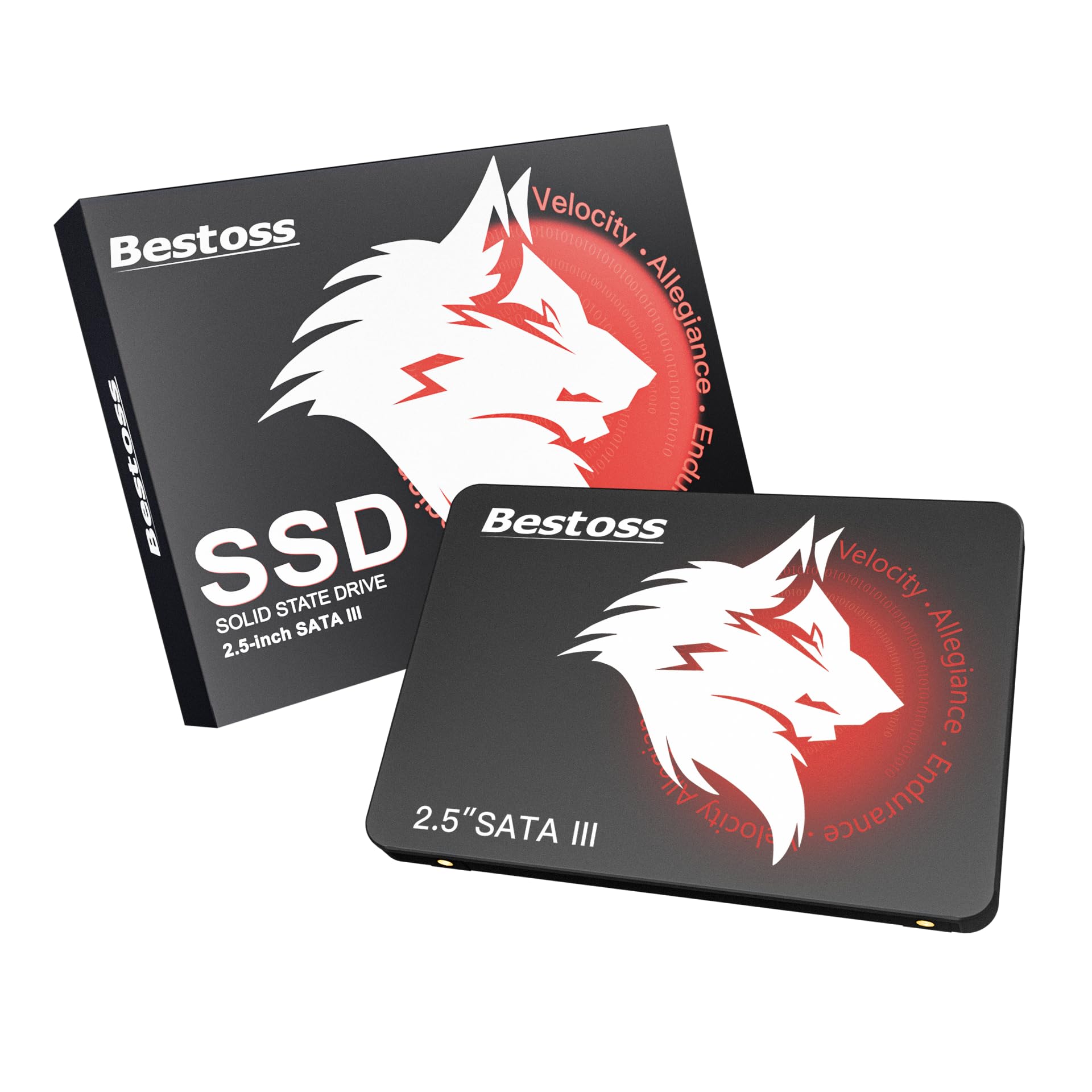
| Bestoss 2TB SATA SSDCompact Pick | Raspberry Pi & Basics | SATA III | 550 MB/s | 2.5-inch | Amazon |
| Ediloca ES580E | NAS Backup Drives | SATA III | 500 MB/s | 2.5-inch | Amazon |
| RAOYI 2TB Internal SSD | Everyday PC Speed | SATA III | 550 MB/s | 2.5-inch | Amazon |
| Vansuny 2TB SATA III SSD | Budget OS Drive | SATA III | 500 MB/s | 2.5-inch | Amazon |
| TEAMGROUP T-Force Vulcan Z | Budget Game Library | SATA III | 550 MB/s | 2.5-inch | Amazon |
| fanxiang S101 | High-Volume Storage | SATA III | 520 MB/s | 2.5-inch | Amazon |
| Ediloca EN705 NVMe | High-Speed Gaming | PCIe 4.0 NVMe | 4800 MB/s | M.2 2280 | Amazon |
In‑Depth Reviews
1. BIWIN Black Opal NV7400 2TB SSD
Our pick — over 4.5★ from 750+ verified ratings; the strongest balance of quality and price.
The speed king for gamers and pros who refuse to wait.
This is the one to beat if your motherboard has a PCIe 4.0 slot. You get a maximum read speed of 7450MB/s and a write speed of 6500MB/s, while even the best SATA drive on this list tops out at 550MB/s. For anyone who moves huge video files, loads massive games, or just wants their PC to feel instant, this is the performance tier that actually changes how you use your computer. The drive also uses a 0.5mm graphene aluminum heat sink to keep temperatures in check during sustained heavy use, so speeds stay consistently high.
Reliability is the thing owners praise most — fourteen buyers single it out — and the drive carries a noteworthy TBW rating of 4000, meaning it can handle years of heavy rewrites without issue. The crowd favorite here is a strong one, with a very high rating from nearly 800 owners. Buyers report that “2 tb of videogames handled great, easy installation, worth the moneh,” and many specifically call out the included mounting screw and heat sink as thoughtful touches that make installation a ten-minute job. The only realistic reason to skip it is if your system has no M.2 slot, in which case you will need a SATA drive instead.
Why It Wins
- Genre-leading 7450MB/s reads crush load times for games and file transfers.
- Includes a graphene-aluminum heat sink and mounting screw — no extra purchases.
- 4000 TBW endurance rating backs years of heavy write cycles.
The Limit
- Requires a PCIe 4.0 M.2 slot; will not work in older SATA-only systems.
- Premium performance still carries a higher upfront cost than budget SATA drives.
Reach for this if: you have a modern PC or PS5 and want the absolute fastest load and transfer speeds your motherboard can handle.
Look elsewhere if: your computer only supports the older 2.5-inch SATA connector — this M.2 stick cannot fit.
2. KingSpec OneBoom 2TB SATA III SSD
The resurrection drive for clunky old PCs and game consoles.
If your laptop or desktop still runs on a mechanical hard drive, this 2.5-inch SATA III SSD is the single cheapest way to make it feel like a new machine. The 550MB/s read and 520MB/s write speeds make your computer boot in seconds instead of minutes, and apps launch without that dreaded loading cursor. The drive also consumes less power than a spinning hard drive, so your laptop battery stretches noticeably further through the day.
Reliability tops the buyer charts here — fifteen owners praise its consistent performance — and the shockproof design (no moving parts at all) means it survives drops that would kill a mechanical drive. Buyers dropped this into PS4 Pro and Xbox One X consoles as a direct replacement for the factory HDD and report game load times are “much faster than an HDD.” One buyer wrote, “Bought this 2TB SSD during Prime Day in October,” and later confirmed boot-up and game loading are faster than the original drive. The one catch is the plastic enclosure, which feels less premium than an aluminum-shelled drive, but it keeps the weight down and the price low.
What Makes It a Steal
- Drops straight into any standard 2.5-inch bay — laptops, desktops, PS4, Xbox One — in under ten minutes.
- Uses 70% less power than an HDD, meaning noticeably better laptop battery runtimes.
- 3-year warranty and high TBW rating provide solid confidence for everyday use.
The Trade-Off
- Plastic case feels less sturdy than metal alternatives, though function is unaffected.
- SATA speeds (550 MB/s) cap well below NVMe options, but that is the nature of the connection.
Grab this if: you need to breathe life into an older laptop, a PS4 Pro, or an Xbox One X without spending much cash.
Pass if: your computer has an M.2 NVMe slot — you would leave a huge amount of speed on the table with this SATA drive.
3. Bestoss 2TB SATA SSD
Reliable TLC flash for users who write a lot of data.
Unlike many budget drives that use QLC flash, the Bestoss internal SSD uses TLC NAND — a type of flash memory that handles many more write cycles before wearing out. For anyone who uses their computer heavily every day (installing games, rendering video, copying large backups), that difference in endurance matters. The 550MB/s read speed is at the ceiling of what SATA III can do, and owners consistently say boot times are dramatically faster than their old hard drives. The 3-year warranty and lifetime technical support add a layer of reassurance that is rare at this price tier.
Functionality gets the strongest overall praise from thirty-three owners, with many calling it a “solid budget option for older PCs.” One person uses it as their Raspberry Pi system drive without a hitch, and another owner was pleased when the drive read at about 950 GB of usable space instead of the typical 930 GB — a small bonus of available capacity. Speed is good but not class-leading at 550 MB/s, which is perfectly fine for office work, light gaming, and file storage but will not match the blistering pace of an NVMe drive. For a basic, reliable storage expansion that uses the more durable TLC chips, this one does the job admirably.
Solid performer: TLC flash gives this drive an edge in write endurance over QLC alternatives — good for daily OS use and frequent file transfers. The 3-year warranty and tech support backup the promise.
Ideal for: everyday computer use where data is written and rewritten often (OS drive, active projects).
Not for: anyone seeking NVMe-tier speeds — this stays within SATA III limits.
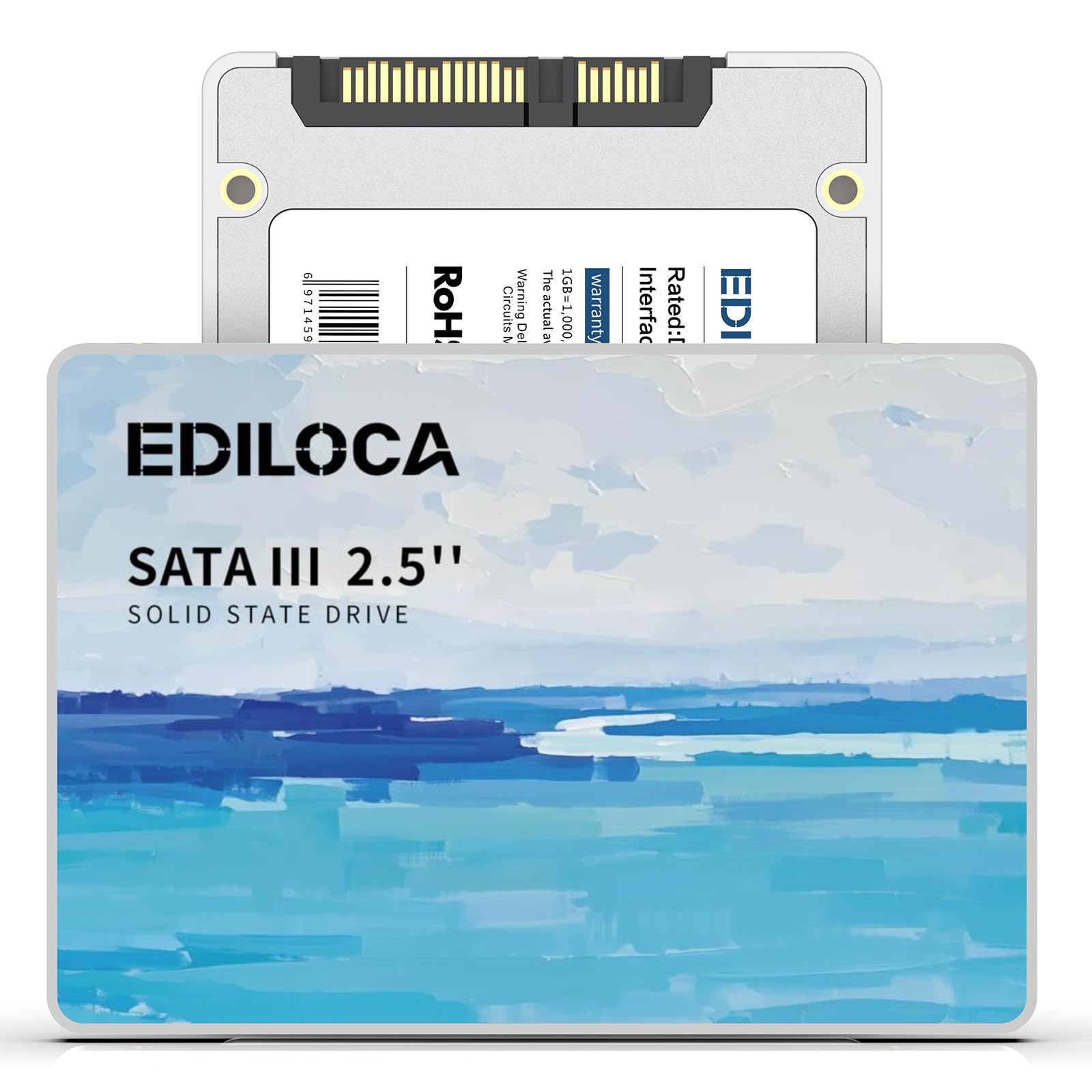
4. Ediloca ES580E 2TB SATA III SSD
A silent, shock-resistant workhorse for NAS and file servers.
This 2.5-inch SATA SSD is built for continuous, always-on use — exactly what a home NAS (network-attached storage) or a Linux file server demands. With a read speed of 500MB/s and write speed of 400MB/s, it is about three times faster than a mechanical hard drive, but what really matters here is the shock resistance (rated for 1500G/0.5ms shock and 1.2m drop protection) and whisper-quiet operation thanks to zero moving parts. Owners have dropped it into aging laptops and report the machine “works like new” with drastically faster boot speeds after a fresh Windows install.
The 3D QLC NAND flash keeps costs low for high-density storage, making this an excellent choice for a RAID 1 backup pair where large capacity matters more than write speed. One owner bought it specifically to run RAID 1 on their NAS and said it fit the bill perfectly. Another uses it as a storage drive on a Linux file server with no issues. The white color is a bit unusual, so it stands out (or clashes) depending on your build aesthetic. Ediloca backs it with a 3-year warranty and offers 24/7 technical support — solid backup for a budget drive that runs 24/7.
The fit: best for NAS arrays, file servers, or secondary storage where you need 2TB of reliable, silent, shock-proof space without paying for NVMe speeds.
Use for: a home server, RAID backup pair, or upgrading a very old laptop where SATA is the only option.
Avoid for: primary gaming drives or heavy daily rewrites — QLC flash is less durable for frequent writes than TLC.
5. RAOYI 2TB Internal SSD SATA III

All-around SATA speed for the budget-minded PC builder.
The RAOYI drive hits the standard SATA III ceiling with 550MB/s reads and 500MB/s writes, which is all most people will ever need for daily computing, gaming, and light creative work. The enclosure uses a PC+ABS casing (a durable plastic blend) that provides excellent heat dissipation while keeping the drive lightweight and shock-resistant. Owners mention it works well in a PS3 where the faster load times are immediately noticeable, and many use it as a secondary drive on Windows or Linux systems without a single issue arising.
Performance is the top aspect with forty-four owners calling it out positively, and value for money is the second-most praised feature. It can handle dual-boot Linux setups, serve as storage for a security camera home base, or simply speed up an old desktop. Reliability gets a mixed signal in the data — a handful of owners mention no problems at all while a small number mention signs of failure. That mixed verdict suggests this drive is best suited for less critical storage (game libraries, media files) rather than a boot drive for a mission-critical workstation. The 3-year warranty provides a safety net, but it is note before you use it for irreplaceable data.
Strong Points
- Top SATA speed (550/500 MB/s) at a consistently low price point.
- PC+ABS casing dissipates heat well and keeps the drive lightweight.
- Works across Windows, Linux, Mac, and older game consoles like PS3.
Watch Out For
- Reliability feedback is more divided here than on the top picks — some owners experienced early failure.
- Best used for game libraries or media storage rather than a primary OS boot drive.
Best suited for: secondary storage, game libraries, or upgrading devices where data loss risk is manageable.
Think twice if: you need a boot drive for a critical work PC where uptime is essential.
6. Vansuny 2TB SATA III SSD

A proven budget drive with thousands of happy owners.
The Vansuny is among the most popular SATA options on the market right now, scoring very well across hundreds of user ratings. It delivers 500MB/s reads and 450MB/s writes, which is a bit below the theoretical SATA ceiling but still “leaps and bounds faster” than any mechanical hard drive, as owners describe it. The 3D NAND flash and premium ABS casing are designed for stable performance and low power consumption, which makes it a common choice for upgrading older office machines and school laptops.
Quality and value for money are the most-praised aspects — twenty-six and twenty-three mentions respectively — with owners consistently describing it as “good quality” and a “nice, affordable 2TB option.” Installation is straightforward plug-and-play, and the drive supports cloning without compatibility issues across Windows. However, reliability is the most-discussed topic overall, with the data showing a mixed picture — many customers note flawless long-term use, but a fair number experienced failures within two months. That split suggests this drive works great for lighter workloads (OS boot, documents, media playback) but may struggle under constant, heavy rewrite stress. Approach it as a solid budget OS or secondary drive and keep backups of truly critical files.
The honest take: great value and strong initial impressions, but long-term reliability is inconsistent enough that you should keep your important data backed up elsewhere. Treat it as a capable daily driver, not an archive vault.
Go for it if: you want a cheap, high-capacity SSD for booting an old PC or storing your game library where data can be re-downloaded.
skip it if: you need guaranteed reliability for irreplaceable work files — invest in a drive with stronger endurance ratings.
7. TEAMGROUP T-Force Vulcan Z 2TB SSD

A popular 2TB vault for console and PC game collections.
The TEAMGROUP T-Force Vulcan Z is a widely owned SATA III drive, with a high number of ratings — the fan favorite of this budget SATA tier. It advertises read speeds up to 550MB/s and write speeds up to 470MB/s, and it uses an SLC cache to keep performance snappy during everyday transfers. It is designed specifically for gaming, with the SLC cache helping to smooth out write performance so game installations and updates feel quicker than a standard HDD. It is compatible with PS5, Xbox Series X/S, and of course any standard PC or laptop.
Value for money and installation ease are the most-praised aspects — forty-four owners call out the price-to-storage ratio positively, and nineteen note how easy it is to install. Many owners say it is a “great upgrade” over a previous HDD and works fine for holding a large game library. However, reliability is the top aspect by far with 127 mentions, and it carries a mixed verdict from Amazon. A segment of reviewers point out the drive failing within the first year or the performance slowing down over time, and some question the actual sustained read/write speeds versus the advertised numbers. This drive is best seen as a budget bulk-storage option for games you can easily re-download, not a drive for archiving irreplaceable personal data.
The Upside
- SLC cache keeps write performance consistent during large file transfers and game installs.
- Huge capacity at a low price point makes it an easy drop-in for console upgrades.
- Very popular with thousands of owners — easy to find setup advice.
The Downside
- Reliability and speed are the most-discussed issues, with some owners seeing slowdown or failure within a year.
- Use as a secondary game vault, not a primary boot drive for critical work.
Perfect for: expanding the game library on a PS5, Xbox, or secondary PC where you can handle a re-download if the drive fails.
Not for: a boot drive with irreplaceable work documents or family photos.
8. fanxiang S101 2TB SSD

The highest-revied budget SATA drive with strong value backing.
If you trust the sheer weight of public opinion, the fanxiang S101 is the most popular SATA drive in this roundup by a wide margin, with tens of thousands of ratings. It uses 3D NAND TLC chips (which offer longer write life than cheaper QLC), targets 520MB/s read speeds, and promises at least 50% faster boot times than a traditional hard drive. Value for money is the most-praised feature with 177 mentions, and quality and speed follow close behind. Owners consistently describe it as “exceptional value for upgrading older computers,” and many use it as plug-and-play storage for multi-camera video hubs and security recorders.
The catch is reliability — tracked at 423 mentions in reviews, with a mixed signal from Amazon’s analysis. A large number of shoppers say the drive works “flawlessly” for months in laptops and desktop PCs, but a meaningful segment says the drive became corrupted or failed within weeks of use. One owner noted the drive was not recognized by Windows 11 or Ubuntu via a specific USB adapter (though it worked fine with a different enclosure). For the majority of shoppers, the S101 will work fine as a secondary storage drive, but the failure reports are common enough that you should avoid using it as your only backup or for truly critical data. The 3-year warranty from fanxiang does offer some recovery if you hit a bad unit.
Why It Is So Popular
- Highest rating volume in the category — tens of thousands of owners back this drive.
- TLC flash chips provide better durability for frequent writes than QLC-based alternatives.
- Works from the start for PC, laptop, Mac, and security recorder setups.
The Recurring Issue
- Reliability is the single most-discussed aspect, with a notable portion of owners reporting early failure.
- Compatibility can be finicky with certain USB-to-SATA adapters — best used in direct SATA connections.
Best for: bulk storage of games, camera footage, or media where losing the drive is a hassle but not a crisis.
Think twice for: a primary boot drive or the only copy of important documents and photos.
9. Ediloca EN705 2TB NVMe SSD

The fast-lane NVMe upgrade for gamers on a PCIe 4.0 budget.
Not everyone can spend on the absolute top speed of the BIWIN NV7400, and that is where the Ediloca EN705 comes in. It delivers read speeds up to 4800MB/s and writes up to 4500MB/s — that is about eight times faster than any SATA SSD, yet it sits at a lower price point than the speed-champion NV7400. It uses 3D TLC NAND, a dynamic SLC cache, and a composite heat dissipation patch to keep the controller cool during long gaming sessions. It is officially validated for PS5 storage expansion and fits any standard M.2 2280 slot on desktops and laptops.
Reliability is the standout here — thirty-three owners call it out positively, and many report the drive is immediately recognized and works without any hiccups. Gamers praise it as a “perfect PS5 internal storage” solution and note that game loading speeds are drastically faster than an external HDD. The drive also comes with a 5-year warranty and a 640TBW endurance rating, which is strong for a budget NVMe drive — it means this thing can handle years of daily rewriting before wearing out. The only realistic downside is that at 4800MB/s, it is still noticeably slower than the 7450MB/s of the BIWIN drive for those who need every drop of performance. For everyone else, this is a fantastic middle ground between price and NVMe speed.
the balance
- Near-5000 MB/s read speeds at a budget-friendly NVMe price — huge leap over SATA.
- Officially compatible with PS5 expansion; includes a screwdriver and mounting screw in the box.
- 5-year warranty and 640TBW endurance provide confidence for daily heavy use.
What It Lacks
- Slower than top-tier PCIe 4.0 drives (4800 vs. 7450 MB/s), though most users will not notice the difference in everyday gaming.
- The small mounting screw is easy to lose — be careful during installation, as owners warn.
Great for: PC gamers and PS5 owners who want the massive speed boost of NVMe without paying top dollar for the absolute fastest drive.
Skip if: your motherboard only has a SATA port or a PCIe 3.0 slot — you will not reach these speeds on older hardware.
Understanding the Specs
NVMe vs. SATA III Interface
The interface determines how fast the drive talks to your computer. NVMe drives use the PCIe lanes on your motherboard and can reach blistering speeds of 7450 MB/s on PCIe 4.0 — ideal for cutting game load times to seconds and handling huge video files without stuttering. SATA III drives top out at around 550 MB/s, but they still feel dramatically faster than a mechanical hard drive. Your computer’s available slot (M.2 for NVMe, 2.5-inch bay for SATA) is the hard limit on which one you can buy.
M.2 vs. 2.5-Inch Form Factor
The form factor is the physical shape of the drive. An M.2 drive is a narrow stick that plugs directly into a slot on the motherboard — common in modern laptops, small-form-factor PCs, and the PS5. A 2.5-inch drive is a rectangular box that sits in a drive bay and connects via a SATA power and data cable, mostly found in older laptops, standard desktops, and game consoles like the PS4. Checking your computer’s manual or simply looking inside the case tells you which shape you need.
TLC vs. QLC NAND Flash
NAND flash stores all your data, and the type affects how long the drive lasts. TLC (triple-level cell) memory stores three bits per cell and offers better durability and faster write speeds than QLC (quad-level cell), which stores four bits per cell. TLC is the better choice for an OS drive or a work drive where you write and rewrite files often. QLC is cheaper and works fine for secondary storage (game libraries, media files) where large amounts of data are written once and read many times.
TBW (Terabytes Written) Endurance
TBW is the total amount of data the manufacturer guarantees you can write to the drive over its lifetime. A 2TB drive with a 4000 TBW rating can handle writing 4000 terabytes of data before the cells are expected to wear out — that is enough for many years of heavy daily use. A lower TBW (like 200-300) is common on budget QLC drives. For a boot drive or work machine, aim higher; for a game vault, lower TBW is perfectly fine and saves you money.
FAQ
Will any of these drives fit my PS5?
Can I use a SATA SSD to speed up an old laptop?
What does “M.2 2280” mean?
How long will a budget 2TB SSD typically last?
Can I clone my old hard drive onto one of these SSDs?
Is a 4800 MB/s NVMe drive good enough for gaming?
What is the difference between TLC and QLC NAND?
Do I need a separate heat sink for an NVMe drive?
Will a SATA SSD work with a Mac or Linux computer?
Which drive should I pick for a security camera recording system?
Final Thoughts: The Verdict
For most users, the budget 2tb ssd winner is the BIWIN Black Opal NV7400 because it delivers PCIe 4.0 speeds that make every game and file transfer feel instant, backed by strong reliability feedback and a 4000 TBW endurance rating. If you need a straightforward SATA upgrade for an older laptop or console, grab the KingSpec OneBoom — it drops in easily and provides the biggest speed-per-dollar improvement for legacy hardware. And for a budget-friendly NVMe path that still crushes SATA speeds, the Ediloca EN705 is the one to reach for, blending 4800 MB/s reads with a 5-year warranty at a more accessible price point.
How We Picked
We do not accept paid placement. Every pick is matched to a real buyer and a real use-case; we do not hands-on test units.
Sources & Methodology
Specifications: manufacturer listings and product documentation. Review insights: verified customer reviews, as of July 2026. Pricing: not shown on this page (it changes often); check the current price via the retailer link.
As an Amazon Associate, Gadgets Feed earns from qualifying purchases. This does not affect which products we feature.