
White ink sedimentation is the single biggest reason budget DTF printers end up collecting dust in a corner. The moment a print head clogs, your entire production line stops, deadlines slip, and the cost of replacement parts eats into margins that were already thin. That is why the white ink circulation and stirring system is not a luxury feature — it is the defining spec that separates a reliable machine from a frustrating doorstop.
I’m Min — the co-founder and writer behind Gadgets Feed. I have spent hundreds of hours analyzing direct-to-film printer specifications, cross-referencing print head longevity data, and evaluating white ink management systems across dozens of models to identify which units genuinely deliver consistent, clog-free operation at the entry-level and mid-range price points.
That research has been distilled into this guide, which rates and compares the eleven most compelling options available today. If you are serious about starting or scaling a custom apparel side hustle, this is the definitive resource to find the best budget dtf printer for your specific production needs.
How To Choose The Best Budget DTF Printer
Buying a budget DTF printer is a balancing act between upfront cost, white ink management, print speed, and the quality of included consumables. The wrong decision can cost more in wasted ink and replacement print heads than the price of the printer itself.
White Ink Circulation: The Make-or-Break Feature
White ink particles are heavy and settle rapidly. Without an active circulation, stirring, or mixing system, the white ink separates inside the lines and print head, causing clogs that require deep cleaning cycles or even head replacement. Look for printers that advertise “built-in white ink circulation” or “anti-clog white ink system” — this is the single most important feature for long-term reliability.
Print Head Type and Speed
The print head determines how fast and how sharp your transfers will be. Entry-level DTF printers often use the Epson L1800 or R1390 head, while faster mid-range models use the XP600 or its Gen2 variant, the F1080. A printer with an XP600 head can finish an A3 sheet in roughly 3–6 minutes, while older heads may take 10 minutes or more. Speed matters when you are fulfilling multiple orders per day.
Film Width and Bundle Contents
A3 (13-inch) width is the sweet spot for most custom apparel, allowing full-sized chest prints and large back designs. A4 printers are cheaper but limit you to smaller logos. Also evaluate the bundle: some printers ship with only the machine, while others include ink, powder, transfer film, an oven, and even a laptop. A comprehensive bundle can save hundreds of dollars in starter consumables and help you begin printing immediately after unboxing.
Quick Comparison
On smaller screens, swipe sideways to see the full table.
| Model | Category | Best For | Key Spec | Amazon |
|---|---|---|---|---|
| PUNEHOD A3 R1390 DTF | Mid-Range | Beginner-friendly A3 printing | White Ink Circulation System | Amazon |
| MZK A3 DTF F1080 | Mid-Range | Auto-cleaning & high speed | F1080 Printhead / 3-min A3 print | Amazon |
| A3 M1630 Pro | Premium | Full bundle + laptop included | F1080 head / Built-in Vacuum System | Amazon |
| Procolored K13 Lite A3 | Premium | Professional color accuracy | LiteHead Tech / G7 Color Certified | Amazon |
| PUNEHOD R1390 + Oven | Mid-Range | Complete starter setup | Roll-Feed + Integrated Cutter | Amazon |
| DSV A3 Plus F1080 | Premium | 24/7 auto-maintenance | 4.5″ Touch Screen / 2-Year Ink Plan | Amazon |
| EXPLUX A4 XP600 | Budget | Ultra-fast A4 printing | XP600 / Built-in Cutter + Oven | Amazon |
| Carbcolords A4 L8058 | Budget | Compact A4 with white ink mixing | XP600 / White Ink Stirring System | Amazon |
| Sawgrass SG500 | Mid-Range | Dye-sub alternative for light fabrics | SubliJet UHD Ink / Anti-Clog | Amazon |
| Brother SP-1 Bundle | Budget | Best starter bundle for beginners | Includes 50 Blanks + Design Software | Amazon |
| Epson SureColor F170 | Budget | Entry-level sublimation for hobbyists | PrecisionCore / OEKO-TEX Certified Ink | Amazon |
In‑Depth Reviews
1. PUNEHOD A3 DTF Printer R1390
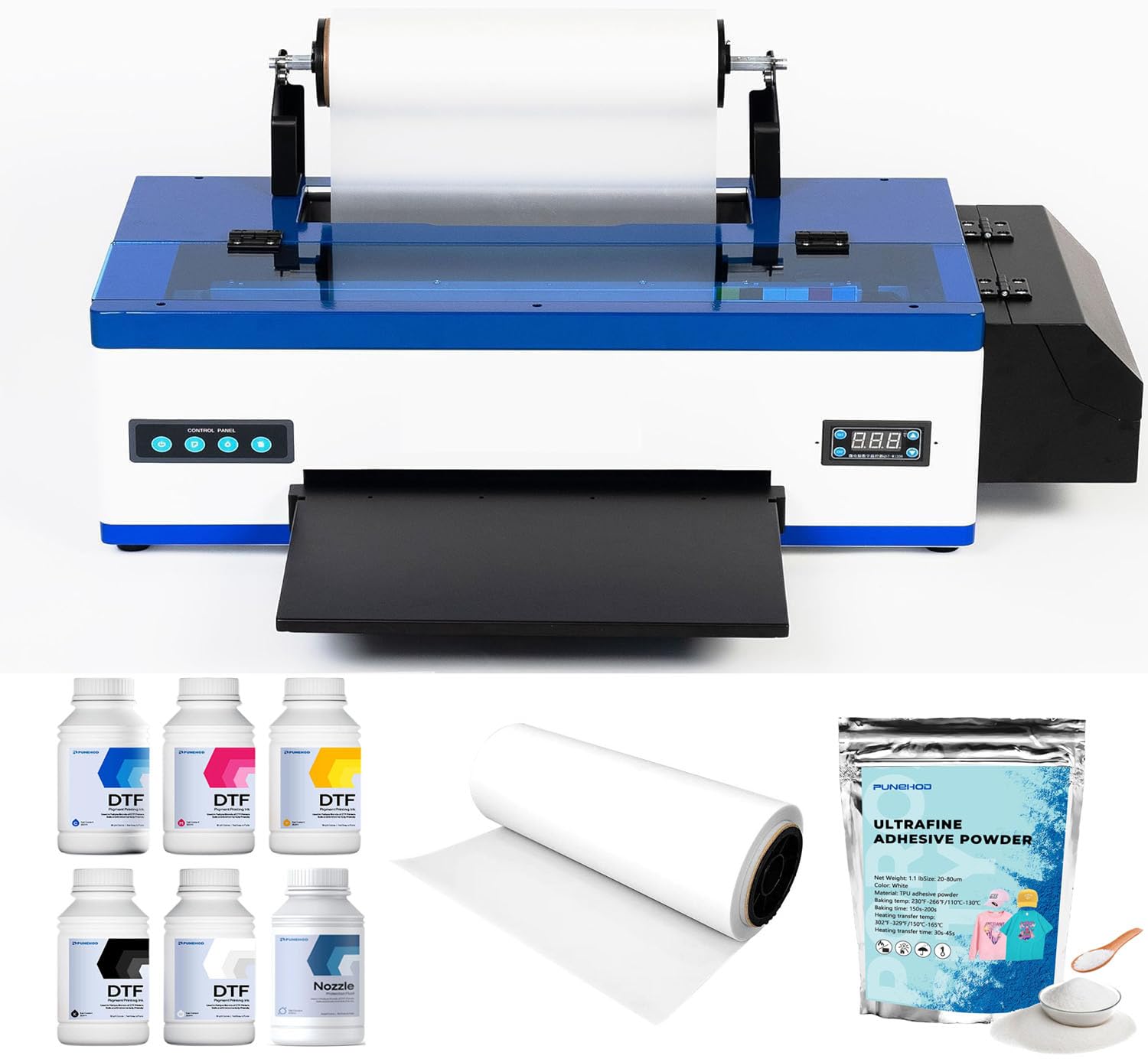
The PUNEHOD R1390 is the most well-rounded budget DTF printer on the market today, primarily because it integrates a 3-in-1 white ink circulation, mixing, and filtration system that directly targets the leading cause of downtime in this category: ink sedimentation. The R1390 print head delivers a native resolution of 2880×1440 DPI — matching or exceeding many premium units — while operating on a six-channel CMYK plus white ink configuration that produces wide color coverage and opaque white bases.
Dual paper feeding modes (single-sheet and roll-fed) plus a 13-inch maximum print width give it the flexibility to handle both small test prints and larger production runs. The adjustable air suction system keeps film flat during long sessions, minimizing paper jams that plague lesser machines. PUNEHOD includes licensed RIP software for color management and offers 24/6 one-on-one technical support, which is unusually generous for this price tier.
Customer feedback consistently highlights the sharp print quality and ease of setup, though a small number of users reported initial driver configuration hiccups that were resolved through the support team. Given the white ink system, the resolution, and the included RIP software, this is the printer that delivers the most capability per dollar for anyone entering DTF printing.
Why it’s great
- Active white ink circulation prevents settlement clogs
- 2880×1440 DPI ensures sharp gradients and fine text
- Roll-fed and single-sheet support for production flexibility
Good to know
- USB-only connectivity, no built-in Wi-Fi
- White USB drive discontinued due to virus reports
2. MZK A3 DTF Printer with F1080 Printhead
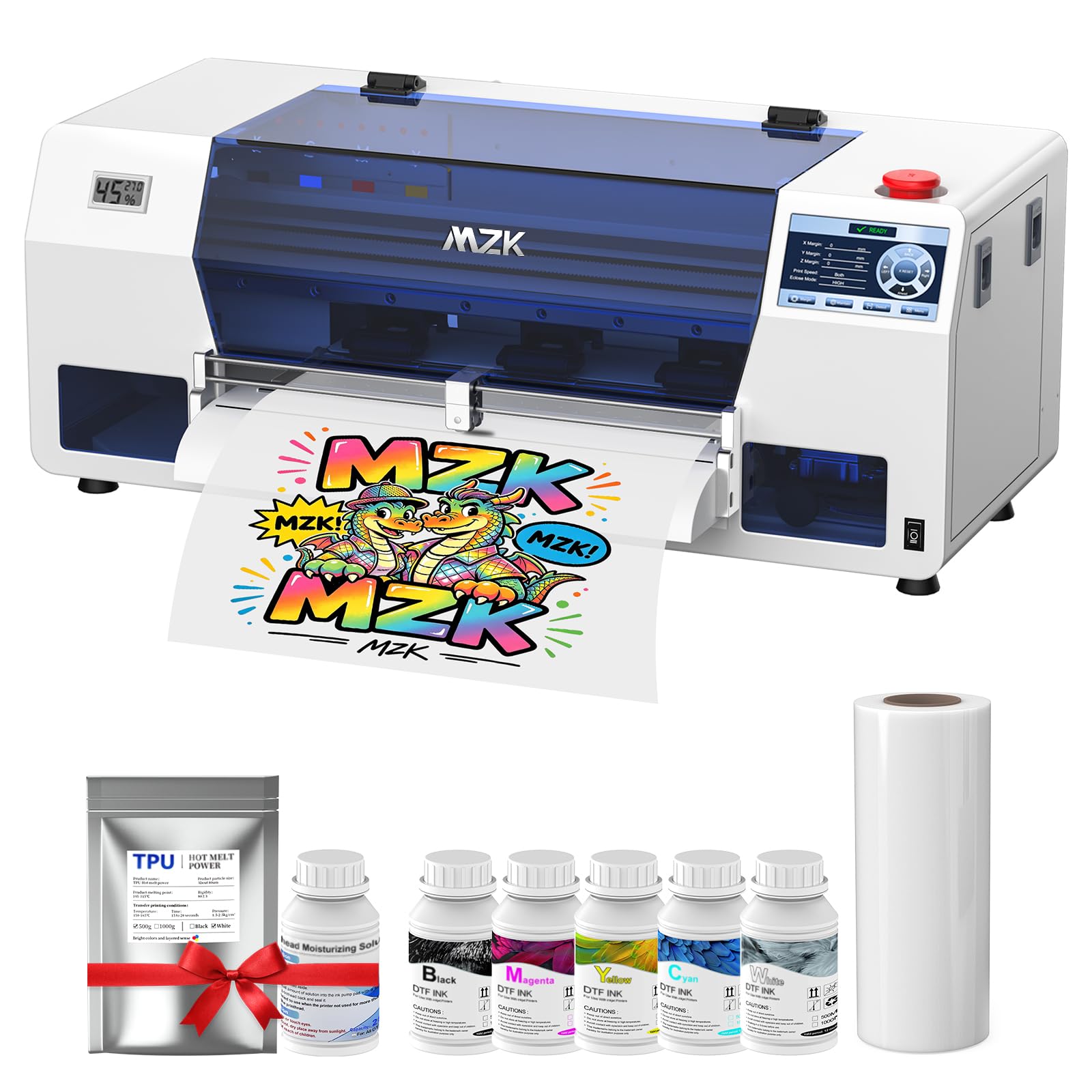
The MZK A3 DTF printer brings the F1080 print head — an upgrade over the XP600 — to the budget conversation, claiming double the speed of the older L1800 and R1390 platforms while maintaining 1880×1440 DPI resolution with Variable Sized Droplet Technology. A full A3 transfer can be completed in roughly three minutes, making this one of the fastest options in its class for shops that need throughput.
Its standout feature is the Holiday Mode, which runs automated timed cleaning cycles even when the printer is idle, preventing nozzle clogs during periods of non-use. The built-in 5-inch LED touch panel lets operators check nozzle status, initiate cleaning, and adjust ink fill without returning to the computer. Dual ink-level alarms flag low cartridges and waste ink overflow, reducing the risk of interrupted runs.
The included two-year consumable plan — five 250ml ink bottles and 500g of powder every two months — dramatically lowers ongoing supply costs. Setup is straightforward, and the responsive customer service team helps with any initial configuration issues. For a shop moving from hobby to semi-professional output, the MZK delivers speed and automated reliability that typically costs significantly more.
Why it’s great
- Holiday Mode auto-cleaning prevents clogs on idle days
- F1080 head prints A3 in 3 minutes
- Two-year ink/powder subscription saves ongoing cost
Good to know
- Compatible with Windows only, no macOS support
- Print head warranty is 6 months only
3. A3 M1630 Pro DTF Printer (Printer + Oven + Laptop + Consumable)
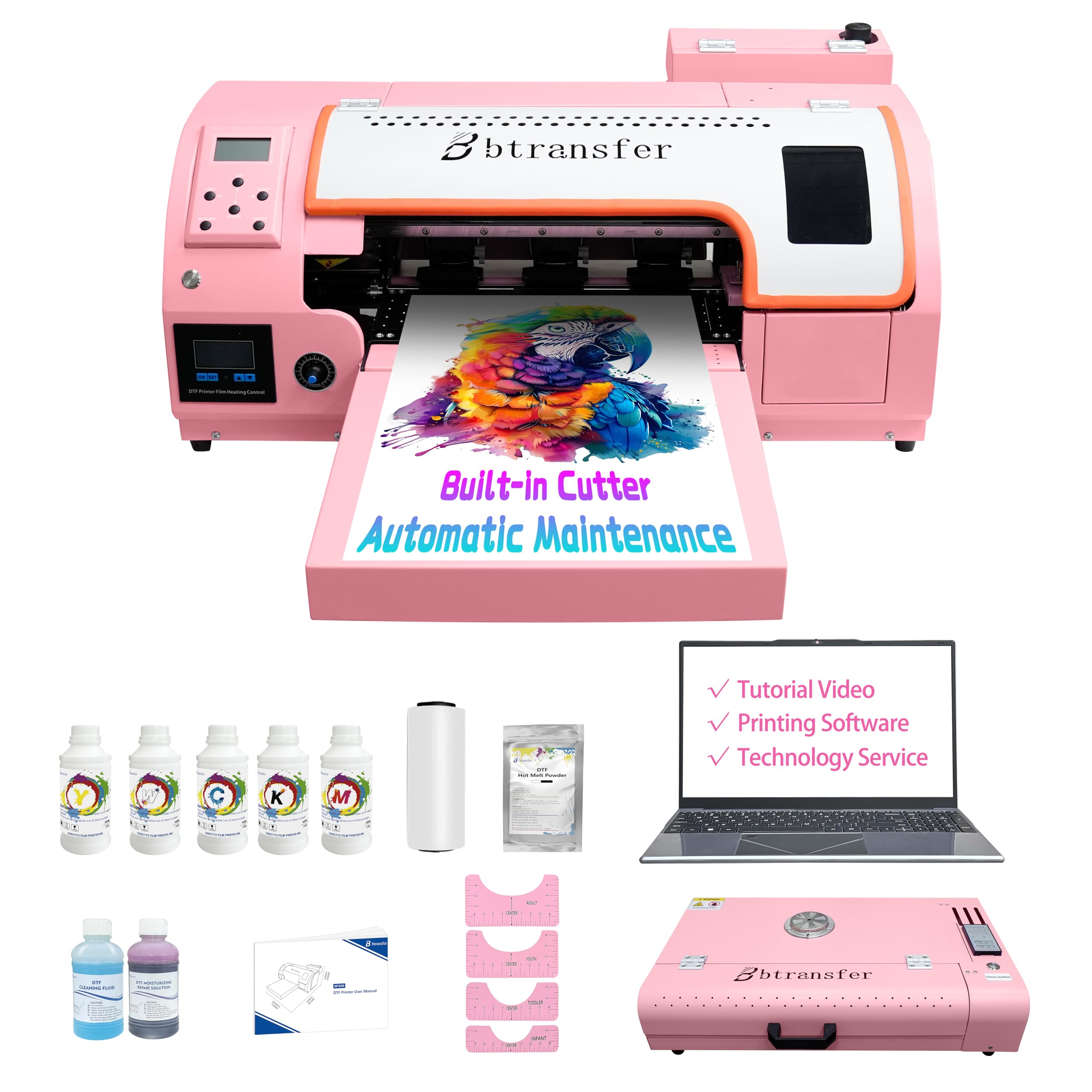
The M1630 Pro is a complete turnkey DTF production setup that ships with the printer, an oven, a dedicated laptop with pre-installed software and drivers, and a full set of consumables. It uses a genuine F1080 print head — not a refurbished XP600 — and prints twice as fast as two L1800 machines running in parallel. The built-in preheating and vacuum suction system keeps the film flat and wrinkle-free, which significantly improves ink adhesion and final transfer quality.
The smart Holiday Mode automatically cycles white ink, stirs the tank, and cleans the print head during downtime, so the machine is ready to print the moment you power it back on. An integrated precision cutter paired with the roll-feed mechanism eliminates film waste by trimming material automatically after each print. Users report that the bundle includes everything needed to produce a dozen or more shirts without refilling anything.
The laptop inclusion removes the single biggest hurdle for beginners: software setup. Customer reviews consistently highlight the responsive 24/7 support team and the machine’s ability to produce consistent, vibrant output from the first print. For anyone who wants to start printing on day one rather than troubleshooting software and driver conflicts, this all-in-one bundle is the most time-efficient option available.
Why it’s great
- Includes laptop with drivers and software pre-installed
- Vacuum suction system prevents film wrinkles
- Holiday Mode auto-maintenance for idle periods
Good to know
- Heavy unit, shipping returns are expensive
- Software is Windows-only
4. Procolored K13 Lite A3 DTF Printer
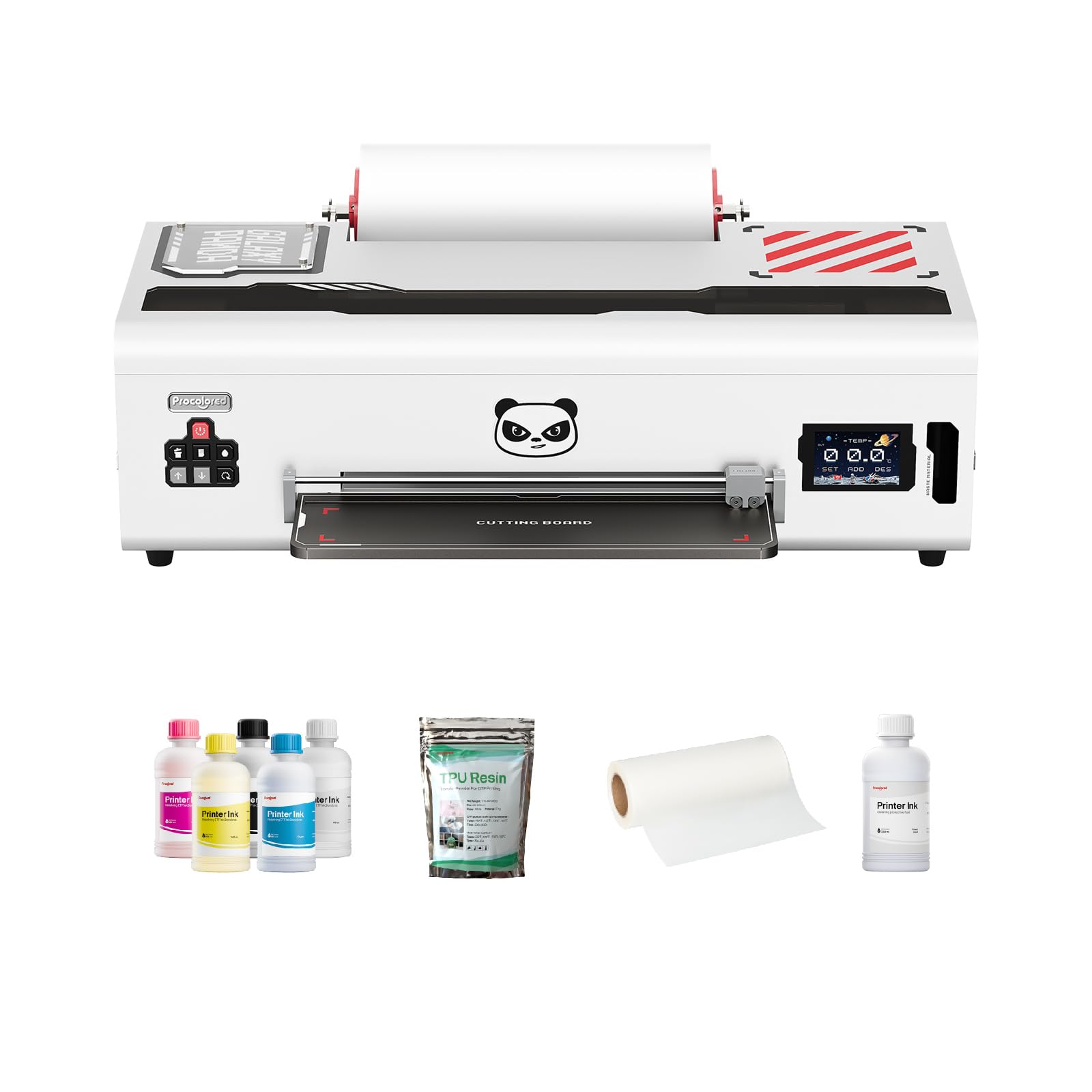
The Procolored K13 Lite differentiates itself through color science. It is G7-certified for color accuracy and ships with Procolored Studio Lite software that automatically detects RGB vs CMYK image formats and applies calibrated profiles. This means what you see on screen is far more likely to match what transfers to the garment, reducing wasted film and reprints from color mismatch.
LiteHead Technology reduces the complexity of daily maintenance: automatic cleaning cycles run on a schedule to prevent ink drying and clogging, while the Infrared Printhead SafeGuard System monitors the print area for film warping or foreign particles as small as 2mm and pauses printing to protect the head. The white ink circulation system runs every 30 minutes, keeping the heavy pigment particles suspended and preventing sedimentation.
The starter bundle includes two full sets of DTF ink and adhesive powder, doubling the initial runway before you need to reorder supplies. Some negative reviews mention print head clogging within the first month, although the majority of users report that consistent daily printing and proper maintenance resolve most issues. The color fidelity and professional-grade RIP software make this a strong choice for anyone who prioritizes print match accuracy above raw speed.
Why it’s great
- G7-certified color accuracy with automatic profiling
- Infrared SafeGuard detects film issues mid-print
- White ink circulation runs every 30 minutes
Good to know
- Some users report clogs within the first month
- Pump repair is not covered under warranty for some
5. PUNEHOD R1390 DTF Printer with Oven
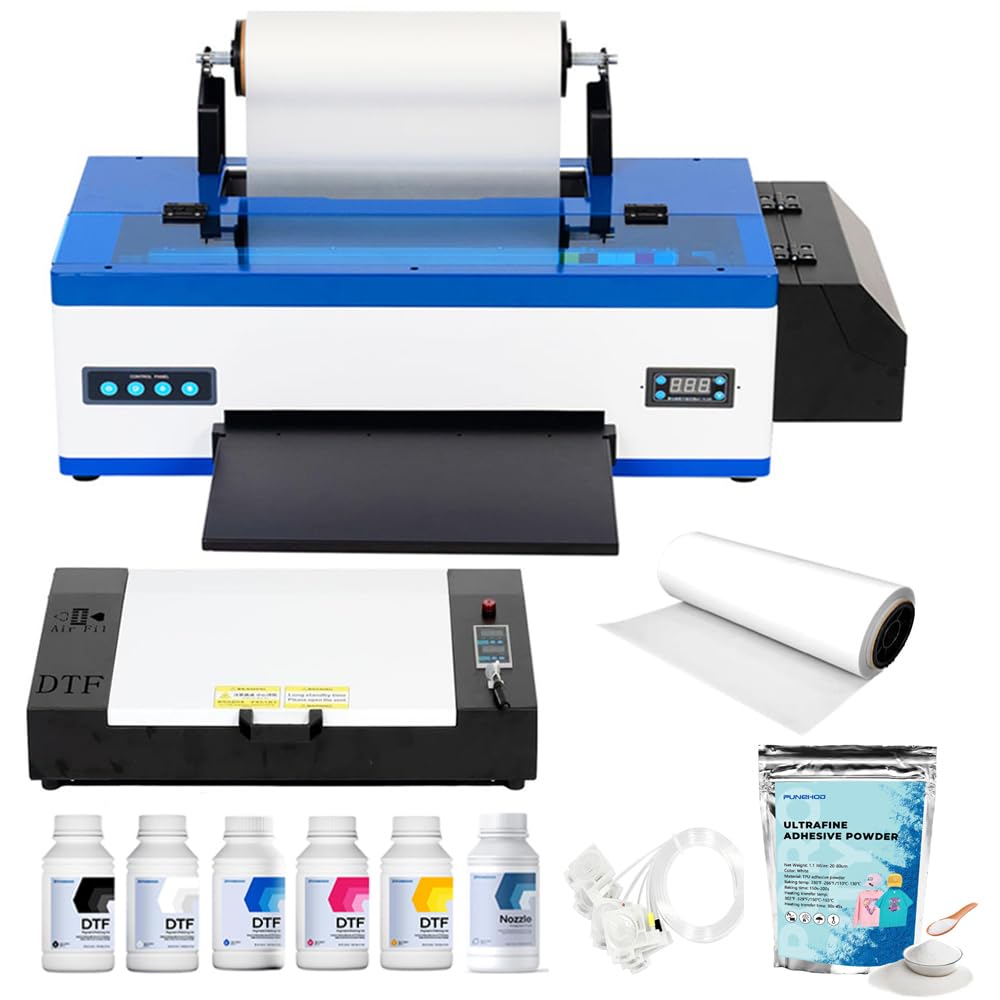
This PUNEHOD bundle adds an A3 curing oven, 100 meters of PET film, six 250ml ink bottles, 500g of powder, and the RIP software to the standard R1390 DTF printer. The detachable reel design supports continuous film rolls up to 100 meters, and an integrated cutting device lets you trim each transfer cleanly without separate shears. The white ink circulation and stirring system mirrors the standalone model, actively preventing sedimentation.
The oven is compact enough for a desktop setup yet reaches the temperatures needed to cure powder adhesive on transfers consistently. Installation tutorial videos are included on the USB drive, and the support team provides remote debugging sessions to help with initial calibration. Many users report that the prints are clear, vibrant, and wash-durable after multiple laundry cycles.
The printer itself produces at 2880×1440 DPI and supports a wide range of fabrics including cotton, polyester, leather, denim, and nylon. Setup takes some time because of the bundle components, but the online support engineers guide users through the process. For a new business that wants a printer and oven matched together rather than purchased separately, this bundle removes guesswork.
Why it’s great
- Complete bundle: printer, oven, film, ink, and powder
- White ink circulation prevents clogging
- Detachable reel supports up to 100m film rolls
Good to know
- Setup is more involved compared to a standalone printer
- USB flash drive contents need to be obtained separately
6. DSV A3 Plus F1080 DTF Printer with Oven
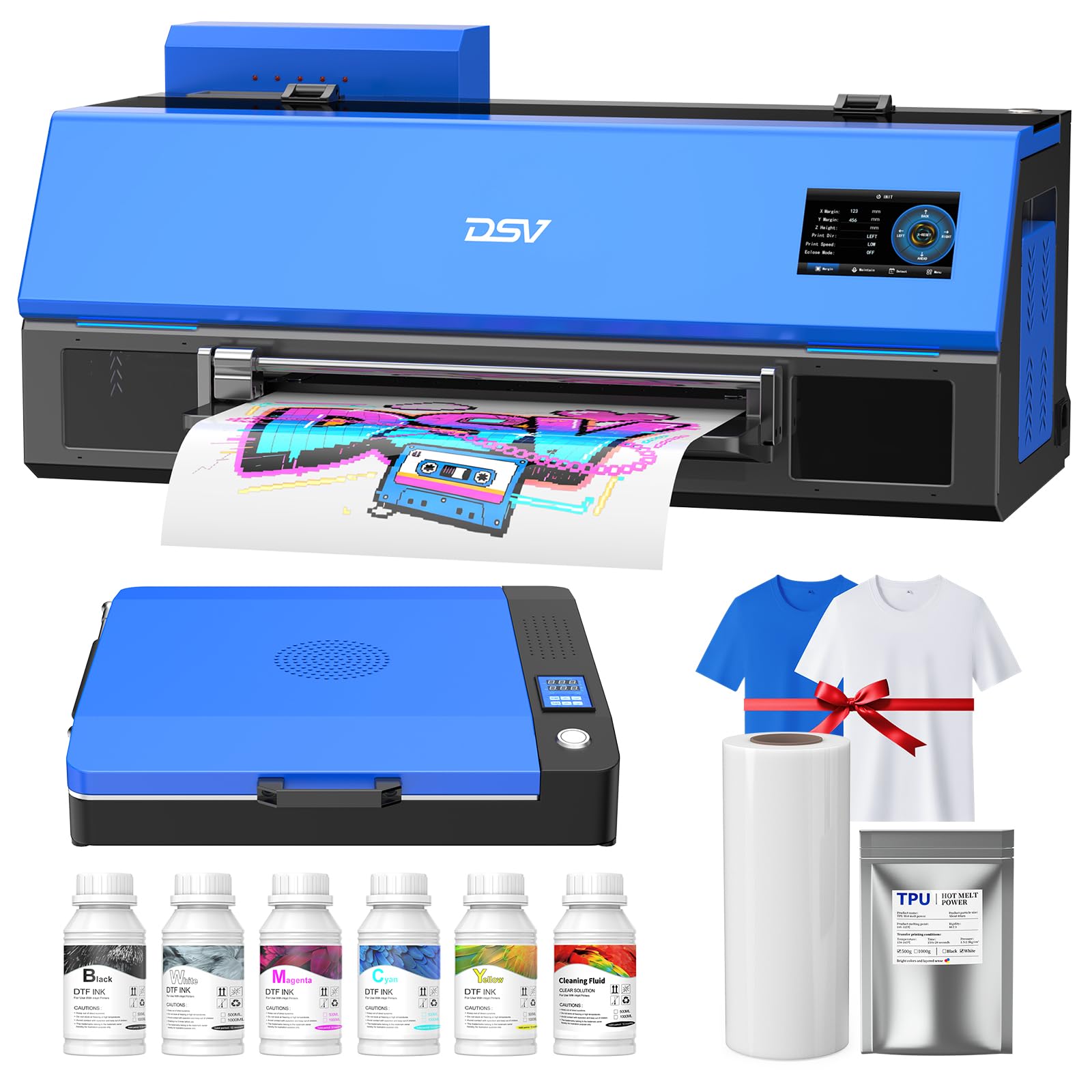
The DSV A3 Plus features the XP600 print head — specifically the Gen2 variant — and an upgraded mainboard that reduces data transmission errors. It completes an A3 print in about six minutes and can sustain roughly 10 full-color prints per hour. The bundled shaker/dryer and purifier create an integrated finishing line that moves from print to cured transfer without manual steps.
The 4.5-inch intuitive touchscreen lets you check nozzle integrity, run cleaning cycles, and adjust ink fill levels without touching a mouse. The white ink circulation and stirring system runs automatically, reducing the risk of clogs. A two-year ink supply is included: fresh ink and powder shipped every two months, covering the cost of consumables during the critical early period of building your business.
Customers frequently praise the pre-sale and post-sale support, which includes remote setup sessions lasting several hours to calibrate the software, print head alignment, and ink flow. The printer is on the heavier side at 160 pounds, so it is not a machine you move around. For a dedicated production corner, it delivers strong print quality and excellent value on consumables.
Why it’s great
- Two-year ink and powder supply included
- Touchscreen controls for nozzle check and cleaning
- Comprehensive bundle with shaker, dryer, and purifier
Good to know
- Weight makes return shipping difficult if needed
- Windows-only software compatibility
7. EXPLUX A4 DTF Printer XP600 Printhead L8058 Bundle with Oven

The EXPLUX A4 printer uses the XP600 print head and delivers 2880×1440 DPI resolution for fast, detailed A4-sized transfers. It claims a 200% speed increase over L1800-based printers, finishing a full A4 sheet in roughly three minutes. The intelligent white ink mixing system paired with a semi-automatic cleaning cycle is designed to extend the print head lifespan by up to 80% compared to conventional passive systems.
An integrated film cutter reduces material waste by trimming each transfer automatically, and the updated roller feeder minimizes jams. The package includes an oven, 100 meters of transfer film, five 250ml bottles of ink, DTF powder, cleaning tools, two practice T-shirts, and USB tutorial videos. A two-year consumable program delivers fresh ink and powder every two months, keeping supply running without repeated purchases.
Setup is generally smooth for Windows users, and customer support via apps like WhatsApp is responsive. Some reports mention print head failure within two months and warranty parts being sent without covering return shipping, so buyers should be comfortable with self-repair and follow tutorial videos. For the price, the sheer amount of included equipment is impressive.
Why it’s great
- XP600 head prints A4 in 3 minutes
- Two-year ink and powder supply included
- Built-in film cutter reduces waste
Good to know
- Print head failure within 2 months reported by some
- Self-repair required if warranty parts are sent
8. Carbcolords A4 L8058 DTF Printer with Oven
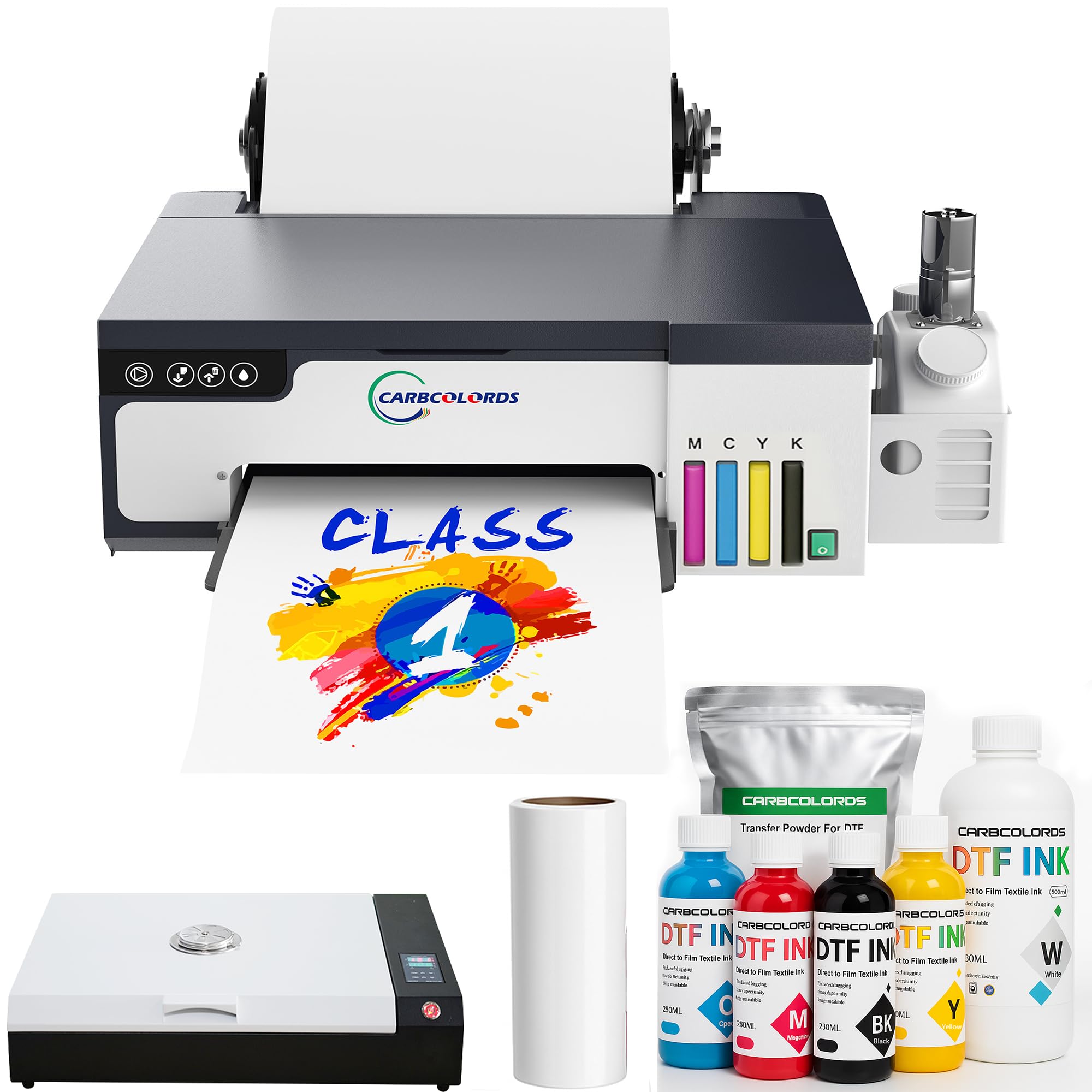
The Carbcolords L8058 is built around the XP600 print head and a white ink stirring system that keeps the heavy pigment particles in suspension, reducing the clog frequency that plagues many A4 entry-level printers. It prints at native 2880×1440 DPI resolution and includes a roll-feeder mechanism that accepts A4-sized PET film in continuous lengths.
The bundle ships with an A3 oven, six 250ml ink bottles (CMYK plus two white), 100 meters of transfer film, 500g of DTF powder, and cleaning accessories. Users report that the machine is easy to set up for Windows systems and that the support team (often a representative named Jack) provides thorough help with software installation and first prints. The compact footprint fits comfortably on a desk without dominating the workspace.
Print quality is consistently described as vibrant and sharp for the cost, with good adhesion to both light and dark fabrics after proper curing. Some customers note a decline in consistency after several months of use and report that customer service response to hardware damage claims can be slow. Still, for the price point, this bundle represents a low-risk entry into DTF production.
Why it’s great
- Active white ink stirring reduces sedimentation clogs
- XP600 printhead with 2880×1440 DPI resolution
- Compact A4 size fits most workspaces
Good to know
- Print quality can degrade after several months of use
- Customer support response to damage claims can be delayed
9. Sawgrass SG500 Sublimation Printer Bundle with Anti-Clog Technology
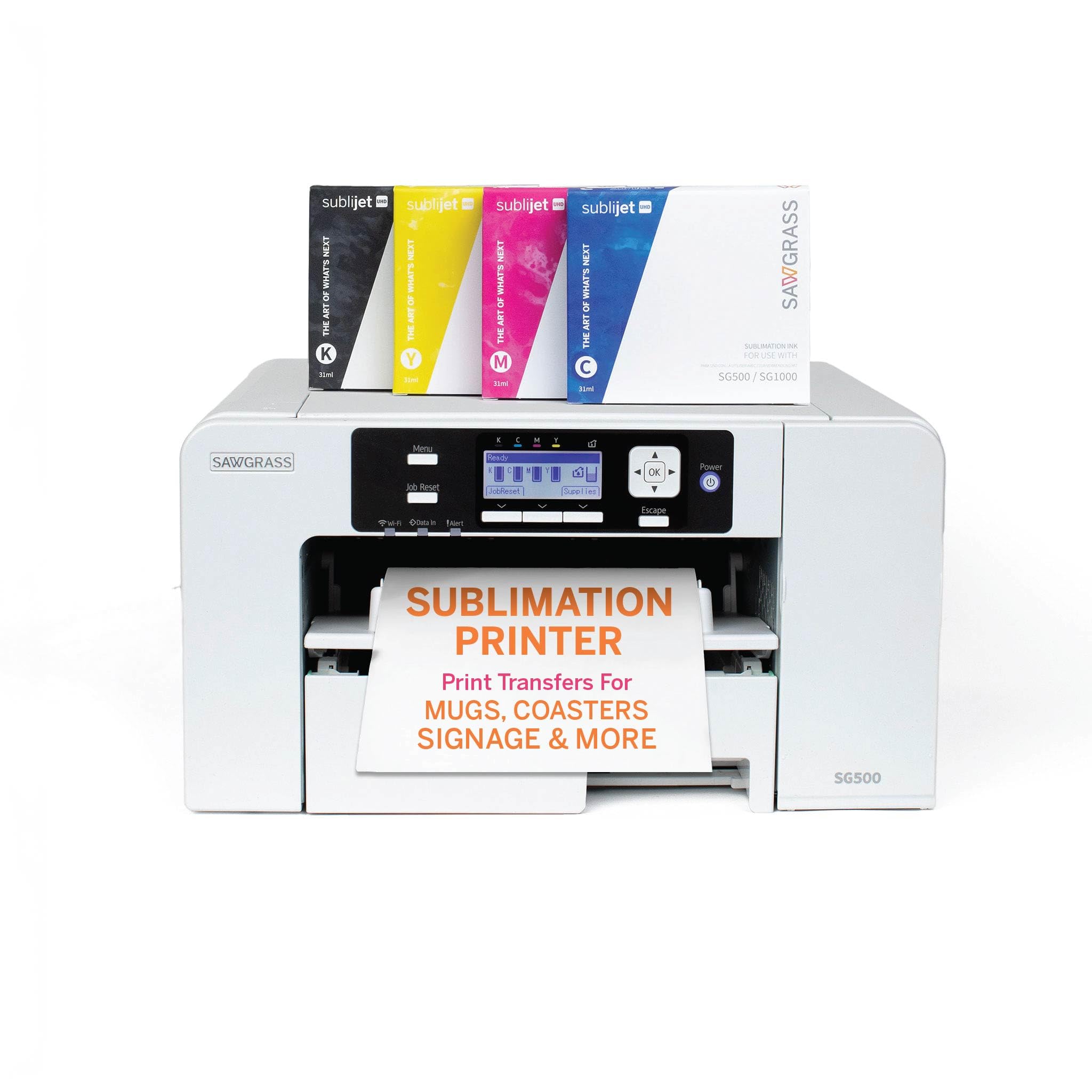
The Sawgrass SG500 is a dye-sublimation printer, not a DTF machine, but it is included here because many budget-conscious buyers cross-shop the two technologies for light-fabric apparel. It is the only printer in this guide designed exclusively for sublimation, using SubliJet UHD inks that are batch-formulated for consistent color. The print head auto-maintenance feature cycles ink periodically to prevent nozzle drying.
The SG500 prints on media up to 8.5 by 14 inches, with a bypass tray that accepts sheets up to 8.5 by 51 inches for long banners. Wi-Fi connectivity eliminates the need for a wired connection, and the MySawgrass platform provides access to templates and design tools. The bundle includes a full set of 31ml SubliJet UHD inks and a pack of TruePix paper.
Print quality is excellent for sublimation, with vivid colors and fine detail, especially on polyester-based fabrics. The main trade-off is that sublimation only works on white or very light colored garments — dark fabrics require a different approach like DTF. Ink is proprietary and more expensive than unbranded DTF inks, and the software runs slowly on older computers. For dedicated sublimation work, this is a reliable choice.
Why it’s great
- Dedicated sublimation platform with auto-maintenance
- Batch-formulated SubliJet UHD inks for consistent color
- Wi-Fi connectivity for cable-free setup
Good to know
- Only works on white or very light fabrics
- Proprietary ink is more expensive than generic DTF ink
10. Brother SP-1 Sublimation Printer Starter Bundle
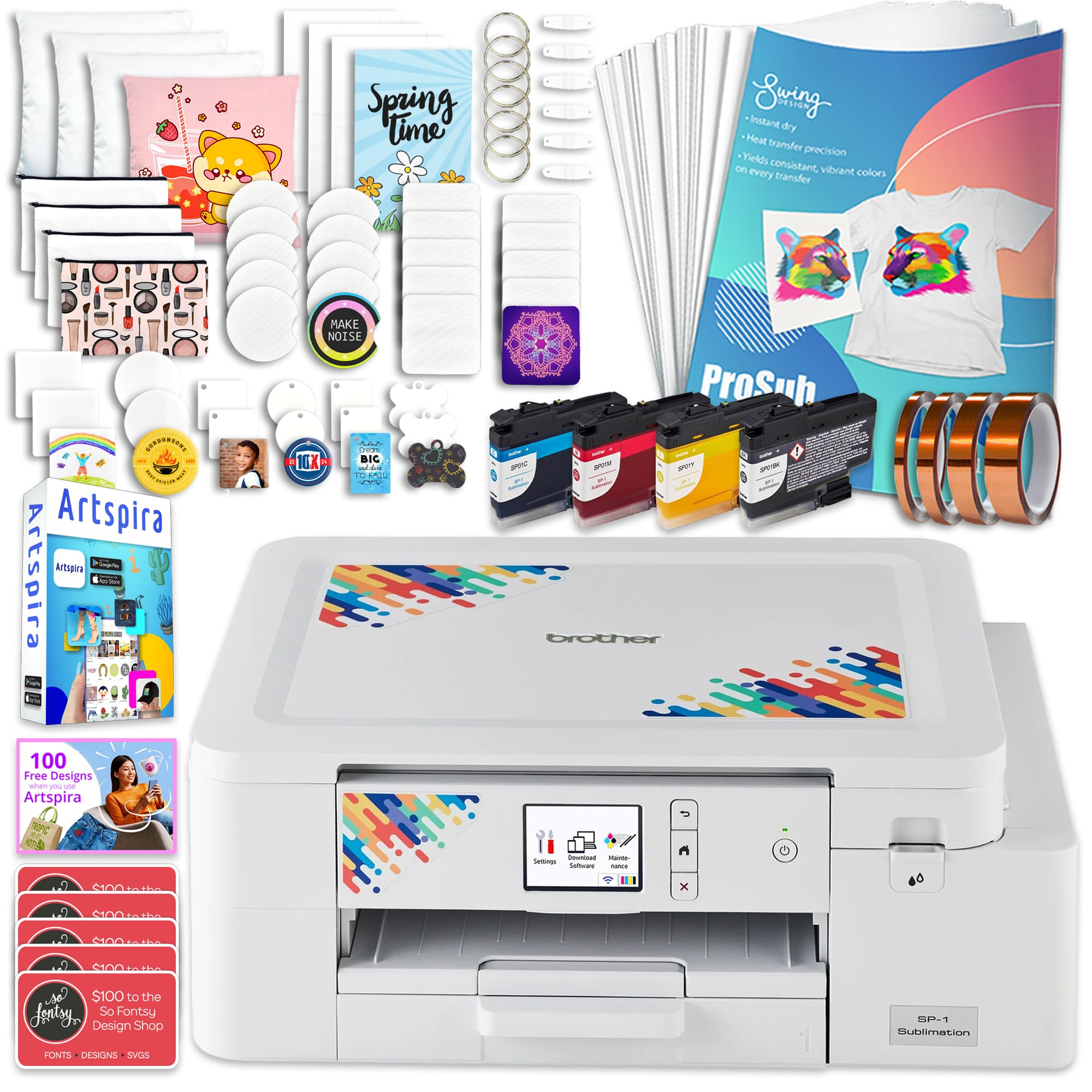
The Brother SP-1 bundle is a dye-sublimation system, not a DTF printer, but its aggressive all-in-one packaging makes it a popular alternative for users who want to start printing apparel with minimal friction. The bundle includes the printer, a full set of CMYK inks, 160 sheets of sublimation paper, 50 sublimation blanks (mugs, coasters, tumblers, etc.), heat-resistant tape, and a digital download of the Artspira Design Software with 100 design templates.
The printer itself does 10 pages per minute in both color and monochrome, and connects via Ethernet or Wi-Fi for flexible placement. Setup is genuinely simple — install the ink, load the paper, connect to the app, and start printing within 30 minutes. The included blanks let you produce finished products immediately without additional shopping.
The key limitation is that sublimation only works on white or light substrates, and the printer prints in reverse by default, which can interfere with cutting machines like Cricut. Some users did not realize it only works on white fabric until after purchase. For those who understand the sublimation workflow and want a complete starter kit with consumables included, the SP-1 is unbeatable in value.
Why it’s great
- Complete starter kit with 50 blanks and 160 sheets of paper
- Wi-Fi and Ethernet connectivity, easy setup
- Includes Artspira design software with 100 templates
Good to know
- Sublimation only works on white or light-colored fabrics
- Prints in reverse by default, incompatible with Cricut cutting
11. Epson SureColor F170 Dye-Sublimation Printer

The Epson SureColor F170 is a true dye-sublimation printer — not a converted inkjet or a direct-to-film machine — and it comes from an authorized OEM channel with a full manufacturer warranty. It uses Epson’s PrecisionCore print head with Precision Droplet Control, delivering outstanding image clarity on textile materials. The included set of OEM sublimation inks is OEKO-TEX certified for safe use on apparel, mugs, mousepads, and other sublimation blanks.
The F170 supports media up to 8.5 by 11 inches, with a 150-sheet auto-feed tray that keeps the paper protected in a dust-resistant enclosure. Setup is straightforward for both Mac and Windows, though some users report that connecting to local Wi-Fi can be problematic and may require an Ethernet cable as a fallback. The compact form factor (13.7 by 14.8 by 7.4 inches) fits easily on a desk without sacrificing paper capacity.
Print quality is consistently praised: colors are vibrant, edges are sharp, and the final sublimation results are professional-grade. The printer is ideal for hobbyists and small-scale production of drinkware, mousepads, and light-colored apparel. It is not suitable for dark fabrics, and the 1-page-per-minute color speed means it is not designed for high-volume orders. For an entry-level sublimation printer with genuine OEM support, it is a safe and reliable choice.
Why it’s great
- Genuine Epson PrecisionCore print head with full warranty
- OEKO-TEX certified sublimation ink, safe for textiles
- Compact and quiet, ideal for home studio use
Good to know
- Wi-Fi connectivity can be finicky, Ethernet recommended
- Max media size 8.5×11 inches, not suitable for large prints
FAQ
Can I use a converted inkjet printer for DTF instead of buying a dedicated machine?
How often do DTF print heads need to be replaced?
Do DTF printers work on dark fabrics?
What is the difference between DTF and dye-sublimation?
Final Thoughts: The Verdict
For most users, the best budget dtf printer winner is the PUNEHOD A3 R1390 because it combines a genuine white ink circulation system, 2880×1440 DPI resolution, dual paper feeding, and strong technical support at a reasonable cost. If you want a complete turnkey bundle with a laptop included, grab the A3 M1630 Pro. And for the fastest throughput and auto-maintenance features, the MZK A3 DTF with F1080 head stands out as the speed champion in the budget-to-mid-range space.