
Finding a work laptop that doesn’t drain your budget is the real challenge. The market is flooded with compromises, but the right machine balances processor power, RAM capacity, and a keyboard you can type on for eight hours without hating your life.
I’m Min — the co-founder and writer behind Gadgets Feed. I’ve spent countless hours analyzing technical specifications, cross-referencing customer feedback, and comparing real-world performance to separate the true workhorses from the overpriced distractions.
After digging through hundreds of data points, I’ve curated a list that pinpoints the best budget laptop for business needs without wasting your time on duds.
How To Choose The Best Budget Laptop For Business
Your budget shouldn’t dictate a bad experience. The key is focusing on specs that directly impact your workflow and ignoring features that add cost without adding value. Here’s what to prioritize.
Processor and RAM: The Engine Room
For business tasks, a modern quad-core processor like an Intel N-series, Celeron J-series, or AMD Ryzen 3 is the bare minimum. More cores and threads help with multitasking, but the biggest bottleneck is often RAM. 8GB is the new floor for smooth operations, and 12GB or 16GB is genuinely noticeable when juggling a dozen browser tabs, Slack, and a spreadsheet. Avoid 4GB configurations unless your workflow is truly single-app.
Storage and Display: The Daily Drivers
An SSD is non-negotiable for boot times and file access. A 256GB SSD is a solid starting point for business documents and cloud storage. For the display, prioritize 1920×1080 (Full HD) resolution on a 15.6-inch panel. The jump from 1366×768 to 1080p is massive for reading fine print and reducing eye strain. An IPS panel with decent color accuracy makes a difference during long presentations or data analysis sessions.
Keyboard, Ports, and Battery: The Real World
A comfortable keyboard with good key travel and a dedicated number pad is a huge asset for data entry. Look for at least two USB-A ports, an HDMI output for external monitors, and a USB-C port for modern accessories. Battery life should realistically target 6-8 hours of mixed use. A lightweight chassis under 4 pounds makes a difference if you commute or move between meeting rooms.
Quick Comparison
On smaller screens, swipe sideways to see the full table.
| Model | Category | Best For | Key Spec | Amazon |
|---|---|---|---|---|
| NIMO 15.6″ | Mid-Range | Heavy Multitasking | 32GB RAM / 1TB SSD | Amazon |
| Dell 15 DC15250 | Mid-Range | Reliable Daily Driver | Intel Core 3 / 120Hz | Amazon |
| ASUS Vivobook Go 15 | Mid-Range | Modern Portability | Ryzen 3 / 8GB DDR5 | Amazon |
| AKCHART 15.6″ | Budget | Basic Office Tasks | 12GB RAM / 256GB SSD | Amazon |
| HP Flagship 14″ | Budget | Ultra-Budget Entry | Intel N150 / 4GB RAM | Amazon |
| Lenovo IdeaPad 2025 | Budget | Bundled Accessories | 12GB RAM / 1.1TB Store | Amazon |
| HP 17.3″ | Premium | Big Screen Comfort | 16GB RAM / 17.3″ HD+ | Amazon |
| Lenovo V-Series V15 | Premium | Professional Power | Ryzen 7 / 40GB RAM | Amazon |
| Dell 14 Plus | Premium | AI & Creative Work | Ultra 7 / 2.5K Display | Amazon |
| GEEKOM X16 Pro | Premium | Lightweight Powerhouse | Ultra 9 / 2.5K 120Hz | Amazon |
| Surface Laptop 2024 | Premium | All-Day Mobility | Snapdragon X Elite | Amazon |
In‑Depth Reviews
1. NIMO 15.6″ Laptop
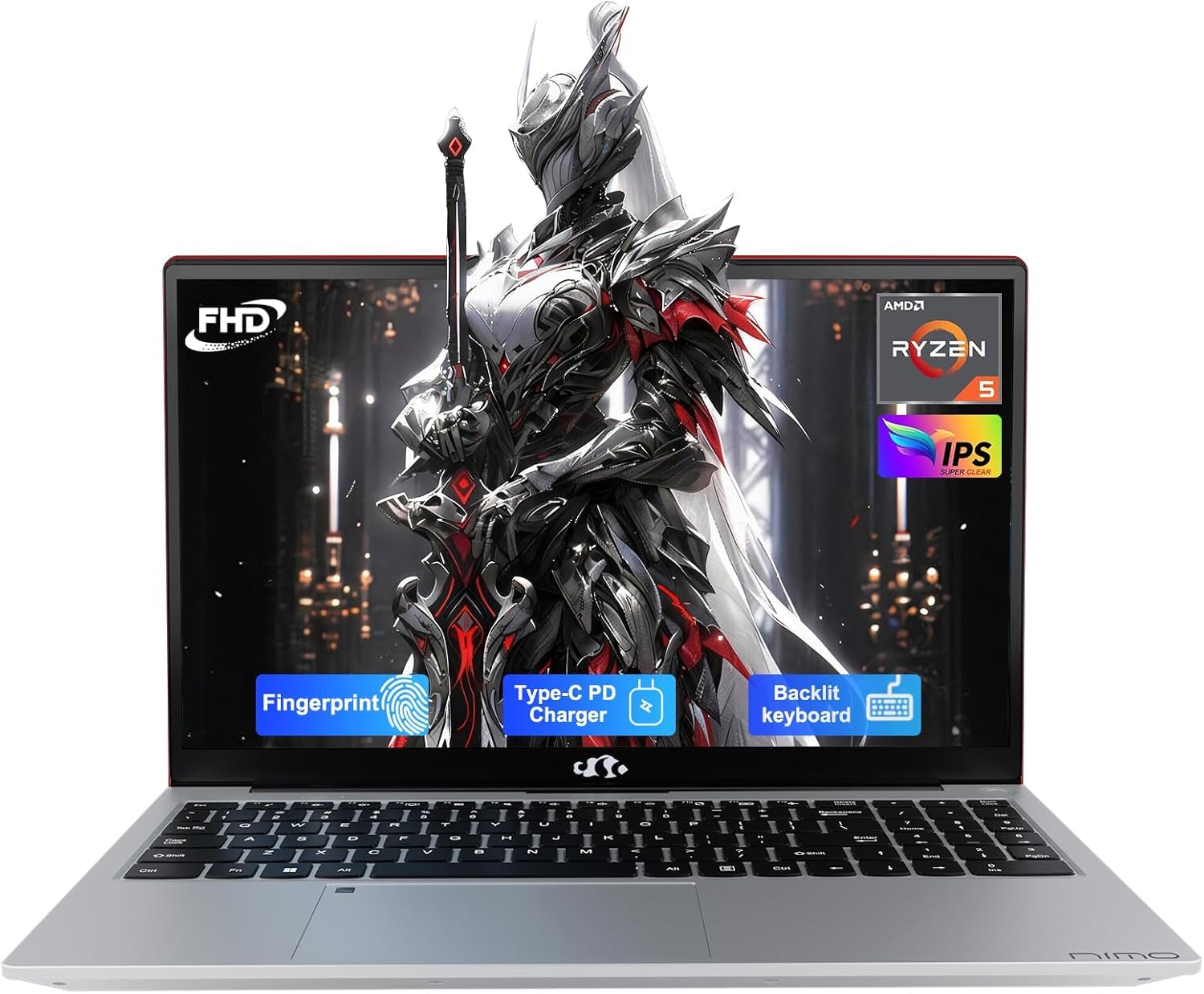
This NIMO laptop is the standout pick for business multitasking, thanks to its 32GB of DDR4 RAM. That’s a spec usually found on machines costing twice as much, and it means you can keep dozens of browser tabs, a CRM, Slack, and video conferencing software running without stuttering. The AMD Ryzen 5 processor handles general productivity with ease, and the 1TB PCIe SSD offers instant boot times and ample storage for local files.
The 15.6-inch Full HD IPS display is a relief after staring at lower-resolution panels. Colors are accurate, and the anti-glare coating means overhead office lights won’t wash out the screen. The backlit keyboard and fingerprint reader are genuinely useful features—the latter offers one-touch login through Windows Hello. The 65W USB-C PD fast charger is a nice bonus that also powers many phones and tablets.
Build quality feels solid with a metal A-shell, and the 2-year warranty adds peace of mind for a business purchase. The only real caveat is the battery life, which settles around 3-5 hours under heavy use—shorter than some competitors. The fans also spin up during charging, even when the laptop is off. For raw power and future-proofing, this is the budget-friendly business beast to beat.
Why it’s great
- 32GB RAM handles extreme multitasking without lag.
- Backlit keyboard and fingerprint reader boost daily efficiency.
- 65W USB-C PD charger is versatile and fast.
Good to know
- Battery life is shorter than premium competitors.
- Fans can run while laptop is off and plugged in.
2. Dell 15 DC15250

The Dell 15 DC15250 stands out immediately because of its 15.6-inch Full HD display with a 120Hz refresh rate. For a business laptop in this price range, 120Hz is rare—scrolling through long documents and web pages feels significantly smoother, and it reduces eye strain during marathon work sessions. The Intel Core 3 processor, part of the 12th-gen lineup, provides capable performance for everyday office applications and light spreadsheet work.
With 8GB of DDR4 RAM and a 512GB SSD, this is a well-balanced configuration for a professional who needs speed, not excessive storage. The build feels premium for the price, and the inclusion of a separate numeric keypad is a big plus for anyone doing data entry. Dell’s ComfortView software is a genuine benefit for reducing blue light emissions during late-night work.
On the downside, battery life is average—expect around 4-5 hours on a full charge. The webcam is also a weak point for video conferencing, lacking sharp detail in low light. There are only two USB-A ports, which might require a hub if you connect multiple peripherals. For the price, the smooth display and reliable core specs make this a very strong mid-range option.
Why it’s great
- 120Hz FHD display provides incredibly smooth scrolling.
- Numeric keypad and ergonomic hinge for comfortable typing.
- Dell 1-year onsite service adds solid support.
Good to know
- Battery life is average for the category.
- Webcam quality is underwhelming for video calls.
3. ASUS Vivobook Go 15

The ASUS Vivobook Go 15 is an excellent choice for professionals who prioritize portability without sacrificing modern specifications. The AMD Ryzen 3 7320U processor is built on a more efficient architecture than many older Celeron or Pentium chips, delivering snappy performance for web apps, Office, and light collaboration tools. The 8GB of DDR5 RAM is a notable step up from DDR4 in terms of speed and efficiency.
The 15.6-inch NanoEdge display offers a modern look with slim bezels and a 60Hz refresh rate, though the 45% NTSC color gamut means colors aren’t as vibrant as premium panels. The 180-degree hinge is incredibly useful for sharing your screen during impromptu meetings. The webcam privacy shutter is a simple but effective security feature for a business device.
Storage is limited to a 128GB SSD, which will fill up quickly if you store local files. You’ll likely need an external drive or cloud storage for heavy use. Some users report that only about 35GB of the drive is available out of the box due to system files and pre-installed software. The battery life is solid, lasting a full workday for light tasks. For a thin, light, and modern-feeling business laptop, this is a top contender.
Why it’s great
- Efficient AMD Ryzen 3 processor with DDR5 RAM.
- Thin and lightweight design is easy to carry.
- Webcam privacy shutter and 180-degree hinge.
Good to know
- Storage is limited to 128GB, requiring external options.
- Display color accuracy is average.
4. AKCHART 15.6″ Laptop
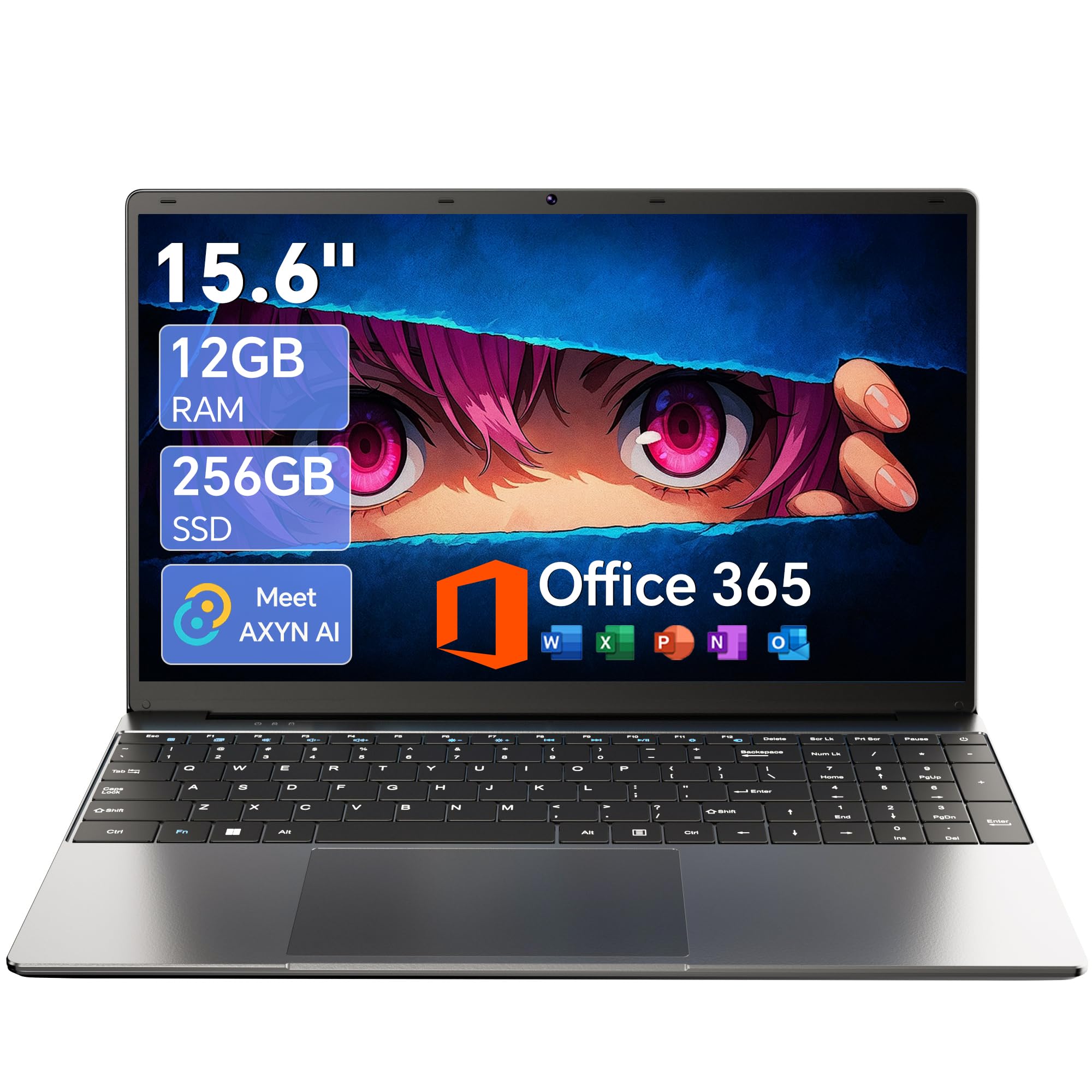
The AKCHART 15.6-inch laptop delivers a surprising balance of specs for its price tier. The Celeron J4105 quad-core processor is entry-level but capable of running Office, web browsing, and email without significant lag. The real story here is the 12GB of DDR4 RAM—double what many budget laptops offer—which allows for smoother multitasking with multiple applications open simultaneously.
The 15.6-inch Full HD IPS display is a highlight, offering crisp text and wide viewing angles that are welcome for document review and presentations. The 180-degree hinge is a practical feature for collaboration. The included Office 365 subscription adds genuine value for any business user who needs Word, Excel, and PowerPoint. The 7000mAh battery is advertised for all-day use, and while real-world results hover closer to 6-8 hours, that’s still very respectable.
Connectivity is decent with USB 3.2, Type-C, and Mini HDMI, though the lack of full-sized HDMI might require an adapter for some monitors. The build is purely plastic, and the keyboard is adequate but not premium. For a strict budget-conscious purchase where RAM is the priority, this is a smart pick.
Why it’s great
- 12GB RAM provides excellent multitasking for the price.
- Full HD IPS display with 180-degree hinge.
- Includes Office 365 and solid battery life.
Good to know
- Celeron processor is not for heavy workloads.
- Uses Mini HDMI, not full-sized HDMI port.
5. HP Flagship 14″
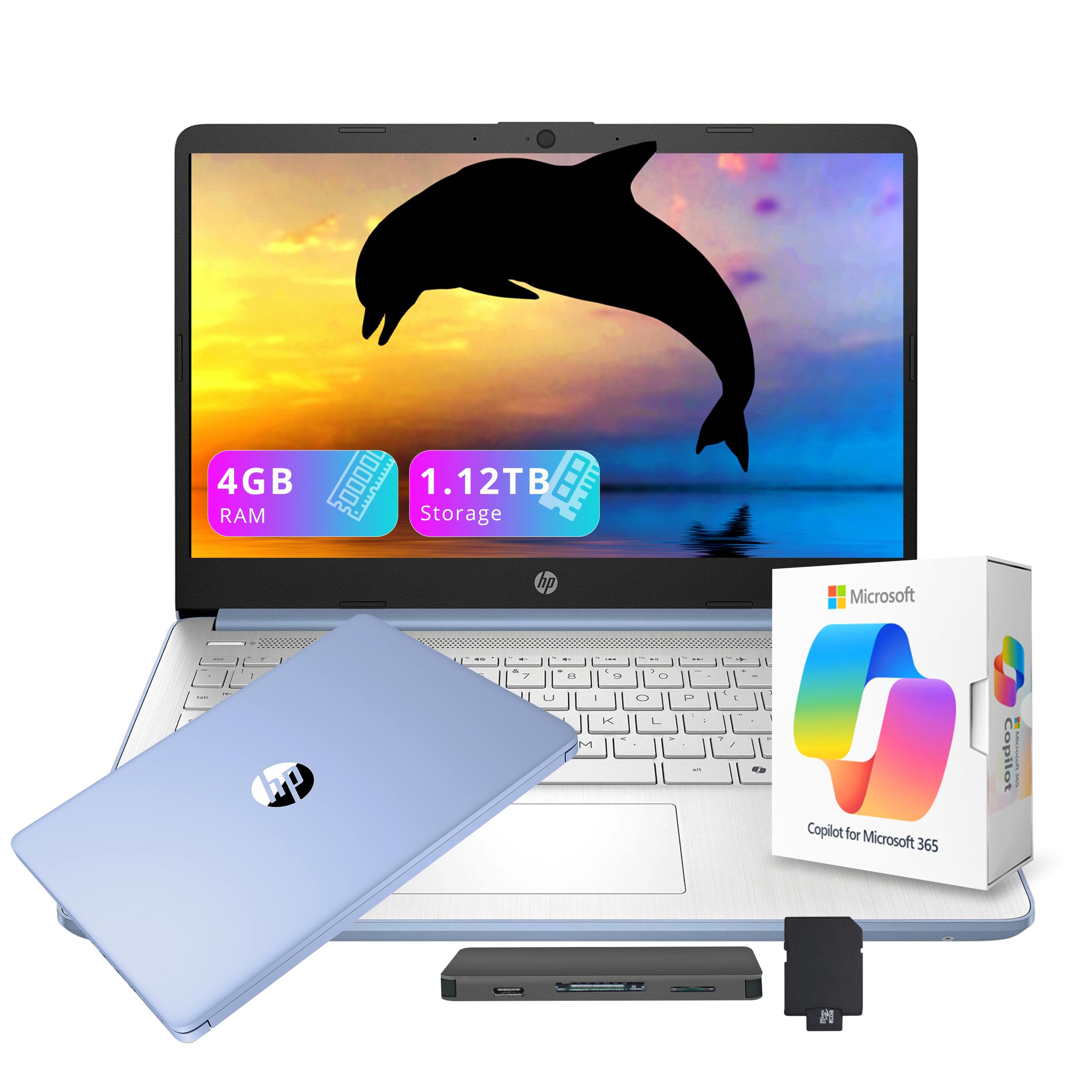
The HP Flagship 14″ is the entry-level option that proves a low price doesn’t mean zero features. The Intel Processor N150 is a 13th-gen chip that handles basic email, web browsing, and word processing adequately. The bundled 1TB docking station and 128GB UFS storage create a 1.12TB total storage solution, which is massive for the price—ideal for a business that stores large local file archives.
The 14-inch HD display is the most obvious compromise; at 1366×768 pixels, text is not as sharp as on a 1080p panel. This is acceptable for quick emails but less ideal for prolonged spreadsheet work. Wi-Fi 6 and Bluetooth 5.4 are welcome modern connectivity standards that ensure reliable network performance. The inclusion of a 1-year Office 365 subscription adds real utility for small business owners.
The 4GB of RAM is the biggest bottleneck. You will feel lag when opening more than three or four browser tabs, and multitasking is limited. The Sky Blue color is a pleasant departure from standard gray. If your workflow is strictly single-app and your budget is absolute minimum, this works—but the RAM constraint is a hard ceiling for serious business multitasking.
Why it’s great
- Incredible 1.12TB total storage for local files.
- Wi-Fi 6 and Bluetooth 5.4 for modern connectivity.
- Attractive price with Office 365 included.
Good to know
- 4GB RAM severely limits multitasking.
- 1366×768 display is low resolution for work.
6. Lenovo IdeaPad 2025
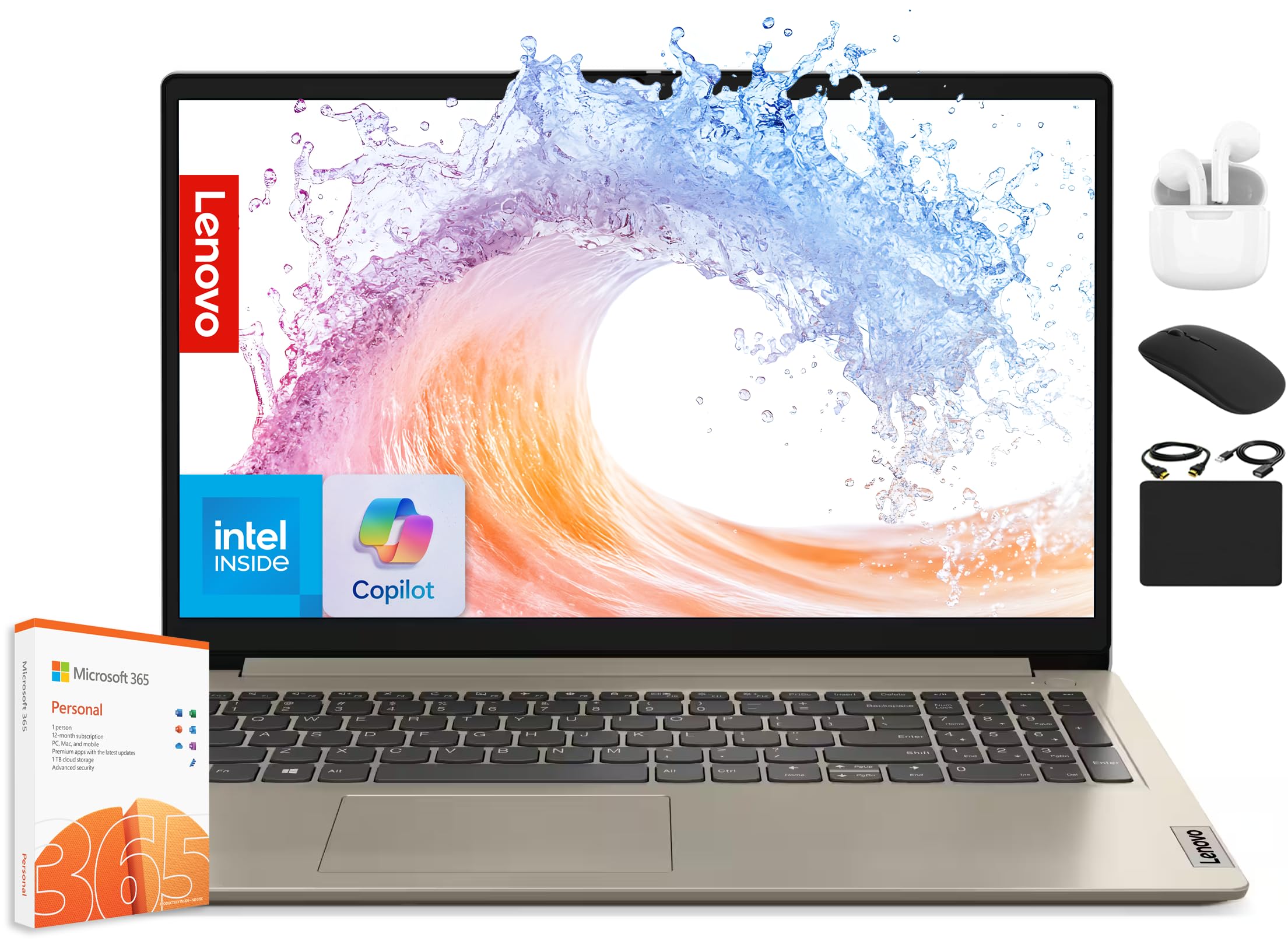
The Lenovo IdeaPad 2025 is built around a generous bundle. The 12GB of RAM is a sweet spot for a budget business machine—enough for comfortable multitasking without the premium of 16GB. The storage solution is unique: a 512GB NVMe SSD for fast boot times, plus a 128GB eMMC drive, and a 500GB external drive, totaling 1.1TB. The included HubxcelAccessory adds wireless earbuds, a mouse, and an HDMI cable, which saves you from buying peripherals separately.
The dual-core Intel Celeron N4500 processor is the primary weakness. It’s fine for word processing and web apps, but power users may notice slowdowns when running heavier business software. The 15.6-inch display is unfortunately limited to 1366×768 resolution, which doesn’t impress for professional work. The Dolby Audio speakers are acceptable for calls and media.
The battery life is rated at 10 hours, which is generous for this tier. The Sand color option is pleasant. Several customer reports note the screen resolution is notably poor, with fuzzy text. If you can live with the low-resolution screen and need a full accessory kit out of the box, this bundle is cost-effective.
Why it’s great
- Excellent value bundle with many accessories.
- 12GB RAM and 1.1TB total storage.
- Includes Office 365 and a 10-hour battery claim.
Good to know
- Processor is weak for heavy multitasking.
- 1366×768 display resolution is poor.
7. HP 17.3″ Laptop
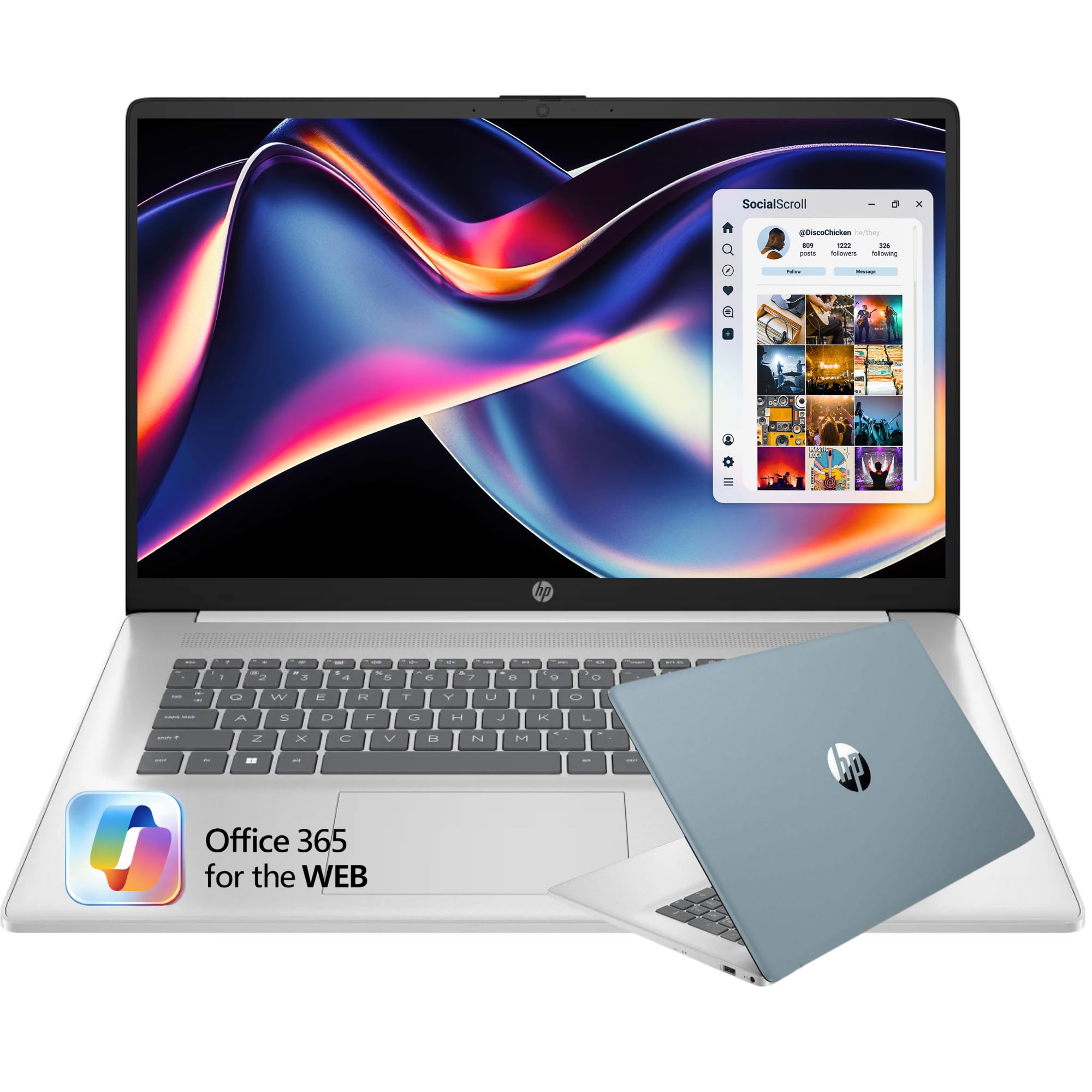
The HP 17.3″ laptop is for the professional who wants maximum screen real estate without crossing into premium pricing. The 17.3-inch HD+ (1600×900) anti-glare display is significantly larger than the typical 15.6-inch panel, making it easier to work on large spreadsheets, read documents, and manage multiple windows side by side. The 16GB of RAM is a solid step up for multitasking, and the 256GB SSD provides fast boot and app loading.
The full-size keyboard with a 10-key number pad is a dream for data entry. The fingerprint reader is integrated for quick Windows Hello login. The Intel dual-core processor (from the N4500 family) is the limiting factor—it’s not fast for heavy workloads, but it handles the basics without complaint. The build is surprisingly lightweight for a 17-incher at 4.6 pounds.
The HD+ resolution is better than 1366×768 but still not Full HD, so text won’t be razor-sharp. The included Office 365 is web-based only, which is a downgrade from desktop apps. Battery life is rated at 6 hours, which is acceptable for a large display. If your priority is a big, readable screen for static workflows, this is a unique and affordable option.
Why it’s great
- 17.3-inch screen is huge for multitasking.
- 16GB RAM and fingerprint reader included.
- Full-size keyboard with number pad is excellent.
Good to know
- Display is HD+, not Full HD.
- Processor is low-power, not for heavy apps.
8. Lenovo V-Series V15

The Lenovo V-Series V15 is a pure business machine, equipped with a proper AMD Ryzen 7 7730U processor with 8 cores and 16 threads. This is serious processing power for demanding business applications, data analysis, or virtual machine use. The 40GB of RAM is overkill for most uses but ensures zero slowdowns for years of future-proof multitasking. The 1TB PCIe NVMe SSD offers ample fast storage.
The 15.6-inch Full HD display is standard for the professional class, offering good clarity for documents. Windows 11 Pro is a major advantage for business users who need features like BitLocker encryption, Remote Desktop, and group policy management. The inclusion of an RJ45 ethernet port is a rare and valuable feature for stable wired network connections in an office setting.
On the downside, the display has been reported to have washed-out colors and low contrast compared to premium laptops. The trackpad is functional but unremarkable. Build quality is durable but not luxurious. For a professional who needs true workstation-level processing and memory on a budget, this is an exceptional value, though the display is a clear compromise.
Why it’s great
- 40GB RAM and Ryzen 7 provide immense power.
- Windows 11 Pro with business features.
- RJ45 ethernet port for stable wired networking.
Good to know
- Display color quality and contrast are poor.
- Charger uses USB-C, conflicting with port usage.
9. Dell 14 Plus DB14250

The Dell 14 Plus is built for the modern professional who wants AI capabilities integrated into their workflow. The Intel Core Ultra 7-258V processor includes a dedicated NPU for on-device AI tasks like real-time transcription, intelligent summarization, and background blur without taxing the main CPU or GPU. The 32GB of LPDDR5X RAM is blazing fast and ensures snappy performance for resource-intensive applications.
The 14-inch 2.5K (2560×1600) display with a 16:10 aspect ratio is a standout feature. The extra vertical space is invaluable for reading documents and coding without constant scrolling. The aluminum chassis feels premium, and the backlit keyboard with a dedicated Copilot key is practical. The battery life is excellent, supporting all-day work, and the included 65W Type-C adapter is compact.
Storage is ample at 1TB, though the RAM is not upgradable—you’re locked at 32GB from the start. The lack of a numeric keypad is a downside for number crunchers. Some users have noted that the keyboard can fail within months, and Dell’s warranty support may be limited outside the US. For a portable, future-proof machine with a stellar screen, this is a premium but worthwhile investment.
Why it’s great
- 2.5K 16:10 display with fantastic vertical space.
- Intel Core Ultra 7 with dedicated NPU for AI tasks.
- 32GB LPDDR5X RAM for smooth multitasking.
Good to know
- RAM is not upgradable, locked at 32GB.
- No numeric keypad on the keyboard.
10. GEEKOM GeekBook X16 Pro

The GEEKOM GeekBook X16 Pro is a lightweight powerhouse that feels like a premium ultrabook without the flagship price. Weighing just 2.8 pounds with a magnesium alloy chassis, it’s incredibly portable for a 16-inch laptop. The Intel Core Ultra 9 185H with 16 cores is a top-tier processor, and the 32GB of LPDDR5x RAM at 7500MHz ensures zero lag. The 2TB PCIe Gen4 SSD offers vast storage for any professional.
The 16-inch IPS display at 2.5K resolution with a 120Hz refresh rate is a joy to use. The 16:10 aspect ratio provides excellent vertical space, and the 100% sRGB coverage ensures accurate colors for designers or anyone working with visuals. The IceBlade 2.0 cooling system with dual fans keeps performance steady under load. The 77Wh battery promises up to 17 hours, and the 65W GaN charger is compact.
The fans have been noted to run loudly and constant, which might be distracting in a quiet office. The touchpad only clicks at the corners, which is a minor frustration. The RAM is soldered and non-upgradable, locking you at 32GB. For the weight, screen quality, and raw processing power, this is one of the best budget-premium hybrids available for a traveling professional.
Why it’s great
- Weighs only 2.8 lbs with a premium magnesium chassis.
- Stunning 2.5K 120Hz 16:10 display.
- Core Ultra 9 with 32GB RAM and 2TB storage.
Good to know
- Fans are audible and run often.
- Touchpad click is limited to corners only.
11. Microsoft Surface Laptop 2024

The Microsoft Surface Laptop 2024 is a statement of premium mobility, powered by the Snapdragon X Elite ARM processor. This chip brings exceptional power efficiency, enabling up to 20 hours of battery life—the best in this group. The 13.8-inch PixelSense touchscreen display with a 3:2 aspect ratio is fantastic for productivity, offering more vertical space than a typical 16:9 panel. The 120Hz refresh rate makes scrolling silky smooth.
With 16GB of RAM and a 512GB SSD, this Surface is well-specced for most business users. Windows Hello via the IR camera is instant and seamless. The haptic trackpad rivals that of a MacBook, providing precise feedback. The build is all magnesium-aluminum, feeling rock solid and premium. The included 39W PSU is compact, and you can charge via USB-C, making travel easier.
The ARM architecture is the main consideration. While it handles web apps and Office flawlessly, some legacy x86 applications and games may have compatibility issues or run slower. The base 256GB model is a poor value; the 512GB option is the real starting point. The lack of a 180-degree hinge limits some collaboration use cases. For a professional who values battery life, portability, and a stunning touchscreen, this is the ultimate mobile companion.
Why it’s great
- Up to 20-hour battery life is class-leading.
- Beautiful 3:2 touchscreen display is ideal for work.
- Premium build and instant Windows Hello login.
Good to know
- ARM processor may have x86 app compatibility issues.
- Base storage is 256GB, upgrade recommended.
FAQ
Is 4GB of RAM enough for a business laptop?
What is the difference between HD, HD+, and Full HD displays?
Should I choose Windows 11 Home or Pro for business?
How important is a backlit keyboard for business use?
Final Thoughts: The Verdict
For most users, the best budget laptop for business winner is the NIMO 15.6″ Laptop because its 32GB of RAM future-proofs you against years of multitasking demands without forcing a premium price. If you want the smoothest scrolling and a fantastic display for document work, grab the Dell 15 DC15250. And for all-day battery life and ultimate portability, nothing beats the Microsoft Surface Laptop 2024.