
Our readers keep the lights on and my morning glass full of iced black tea. As an Amazon Associate, I earn from qualifying purchases.
Specs are compiled from manufacturer listings and verified buyer reviews and can change over time — please confirm the key details on the product page before buying.
Choosing a laptop for programming on a tight budget usually means sweating over the processor, but the real make-or-break spec is RAM. A machine with 8GB will choke the moment you open an editor, a browser with a dozen tabs, and a local server at the same time, while 16GB handles that exact workflow without breaking a sweat. This guide cuts through the marketing fluff to show you which budget machines actually keep up with real coding sessions and which ones will have you watching a spinner instead of writing code.
I’m Min — the founder and writer behind Gadgets Feed. This guide is built by comparing the manufacturers’ published specifications and the patterns across verified customer reviews, so you get each pick’s real strengths and trade-offs instead of marketing spin.
Whether you are starting your first CS class or grinding through side projects, the right budget laptop for programming balances RAM, storage, and battery life without emptying your wallet.
Our Picks at a Glance



How To Choose The Best Budget Laptop For Programming
Programming is less demanding on raw power than gaming, but it punishes weak memory and slow storage. The key is knowing which specs actually save you time during a coding session versus which ones just look good on a box.
RAM is the silent bottleneck
Your code editor, web browser, terminal, and local development server all compete for memory at once. With 8GB, you will constantly close tabs to free up space; with 16GB, everything stays open and responsive. For most developers on a budget, doubling the RAM makes a bigger daily difference than a slightly faster processor.
SSD over spinning storage, every time
A solid-state drive (SSD) loads your operating system, tools, and projects in seconds instead of minutes. The difference is not just boot time; it is how quickly your code compiles and how snappy your file explorer feels when you switch between projects. A 256GB SSD is usable, but 512GB gives you room for multiple environments without an external drive.
Processor: focus on cores and efficiency
Modern budget processors from Intel and AMD handle most development tasks fine, from running Python scripts to compiling small projects. Look for a chip with at least four cores and decent boost clocks rather than chasing the newest generation. An efficient processor also extends battery life, which matters if you code in coffee shops or lecture halls without a plug nearby.
Quick Comparison
| Model | Best For | RAM | Storage | Battery Life | Amazon |
|---|---|---|---|---|---|
| Acer Aspire 14 AI★ Best Overall | All-day coding sessions | 16GB | 512GB SSD | 22 hours | Amazon |
| ASUS Vivobook Go 15Budget Champion | Students on a tight budget | 8GB | 256GB SSD | 11 hours | Amazon |
| HP 15.6″ FHDGreat Value | Web dev and office work | 8GB | 256GB SSD | Not specified | Amazon |
| ASUS VivoBook 14 | Lightweight portability | 16GB | 256GB SSD | 8 hours | Amazon |
| Dell 15 | Everyday tasks and school | 8GB | 512GB SSD | Not specified | Amazon |
| NIMO 15.6″ AI-Creator | Multitasking and video editing | 16GB | 512GB SSD | 9 hours | Amazon |
| HP OmniBook 3 | Spacious screen, long battery | 8GB | 512GB SSD | 14 hours 15 min | Amazon |
| Dell Inspiron 15 Touch | Touchscreen versatility | 12GB | 756GB (256GB SSD + 500GB ext) | 9 hours | Amazon |
| Lenovo V15 (Ryzen 5) | College work, light gaming | 16GB | 512GB SSD | Not specified | Amazon |
| Lenovo V15 Gen 4 (i5) | Business and productivity | 16GB | 512GB SSD | Not specified | Amazon |
| GEEKOM GeekBook M16 | High-end performance on a budget | 16GB | 512GB SSD | 24 hours | Amazon |
In-Depth Reviews
1. Acer Aspire 14 AI Copilot+ PC
Our pick — 4.5★ from 200+ verified ratings; the strongest balance of quality and price.
The all-day coding companion that outlasts your study session and then some.
The defining spec here is battery life, rated at 22 hours, which roughly doubles the 11 hours on the ASUS Vivobook Go. That gap matters when you move between classes, libraries, and coffee shops without hunting for an outlet, and buyers report the battery genuinely lasts a long time in real use. Paired with 16GB of LPDDR5X RAM, this machine keeps your editor, browser, and terminal all open at once without stuttering, which is exactly what you want for a full stack project.
Performance is the thing owners praise most, with 48 buyers singling it out, and the Intel Core Ultra 5 processor (Series 2) with a 4.5 GHz max speed handles demanding programs without breaking a sweat. The 14″ WUXGA 1920 x 1200 display delivers crisp text that is easy on the eyes during long reading sessions, and the aluminum chassis with a 180° lie-flat hinge feels sturdy in a backpack. On the storage side, the 512GB SSD gives you room for multiple development environments while keeping boot times fast.
The trade-off comes in the keyboard layout, where the placement of the AI and power keys near the arrow and Delete keys causes accidental presses for some typists. There is no numeric keypad, so if you input lots of numbers, this might slow you down. Buyers also note the AI features feel gimmicky, and running Linux requires some BIOS and partition tweaks if you want to ditch Windows entirely.
What wins people over
- 16GB RAM + 512GB SSD doubles the budget baseline for smooth multitasking
- 22-hour battery rating leads the list by a wide margin
- Lightweight aluminum build with bright, crisp 1920 x 1200 screen
Fair warnings
- Awkward key placement causes accidental presses for some
- No numeric keypad for number-heavy work
- AI features are more gimmick than useful for most developers
Reach for this if: you want one machine that lasts all day on battery and keeps 16GB of RAM humming through real coding workloads.
Think twice if: you rely on a numeric keypad or type extremely fast and hate accidental key presses.
2. ASUS Vivobook Go 15.6″ FHD Slim Laptop
A sturdy, no-frills workhorse that proves budget laptops can still feel solid.
The headline here is value, and owners mention the quality genuinely impresses at this price point, calling it sturdy with a great display. The 15.6-inch FHD screen offers 250-nit brightness, which is fine for indoor use, and the full-size chiclet keyboard with a numeric keypad makes data entry and spreadsheet work comfortable. If you need to type numbers constantly, this is one of the few budget picks that has your back.
Under the hood sits an AMD Ryzen 3 7320U with 4 cores and 8 threads, which handles browsing, document work, and light gaming smoothly enough for everyday tasks. The battery is rated up to 11 hours on a 42Wh cell, so you can get through a full day of classes without the charger. The build quality is a standout, passing five US MIL-STD 810H durability tests including shock and vibration, which means it survives the backpack commute.
You get a webcam shield for privacy, but the 8GB of RAM is the bare minimum for programming, so you will close tabs when running heavier tools. The lack of a backlit keyboard is a genuine annoyance for late-night coding sessions. Reliability gets mixed feedback, with a few buyers reporting units that stopped powering on, so treat this as a solid entry-level pick rather than a long-term investment.
Where it shines: durability testing that survives real student life, a real numeric keypad, and a display that punches above its class.
Where it cuts corners: 8GB RAM caps multitasking, and the no-backlit keyboard hurts in dark rooms.
3. HP 15.6″ FHD Laptop 2026 Edition
A featherlight pick for web dev and research that slips into any backpack.
At just 3.64 lbs, this is among the most portable options here, and the 15.6-inch anti-glare IPS display reduces eye strain during long reading sessions. The Intel N100 processor with 8GB RAM is tuned for everyday workloads like multiple browser tabs, Microsoft Office, and video calls all running at once. If your coding is mostly web development, documentation, and light scripting, this keeps up without slowdown.
Wi-Fi 6 keeps your connection fast and stable for Zoom classes and remote work, while the full-size keyboard with numeric keypad makes spreadsheets and data entry comfortable. The 256GB internal SSD delivers lightning-fast boot times and app loading, so you are not staring at a spinner when you open your editor. Buyers call it a good value with fast performance, and the anti-glare screen gets noted as clearly visible from most angles.
The honest downside is that 8GB of RAM and the N100 chip are not built for heavy local compilation or running multiple virtual machines. Battery life and heat draw negative feedback from owners, so plan to keep the charger close for long sessions. If your work stays in the browser and an editor, this is a reliable daily driver, but serious backend development will feel cramped.
The upside: a light, comfortable typing machine with a solid IPS screen for web-focused coding.
The limit: 8GB RAM plus a modest processor means heavy local builds will test its patience.
4. ASUS VivoBook 14 Laptop 2026 Edition
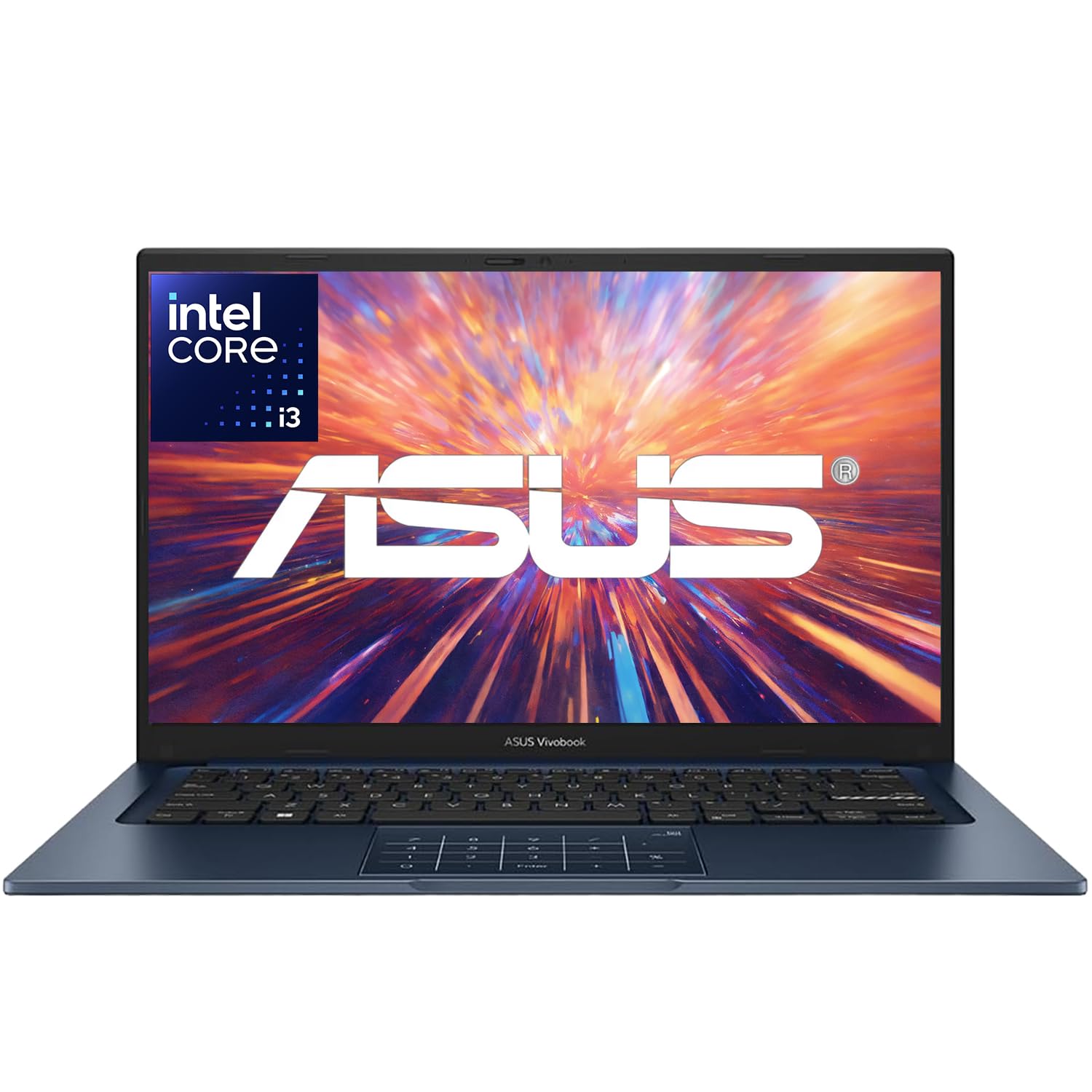
The ultra-portable 14-inch that packs 16GB of RAM into a 3.09 lb frame.
The standout here is the combination of heavy RAM and light weight, with 16GB of memory letting you run multiple development tools at once while the 3.09 lb chassis barely registers in your bag. The Intel Core i3-1315U 13th-gen processor with 6 cores boosts up to 4.5GHz, delivering fast, efficient performance for school, business, and everyday computing. Customers note it starts up in seconds and handles file organizing and document prep with zero lag.
The 14-inch FHD 1920 x 1080 display with slim bezels offers 250 nits of brightness and an anti-glare coating, making it a comfortable travel companion. Wi-Fi 6E and Bluetooth 5.3 keep you connected on modern networks, and the 720p HD webcam with a privacy shutter is ready for Zoom or Teams calls. A 65W USB-C charger tops up the 8-hour battery quickly when you are between classes.
The trade-off is the 256GB SSD, which is half the storage of the Acer above, so you may need an external drive for large project files or multiple operating systems. The 8-hour battery is also on the shorter side for all-day campus use. If you value a small, light machine that still multitasks well, this is a strong fit, but storage hoarders should look elsewhere.
Why it clicks
- 16GB RAM in a 3.09 lb body is rare at this level
- Starts in seconds and handles multitasking smoothly
- Privacy shutter on the webcam for secure calls
What holds it back
- 256GB SSD fills up fast with dev environments
- 8-hour battery needs a midday top-up
Pick this when: portability matters more than storage and you want 16GB of RAM on the move.
skip it if: you keep large datasets or multiple OS installs, since 256GB runs out quickly.
5. Dell 15.6 Laptop, FHD, Intel Core 3 100U

The dependable Dell that blends business-grade build quality with a big 512GB SSD.
Dell quality is the thing owners praise most, with 76 buyers calling it out, and this machine lives up to that reputation with a sturdy build and a roomy keyboard that includes a separate numeric keypad and a calculator hotkey. The 15.6-inch FHD anti-glare IPS display at 250 nits keeps text readable for hours, and Dell ComfortView software reduces blue light to ease eye strain during late-night sessions. If you type numbers all day, the dedicated keypad is a genuine productivity boost.
The Intel Core 3 100U processor boosts up to 4.7 GHz, and the 512GB SSD gives you generous room for projects, tools, and files without an external drive. Buyers find it plenty fast for most tasks, with one noting it runs Fallout New Vegas at high quality, so light gaming is on the table. The lifted hinges provide an ergonomic typing angle, and the 1-year Onsite Service means Dell will come to you if hardware fails.
The honest caveats are battery life and performance consistency, with some owners reporting a short battery and others seeing occasional freezing under load. The webcam is not the best, and the built-in AI features can be hard to avoid. If you want a reliable, upgradable workhorse with real storage and you are okay keeping the charger nearby, this is a trustworthy pick.
The core strength: real Dell build quality, a 512GB SSD, and a numeric keypad for number-heavy work.
The honest gap: battery life runs short, and performance gets mixed reviews under heavier loads.
6. NIMO 15.6″ AI-Creator-Laptop
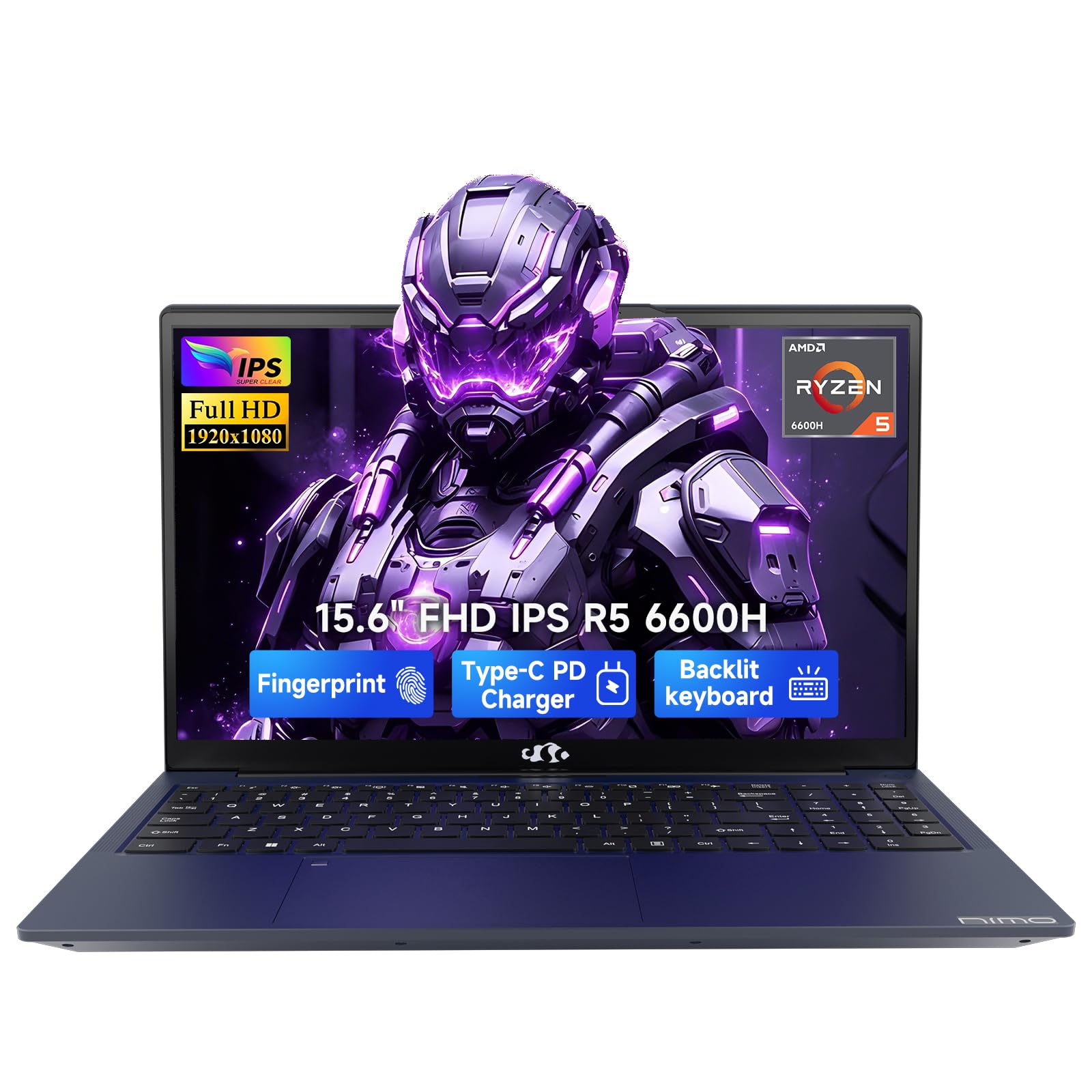
A desktop-class Ryzen 5 that chews through code, tabs, and even video edits.
The AMD Ryzen 5 6600H processor here brings 6 cores and 12 threads with boost speeds up to 4.5GHz, making it a step up from typical thin-and-light chips for sustained workloads like coding and content handling. Reviewers point out it handles 1000+ page documents, 30 open tabs, and video editing without lag, which is desktop-like performance in a laptop. The 16GB of DDR5 RAM with upgrade room up to 64GB and a 512GB PCIe SSD that can grow to 4TB mean this machine is built to last through your growing needs.
The 15.6-inch FHD 1920 x 1080 IPS display offers a familiar 16:9 layout that makes split-screen productivity comfortable, and the backlit US keyboard helps you type accurately in dim rooms. A fingerprint reader built into the touchpad gets you logged in fast without typing passwords. The 53.58Wh battery paired with a separate 100W PD charger means quick top-ups, and the USB-C setup supports both power and display connectivity.
The 2-year manufacturer warranty with final assembly in the United States adds real confidence for a long-term purchase. The main gripes are a picky fingerprint scanner and a cramped number pad, while fan noise appears under gaming loads. Reliability gets mixed feedback, so buy with the warranty in mind, but for raw performance per dollar, this is a serious contender for developers who push their hardware.
What makes it fast
- 6-core / 12-thread Ryzen 5 6600H boosts to 4.5GHz
- 16GB RAM with room to upgrade to 64GB later
- 2-year warranty and 100W PD fast charging
What to watch
- Fingerprint scanner is picky for some owners
- Number pad feels cramped for heavy data entry
Grab it for: heavy multitasking and content work where a 6-core AMD chip outpaces typical budget CPUs.
Pass if: you are wary of a smaller brand and want the polish of a household name.
7. HP OmniBook 3 17.3 inch Laptop PC

The big-screen desk machine with a 17.3-inch FHD IPS display and 14-hour stamina.
The 17.3-inch FHD IPS display with 178-degree wide-viewing angles is the defining feature here, giving you a massive canvas for code, documentation, and multiple windows side by side. Buyers appreciate the screen size and note it is not fuzzy at all, making long reading sessions comfortable. The HP Fast Charge restores the battery from 0 to 50% in about 45 minutes, and the rated battery life reaches 14 hours and 15 minutes, which is excellent for a screen this large.
Performance gets the most praise, with 26 buyers highlighting it, and the AMD Ryzen 3 with Radeon 610M graphics handles streaming, multitasking, and everyday work smoothly. The 512GB PCIe NVMe M.2 SSD offers fast speed and ample storage, while 8GB of LPDDR5 RAM boosts bandwidth for snappier performance. The FHD camera with HDR auto-switch keeps you looking clear on video calls, and Advanced AI Noise Reduction filters out background noise so only your voice comes through.
The 17.3-inch size is the double-edged sword; it is a lot of laptop to carry, and it will not fit in smaller bags. The backlight and reliability both draw mixed feedback, so it is worth checking your unit on arrival. If you want a near-desktop experience with a huge screen and great battery for long coding sessions, this delivers, but portability suffers.
The big win: a 17.3-inch canvas, 512GB of storage, and 14+ hour battery make this a desktop replacement.
The real cost: this is a heavy, bulky machine that stays on your desk more than in your bag.
8. Dell Inspiron 15 Touchscreen Laptop
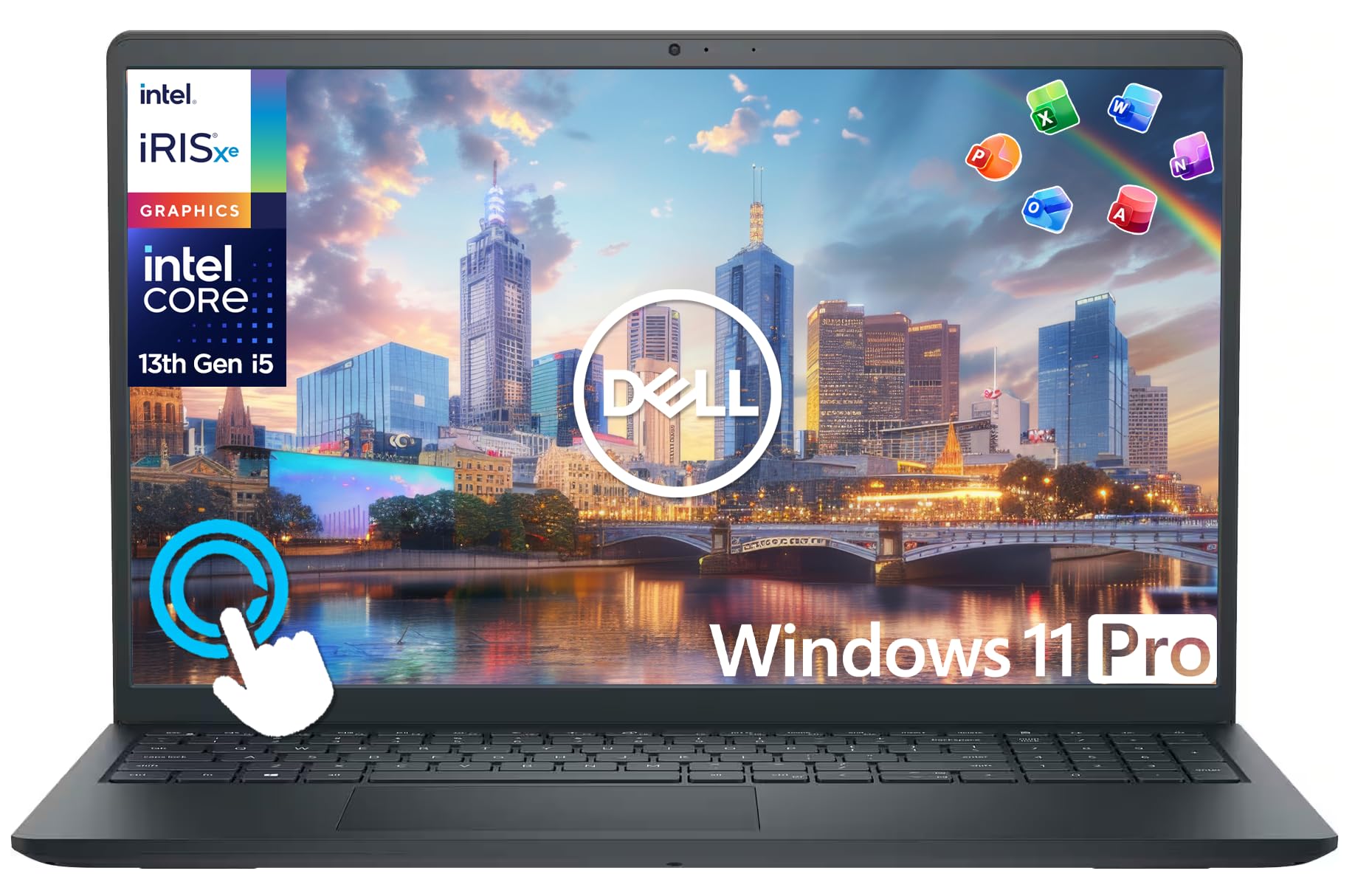
The touchscreen multitasker that ships with a dock, mouse, and external drive bundle.
The 15.6-inch FHD IPS touchscreen with 178-degree viewing angles is the standout feature, letting you pinch, zoom, tap, and swipe through code, documentation, and apps intuitively. The 10-core Intel i5-1334U processor with up to 4.6 GHz boost clock handles everyday tasks and light gaming with ease. Shoppers say it delivered the speed boost they needed after years on older hardware, calling it fantastic for home and private use.
The package goes beyond the laptop itself, including a 6-in-1 USB-C docking station hub, an HDMI cable, a wireless mouse, and a 500GB portable external drive. That brings your total storage to 756GB (256GB internal SSD plus the 500GB external), giving you plenty of room for projects and media. With 12GB of RAM and 13th-gen Intel power, it runs Windows 11 Pro smoothly, with built-in security features like encryption and malware protection.
The touchscreen is genuinely useful for scrolling through long code files or presentations, but it does eat into battery life, rated at 9 hours. The Windows 11 Pro operating system adds business-grade manageability that home users may never touch. If you want a versatile machine that works as a laptop, tablet-style viewer, and desktop setup all in one, the included accessories make this a compelling package.
Why it stands out: the touchscreen plus a full accessory bundle including an external 500GB drive from the start.
The trade-off: 9-hour battery is moderate, and a 15.6-inch touchscreen is not the lightest to carry.
9. Lenovo V15 Laptop, AMD Ryzen 5 5500U

A 16GB Ryzen 5 workhorse built for college-level code and a few games.
The 16GB of high-bandwidth RAM is the headline here, letting you smoothly run multiple applications and browser tabs all at once without the constant closing and reopening dance. The AMD Ryzen 5 5500U processor with 6 cores and 12 threads boosts up to 4.0 GHz, delivering solid performance for college-level work and some light gaming. Buyers describe it as a quality laptop that is not blazing fast but very good for the price, handling schoolwork and casual games comfortably.
The 512GB PCIe NVMe M.2 SSD ensures fast bootup and quick data transfer, while the 15.6-inch FHD 1920 x 1080 display gives you plenty of room for code. A numeric keypad makes data entry easier, and the RJ45 ethernet port is a rare find on budget laptops, giving you a stable wired connection for large downloads. Windows 11 Pro includes business features like Group Policy and Active Directory support for more advanced setups.
The display draws mixed reviews, with some praising the resolution while others find it mediocre and recommend an external monitor. Battery life also varies, with some owners reporting strong endurance and others seeing shorter runtime under heavy use. The touchpad sits a bit too far left for some typists, causing occasional misclicks. If you want 16GB of RAM and solid build quality for college work, this is a strong value, but be ready to adjust your expectations on the screen.
The strength: 16GB RAM and a six-core Ryzen 5 make multitasking and compile sessions smooth.
The catch: a mediocre display and variable battery life mean you may want an external monitor.
10. Lenovo V15 Gen 4 Business Laptop, Intel Core i5

The business-grade Lenovo that pairs 16GB RAM with a serious Intel i5-13420H.
The Intel Core i5-13420H processor here is a genuine step up for coding, with 8 cores and 12 threads boosting up to 4.6 GHz, giving you the headroom for compilation and running multiple services at once. Combined with 16GB of RAM and a 512GB SSD, this machine handles demanding workflows without the lag that plagues 8GB budget laptops. Buyers call it a solid, reasonably priced workhorse with a nice screen and easy setup, and it runs The Sims 4 without any lag for downtime.
The 15.6-inch FHD 1920 x 1080 display gives you a clear, sharp canvas for long coding sessions, and the numeric keypad makes data entry a breeze. The RJ45 ethernet port provides a stable wired connection, a feature many modern laptops drop, which is invaluable for large repo clones or remote work. Windows 11 Pro comes with pre-configured layouts for organizing apps and team collaboration features built in.
The main complaint is battery life, with owners advising you to keep the charger handy, as heavy use drains it quickly. The build is a sturdy textured plastic, and the sound is decent for casual listening. If you need a dependable business machine with real processing power and don’t mind staying near an outlet, this Lenovo delivers.
The core appeal: 8-core i5 power and 16GB RAM make serious compile sessions feel easy.
The limitation: short battery life ties you to a desk, unlike the Acer above.
11. GEEKOM GeekBook M16 Laptop
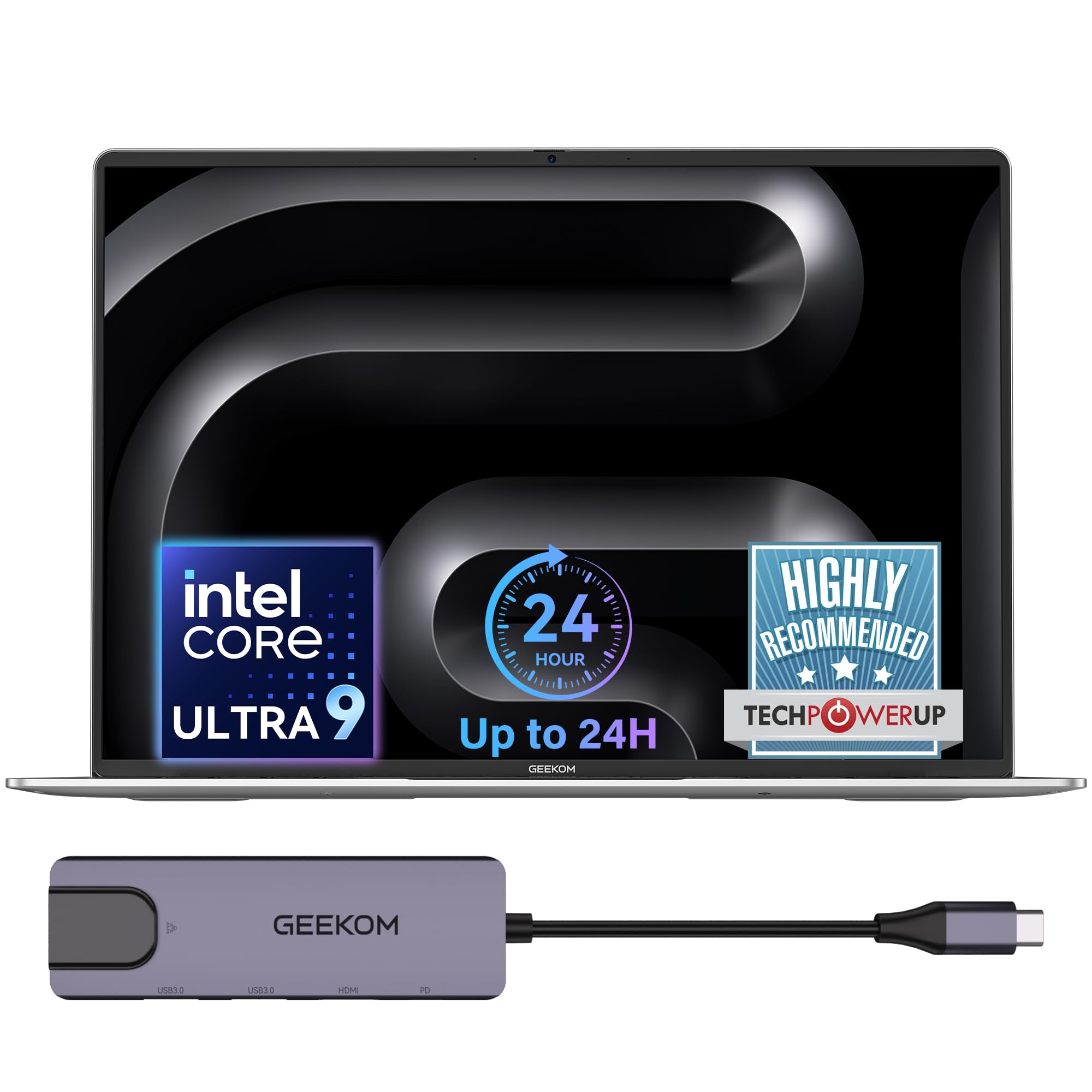
A flagship Intel Core Ultra 9 that brings desktop-class power to a 16-inch frame.
The Intel Core Ultra 9 185H processor with up to 5.1 GHz is the most powerful chip on this list, and GEEKOM claims it sustains up to 55W output on battery for a near-desktop experience. The upgraded Intel Arc graphics handle AI tools, video editing, and professional rendering smoothly, making this a serious machine for developers who also create content. Buyers describe it as an amazing machine and a great MacBook alternative, praising its speed, lightweight design, and excellent sound.
The 16-inch 16:10 IPS display offers more vertical screen space with a 90% screen-to-body ratio, which is genuinely useful for reading long code files without scrolling. The 99.9Wh battery is rated up to 24 hours, and a 10-minute quick charge powers hours of light office use, so this easily outlasts every other pick here. The dual-fan IceBlade 3.0 cooling system with three performance modes lets you choose between Silent 15W, Balanced 40W, and Performance 55W, so you control the noise and power balance.
A 5-in-1 docking station comes included, adding USB-A, USB-C, HDMI, and LAN ports for a desktop-class setup, and the 40Gbps USB4 port supports external displays. The aerospace-grade aluminum alloy chassis with a 180° hinge feels premium, and the fingerprint reader adds quick security. The trade-off is 16GB of LPDDR5 RAM, which is not upgradeable, so think about if you need more in the coming years rather than the strong 1-year warranty and 24/7 US-based support.
Why it leads on power
- Intel Core Ultra 9 sustains 55W on battery for desktop-class builds
- 24-hour battery rating plus a 10-minute quick-charge boost
- 16-inch 16:10 screen with a 90% screen-to-body ratio
What to consider
- 16GB RAM is not upgradeable, so pick your ceiling now
- Premium build and performance come at the top of the budget range
Choose this when: you need real processing muscle for AI, rendering, or heavy builds and want all-day endurance.
Look elsewhere if: you plan to expand RAM later, since 16GB is soldered in place.
Understanding the Specs
RAM: your multitasking ceiling
Random Access Memory (RAM) is the short-term workspace your laptop uses to run everything at once. For programming, 8GB is the bare minimum that will have you closing tabs constantly, while 16GB lets your editor, browser, and local server all stay open and responsive. If you run virtual machines or Docker containers for development, more RAM is the single biggest upgrade you can make.
SSD: the speed of your workflow
A Solid-State Drive (SSD) stores your files and programs with no moving parts, loading them in seconds rather than minutes. A 512GB SSD gives you room for multiple development environments, databases, and project files without scrambling for an external drive. PCIe NVMe drives are faster than older SATA SSDs, so check the interface if you move large files frequently.
Processor: the engine for compiles
The Central Processing Unit (CPU) executes your code and runs the operating system. For coding, you want at least four cores and a decent boost clock, since compiling code uses all the cores you have. Intel Core i5 and AMD Ryzen 5 chips with 6 or 8 cores deliver a noticeable jump over entry-level processors for larger projects, but an efficient chip also stretches your battery life.
Battery life: real-world expectations
Manufacturer battery ratings are measured under specific test conditions like video playback, so real coding sessions drain faster. A rated 22 hours might translate to 12-15 hours of actual development work, while an 11-hour rating could mean 6-8 hours using an IDE and web server. Look for a laptop with a fast-charging feature so a quick 30-minute top-up can get you through an afternoon.
FAQ
Is 8GB of RAM enough for programming in 2026?
What is the difference between the Acer Aspire 14 and the ASUS Vivobook Go for coding?
Will a budget laptop handle running Docker or virtual machines?
How long does a budget laptop battery last for actual coding?
Is a touchscreen useful for programming?
What is the best budget laptop for programming for a college student?
Is 256GB of storage enough for coding projects?
Do budget laptops for programming include Windows 11 Pro or Home?
Can a budget laptop run Android Studio or heavy IDEs like IntelliJ?
Is the GEEKOM GeekBook M16 worth the higher budget price for development?
Which budget laptop for programming has the best keyboard for typing code?
Can I upgrade the RAM on these budget laptops later?
Final Thoughts: The Verdict
Across the board, the budget laptop for programming winner is the Acer Aspire 14 AI because it is the strongest all-around package, pairing a 22-hour battery with 16GB of RAM and a 512GB SSD, which are the three specs that actually determine your daily coding comfort. If you want more raw processing muscle for heavy builds or AI workloads, reach for the GEEKOM GeekBook M16, which brings Intel Core Ultra 9 power and a 24-hour rating. And for a lighter multitasking machine that stays portable, the NIMO 15.6 delivers 16GB of RAM with a six-core Ryzen 5 for less than the big-brand alternatives.
How We Picked
We do not accept paid placement. Every pick is matched to a real buyer and a real use-case; we do not hands-on test units.
Sources & Methodology
Specifications: manufacturer listings and product documentation. Review insights: verified customer reviews, as of July 2026. Pricing: not shown on this page (it changes often); check the current price via the retailer link.
As an Amazon Associate, Gadgets Feed earns from qualifying purchases. This does not affect which products we feature.