
Our readers keep the lights on and my morning glass full of iced black tea. As an Amazon Associate, I earn from qualifying purchases.
Specs are compiled from manufacturer listings and verified buyer reviews and can change over time — please confirm the key details on the product page before buying.
Timing is everything in stock trading, and nothing kills a trade faster than a laptop that freezes while you’re trying to exit a position. You don’t need a gaming monster or a workstation; you need enough RAM to keep your charts, broker platform, and news feed running at once, plus a screen that doesn’t make you squint at candlesticks for eight hours. This guide cuts through the noise to find the machines that handle real-time data without the premium price tag.
I’m Min — the founder and writer behind Gadgets Feed. This guide is built by comparing the manufacturers’ published specifications and the patterns across verified customer reviews, so you get each pick’s real strengths and trade-offs instead of marketing spin.
You need a dependable machine that can juggle multiple browser tabs and trading software without crashing, so this roundup focuses on the top budget laptop for stock trading with the best value and performance.
Our Picks at a Glance

How To Choose The Best Budget Laptop For Stock Trading
Buying a laptop for trading is different from buying one for gaming or video editing. Trading software is often web-based, which means your browser is the real workhorse, and that puts a heavy load on RAM and the processor. A mid-range CPU paired with 16GB of RAM will serve you better than a high-end processor with only 8GB.
Prioritize RAM for the Multi-Window Life
You will likely have a broker’s platform, a charting service, and a news site open simultaneously. The Lenovo V15 comes with 16GB of high-bandwidth RAM, which is double the 8GB found in the acer Aspire Go 15. That 2.0x gap means you can keep more tabs and applications open without hitting a slowdown, which is the single most important spec for active traders.
Screen Size and Resolution for Candlestick Clarity
You can see multiple charts clearly without zooming on a 15.6-inch Full HD (1920 x 1080) display, which is the balance for most traders. If you prefer a two-window setup, the HP 17.3-inch model gives you a larger canvas, but it also makes the laptop heavier and bulkier to carry. An IPS panel (a screen type that keeps colors accurate from wide angles) offers better viewing angles than standard LED screens, so you won’t lose detail when you tilt the screen.
Storage Speed: SSD vs. Traditional Drives
Never settle for a traditional spinning hard drive; it will make booting up and loading charts painfully slow. Look for a PCIe NVMe M.2 Solid State Drive (SSD), which allows for fast bootup and quick data transfer. Models with 512GB of this storage, like the Lenovo V15, give you ample space for trading software and system files without the lag.
Quick Comparison
| Model | Best For | Processor | RAM | Storage | Amazon |
|---|---|---|---|---|---|
| Lenovo V15★ Best Overall | Heavy Multitasking | AMD Ryzen 5 5500U | 16GB | 512GB SSD | Amazon |
| Acer Aspire Go 15Best Value | Battery Life & Ports | Intel Core 3 N355 | 8GB | 128GB UFS | Amazon |
| Acer Aspire 3Budget Champion | Value & Family Use | AMD Ryzen 3 7320U | 8GB | 128GB SSD | Amazon |
| ASUS Vivobook Go | Build Quality | AMD Ryzen 3 7320U | 8GB | 256GB SSD | Amazon |
| Dell 15 | Basic Web Trading | Intel Core 3 100U | 8GB | — | Amazon |
| HP OmniBook 3 | Big Screen Viewing | AMD Ryzen 3 30 | 8GB | 512GB SSD | Amazon |
| Dell 15 Ryzen 5 | Lightweight Power | AMD Ryzen 5 7520U | — | — | Amazon |
| HP 17.3 Laptop | Large Display Multi-task | AMD Ryzen 5 7520U | 16GB | 512GB SSD | Amazon |
| Lenovo V15 Gen 4 | Business & Ethernet | Intel Core i5-13420H | 16GB | 512GB SSD | Amazon |
In‑Depth Reviews
1. Lenovo V15 Laptop
Our pick — over 4★ from 350+ verified ratings; the strongest balance of quality and price.
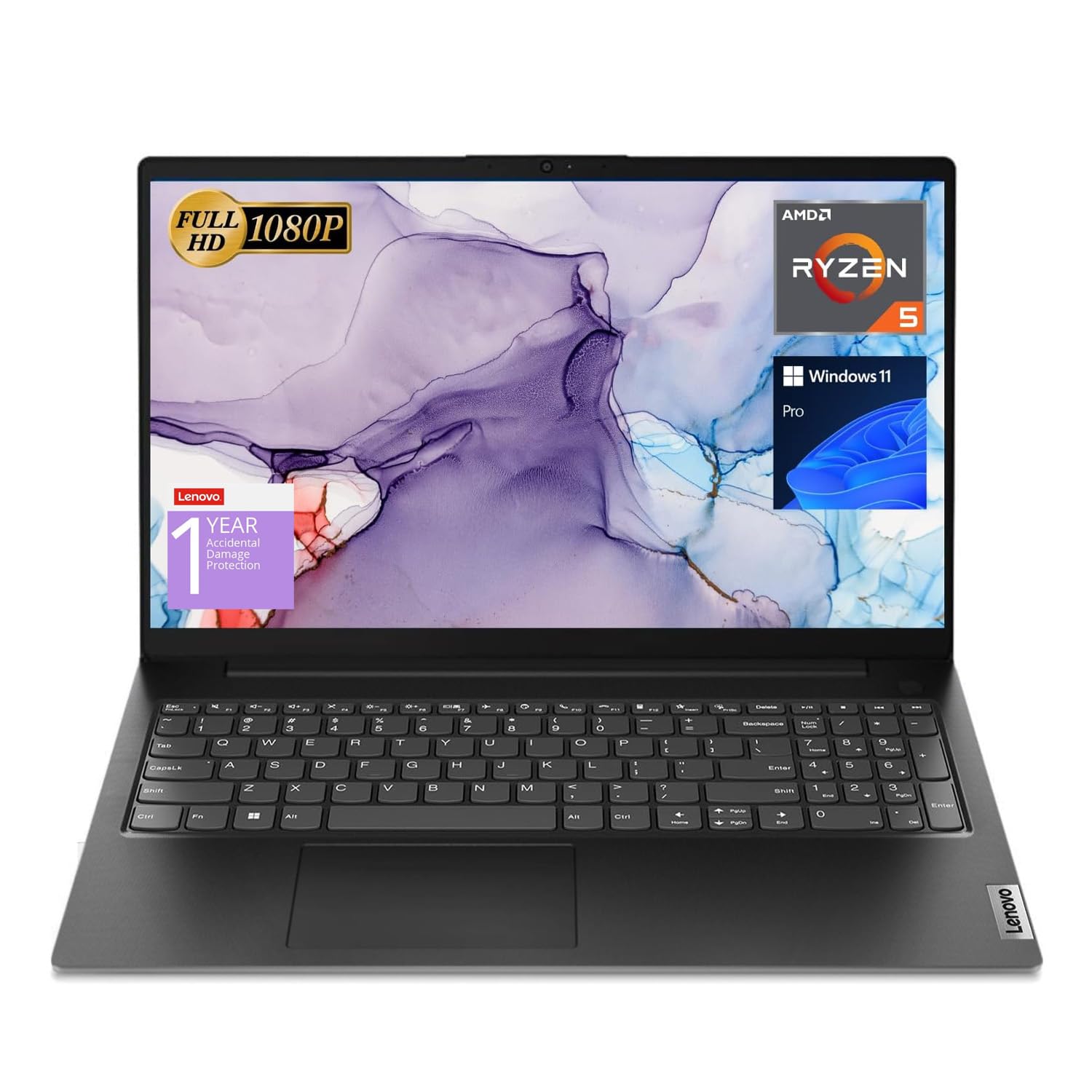
16GB of RAM and a Ryzen 5 CPU keep your broker, charts, and news feeds running simultaneously without stutter.
For a stock trader, the Lenovo V15 is the one to beat because it solves the core problem of running multiple applications and browser tabs all at once with 16GB of high-bandwidth RAM. This is double the memory of the Acer Aspire Go 15, a 2.0x gap that lets you keep your trading platform, a charting service, and live news streams open without the system stuttering. The 512GB PCIe NVMe M.2 Solid State Drive also ensures fast bootup and quick data transfer when you need to launch your software in a hurry.
The processor is a clear step up for serious work as well. The AMD Ryzen 5 5500U beats the Intel i7-1065G7 in benchmarks, and it offers 6 cores and 12 threads to handle background tasks without slowing down. For connectivity and security, the inclusion of an RJ45 Ethernet port is a godsend for traders who need a stable, wired internet connection during market hours, something many slim laptops now omit. It also runs Windows 11 Pro, which includes features like Group Policy and Active Directory for better management, though home users may not need these.
What wins people over is the Performance; it’s the aspect owners praise most, and it shows in the light gaming and video editing tasks they manage. Trading involves hours of screen time, and while the screen works, the display is the main compromise, with buyers reporting the color quality is mediocre and requires night mode to look right. The port availability is a sore point for some, with the single USB-C port being criticized.
budget workhorse
- Double the RAM of budget rivals keeps dozens of tabs and apps open
- Has an RJ45 port for a stable wired internet connection
- Numeric keypad makes entering orders or tickers quicker
modest display
- Screen quality is mixed; an external monitor helps if colors matter
- Battery life is short, roughly 45 minutes of heavy use
value buy: traders who live in a browser and need 16GB of RAM so nothing freezes during a fast move.
premium seekers: you can live with a modest display and plan to keep the charger plugged in at your desk.
2. Acer Aspire Go 15
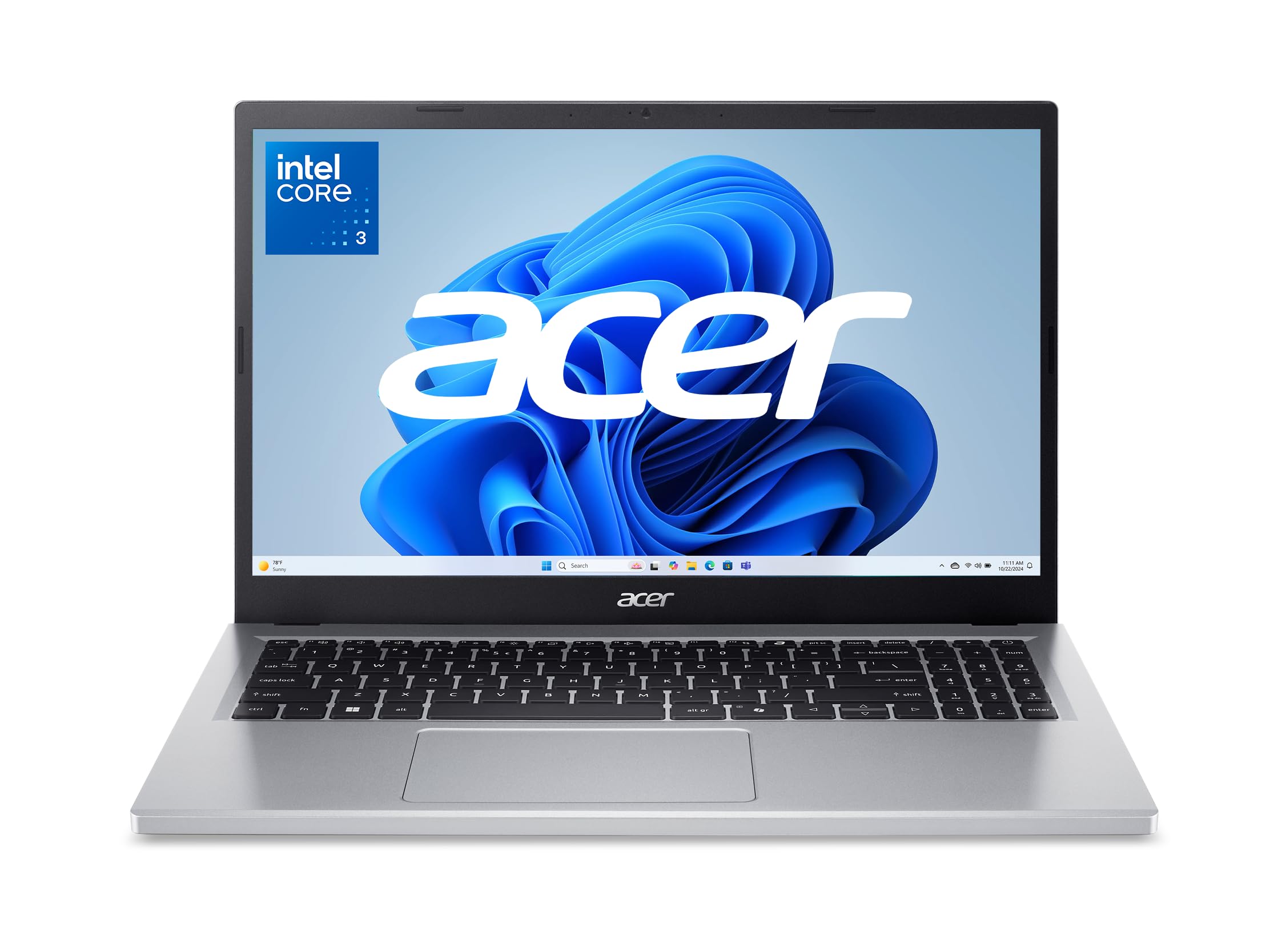
Fast charging hits 93% in about 30 minutes, covering a full market session on a single top-up.
The Acer Aspire Go 15 earns its “great economy laptop” reputation by delivering smooth performance with its 8-Core Intel Core 3 processor N355 (a mid-range chip that handles everyday tasks without lag). For traders, the standout trick is fast charging: buyers report it reaches 93% in about 30 minutes, giving you over 5 hours of battery life—almost a full market session. Its 15.6″ 1080p Full HD IPS display (a screen type with wide viewing angles) offers sharp, detailed views for chart reading.
Connectivity is forward-thinking with dual full-function USB Type-C ports that can handle charging and display output, plus Wi-Fi 6 for faster, smoother network connections. The screen is a definite positive, with owners describing it as “clear as day,” and it includes Acer BluelightShield to lower blue light exposure during those long evening research sessions. It comes with Windows 11 Home in S Mode, which is a locked-down version of the OS that some buyers find restrictive and choose to disable.
The main compromise to plan around is the 128GB of storage, which fills quickly with software and market data. The battery life is a mixed bag, with most getting hours of use but a few reporting quicker discharge. The plastic case scratches easily, though it’s an acceptable trade-off for the price.
solid all-rounder: traders who value portability and want a fast-charging machine that easily slips into a bag for a day of working from different spots. The storage is enough for a browser-based trading setup.
3. Acer Aspire 3
An 11-hour battery and a Ryzen 3 chip handle 20 open tabs for a full day of web-based trading.
You can work a full trading day without hunting for an outlet, thanks to the Acer Aspire 3’s 11-hour battery life—ideal for coffee shops or co-working spaces. It runs on the AMD Ryzen 3 7320U Quad-Core processor (a budget chip that handles web-based platforms and spreadsheets fine), though it’s less powerful than the Ryzen 5 in the Lenovo V15 (a 67% performance gap). This is the most-reviewed laptop on this list, a sign of how popular this formula is for budget buyers.
For the price, this laptop is a crowd-pleaser, with Quality being the aspect owners praise most often by a wide margin. It has a 15.6″ Full HD IPS display with narrow bezels, giving you a sharp image for your analysis without the bulk. The HD front-facing camera uses Acer’s TNR technology for better imagery in low light, and Acer PurifiedVoice filters out background noise, which is useful for earnings calls.
The speed is a mixed point; many find it fast enough for multiple windows, while others report it being slow under heavy loads. A recurring gripe is the keyboard, which is not backlit, making it hard to type in a dark room. There have also been a handful of reports about units failing after several months, so consider the warranty and your backup plan.
starter choice: pick this if you want a reliable, long-lasting machine for basic web trading and you can live with a non-backlit keyboard. Look elsewhere if you need the extra power for complex desktop trading software.
4. ASUS Vivobook Go
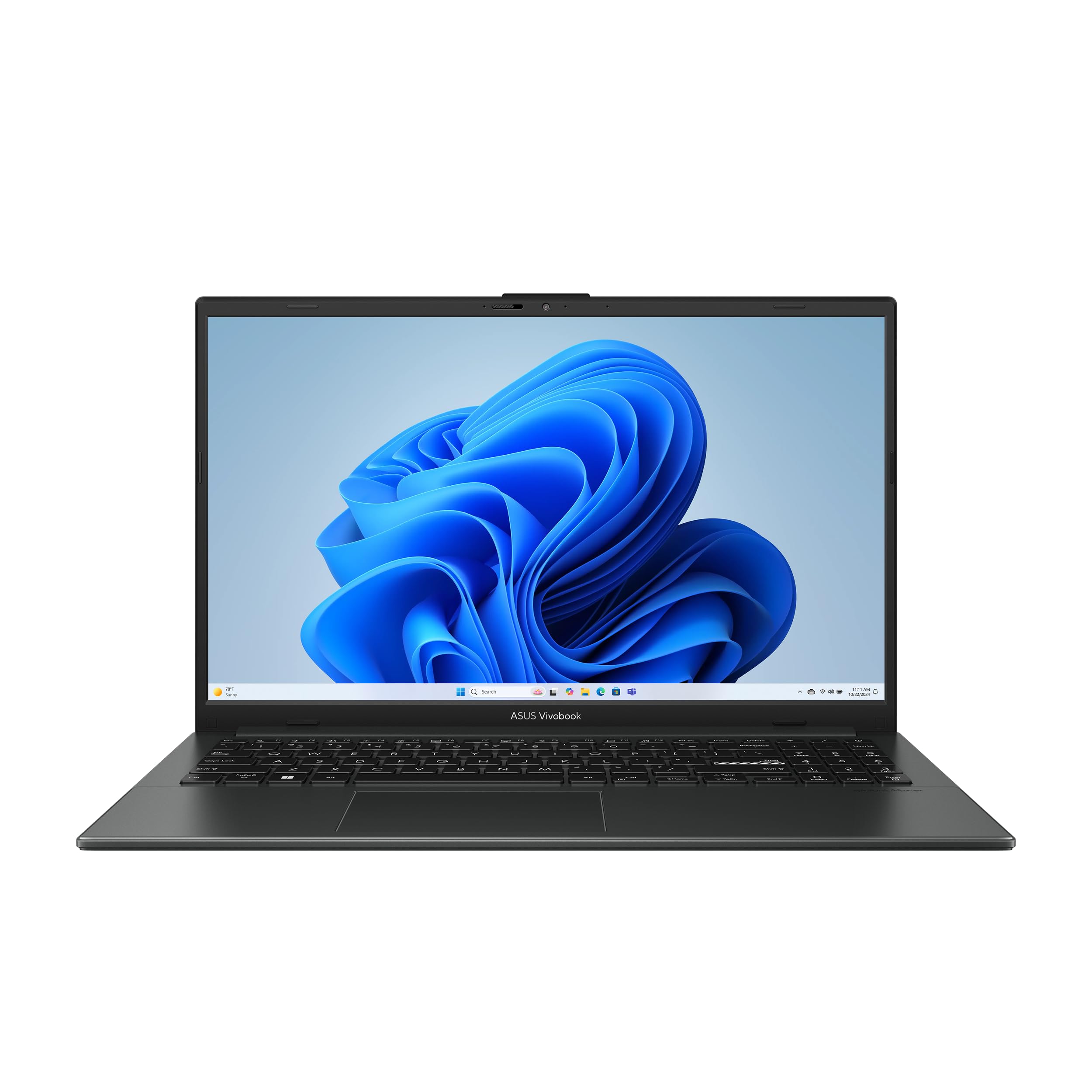
MIL-STD 810H-tested chassis survives daily commutes and accidental drops without flinching.
The ASUS Vivobook Go stands out for its Military Grade Durability, passing 5 tests under the US MIL-STD 810H standard, including high and low temperature tests, shock, vibration, and altitude. For a trader who carries a laptop to work each day, this toughness means it can survive the bumps of a daily commute. It packs the AMD Ryzen 3 7320U Quad Core Processor and 8GB of DDR5 RAM, plus a 256GB SSD, which provides a bit more storage headroom than its Acer siblings.
The full-size chiclet keyboard includes a numeric keypad, which is great for quickly punching in numbers, and the 720p HD camera has a privacy shutter for when you’re not in a video call. The 42Wh battery is rated for up to 11 hours of battery life, so you can get through the trading day and then some. Buyers love the build quality and speed, noting it runs non-modded Minecraft, which hints that it won’t struggle with charting software.
The screen’s stated 250-nit sustained brightness (a measure of how bright the display gets) is adequate but not dazzling in bright offices. The biggest reliability concern mirrors the category risk: some owners mention the trackpad stopping working and the battery not holding a charge. The RAM and storage are soldered on (permanently attached to the motherboard), so you can’t upgrade later—you must buy exactly what you need now.
portable performer: a tough, dependable daily driver for the trader on the move. The military-grade build (tested to withstand drops and shocks) gives you confidence that a flimsy chassis won’t be your undoing.
5. Dell 15 Laptop
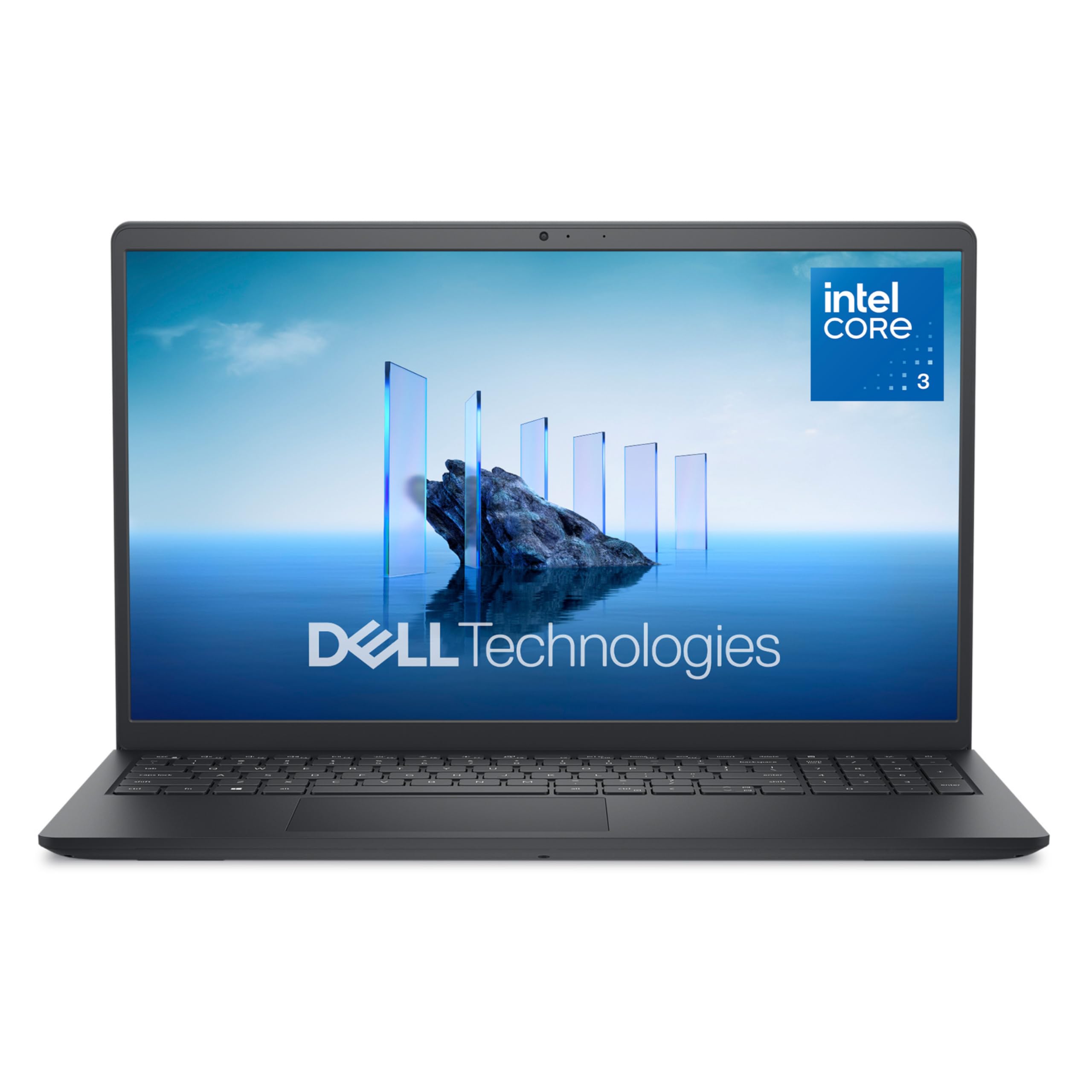
Dell’s ComfortView screen and lifted hinges keep eyes and wrists comfortable during long light-trading sessions.
The Dell 15 is a solid, no-nonsense option for the trader who wants a trusted name brand for everyday computing without the bulk. It’s built around the Intel Core 3 100U processor and 8 GB of RAM, which makes it well-suited for the light duties of web-based broker platforms and email. Dell’s ComfortView software helps reduce harmful blue light emissions, keeping your eyes comfortable during those extended viewing times of charts and news feeds.
It features lifted hinges that provide an ergonomic typing angle, which is a thoughtful touch for the hours you’ll spend at the keyboard, and a separate numeric keypad with a calculator hotkey to speed up your number crunching. The battery life, however, is a low point, with reports of it taking an unusually long time to charge and providing poor battery life overall. Connectivity has also seen some complaints regarding Wi-Fi reliability.
The customer consensus is that it’s a good basic computer for light work, and the Quality is the most-praised aspect, with many happy to have a Dell for basic tasks. It’s not designed for gaming or heavy financial modeling, so keep your expectations set for browser tabs and spreadsheets. The camera quality is also a noted weakness, should you rely heavily on video calls.
safe bet: you want a simple, affordable Dell for checking positions and light research, and you’re always near a power outlet. Consider a model with a bigger battery if you plan to work away from a desk.
6. HP OmniBook 3
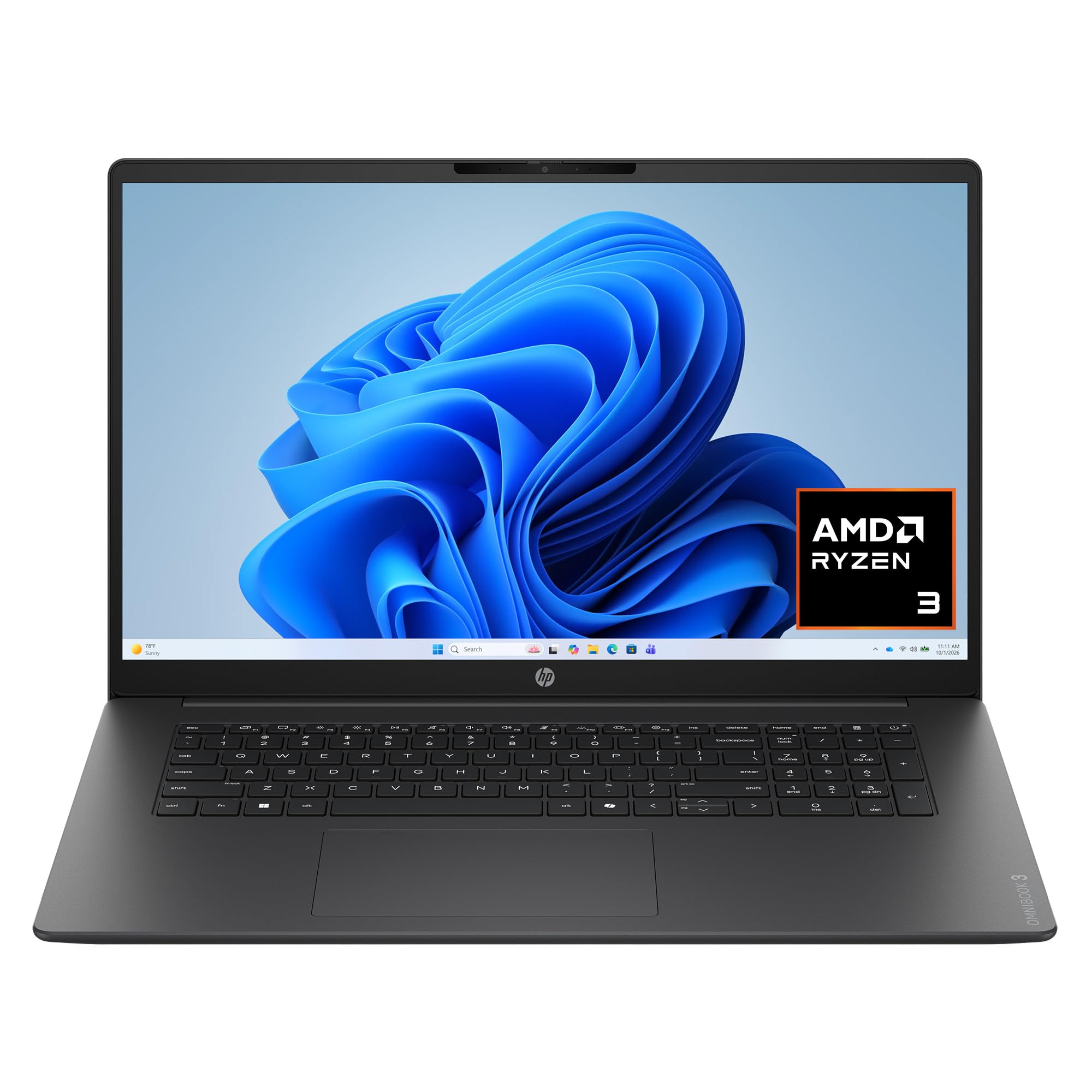
A 17.3-inch Full HD IPS display lets you run your trading platform and charts side-by-side without overlap.
For traders who feel cramped on a typical 15.6-inch screen, the HP OmniBook 3 offers a massive 17.3-inch Full HD IPS display with 178-degree wide-viewing angles. This extra space is the second most-praised aspect of this laptop, and it makes it possible to have your trading platform on one side and your news or charting on the other without overlapping. It’s powered by the AMD Ryzen 3 30 processor and 8GB of RAM, which is sufficient for standard multitasking.
Battery life is a highlight, with HP rating it at up to 14 hours and 15 minutes, and HP Fast Charge restores the battery from 0 to 50% in approximately 45 minutes. That means a quick top-up during a lunch break can give you the power for the rest of the day. The 512 GB PCIe NVMe M.2 SSD provides fast speed and efficient storage for all your files, and it comes with an FHD camera with HDR auto-switch for better video calls.
The AI noise reduction using Advanced Personal Mode is great for filtering out background noise on conference calls, keeping your voice clear for clients. While performance is the top positive aspect, the speed is noted as mixed, with a few owners finding it less swift than expected. The short battery life is a complaint for some, though the fast charging makes that less of a pain point.
sleek ultraportable: the home-office trader who prioritizes screen real estate for a chart-heavy setup and wants a battery that will genuinely last a full session. The large chassis makes it more of a desktop replacement than a travel companion.
7. Dell 15 Ryzen 5
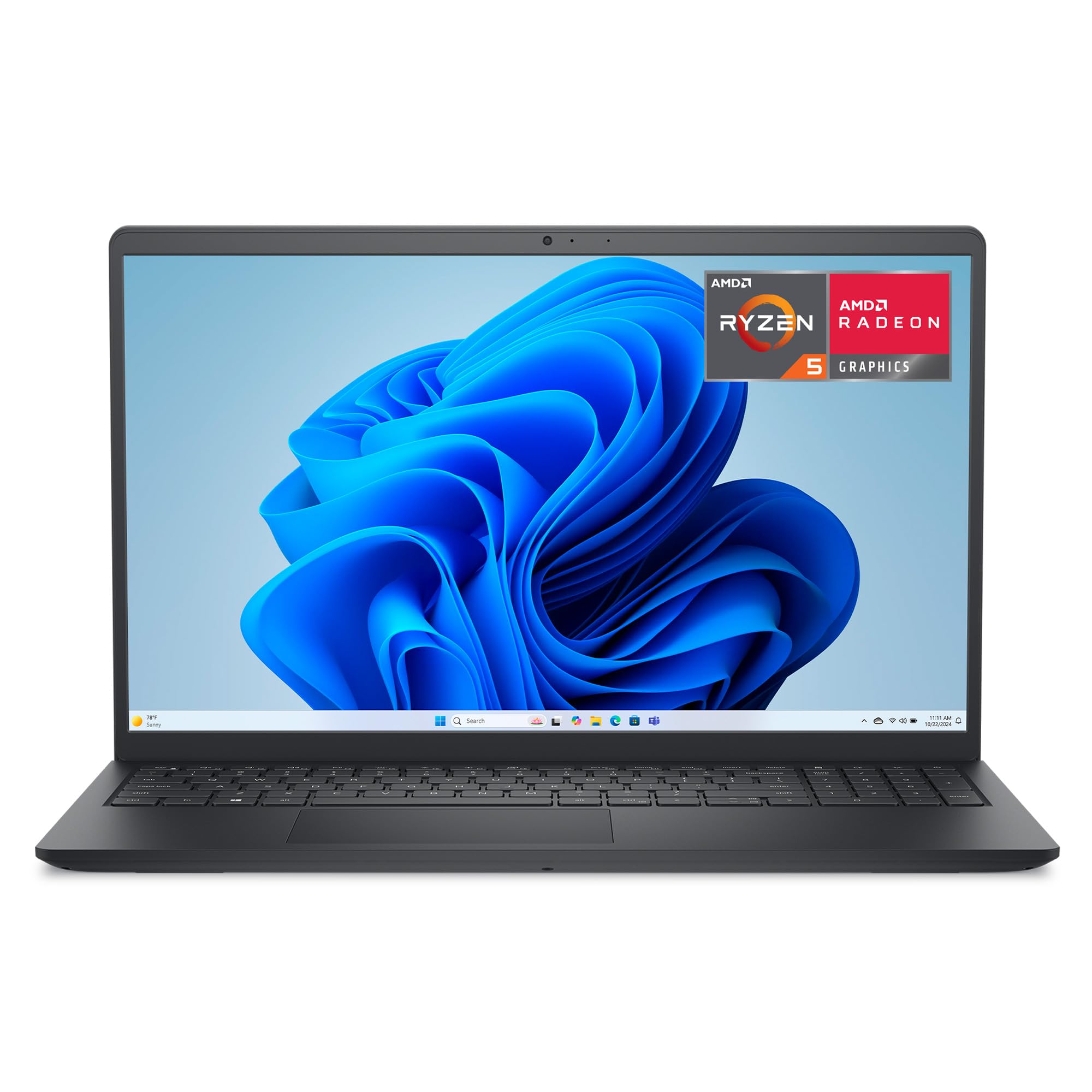
A Ryzen 5 7520U processor delivers smoother all-around performance in a lightweight, ergonomic Dell chassis.
The Dell 15 with the AMD Ryzen 5 7520U processor and Radeon 610M graphics is a step up in processing power for those who want smoother performance in their daily driver. It’s built for everyday computing, but the extra cores and higher 4.3 GHz max speed make it more comfortable handling the background processes of a live trading platform. It’s a lightweight and elegant machine in carbon black, which owners say looks nice.
The setup is described as “very easy,” and the laptop is ready to go from the start. It retains the ergonomic lifted hinges and roomy keypads with a separate numeric keypad and calculator hotkey, which are excellent for number-focused work. Dell backs it with 1 Year Onsite Service, which means a technician will come to you if an issue can’t be resolved remotely, a reassuring safety net for a critical tool.
Value for money is the most-praised aspect, but performance gets mixed feedback, with several owners noting it’s “not too fast, not too slow.” A crucial limitation: the RAM is soldered on (permanently attached), so you cannot upgrade the memory later. As one buyer put it: “Ryzen and Dell are soldered on memory, so you cannot upgrade the memory on these Ryzen laptops.”
speed pick: you want the Dell ergonomics and a more capable chip than the base model, and you can live with 8GB of RAM that you can’t upgrade later.
8. HP 17.3 Laptop
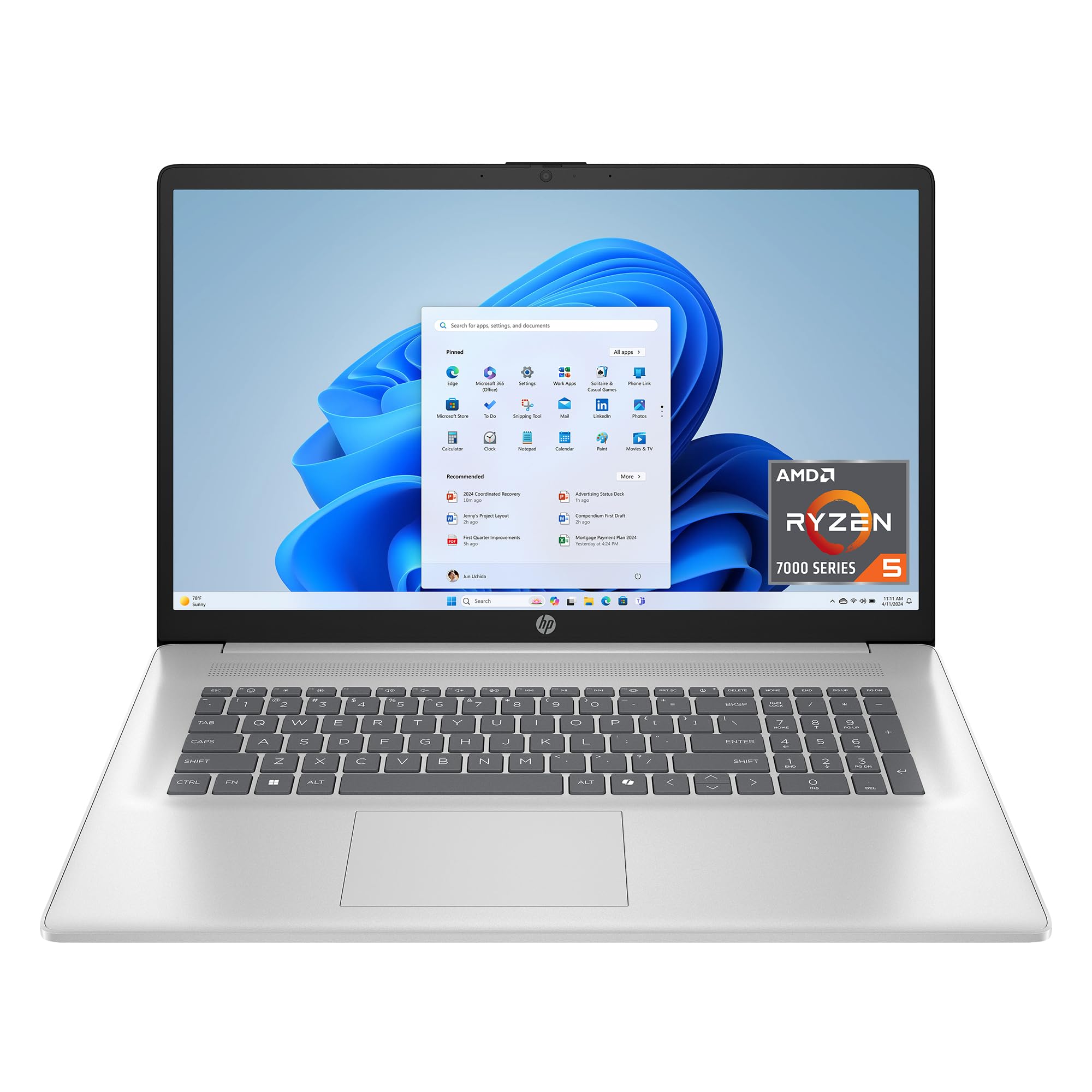
16GB of LPDDR5 RAM and a 17.3-inch anti-glare display handle heavy multitasking and side-by-side charts.
This is a premium pick for traders who want the dual benefit of a large screen and heavy multitasking power. The HP 17.3-inch laptop combines a spacious screen with 16 GB LPDDR5 RAM, which is power efficient and provides speedy performance for keeping many applications open. It uses the AMD Ryzen 5 7520U processor with a max boost of up to 4.9 GHz, ensuring your more complex charting tools run without lag.
The anti-glare HD+ display means less glare when you’re working near a window, and it’s large enough for two windows side by side, which buyers highlight as great for productivity. Storage is generous with a 512 GB PCIe NVMe M.2 SSD, which performs up to 15x faster than a traditional hard drive. The lift-hinge design improve the keyboard for more natural, comfortable typing, which is a subtle but welcome ergonomic feature for long sessions.
Reliability is a strong point here, with Quality being the most-praised aspect, and it’s considered excellent for college use or small businesses. The main gripes are the keyboard, which feels ‘squishy’ to some, and the lack of USB-C charging. While the battery is rated at 7.15 hours, some owners recommend a cooling pad to manage the loud fan under load.
big screen view: if your strategy involves heavy research across multiple monitors worth of windows, this HP’s 16GB of RAM prevents the slow-downs that plague 8GB machines. The trade-off is a bulkier chassis and a keyboard that isn’t to everyone’s taste.
9. Lenovo V15 Gen 4

The business-grade Lenovo with a powerful Intel Core i5 and a wired connection point.
The Lenovo V15 Gen 4 is the business-focused sibling that brings the Intel Core i5-13420H processor, which packs 8 cores and 12 threads with a Max Turbo Frequency of up to 4.6 GHz. This is a very capable chip for handling heavy data streams and more demanding financial software. It comes with 16GB of RAM and a 512GB PCIe NVMe M.2 Solid State Drive for fast boot-up and data transfer, so your trading day starts the moment you open the lid.
Like the top pick, it features an RJ45 Ethernet port (a standard wired network jack), which gives you a stable, low-latency connection that won’t drop out mid-trade. It runs on Windows 11 Pro with pre-configured layouts to tune productivity, and the build is described as sturdy and reliable. The keyboard is satisfying, and the Wi-Fi and Bluetooth connections are smooth, making it a great tool for on-the-go business use.
There is a notable discrepancy in the listed specs regarding RAM and storage, so it’s wise to confirm the final configuration, but the core selling point is the raw processor speed. The battery life is a weak spot, with a specific warning to keep the charger nearby. While it’s a strong performer, the construction material feels like cheap plastic to some, and a few find the performance sluggish compared to premium office ThinkPads.
fresh choice: choose this if your priority is a fast, responsive CPU and a stable wired internet connection for a home office, and you aren’t bothered by a cheaper-feeling plastic shell.
Understanding the Specs
RAM: The Multitasking Muscle
Think of RAM as your laptop’s short-term memory for everything you have open right now. For trading, you need enough to hold your broker’s platform, a web browser with dozens of tabs, and a spreadsheet program simultaneously. 8GB is the minimum, but 16GB (as seen on the Lenovo V15) offers a noticeably smoother experience when you’re switching between heavy applications.
The Processor: Your Data Decoder
The processor (CPU) does the heavy lifting of calculating and running your software. A faster processor with more cores, like the AMD Ryzen 5 or Intel Core i5 found on higher-tier models, keeps everything snappy, especially if you use complex desktop trading platforms that pull in a lot of real-time data. Entry-level Ryzen 3 or Intel Core 3 chips handle browser-based platforms just fine but may feel slower with intense applications running in the background.
Storage: SSD Speed vs. Storage Space
Modern laptops use Solid State Drives (SSDs), which load programs and files almost instantly compared to old hard drives. An NVMe SSD is the fastest type of connection, and it greatly reduces boot times and the lag when opening charts. The capacity, whether 128GB or 512GB, determines how many programs and files you can store, and it’s worth leaning toward 256GB or more if you download any software.
Display: Your Window to the Markets
You can see more data, charts, and columns without constant scrolling on a larger, sharper screen. A 15.6-inch Full HD (1920 x 1080) resolution is the standard balance for size and clarity. Look for an IPS panel (a screen type that keeps colors accurate from wide angles), which prevents the screen from washing out when you tilt it. A larger 17.3-inch screen helps if you like to run two applications side-by-side.
FAQ
Is 8GB of RAM enough for stock trading?
What is the most important specification in a trading laptop?
Do I need a dedicated graphics card for trading?
Can I connect my laptop to a second monitor for more charts?
Is a touchscreen necessary for a trading computer?
What does “S Mode” on the Acer Aspire Go 15 mean?
Why is having an Ethernet port (RJ45) good for trading?
How long should a budget laptop’s battery last for trading?
Final Thoughts: The Verdict
For most people, the budget laptop for stock trading winner is the Lenovo V15 because 16GB of RAM and a solid Ryzen processor handle the multitasking that trading demands without the high price tag. If you want a big 17.3-inch screen and 16GB of RAM to see more charts at once, grab the HP 17.3 Laptop. And for a lightweight, fast-charging machine that’s great for moving between home and office, the Acer Aspire Go 15 is the one to reach for.
How We Picked
We do not accept paid placement. Every pick is matched to a real buyer and a real use-case; we do not hands-on test units.
Sources & Methodology
Specifications: manufacturer listings and product documentation. Review insights: verified customer reviews, as of August 2026. Pricing: not shown on this page (it changes often); check the current price via the retailer link.
As an Amazon Associate, Gadgets Feed earns from qualifying purchases. This does not affect which products we feature.