
Video editing on a tight budget means you need a machine that can handle a timeline without throwing a fit every time you add a transition. You are looking for a configuration that balances a capable processor, sufficient RAM, and fast storage—all while avoiding the premium markup of a “creator” badge. This is a search for the spec-sheet sweet spot where raw performance meets an accessible price tag.
I’m Min — the co-founder and writer behind Gadgets Feed. My approach here is rooted in deep market research: I have combed through hundreds of technical specifications, benchmark comparisons, and real-user feedback from the budget laptop segment to isolate the models that actually deliver for video editing workflows.
After analyzing processor core counts, integrated GPU architectures, memory bandwidth, and thermal designs, I have compiled a definitive list of the most capable options. This guide will help you find the best budget laptop for video editing without wasting money on components that don’t matter for your render queue.
How To Choose The Best Budget Laptop For Video Editing
Video editing is a parallel processing task that hammers the CPU, GPU, RAM, and storage simultaneously. Saving money here means knowing which spec to splurge on and which to accept as a compromise. You need to understand the specific demands of your editing software and footage resolution before you even open a product page.
Processor Architecture Matters More Than Clock Speed
Most budget laptops use U-series efficiency chips. For video editing, you want at least a P-series or H-series processor with a minimum of 8 cores and 12 threads. The AMD Ryzen 7 and Intel Core i5/i7 H-series are common in this price tier. A chip with more cores will handle timeline renders and background exports with far less stuttering than a dual-core Pentium.
Integrated Graphics vs. Discrete GPUs
At the budget level, you will find integrated GPUs like the Radeon 680M/780M or Intel Iris Xe. These have become surprisingly competent for 1080p editing. A discrete RTX 4050 offers a clear performance uplift for effects and 4K timelines, but it also demands more power and adds cost. If your work stays at 1080p with light effects, a modern integrated solution can suffice.
RAM Is Your Safety Net for Complex Timelines
16GB of RAM is the functional floor for video editing. 8GB will cause stuttering and forced closure of background apps. If you work with 4K footage, multiple layers, or After Effects comps, aim for 32GB. Pay attention to whether the RAM is soldered or upgradable—dual-channel configuration also significantly improves integrated graphics performance.
Storage Speed Is a Direct Editing Factor
You cannot edit video directly off a slow hard drive or eMMC storage. A PCIe Gen 3 or Gen 4 NVMe SSD is mandatory. Look for a minimum of 512GB, but 1TB provides breathing room for active projects. The read/write speed of the SSD directly affects how quickly your timeline loads previews and scrubs through footage.
Display Resolution and Color Coverage
A 1080p display is standard at this price, but check the sRGB or NTSC coverage. A panel with 100% sRGB or better will show accurate colors during grading. High refresh rates (120Hz+) are a bonus for smooth preview playback but not as critical as color fidelity. IPS panels are preferred over TN for better viewing angles and contrast.
Quick Comparison
On smaller screens, swipe sideways to see the full table.
| Model | Category | Best For | Key Spec | Amazon |
|---|---|---|---|---|
| NIMO 15.6″ Ryzen 7 6850U | Ultrabook | Light editing & travel | Radeon 680M GPU / 32GB LPDDR5 | Amazon |
| Acer Nitro V (ANV15-52-586Z) | Gaming Laptop | 4K rendering & effects | RTX 4050 GPU / 165Hz Display | Amazon |
| NIMO 17.3″ Ryzen 7 8745HS | Powerhouse | Multi-layer 4K + streaming | Radeon 780M GPU / 32GB LPDDR5 | Amazon |
| Dell Precision 5550 (Renewed) | Mobile Workstation | Professional color grading | Nvidia Quadro T1000 / 32GB RAM | Amazon |
| NIMO 15.6″ Light Gaming (Ryzen 7) | Ultrabook | 1080p timeline editing | Radeon 680M / 16GB LPDDR5 | Amazon |
| KAIGERR i5-12600H Laptop | Budget Performer | General editing + multitasking | Intel Iris Xe / 16GB DDR4 | Amazon |
| HP 17.3″ Touchscreen Ryzen 5 | Entry Level | Casual 1080p projects | Radeon Graphics / 8GB RAM | Amazon |
| Apple MacBook Neo 13″ A18 Pro | Ecosystem | Light editing + Apple apps | A18 Pro / 8GB Unified Memory | Amazon |
| HP Laptop 2026 Edition (N150) | Basic Multimedia | Light trimming & presentations | Intel UHD Graphics / 16GB RAM | Amazon |
| Lenovo IdeaPad 15.6″ Touch | High RAM Config | Multitasking heavy projects | Iris Xe / 40GB DDR4 RAM | Amazon |
| HP OmniBook 5 16″ Snapdragon X | AI PC | Extended battery editing | Adreno GPU / 16GB LPDDR5x | Amazon |
In‑Depth Reviews
1. NIMO 15.6″ IPS Business Laptop (Ryzen 7 PRO 6850U, 32GB RAM, 1TB SSD)
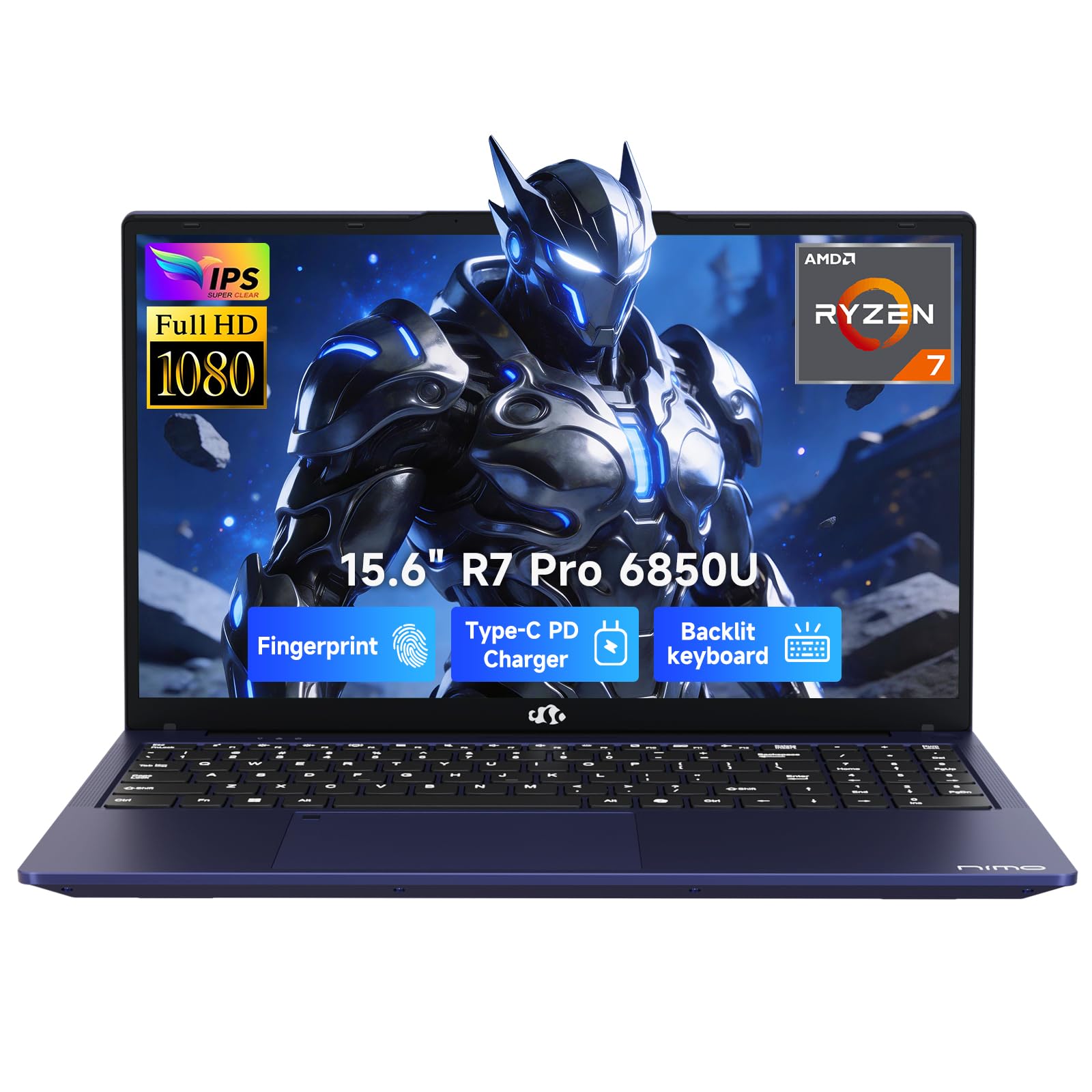
This NIMO configuration strikes the rarest balance in the budget editing space: a true 8-core / 16-thread Ryzen 7 PRO 6850U processor paired with an integrated Radeon 680M that uses RDNA 2 architecture. The 32GB of LPDDR5 RAM running at 5600 MT/s delivers double the memory bandwidth you typically see at this price, which directly feeds the integrated GPU for smoother preview playback and faster render times in DaVinci Resolve or Premiere Pro.
The 1TB PCIe 4.0 SSD is genuinely future-proof for a budget machine, offering read speeds that make file transfers and project loading feel instant. The 100W PD fast charging over USB-C is a welcome convenience, and the 175-degree lay-flat hinge makes it easy to angle the 15.6-inch 1080p display for color-critical work. Users report that it handles multiple plugins in a DAW without hiccups, which mirrors its capability with layered video timelines.
Battery life sits around 9 hours under light use, though intensive editing will pull that down significantly. The build feels solid for its weight class at under 1.7 kg. With a 2-year warranty and assembly in the USA, the risk is minimal. This is the editor’s choice for staying under budget without sacrificing RAM or storage headroom.
Why it’s great
- 32GB LPDDR5 memory eliminates timeline stutter
- Radeon 680M GPU handles 1080p editing without dedicated graphics
- 1TB PCIe 4.0 SSD for fast project load times
Good to know
- No dedicated GPU means 4K effects may lag
- USB-C port placement can be awkward for some peripherals
2. Acer Nitro V Gaming Laptop (i5-13420H, RTX 4050)

The Acer Nitro V is the entry point for a discrete GPU in this list, packing an Nvidia GeForce RTX 4050 with 194 AI TOPS that enables DLSS 3.5 for ray-traced effects previews. The Intel Core i5-13420H (8 cores, 12 threads) is a capable editing workhorse, and when coupled with the RTX 4050, you get hardware encoding support in Premiere Pro and significantly faster export times than integrated solutions.
The 15.6-inch FHD IPS display at a 165Hz refresh rate provides exceptionally smooth timeline scrubbing, though the panel’s color accuracy is more suited to gaming than professional grading. The 8GB DDR5 memory is the weakest link here—user reports confirm that upgrading to 16GB or 32GB is practically mandatory to avoid stuttering in complex timelines. The 512GB Gen 4 SSD is fast but will fill quickly with media caches.
Thermals are a known trade-off: the fans become audible under load, but the cooling system prevents throttling during extended rendering sessions. The Thunderbolt 4 port is a valuable addition for connecting fast external drives. For editors who need GPU acceleration without moving to a premium tier, this Acer delivers genuine performance per dollar, provided you budget for a RAM upgrade.
Why it’s great
- RTX 4050 GPU excels at effects and rendering
- 165Hz display makes timeline previews fluid
- Thunderbolt 4 for fast external storage
Good to know
- 8GB RAM is insufficient for serious editing
- Fan noise is noticeable during export
3. NIMO 17.3″ Gaming Laptop (Ryzen 7 8745HS, 32GB RAM, 1TB SSD)

This 17.3-inch NIMO is the big-screen champion of the budget category. Its AMD Ryzen 7 8745HS (8 cores, 16 threads) with the Radeon 780M GPU—based on RDNA 3 architecture—delivers graphics performance that rivals entry-level discrete GPUs like the GTX 1650. The 780M is genuinely capable of 1080p video editing with color grading and light effects, making it ideal for creators who want a large canvas without the bulk of a dedicated gaming card.
The 32GB of RAM and 1TB PCIe SSD provide the headroom required for 4K source material and multi-layer timelines. HDMI 2.1 and USB4 (40 Gbps) connectivity means you can connect high-resolution external monitors and fast external drives without a dock. The 75Wh battery is the largest in this roundup, offering up to 15.5 hours of video playback, though real-world editing will cut that significantly.
Weighing under 1.7 kg for a 17-inch chassis is impressive and makes it genuinely portable. The fan noise is present but not intrusive during export. Real-world reports confirm it runs Adobe’s Creative Suite without freezing. For editors who prioritize screen real estate and need a machine that can handle Premiere Pro, After Effects, or DaVinci Resolve without a discrete GPU, this NIMO is a standout pick.
Why it’s great
- Radeon 780M GPU rivals entry-level discrete cards
- 17.3-inch FHD display provides ample timeline space
- USB4 and HDMI 2.1 for high-speed expansion
Good to know
- No dedicated GPU for heavy 3D effects
- Large chassis may not fit small backpacks
4. Dell Precision 5550 (Renewed, i7-10850H, 32GB RAM)

Going renewed opens a door to hardware that was originally priced well beyond the budget zone. The Dell Precision 5550 is a mobile workstation with an Intel Core i7-10850H (6 cores, 12 threads) and an Nvidia Quadro T1000 GPU with 4GB of dedicated VRAM. The Quadro series is certified for professional applications, meaning drivers are optimized for stability in Premiere Pro, DaVinci Resolve, and AutoCAD rather than gaming frame rates.
The 32GB of DDR4 RAM and 512GB SSD provide adequate headroom for most 1080p and light 4K projects. The 15.6-inch FHD display is color-accurate out of the box, making it suitable for color grading without external calibration. Build quality is premium with a magnesium alloy chassis, though the renewed units may show minor cosmetic wear. Some users report slow charging with the included low-wattage adapter, but a 130W replacement solves this.
The primary trade-off is age: the 10th-gen processor is a few generations old, and battery life is around 4 hours under load. However, for pure rendering performance and GPU stability at a low price, this refurbished workstation often outperforms newer budget laptops. If you can accept the older platform and potential need for a better charger, the rendering value is unmatched.
Why it’s great
- Quadro T1000 is ISV-certified for editing apps
- 32GB RAM and color-accurate display
- Premium build from Dell’s workstation line
Good to know
- Older 10th-gen processor limits single-thread perf
- Battery life is short for extended workstation use
5. NIMO 15.6″ Light Gaming Laptop (Ryzen 7 PRO 6850U, 16GB RAM)

This NIMO variant shares the same Ryzen 7 PRO 6850U and Radeon 680M foundation as the top pick, but with 16GB of LPDDR5 RAM and a 256GB SSD. The Radeon 680M’s RDNA 2 architecture is still a strong performer for 1080p video editing, handling color grading and transitions without the stutter of older integrated solutions. The 100W PD fast charging via Type-C is a standout portable feature.
The 15.6-inch FHD IPS display offers decent color reproduction for the price, and the backlit keyboard is welcome for late-night editing sessions. The fingerprint reader and physical webcam shutter add practical security for creators who work in shared spaces. Weighing under 1.7 kg, it is one of the lighter 15-inch options, making it a strong candidate for mobile editing on the go.
The 256GB SSD is the main limitation—you will likely need an external drive for media libraries. The 16GB RAM is adequate for single-layer 1080p timelines, but complex projects with multiple effects may require closing background apps. For editors on a tight budget who prioritize GPU performance and portability over storage capacity, this is a solid entry point into the category.
Why it’s great
- Radeon 680M GPU for smooth timeline playback
- 100W PD charging for quick refueling
- Lightweight chassis under 1.7 kg
Good to know
- 256GB SSD requires external storage for projects
- 16GB RAM may limit multi-layer 4K editing
6. KAIGERR Laptop (i5-12600H, 16GB RAM, 512GB SSD)
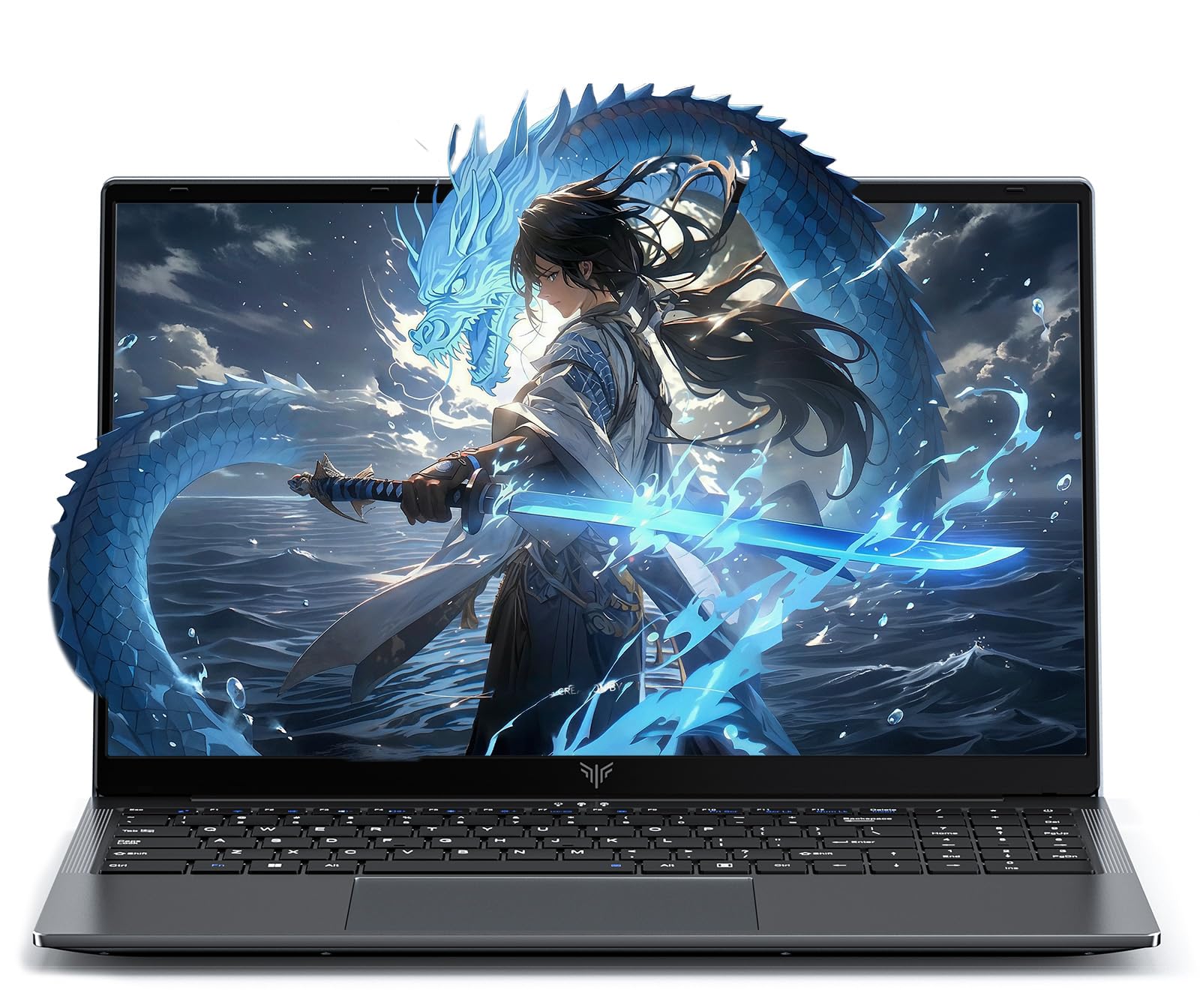
The KAIGERR offers a 12th-gen Intel Core i5-12600H—a 12-core, 16-thread processor that is genuinely overkill for the price bracket. Combined with Intel Iris Xe Graphics and 16GB of DDR4 RAM, it handles 1080p editing in DaVinci Resolve and Premiere Pro with acceptable performance for basic cuts and transitions. The 512GB M.2 NVMe SSD is fast and expandable via a second M.2 slot, supporting up to 4TB total.
The 15.6-inch FHD IPS display at 60Hz is adequate for editing, though color accuracy is not specified for professional grading. The 180-degree hinge is a practical feature for sharing the screen with collaborators. Port selection is generous with 3 USB-A ports, HDMI 1.4, and a Type-C port. The 1MP webcam includes a physical privacy shutter, a thoughtful addition for remote freelancers.
Build quality is plastic but feels solid for the price. The primary risk is reliability—one user reported a drive failure within the first month. However, the 12-month warranty covers repairs. For editors with a very tight budget who need a 12-core processor and expandable storage, this KAIGERR delivers the raw CPU power required for efficient encoding and decoding tasks.
Why it’s great
- 12-core i5-12600H processor for fast rendering
- Dual M.2 slots for up to 4TB storage
- 180-degree hinge for collaboration
Good to know
- Iris Xe GPU struggles with heavy effects
- Some reported quality control issues
7. HP 17.3″ Touchscreen Laptop (Ryzen 5 7430U, 8GB RAM)
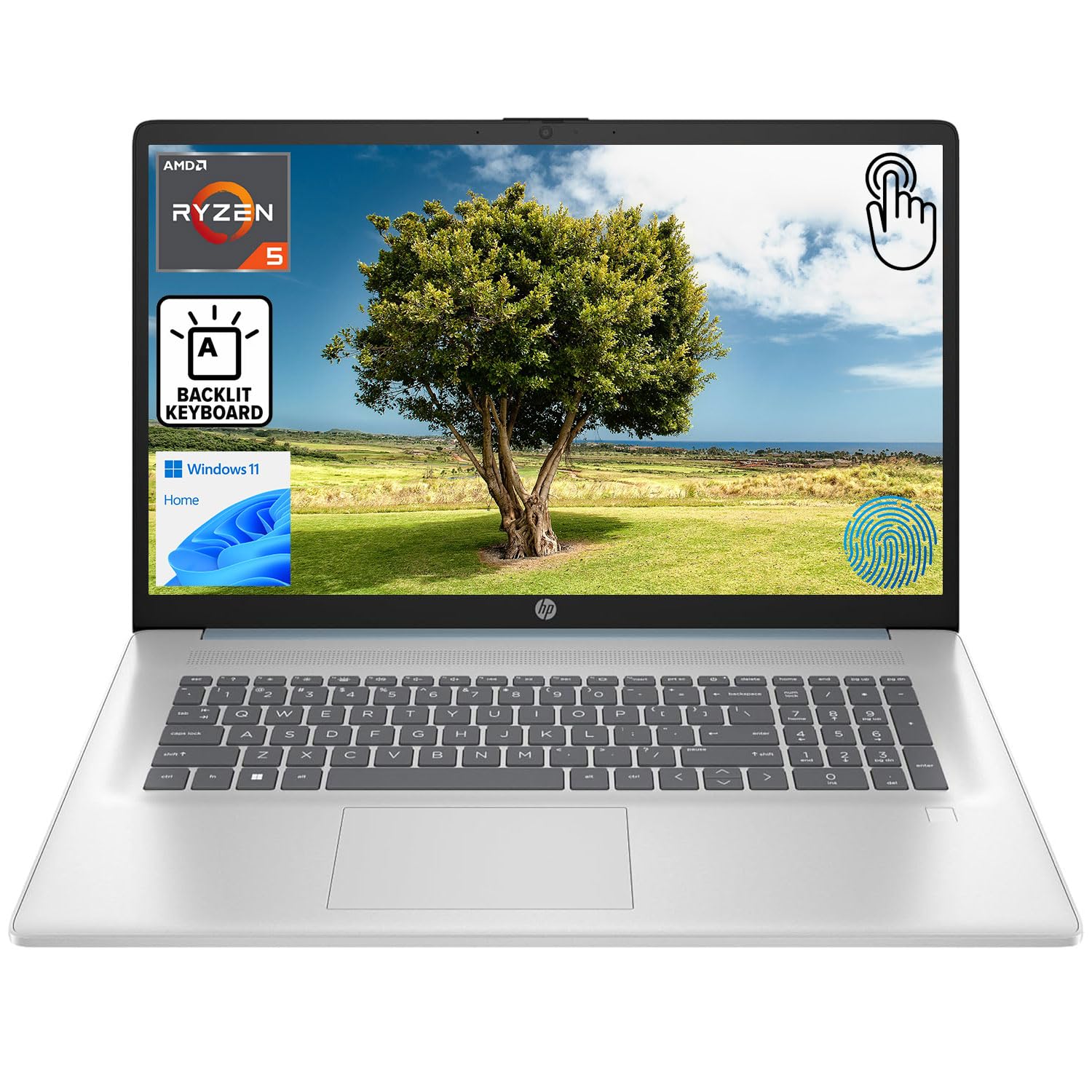
The HP 17.3-inch is built around a Ryzen 5 7430U (6 cores, 12 threads) with integrated Radeon Graphics. The large display is its main selling point for editors who want a big canvas, but the HD+ (1600×900) resolution is a significant limitation for video editing, as it lacks the pixel density for accurate timeline previews. The touchscreen is responsive for on-the-fly timeline navigation but not a substitute for a precision trackpad.
The 8GB of RAM is the most restrictive spec here—it will force you to close all other applications when editing in Premiere Pro. The 512GB SSD provides adequate storage for a single active project. Port selection is decent with USB-C, HDMI 1.4b, and USB-A ports. The backlit keyboard and fingerprint reader are nice-to-have features for a home office machine.
This machine is best suited for very light video trimming or working with 720p source material. The 60% NTSC display and 8GB memory cap its editing potential. For casual users who need a large screen for reviewing footage and performing basic cuts, it works. For anyone with serious editing needs, the RAM and display resolution will become immediate bottlenecks.
Why it’s great
- Large 17.3-inch display for reviewing footage
- Touchscreen for direct timeline interaction
- Sufficient 512GB SSD storage
Good to know
- 8GB RAM severely limits editing capability
- 1600×900 resolution is below FHD standard for editing
8. Apple MacBook Neo 13″ (A18 Pro, 8GB Unified Memory)

The MacBook Neo brings the Apple ecosystem to the budget editing table with an A18 Pro chip that includes a powerful Neural Engine and unified memory architecture. The Liquid Retina display (2408×1506) offers excellent color accuracy and 500 nits of brightness, making it one of the best screens in this price group for color grading. The 1080p FaceTime HD camera and Spatial Audio support make it a strong choice for video-first creators.
The 8GB of unified memory is shared between the CPU and GPU, which is the main bottleneck here. For 1080p editing in Final Cut Pro, the system handles basic timelines well thanks to Apple’s efficient video encode/decode engines. However, 4K editing or heavy effects will cause stuttering. The 512GB SSD provides decent storage, and the 13-inch form factor is highly portable at 2.71 pounds.
The lack of a backlit keyboard and the soldered memory (non-upgradable) are notable drawbacks. Battery life is solid at up to 16 hours for video playback, though export tasks will drain it faster. For creators already in the Apple ecosystem who edit short-form content primarily in Final Cut Pro, this Neo offers a premium software experience at a breakthrough hardware price point.
Why it’s great
- Excellent Liquid Retina display for color work
- Seamless Final Cut Pro performance
- Lightweight and long battery life
Good to know
- 8GB unified memory limits complex projects
- No backlit keyboard and fixed RAM
9. HP Laptop 2026 Edition (Intel N150, 16GB RAM, 1TB SSD)
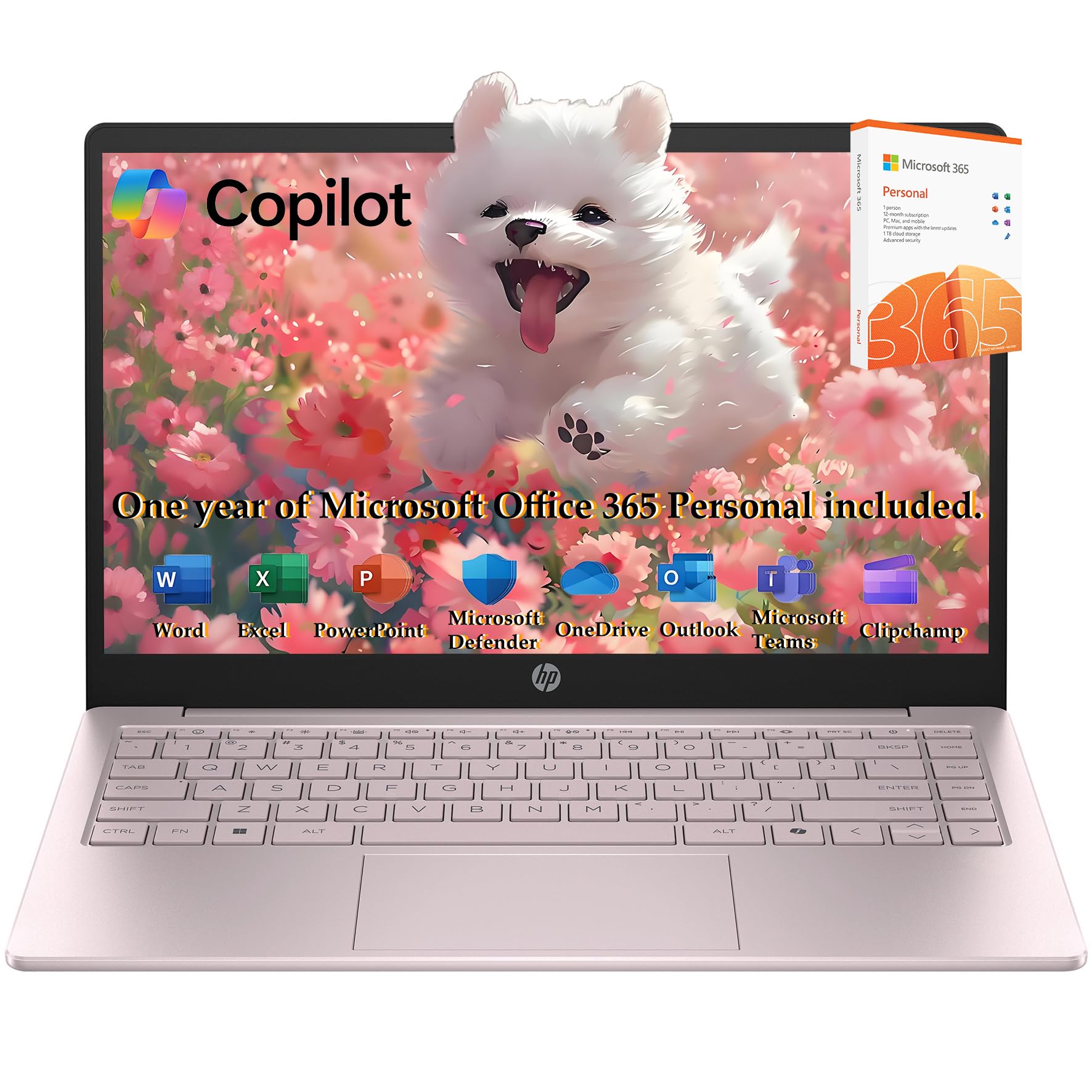
This HP budget laptop features an Intel N150 processor (4 cores, up to 3.6GHz) with Intel UHD Graphics, which is the lowest-performing chip in this roundup for video editing. It is suitable for basic video trimming and simple slideshow creation in 1080p, but it will choke on multi-layer timelines or effects-heavy edits. The 16GB of DDR4 RAM is generous for this class and helps with basic multitasking.
The 14-inch display runs at 1366×768 resolution, which is too low for accurate video editing and will limit your workspace. The 1TB SSD and bundled 128GB flash storage provide excellent capacity for storing completed projects. The included Type-C hub and 1-year Office 365 subscription add tangible value for students or casual users.
Reliability is a concern—one user reported a motherboard failure within a month. This machine is best viewed as a general-use laptop that can handle extremely light video work rather than a dedicated editing tool. For anyone serious about editing, the processor and display resolution will be severe limitations. It serves as a secondary screen for file management or a first laptop for a young content creator.
Why it’s great
- Large 1TB SSD and 128GB flash storage combo
- 16GB RAM for basic multitasking
- Includes Type-C hub and Office 365
Good to know
- Intel N150 processor is underpowered for editing
- 1366×768 display lacks editing workspace
10. Lenovo IdeaPad 15.6″ Touchscreen (40GB RAM, 2.5TB Storage)

The Lenovo IdeaPad bundle focuses on RAM and storage capacity above all else. With 40GB of DDR4 RAM and a 2.5TB storage configuration (2TB SSD + 512GB docking station set), this machine is designed for editors who work with massive media libraries and need to keep hundreds of browser tabs open without reloading. The Intel Core i5 (12th Gen, 10 cores) with Iris Xe Graphics handles 1080p editing competently.
The 15.6-inch FHD IPS touchscreen is a responsive addition for hands-on timeline cutting, and the anti-glare coating reduces reflections during long sessions. The included Microsoft Office lifetime license and bundled earphones add peripheral value. The numeric keypad is a practical bonus for data entry alongside editing workflows.
Build quality is functional but feels less premium than business-class machines. Battery life is average at best, and the 40GB configuration is likely achieved through a suboptimal mixed-stick setup that may not run in true dual-channel mode. The Iris Xe GPU remains the main bottleneck for effects processing. This is best for editors who prioritize massive RAM for multitasking over raw GPU acceleration.
Why it’s great
- 40GB RAM for heavy multitasking and large timelines
- 2.5TB total storage for media libraries
- Touchscreen and numeric keypad included
Good to know
- Iris Xe GPU is the main performance bottleneck
- Build quality feels less premium than competitors
11. HP OmniBook 5 16″ Snapdragon X (16GB RAM, 512GB SSD)

The HP OmniBook 5 is an ARM-based Copilot+ PC powered by the Snapdragon X X1-26-100 processor with a Qualcomm Adreno GPU. It is not designed for heavy video editing in Premiere Pro or DaVinci Resolve due to limited native ARM64 app support and weaker GPU drivers compared to x86 competitors. However, its 2K OLED display with excellent color coverage is a dream for reviewing and color-checking finished footage.
The battery life is the standout spec here—up to 34 hours of video playback, meaning you can edit on battery for a full day of remote work. The 16GB of LPDDR5x RAM is fast and efficient, and the 512GB Gen4 SSD is snappy. The HP True Vision 1080p IR camera and dual microphones are excellent for video conferencing with clients or collaborators.
The core limitation is software compatibility: many popular video editing plugins are designed for x86 architecture. The Adreno GPU, while efficient, does not match the rendering speed of the Radeon 780M or RTX 4050. For editors who primarily work with lightweight tools like Clipchamp or CapCut for short-form content and value all-day battery life and a beautiful display, the OmniBook is a niche but compelling choice.
Why it’s great
- Stunning 2K OLED display for color review
- Exceptional battery life for all-day editing
- Excellent webcam and microphone for client calls
Good to know
- ARM architecture limits Pro editing app support
- Adreno GPU is weaker than x86 competition
FAQ
Can a laptop without a dedicated graphics card handle video editing?
Is 8GB of RAM enough for video editing on a budget laptop?
Why does the display resolution matter for video editing?
Final Thoughts: The Verdict
For most users, the budget laptop for video editing winner is the NIMO 15.6″ Business Laptop because it combines a fast 8-core processor, 32GB of LPDDR5 RAM, and a capable Radeon 680M GPU without exceeding the budget zone. If you need hardware GPU acceleration for effects and 4K rendering, grab the Acer Nitro V with the RTX 4050. And for maximum screen real estate and premium integrated graphics, nothing beats the NIMO 17.3-inch with the Radeon 780M.