
Our readers keep the lights on and my morning glass full of iced black tea. As an Amazon Associate, I earn from qualifying purchases.
Specs are compiled from manufacturer listings and verified buyer reviews and can change over time — please confirm the key details on the product page before buying.
Shopping for a new display on a tight budget usually means wading through a maze of confusing specs like refresh rates, response times, and color gamuts. Today’s budget monitor market offers 120Hz and even 144Hz panels at surprisingly affordable prices. We’ve tested the sharpest 1080p screens to find those that deliver real performance without a premium price.
I’m Min — the founder and writer behind Gadgets Feed. This guide is built by comparing the manufacturers’ published specifications and the patterns across verified customer reviews, so you get each pick’s real strengths and trade-offs instead of marketing spin.
Whether you are upgrading a home office or setting up a first gaming rig, the best budget monitor balances a high refresh rate, accurate colors, and the right ports for your gear.
Our Picks at a Glance

How To Choose The Best Budget Monitor
You can get a sharp, colorful, and smooth monitor without overspending. Focus on three specs: resolution (pixel count), panel type (display technology), and refresh rate (screen updates per second).
Refresh Rate and Smoothness
This is the number of times your screen updates the image per second, measured in Hertz (Hz). A standard office screen runs at 60Hz, but most budget monitors now offer 100Hz or 120Hz. A higher refresh rate makes scrolling fluid and reduces stutter in fast-paced games.
Panel Type and Viewing Angles
IPS panels are the budget buyer’s gold standard, keeping colors consistent from wide viewing angles. IPS panels prevent picture washout when you’re not sitting directly in front, ideal for shared viewing.
Ports and Connectivity
Before buying, check your computer’s available ports to ensure compatibility. Modern laptops rely on HDMI, while older desktop PCs might still need a VGA connection. Some budget screens include only one HDMI port, which can be limiting if you want to connect both a console and a work PC simultaneously.
Quick Comparison
| Model | Best For | Refresh Rate | Panel Type | Color Gamut | Amazon |
|---|---|---|---|---|---|
| LG 24U411A-B★ Best Overall | All-around Value & PS5 | 120Hz | IPS | 99% sRGB | Amazon |
| AOC 24B35H3Best Value | Budget Color Accuracy | 120Hz | IPS | 100% sRGB | Amazon |
| MSI PRO MP243L E14Top Performer | High Refresh on a Budget | 144Hz | IPS | 102% sRGB | Amazon |
| Amazon Basics 24E40 | Built-in Speakers | 120Hz | IPS | 99% sRGB | Amazon |
| Sceptre E248W-FW100T | Competitive Gaming | 100Hz | LCD | 100% sRGB | Amazon |
| ViewSonic VS2447M | Legacy PC Compatibility | 100Hz | IPS | — | Amazon |
| Samsung S32GF | Sleek Design & Streaming | 120Hz | IPS | — | Amazon |
| ViewSonic VA2448-MH | ViewMode Presets | 120Hz | IPS | — | Amazon |
| Dell SE2426H | Premium Smoothness | 144Hz | IPS | — | Amazon |
In-Depth Reviews
1. LG 24U411A-B
Our pick — over 4.5★ from 900+ verified ratings; the strongest balance of quality and price.
The all-rounder that nails the balance between workday comfort and console gaming.
This LG earns its top spot by covering nearly every base a budget buyer cares about. The 24-inch In-Plane Switching (IPS) panel keeps colors vivid from wide angles, and the 1920 x 1080 resolution means sharp text for spreadsheets. With a 120Hz refresh rate, you get smoother scrolling and more fluid motion than a standard office screen — a noticeable jump for everyday productivity.
The color performance is where this screen quietly impresses. You get HDR10 support and up to 99% sRGB coverage, which translates to rich, accurate tones for creative projects and casual gaming. Game-focused extras like Dynamic Action Sync (a feature that minimizes input lag) and Black Stabilizer (which brightens dark scenes) make it a capable partner for a PS5, a use case that comes up repeatedly in owner feedback.
It is not a perfect screen — a 250 candela_per_square_meter brightness rating means it is better suited to a room with controlled lighting than a sun-drenched corner. The tilt adjustment is also more limited than the marketing suggests, so you will want to view it head-on. For a clean dual-monitor setup, the 3-side borderless design keeps the focus on the content, and the free Switch app lets you split the screen into up to 6 sections for multitasking.
Owner consensus: The thing everyone raves about is the quality — well over a hundred buyers single it out — with picture clarity and smooth 120Hz operation following close behind.
Reach for this if: you want one monitor that handles office work, streaming, and PS5 gaming without compromise, and you plan to mount it on a VESA arm.
Think twice if: your desk sits right next to a bright window, because the peak brightness is modest rather than blazing.
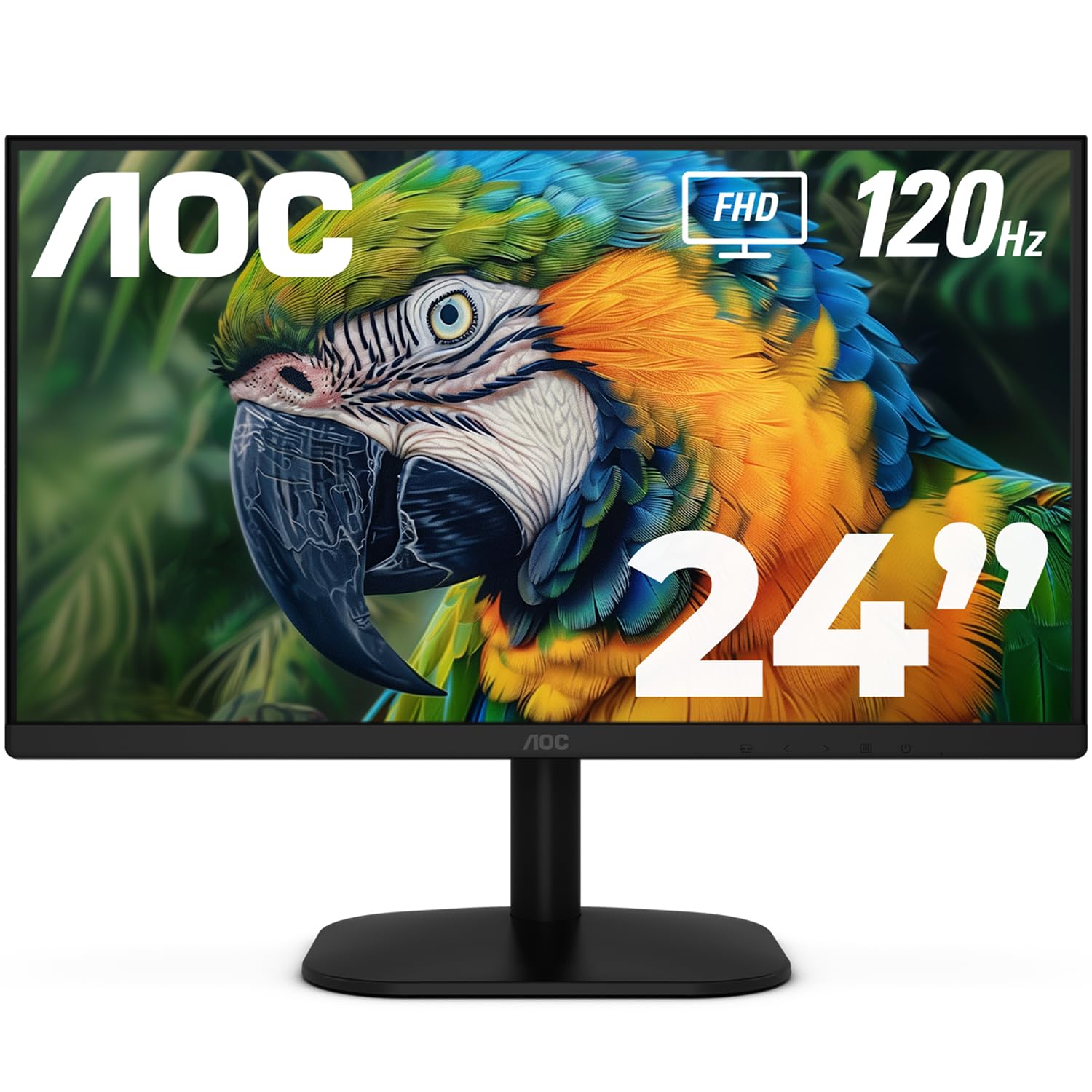
2. AOC 24B35H3
A color-accurate 120Hz screen that undercuts pricier rivals without cutting visible corners.
This AOC beats the LG on color. The 24-inch Full HD IPS panel (a screen type known for wide viewing angles and accurate colors) covers 100% sRGB and 84% NTSC — a 1% wider sRGB gamut than the LG above. That tiny margin means slightly more saturated, true-to-life tones for photo editing and vibrant games. The 178° viewing angles keep the image consistent whether you work head-on or glance from the side.
Owners call it an excellent secondary display, with one buyer reporting that two of them replaced a single larger monitor for a home office. The picture is sharp, the contrast is strong, and the 120Hz refresh rate with Adaptive Sync (a feature that matches the screen’s refresh to your graphics card output) keeps gameplay free of tearing. The frameless design makes dual-monitor setups feel almost smooth.
The recurring gripe is the port selection: just one HDMI and one VGA, with no DisplayPort. As the buyers report: “Great monitor, only downside is it not having a display port.” That is a minor irritation if you are running a modern GPU, but for most work and console setups, one HDMI is plenty. It is also VESA mount compatible and tilt-adjustable, so you can dial in a comfortable angle.
Solid buy: Quality is the most-praised trait, but value for money runs a close second — a combination that makes this a favorite for students and home offices.
Grab this if: color accuracy matters more to you than multiple inputs, and you want the widest sRGB coverage for the least money.
Look elsewhere if: your graphics card relies on DisplayPort to hit its full frame rate, since this screen is strictly HDMI and VGA.
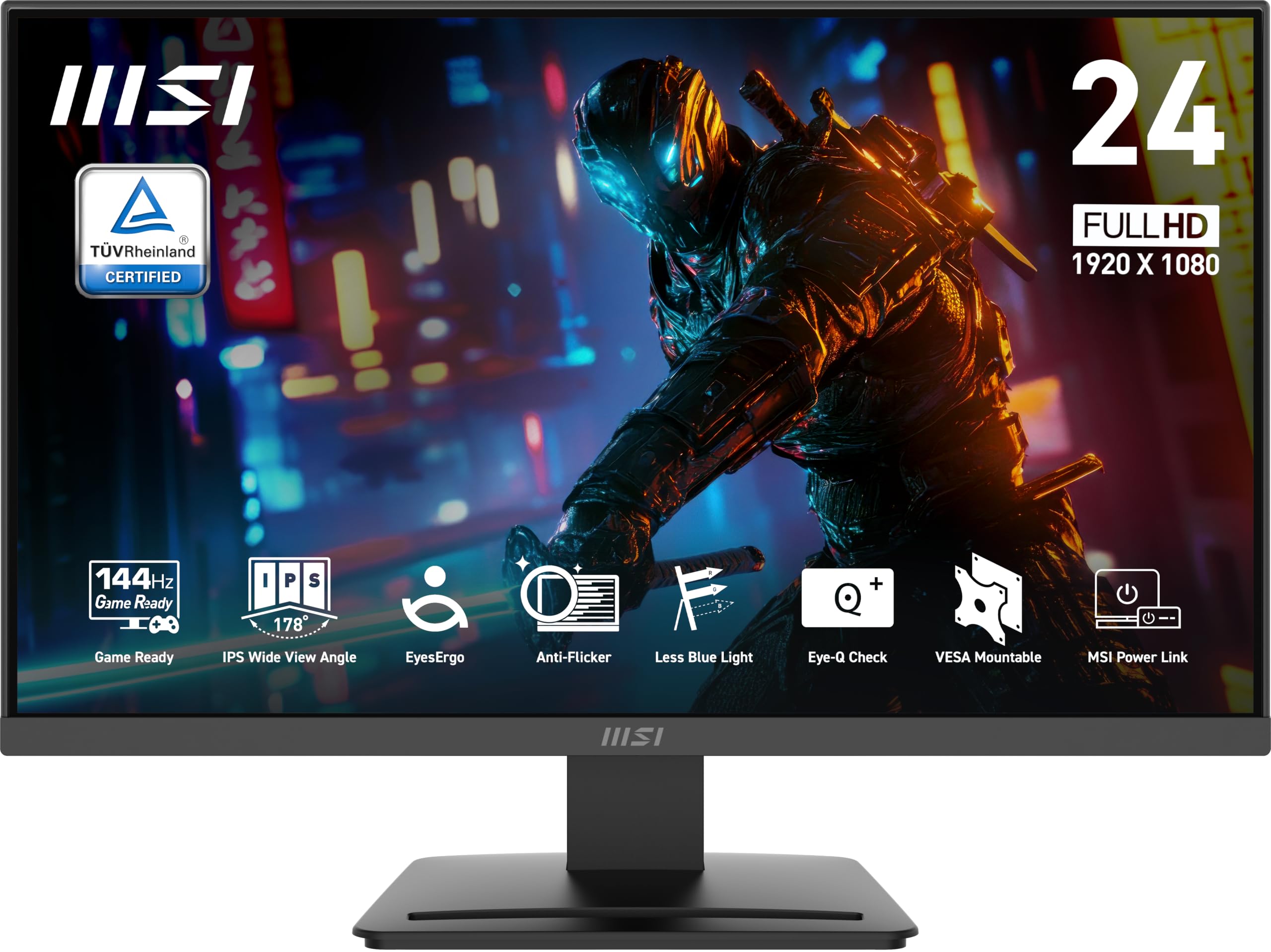
3. MSI PRO MP243L E14
The smoothest motion of the bunch, wrapping a 144Hz panel in a genuinely office-friendly body.
If your budget is tight but your desire for speed is not, this MSI is the standout. The 1ms response time and FreeSync support (which dynamically matches the refresh rate to your GPU’s output) eliminate ghosting and tearing in the heat of a match.
This is marketed as a gaming office hybrid, and it earns both labels. The screen covers 102% sRGB, giving it the widest color gamut among these budget picks for punchy, vivid content. An HDMI 2.0 port with HDMI-CEC (which lets you control the display with a single remote) pairs with a legacy D-Sub VGA port for older systems. A 1500:1 contrast ratio produces deeper blacks than the typical 1000:1 budget panel.
Owner reports praise the picture as crisp and vibrant straight from the start, with several buyers grabbing two for a dual-screen setup. The TÜV Rheinland certified Flicker-Free and Low Blue Light features (which reduce eye strain during long sessions) and the built-in Eye-Q Check vision assessment tool make it kind to your eyes over an eight-hour workday.
Display-led: Display quality is the headline praise, with value for money following — buyers consistently call it crisp, bright, and easy to set up.
Best for: the budget gamer who wants the highest refresh rate money can buy here and does not mind the absence of a DisplayPort input.
The catch: connectivity is limited to HDMI and VGA, so if your GPU only outputs DisplayPort you will need an adapter.
4. Amazon Basics 24E40
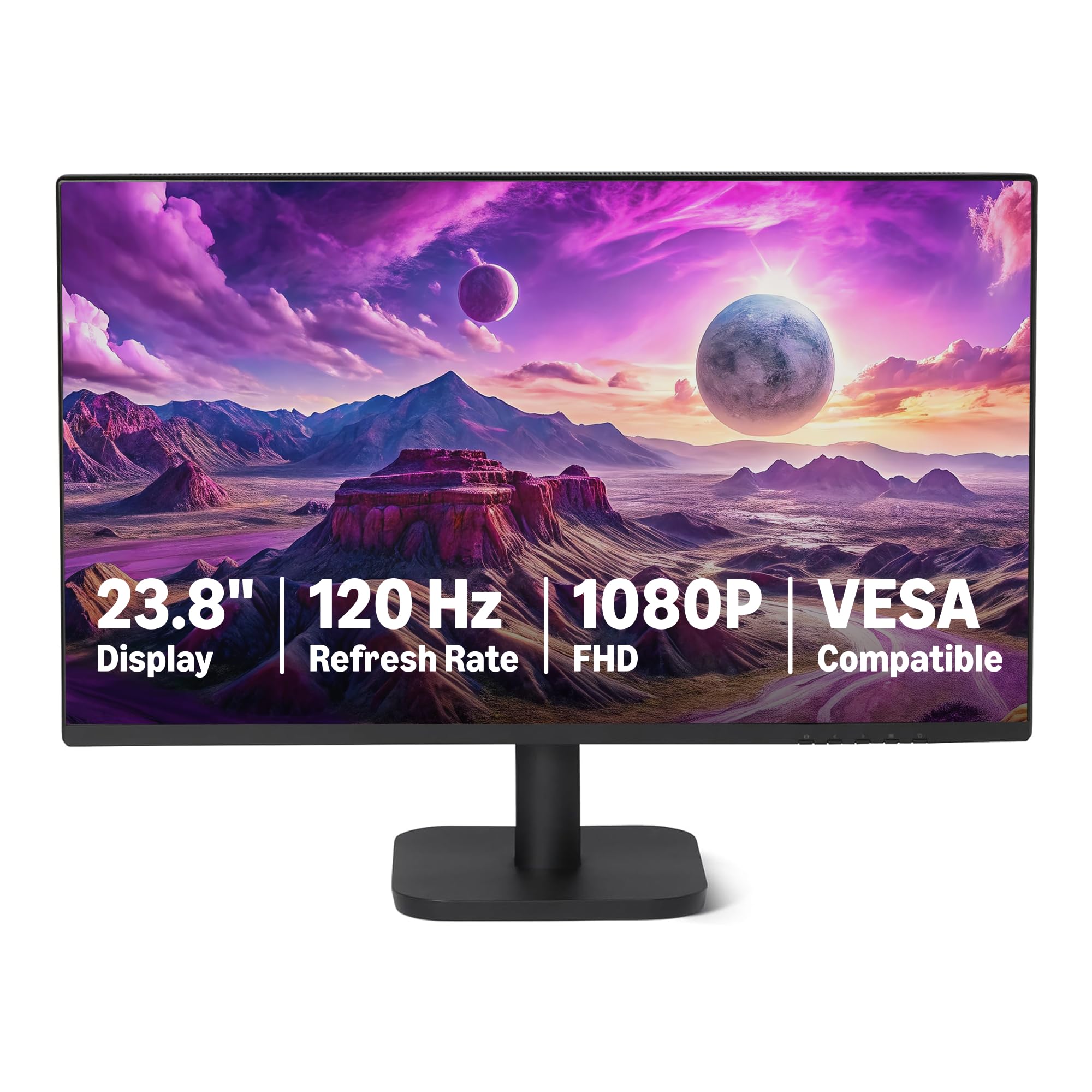
A no-fuss 120Hz panel with the widest port selection, ready for almost any machine you own.
Amazon’s own label solves a common budget problem: not enough ports. Where many rivals stop at HDMI and VGA, this 23.8-inch IPS panel adds a DisplayPort 1.2 input alongside HDMI 1.4 and VGA, plus a 3.5mm audio-out. That flexibility means you can connect a modern gaming PC, a work laptop, and a legacy desktop without juggling cables.
Sound is another box this screen ticks. Built-in 2W x2 speakers deliver audio without you needing to buy a separate soundbar, a rarity at this level. The 1920 x 1080 resolution renders 16.7 million colors with a 1500:1 contrast ratio and 99% sRGB coverage, and the 120Hz refresh rate with Adaptive Sync keeps motion smooth. The 4-sided narrow bezel design creates a clean look, and a matte screen finish cuts down on glare.
Plug-and-play is the theme of owner reviews, with one buyer connecting it to a PS5 and reporting it worked great right away. Another noted the speakers are “not that great,” which is a fair caveat at this price — they are functional, not audiophile-grade. The 14-millisecond response time is slower than gaming-focused panels, so competitive players may notice slight motion blur, but for office work and casual play it is a non-issue.
Complete package: Quality leads the praise again — buyers describe the display as crisp and clear, and appreciate that it just works from the start for gaming or daily tasks.
Choose this if: you need one screen that connects to several different devices and prefer having speakers built in to save desk space.
skip it if: you are a competitive gamer chasing pixel-perfect response, because the 14ms response time trails dedicated gaming screens.
5. Sceptre E248W-FW100T

A purpose-built gaming screen with on-the-fly modes that make fast matches feel sharper.
Sceptre has built its name on budget gaming gear, and this 24-inch screen delivers where it counts. The 100Hz refresh rate with a 1ms response time is a noticeable upgrade over a standard 60Hz office display, making fast-paced shooters feel noticeably smoother. The FPS and RTS custom display settings (dedicated modes for First Person Shooters and Real-Time Strategy games) tune the picture for competitive play at the press of a button.
Connections are a highlight. Two HDMI ports and a DisplayPort give you room for a PC and a console at the same time, and the DP port delivers the full 100Hz performance. The 1920 x 1080 resolution with 100% sRGB coverage produces vivid, natural colors, and AMD FreeSync keeps frames from tearing when your graphics card output fluctuates. An edgeless design and Blue Light Shift (which reduces blue light for comfortable evening sessions) round out the package.
Owners are enthusiastic about the picture quality and ease of use, with one buyer using it for security cameras and praising the clarity. The honest caveats are the built-in speakers, which are described as weak, and the lack of USB ports for powered accessories. The tilt-only stand also means no height adjustment, so you may want a monitor arm. It is VESA wall mountable, so that is an easy fix.
What wins players over
- The 100Hz refresh with 1ms response is a huge step up from older 60Hz screens for gaming smoothness
- DisplayPort plus dual HDMI inputs allow a PC and console to stay connected at once
- FPS and RTS picture modes tune contrast for competitive genres instantly
The honest trade-offs
- Built-in speakers are weak, so plan on headphones or external audio
- No USB ports for powered accessories like small speakers
- The stand only tilts — there is no height adjustment without a VESA mount
Built for: the budget gamer who wants a dedicated gaming experience with multiple inputs and pre-set modes for different genres.
Not ideal for: anyone who needs quality built-in audio or precise ergonomic adjustments straight from the box.
6. ViewSonic VS2447M

The workhorse that pairs HDMI with VGA inputs and backs it all with a 3-year warranty.
This ViewSonic is the safe, dependable choice for a home office or study desk. The 24-inch 1080p IPS panel delivers crisp, clear visuals with consistent colors from any angle, and the 100Hz refresh rate with AMD FreeSync (which reduces screen tearing) keeps high-definition video and everyday transitions smooth. It is a screen built for productivity, not just play.
Eyewear is a genuine focus here. Flicker-Free technology and a Blue Light Filter (features that reduce eye fatigue during long sessions) make it comfortable for students and professionals who spend hours reading documents. The screen also offers HDMI and VGA inputs plus 2 audio in/out ports, so it can handle both modern laptops and older desktop towers without extra adapters.
Owner loyalty is striking — one buyer reports purchasing five of these monitors over the years and loving the size and resolution each time. The recurring feedback describes the picture as clear and the colors as nice, with one user specifically noting the 24-inch size is better for aging eyes than smaller screens. The few criticisms center on color accuracy being slightly different than expected and the power cord, but these are minor against the value.
Trusted pick: Quality is the most-praised aspect by a wide margin, with picture quality and value for money following as close seconds among owners.
Best suited to: students and home-office workers who want a reliable, comfortable screen with legacy VGA support and the confidence of a 3-year warranty.
Consider the alternative if: you are a competitive gamer who wants more than 100Hz, since this screen prioritizes comfort over raw speed.
7. Samsung S32GF

A featherlight display with a super-slim profile that disappears into a modern desk setup.
Samsung brings a design-first approach to the budget segment with this 24-inch IPS monitor. The standout feature is its super slim body with ultra-thin border bezels, which makes it look far more expensive than it is. The screen is light enough that one owner reported carrying it through a week of transport in a carrying case without issue. It enhances any workspace with a sleek, modern aesthetic.
Performance keeps pace with the looks. The 120Hz refresh rate reduces lag and motion blur in fast-paced games and videos, and it is both AMD FreeSync and G-Sync Compatible — a rare double at this price, meaning the screen syncs smoothly with both AMD and NVIDIA graphics cards to prevent tearing. The IPS panel delivers bright, clear colors across the whole screen, even at off-angles, and a 250 cd/m2 brightness rating (a measure of how bright the screen gets) keeps things visible in normal room light.
Gamers get optimizable settings with a Game Picture Mode that adjusts any game to fill the screen. The ability to adjust color and image contrast for each genre is a nice touch. The honest caveats are the lack of built-in speakers and a power switch placement on the back that takes some getting used to. Owner reviews praise the picture as “crisp” and value the included long HDMI cable, with several saying they plan to buy a second one.
Design-led: Quality is the headline, but the bright, clear picture and terrific size for the price are what keep owners coming back for more.
Choose this if: your setup deserves a monitor that looks premium on the desk, and you want dual GPU compatibility (FreeSync and G-Sync) for future-proofing.
Keep looking if: you need built-in speakers or a front-mounted power button, since this slim design skips both.
8. ViewSonic VA2448-MH
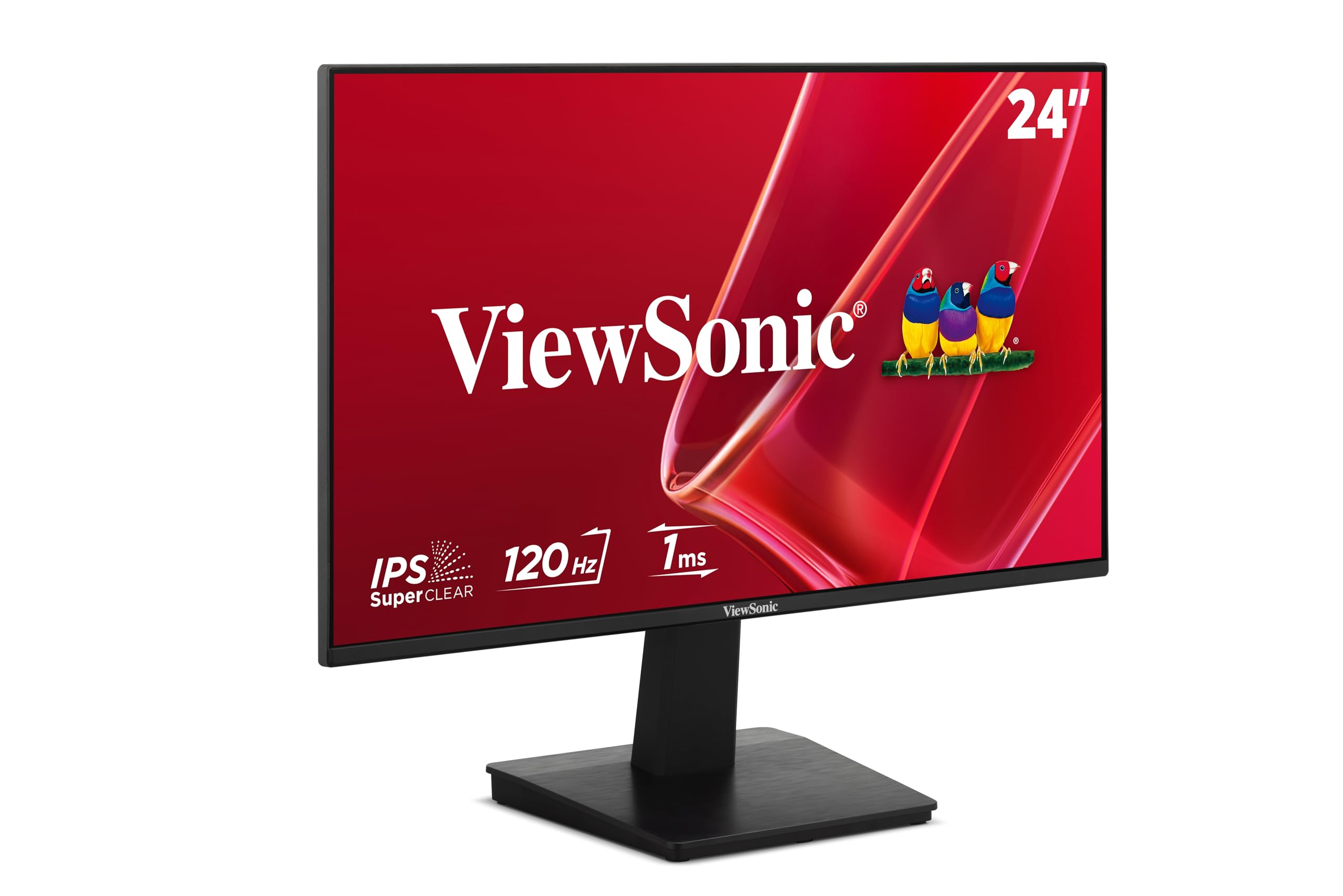
A brighter-than-average 120Hz panel with one-touch picture modes for every kind of content.
This newer ViewSonic steps up the brightness game. Where many budget monitors sit around 250 nits, this 24-inch IPS panel hits a 300 brightness rating (measured in candela per square meter), which gives it extra punch in bright rooms. The 120Hz refresh rate is noticeably smoother than the 100Hz VS2447M, and the IPS technology keeps colors consistent from wide viewing angles.
The defining feature is ViewSonic’s ViewMode presets. A simple toggle switches the screen between “Game,” “Movie,” “Web,” “Text,” and “Mono” modes, each adjusting the gamma curve, contrast, and brightness for the task at hand. Whether you are reading a document or watching a film, the screen tune itself without you diving into a complicated menu. It also includes Flicker-Free technology and a Blue Light Filter for eye comfort during long sessions.
Owner feedback highlights the narrow bezel for a clean viewing experience and the easy setup, with one buyer noting the monitor works well connected to a Lenovo docking station. Another user praised crisp image with no distortion. The screen offers HDMI and VGA inputs plus a 3.5mm audio jack, and it comes with an HDMI cable in the box. The main criticism is the built-in speakers, which deliver functional but unimpressive sound.
Bright choice: Quality is the most-mentioned praise, followed by picture quality — the narrow bezel and large-enough screen size also win consistent approval.
Reach for this if: you want the brightest budget panel with smart one-touch picture modes and a 120Hz refresh for a living room or bright office.
Pass it by if: audio quality from built-in speakers matters, because the sound here is basic at best.
9. Dell SE2426H

The crowd favorite, pairing Dell’s trusted build with the smoothest 144Hz motion in this lineup.
Dell rounds out the list with the highest-rated screen of the group, and it justifies that status with a 144Hz refresh rate and 1ms MPRT response time. This puts it in a dead heat with the MSI for pure motion smoothness, making fast-paced games and rapid scrolling feel exceptionally fluid. The 23.8-inch In-Plane Switching (IPS) panel provides consistent views across a wide 178°/178° viewing angle.
Eye comfort gets serious attention here. The screen holds TÜV Rheinland 3-star certification, which reduces harmful blue light while preserving color quality — a meaningful step above standard Low Blue Light filters that often wash out colors. Ultra-thin bezels boost the viewing area, and the 300 nit brightness keeps the image clear in well-lit rooms. The 1000:1 contrast ratio is standard for IPS, delivering balanced blacks and whites.
Owners consistently praise the “crisp and very clear” colors with no distortions and the easy, tool-free setup. One reviewer noted it as ideal for a home-office desk, noting it is not built for gaming or theater-size needs — an honest framing for a screen that excels at everyday sharpness. The connectivity is simple: two HDMI ports with an included 1.8m HDMI cable, and a tilt adjustment for finding your angle. The trade-off is a lack of DisplayPort and speakers, but for a pure, high-quality picture this Dell is hard to fault.
The standout strengths
- The 144Hz refresh with 1ms MPRT delivers the smoothest motion available at this budget level
- TÜV Rheinland 3-star certification reduces blue light without ruining color accuracy
- Straightforward HDMI connections and a sturdy tilt stand make setup easy
What it leaves out
- No DisplayPort input, so high-end GPU users may need an adapter
- No built-in speakers, meaning external audio is required
- Compatibility can be hit-or-miss with some work laptops, based on owner feedback
The pick for: buyers who trust Dell’s build quality and want top-tier smoothness with certified eye comfort for long workdays.
Look elsewhere if: you need multiple input types or built-in sound, as this screen keeps things deliberately simple with just dual HDMI.
Understanding the Specs
Refresh Rate and Response Time
The refresh rate, measured in Hertz (Hz), is how many times the screen redraws the image each second. A higher number like 120Hz or 144Hz makes motion look smoother and reduces eye strain during fast scrolling. Response time, measured in milliseconds (ms), is how quickly a pixel changes color — a lower number like 1ms means less blur during fast-paced games.
Color Gamut and Panel Types
Color gamut is the range of colors a screen can display, often quoted as a percentage of the sRGB standard. A score of 99% or 100% sRGB means the screen shows virtually the full standard color range, which matters for photo work and vibrant games. In-Plane Switching (IPS) panels provide the widest viewing angles and consistent colors, making them the best choice for most buyers.
FAQ
Is a 144Hz refresh rate worth it on a budget monitor?
Will a 120Hz monitor work with my PS5 or Xbox?
What is the difference between IPS and VA or TN panels?
Does a monitor with speakers still need external ones?
Is a 100Hz refresh rate noticeably better than 60Hz?
What is the ideal screen size for a budget monitor?
Can I mount these monitors on an arm or wall bracket?
How do I know if my computer can run a 120Hz monitor?
Are there any downsides to buying the cheapest monitor available?
What does FreeSync do and do I need it?
Final Thoughts: The Verdict
After weighing the specs and the patterns across thousands of owner experiences, the budget monitor that deserves your desk is the LG 24U411A-B because it delivers the full package — a 120Hz IPS panel, 99% sRGB color, and thoughtful extras for work and PS5 play. If your priority is the highest refresh rate for gaming, the MSI PRO MP243L E14 brings 144Hz fluidity to the budget tier, while the Dell SE2426H offers the same speed with a trusted brand and certified eye comfort. For a no-compromise secondary screen with color accuracy and built-in speakers, the Amazon Basics 24E40 is the versatile pick.
How We Picked
We do not accept paid placement. Every pick is matched to a real buyer and a real use-case; we do not hands-on test units.
Sources & Methodology
Specifications: manufacturer listings and product documentation. Review insights: verified customer reviews, as of September 2026. Pricing: not shown on this page (it changes often); check the current price via the retailer link.
As an Amazon Associate, Gadgets Feed earns from qualifying purchases. This does not affect which products we feature.