
Our readers keep the lights on and my morning glass full of iced black tea. As an Amazon Associate, I earn from qualifying purchases.
Specs are compiled from manufacturer listings and verified buyer reviews and can change over time — please confirm the key details on the product page before buying.
Picking a power supply for a budget PC is the one decision that can make or break your whole build. A cheap, poorly made unit can cause crashes or damage your parts, but the right budget-friendly PSU delivers clean, stable electricity without draining your wallet. This guide shows you the best options, whether you are upgrading a pre-built or building from scratch.
I’m Min — the founder and writer behind Gadgets Feed. This guide is built by comparing the manufacturers’ published specifications and the patterns across verified customer reviews, so you get each pick’s real strengths and trade-offs instead of marketing spin.
You are looking for a budget pc power supply that balances cost with dependable performance and essential safety features, and we have separated the market leaders from the rest.
Our Picks at a Glance


How To Choose The Best Budget PC Power Supply
A power supply is the one component that touches every other part of your PC, so picking wisely is critical. For budget builds, you are balancing cost against safety, efficiency, and future upgrade room.
Wattage: How much do you actually need?
Your wattage target depends on your CPU and graphics card. A typical mid-range gaming PC with a card like an RTX 3060 or RX 6600 runs comfortably on a 550W to 650W unit. Higher-wattage PSUs (power supply units) like 750W offer more headroom for overclocking (running parts faster than the rated speed) or future GPU upgrades, but they cost more. For a strict budget build, 550W is a solid floor.
Efficiency: What does 80 PLUS mean?
The 80 PLUS rating tells you how much of the AC power from your wall is converted to DC power for your PC. Bronze means at least 82% efficiency at typical loads, while Gold bumps that to 87% or higher. A higher rating means less heat and lower electricity bills over time. For a budget PSU, Bronze is the standard, but Gold units are increasingly affordable and worth the small premium.
Modularity: Non-modular vs. semi-modular
A non-modular PSU has all cables permanently attached to the unit. This is the most budget-friendly option but can leave you with a bundle of unused cables to hide inside your case. Semi-modular units let you detach the most common extra cables (like extra SATA or Molex), making cable management cleaner. Fully modular is rare at budget prices, but semi-modular is a balance for first-time builders.
Protections: The safety net you cannot skip
Every PSU on this list includes protections like OVP (Over-Voltage Protection — stops a voltage spike), OCP (Over-Current Protection — limits current to prevent overheating), and SCP (Short-Circuit Protection — shuts down instantly if a wire touches another). These safety features shut the unit down if something goes wrong, protecting your motherboard, CPU, and GPU from damage. Never buy a PSU that skips these protections, no matter how low the price.
Quick Comparison
| Model | Best For | Wattage | Efficiency | Fan Size | Amazon |
|---|---|---|---|---|---|
| Apevia ATX-JP600W Jupiter★ Best Overall | Reliability & Value | 600W | 80+ Bronze | 135mm | Amazon |
| Montech BETA 2 550WATX 3.1 Ready | ATX 3.1 Features | 550W | 80+ Bronze | 120mm | Amazon |
| ARESGAME AGV 650WCrowd Favorite | High Ratings & Trust | 650W | 80+ Bronze | 120mm | Amazon |
| ASRock PRO-650B | Reliable Brand | 650W | 80+ Bronze | 120mm | Amazon |
| Rosewill VNG 650W | Gold Efficiency | 650W | 80+ Gold | 120mm | Amazon |
| Rosewill VSB 650W | Semi-Modular & Gold | 650W | 80+ Bronze | 120mm | Amazon |
| Segotep GN-650 650W | Gold Efficiency Value | 650W | 80+ Gold | 120mm | Amazon |
| Zalman GigaMax 600W | Mid-Level Builds | 600W | 80+ Bronze | 120mm | Amazon |
| CORSAIR CX550 | Trusted Brand | 550W | 80+ Bronze | 120mm | Amazon |
In‑Depth Reviews
1. Apevia ATX-JP600W Jupiter 600W
Our pick — over 4.5★ from 400+ verified ratings; the strongest balance of quality and price.
A crowd-funded favorite that simply works without drama or coil whine.
This 600W unit from Apevia keeps things cool and quiet with an auto-thermally controlled 135mm fan — the largest fan in this lineup, beating the 120mm fans on the ARESGAME and Rosewill units by a notable 12% margin. That extra cooling surface translates to quiet, stable operation even under load. Owners confirm “low-cost PSU works, stays cool and quiet,” and report powering everything from an FX-6300 to a Ryzen 5 3600 with an RX 580 across multiple drives without a hiccup.
The single +12V rail (the main power line for your CPU and GPU) delivers 44A (amps, a measure of electrical current), and heavy-duty protections (Short-Circuit, Over-Voltage, Over-Power, Under-Voltage) keep your components safe. While some note the build quality and connectors receive mixed feedback, the overwhelming story here is reliability — it is the most-praised aspect, with value for money close behind. If you want a PSU that is “the cheap PSU that just works,” this is your pick.
What wins people over
- Reliability is the top praise — hundreds of happy builds reported.
- Very quiet 135mm fan with auto-thermal control.
- Plenty of connectors (14 total) for drives and GPUs.
- 3-year warranty for confidence.
The honest trade-off
- Build quality and connectors are a mixed topic for some buyers.
- Non-modular — you will have some unused cables to tuck away.
- Blue LED light is dim, not a showpiece.
Reach for this if: you want the most proven, quiet, and reliable budget 600W PSU with the largest fan in its class.
Look elsewhere if: you need modular cables or a perfectly blacked-out aesthetic without any LED.
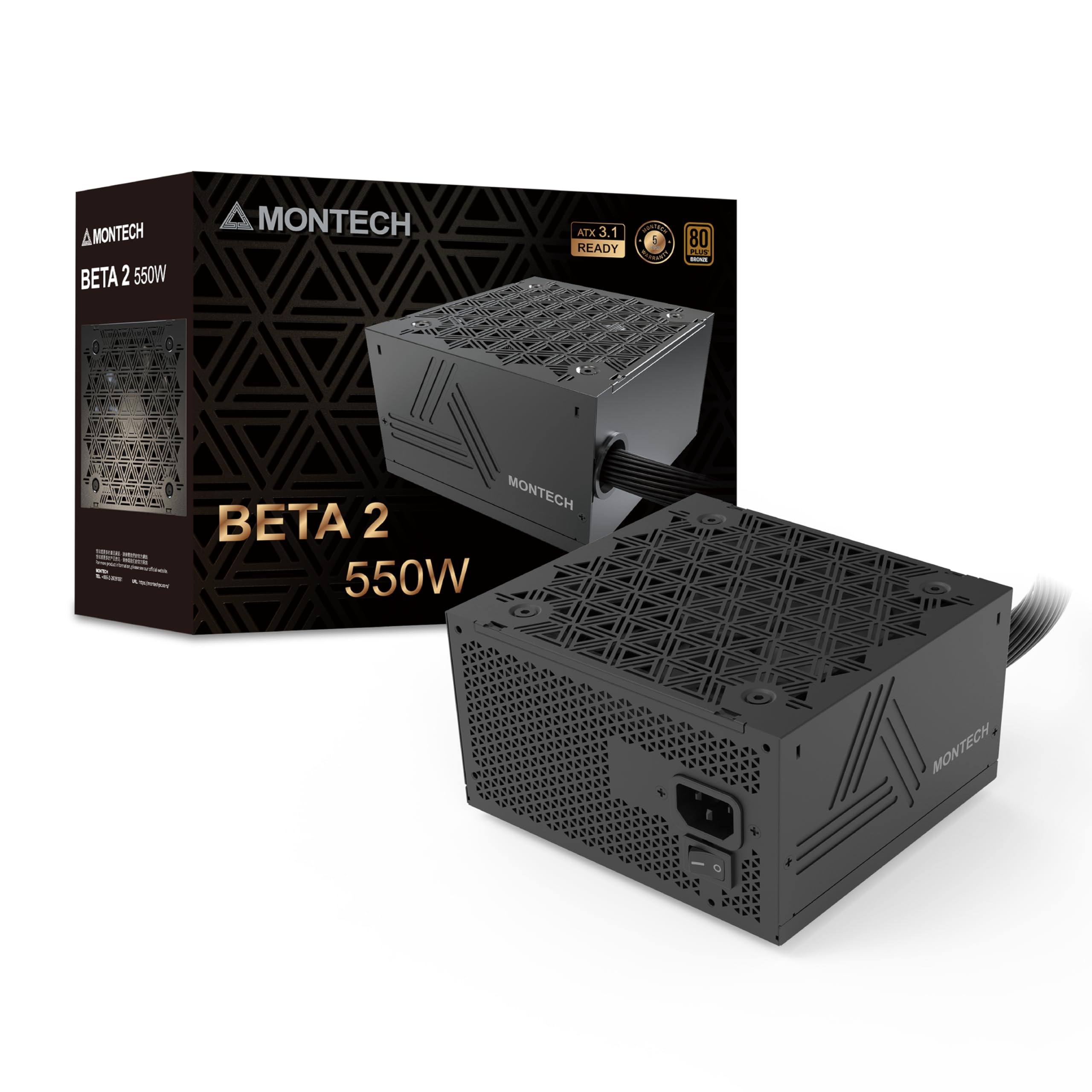
2. Montech BETA 2 550W
The smallest wattage pick that packs ATX 3.1 compatibility and DC-to-DC stability.
Despite its 550W output, the Montech BETA 2 punches above its weight with ATX 3.1 readiness — meaning it can handle 200% system peak wattage and 300% GPU power excursions (short, high-power spikes) that modern graphics cards can demand. That is a feature you usually pay more for. The advanced DC-to-DC topology (a circuit design that converts voltage levels) provides clean, independent voltage regulation, keeping your +12V rail steady at 54.1A and the 5V/3.3V rails at 13A each, according to detailed buyer reports.
Buyers also appreciate the individually labeled cables, an included booklet for connections, and all-black wiring that looks clean in any case. At 10 x 7.9 x 3.95 inches, the unit is noticeably larger than the compact ARESGAME (5.9 x 5.5 x 3.3 inches), so double-check case clearance. The Japanese main capacitor (a component that stores energy) and 5-year warranty add long-term confidence, though some note the internal fans and component brands are unfamiliar budget quality.
The smart-buy verdict: If you want future-ready ATX 3.1 features at 550W without spending on a 650W, this is the sharpest value in the lineup. The trade-off is size and slightly unfamiliar internal brands.
3. ARESGAME AGV Series 650W
A heavily reviewed 650W that buyers turn to again and again for budget builds.
The ARESGAME AGV is among the most-reviewed units on this list, and it earned that status through consistent performance. At just 4.4 pounds and measuring 5.9 x 5.5 x 3.3 inches, it is the lightest and most compact 650W here — a 19% weight gap over the 3.7-pound Apevia Jupiter, making it ideal for tight cases. The 120mm fan runs silently, and all cables are black (no ketchup-and-mustard look), which buyers appreciate.
A notable detail: one buyer bought this after receiving a DOA (dead on arrival) Montech 650W, and they reported the ARESGAME worked perfectly from the start. The unit includes a tester device, cables are long and flexible, and the 5-year warranty backs it up. The head-to-head comparison with the larger Apevia shows the ARESGAME is the more compact and wattage-dense option — 650W vs 600W in a smaller chassis.
Who it is for: Builders who want maximum power in a compact, lightweight package with a strong warranty. The extra wattage headroom makes it great for GPUs like an RTX 3060 or RX 6600.
4. ASRock PRO-650B 650W
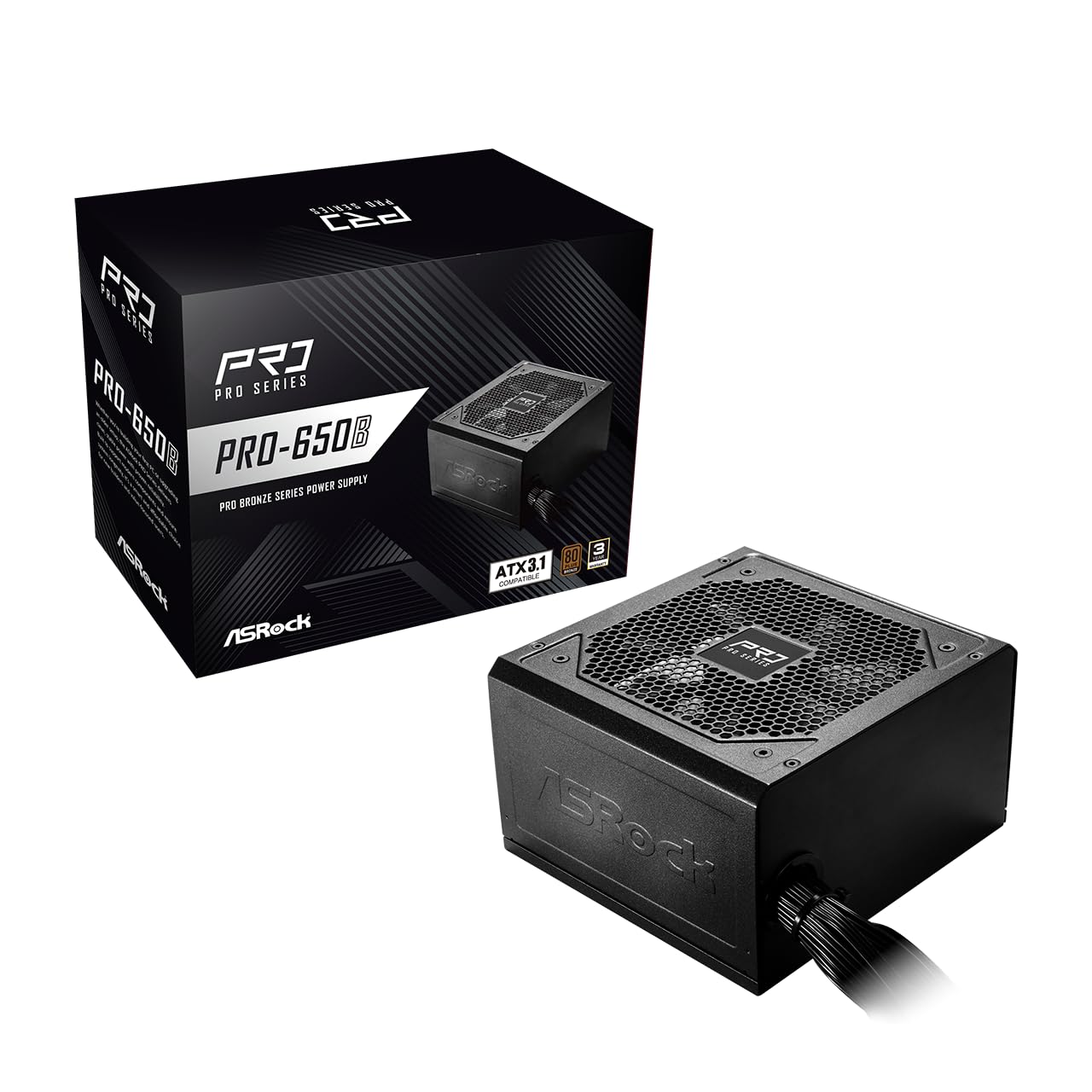
A trusted motherboard maker’s entry into PSUs, delivering ATX 3.1 and stable 650W.
ASRock brings its reputation for solid components to the PRO-650B. It carries ATX 3.1 compatibility and delivers a stable 54.1A on the +12V rail, matching the Montech BETA 2’s 54.1A rating for consistent CPU and GPU power. The 120mm balanced fan keeps noise low, and flat cables make routing through your case easier than with round cables.
Buyers report this is a “completely adequate, not extraordinary” PSU — ideal for mid-range builds like a golf simulator or a budget gaming PC. However, it does not include a PCIe 5.1 connector, so it is best suited for systems without the latest high-end graphics cards. The all-Taiwanese capacitors and 3-year warranty provide solid backing for a unit that functionally “is top” according to one buyer.
Best for: A straightforward, no-nonsense build where you trust the ASRock brand and need ATX 3.1 without a premium price.
5. Rosewill VNG 650W
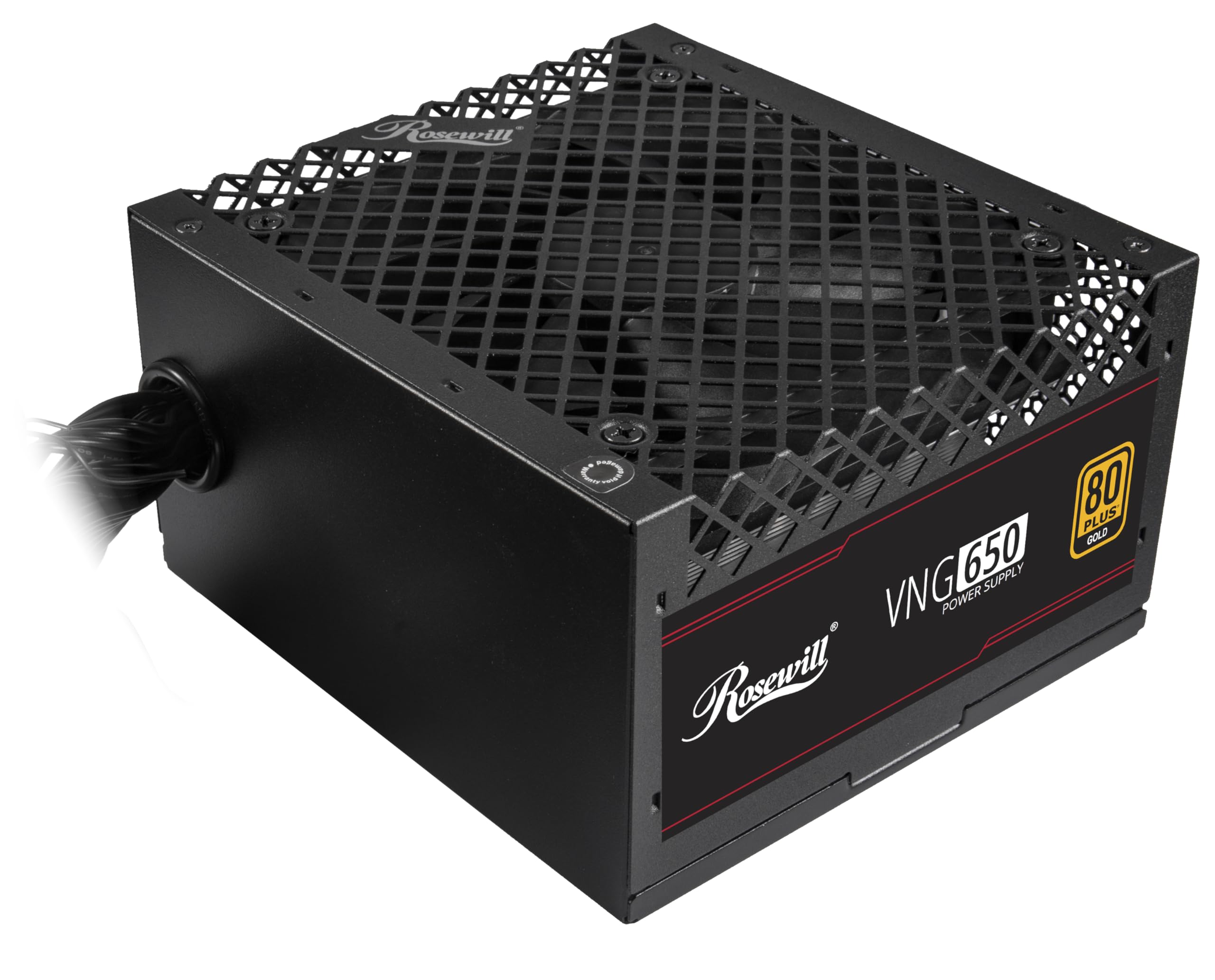
The budget-friendly Gate to 80+ Gold efficiency with native PCIe 5.1 support.
The Rosewill VNG breaks the Bronze barrier at a budget-friendly price point. With 80+ Gold certification, it hits up to 90% efficiency — noticeably better than Bronze units, meaning less heat and lower long-term electricity costs. It also includes a native PCIe 5.1 12V-2×6 cable capable of 450W direct power to modern graphics cards, with support for 235% power excursion and 300% GPU excursion.
Buyers consistently praise the quality and quiet operation, calling it an “excellent budget Gold-rated PSU.” The 2.8-pound weight makes it one of the lightest 650W units here, and the 140x150x86mm compact chassis (35% smaller than standard) fits cramped builds. The catch is that it is non-modular — owners mention it is “tricky for windowed cases” — and only has a single 8-pin PCIe connector, so it works best with GPUs that do not need multiple 8-pin plugs.
The efficiency upside
- 80+ Gold efficiency (up to 90%) saves on electricity.
- Native PCIe 5.1 cable supports next-gen GPUs.
- Lightweight at 2.8 pounds and compact form factor.
- 5-year warranty coverage.
The modularity downside
- Non-modular — extra cables need hiding.
- Only one 8-pin PCIe connector limits multi-GPU setups.
- Not ideal for windowed cases due to cable clutter.
Pick this if: efficiency and a native PCIe 5.1 cable matter more than full modularity.
skip it if: you need a modular PSU or a GPU that requires two 8-pin power connectors.
6. Rosewill VSB 650W
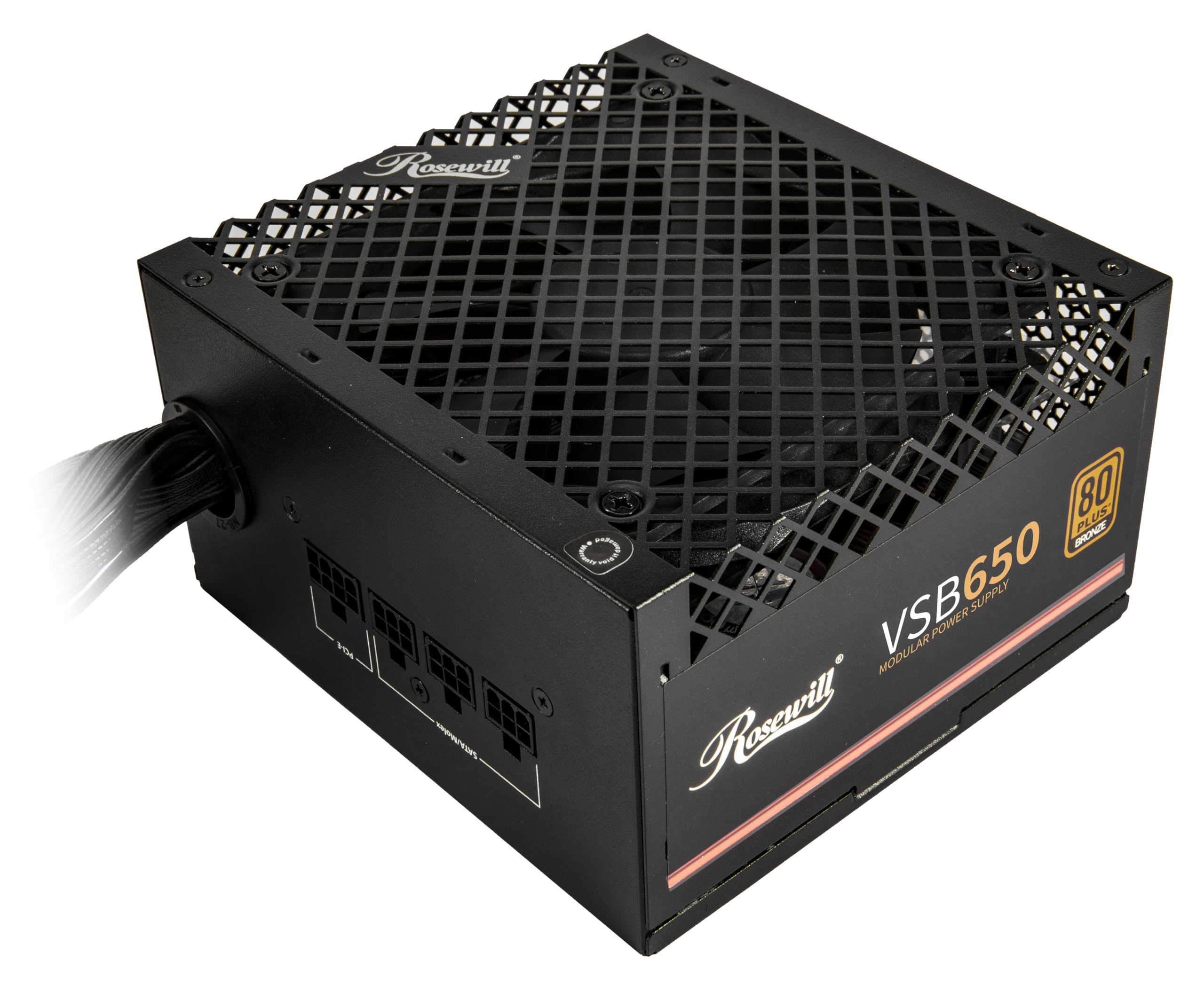
The semi-modular balance that keeps your build clean without the premium price.
The VSB is the semi-modular sibling of the VNG, and at this price point, semi-modularity is almost unheard of. It lets you detach the cables you do not need — a massive help for first-time builders struggling with cable management. With 80+ Bronze certification, it delivers 650W of reliable power and includes the same native PCIe 5.1 12V-2×6 cable as the VNG, supporting 450W direct power to next-gen GPUs.
Value for money and performance are the top aspects buyers praise, with one noting “semi-modular at this price point and at this quality is non-existent.” The 120mm ICB silent fan and included cable ties make installation easy, and the compact 140x150x86mm chassis (35% smaller) fits small form factor cases. The only mixed feedback is around cable management — the SATA cables are non-standard, and the open bottom cage is not the prettiest.
The bottom line: The best semi-modular option on a budget, delivering value, performance, and clean-looking builds while staying affordable.
7. Segotep GN-650 650W

Gold-rated efficiency that rivals pricier units, with a massive fan base of happy owners.
The Segotep GN-650 is a high-volume seller with thousands of reviews and a strong reputation. Its 80+ Gold certification means 87% efficiency, delivering performance that customers note “works as effectively as more expensive models.” The single +12V output provides clean, stable power, and global voltage adaptation (100-240V — works with any wall outlet worldwide) means it works anywhere in the world.
Power performance is the top aspect, followed closely by power quality and value for money. Owners call it “quiet and effective” and “the absolute best for the price.” The 120mm silent fan keeps noise low, and the abundance of connections — including multiple 6+2 pin PCIe connectors — supports a wide range of GPUs. The non-modular design is its main limitation; as one buyer sums it up, “not as pretty as a modular, but it has everything you need.”
What stands out
- 80+ Gold efficiency at a non-premium price.
- Massive user base — among the most-reviewed units here.
- Quiet operation with 120mm fan.
- Global voltage adaptation for international use.
The trade-off
- Non-modular design makes cable management messier.
- Power reliability has mixed feedback from a small number of users.
Reach for this if: you want the security of 80+ Gold efficiency and a PSU with a proven track record from thousands of buyers.
Think twice if: you need a fully modular unit or are building in a small case where cable clutter is a problem.
8. Zalman GigaMax 600W
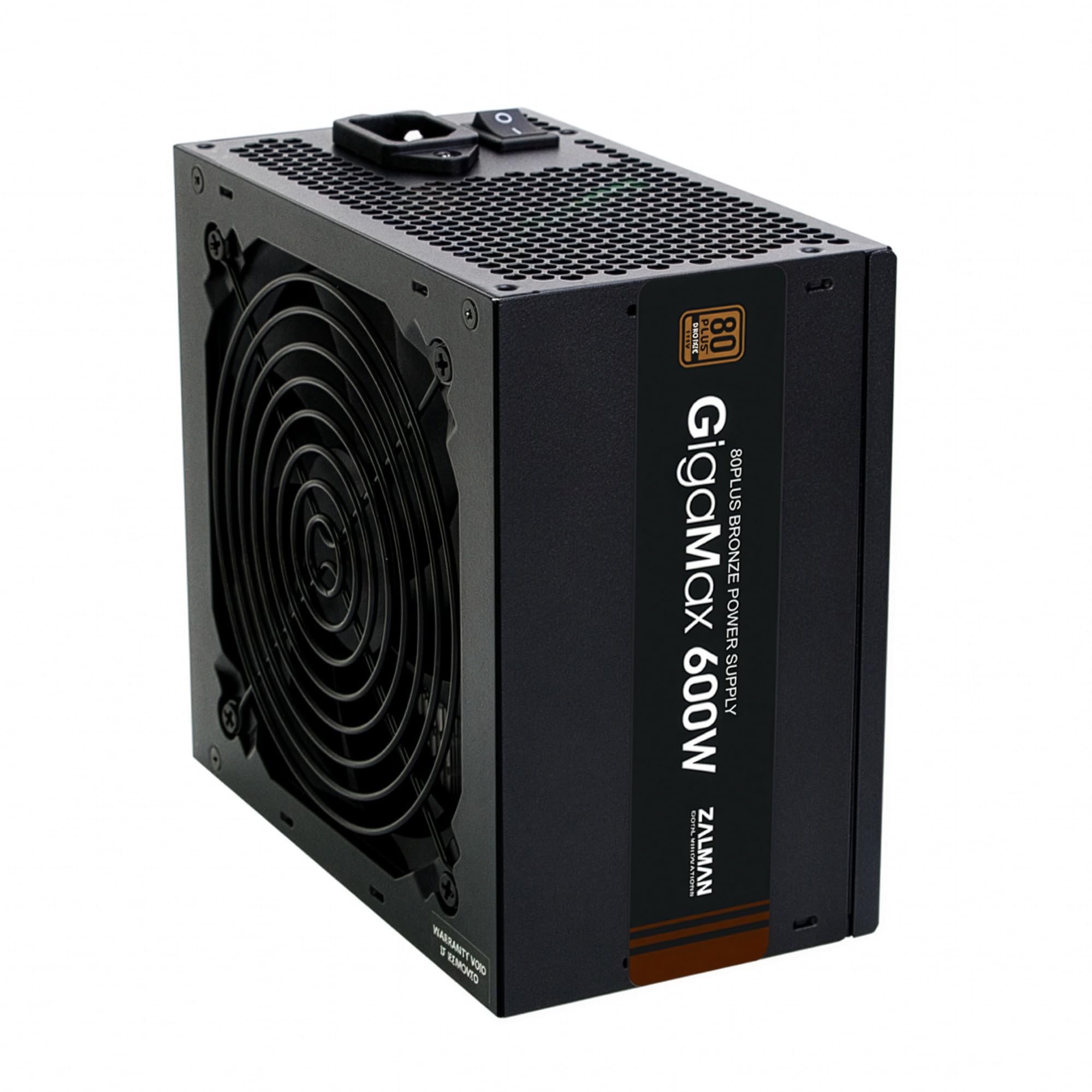
A quiet 600W that is perfect for mid-level builds, with 105°C capacitors for stability.
The Zalman GigaMax targets a specific balance: basic to mid-level desktop systems. It uses 105°C-rated Japanese capacitors, which handle higher temperatures and last longer than standard 85°C caps. The 120mm HDB (hydro-dynamic bearing — a fluid-based bearing that reduces friction and noise) fan is among the quietest in its class — one thirty-year PC builder called it “the quietest power supply I have ever had.”
Active PFC (Power Factor Correction — a circuit that improves electrical efficiency) with a 99% power factor keeps energy use efficient, and the all-black cables and sleeved motherboard connector help with basic cable management. The main limitation: this unit lacks a 6-pin PCIe GPU power connector, meaning it is not suitable for graphics cards that need external power. Buyers confirm it is “great for basic to midlevel systems” but will not work for a dedicated gaming GPU that requires a 6-pin or 8-pin connection.
Who this fits: Office PCs, home theater builds, or systems with integrated graphics where silence and reliability are the priorities. Not for gamers using a discrete GPU that needs a PCIe power cable.
9. CORSAIR CX550 550W

A brand you recognize and a PSU that delivers trusted 550W performance for simple builds.
CORSAIR is a household name in PC building, and the CX550 is their entry-level offering that still carries the brand’s quality reputation. It is 80+ Bronze certified with up to 88% efficiency, and the 120mm thermally controlled fan only spins up under heavy stress — meaning it stays near-silent during everyday use. The compact 125mm-length casing ensures it fits in almost any case, including smaller pre-built towers.
Buyers consistently praise its power quality and reliability, noting it is a perfect replacement for dead or weak units in pre-built PCs. The full 550W continuous power output means it can handle modern CPUs and mid-range GPUs without sagging. The 4.1-pound weight makes it heavier than the Rosewill VNG (2.8 pounds), but the build quality feels substantial. One buyer summed it up: “good bang for the buck — it still works to this day.”
The final word: If you want the safety of a major brand and a no-fuss 550W unit for a simple build or a pre-built upgrade, the CX550 is the safe, proven choice. It is non-modular, but the reliability is undeniable.
Understanding the Specs
80 PLUS Certification
This rating tells you how efficiently the PSU converts AC power from your wall into DC power for your PC. Bronze means the unit is at least 82% efficient at 50-100% load, while Gold pushes that to 87% or higher. A higher certification means less energy is wasted as heat — your PSU runs cooler, your electric bill is lower, and your fans can run slower and quieter.
Modular vs. Non-Modular vs. Semi-Modular
Non-modular PSUs have every cable permanently attached. This is the most affordable option, but you end up with extra cables you have to hide inside your case. Semi-modular units let you detach the most common extras (like extra SATA or Molex cables), making cable management much cleaner. Fully modular is the gold standard — all cables detach — but is rarely found at budget prices. For a first build, semi-modular is the balance.
FAQ
How much wattage do I actually need for a budget gaming PC?
What is the difference between 80 Plus Bronze and 80 Plus Gold?
Will a non-modular PSU fit in a small case?
What protection features should I look for in a budget PSU?
Can I use a 650W PSU with a system that only needs 400W?
Does a PSU with a higher wattage run hotter?
What is ATX 3.1 compatibility and do I need it?
Why are all-black cables important in a PSU?
What does “semi-modular” mean on a power supply?
How long should a budget power supply last?
Final Thoughts: The Verdict
For most people, the budget pc power supply winner is the Apevia ATX-JP600W Jupiter because it combines the highest customer ratings with a proven track record of reliability, quiet operation, and a large 135mm fan — all at a very accessible price point. If you want compact 650W power and the most real-world reviews, grab the ARESGAME AGV Series 650W. And for semi-modular cable management with native PCIe 5.1 support, the Rosewill VSB 650W is the one to reach for.
How We Picked
We do not accept paid placement. Every pick is matched to a real buyer and a real use-case; we do not hands-on test units.
Sources & Methodology
Specifications: manufacturer listings and product documentation. Review insights: verified customer reviews, as of July 2026. Pricing: not shown on this page (it changes often); check the current price via the retailer link.
As an Amazon Associate, Gadgets Feed earns from qualifying purchases. This does not affect which products we feature.