
Our readers keep the lights on and my morning glass full of iced black tea. As an Amazon Associate, I earn from qualifying purchases.
Specs are compiled from manufacturer listings and verified buyer reviews and can change over time — please confirm the key details on the product page before buying.
Shanking a drive into the garage wall is only part of the fun — the real test is whether you can actually see the ball flight in a bright garage. The standard advice says you need a premium short-throw laser, but many simulator builders prove a budget model with high lumens, strong contrast, and a short throw can deliver a great experience.
I’m Min — the founder and writer behind Gadgets Feed. This guide is built by comparing the manufacturers’ published specifications and the patterns across verified customer reviews, so you get each pick’s real strengths and trade-offs instead of marketing spin.
Whether you are wiring a garage, a spare bedroom, or a dedicated sim room, you need a projector that throws a big, bright image from a short distance and survives hours of gameplay — exactly what this guide to finding the budget projector for golf simulator use will help you choose.
Our Picks at a Glance
How To Choose The Best Budget Projector For Golf Simulator
Choosing a projector for a golf simulator is not the same as choosing one for movies. You need a bright, short-throw image that matches your screen’s aspect ratio and handles fast motion without ghosting. These three specs matter most.
Brightness (ANSI Lumens)
If your sim is in a room with any ambient light — a garage with overhead lights, a basement with windows — you need at least 3,000 ANSI lumens. Brightness is measured in ANSI lumens, and it determines whether you can see the ball, the fairway, and the rough clearly without turning off every light. A projector with 4,000 or more lumens is ideal for a well-lit garage. Without enough lumens, the image will look washed out and you will struggle to read the ball flight.
Throw Ratio
The throw ratio is the distance from the projector lens to the screen divided by the width of the image. For a golf simulator, you typically want a short throw ratio (around 0.5 to 0.9) so you can place the projector close to the wall and still get a large image — this keeps you from standing in the way of the beam and gives you more room for your swing. Standard throw projectors can work if you mount them far back, but a short throw makes setup much easier in a smaller room.
Resolution and Input Lag
Full HD (1920 x 1080) is the balance for golf sim software — it gives you enough detail to read the grass texture and the scoreboard, without the extra cost of 4K. Input lag is how long it takes the projector to display your action on screen. For a golf simulator, low input lag is nice but not as critical as in a fast-paced shooter; you mainly want a smooth, blur-free image. Most modern projectors handle this fine for golf sim use.
Quick Comparison
| Model | Best For | Brightness (Lumens) | Resolution | Contrast Ratio | Amazon |
|---|---|---|---|---|---|
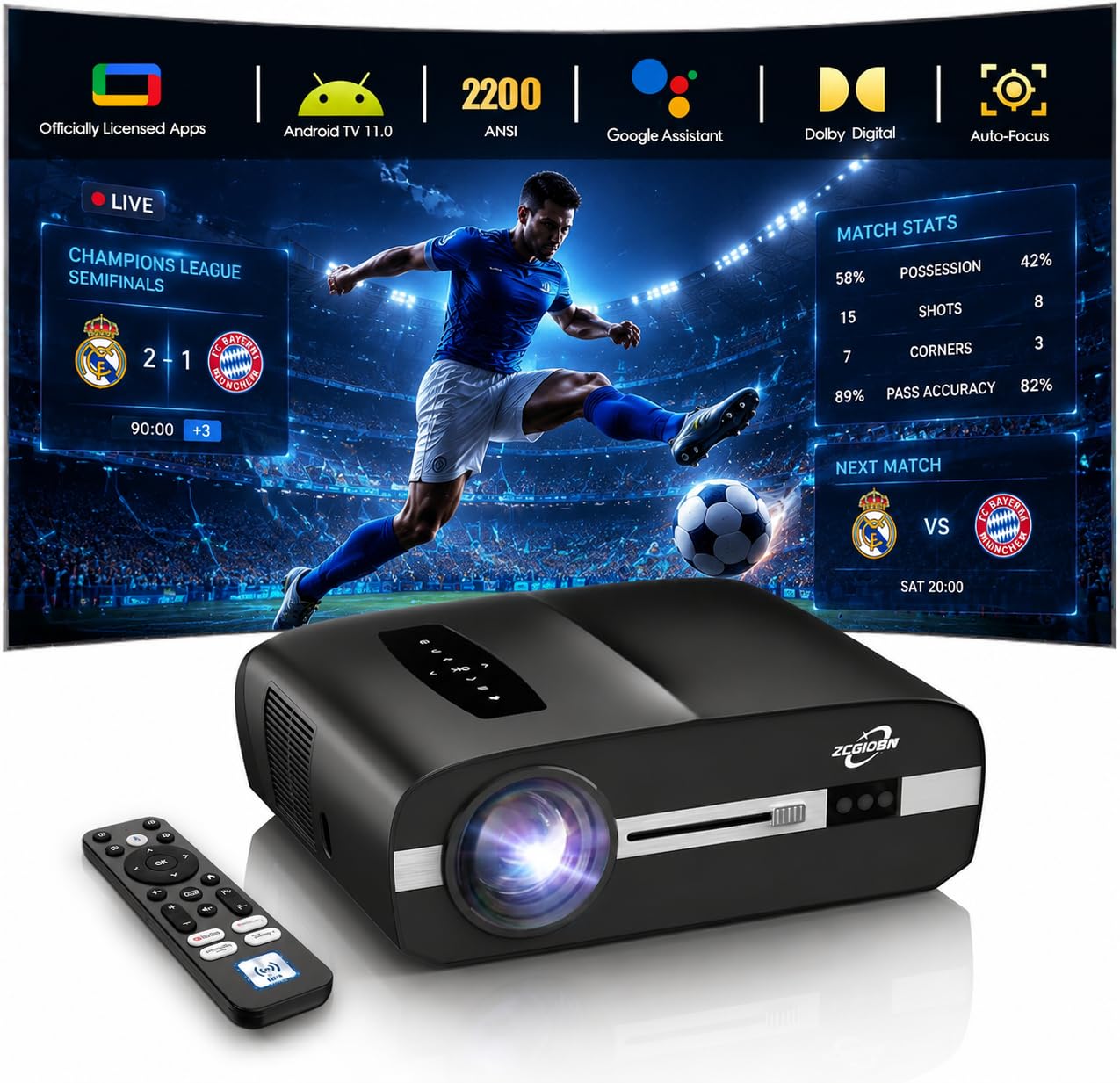
| ZCGIOBN Daytime 4K★ Best Overall | Budget smart projector | 2,200 | 1080p | 23,000:1 | Amazon |
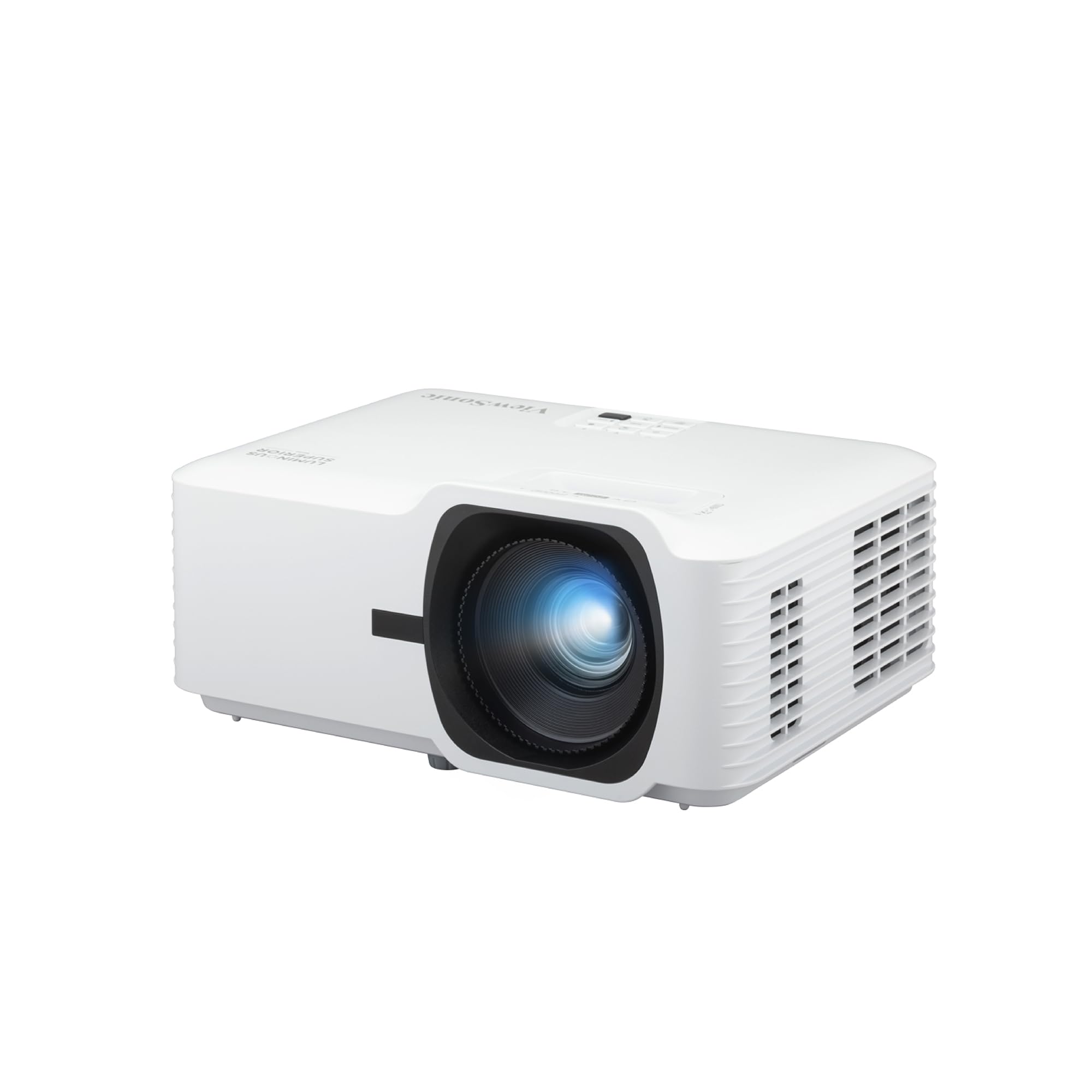
| ViewSonic LS740HDHigh Brightness Sim | Bright, high-end garage sim | 5,500 | 1080p | 3,000,000:1 | Amazon |
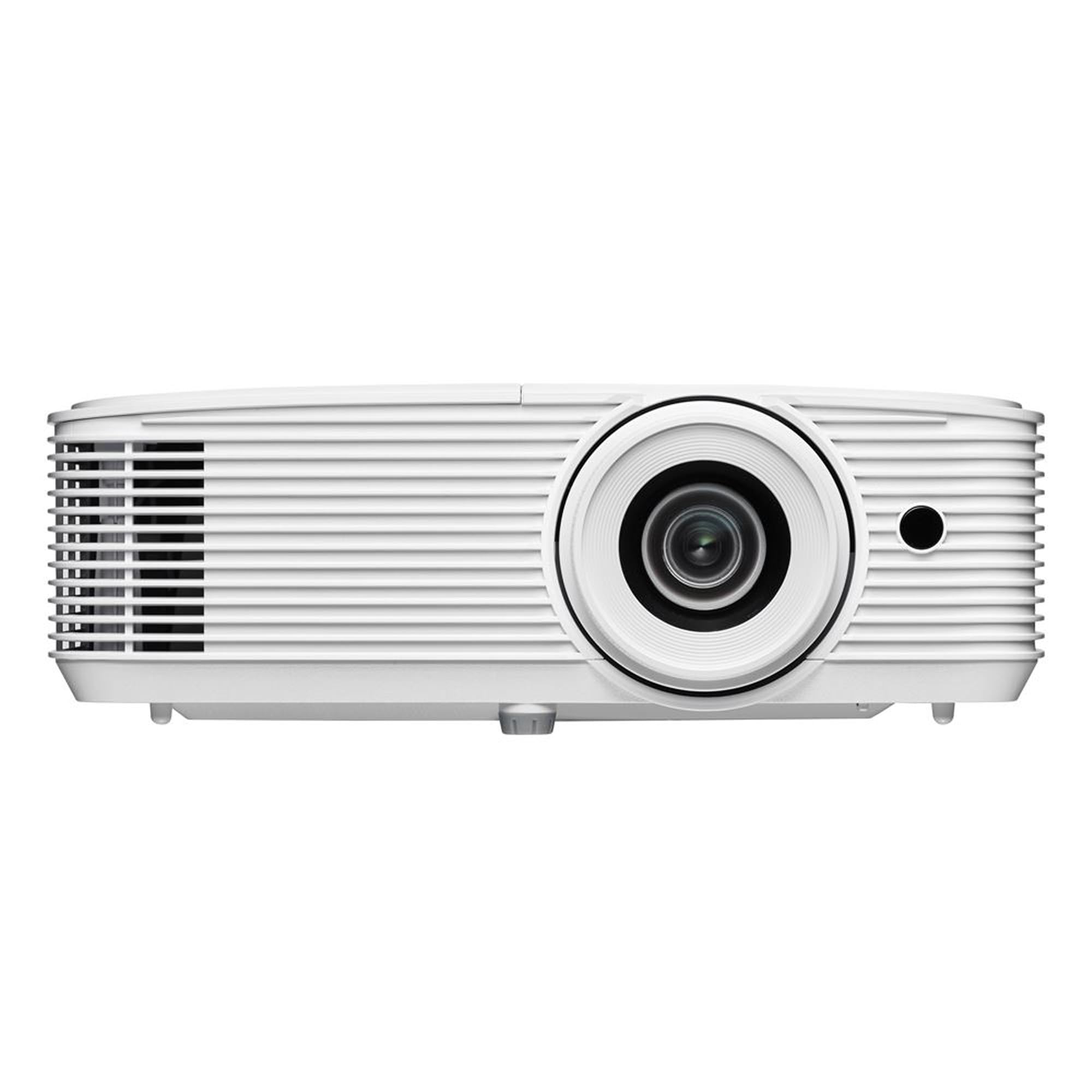
| Optoma HD30LVBright 1080p Pick | Bright 1080p on a budget | 4,500 | 1080p | 22,000:1 | Amazon |
| BenQ TH671ST | Short-throw gaming/sim | 3,000 | 1080p | 10,000:1 | Amazon |
| Optoma GT2000HDR | Ultra-compact laser | 3,500 | 1080p | 300,000:1 | Amazon |
| BenQ MW632ST | Sim-friendly short throw | 3,200 | 1280 x 800 | 12,000:1 | Amazon |
| ViewSonic PS502X | Ultra-budget start | 4,000 | 1024 x 768 | 15,000:1 | Amazon |
In‑Depth Reviews
1. ZCGIOBN Daytime Projector 4K with WiFi Bluetooth Google TV
The feature-packed smart projector that brings Google TV and auto-focus to a sim on a tighter budget.
The ZCGIOBN Daytime Projector offers a different value proposition for a golf simulator: a built-in Google TV operating system with apps and voice control, plus a 2200 ANSI lumen LED light source and a 23,000:1 contrast ratio.
The smart convenience is real — you can stream golf lessons from YouTube, launch the sim software from a connected laptop, and even use hands-free voice control when holding a club. The ToF (Time of Flight) auto-focus and auto-keystone adjust the image almost silently and instantly, a feature that typically belongs to much pricier projectors. The 38W built-in stereo speakers with Dolby Audio are surprisingly usable for a sim setting, saving you the cost of a separate speaker system. However, the native resolution is 1920 x 1080 (not true 4K), and the brightness is lower than the dedicated simulation projectors above, so it works best in a room where you can dim the lights.
One reviewer noted it has a “solid budget projector with easy setup and built-in Netflix streaming.” For a multi-purpose room that serves as both a home theater and a weekend golf sim, the convenience of the smart platform is tough to top.
The versatile smart option: If you want a projector that doubles as a streaming hub for movie nights and handles light sim use, its built-in Google TV and auto-focus are unique perks. Just know you will get a dimmer image than the dedicated high-lumen models.
2. ViewSonic LS740HD 5500 Lumens 1080p Laser Projector
The laser-powered beast that lets you keep the garage lights on and still see every blade of virtual rough.
If your golf simulator lives in a bright garage with overhead lighting, this projector is built for that exact problem. With 5,500 ANSI lumens of brightness and a Full HD (1920x1080p) resolution, it punches through ambient light better than many projectors. One buyer who researched extensively on Projector Central said the image is “great at 1080p on my impact screen, it’s bright and can even see it with all my lights on.” The dedicated Golf Mode is specifically tuned for lifelike play on major golf sim software, so you do not have to fiddle with the color settings yourself.
The laser light source eliminates bulb replacements, saving money and hassle over time. The 3,000,000:1 contrast ratio (vastly higher than the 10,000:1 on the BenQ TH671ST) means those dark shadows in the trees and the deep green of the fairway look rich and realistic, even in moderate light. It projects a 100-inch image from just 8.2 feet away, so it fits in a typical garage sim layout without needing extreme ceiling mounts. One reviewer did note a “glitch that causes it to randomly flash orange” on some units, and the built-in speakers are described as muffled — so plan to use external speakers for your sim audio.
The 4-corner adjustment and H/V keystone make it simple to align the image perfectly to your impact screen, which is a common headache with other projectors. Given the brightness, the laser longevity, and the sim-specific software mode, this is the projector that genuinely delivers high-end sim performance without crossing into luxury-tier prices.
Why this wins for your sim
- 5,500 lumens — bright enough for a fully lit garage
- Dedicated Golf Mode for instant, accurate color tuning
- Laser source means no bulb replacements over years of use
- 4-corner adjustment simplifies perfect screen alignment
A couple of real catches
- Built-in speakers are weak and muffled — you will want external audio
- Some units report a random orange flash glitch (customer support is responsive, per reviews)
the balance for bright garages: If you are building a sim in a room with lots of ambient light and want a zero-maintenance laser light source, this is the pick that balances pro-level brightness with a sane budget.
Who should reconsider: If your sim room has a very short throw distance (under 6 feet) or you demand perfect audio from the projector itself, look at a model with a shorter throw ratio and plan for a soundbar.
3. Optoma HD30LV 1080p Full HD Home Projector
The bulb-powered workhorse that gives you native 1080p and massive brightness without the laser premium.
At 4,500 ANSI lumens, the Optoma HD30LV is one of the brightest native 1080p projectors you can buy without stepping up to a laser model. This brightness makes it a strong candidate for a golf simulator in a room with windows or overhead lights — one buyer called it “very bright and clear,” noting it produced a larger display than an older Optoma at the same throw distance. The native resolution is 1920 x 1080, giving you a crisp, detailed image that shows the texture of the greens and the ball flight clearly.
The contrast ratio of 22,000:1 is significantly higher than the 10,000:1 on the BenQ TH671ST, which means deeper blacks and better shadow detail on darker courses. It also supports 4K HDR input signals, so if you ever upgrade your sim software to a 4K source, this projector will accept the signal and downscale it for a clean image. One reviewer who uses it for a golf sim said “Easy setup, 9′ throw, bright/clear HD from 4K signal.” However, this is a lamp-based projector, not a laser — buyers point out that the photos can be misleading about the light source, and you will need to budget for a replacement lamp after several thousand hours of use.
At this price point, you get 1080p resolution and 4,500 lumens in a compact package. The catch is the lamp lifespan rather than a laser, but if you use your sim a few hours a week, a lamp will last years before needing replacement.
Why sim builders pick it
- 4,500 lumens — bright enough for lights-on play in most garages
- Native 1080p resolution for sharp, detailed course visuals
- 22,000:1 contrast ratio delivers deeper blacks than many competitors
- Accepts 4K HDR input for future-proofing
The honest trade-off
- Lamp-based light source requires eventual bulb replacement
- Non-adjustable rear feet (some buyers noted this as a minor setup issue)
Best bet for a bright 1080p sim on a budget: If native 1080p resolution and very high brightness are non-negotiable, the Optoma HD30LV delivers both at a cost well below premium laser models. The lamp is the only long-term trade-off.
4. BenQ TH671ST 1080p Short Throw Gaming Projector

The proven short-throw favorite that creates a 100-inch image from just 5 feet away.
The BenQ TH671ST is a long-standing favorite among golf sim builders, and for a simple reason: you can place it just 5 feet from your impact screen and get a 100-inch diagonal image, leaving plenty of room for your swing and your stance. It delivers 3,000 ANSI lumens and a native 1080p resolution, and buyers consistently emphasize its reliability — one buyer mentioned “excellent 4-year durability” with “bright, sharp video with great color options.” The native 1920 x 1080 resolution delivers sharp, detailed visuals.
The input lag is very low, which makes it one of the best projectors for gaming in general, but that also means the ball flight and the swing replay look smooth and responsive without ghosting. The projector is fully compatible with 4K HDR input signals (it downscales to 1080p) and includes auto vertical keystone for easy alignment. One buyer who uses it in a lit garage said “I use it in my lit garage and the brightness is great even with the lights on.” Its contrast ratio of 10,000:1 is lower than the 22,000:1 on the Optoma HD30LV, so while the picture is bright and colorful, deep blacks and shadow detail are less pronounced.
The built-in speaker is sufficient for a small room, per buyer reports. With a 3-year warranty and a reputation for durability, the TH671ST is a safe, proven pick for a dedicated simulator space where short throw distance is the main constraint.
What makes it a sim staple
- Short throw: 100-inch image from 5 feet — ideal for tight garages
- Low input lag keeps swing replay smooth and responsive
- Proven 4-year durability in customer reviews
- Works well in a lit room; owners praise brightness with lights on
Where it falls short
- 10,000:1 contrast ratio is modest — blacks are not as deep as higher-contrast models
- Lamp-based light source; no laser longevity
Perfect for tight spaces: If your sim room has limited depth and you need the projector close to the screen, the TH671ST’s 5-foot throw for a 100-inch image is the standout feature. The low input lag and proven durability seal the deal for dedicated sim use.
skip it if: You prioritize deep contrast and black levels over short throw distance — the lower contrast ratio than the Optoma HD30LV means the image may look less cinematic on darker scenes.
5. Optoma GT2000HDR Ultra-Compact Short Throw Full HD Home Laser Projector

The ultra-compact laser that fits into small garage sims and runs cool for thousands of hours.
The Optoma GT2000HDR brings a laser light source, a short throw lens, and 3,500 ANSI lumens into a very small chassis. Buyers who use it for golf sims consistently praise it as the “best golf simulator projector” for its “bright, clear image even with ambient light” and its reliability over “thousands of hours of continuous use.” The laser light source means no bulb replacements and instant power on/off. The 300,000:1 contrast ratio is a massive jump from the 10,000:1 on the BenQ TH671ST, meaning the black levels and shadow detail on darker courses look far more realistic.
The short throw design means it works great in small spaces; one owner reported a 100-inch-plus image from just 5 to 6 feet. The native resolution is Full HD (1080p), and it accepts 4K HDR signals. The unit is also very compact and runs cool, which is helpful if you are mounting it on a low ceiling near the hitting area. However, buyers do report some issues: the built-in speaker is described as “hollow and vibrates” (a soundbar is recommended), and some units experience “frequent freezing and signal drops.” The remote requires close proximity, and the digital zoom can affect image quality.
For a dedicated sim room where size and heat management are concerns, the GT2000HDR’s compact laser design is a strong selling point. The speaker issue is real, but if you already own a soundbar or external speakers, it is easy to work around.
Best compact laser for sims: If you need a short-throw laser that is small, runs cool, and delivers great contrast, this Optoma fits the bill. Just budget for external audio and be aware of occasional signal hiccups reported by a few owners.
6. BenQ MW632ST Business Projector

The short-throw veteran with a 10,000-hour lamp life that sim builders swear by.
The BenQ MW632ST is often overlooked because it is marketed as a business projector, but sim builders have been using it for years because of its 0.9 short throw ratio and 3,200 ANSI lumens. One reviewer who uses it with a golf simulator and gaming computer frankly said: “Works well with golf simulator and gaming computer. Picture quality matches computer monitor.” It produces a 120-inch image from just around 5 feet, leaving you plenty of room to swing. The WXGA (1280×800) resolution is lower than native 1080p, but buyers consistently say the image looks “great HD” and the brightness in a well-lit garage is “plenty bright.”
The extended lamp life is a standout — up to 10,000 hours, which, at 10 hours of sim use per week, stretches over 19 years. The high native contrast ratio of 12,000:1 helps with color accuracy even in rooms with light. The dual HDMI ports make it easy to connect both your sim computer and a console. On the downside, the 60Hz refresh rate limits gaming frame rates if you ever want to use it for fast-paced shooters, and the built-in sound is weak — multiple reviewers recommend an A/V receiver or external speakers. The remote volume control is also noted as non-intuitive.
If you need a very short throw distance and want a projector that will last for a decade-plus of sim use without a lamp change, the MW632ST is a sturdy, proven pick. The resolution trade-off is the main thing to weigh.
The long-haul sim projector
- 10,000-hour lamp life — practically a decade of weekly sim use
- Short throw: 120-inch image from ~5 feet
- 3200 lumens is bright enough for a well-lit garage
- Dual HDMI ports for flexible connectivity
What to know before buying
- WXGA resolution (1280×800) is noticeably softer than native 1080p
- Built-in speaker is weak — external audio is a must
- 60Hz refresh rate limits gaming beyond sim use
Perfect for a dedicated, long-term sim: If 10,000 hours of lamp life and a short throw fit your build plans, the MW632ST is a value that keeps delivering. The WXGA resolution is the compromise you accept for the longevity and short throw.
7. ViewSonic PS502X 4000 Lumens XGA Short Throw Projector

The high-brightness budget champ that sim buyers call a steal at this price.
The ViewSonic PS502X is the lowest-priced projector in this roundup, and it has earned a surprisingly strong following among golf sim builders. With 4,000 ANSI lumens of brightness, it is one of the brightest projectors here, and the short throw design (0.6 throw ratio) means you can place it very close to the screen. Buyers are blunt about their satisfaction: one simply wrote “Use of my golf sim and it’s great,” another declared it “Great golf sim projector for the price.” One buyer directly compared it to a much more expensive BenQ projector and said “the clarity is not really any less than my buddy with a Benq which is almost 5 times the price.”
The XGA resolution (1024×768) is the trade-off — it has a 4:3 aspect ratio, which is not a perfect match for a 16:9 widescreen impact screen. You will see black bars on the sides or need to zoom in slightly, and the pixel count is lower than 1080p. However, the SuperColor technology delivers vibrant images, and at 15,000:1 contrast ratio, the blacks and greens look solid. The digital zoom and auto keystone make setup easy. On the minus side, one customer observed it is “a little bulky,” and the lamp-based light source means eventual bulb replacements.
If your budget is tight and you prioritize brightness and short throw over high resolution, this is the projector that sim buyers genuinely recommend for getting started while staying affordable.
The essential budget sim starter: For anyone building a golf simulator on a strict budget, the PS502X delivers 4,000 lumens and a short throw at a price that lets you spend more on the screen or the launch monitor. The XGA resolution is the main compromise you accept for that value.
Understanding the Specs
ANSI Lumens
This is the standard measure of a projector’s light output. For a golf simulator, more lumens means you can keep the garage or room lights on without the image turning into a washed-out mess. Aim for at least 3,000 lumens for a room with ambient light; 4,000-plus is ideal for a brightly lit garage. Projectors with 2,200 lumens (like the ZCGIOBN) can work in a dim room, but you will have better contrast and color with a higher-lumen model.
Short Throw vs. Standard Throw
The throw ratio is the distance from the projector lens to the screen divided by the image width. A short throw projector (ratio under 1.0) can produce a large image from a very short distance — typically 5 to 9 feet for a 100-inch screen. In a golf simulator, this leaves room for your swing and prevents you from casting a shadow on the screen. Standard throw projectors need more distance, so they are only suitable if you can mount them far back or on the ceiling behind the hitting area.
Contrast Ratio
The contrast ratio is the difference between the brightest white and the darkest black the projector can display, often reported as something like 10,000:1 or 3,000,000:1. A higher contrast ratio means deeper blacks and richer shadows, which makes the dark areas of a course (trees, bunker shadows, twilight rounds) look more realistic. For a golf sim, a contrast ratio of 20,000:1 or higher gives you a noticeable improvement in depth and realism compared to a model with only 10,000:1.
Laser vs. Lamp Light Source
A lamp-based projector uses a traditional bulb that will dim over time and eventually need replacement (typically every 3,000-10,000 hours). A laser light source lasts much longer (20,000-30,000 hours), reaches full brightness instantly, and never requires a bulb change. For a golf simulator you use several hours a week, a laser projector saves you the hassle and cost of bulb replacements over the years, though it commands a higher upfront price. Lamp projectors are perfectly fine if you are on a tighter budget.
FAQ
Can I use a regular home theater projector for a golf simulator?
How many lumens do I need for a garage golf simulator?
Is 1080p resolution enough for a golf simulator?
Will a projector work with my golf simulator software?
How far should a short throw projector be from the golf screen?
Can I use a standard throw projector for a golf simulator?
How long does a projector lamp last in a golf simulator?
What aspect ratio should my golf simulator projector be?
Do I need a special screen for a golf simulator projector?
What is the best budget projector for golf simulator under?
Final Thoughts: The Verdict
For most buyers, the budget projector for golf simulator winner is the ViewSonic LS740HD because it combines 5,500 ANSI lumens of brightness, a laser light source that never needs a bulb change, a dedicated Golf Mode for instant accurate colors, and a 1080p resolution that looks sharp on any impact screen. If you want the absolute best short throw and proven sim durability, grab the BenQ TH671ST with its 5-foot throw for a 100-inch image. And for the tightest budget, the standout is the ViewSonic PS502X with its 4,000 lumens and short throw that sim buyers consistently call a steal.
How We Picked
We do not accept paid placement. Every pick is matched to a real buyer and a real use-case; we do not hands-on test units.
Sources & Methodology
Specifications: manufacturer listings and product documentation. Review insights: verified customer reviews, as of July 2026. Pricing: not shown on this page (it changes often); check the current price via the retailer link.
As an Amazon Associate, Gadgets Feed earns from qualifying purchases. This does not affect which products we feature.