
That 10-minute boot-up and the constant loading spinner on your old laptop are symptoms of a dying hard drive. Swapping in a SATA solid-state drive is the single most effective way to resurrect an aging machine, slashing boot times to under 15 seconds and making applications feel instantly responsive. The challenge is sorting through the dozens of budget-priced options to find a drive that delivers consistent sequential read speeds north of 500MB/s without sacrificing reliability.
I’m Min — the co-founder and writer behind Gadgets Feed. I’ve spent countless hours analyzing data sheets, comparing controller chips and NAND types, and studying real-world performance reports across hundreds of budget SATA SSDs to identify the models that actually deliver on their promised specs.
The list below represents the most thoroughly vetted options currently available. Whether you’re upgrading a family member’s school laptop or building a fast secondary storage pool, these drives represent the current best value for anyone searching for a reliable budget ssd.
How To Choose The Best Budget SSD
Not every cheap SSD is a good deal. The drive that shines for a basic office PC might struggle under the constant write cycles of a home server. Understanding the few specs that actually matter will help you pick the right model for your specific use case without overpaying.
NAND Flash Type: TLC vs QLC
The NAND flash memory inside the SSD determines how many times you can write data to it before cells wear out. TLC (Triple-Level Cell) stores three bits per cell and offers higher write endurance—typically around 100-150 TBW (Total Bytes Written) for a 480GB drive. QLC (Quad-Level Cell) stores four bits per cell, prioritizing lower cost per gigabyte, but endurance drops to roughly 60-80 TBW for the same capacity. If the drive will host an operating system or see daily file transfers, TLC provides a meaningful reliability margin. For media storage or game libraries that are mostly read-only, QLC’s lower endurance is less of a concern.
DRAM Cache: Do You Need It?
Budget SSDs in this price bracket almost universally omit a dedicated DRAM cache chip, relying instead on Host Memory Buffer (HMB) technology that borrows a sliver of your system RAM as a pseudo-cache. In day-to-day use—booting Windows, launching apps, loading games—the difference between a DRAM-less drive and a DRAM-equipped model is negligible for most users. However, during sustained large file writes (copying 50GB of video, for example), DRAM-less drives can see their write speeds drop by half after filling the SLC cache. For the average user upgrading an old HDD, a DRAM-less drive remains a perfectly sensible choice.
Sequential Speeds and the SATA Ceiling
The SATA III interface caps out at 6Gb/s, which translates to approximately 560MB/s of real-world sequential read speed. Any SSD claiming to exceed 560MB/s over SATA is marketing fluff. Drives in the budget tier typically deliver between 450MB/s and 535MB/s sequential reads—a massive leap over the 80-120MB/s of a mechanical drive. Pay more attention to random IOPS (Input/Output Operations Per Second) if your workload involves many small files, such as loading a game level or booting an OS, as this metric better reflects your daily experience than raw sequential numbers.
Quick Comparison
On smaller screens, swipe sideways to see the full table.
| Model | Category | Best For | Key Spec | Amazon |
|---|---|---|---|---|
| Crucial BX500 240GB | Premium | Energy-efficient daily OS drive | 540MB/s read speed | Amazon |
| Silicon Power 256GB A55 | Mid-Range | Low-cost boot drive for ultrabooks | SLC Cache technology | Amazon |
| PNY CS900 250GB | Mid-Range | Reliable secondary storage | 535MB/s seq. read | Amazon |
| fanxiang S101 512GB | Mid-Range | Universal desktop/laptop upgrade | 3D NAND TLC write endurance | Amazon |
| ADATA SU650 512GB | Premium | Console storage expansion | Advanced error correction | Amazon |
| Kingston A400 480GB | Premium | Durable HDD replacement | Up to 500MB/s read | Amazon |
| Ediloca ES580E 512GB | Budget | High-capacity budget build | 450MB/s read speed | Amazon |
In‑Depth Reviews
1. Crucial BX500 240GB

Crucial’s BX500 leverages Micron’s 3D NAND silicon, giving it a leg up over lesser-known brands in consistency. Rated at up to 540MB/s sequential reads, this drive shaved boot times from minutes to under 15 seconds in real-world use. For a 240GB OS drive in an older laptop or desktop, it delivers the full SATA III ceiling without throttling.
The drive’s 45x higher energy efficiency over a traditional HDD means noticeably better battery life in portable machines. Unlike many budget SSDs that run hot during sustained writes, the BX500 stays cool thanks to Micron’s mature controller design. Users consistently report no performance degradation after months of daily use, even on machines running Windows 10 or 11.
The BX500 uses QLC NAND, which means lower write endurance compared to TLC-equipped drives—roughly 80 TBW for the 240GB model. For most home and office workloads this is more than sufficient, but heavy users writing dozens of gigabytes daily should consider a TLC alternative. The included 3-year warranty is industry standard for this tier.
Why it’s great
- Class-leading 540MB/s sequential reads make boot times nearly instant
- Micron 3D NAND ensures consistent manufacturing quality and reliability
- Energy-efficient design extends laptop battery life over old HDDs
Good to know
- QLC NAND limits write endurance to roughly 80 TBW
- 240GB capacity fills quickly with modern games and applications
- DRAM-less design can cause write speed drops during sustained large file transfers
2. Silicon Power 256GB A55

The Silicon Power A55 stands out in the budget segment for its SLC Cache technology, which temporarily accelerates write operations by treating a portion of the 3D NAND as single-level cells. In practice, this means the drive maintains responsive write speeds during typical daily use—OS updates, file copying, and app installations all feel snappy.
At 7mm thick, the A55 slips into Ultrabooks and slim notebooks where thicker drives won’t fit. The drive supports TRIM and Garbage Collection, which keep performance from degrading over time as cells fill up. Users have reported sustained reliability for over three years of continuous service, with CrystalDiskMark benchmarks showing stable read/write speeds well past the initial burn-in period.
The 256GB capacity is modest by modern standards. Once you install the OS and essential applications, free space can disappear quickly. The 3-year warranty provides reasonable protection, but you’ll need to register the product through Silicon Power’s official website to access full support. For a secondary drive or a lightweight OS install, this is a solid performer that punches above its weight class.
Why it’s great
- SLC Cache boosts write speeds for everyday tasks significantly
- Ultra-slim 7mm design fits the thinnest Ultrabooks and notebooks
- Over three years of documented user reliability with no performance drop-off
Good to know
- 256GB capacity is tight for users with large game libraries
- Warranty registration via manufacturer website is required for full support
- Lacks DRAM cache, so sustained writes will eventually slow
3. PNY CS900 250GB

PNY’s CS900 is one of the most established budget SSDs on the market, and for good reason. Rated at up to 535MB/s sequential reads and 500MB/s writes, it consistently delivers the SATA III ceiling in real-world benchmarks. Users have successfully used it as a PS4 storage upgrade, a boot drive for Macs, and a reliable backup target—all without the drive exhibiting heat issues or unexpected failures.
The drive’s ultra-low power consumption makes it an excellent candidate for always-on systems like home servers or security camera recorders. It is backwards compatible with SATA II 3Gb/s ports, so it will still deliver a massive performance boost in older systems that lack native SATA III support. Installation is genuinely plug-and-play across Windows, macOS, and Linux environments.
The CS900’s 250GB variant uses a DRAM-less controller, and the stated write speed of 500MB/s is achievable only within the SLC cache window. Once the cache fills, write speeds drop to more modest levels. The lack of hardware encryption features means it is not ideal for environments requiring drive-level security. For general-purpose storage and OS duties, this PNY drive is a safe, proven choice.
Why it’s great
- Proven track record of reliability across thousands of user installations
- Seamless compatibility with PS4, Mac, PC, and security camera systems
- Ultra-low power draw makes it ideal for 24/7 server and NAS use
Good to know
- Write speeds drop significantly after SLC cache is exhausted
- No hardware encryption support for security-sensitive applications
- 250GB capacity is entry-level; power users will need the 1TB version
4. fanxiang S101 512GB

The fanxiang S101 is a rare sight in the sub- segment: a 512GB SATA SSD using 3D NAND TLC flash instead of the more common QLC. That distinction matters for write-intensive users. TLC cells endure roughly 1.5x more program/erase cycles than QLC, making this drive better suited for workloads like video editing scratch disks or frequently updated project files.
With sequential reads up to 500MB/s, the S101 boots Windows 10 in under 10 seconds and launches applications instantly. The drive includes a SATA cable in the box and supports Windows, Linux, and macOS out of the box. Users report that cloning their old HDD takes under 30 minutes using third-party software, and the drive runs cool even during extended file transfers.
The ABS+PC enclosure feels less premium than an aluminum chassis, but that plastic shell also reduces weight and manufacturing cost. Some users have reported drive corruption after a few months, though this appears to be edge-case behavior more likely related to system compatibility than a systematic flaw. The 3-year warranty offers a safety net, but the drive is best matched with a recent backup strategy.
Why it’s great
- TLC NAND provides superior write endurance compared to QLC-based competitors
- 512GB capacity hits a sweet spot for OS and moderate game storage
- Comes with SATA cable for immediate out-of-box installation
Good to know
- Plastic enclosure feels less durable than metal alternatives
- Intermittent reports of drive corruption in older systems
- Spare SATA cable might not be the highest quality
5. ADATA SU650 512GB
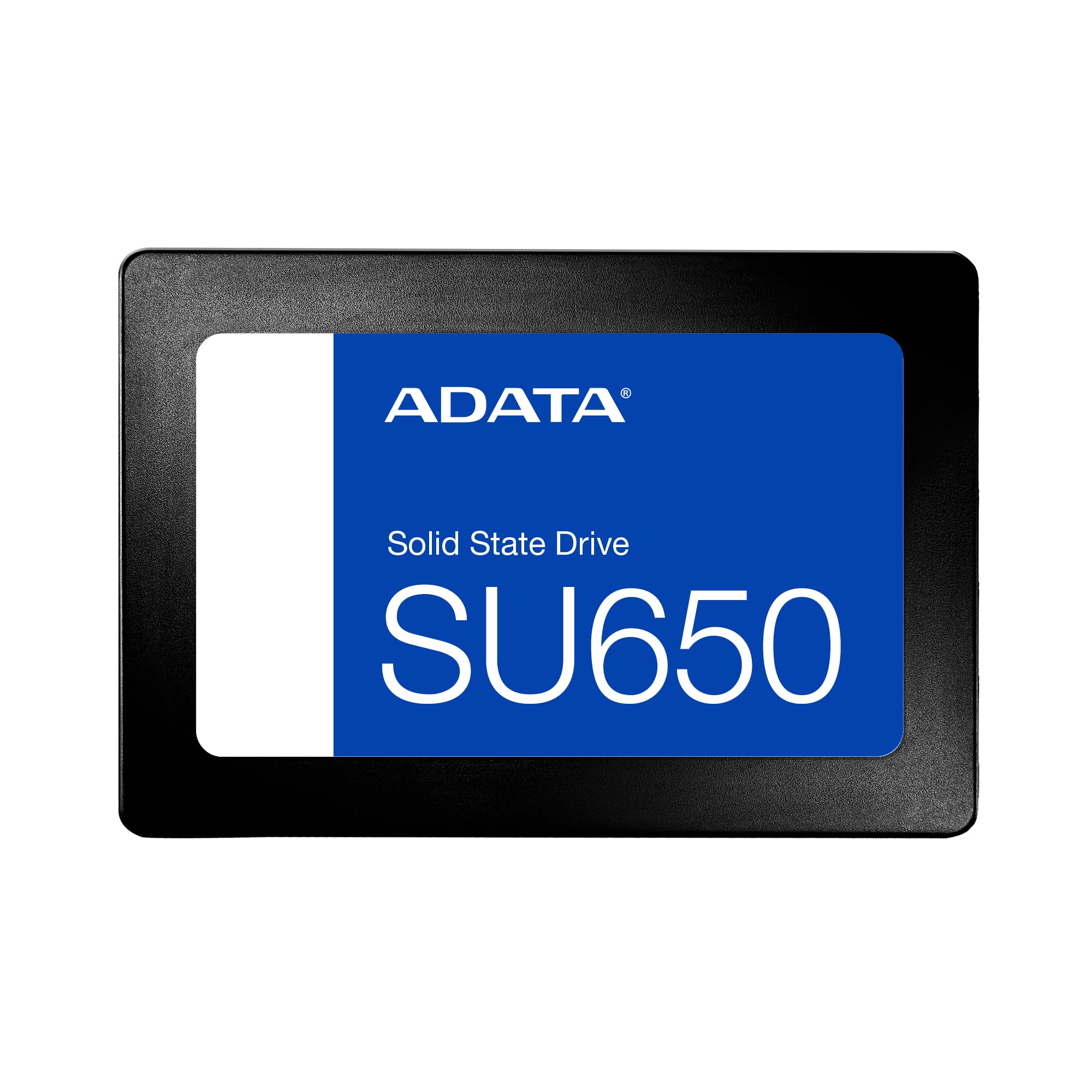
ADATA’s SU650 targets the gamer and console crowd with broad compatibility that includes PlayStation 5, Xbox Series S/X, and Nintendo Switch. The 512GB SATA drive pushes sequential reads up to 450MB/s, providing a tangible speed boost over the stock HDD in older consoles or as overflow storage for the latest generation. Users consistently note zero lag in cutscenes after swapping their console drive.
The drive’s advanced error correction technology helps maintain data integrity during the heavy read cycles typical of gaming workloads. It is also frequently selected for CCTV systems and home servers where the drive must handle continuous write streams. The plastic casing keeps weight down, making it easy to install even in tight chassis configurations.
Some users have reported thermal issues, with the SU650 reaching up to 99°C under heavy load after problematic Windows updates. This appears to be a firmware interaction rather than a hardware defect, but it is worth noting for users who expose the drive to poorly ventilated laptop chassis. For desktop use with decent airflow, the SU650 runs at normal operating temperatures between 30°C and 45°C.
Why it’s great
- Officially compatible with PlayStation 5, Xbox Series X/S, and Nintendo Switch
- Advanced error correction protects data integrity during heavy gaming loads
- Lightweight plastic housing simplifies installation in tight spaces
Good to know
- Has been reported to overheat in poorly ventilated systems
- 450MB/s sequential read is below the 500MB/s+ competition
- Plastic enclosure may not survive accidental drops as well as metal
6. Kingston A400 480GB

The Kingston A400 is one of the most widely deployed budget SATA SSDs in the world, and its reputation is built on reliability, not flashy specs. Rated at up to 500MB/s read and 450MB/s write, it breathes new life into laptops from 2013-era hardware. Users consistently report that even after years of service, these drives maintain over 90% health according to SMART data.
The 7mm form factor fits ultra-slim notebooks and 2.5-inch bays alike, and backward compatibility with SATA Rev. 2.0 means it will work in machines over a decade old. The operating temperature range of 0°C to 70°C covers most environments, and the shock-resistant design adds a layer of protection for mobile users. The A400 is especially popular for reviving old Windows laptops that had become unusably slow with their original HDDs.
As an entry-level DRAM-less SSD, the A400’s write speeds under mixed high-IO workloads drop to around 350MB/s, and the write endurance is rated at 80 TBW for the 240GB version. That is fine for typical home and office use—web browsing, email, office suites—but heavy content creators may hit the TBW limit within a few years. For read-heavy scenarios like media playback or basic productivity, the A400 is arguably the most trustworthy option in this lineup.
Why it’s great
- Exceptional long-term reliability with drives showing 90%+ health after years of use
- Broad compatibility with systems from SATA II to modern SATA III ports
- Shock and vibration resistant for safe use in notebooks and mobile devices
Good to know
- Write speeds under mixed workloads drop to around 350MB/s
- 80 TBW endurance is modest for write-heavy professional workflows
- DRAM-less design limits peak multi-tasking performance
7. Ediloca ES580E 512GB
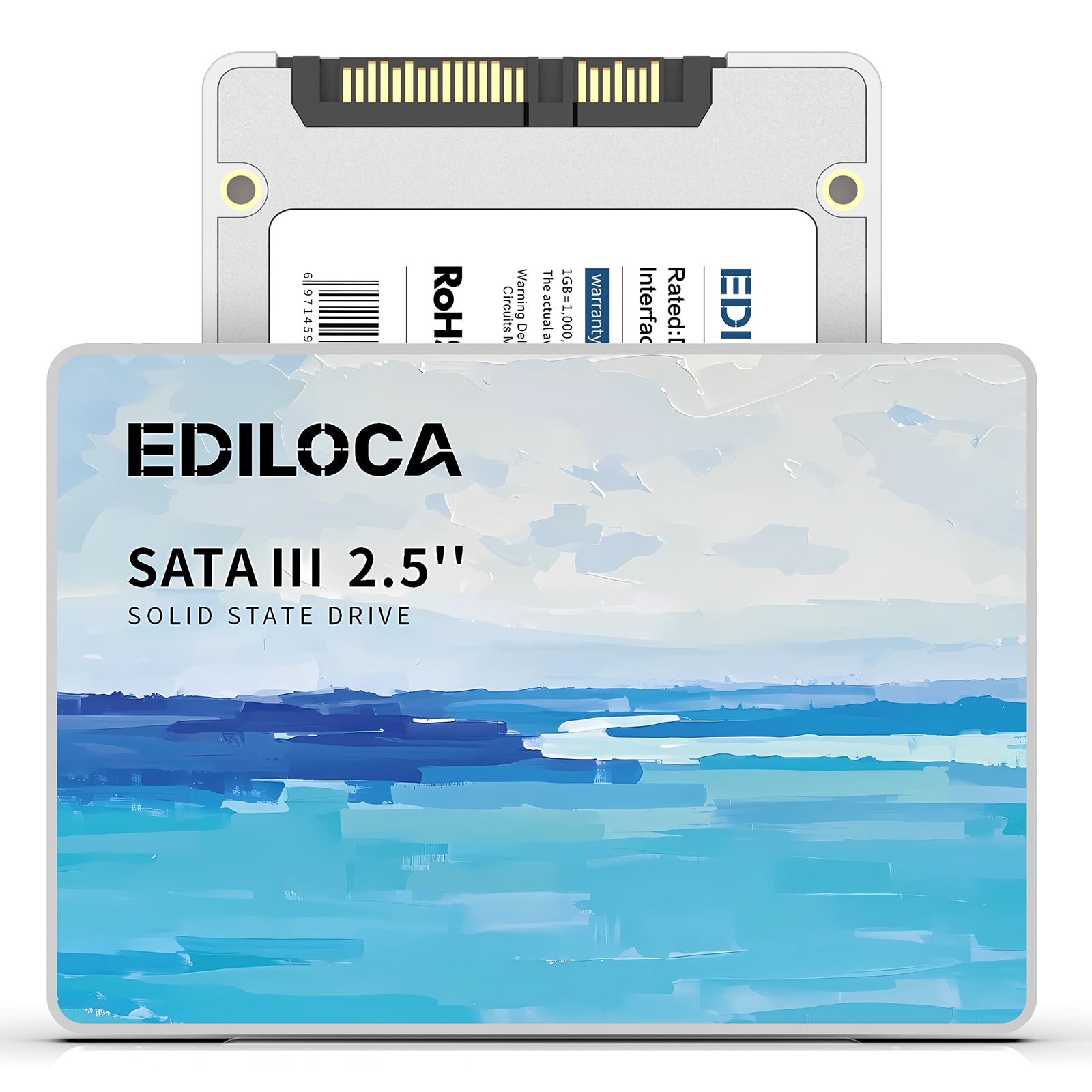
The Ediloca ES580E delivers 512GB of storage at an entry-level price point, making it the most capacity-per-dollar option here. Using 3D QLC NAND, it offers read speeds up to 450MB/s and writes up to 350MB/s—roughly three times faster than a typical HDD. The drive promises a 60% reduction in system boot time, which lines up with user reports of sub-15-second cold boots.
Ediloca claims the drive is shock resistant up to 1500G and drop-proof from 1.2 meters, adding a layer of confidence for laptop users who are frequently on the move. The drive runs completely silent thanks to the lack of moving parts, and it supports TRIM and Garbage Collection to maintain performance over the long term. The 3-year limited warranty and 24/7 technical support are a nice touch for a brand that is still establishing its reputation.
Some users have received defective units that failed immediately, and Ediloca’s customer service response times can vary. The QLC NAND’s write endurance is lower than TLC competitors, and the 450MB/s read speed is notably behind the 500-540MB/s range of market leaders. For a secondary storage drive used mostly for media and infrequent writes, the ES580E delivers solid value; for an OS boot drive or write-heavy workflow, there are safer bets.
Why it’s great
- 512GB capacity at a very accessible price point maximizes storage per dollar
- Rated for 1500G shock resistance and 1.2m drop survival
- Silent operation with no moving parts is ideal for quiet home office builds
Good to know
- QLC NAND limits write endurance compared to TLC-equipped drives
- Some units have arrived defective, and support response varies
- 450MB/s read speed lags behind the 500-540MB/s competition
FAQ
Will a 450MB/s SATA SSD feel much slower than a 550MB/s one for daily use?
Can I use a DRAM-less budget SSD as my main Windows boot drive?
How do I know if the SATA SSD I buy uses TLC or QLC NAND?
Final Thoughts: The Verdict
For most users, the budget ssd winner is the Crucial BX500 because it combines Micron’s 3D NAND quality with the highest sequential read speed in its class at a price that undercuts most competitors. If you want TLC endurance for write-heavy tasks, grab the fanxiang S101. And for pure capacity per dollar when building a secondary storage pool, nothing beats the Ediloca ES580E.