
A fast break, a quarterback scramble, a slap shot at 90 mph — the difference between seeing the play and seeing a smeared blur comes down to one thing: your TV’s ability to refresh fast enough to keep each frame distinct. For a budget TV dedicated to sports, that means looking past the sticker and straight at the native refresh rate, motion handling, and backlight technology that determines whether that game-winning goal arrives crisp or ghosted across the screen.
I’m Min — the co-founder and writer behind Gadgets Feed. In this guide I’ve spent hours digging into the real-world sports performance of affordable televisions, cross-referencing native refresh rates, variable refresh rate ranges, MEMC frame insertion, and local dimming zone counts to separate the sets that genuinely deliver smooth motion from those that just advertise a high number.
Whether you are catching the Sunday night game, streaming live racing, or watching the playoffs in a bright living room, the right budget tv for sports watching needs to combine a fast panel with decent HDR brightness and low input lag — everything this list ranks for.
How To Choose The Best Budget TV For Sports Watching
Choosing a budget TV for sports is different from picking one for movies or casual streaming. The panel has to keep up with fast horizontal motion, bright stadium lighting, and sudden scene cuts without introducing blur or stutter. You need to weigh three specific specs above all others.
Refresh Rate and Motion Handling
A native 120Hz panel refreshes the image twice as often as a standard 60Hz set, which directly translates to fewer motion artifacts during a soccer pass or a hockey rush. TVs that quote a “Motion Rate” of 240 or 480 are using frame insertion tricks, but the real test is the native panel speed. For live sports, look for a panel that natively supports at least 120Hz, plus MEMC (Motion Estimation, Motion Compensation) to interpolate extra frames.
Brightness and Anti-Glare
Daytime games and bright living rooms punish dim screens. A TV with 400 nits of sustained brightness or higher keeps the field visible and the whites punchy. An anti-reflective coating is also critical — without it, a sunny afternoon window turns a green pitch into a grey mirror. Mini-LED backlighting helps here, boosting brightness and allowing local dimming zones to preserve black levels in letterboxed or stadium shadow areas.
Input Lag and Game Mode for Sports
Even if you are not gaming, a high-lag TV can make fast sports feel disconnected. Many TVs now include a Game Mode or dedicated Sports Mode that bypasses heavy post-processing to reduce input lag. Look for a set with Auto Low Latency Mode (ALLM) and a measured input lag under 15ms at 4K 120Hz — this keeps the on-screen action in sync with the broadcast signal.
Quick Comparison
On smaller screens, swipe sideways to see the full table.
| Model | Category | Best For | Key Spec | Amazon |
|---|---|---|---|---|
| iFFALCON 55U85 | Mini-LED | Fast-action sports & gaming | Native 144Hz, VRR up to 288Hz | Amazon |
| TCL T7 55″ | QLED | Smooth motion & bright rooms | Motion Rate 480 with MEMC | Amazon |
| Samsung Q8F 43″ | QLED | Compact premium sports setup | Native 144Hz, 100% Color Volume | Amazon |
| Roku Pro Series 55″ | Mini-LED/QLED | Sports plus all-in-one streaming | Native 120Hz, Dolby Vision IQ | Amazon |
| TCL Q7 55″ | QLED | Deep contrast & up to 240Hz VRR | Full Array Pro, 200+ dimming zones | Amazon |
| Samsung M80H 65″ | Mini-LED | Large-screen sports immersion | Motion Xcelerator 144Hz | Amazon |
| Hisense U8 55″ | Mini-LED Pro | Extreme brightness & anti-glare | Native 165Hz, 5000 nits peak | Amazon |
| LG C1 77″ | OLED | Cinematic sports with true blacks | Native 120Hz, per-pixel dimming | Amazon |
In‑Depth Reviews
1. iFFALCON 55″ 4K MiniLED Smart TV (55U85)
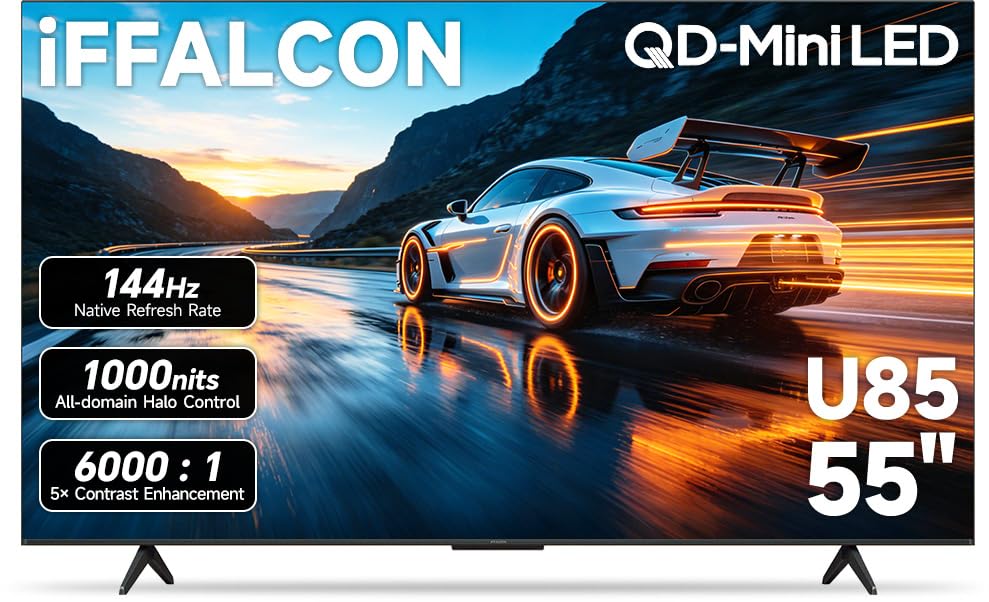
The iFFALCON 55U85 delivers a native 144Hz panel with VRR that scales up to 288Hz, making it arguably the most fluid budget sports set in this roundup. The Mini-LED backlight with 6,000:1 native contrast and local dimming ensures that a night game under floodlights keeps deep blacks in the stands while maintaining bright whites on the field. At a measured peak brightness of around 1000 nits, it punches well above its tier for daytime viewing.
Sports-specific features include FreeSync Premium Pro which, while marketed for gaming, also stabilizes frame delivery during fast camera pans in live broadcasts. The four HDMI 2.1 ports mean you can keep a streaming box, a game console, and a soundbar connected without sacrificing bandwidth. The 50W 2.1-channel audio with Dolby Atmos and DTS Virtual:X provides enough presence to hear the crowd roar without an external speaker.
Google TV keeps the interface snappy with far-field voice control, and the built-in hotel mode makes it a versatile pick for a finished basement or game room shared by multiple devices. Some users report occasional flickering, but the overwhelming majority praise the smooth, responsive UI and vibrant color reproduction — a rare combination at this end of the market.
Why it’s great
- Native 144Hz with 288Hz VRR eliminates motion blur on fast breaks
- Mini-LED backlight with local dimming preserves contrast during low-light stadium scenes
- Four HDMI 2.1 ports support full bandwidth for multiple devices
Good to know
- Chassis is thicker than premium ultra-slim models
- Rare flickering issue reported by some units
2. TCL 55″ T7 Series QLED (55T7, 2025 Model)

The TCL T7 series uses a 120Hz QLED panel paired with Motion Rate 480 and MEMC frame insertion to deliver exceptionally smooth motion for soccer, basketball, and racing broadcasts. The Quantum Dot technology covers nearly the entire DCI-P3 color space, so the green of a football pitch and the red of team kits retain their vibrance even in bright living rooms. The AIPQ Pro processor further cleans up lower-bitrate streams, reducing the macroblocking that often plagues cable sports channels.
Its HDR PRO+ support includes Dolby Vision, HDR10+, and HLG, meaning whichever broadcast standard your streaming service uses, the T7 maps it correctly. The 4 HDMI inputs — one with eARC — give you flexibility to pair with a soundbar for enhanced match-day audio. The Google TV interface with Alexa voice control and Chromecast built-in makes starting a stream effortless, and the bezel-less design keeps the focus on the action.
Users highlight the stunning picture quality for both gaming and sports, comparing the brightness to Mini-LED models. A few mention the need to enable the Game feature to avoid sluggish navigation on PC input, and the Google-centric setup requires internet before HDMI ports work. For the price, however, the balance of motion clarity and color depth is hard to beat.
Why it’s great
- MEMC frame insertion at 480 effective rate minimizes judder on camera pans
- QLED with ~95% DCI-P3 coverage keeps sports colors vivid
- Dolby Vision IQ and HDR10+ ensure accurate HDR mapping for all sources
Good to know
- Requires internet setup before HDMI inputs become available
- Built-in speakers are adequate but benefit from a soundbar
3. Samsung 43″ QLED Q8F (2025 Model)

The Samsung Q8F brings a native 144Hz 4K panel and 100% Color Volume with Quantum Dots into a compact 43-inch frame, making it ideal for smaller rooms, dorms, or bedrooms where a 55-inch set would overwhelm the space. The Q4 AI Processor upscales lower-resolution sports broadcasts to near-4K quality, reducing noise on cable feeds while preserving detail on fast-moving players. The AirSlim design allows it to sit almost flush against the wall, which is helpful when space is tight.
For sports, the 144Hz refresh rate with VRR support keeps motion smooth during fast-paced segments like NASCAR turns or soccer transitions. The HDR implementation delivers a wide range of contrasts, with Samsung’s dynamic tone mapping boosting highlights in bright outdoor games. The built-in Samsung TV Plus offers over 400 free channels, including live sports content, so you can start watching without any subscription.
User feedback praises the crisp, fast UI and the rechargeable remote — a small but appreciated detail. The downside is the extremely sensitive physical remote buttons, which can trigger accidental inputs if placed on a couch cushion. Several users also note that the 43-inch size is perfect for a desktop gaming setup, further validating its versatility.
Why it’s great
- Native 144Hz in a 43-inch form factor smaller rooms appreciate
- 100% Color Volume delivers accurate skin tones and team colors
- Samsung Vision AI upscales 720p/1080i sports to clean 4K
Good to know
- Remote buttons are hypersensitive and prone to accidental presses
- 43″ size limits immersion for viewers seated farther than 6 feet away
4. Roku 55″ Pro Series QLED
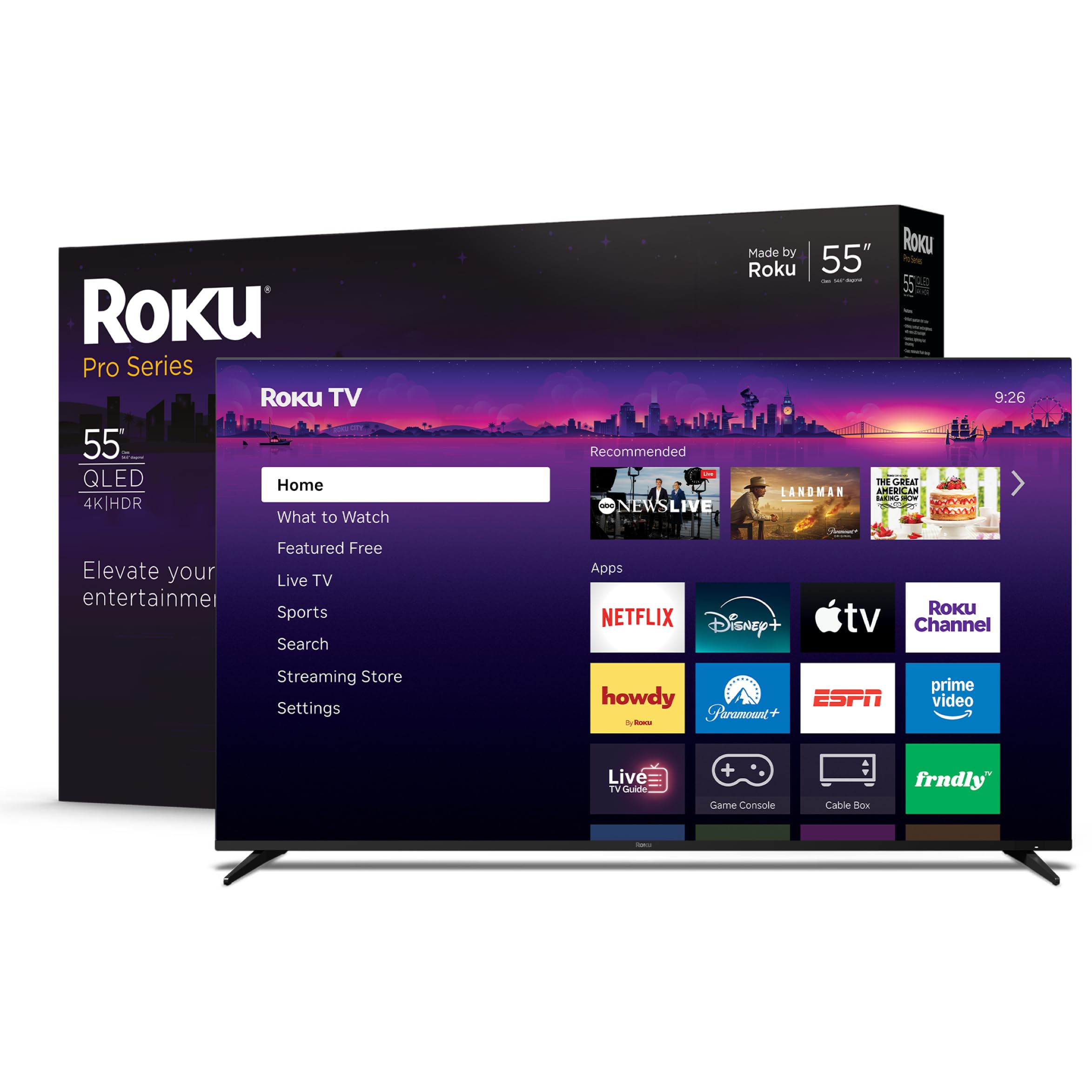
The Roku Pro Series 55-inch combines a Mini-LED/QLED panel with a native 120Hz refresh rate and Dolby Vision IQ, offering one of the most user-friendly sports-watching experiences at a competitive price point. The Mini-LED backlight delivers razor-sharp detail with deep blacks and bright highlights, while the 120Hz panel keeps fast action — from boxing punches to tennis volleys — smooth without motion blur. The Roku Smart Picture Max AI engine automatically optimizes picture settings per scene, so you don’t need to manually switch between day and night game modes.
Gamers and sports fans alike benefit from FreeSync Premium Pro, ALLM, and VRR support, which ensure tear-free frame delivery during live streaming and gaming. The side-firing speakers plus Dolby Atmos create a wide soundstage that makes you feel like you are in the stands. The backlit, rechargeable voice remote is a genuine upgrade over typical budget remotes, and the Roku OS is famously straightforward — no bloatware, just streaming.
A small minority of buyers have reported brown “bruise” spots appearing on the screen after a few weeks and occasional audio sync issues via eARC. The vast majority, however, praise the picture quality, ease of setup, and the fact that it outperforms much pricier sets like the Samsung Frame in side-by-side comparisons.
Why it’s great
- Mini-LED backlight with QLED color for bright, detailed sports images
- Roku OS offers the simplest interface for finding live sports apps
- FreeSync Premium Pro and 120Hz keep motion tear-free
Good to know
- Small batch of units developed display spots after a few weeks
- Audio sync via eARC can occasionally drift
5. TCL 55″ Q7 QLED (55Q750G, 2023 Model)

The TCL Q7 is a native 120Hz QLED display with Full Array Pro Local Dimming featuring over 200 independent zones. This zone count makes a tangible difference during sports broadcasts that cut between bright field shots and shadowed crowd sections — blooming is virtually eliminated. The Game Accelerator 240 supports VRR up to 240Hz when running at 1080p, while at 4K the native 120Hz still provides silky motion for any live event.
With HDR Ultra support that includes Dolby Vision IQ and HDR10+, the Q7 handles the wide dynamic range of outdoor games effortlessly. The Motion Rate 480 with MEMC frame insertion adds interpolation frames during fast horizontal camera pans, such as following a wide receiver sprinting down the sideline. The Google TV platform with voice remote keeps app discovery straightforward, though the interface does include some ads on the home screen.
Owners describe the Q7 as delivering “near OLED” HDR performance at a fraction of the cost. The brightness and color volume are consistently praised, with many calling out the lack of DSE (dirty screen effect) or banding — common issues on cheaper sets. The set is slightly thicker than current slim designs, and the 200-zone dimming requires careful wall-mount positioning to avoid shadow artifacts, but as a straight-up sports display, it is formidable.
Why it’s great
- 200+ local dimming zones deliver deep blacks without blooming on letterboxed sports
- Native 120Hz plus 240Hz VRR ensures zero motion blur
- 98%+ DCI-P3 coverage makes team colors pop
Good to know
- Chassis is thicker than contemporary slim models
- Google TV interface includes advertising on home screen
6. Samsung 65″ Mini LED M80H (2026 Model, 65M80H)
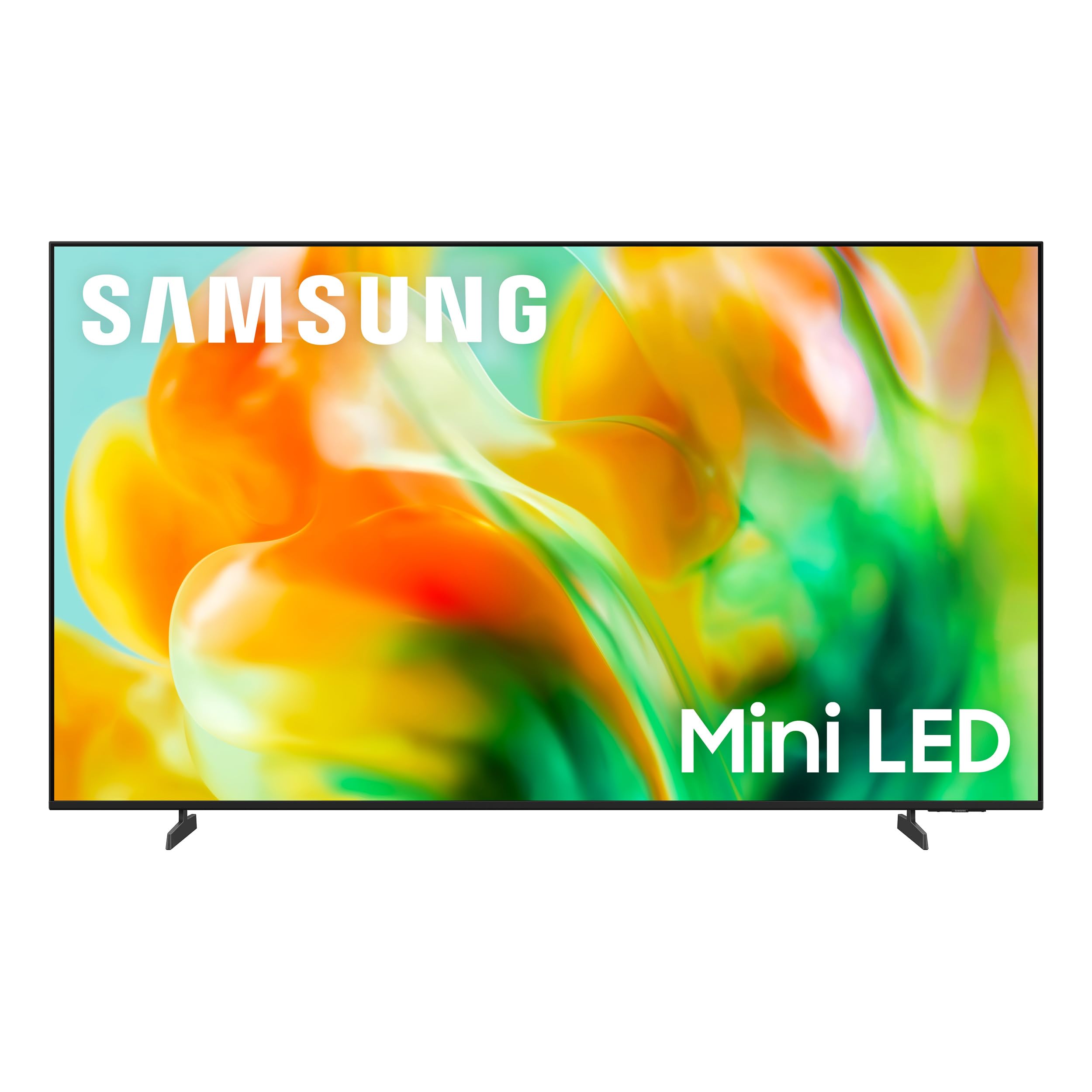
The Samsung M80H series steps up to a 65-inch Mini-LED panel with Motion Xcelerator 144Hz, making it an excellent choice for larger rooms where the full scale of the court or pitch matters. The Mini-LED backlight with Pure Spectrum Color technology delivers one billion true-to-life shades, ensuring that the green astroturf and blue team jerseys are rendered with accuracy. The NQ4 AI Gen2 Processor upscales standard cable sports to near-4K, applying real-time noise reduction that cleans up grainy feeds from older broadcasts.
Auto HDR Remastering analyzes each scene to convert standard dynamic range content into HDR-like quality, which helps when watching older recorded games or lower-bitrate streams. The 144Hz VRR support eliminates stutter on fast-moving content like Formula 1 races or hockey breakaways. With Alexa built-in and Samsung Tizen OS, voice control for channel switching and app launching is responsive, and the slim design makes it easy to wall-mount.
Buyers consistently mention the beautifully clear picture and simple setup. A few note that the 55-inch version works best at an 8-foot viewing distance, making the 65-inch a better fit for larger spaces. The built-in sound is decent for a mid-range set, but pairing with a soundbar is recommended for full match-day audio immersion.
Why it’s great
- 65-inch Mini-LED screen with 144Hz delivers immersive, smooth motion
- NQ4 AI Gen2 processor reduces noise on low-bitrate sports streams
- Auto HDR Remastering improves SDR cable sports dynamically
Good to know
- Built-in speakers are serviceable but benefit from external audio
- 55-inch variant is best for rooms under 8-foot viewing distance
7. Hisense 55″ U8 Series ULED Mini-LED (55U8QG)
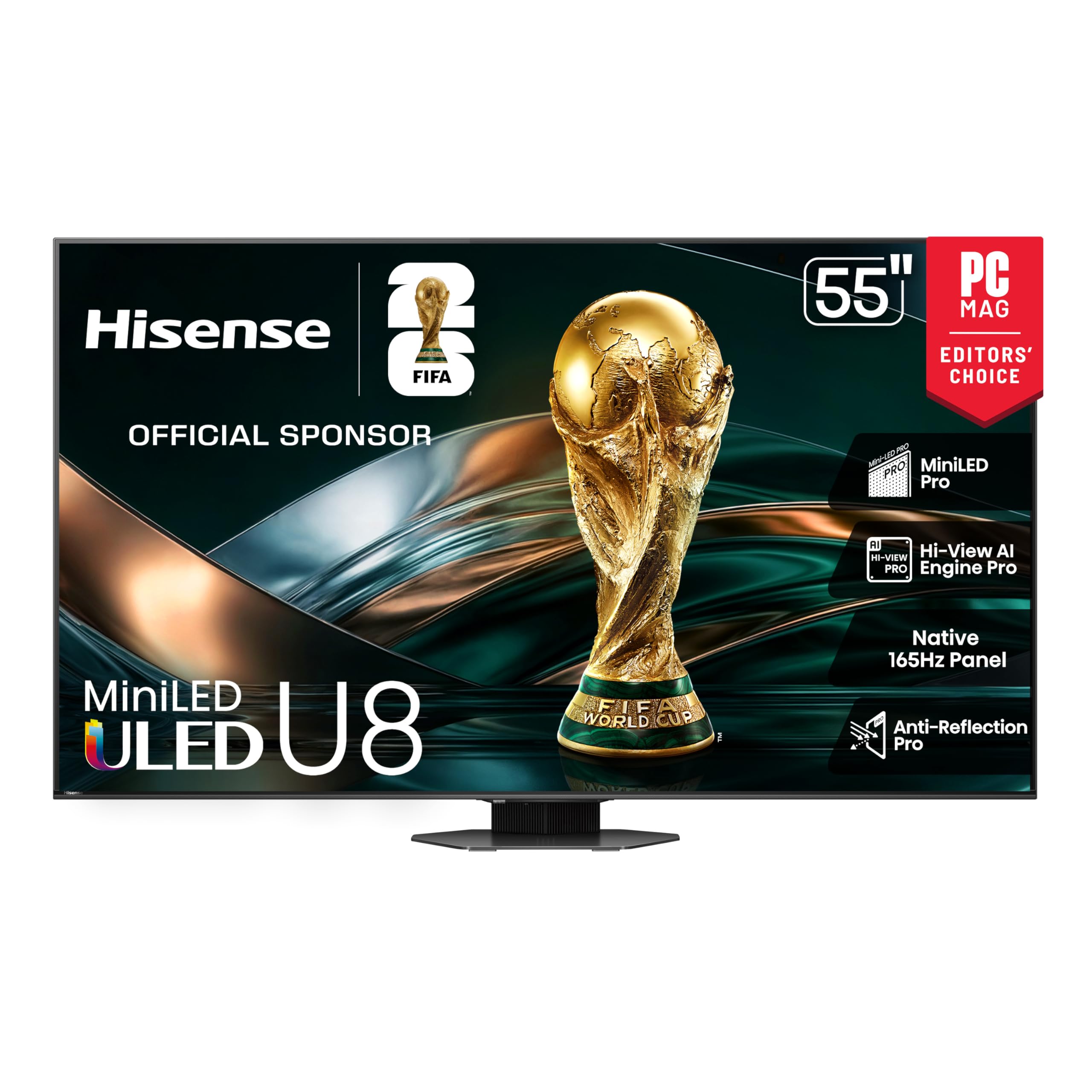
The Hisense U8 series is the brightness champion of this list, offering a peak output of 5000 nits and up to 5600 local dimming zones on a Mini-LED Pro array. For sports, this means outdoor NFL games under direct sunlight in the broadcast are rendered with searing highlights that no other budget set can match, while the vast zone count keeps halos away from scoreboard graphics and player outlines. The native 165Hz panel with VRR that stretches to 288Hz is the highest native refresh rate here, ensuring judder-free motion for any broadcast or stream.
The Hi-View AI Engine Pro automatically detects sports content and optimizes motion smoothing and brightness curve in real time. The Anti-Reflection Pro coating is a serious advantage for daytime viewing — it cuts glare far more effectively than standard matte finishes, so you can watch an afternoon match without closing the curtains. The 4.1.2-channel audio system with Dolby Atmos and two up-firing speakers creates a convincing sound bubble without a separate soundbar.
While the overwhelming majority of buyers rave about the picture quality and the lack of glare, a concerning subset report software freezes requiring factory resets or unplugging, especially after the set has been idle for days. The built-in speakers, while better than most, still benefit from a dedicated Hisense soundbar for full effect. For brightness and motion performance, however, this set punches into OLED territory on a Mini-LED budget.
Why it’s great
- 5000 nits peak brightness handles bright-room sports viewing
- Anti-Reflection Pro coating virtually eliminates window glare
- 165Hz native panel with 288Hz VRR for the smoothest motion available
Good to know
- Software stability issues reported; occasional freezing/factory resets
- Built-in 4.1.2 audio is strong but still outclassed by dedicated soundbars
8. LG OLED C1 77″ (OLED77C1PUB, 2021 Model)

The LG C1 remains a benchmark for sports picture quality even years after its release, thanks to its OLED panel with per-pixel dimming that delivers infinite contrast. In a stadium setting, this means the bright green field sits against absolute black in the shadows under the stands — no blooming, no grey wash. The 120Hz native refresh rate with HDMI 2.1 ports keeps 4K sports streams and game console feeds silky smooth, and the A9 Gen 4 Intelligent Processor cleans up noise in compressed cable broadcasts effectively.
Dolby Cinema and Dolby Vision support ensure that any HDR sports content — from streaming services to Blu-ray — is rendered with precise tone mapping and accurate skin tones. The WebOS interface, while it includes some ad tiles, provides quick access to major streaming apps. The Magic Remote’s gyro pointer can feel disorienting at first, but it does speed up text entry and app navigation.
Buyers consistently highlight the incredible picture quality, deep blacks, and accurate midtones as the C1’s standout traits. Reflections are more noticeable than on high-end Mini-LED sets, and screen fragility requires careful handling during mounting. The 77-inch size demands significant viewing distance, but for the purest sports image available at this price tier, the C1’s OLED panel remains the gold standard.
Why it’s great
- OLED per-pixel dimming delivers infinite contrast for night games
- 120Hz HDMI 2.1 support keeps 4K sports streams perfectly smooth
- A9 Gen 4 processor clears up compression artifacts from cable TV
Good to know
- Screen reflects ambient light more than Mini-LED sets
- WebOS includes ad tiles on the home screen
FAQ
Does a 60Hz TV work for watching sports?
Is a higher Motion Rate always better for live sports?
How many local dimming zones do I need for sports viewing?
Does a sports-optimized TV need Dolby Vision or HDR10+?
Final Thoughts: The Verdict
For most users, the budget tv for sports watching winner is the iFFALCON 55U85 because it combines a native 144Hz panel with Mini-LED backlighting, four HDMI 2.1 ports, and a vivid QLED image at a price that undercuts the competition. If you want the best motion for a larger screen, grab the Samsung M80H 65″. And for extreme brightness and anti-glare that handles sunny rooms without compromise, nothing beats the Hisense U8 55U8QG.