
Our readers keep the lights on and my morning glass full of iced black tea. As an Amazon Associate, I earn from qualifying purchases.
Specs are compiled from manufacturer listings and verified buyer reviews and can change over time — please confirm the key details on the product page before buying.
If your office Wi-Fi dies in the back conference room every afternoon, the fix is a dedicated access point (an AP — a device that broadcasts Wi-Fi and wires into your network instead of routing it), not a bigger router. A proper business access point mounts to a ceiling or wall, can be powered through the same Ethernet cable that carries data, and hands devices off cleanly as people walk between rooms. This guide sorts nine current picks — Wi-Fi 6 and Wi-Fi 7 models from Ubiquiti, TP-Link, Grandstream, Tenda, ASUS, NETGEAR, EnGenius, and HPE — by who each one genuinely suits.
I’m Min — the founder and writer behind Gadgets Feed. This guide is built by comparing the manufacturers’ published specifications and the patterns across verified customer reviews, so you get each pick’s real strengths and trade-offs instead of marketing spin.
You will see which units need a separate controller, which run cloud-free, and which are plug-and-play for a small office. The Ubiquiti U6+ is the crowd favorite, at 4.6 stars across 900+ ratings. Read on for the best business wifi access point for your building.
Our Picks at a Glance


How To Choose The Best Business WiFi Access Point
Buying an AP is different from buying a router. A router decides where your traffic goes; an access point just broadcasts the Wi-Fi and hands the traffic back to a router or gateway. That means the numbers that matter are coverage, how many devices it can hold, how it gets power, and how you manage it — not the top speed on the box.
Start with coverage, not speed
Look at the coverage figure first, because that is what you actually feel. The Ubiquiti U6+ lists 140 m² (1,500 ft²) of coverage. The NETGEAR WAX610 lists 2,500 sq. ft., and the Tenda BE5010 claims up to 180 m² (1,938 sq ft). Match that number to your floor plan, then decide if one unit is enough or you need two to cover a long building with no dead spot in the middle.
Power over Ethernet decides where it can live
PoE+ (802.3at — a standard that sends both power and data down one Ethernet cable) lets you mount an AP on a ceiling or high wall with no outlet nearby. Almost every pick here supports it, but check two things: whether a PoE injector is included, and whether your switch can deliver it. The Grandstream GWN7660 and the HPE AP22 ship without a power adapter, so plan for that before install day.
Management style: cloud, controller, or standalone
Some units run entirely on their own with a web page, like the Omada EAP650 in standalone mode. Others want a controller or cloud app to open up roaming and multi-AP features. If you only run one AP, standalone is fine. If you plan three or more, pick a line with free cloud management so you configure every unit from one screen.
Quick Comparison
| Model | Best For | Wi-Fi Standard | Stated Speed | Power | Amazon |
|---|---|---|---|---|---|
| Ubiquiti U6+★ Best Overall | Best overall for UniFi homes and offices | 802.11 a/b/g/n/ac/ax | 3 Gbit/s | PoE+ up to 25.5W | Amazon |
| Grandstream GWN7660Brainy Value | Cloud-free deployment on a budget | Wi-Fi 6 (802.11ax) | 1.77 Gbps aggregate | PoE (adapter not included) | Amazon |
| TP-Link Omada EAP650Standalone Star | Standalone setup with no app required | Wi-Fi 6 (802.11ax) | 2976 Mbps | PoE+ or 12V DC adapter | Amazon |
| Tenda BE5010 | Early Wi-Fi 7 adoption | Wi-Fi 7 (BE5010) | 5010 Mbps | 802.3at PoE or injector | Amazon |
| TP-Link Omada EAP670 | Dense device counts and multi-gig uplink | Wi-Fi 6 (802.11ax) | 5400 Mbps | 802.3at PoE+ or 12V DC adapter | Amazon |
| ASUS ExpertWiFi EBA63 | Extending an existing ASUS AiMesh network | Wi-Fi 6 (802.11ax) | 3000 Mbps | PoE / PoE+ or AC adapter | Amazon |
| NETGEAR WAX610 | Cloud-managed coverage with an Insight subscription | Wi-Fi 6 Dual-Band AX1800 | 1 Gbit/s | PoE+ or optional PAV12V adapter | Amazon |
| EnGenius EWS276-FIT | No subscription fees, flexible control | Wi-Fi 6 (802.11ax) 4×4 | 3 Gbit/s | 2.5G PoE+ (802.3at) | Amazon |
| HPE Networking Instant On AP22 | App-simple cloud management for small sites | Wi-Fi 6 (802.11ax) | 1774 Mbps | PoE (adapter not included) | Amazon |
In‑Depth Reviews
1. Ubiquiti U6+ Dual Band IEEE 802.11 a/b/g/n/ac/ax 3 Gbit/s Wireless Access Point
Our pick — over 4.5★ from 950+ verified ratings; the strongest balance of quality and price.
The UniFi pick that goes from box to broadcasting in under an hour
If you already run anything in the UniFi line, this is the one to add. Setup is the headline: owners consistently get a U6+ adopted and broadcasting in under an hour, and the quality of the hardware is what wins people over — it is the most-praised trait in the reviews by a wide margin. The unit pushes up to 3 Gbit/s over the 802.11ax standard (the current Wi-Fi 6 generation), carries a Gigabit Ethernet port, and draws both data and power from a single cable through its PoE+ port at up to 25.5W.
That single-cable power matters in real rooms. Hang it on a ceiling or high wall where an outlet does not exist, and you never run a second cord. The listed coverage is 140 m² (1,500 ft²), which suits a single floor or a mid-size office well. Setup runs through the UniFi app or a web interface, and two units noticeably improve 5GHz coverage when you link them — buyers report exactly that when they add a second one.
The recurring gripe is the ecosystem requirement. The U6+ wants a Ubiquiti router and PoE+ (the injector sells separately), so it is not the pick for someone with no UniFi gear and no plans to buy any. It is also note a few reports of connectivity quirks, though the day-to-day signal and coverage feedback is overwhelmingly strong. If your network is already UniFi, this is a straightforward buy; if it is not, look at the standalone options further down.
What earns the top spot
- Broadcasts business-grade Wi-Fi 6 up to 3 Gbit/s over the 802.11ax standard for fast, stable coverage.
- PoE+ up to 25.5W means one cable delivers data and power, so it mounts where no outlet exists.
- Coverage of 140 m² (1,500 ft²) suits a single story or a modest office with no gaps.
Where it asks more of you
- Wants a Ubiquiti router, and the PoE+ injector is sold separately — budget for both.
- Some owners hit connectivity quirks, so pairing with UniFi gear keeps things smoothest.
Settle here if: your building already runs UniFi and you want a ceiling AP that is broadcasting within the hour.
Shop elsewhere if: you have no UniFi router and no injector, because this unit expects both.
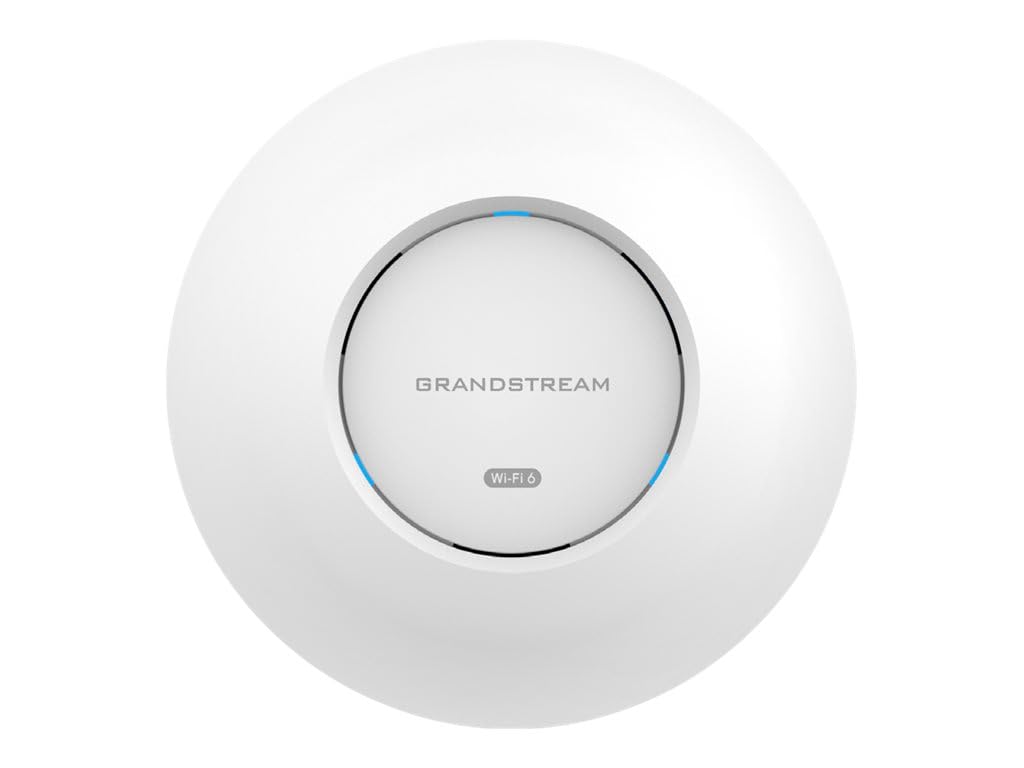
2. Grandstream GWN7660 | AX1770 Wi-Fi 6 Access Point | Power Adapter Not Included
The budget AP with 175-meter reach and a built-in controller — no cloud account required
The number that stands out on the GWN7660 is reach: up to 175 meters of coverage, well beyond most units in this group. It pushes 1.77 Gbps of aggregate throughput (the combined total across both radio bands) and carries two Gigabit Ethernet ports, so you can daisy-chain another device without adding a switch. It uses dual-band 2×2:2 MU-MIMO with DL/UL OFDMA (technology that serves several devices at once on the same channel), which keeps busy rooms steadier.
Where it wins is the network you do not have to build around. It runs a built-in controller, so you can manage it from its own interface with no mandatory cloud account and no separate app or controller box. Buyers set it up in a mesh driven by a separate security gateway and report no dead spots across segmented VLANs for main, IoT, guest, streaming, and VoIP traffic. Reliability is the trait people rave about most here, ahead of setup.
Two things to know before you order. No power adapter is included, so you either feed it PoE or supply your own. And the listing has drawn complaints that some units ship as the GWN7660E variant with a single Ethernet port instead of two, plus a few notes that the controller UI lacks advanced options like SNMP location details and larger password limits. For a cloud-free small network, the core job still gets done well.
Set-and-drive deployment: The built-in controller is the draw — you configure it locally, skip any cloud account, and it just runs.
Order with eyes open: No adapter in the box, and a handful of buyers received the single-port GWN7660E variant instead of the two-port model.
Reach for this if: you want long-reach Wi-Fi 6 with local-only management and no subscription.
Look elsewhere if: you need a power adapter in the box or advanced controller reporting out of the gate.
3. Omada AX3000 Wireless Access Point, w/DC Adapter, 5yr Warranty(EAP650)
Standalone setup in about twenty minutes — no controller, app, or cloud account
Here is the pitch that sells the EAP650: you can stand it up in standalone mode in roughly twenty minutes without a controller or app. It ships with a 12V/1.5A DC adapter, so it powers up even without a PoE switch, and the box also supports standard 802.3at PoE+ plus 48V passive PoE if you prefer one cable. It delivers true Wi-Fi 6 speeds up to 2976 Mbps using 1024-QAM and HE60.
Owners mention the signal carrying strong and far — owners describe it covering a 1,300 sq ft townhouse and even punching through metal barn walls at up to 70 feet. Speed holds up too: customers note 350 Mbps down on a phone and around 800 Mbps to a recent handset from a multi-gig server, with smooth handover from an older consumer router. Quality and setup are the two traits praised most, and the 5-year warranty plus free technical support back it up.
The honest catch is heat and a learning curve. The included quick-start pamphlet is thin, and there is no mention of guest mode in it, though guest networking does work once you find it. The VLAN and local-config fans get what they want; the plug-and-play crowd should expect a little digging.
Fast from the start: Standalone setup in about twenty minutes with no app or controller, thanks to the included power adapter.
The main watch-out: It runs warm under load, and the setup guide leaves you to find the config page yourself.
Best matched to: a small office or cafe that wants strong Wi-Fi 6 with a five-year warranty and a local-only setup.
Think twice if: you want a zero-friction first boot or you are bothered by a warm-running unit.
4. Tenda BE5010 WiFi 7 Wireless Access Point | 2.5G PoE+ Input & 1G LAN Port
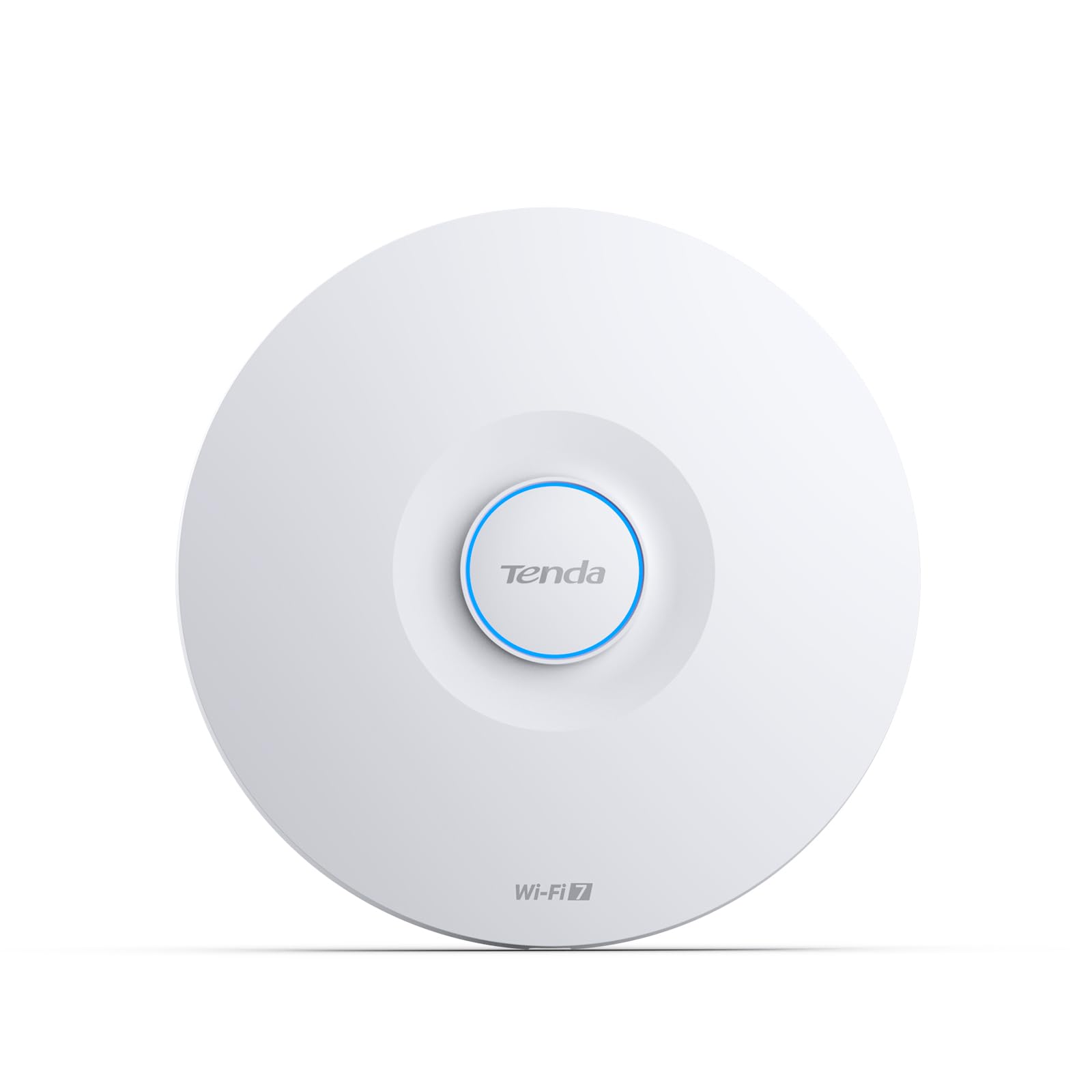
The only Wi-Fi 7 AP here, with a 2.5G PoE+ uplink that keeps pace with its radios
Wi-Fi 7 is the newest standard, and the BE5010 is the pick for a buyer who wants it now. The headline is MLO (Multi-Link Operation — using several radio bands at once for a faster, steadier link), feeding dual-band speeds up to 5010 Mbps split as 4323 Mbps on 5GHz and 688 Mbps on 2.4GHz, with 4K-QAM and 160MHz channels. A 2.5G PoE+ uplink and a separate 1G LAN port mean your wired side will not strangle that speed.
Coverage is listed up to 180 m² (1,938 sq ft) with 5×4dBi high-gain antennas and an independent power amplifier, which suits a busy office or hotel floor. It handles up to 100 devices using OFDMA and MU-MIMO, and the 802.11k/v/r roaming protocols let a device switch to the strongest AP without dropping a call as you walk. Setup runs through the CloudFi App, the cloud platform, or a local web interface, and VLAN plus WPA3 security come standard for segmenting business traffic.
The buyer note worth repeating is in the title of one review itself: know what you are getting into. Owners describe it as prosumer gear with VLANs and cloud management, meaning a learning curve rather than pure plug-and-play. That said, the payoff is real for the right user — buyers who replaced a rented ISP gateway report full-strength Wi-Fi reaching the back fence and the garage, and security cameras that used to drop now hold healthy signal.
Future-proof wiring: Wi-Fi 7 with a 2.5G PoE+ uplink handles up to 100 devices across a 180 m² space.
Not a starter kit: VLANs, WPA3, and cloud management mean a real learning curve before it sings.
Worth it for: the buyer chasing Wi-Fi 7, multi-gig uplink, and segmented business networking who does not mind tinkering.
Pass if: you want a device you literally unbox and forget — this one expects you to learn its features.
5. Omada AX5400 6-Stream WiFi Access Point, w/DC Adapter, 2.5G Port(EAP670)

Built for a full office of laptops, cameras, and IoT gear on one AP
The EAP670 sweeps past the smaller Omada unit above on raw capacity. It boosts dual-band Wi-Fi 6 speeds up to 5400 Mbps versus the EAP650’s 2976 Mbps, and its 2.5 Gigabit Ethernet port with PoE+ removes the wired choke point that throttles a busy network. It holds up to 250+ clients across 2.4 GHz and 5 GHz, so a full office of laptops, cameras, and IoT gear does not overwhelm it.
What owners say is remarkably consistent: this unit is dependable. Reliability and performance are the two traits praised most, ahead of setup speed. Buyers describe running a fourth unit in a full Omada home setup, handling 150+ devices with no drops or slowdowns, and a ceiling mount covering two floors plus a basement from the second floor. The 2.5G port and included mounting hardware get regular mentions, and the whole line is managed through the free Omada cloud or app.
The trade-off is the one that runs through this category: Omada gear is not plug-and-play in the purest sense. Buyers moving from a consumer mesh kit note a harder setup, but the reward is full network visibility, per-VLAN control, and no subscription fee. One small thing to know — the EAP670 is a bit larger than a compact puck on a ceiling. It still mounts above the ceiling grid or on a wall, but measure your tile before you plan the cut.
The case for the EAP670
- Wi-Fi 6 speeds up to 5400 Mbps hold steady with up to 250+ clients on one AP.
- The 2.5 Gigabit port with PoE+ feeds multi-gig internet straight to the radio.
- Free Omada cloud or app management keeps multi-AP networks on one screen with no subscriptions.
What to weigh first
- Setup asks more of you than a consumer mesh kit — expect a real climb the first time.
- It is a larger unit, so plan your ceiling or wall placement around its footprint.
Right fit: an office flooding the air with devices that needs an AP with headroom and a multi-gig wired path.
Wrong fit: a single-room setup that only ever sees a handful of gadgets and does not need 250+ device capacity.
6. ASUS ExpertWiFi EBA63 AX3000 Dual-Band WiFi 6 (802.11ax) PoE Access Point, Support up to 5 SSIDs and VLAN

The AiMesh node that joins an ASUS network in about five minutes
If your router is an ASUS with AiMesh, this is the cheapest path to more coverage. The EBA63 delivers Wi-Fi 6 speeds up to 3000 Mbps, supports up to 100 active devices, and behaves as an AiMesh node with a setup that owners describe as five-minute easy. It handles up to five SSIDs with VLAN support for segmenting devices, so you can carve out a guest network or a separate IoT band without buying anything else.
It is also a business device at heart, which matters for placement. It supports both PoE and PoE+ as well as AC power, so it mounts on a wall or ceiling anywhere you can pull one Ethernet cable. Reviewers point out it fitting a standard electrical gang box or the included T-bar bracket, and one owner uses it specifically to reach a garage door opener while keeping per-device AP control. Setup, functionality, range, and speed all read well in the feedback.
The honest caveat is that AiMesh is where it is happiest. Outside an ASUS network the story gets thinner — reliability feedback is mixed, and at least one owner had a rough time with ASUS support when a node would not connect. The web config interface can also fail you, so plan to set it up through the app instead. If your network is already ASUS, none of that bites you.
Adds coverage fast: A five-minute AiMesh node with up to five SSIDs and PoE or PoE+ power for flexible mounting.
ASUS-first by design: On a non-ASUS network the reliability feedback thins out, and the app is the safer setup route.
Buy it when: you run an ASUS AiMesh router and want to extend it with one cable and a five-minute add.
Skip it when: your gear is not ASUS, because this unit is built to live inside its own ecosystem.
7. NETGEAR Cloud Managed WiFi 6 Wireless Access Point (WAX610)

200 clients across 2,500 square feet, with a year of cloud management included
The WAX610 earns its spot with capacity and reach. It runs Wi-Fi 6 Dual-Band AX1800 speed with MU-MIMO to support up to 200 client devices across 2,500 sq. ft. — the widest single-unit coverage figure in this group. A 2.5G port gives you a headroom wired path, and it deploys on PoE+ or an optional PAV12V adapter. It ships with a year of free NETGEAR Insight cloud management so you can monitor it remotely from the start.
Setup is the trait owners praise after quality. The Insight app makes install easy, and buyers describe watching the unit dramatically improve a previously slow network — one notes speeds jumping from a best of about 260 Mbps to roughly 475 Mbps in the same spot, and another describes it punching through to an RV trailer 75 feet from the house. WPA3, network and client isolation, and rogue AP detection round out the security features.
The thing to know is the frustration that runs through a fair share of feedback: real-world throughput does not always hit the headline, with some buyers getting 200 to 300 Mbps where others see solid 1.2 Gbps, and results vary by PoE hardware. The Insight app itself draws its own complaints from users who want deeper control over the device. The upside is a professional installer’s verdict that this is one of the best units NETGEAR has made — auto band detection that beats some bigger-name gear.
Broad, secure coverage: 2,500 sq. ft. and up to 200 clients, plus a year of remote cloud management in the box.
Results vary by power source: Throughput feedback swings widely, and pairing with the right PoE injector matters more than with most units here.
Pick it for: a mid-size site that wants wide single-AP coverage and cloud monitoring from day one.
Second-guess it if: you need total control over the management software or you are powering with a random PoE injector.
8. EnGenius Wireless AP 4X4 Wi-Fi 6 Dual Band AX3600 | 2.5Gbe PoE+ | Cloud & App & OnPrem Control Options – EWS276-FIT

Three ways to manage it, none of which charges you a subscription
The EWS276-FIT separates itself with control options and a no-fees promise. It runs 4×4 Wi-Fi 6 with up to 2,400 Mbps on the 5 GHz band and 1,148 Mbps on 2.4 GHz, giving a stated 3 Gbit/s throughput. Its 2.5 Gigabit PoE+ port is built to keep pace with multi-gig ISP service, and PoE+ (802.3at) lets you mount it up to 328 feet from a power source using one Ethernet cable. There are no licensing or subscription fees, and it manages via cloud, app, or a local on-prem interface.
Reliability is the trait people single out most, and it comes from long-term users. Owners with two years on the unit and ten-plus years on the brand call it reliable and better than several other makes they have installed. The EnGenius cloud app makes remote support easy for one dealer running it at customer sites. Security features include WPA3, MU-MIMO, spatial reuse, and BSS coloring to cut interference in crowded airspace, plus Target Wait Time for power-saving on IoT devices.
The catches are practical: not everyone will love the setup curve. One buyer found the online setup resources out of date and the app missing promised functions, while another dislikes that no Ethernet cable comes in the box — you get the unit and mounting hardware only. For the right user, though, the trade is fine. Buyers running three isolated SSIDs with VLAN traffic routed through the unit report it doing everything they need, and a home user upgrading from consumer gear reports much stronger, more consistent signal.
Why buyers keep it
- 4×4 Wi-Fi 6 up to 2,400 Mbps on 5 GHz with a 2.5Gbe PoE+ port built for multi-gig service.
- Cloud, app, or on-prem control with no access point licensing or subscription fees.
- PoE+ lets you mount it up to 328 feet from the nearest outlet on a single cable.
Weigh these before you commit
- Setup guides can feel dated, and the app has not delivered everything promised for every owner.
- No Ethernet cable is included — you supply your own run and terminations.
Made for: an installer or small business that wants cloud management with zero subscription strings attached.
Not for: anyone who wants every accessory in the box and a polished first-run app experience.
9. HPE Networking Instant On Access Point AP22 2×2 WiFi 6 Indoor Wireless Access Point

The app-driven AP that a non-technical owner can manage from a phone
The AP22 leads with simplicity. Its hardware delivers 1200 Mbps on the 5 GHz band and 574 Mbps on 2.4 GHz, for a total throughput of 1774 Mbps, over a single Gigabit uplink rated for up to 75 max active devices. It is Wi-Fi CERTIFIED 6, and the spec sheet labels it single-band — so verify you need 2.4 GHz coverage before you commit. It runs from PoE or a 12V local adapter, and this R4W01A package ships the unit only, with no adapter included.
The win here is the setup experience. Owners describe an app-based install that is easy enough for non-technical users, and one buyer specifically notes it was easier to set up than a TP-Link access point. Performance is the most-praised trait, ahead of setup, and shoppers say it handing 20-plus devices in a large two-story house with an easy guest-network split. It supports unlimited SSIDs, which one owner contrasts favorably against a four-SSID limit on competing gear, and setup and management run through the cloud.
The catch to size honestly: range and options draw mixed feedback. Several buyers report mediocre speed and range, and some find the management interface too basic for power users, with no local management option and a required internet connection for first setup. Band steering also gets flagged as spotty — moving from 5GHz down to 2.4GHz works, but the trip back is unreliable. For a simple home or small office where ease of use trumps deep control, the trade favors simplicity.
Easiest to live with: App-based cloud setup, 1774 Mbps total throughput, and unlimited SSIDs in a small footprint.
Fair warning on options: Range and flexibility feedback is mixed, and there is no local management if the internet is down at first setup.
Suits: a hands-off home or small office that wants a phone app to handle everything.
Not ideal for: an admin who needs deep local control or heavy coverage from a single unit.
Understanding the Specs
PoE and PoE+ power
PoE stands for Power over Ethernet — one cable carries both the data and the electricity, so you can mount an AP on a ceiling with no outlet in sight. PoE+ (the 802.3at standard) pushes more power than basic PoE, enough for radios that run several antennas at once. If a listing says the power source is not included, you need either a PoE switch or a separate injector to make it work. A few picks here ship with a DC adapter instead, which is easier if you already have an outlet near the mounting spot.
Wi-Fi 6 vs Wi-Fi 7
Wi-Fi 6 (802.11ax) is the current mainstream standard and handles crowded rooms well, which is exactly why it suits an office. Wi-Fi 7 is newer and adds features like MLO, which links several radio bands at once for steadier throughput. Almost every AP here runs Wi-Fi 6; only the Tenda BE5010 steps up to Wi-Fi 7. If you want the fastest-available standard and a wired path to match it, Wi-Fi 7 is the forward-looking choice. If you want proven, widely supported gear today, Wi-Fi 6 covers the vast majority of networks.
The 2.5G uplink
A 2.5 Gigabit port moves data faster than a standard Gigabit port, which matters when your internet or internal traffic runs above a gigabit. Without it, the wired connection becomes the bottleneck and the fast radios cannot show their full speed. Buyers with multi-gig service or heavy internal file traffic should prioritize an AP with a 2.5G uplink — like the Tenda BE5010 or the Omada EAP670 — over a plain Gigabit unit.
VLAN and SSID separation
A VLAN (virtual local area network — a way to split one physical network into isolated segments) lets you keep guest, IoT, and business traffic apart on the same hardware. An SSID is the Wi-Fi name a device connects to. When an AP supports several SSIDs with VLAN tagging, you can put the guest network on its own lane without buying a second device. For a business AP, VLAN support is worth checking, since it is the difference between one open network and neatly separated traffic.
FAQ
Do I need a router to use a business WiFi access point?
Can I install a PoE access point without a PoE switch?
How many access points do I need for an office?
Is Wi-Fi 6 enough or should I buy Wi-Fi 7?
What does the 2.5G port on an access point actually do?
Do these access points need a cloud subscription?
Will an access point work with my existing router brand?
Can a business access point cover an outdoor area?
How do I set up an access point without technical experience?
Which access point has the longest warranty?
Final Thoughts: The Verdict
For most buyers, the business wifi access point winner is the Ubiquiti U6+ because it pairs business-grade Wi-Fi 6 speed with coverage that reaches a full floor and setup that owners finish in under an hour. If you want the densest device capacity, grab the Omada EAP670, which holds up to 250+ clients and carries a 2.5G port. And for a cloud-free small network, the Grandstream GWN7660 is the one to reach for, with its built-in controller and no subscription. If your building already runs UniFi, the U6+ is the one to buy.
How We Picked
We do not accept paid placement. Every pick is matched to a real buyer and a real use-case; we do not hands-on test units.
Sources & Methodology
Specifications: manufacturer listings and product documentation. Review insights: verified customer reviews, as of September 2026. Pricing: not shown on this page (it changes often); check the current price via the retailer link.
As an Amazon Associate, Gadgets Feed earns from qualifying purchases. This does not affect which products we feature.