
A camera-based launch monitor doesn’t just measure how far you hit—it captures the precise spin axis, launch angle, and club data that explain why you hit it there. Unlike radar units that struggle indoors, photometric systems use high-speed cameras to freeze the ball at impact, delivering reliable data in a garage, basement, or backyard net.
I’m Min — the co-founder and writer behind Gadgets Feed. I’ve spent hundreds of hours cross-referencing technical datasheets, processing customer reliability reports, and comparing the measured accuracy of photometric versus dual Doppler systems to build this guide.
Whether you are building a home simulator or upgrading your range sessions, this guide to the best camera based launch monitor breaks down the real-world accuracy, software ecosystems, and setup requirements that separate a practice tool from a frustration machine.
How To Choose The Best Camera Based Launch Monitor
A camera-based launch monitor is a serious and long-term purchase. The wrong choice can mean endless connection drops, subscription fees for data you never use, or a hitting zone so small that you spend more time chasing misreads than improving your swing. Focus on the fundamentals that determine whether a unit actually helps you practice.
Camera System and Hitting Zone Size
Not all camera systems are equal. Entry-level units use a single photometric sensor that captures ball data only. Premium models employ dual or triple cameras combined with infrared sensors to track both the ball and the club face through impact. The width and depth of the hitting zone dictate how forgiving the unit is—small zones force perfect ball placement every time, while larger zones let you focus on your swing rather than alignment.
Software Ecosystem and Subscription Cost
A monitor is only as useful as the software it feeds. Some brands lock full simulation, skills assessments, and third-party app integration behind annual subscriptions that can cost hundreds of dollars. Others include a generous free trial or offer lifetime access. Before committing, calculate the total cost of ownership over two or three years, including the mandatory subscription for features like course play and data export.
Indoor vs Outdoor Performance
Camera-based units excel indoors because they don’t require the space that radar systems need for the signal to develop. But some models require very specific lighting conditions to track accurately—dim basements or outdoor glare can cause misreads. Check whether the unit has a built-in barometer for altitude compensation and whether it supports both indoor net mode and outdoor range mode without reconfiguration.
Quick Comparison
On smaller screens, swipe sideways to see the full table.
| Model | Category | Best For | Key Spec | Amazon |
|---|---|---|---|---|
| Garmin Approach R50 | Premium | All-in-one simulator with built-in screen | 3-camera system / 10″ LCD touchscreen | Amazon |
| Uneekor EYE MINI CORE | Premium | No-sticker ball tracking / GSPro compatible | Dimple Optix / 15 ball data points | Amazon |
| FlightScope Mevo Gen2 | Premium | Doppler + camera fusion / no subscriptions | Fusion Tracking / 18 data parameters | Amazon |
| SKYTRAK ST MAX | Mid-Range | GOLFTEC speed training / Dual Doppler + camera | Dual Doppler + Photometric Cameras | Amazon |
| Rapsodo MLM2PRO | Mid-Range | Tour-level shot data on a budget | Dual camera + Doppler radar / 15 metrics | Amazon |
| SkyTrak | Mid-Range | Portable photometric practice / Simulator | Photometric / 240 fps high-speed camera | Amazon |
| Garmin Approach Z82 | Mid-Range | GPS + laser rangefinder hybrid | Laser accuracy within 10″ / 2-D CourseView | Amazon |
| XbotGo Falcon | Budget | AI auto-tracking sports camera / No sub | Dual-lens / 4K / 6 TOPS AI processor | Amazon |
| Longshot LR-3 | Budget | Long-range target camera for shooting sports | 2-mile range / 2688×1512 HD / 9hr battery | Amazon |
In‑Depth Reviews
1. Garmin Approach R50

The Garmin Approach R50 uses a dedicated three-camera array that captures ball speed, launch angle, and face-to-path data without requiring the user to juggle a phone or tablet for basic feedback. The built-in 10-inch color touchscreen delivers a complete simulator experience straight out of the case—select from over 43,000 courses, watch high-speed impact video, or review shot dispersion charts without any external device. The included carrying case and four-hour battery make on-course trips as practical as garage practice.
Critical to its accuracy is the internal barometer that adjusts carry distance calculations based on atmospheric pressure, a feature typically found only on tournament-grade units. Subscription costs are modest at roughly ten dollars per month for the full Home Tee Hero course library, and the impact video replay provides immediate visual feedback on strike quality that slower systems cannot match. The hitting zone is generous enough that left-handed users may need to reposition the unit slightly, but the ecosystem is the most polished of any consumer launch monitor on the market.
This is not an entry-level device—the premium price reflects the integrated screen, professional-grade cameras, and Garmin’s mature software. For golfers who want a single device that replaces a tablet, a laptop, and a separate camera system, the R50 delivers a cohesive experience that nothing else at this tier touches.
Why it’s great
- Built-in screen eliminates need for phone or tablet
- High-speed impact video for instant swing feedback
- Barometric compensation improves distance accuracy
Good to know
- Requires ample lighting for consistent club detection after dark
- Subscription needed for full course simulator access
2. Uneekor EYE MINI CORE

The Uneekor EYE MINI CORE uses high-speed cameras and infrared sensors to read any dimple pattern on any golf ball, completely eliminating the need for dot stickers or special marked balls. This is a massive convenience advantage over nearly every competitor in its price bracket—you can grab a sleeve of Kirklands or Pro V1s and start collecting data without preparation. The unit delivers 15 ball data points with near-zero latency via a wired Ethernet connection, making it one of the most responsive camera-based monitors available for home simulator use.
It integrates seamlessly with GSPro, E6 Connect, TGC19, and Creative Golf 3D, giving users access to the largest third-party simulator ecosystem. The VIEW software is included for session reports and progress tracking, and a three-month trial of the Ultimate Package unlocks 4K course play with online multiplayer modes. The metal chassis and compact footprint make it feel far more substantial than its price suggests, though the lack of portability and the requirement for a PC with an RTX 3060 or better means this is a dedicated home setup device.
The hitting zone is precise—a few users noted rare no-reads on very short putts—but the consistency across thousands of shots is exceptional. For anyone building a permanent simulator and tired of applying ball stickers, the EYE MINI CORE is the clear solution.
Why it’s great
- No ball stickers or special balls required
- Wired Ethernet provides near-zero latency data
- Works with GSPro and all major simulator platforms
Good to know
- High-end PC required for simulation (RTX 3060+)
- Not portable; designed for permanent indoor setup
3. FlightScope Mevo Gen2
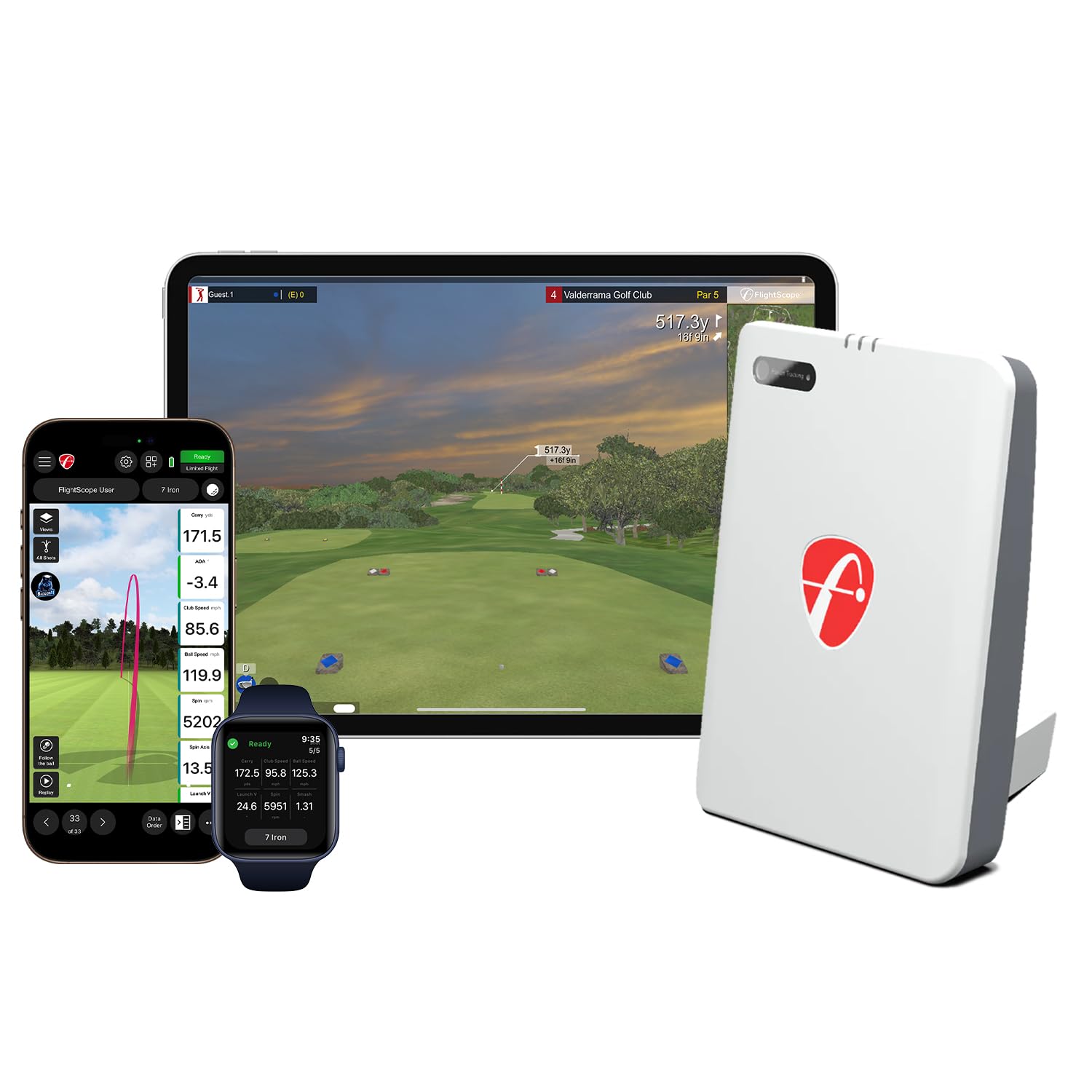
The FlightScope Mevo Gen2 is unique in this roundup because it combines 3D Doppler radar with a front-facing camera for synchronized high-speed image processing—a hybrid approach called Fusion Tracking. This yields 18 swing data parameters including club path, face angle, and dynamic loft, which is an unusually deep dataset for a unit that costs well under two thousand dollars. The Shot Tracer feature overlays ball flight data directly onto recorded swing video, giving you visual evidence of what the numbers are telling you.
There are no annual subscription fees or hidden license costs—the purchase price includes lifetime ownership of eight E6 Connect courses, the FS Golf app, FS Skills app, and video analysis tools. The six-hour battery life and lightweight 1.1-pound body make this the easiest premium monitor to take from the range to the backyard. Setup requires a firmware update and careful level placement for optimal read rates, and some users report that distances initially read 10 to 15 yards short until the elevation setting is correctly dialed in.
The Mevo Gen2 straddles a useful middle ground: it offers the data depth of a camera-based unit with the spatial flexibility of radar, all without locking you into a monthly payment. It demands some patience during initial configuration, but the long-term cost of ownership is among the lowest in this class.
Why it’s great
- No subscription fees for core simulation and data features
- Fusion Tracking combines radar and camera data
- Lightweight design with 6-hour battery for portability
Good to know
- Setup requires firmware update and careful leveling
- Distance accuracy sensitive to elevation calibration
4. SKYTRAK ST MAX
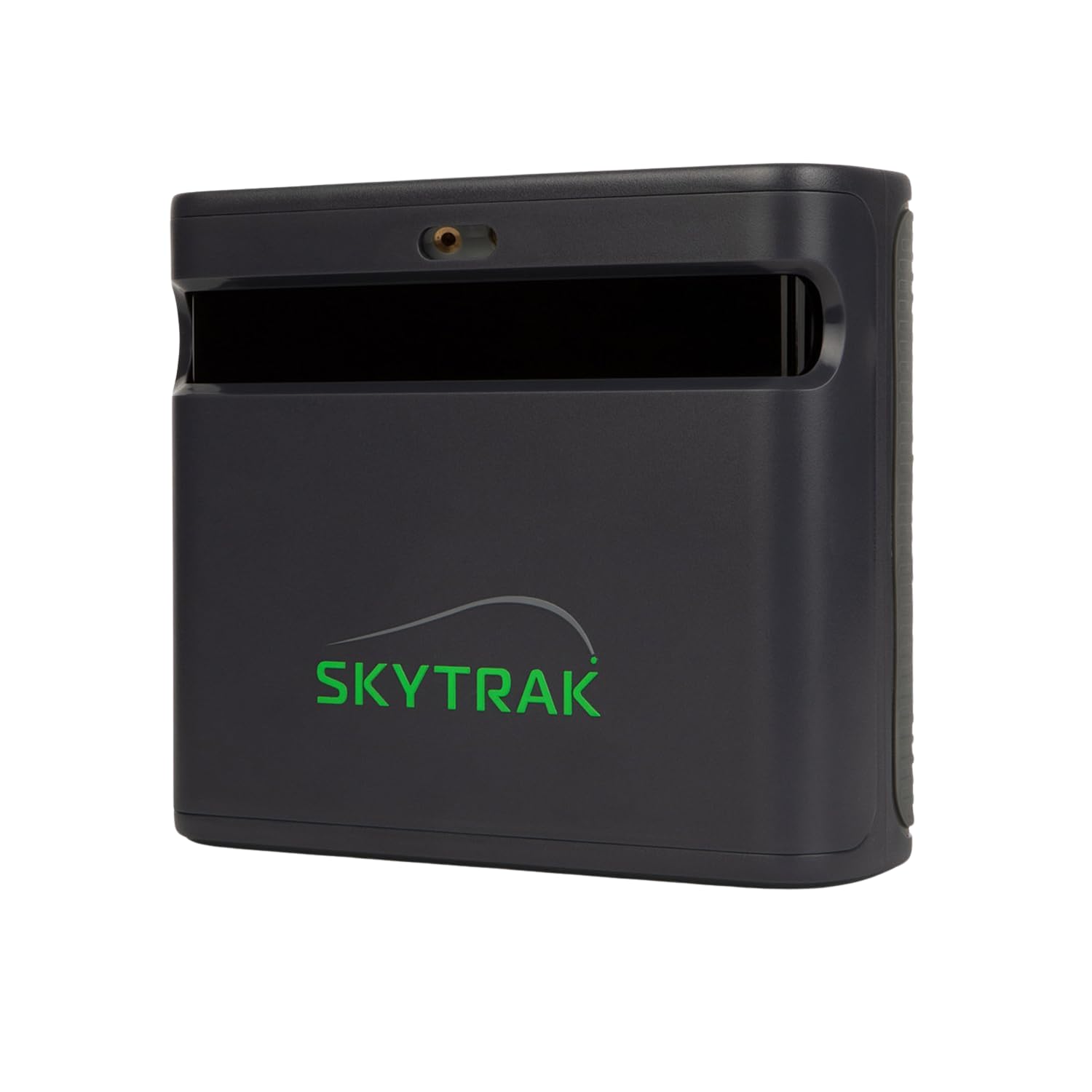
SKYTRAK’s ST MAX is the only launch monitor that integrates GOLFTEC Speed Training directly into the device, giving you guided drills and personalized swing insights from a system used in over 10 million lessons worldwide. The hardware combines dual Doppler radar with photometric cameras—a dual-sensor architecture that captures both ball and club data with the kind of redundancy that serious golfers expect from a practice tool. The modular internal design is built for longevity, reducing moving parts and maintaining consistent precision over thousands of sessions.
The software suite includes Skills Assessments, Bag Mapping, Wedge Matrix, and Randomized Practice modes, all accessible via a straightforward app interface that requires a subscription for full course play. Users report consistent outdoor reads with plug-and-play WiFi setup, though the hitting zone is noticeably smaller than some comparably priced units—shots under 90 yards can trigger no-reads if the ball is placed even slightly off the ideal position. The dual USB-C ports allow simultaneous charging and data transfer, so sessions start immediately without waiting on battery status.
For golfers who want the training methodology of GOLFTEC built into their hardware and are willing to navigate a subscription model for simulator access, the ST MAX offers a tightly integrated package that prioritizes structured improvement over casual play.
Why it’s great
- Built-in GOLFTEC Speed Training with guided drills
- Dual sensor architecture for comprehensive data capture
- Dual USB-C ports for simultaneous power and data
Good to know
- Small hitting zone causes no-reads on short shots
- Full simulator access requires paid subscription
5. Rapsodo MLM2PRO

The Rapsodo MLM2PRO combines Doppler radar with a dual-camera setup to capture 15 key metrics including spin rate, spin axis, club speed, club path, and launch angle at a price point that undercuts most camera-based units by several hundred dollars. The package includes three Callaway RPT Chrome Soft X balls with marked alignment dots and a 45-day trial of the Premium membership that unlocks simulated courses, target range modes, and impact vision replay. For the money, the data depth is remarkable—users consistently report that when the unit connects reliably, the metrics fall within a couple percentage points of a Trackman.
The trade-off is in connectivity reliability. The MLM2PRO has a history of WiFi disconnection issues, especially when users try to run it through a shared network rather than the device’s direct WiFi mode. The included RPT balls wear out relatively quickly, and replacement costs add up. Chipping shots under 10 yards are frequently misread, and the build quality, while adequate for the price, doesn’t inspire the same confidence as the all-metal Uneekor or the sealed Garmin units.
Despite these quirks, the MLM2PRO remains one of the most popular launch monitors in its price bracket because the price-to-performance ratio is undeniable. If you are willing to work around its connection limitations and treat the RPT balls as a consumable cost, it delivers near-tour-level data for a fraction of the investment.
Why it’s great
- Excellent price-to-metric ratio for 15 data parameters
- Impact vision replay analyzes club-ball contact
- 45-day Premium trial includes simulated course play
Good to know
- WiFi connectivity issues on shared networks
- Requires RPT marked balls which wear quickly
6. SkyTrak

SkyTrak was one of the first photometric launch monitors to bring meaningful simulator capability to the home golfer at a sub-thousand-dollar price, and it remains a solid entry point for those building their first indoor setup. The unit uses a high-speed camera capturing 240 fps to measure ball speed, launch angle, spin rates, and shot shape, and it transmits that data wirelessly to iOS, Android, or PC devices. The 14-day Game Improvement Software trial gives new users a chance to evaluate the app ecosystem before committing to a subscription.
The key limitation is consistency. Users report that distances can read 10 to 15 yards short compared to on-course reality, and the unit misses or misreads roughly 50 percent of shots in some setups—especially if the alignment laser is not perfectly dialed in. The unit is sensitive to ball placement; placing the ball half an inch to an inch behind the laser dot significantly improves read rates. The protective carrying case doubles as a leveling platform, which is essential for reliable operation.
For its price, SkyTrak offers a legitimate path into simulator golf, but the accuracy and read-rate frustrations mean it is best suited for those who are willing to experiment with alignment and ball position until they find the sweet spot. The newer SkyTrak ST MAX addresses many of these issues, making the original SkyTrak a value play for users who know its quirks.
Why it’s great
- Affordable entry into photometric simulator golf
- Wirelessly connects to iOS, Android, and PC
- Carrying case doubles as leveling platform
Good to know
- Distance reads 10-15 yards short without compensation
- Frequent misreads require precise alignment and ball placement
7. Garmin Approach Z82

The Garmin Approach Z82 is not a launch monitor in the traditional sense—it is a laser rangefinder with GPS overlay that provides an entirely different kind of data. But its camera-based optical system deserves mention for golfers who prioritize on-course yardage accuracy over swing metrics. The Z82 combines a laser that locks the flag within 10 inches at up to 450 yards with a full-color 2D CourseView map of over 41,000 courses, all displayed through the viewfinder. The Laser Range Arc feature draws an arc on the map at the exact distance the laser measured, showing every bunker, water hazard, and fairway feature in play at that yardage.
The image stabilization makes target acquisition noticeably easier than with non-stabilized competitors, and the vibrational feedback confirms when the laser has locked the flag. The IPX7 waterproof rating means rain won’t end your round. Battery life runs about two full rounds on a single charge, and the Garmin Golf app syncs data via Bluetooth for post-round analysis. Some users report that the optics are slightly less crisp than a high-end Bushnell, and the GPS occasionally picks the wrong hole on courses with tightly packed layouts.
This is fundamentally a different tool than the other products here. It does not capture swing data, club metrics, or ball flight physics. For the golfer who wants the most accurate possible yardage to the pin combined with course mapping and hazard distances, the Z82 is the top choice in its category.
Why it’s great
- Laser accurate to within 10 inches at 450 yards
- GPS overlay with 2D CourseView for hazard distances
- IPX7 waterproof rating for all-weather use
Good to know
- Optics slightly less clear than premium rangefinders
- GPS hole detection can be inaccurate on tight course layouts
8. XbotGo Falcon
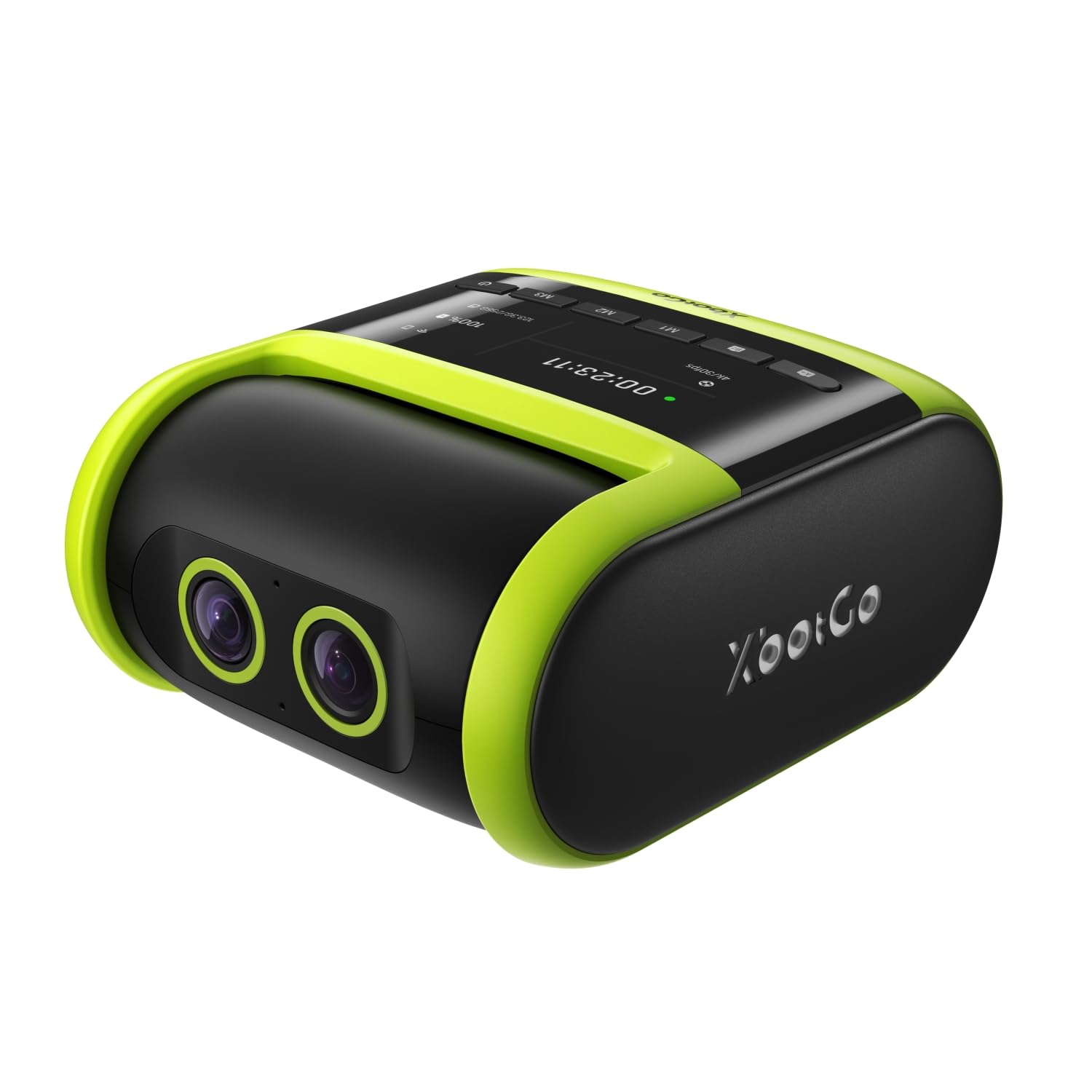
The XbotGo Falcon is designed for team sports—soccer, basketball, football—rather than golf, but its AI-powered dual-lens system is a compelling option for coaches and parents who need hands-free auto-tracking of live action. The 6 TOPS AI processor and 8-core chip allow the camera to follow players and the ball automatically through a 4K recording lens paired with an AI-assisted tracking lens, all without requiring a gimbal or subscription. The IPX5 water resistance means it can handle sideline spray and light rain.
The all-in-one design is genuinely convenient: the camera, tracking software, and live streaming capability are contained in a single unit that mounts on any standard 1/4-inch tripod screw. Battery life is sufficient for a full game, and USB-C charging allows continued use while plugged in. The 1.6x digital zoom is adequate for mid-field shots but falls short for end-line detail. Some users report that live streaming can be glitchy with pixelation, and the auto-tracking occasionally loses fast breaks before self-correcting.
This is a niche product that serves a very different purpose than the launch monitors above. For the soccer or basketball coach who wants automated game film without a dedicated camera operator, the Falcon offers genuine value. It does not belong in a golf simulator bag but earns its place here as a specialized camera-based sports tracker.
Why it’s great
- AI auto-tracking without subscription or gimbal
- 4K video with dual-lens system for accurate tracking
- IPX5 weather resistance for outdoor sideline use
Good to know
- Digital zoom limited to 1.6x for distant detail
- Live streaming can experience pixelation and lag
9. Longshot LR-3

The Longshot LR-3 is purpose-built for precision rifle shooters who need to see bullet holes on steel targets at distances beyond what any spotting scope can manage. The wireless camera system transmits 2688×1512 HD video up to 2 miles to a receiver that connects to your phone or tablet, with a nine-hour battery that outlasts a full day at the range. The all-axis camera adjustment allows fine-tuning of the view, and the Blinker Shot Locator uses enhanced visibility technology to highlight impact points on steel.
The package includes two tripods, two chargers, a hard target camera case, and a receiver, providing everything needed for a two-person spotter setup. The “OverObstacle” design is engineered to maintain a clear line of sight even when shooting from behind berms or through natural terrain features. Users report flawless signal retention over hours of use, with the Orbital lens delivering crisp enough resolution to see a fly at 1000 yards. The main caveats are that the included tripods are not tall enough for full 2-mile range work, and a small percentage of units arrive with connection issues that require a return.
This product is a specialized tool for the shooting community. It has no utility for golf analysis, but as a dedicated camera-based target system for long-range precision, the LR-3’s signal stability and battery endurance set the standard.
Why it’s great
- 2-mile wireless range with steady HD signal
- 9-hour battery lasts all day at the range
- Blinker Shot Locator highlights impact points on steel
Good to know
- Included tripods insufficient for maximum range
- Some units have had connection issues out of the box
FAQ
Can a camera-based launch monitor work indoors with limited ceiling height?
Do I need special golf balls or stickers for a camera-based launch monitor?
Final Thoughts: The Verdict
For most users, the best camera based launch monitor winner is the Garmin Approach R50 because it delivers the most complete all-in-one experience with a built-in screen, three-camera precision, and the most polished software ecosystem on the market. If you want a no-sticker solution that integrates seamlessly with GSPro and third-party simulators, grab the Uneekor EYE MINI CORE. And for the golfer who wants professional-level data depth without monthly subscription fees, nothing beats the FlightScope Mevo Gen2.