
The conference room camera is the most neglected piece of hybrid-work hardware. A laptop webcam pointed up a user’s nose doesn’t cut it when a remote colleague needs to read body language across a 12-foot table. The gap between a consumer webcam and a proper conference camera is measured in field-of-view degrees, microphone beamforming arrays, and the ability to track a moving presenter without glitching.
I’m Min — the co-founder and writer behind Gadgets Feed. This guide is the result of hundreds of hours analyzing technical specifications like sensor size, optical vs. electronic zoom, autofocus speed, and multi-mic pickup patterns across dedicated conference room hardware. My focus was isolating the models that solve real meeting-room pain, not just look good on a spec sheet.
A bad conference camera makes every remote participant feel like an outsider. The best camera for conference must eliminate that distance by combining wide-angle optics, intelligent speaker tracking, and noise-free audio pickup in one seamless package.
How To Choose The Best Camera For Conference
Selecting the right conference camera requires matching its optical and audio capabilities to your room’s physical layout and meeting style. The wrong choice produces poor framing or muddled audio that frustrates both in-room and remote participants.
Field of View and Room Size
A 90-degree field of view works well for a single person at a desk or a huddle room with two to three people. Medium rooms seating four to eight participants demand a 120-degree lens, while any room with a table longer than 10 feet benefits from a 180-degree panoramic or 360-degree camera that captures every person seated around the perimeter. Always verify the FOV specification because ultra-wide lenses can introduce fisheye distortion if not corrected by software.
Microphone Array and Pickup Range
Omnidirectional microphones pick up sound from every direction, but beamforming arrays actively reject noise from unoccupied angles. A minimum of four microphones with a stated pickup range of at least 10 feet is adequate for a small room; eight-microphone arrays with 18-foot pickup are standard for larger spaces. Full-duplex speakerphone capability is critical so both sides can speak simultaneously without clipping or echo.
Optical vs. Electronic Pan-Tilt-Zoom
Optical zoom preserves image sharpness at tight focal lengths and is essential for large lecture halls or boardrooms where one speaker sits far from the camera. Electronic PTZ (ePTZ) crops into the sensor, reducing effective resolution, but is acceptable for small rooms with subjects within 8 feet. Most dedicated conference cameras offer at least 5x digital zoom, while higher-end models include true optical zoom motors.
AI Auto-Framing and Speaker Tracking
AI-powered framing dynamically adjusts the crop to keep all participants visible, while speaker-tracking zooms in on the active talker. This feature should be tested in your lighting conditions because some tracking algorithms struggle in dim rooms or when multiple people speak rapidly. Gesture control and preset positions add convenience but are secondary to reliable base tracking performance.
Quick Comparison
On smaller screens, swipe sideways to see the full table.
| Model | Category | Best For | Key Spec | Amazon |
|---|---|---|---|---|
| Jabra PanaCast 50 | Premium All-in-One | Medium rooms, panoramic view | 180° FOV, 3x 13MP sensors | Amazon |
| NexiGo Meeting 360 Ultra | Multi-Camera System | Long-table and L-shaped rooms | 8K capture, 360° coverage | Amazon |
| Owl Labs Meeting Owl 3 | 360° AI Camera | Huddle and medium rooms | 360° 1080p, 18-ft mic pickup | Amazon |
| Bose Professional VB-S | Compact Soundbar | Small rooms, audio quality | 4K camera, beamforming mics | Amazon |
| Tenveo VLoop 11X | Optical PTZ Camera | Large rooms, dedicated AV setups | 11x optical zoom, 1080p 60fps | Amazon |
| AV Access BizEye | AI Auto-Framing | Small groups, gesture control | 120° FOV, 1/1.8″ CMOS | Amazon |
| EMEET PIXY Dual-Camera | AI PTZ Webcam | Content creators and streamers | 0.2s autofocus, PTZ tracking | Amazon |
| NexiGo N680E Pro | Ring Light Webcam | Individual workstations | 4K sensor, PDAF autofocus | Amazon |
| NUROUM C10 | All-in-One Portable | Travel, huddle rooms | 1080p, 4-mic array, speaker | Amazon |
In‑Depth Reviews
1. Jabra PanaCast 50

The Jabra PanaCast 50 uses three 13 MP sensors to stitch a seamless 180-degree panoramic view in real time, eliminating the blind spots that plague single-lens cameras in medium-sized conference rooms. Its Intelligent Video Technology automatically adjusts the field of view to compensate for dynamic lighting conditions and groups participants into an even frame without manual intervention.
Eight beamforming microphones and four built-in speakers deliver full-duplex audio with active noise suppression, so remote participants hear clear speech even when the in-room HVAC kicks on. The device is certified for Microsoft Teams and works natively with Zoom and Google Meet, making it a drop-in replacement for existing soundbars in any corporate environment.
The mounting kit includes wall and display options, while the optional remote control unlocks PTZ functionality. IT admins can use the Jabra Direct software to push firmware updates and manage device settings across multiple units, which simplifies deployment for companies standardizing on a single conference camera model.
Why it’s great
- Three-camera stitching delivers distortion-free 180° coverage
- Beamforming audio isolates speech from background noise
- Seamless integration with Teams, Zoom, and Google Meet
Good to know
- Remote control is sold separately
- Best performance in rooms with 4 to 12 participants
2. NexiGo Meeting 360 Ultra (Gen 3)

The NexiGo Meeting 360 Ultra Gen 3 integrates dual 195-degree lenses that capture a full 360-degree view at 8K before outputting sharp 1080p video, making it the only model on this list that covers long banquet tables and U-shaped room layouts without repositioning. Its built-in operating system allows direct connection to a TV via HDMI, bypassing the need for a host computer entirely — ideal for dedicated conference rooms.
Eight omnidirectional MEMS microphones pick up voices up to 18 feet away while suppressing echo and background rumble, and the integrated Hi-Fi speakers produce clear bi-directional audio that fills medium-to-large spaces. The NexiGo Meeting Studio app enables multi-camera mode where up to four units can be linked for warehouse-sized environments, and AI-powered framing automatically switches between panoramic and speaker-focused views.
Setup is flexible: connect to a PC, a TV via HDMI, or directly to an internet router. Compatibility spans Windows, macOS, and all major conferencing platforms. The privacy cover slides over the lens when not in use, which is a welcome security touch for always-on hardware in shared spaces.
Why it’s great
- 360° panoramic capture with 8K sensor resolution
- Built-in OS eliminates the need for an external PC
- Expandable to multi-camera setups for very large rooms
Good to know
- Large footprint compared to single-lens bars
- App-based control requires initial network configuration
3. Owl Labs Meeting Owl 3

The Meeting Owl 3 has become the de facto standard for huddle rooms because its Owl Intelligence System uses both visual and audio cues to automatically zoom in on the active speaker while displaying the full 360-degree context. The 1080p HD camera performs well under typical office lighting, and the 18-foot omnidirectional microphone array ensures distant voices are not lost.
Setup takes roughly six minutes from unboxing to first meeting, thanks to a straightforward USB-C connection that requires no drivers. IT administrators can manage fleets of devices through The Nest portal, enabling bulk registration and default settings across an entire organization — a significant advantage for scaling deployment.
The ecosystem allows you to pair two Meeting Owls or add an Expansion Mic for larger rooms, and the Whiteboard Owl accessory captures dry-erase board content for remote viewers. It is certified for Microsoft Teams and works with Zoom, Google Meet, and Cisco Webex out of the box.
Why it’s great
- Intelligent speaker-tracking uses both video and audio signals
- Extremely quick plug-and-play physical setup
- Scalable ecosystem for larger rooms and whiteboard capture
Good to know
- Limited to 1080p output; no 4K option
- Premium price point reflects the ecosystem, not raw resolution
4. Bose Professional VB-S

The Bose Professional VB-S is a compact videobar that prioritizes audio fidelity without neglecting video, making it the strongest choice for rooms where voice clarity is the primary concern. Four beamforming microphones focus on active speakers while suppressing unwanted noise from fans and typing, and the Hi-Fi speaker system produces surprisingly deep bass for a unit that measures only 10 inches wide.
The 4K Ultra-HD camera with 5x digital zoom supports digital PTZ and two auto-framing modes, controllable via the included IR remote or the Bose Work app. Two customizable presets let you switch between a full-room view and a tight speaker shot with a single button press. The device also doubles as a Bluetooth speaker for music streaming between meetings.
Mounting options include a tabletop credenza stand and a wall bracket, though a display-mounting kit is sold separately. The unit is plug-and-play over USB and works with Google Meet, Microsoft Teams, and Zoom. Its low-profile design blends into professional environments without dominating the conference table.
Why it’s great
- Best-in-class beamforming audio from a recognized audio brand
- Compact all-in-one design reduces table clutter
- Bluetooth streaming doubles as a room speaker
Good to know
- Camera needs good ambient lighting for optimal 4K output
- Display-mount hardware is not included in the box
5. Tenveo VLoop 11X Optical Zoom PTZ Camera

The Tenveo VLoop 11X delivers true optical zoom — a rarity at its price tier — preserving full 1080p sharpness even when zoomed into a single presenter across a large boardroom. The 1/2.8-inch CMOS sensor and 2.38-megapixel lens produce smooth 60fps video, which eliminates the judder visible on lower-frame-rate cameras during fast hand gestures or walking.
Pan and tilt motors operate silently and smoothly across 350 degrees horizontal and 180 degrees vertical, with support for up to 255 presets via RS232 and RS485 interfaces for professional production environments. The included IR remote handles 10 presets out of the box, and both HDMI and USB 3.0 outputs allow simultaneous connection to a switcher and a computer.
There is no built-in microphone, which is actually a benefit for AV installations that already use dedicated room mics. The camera ships with wall-mount hardware, and Tenveo provides a 3-year warranty with lifetime technical support, making it a reliable long-term investment for permanent room installations.
Why it’s great
- True 11x optical zoom keeps details sharp at full reach
- Silent, precision PTZ motors for professional production
- Dual HDMI and USB 3.0 output for flexible AV setups
Good to know
- No built-in microphone requires external audio solution
- PTZ controls can be erratic through OBS; use dedicated software
6. AV Access BizEye 4K Conference Room Camera
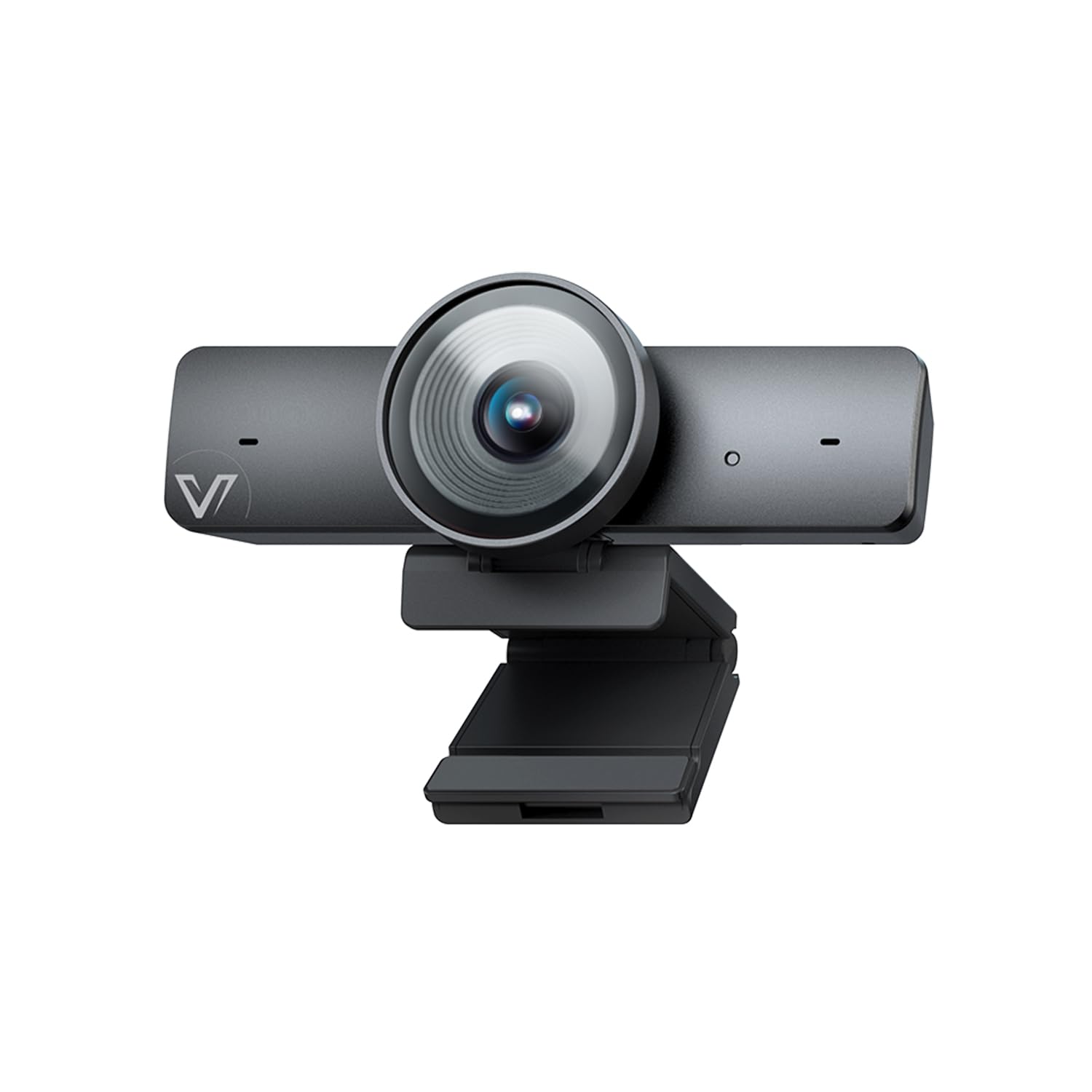
The AV Access BizEye uses a large 1/1.8-inch CMOS sensor — physically bigger than typical webcam sensors — to deliver superior low-light performance and dynamic range in rooms with inconsistent window lighting. The 120-degree wide-angle lens captures up to four participants around a small table without fisheye distortion, and the ePTZ 5x digital zoom covers tighter shots without visible sensor noise.
Exclusive AI Gallery Technology detects each participant up to four people and frames them in individual boxes, then automatically switches to group framing when more people enter the frame. Gesture control lets you switch modes or zoom with a simple hand wave, which is useful during presentations when touching a device would be disruptive.
Built-in dual noise-canceling microphones capture clear voice up to 10 feet away. The included mounting clip works with monitors, laptops, and tripods. The camera is plug-and-play over USB and works with Windows, macOS, and all major conferencing platforms including Zoom, Teams, and Webex.
Why it’s great
- Large 1/1.8″ sensor excels in mixed and low light
- AI Gallery frames up to four individuals simultaneously
- Gesture control allows hands-free operation
Good to know
- Built-in mic is adequate but not replacement for dedicated room audio
- AI features require firmware update from the official site
7. EMEET PIXY Dual-Camera AI-Powered PTZ

The EMEET PIXY is the world’s first dual-camera AI-powered PTZ webcam, combining a 4K main sensor with PDAF autofocus and a secondary AI camera that tracks facial position to optimize exposure and focus in 0.2 seconds. The main imaging camera uses a 1/2.55-inch Sony sensor, while the auxiliary camera feeds position data to a three-chip AI system that predicts motion and adjusts pan-tilt in real time.
The triple-chip architecture separates imaging, AI tracking, and PTZ control into dedicated processors, which results in smoother tracking than single-chip competitors. Gesture control is activated by holding an open palm to the center of the frame for two seconds, and the 310-degree pan / 180-degree tilt range covers the full room. Whiteboard mode automatically detects and crops to a board surface.
Three sound modes — Live, Noise Canceling, and Original — let you tailor audio for everything from quiet podcasts to music performances. The EMEET Studio software enables preset positions, privacy-mode scheduling, and AIGC shot-list generation. It works with OBS, Twitch, YouTube, and Switch 2, making it a versatile tool for content creators who also need a conference-capable camera.
Why it’s great
- Dual-camera design enables blink-speed 0.2s autofocus
- Three-chip AI architecture delivers smooth PTZ tracking
- Multiple audio modes adapt to different content types
Good to know
- Tracking can lose subjects during fast, sudden movements
- Setup instructions are sparse; QR codes may be non-functional
8. NexiGo N680E Pro 4K Webcam with Ring Light
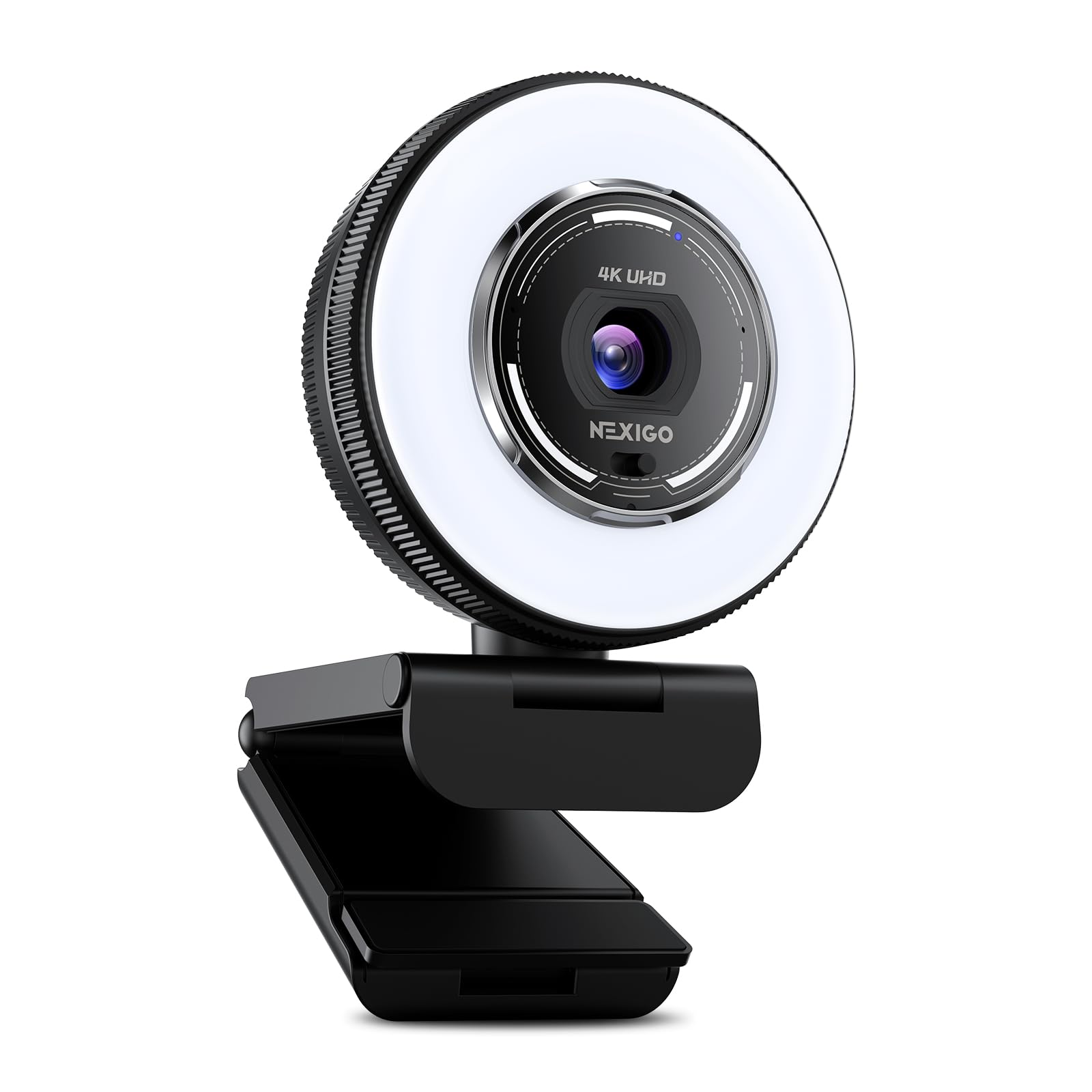
The NexiGo N680E Pro pairs a Sony 1/2.5-inch 4K sensor with phase-detection autofocus (PDAF) that locks focus faster and more reliably than contrast-based systems, especially during dynamic desk work like product demos or whiteboard sketching. The built-in tri-tone ring light offers three color temperature modes and stepless brightness control via a rotating dial, eliminating the need for external desk lamps in dim home offices.
Dual noise-canceling microphones filter out background hum and keyboard clicks, keeping vocal tracks clean for both Zoom calls and streaming. The privacy shutter slides over the lens physically when not in use, providing tangible security against unauthorized access. The 80-degree field of view is sufficient for a single person at a desk without the fisheye effect common in wider lenses.
Connectivity is USB-A plug-and-play with no drivers required, and compatibility spans Windows 7 through 11, macOS 10.6+, Chrome OS, and Linux. The flexible clip and 1/4-inch tripod mount ensure stable positioning on any monitor or stand. This is a focused workstation tool, not a room-spanning conference camera, but its image and audio quality punch above the typical budget webcam.
Why it’s great
- PDAF autofocus eliminates hunting during movement
- Integrated ring light produces even, adjustable illumination
- Physical privacy shutter provides verifiable lens security
Good to know
- 80° FOV is narrow for multi-person use
- Color balance leans slightly cool in default mode
9. NUROUM C10 (2nd Gen) 1080P Conference Webcam

The NUROUM C10 integrates a 1080p camera with a 90-degree field of view, a four-element noise-canceling microphone array, and a Hi-Fi loudspeaker into a single 384-gram body that slips into a laptop bag. It is designed specifically for huddle rooms, focus rooms, and mobile professionals who need an all-in-one solution without the complexity of separate components.
The 4-omni MEMS mic array paired with automatic gain control (AGC) maintains consistent voice levels even when the speaker moves up to 10 feet from the device, and full-duplex technology ensures both sides can talk simultaneously without echo. Four touch buttons on the top control camera mute, mic mute, and volume, with a light ring indicating status at a glance.
The USB-C cable is folded into the base with a hidden Type-C to USB-A adapter, eliminating cable clutter. No drivers or external power are required. Compatibility spans Windows, macOS, and Linux, and the device works natively with Zoom, Teams, Skype, and Google Meet. For teams equipping multiple small rooms on a lean budget, the C10 delivers reliable performance with minimal setup friction.
Why it’s great
- Full all-in-one design eliminates separate mic and speaker
- Four-mic array with AGC maintains audio consistency
- Ultra-portable 384g form factor ideal for travel
Good to know
- Audio echo reported at high volume levels
- 1080p 30fps is adequate but not crisp on large displays
FAQ
What is the difference between optical zoom and digital zoom in a conference camera?
Can I use a consumer webcam for a medium-sized conference room?
How does AI auto-framing actually work in a meeting room camera?
Why do some conference cameras lack built-in microphones or speakers?
Final Thoughts: The Verdict
For most users, the best camera for conference winner is the Jabra PanaCast 50 because its three-sensor panoramic stitch, eight-mic audio, and seamless Teams certification make it the single most reliable choice for rooms with four to twelve people. If you want speaker-tracking that remote participants can follow naturally, grab the Owl Labs Meeting Owl 3. And for budget-friendly installation across multiple small huddle rooms, nothing beats the NUROUM C10.