
Our readers keep the lights on and my morning glass full of iced black tea. As an Amazon Associate, I earn from qualifying purchases.
Specs are compiled from manufacturer listings and verified buyer reviews and can change over time — please confirm the key details on the product page before buying.
You can keep your factory screen and still run apps, stream video, and talk to a voice assistant — a CarPlay AI Box adds that without swapping the head unit. One catch trips up most buyers: these boxes only work on cars that already have wired CarPlay or wired Android Auto from the factory. So check first whether your car shows the CarPlay icon when you plug a phone in with a cable. Get that right and the rest is smooth.
I’m Min — the founder and writer behind Gadgets Feed. This guide is built by comparing the manufacturers’ published specifications and the patterns across verified customer reviews, so you get each pick’s real strengths and trade-offs instead of marketing spin.
Every pick here plugs into your existing USB port and adds its own Android brain, so you get apps, maps, and voice help without ripping out the dashboard. This guide covers the carplay ai box picks that install cleanly and hold up over months of daily driving.
Our Picks at a Glance

How To Choose The Best CarPlay AI Box
A CarPlay AI Box is a small dongle that plugs into the USB port your phone normally uses. It borrows your car’s factory wired CarPlay or wired Android Auto connection, then runs a full Android system on your existing touchscreen. That means you keep your steering wheel buttons, your factory microphone, and your original look — while gaining Google Play apps, streaming video, and voice assistants.
Check your car’s wired port first, because nothing works without it
Nearly every box here needs a factory head unit that already supports wired CarPlay or wired Android Auto. If your car only has wireless CarPlay, there is no cable port for the box to use, so it will not work. BMW and Tesla owners are out for the same reason. Verify your screen shows the CarPlay or Android Auto icon with a cable plugged in before you order anything.
Match the chipset and RAM to how you actually drive
An eight-core processor paired with 8GB of RAM keeps maps, music, and a video app running side by side without stuttering. Lean boxes with less memory are fine if you mostly run one app at a time. If you plan to split the screen between Google Maps and YouTube on a road trip, spend up on the memory — it is the single spec that decides whether the interface feels instant or sluggish.
Decide how your box gets online: SIM card or hotspot
A built-in 4G cellular slot with support for a physical SIM lets the box stay online on its own, so you are not draining your phone battery or fighting a weak hotspot signal. Boxes without a SIM slot depend entirely on your phone or a mobile hotspot for streaming, which is fine for short trips but tiring on long ones.
Quick Comparison
| Model | Best For | Android System | Memory | Own Internet | Amazon |
|---|---|---|---|---|---|
| ATOTOSELECT Wireless CarPlay&Android Auto Adapter with 4G LTE Magic AI Box★ Best Overall | Daily drivers who want independent 4G and GPS | Android 13 | 8-core chipset | 4G LTE SIM | Amazon |
| AUTOSKY AI Box Lite FlexBudget Starter | Budget streaming on a touchscreen car | Not stated | Not stated | WiFi or hotspot only | Amazon |
| ONINCE CarPlay AI Box 3-in-1Road-Trip Favorite | Road trips and commutes in 2016+ cars | Google Play Store built in | Not stated | WiFi or hotspot only | Amazon |
| MYATOTO Magic AI Box CB4 | Privacy-conscious owners who share the car | Android with DriveChat AI | 128 GB storage | WiFi; dual-band design | Amazon |
| Carlinkit Tbox Plus | Families with several phones on one car | Android 13 | 8GB RAM + 128GB ROM | 4G all-network module | Amazon |
| MMB MAX 5.0 Magic AI Box | Long-haul drivers who want app storage | Android 13 | 8+128GB RAM & ROM | 4G SIM slot | Amazon |
| Binize Wireless CarPlay Android Auto Video Box | Older 2018+ cars wanting an entertainment boost | Android 13 | 4GB LPDDR4 RAM + 64GB UFS ROM | 4G Cellular | Amazon |
| OneCarStereo CarPlay Ai Box HE Pro | Rear-seat video output and screen mirroring | Android 13 | 8 GB RAM + 128 GB | 4G SIM; not AT&T | Amazon |
In‑Depth Reviews
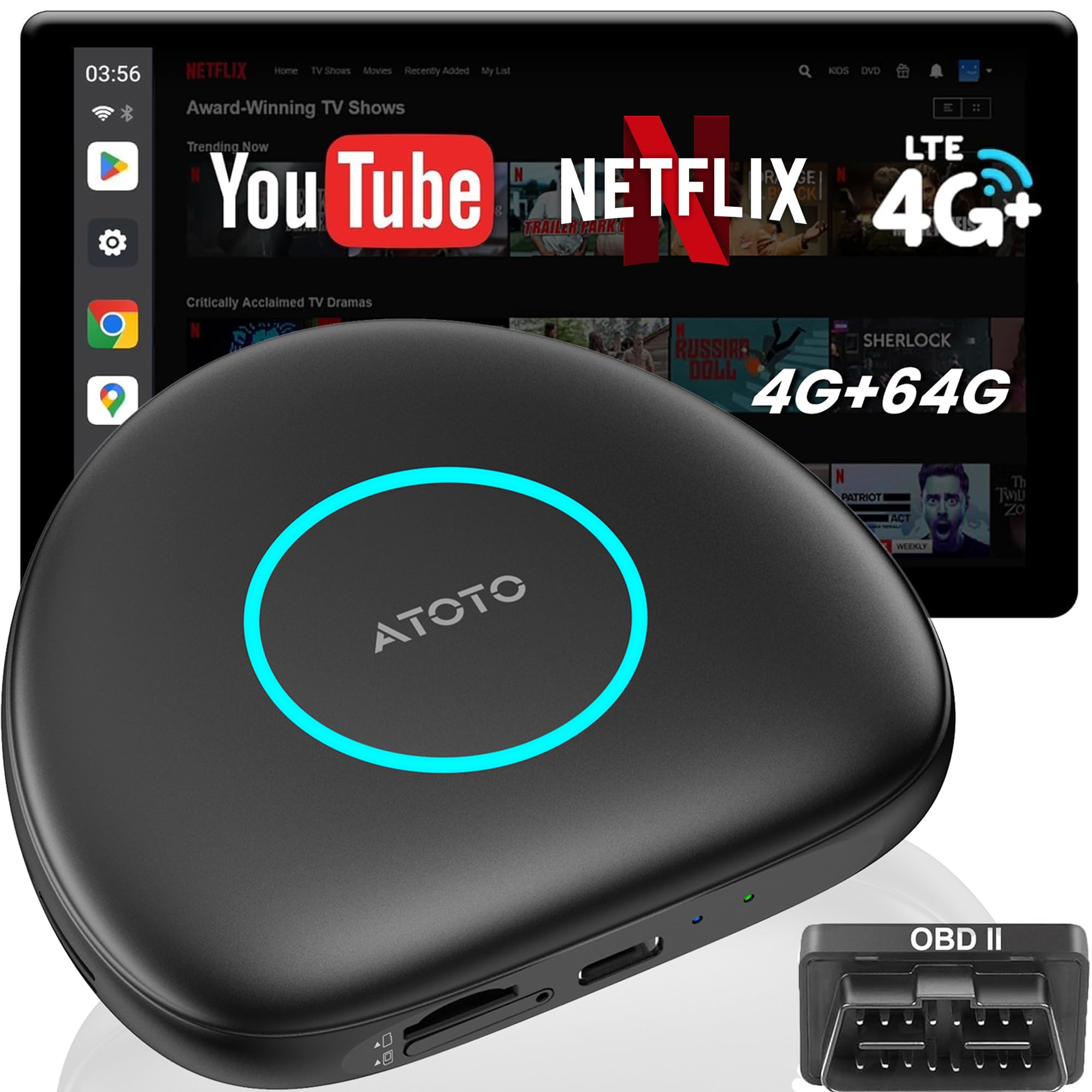
1. ATOTOSELECT Wireless CarPlay&Android Auto Adapter with 4G LTE Magic AI Box
Our pick — over 4.5★ from 50+ verified ratings; the strongest balance of quality and price.
Its own 4G LTE modem and GPS mean it never borrows your phone’s signal or battery.
Most AI Boxes quietly depend on your phone’s hotspot to do anything online. This one carries its own 4G LTE modem (supports Cloud or Physical SIM) and a separate GPS module, so navigation and app data stay live without touching your phone’s battery. A standalone GPS signal means Waze, Google Maps, and Sygic keep tracking even when your phone is in a pocket or a weak cellular pocket.
Inside sits an eight-core chipset (think of it as several small brains dividing the work) running a full Android 13 system, which is why buyers report the interface stays responsive while apps load. Owners call the setup easy through USB or USB-C and praise the value, and the box even supports streaming from Starlink WiFi instead of your car’s connection — better WiFi means noticeably better video quality on the screen.
The clever bit nobody else in this list has is the privacy screen: a dual-Bluetooth design that locks the display the moment your paired phone walks away, then open up when you return. That protects your accounts when you hand the keys to a valet. It also ships with an AC-4450 OBD2 scanner so the car can read its own fault codes and explain them in plain words.
What earns its keep
- Independent 4G LTE SIM slot and GPS mean the box works without your phone in range
- Dual-Bluetooth privacy lock protects accounts when the car is shared
- Eight-core chipset with full Android 13 handles split-screen apps
- Y-cable included to stop restarts in cars with engine start/stop systems
Before you plug in
- Requires factory wired CarPlay or wired Android Auto — not for wireless-only head units
- Not compatible with BMW, Tesla, or most Subaru models, or aftermarket head units
- Needs on-screen touch or a trackpad/remote for control
Reach for this if: you want a box that stays online and tracked without dragging your phone into the equation all day.
Think twice if: your car is a BMW, Tesla, or runs wireless CarPlay only — the box simply cannot access a wired port there.
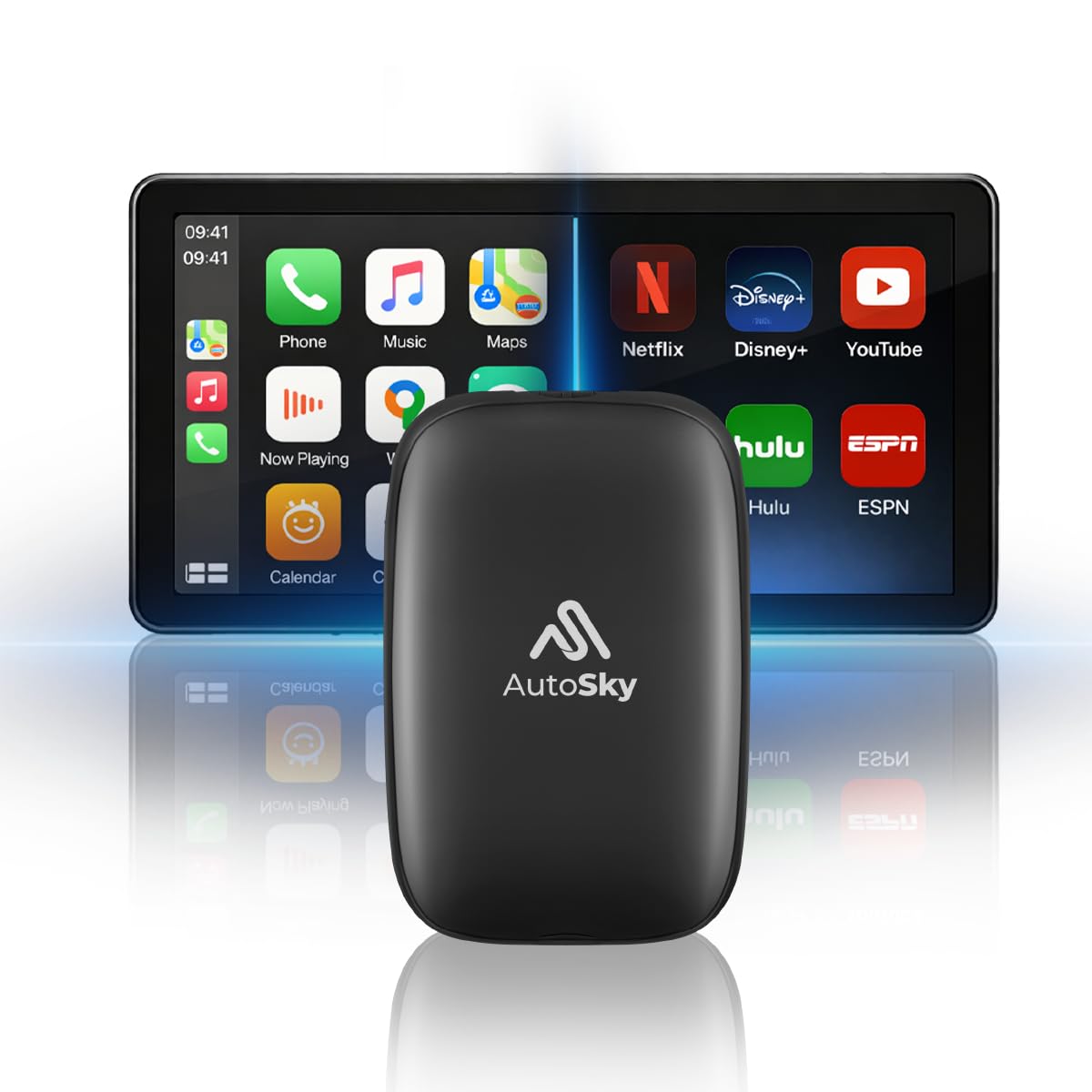
2. AUTOSKY AI Box Lite Flex – Wireless CarPlay & Android Auto Adapter
The cheapest box here, with a two-app limit and no 4G modem.
On paper this is the simplest AI Box in the roundup: plug it in, keep every OEM control including your steering wheel buttons, knobs, and voice commands, and let a single WiFi module handle the rest. Unlike the ATOTOSELECT above, there is no 4G modem here. Everything online — Netflix, Hulu, Disney+, Prime Video, ESPN — runs through your car’s WiFi or a phone hotspot.
Where it stands apart is its app model. Instead of a fixed catalog, the Lite Flex lets you choose any two streaming apps from thirteen supported platforms, and you can swap that pair whenever you want. If you mostly care about one or two services on the road, that works fine. If you want a whole Android ecosystem loaded with downloads, this is not that device.
The recurring theme in owner feedback is reliability. The box tends to struggle on hot days, boot can take several minutes, and the menu lags once you push it. There is also a hard WiFi limit — because it uses one module, you cannot stay on wireless CarPlay and stream over WiFi at the same time. You will be switching between them, and that gets old fast.
What buyers actually get: a quick, easy plug-and-play path into in-car streaming with Netflix and YouTube working for many owners — good enough if your expectations are set for a starter box.
The honest trade-off: performance is the weak link. Slow boot, menu lag, and heat sensitivity show up repeatedly, and the single WiFi module means you are juggling connections mid-drive.
Good fit for: casual users who mainly want one or two streaming apps on long road-trip stops and do not mind a slower menu.
Look elsewhere if: you expect a snappy Android experience or need simultaneous wireless CarPlay plus WiFi streaming.
3. ONINCE CarPlay AI Box 2026 – 3-in-1 Car Play Wireless Adapter
Owners consistently call the setup quick — plug in once and it auto-connects on every start.
This is the box that people who are new to the category tend to end up with. The setup is the standout: quick, easy, and auto-connecting every time you start the car. Built-in support covers Netflix, YouTube, Disney+, and Prime Video, and a Google Play Store install handles anything else as long as your region allows it. A microSD card slot takes up to 128GB so you can carry movies offline.
Picture quality on that screen is where it shines — clear, sharp, and steady enough that owners running it daily have been happy with what shows up. Wireless CarPlay and Android Auto both work, and it makes a wired-only car behave like a modern one almost instantly. The little USB-C plug tucks into the center console, so it stays out of the way.
The honest limits: connection is the most-discussed topic in owner reviews, and it runs mixed. Fullscreen video is a struggle on some head units, and the box can lose its hotspot and refuse to rejoin without a full restart. A built-in app library that only covers a handful of major services is also part of the package. There is no fan or heat sink and it can run hot during long sessions.
The case for it: instant upgrade on a factory wired CarPlay screen, with the easiest setup in this roundup and solid streaming quality once running.
Plan for this: keep it out of enclosed spaces so heat can escape, and expect occasional connection resets on long drives. Fullscreen video support depends on your head unit.
Best for: a 2016-or-newer car with factory wired CarPlay where you want an entertainment boost without researching every chipset.
Skip if: your car is pre-2016, a Tesla or BMW, an aftermarket CarPlay system, or wireless-CarPlay-only.
4. Magic AI Box CB4 – Wireless CarPlay/Android Auto with DriveChat AI
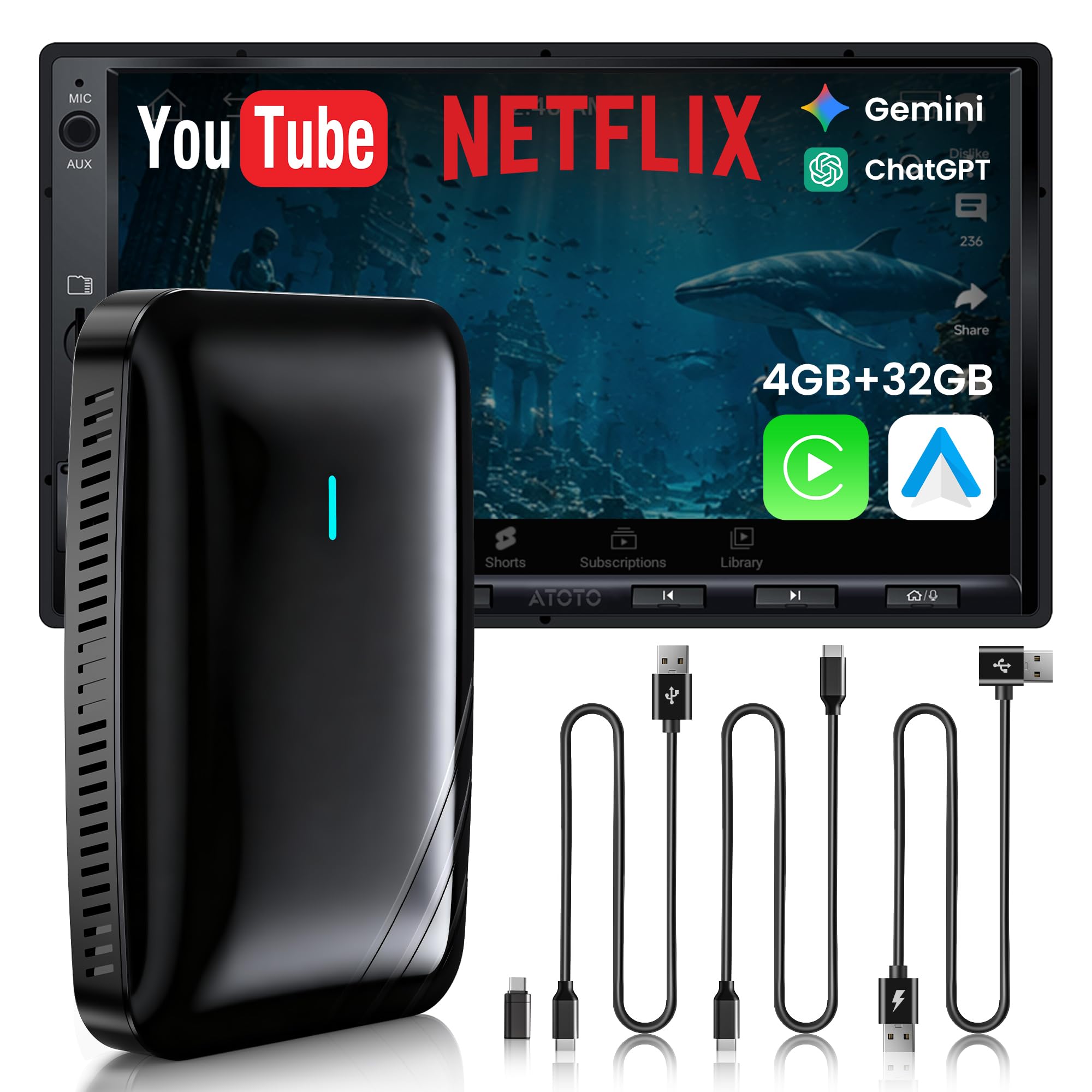
When the phone leaves the car, the screen locks itself — a small touch owners notice.
The CB4 solves a real problem most boxes ignore: your personal accounts staying visible after you walk away. Its Bluetooth Privacy Lock auto-activates a passcode the moment your paired phone disconnects, so a valet, a mechanic, or a borrowed-key passenger cannot scroll through your apps, settings, or notifications. For a family sharing one vehicle, that is the whole point.
You talk to it like a co-pilot, because it runs DriveChat GenAI powered by GPT-5.5 and Gemini 3.0 AI models (the same kind of AI that powers chatbots) for natural voice control. A dual Wi-Fi design keeps you connected: one band holds wireless CarPlay or Android Auto while the other keeps apps and AI features online. Only one screen interface shows at a time, so switching between CarPlay and apps is part of the workflow. A MicroSD card (a small removable storage card) stretches offline playback up to 128GB — enough to store movies for a long drive.
A Y-shaped power cable helps stabilize cars with low USB output, which cuts the random restarts some AI Boxes suffer from, and a multi-vent design moves heat out during long sessions. Owners mention the compact body modernizes an older wired CarPlay system quickly and stays stable over repeat starts, though a few note the pairing straight from the start can feel slow the first time.
The real wins here
- Privacy Lock auto-secures the screen when your phone leaves the car
- Dual Wi-Fi keeps CarPlay and app data on separate bands for steadier streaming
- Voice control through the built-in DriveChat assistant with GPT-5.5 and Gemini 3.0
- 128GB microSD slot for offline video
Worth knowing up front
- Only one interface displays at a time — you switch between CarPlay and apps
- Not compatible with BMW, most Subaru vehicles, aftermarket head units, or wireless-only units
- First-time Wi-Fi pairing can lag at first, per owner feedback
Choose this if: you share the car with family, drivers, or valets and want your accounts locked down the second you step out.
Rule it out if: your car has wireless-only CarPlay with no wired port — the box has no way into your system.
5. Carlinkit Tbox Plus Wireless CarPlay AI Box

Big-brand hardware with serious specs — and a wide spread of owner experiences.
Carlinkit is the name most drivers have heard of in this space, and the Tbox Plus carries the hardware to back the reputation: an eight-core (Octa-Core) processor, Android 13, 8GB of RAM, and 128GB of storage. Carlinkit rates the TBOX 2024 edition 33% faster than the prior model. It also supports a 4G all-network module, so you can slot a SIM or use a mobile hotspot, and there is a built-in navigation stack spanning GPS, Glonass, and Beidou.
Where it wins points is flexibility. Multiple phones can share the box through wireless CarPlay and wireless Android Auto, and the microSD slot plus SIM slot cover both offline media and its own internet. Owners aiming for a real Android experience on a factory screen report that it delivers, with sharp video quality once everything is dialed in. A firmware update around 1 hour in can smooth out rough edges on stubborn head units.
The honest catch: this unit needs real setup effort on many cars. Some customers note Android Auto overriding the box out of the gate, latency in map updates, and a low-resolution Android UI on certain head units. A 60W high-transfer USB cable is recommended by owners for stable power, and one buyer’s first unit arrived defective before a replacement worked perfectly — a shipping lottery rather than a design flaw. Vehicle compatibility checks matter here, since some Huawei phones are not supported.
Verdict on the hardware: a genuinely capable box with the memory and processor to run apps and CarPlay together, backed by a year guarantee and a big community of owners.
Be ready for: a setup session. This is not pure plug-and-play on every car — budget an hour or two of tuning, and buy a high-transfer USB cable if you do not already own one.
Suit yourself here if: you want big-name hardware, SIM flexibility, and you are willing to spend an afternoon getting every setting right.
Stay away if: you want a literal plug-and-drive box or your car is one of the wireless-CarPlay-only vehicles.
6. MMB MAX 5.0 Magic Ai Box – Snapdragon QCM 6225, 8+128GB
A Snapdragon QCM 6225 with 8+128GB puts the most processing power of the group under your dash.
The MMB MAX 5.0 is the most explicitly spec-forward box in the roundup: the Snapdragon QCM 6225 octa-core processor, 8+128GB of RAM and ROM, Android 13, and dual-band 2.4G/5G WiFi with Bluetooth 5.0. Owners describe the setup as quick, the connection to factory CarPlay as fast, and streaming of YouTube and Netflix on the car screen as smooth once running. There is a SIM slot supporting the 4G band and a TF card slot that expands storage up to 256GB, so you can carry an offline library.
what separates it is a dual-channel design: unlike boxes tied only to the CarPlay wired data channel, this unit can transfer data through the Android Auto channel even when your car mostly uses USB for Android Auto — and vice versa. That extra path boosts compatibility odds if your car is picky. Your original controls keep working too: touch, factory knobs and volume buttons, and voice through Siri or Google Assistant.
So where is the friction? Reviewers point out occasional random restarts under heavy tasks, which is often a power supply issue on cars that need the auxiliary cable. One owner noted the box being recognized only as CarPlay on a 2023 Silverado, which caps it at partial screen size. Reliability as an aspect runs mixed in reviews, so plan to keep the box in a well-ventilated spot and, if your car has weak USB output, use the shipped Y-cable to keep it fed.
Why it pulls ahead
- Snapdragon QCM 6225 octa-core chip with 8+128GB RAM & ROM
- Dual-channel design works through both CarPlay and Android Auto data channels
- 4G SIM slot plus TF card up to 256GB expansion
- Full OEM integration: touch, knobs, volume, plus Siri/Google voice
Watch-outs
- Occasional restarts under load on cars with weak USB power output
- Some head units only expose it as CarPlay, capping screen size
- Explicitly not compatible with BMW or Tesla vehicles
The right pick if: you want the most processing muscle and storage of the group, and you drive a car with a healthy USB power feed.
Consider elsewhere if: you noticed your car’s USB port is underpowered or has previously caused dongles to reboot — this unit is sensitive to that.
7. Binize Wireless CarPlay Android Auto Video Box 4G Cellular

The box people keep in their car for years — reliable enough to become background furniture.
Binize has been making these longer than most, and you feel it in the maturity of the experience. This box runs Android 13 with 4GB LPDDR4 RAM and 64GB UFS ROM (a faster storage type than basic flash). Pre-installed video apps and a Google Play Store tie-in mean you can add Netflix, YouTube, Prime Video, HBO Max, and Waze the moment you are online. Split-screen, multiple languages, and Siri integration round out the feature set.
The most-shared owner story is durability. Owners who have run it daily for two years report no issues, the strongest long-term satisfaction in this roundup. Setup is quick enough to be a few-minute job on a 2022 Tundra or similar, and Android Auto and Apple CarPlay are switchable once installed. Support is small-team responsive — quick replies, and in one case a replacement for a buggy unit.
Now the caveats. It only supports cars with OEM wired CarPlay or wired Android Auto from 2018 and above. If your car uses wired Android Auto only (no wired CarPlay), you will need to run a TF card with a reverse file to convert it, which is a fiddly step. Connectivity is the aspect owners discuss most, and it runs mixed: some report frequent connection drops. Verizon prepaid SIM cards are reported not to work, and cellular-band accuracy varies by carrier.
The winning pattern: it keeps working. Owner consensus points to strong long-term functionality, solid build quality, and easy use, which is exactly what a device plugged into your dash day after day needs to deliver.
The one honest friction: cellular carrier support is a moving target. Confirm your SIM carrier works before buying if you plan to go SIM-first instead of using a hotspot.
Ideal for: a 2018-or-newer car with factory wired CarPlay where you want a box that quietly does its job for years without drama.
Not ideal if: your car only has wired Android Auto and no wired CarPlay — you will need to do a TF card conversion step first.
8. OneCarStereo CarPlay Ai Box HE Pro

The only box here with Mini HDMI output to a rear-seat screen.
For the family car, this is the box that thinks past the driver. A built-in Mini HDMI port (adapter cable included) lets you push video to a rear-seat display without killing the navigation on the front screen — the split that matters on a long drive with kids in the back. Wireless screen mirroring from iPhone or Android covers music, video, and map projection, and the front screen runs a sleek Qualcomm 6225 octa-core chip Android 13 system booting in around 20 seconds. 8GB of RAM and 128GB of storage leave plenty of room for apps, and the SIM slot comes online within about 15 seconds with no APN setup — though it is not compatible with AT&T SIM cards.
Feature-wise it supports YouTube, Netflix, and Disney+ alongside Google Maps and music apps, and the smart split-screen lets you run routes and video side by side. The use case where this wins outright is rear-seat entertainment — none of the other boxes here offer HDMI video out to a second screen. If you do not have rear screens, that advantage disappears.
The honest caution: shoppers say mixed results on performance and build quality. Some find it fast and love the picture; others describe it as slow, with one noting screen tearing that settled after dropping the image settings. Several note reconnect friction with a phone or vehicle hotspot, and the SIM slot can be temperamental. Screen responsiveness can feel noticeably behind a factory head unit on premium cars. Discount that against a small upgrade-focused review base and this is a box for someone whose priority is rear-seat output, not general speed.
The niche it wins
- Mini HDMI video output to a rear-seat display — unique in this roundup
- Wireless screen mirroring for iPhone and Android
- Snapdragon 6225 octa-core chip with 8GB RAM and 128GB storage
- Boots in around 20 seconds; SIM online in about 15 seconds
Where it falls short of the field
- Not compatible with AT&T SIM cards
- Some buyers report slow performance and reconnect friction
- Screen responsiveness trails factory head units on some premium cars
- Only compatible with cars (2016+) that have OEM wired CarPlay; incompatible with several specific models including CX-60, Levorg, and Corolla Touring
Consider this if: your car has rear seat screens you want to feed, and you need the SIM-and-HDMI combo the others do not offer.
Look past it if: you want the fastest, snappiest interface — several owners found the responsiveness below what they expected for the money.
Understanding the Specs
Processor and RAM: the speed you feel
The chip inside decides whether the menu opens instantly or takes a breath. An octa-core processor like a Snapdragon QCM 6225 or an eight-core general-purpose chip paired with 8GB of RAM is the fast lane — maps, music, and a video app can run side by side without stuttering. A 4GB box is fine if you mostly run maps and one streaming app, but it will feel slower once you push split-screen. Storage matters too: 128GB gives you room for apps and cached video, and 64GB is enough if you lean on streaming instead of downloads.
Networking: 4G SIM versus hotspot
Boxes with their own 4G LTE modem and a physical SIM slot stay online without touching your phone, which means longer battery life for you and a live signal on stretches of road where your phone struggles. Boxes without a SIM rely on your car’s WiFi or your phone hotspot for anything online — fine around town, tiring on long trips. A dual-band design (2.4G and 5G) helps by keeping CarPlay on one band while apps stream on the other, but check whether the box only displays one interface at a time.
Vehicle compatibility: the make-or-break factor
Your car needs a factory wired CarPlay or wired Android Auto port — that is the pipe the box plugs into. Wireless-only vehicles, most BMW and Tesla models, and aftermarket head units are generally off the table. Before you buy, plug a phone in with a cable and confirm the CarPlay or Android Auto icon appears on the screen. If it does not, no box on this list will help you.
Controls and voice: keeping your car feeling stock
The best boxes preserve what your car already does well — touch controls, steering wheel buttons, and factory knobs. Voice command through Siri or Google Assistant stays available, and boxes with their own AI assistants add natural-language help on top. If your car has no touchscreen, check whether the box supports a remote or touchpad; some models need one to navigate menus.
FAQ
Will a CarPlay AI Box work in my car?
Do I need a SIM card for internet in the box?
Can I watch Netflix and YouTube on my car screen?
How much RAM do I actually need?
Does a CarPlay AI Box add Android Auto to a CarPlay-only car?
Why do some boxes exclude BMW and Tesla?
Will the box drain my car battery when parked?
Do OTA updates actually fix issues with these boxes?
Can two phones share one AI Box?
Is installing a CarPlay AI Box difficult?
Final Thoughts: The Verdict
For most drivers, the carplay ai box winner is the ATOTOSELECT Wireless CarPlay&Android Auto Adapter with 4G LTE Magic AI Box. It runs its own 4G LTE (a cellular data connection) and GPS (satellite location), so your phone stays out of the equation — no tethering, no dead battery. Its privacy screen locks when you walk away, a genuinely unique touch no other box here matches. If durability and long-term reliability matter most — the kind that quietly runs for years — grab the Binize Wireless CarPlay Android Auto Video Box, the crowd favorite with the widest base of happy owners. And if you need to push video to a rear-seat screen for the kids, reach for the OneCarStereo CarPlay Ai Box HE Pro, since it is the only model here with HDMI output (a port that sends video to a TV or monitor) built in.
How We Picked
We do not accept paid placement. Every pick is matched to a real buyer and a real use-case; we do not hands-on test units.
Sources & Methodology
Specifications: manufacturer listings and product documentation. Review insights: verified customer reviews, as of September 2026. Pricing: not shown on this page (it changes often); check the current price via the retailer link.
As an Amazon Associate, Gadgets Feed earns from qualifying purchases. This does not affect which products we feature.