
Every photo printer buyer hits the same wall: a desktop machine that eats space, ink, and hundreds of dollars before you print a single decent 4×6. You don’t want a paperweight — you want a compact device that turns phone snaps into real, peel-and-stick keepsakes without breaking the bank. That means choosing between portable dye-sublimation, ZINK zero-ink, and pocket-sized inkjet tech, each with a different trade-off in size, cost-per-print, and color accuracy.
I’m Min — the co-founder and writer behind Gadgets Feed. I’ve spent the last four weeks cross-referencing technical specs, tear-down videos, and hundreds of verified customer reviews across seven different photo printers to find the models that actually deliver on their promise of cheap, good-looking prints.
After comparing print resolution, connectivity methods, paper size options, battery life, and real-world smudge resistance, I’ve narrowed the field down to the strongest contenders that earn a spot in this guide to the best cheap photo printer.
How To Choose The Best Cheap Photo Printer
The most common mistake buyers make is choosing a printer based on its upfront price tag without calculating the cost of replacement paper and ink. A printer is only cheap if each subsequent 4×6 print costs pennies, not dollars. This guide focuses on the total cost of ownership, so you can stick to your budget long-term.
Print Technology: ZINK vs. Dye-Sublimation vs. Inkjet
ZINK (Zero Ink) printers use embedded color crystals in the paper that are activated by heat. This eliminates ink cartridges entirely but caps print resolution and color gamut — common at the pocket-sized 2×3-inch format. Dye-sublimation printers apply a protective laminate layer that makes prints water-resistant and scratch-proof, delivering better archival quality. Inkjet photo printers separate cyan, magenta, yellow, and black into individual cartridges, giving you the widest color range but typically requiring a larger desktop footprint and more frequent maintenance to prevent clogs.
Paper Size and Portability Trade-offs
2×3-inch printers slip into a jacket pocket and fit inside a small purse, making them ideal for scrapbooking, journaling, and party favors. The trade-off is a small image area with limited sharpness at close range. 4×6-inch printers output true postcard-sized photos that hold up better in frames and albums, but they generally weigh more than two pounds and need a tabletop or backpack to transport. 3.5×4.25-inch options like the HP Sprocket 3×4 split the difference, offering a larger canvas than wallet-size without demanding a dedicated desk spot.
Connection: Bluetooth vs. Direct Wi-Fi vs. USB
Bluetooth is simple — turn on, pair with your phone, and print — but older Bluetooth connections can drop if you walk more than ten feet away. A direct Wi-Fi hotspot built into the printer lets you bypass your home network entirely, which is crucial for outdoor events or locations with unreliable internet. A USB port adds desktop flexibility as a backup when wireless isn’t cooperating. For the cheap photo printer category, avoid printers that require a stable home Wi-Fi network for every print job; a local-only connection is more reliable.
Quick Comparison
On smaller screens, swipe sideways to see the full table.
| Model | Category | Best For | Key Spec | Amazon |
|---|---|---|---|---|
| Liene M100 4×6 Bundle | Premium | Archival 4×6 prints at home | Dye-sublimation, 300 dpi | Amazon |
| YOTON Dye-Sub Printer | Premium | AR video photo & 4×6 prints | Dye-sublimation, 4×6”, 970g | Amazon |
| HP Sprocket 3×4 | Mid-Range | Premium 3.5×4.25” prints on the go | ZINK, 3.5×4.25”, Bluetooth 5.0 | Amazon |
| Canon PIXMA TS7720 | Mid-Range | All-in-one home document + photo | Inkjet, 15/10 ppm, 2.7” touch | Amazon |
| Nelko PP01 Inkjet | Mid-Range | Compact 2×3 inkjet with long battery | Inkjet, 602 dpi, 0.6 lbs | Amazon |
| HP Sprocket 2nd Edition | Budget | Pocket ZINK printer for instant fun | ZINK, 2×3”, Bluetooth 5.0 | Amazon |
| KODAK Step | Budget | Mini ZINK printer for scrapbooking | ZINK, 2×3”, NFC + Bluetooth | Amazon |
In‑Depth Reviews
1. Liene M100 4×6 Photo Printer Bundle

The Liene M100 bridges the gap between portable convenience and true 4×6-inch archival quality. Its thermal dye-sublimation engine embeds CMYK dyes into the paper and seals them with a protective laminate layer, making prints resistant to water, scratches, and UV fading. The bundled 180 sheets and five ink cartridges deliver a low per-print cost right out of the box, with no need to reorder media for the first several hundred photos.
Setup is straightforward: the printer creates its own direct Wi-Fi hotspot, so you never need to fight with your home router or rely on an internet connection. Up to five devices can join simultaneously, which makes it a solid choice for family gatherings or small events. Each print takes roughly one minute, and the queue feature keeps jobs organized even when you batch multiple shots.
Color accuracy out of the box leans slightly warm — a one-degree tint shift that a quick app adjustment corrects. The tear-away margins on each side protect the image area from fingerprints during loading. For any buyer who wants true photo-lab quality in a compact home device without recurring subscription costs, this is the package to beat.
Why it’s great
- True 4×6-inch prints with protective laminate layer
- Generous bundle includes 180 sheets and 5 cartridges
- Direct Wi-Fi hotspot, no home network needed
Good to know
- Slightly warm color cast requires minor app correction
- Print speed is about one minute per photo
2. YOTON Photo Printer

YOTON pushes the cheap photo printer category into a new territory with its AR video printing function — you capture a 15-second clip in the companion app, print a still image, and then scan that print later to play back the video on your phone. It’s a genuinely novel feature for memory-keepers who want the best of both physical and digital formats.
Print quality relies on dye-sublimation technology that produces vivid, continuous-tone colors with no visible dot pattern. The printer measures 7.1 by 4.9 by 2.2 inches and weighs 970 grams, making it larger than a pocket ZINK model but easy to slide into a backpack. Connection is handled through a built-in Wi-Fi hotspot, which avoids the instability of Bluetooth and works even when no internet is available.
One important note: the printer requires a 2.4 GHz Wi-Fi band for the primary setup, and some users report finicky app permissions on iPhone. The included 54 sheets and one ink ribbon give you a solid start, though you’ll need to buy more paper when the ribbon runs out. If the AR feature appeals to you, get it; otherwise, the Liene bundle offers better media value per dollar.
Why it’s great
- AR integration brings still photos to life
- Dye-sublimation gives continuous-tone prints
- Direct Wi-Fi connection, no home network needed
Good to know
- Setup can be picky about 2.4 GHz band and app permissions
- Only one ink ribbon included — fewer prints per bundle than Liene
3. HP Sprocket 3×4 Instant Photo Printer
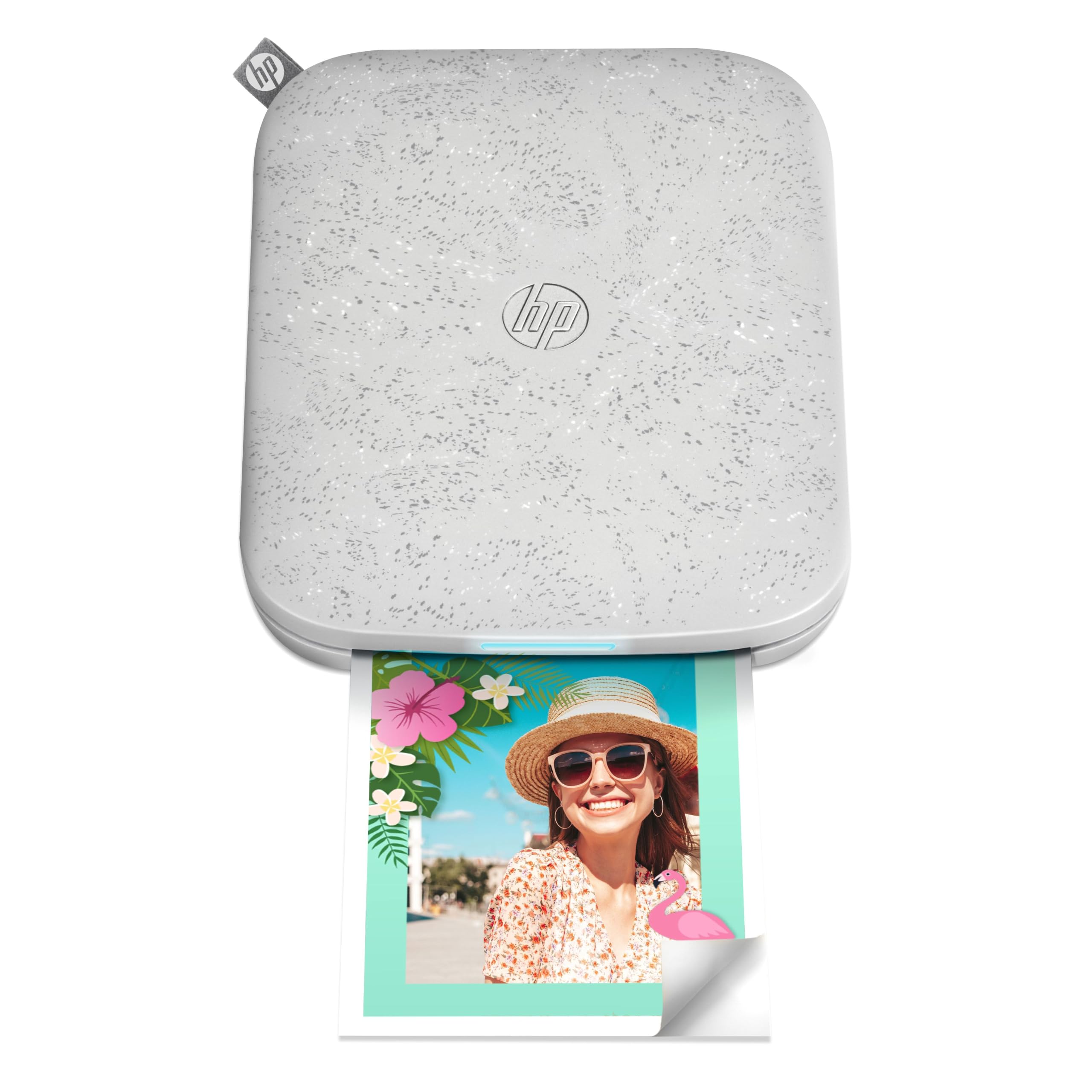
The HP Sprocket 3×4 occupies the sweet spot between pocket-sized 2×3 models and full desktop 4×6 printers. It outputs 3.5×4.25-inch prints — large enough to frame or share without cropping the essence of your composition, yet compact enough to stow in a medium-sized purse or backpack. ZINK zero-ink technology keeps the weight under a pound and eliminates cartridge replacement entirely.
Bluetooth 5.0 handles the wireless connection, and the printer supports multiple simultaneous users, so friends at a party can take turns printing without re-pairing. The HP Sprocket app offers a full editing suite with borders, stickers, filters, and text overlays. Battery life is rated for roughly 25 prints per full charge, which aligns with real-world testing.
Two reliability caveats: the printer can throw false paper jam errors every few prints, and some units overheat after 4-7 consecutive prints. A short cooldown period between batches resolves this, but it’s not ideal for event printing. Paper cost is higher per sheet than the Liene or YOTON dye-sub options. Buy this if you value the larger-print format and ZINK convenience over raw economy.
Why it’s great
- Larger 3.5×4.25” print size without desktop bulk
- Bluetooth 5.0 with multi-user support
- No ink cartridges to replace
Good to know
- Overheating after 4-7 consecutive prints
- Paper cost per sheet is higher than dye-sub alternatives
4. Canon PIXMA TS7720 Wireless All-in-One

The Canon PIXMA TS7720 is the only all-in-one (print, copy, scan) device on this list, and it’s a strong choice if you need a home office printer that also handles 8×10 photo paper. It uses a two-cartridge inkjet system — one PG-285 black and one CL-286 color — that keeps replacement simple, though the included trial cartridges run out faster than standard-volume ones.
Wireless setup can be slightly more involved than a Bluetooth-only pocket printer: you must connect the TS7720 to your Wi-Fi network manually through the 2.7-inch LCD touchscreen. Once configured, it prints 15 black pages per minute and 10 color pages per minute, making it the fastest printer here for document tasks. The automatic duplex feature saves paper when printing double-sided reports.
Photo quality is where the TS7720 falls a step behind dedicated photo printers. Colors out of the box can appear muted or hazy, likely due to the starter ink cartridges being low-capacity. Upgrading to Canon’s genuine PG-285XL and CL-286XL cartridges improves saturation significantly but increases ongoing cost. Ignore the trial ink experience — invest in XL cartridges from the start.
Why it’s great
- Full print, copy, and scan functionality in one unit
- Fast 15/10 ppm speeds for everyday documents
- Auto duplex printing reduces paper waste
Good to know
- Trial ink cartridges produce muted colors
- Wi-Fi setup is more manual than dedicated photo printers
5. Nelko PP01 Portable Inkjet Printer
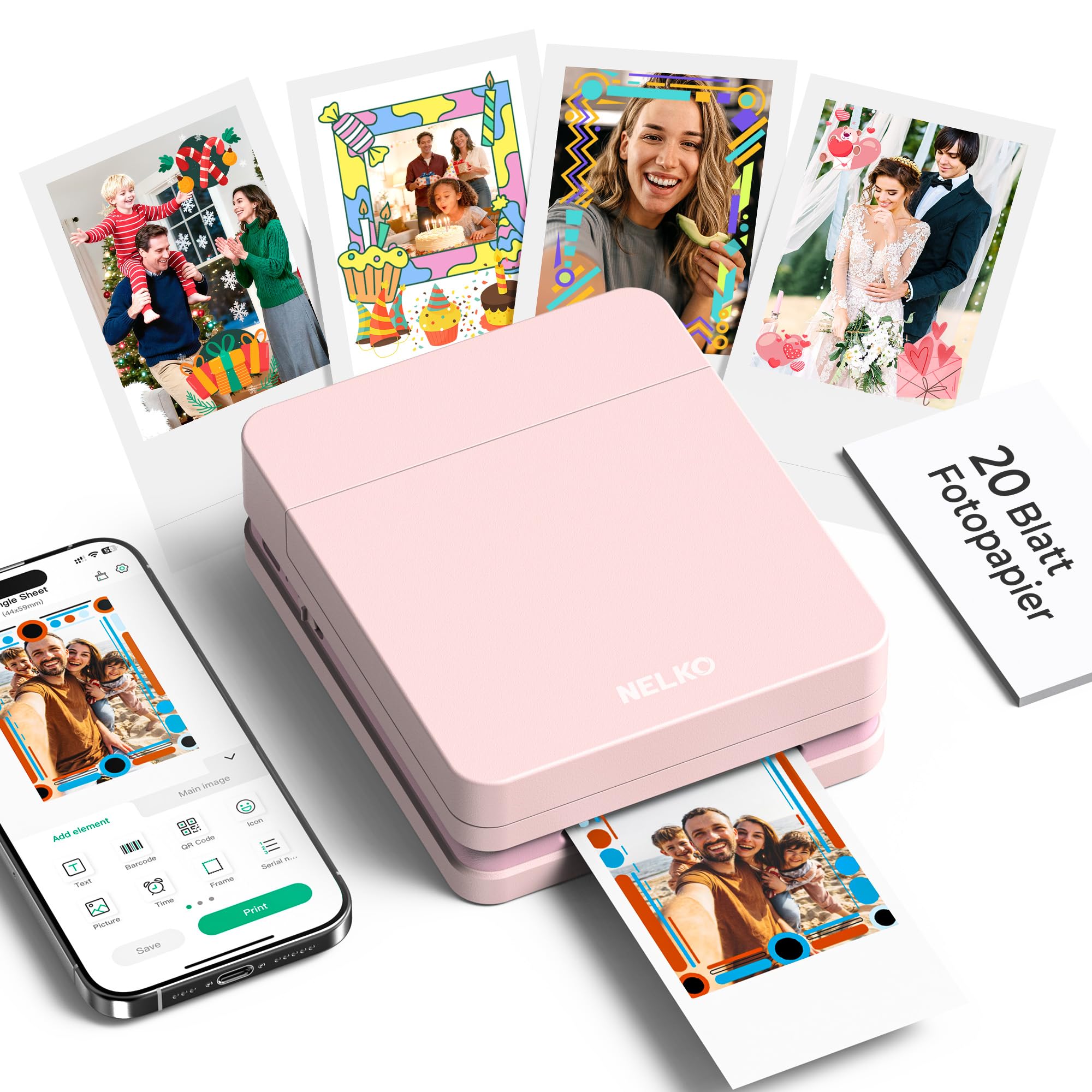
The Nelko PP01 stands out in the pocket-sized category because it uses advanced inkjet technology rather than ZINK, achieving a native 602 DPI resolution that captures fine details and realistic skin tones better than most thermal-based 2×3 printers. The sticky-backed paper is smudge-proof, water-resistant, and tear-resistant, so these prints survive inside a wallet or journal.
At just 0.6 pounds and roughly the size of a thick smartphone, this is the most portable model in the lineup. Battery life is strong enough for a full day of travel printing, and the included USB cable recharges the unit from any standard power brick. Bluetooth pairing is quick, and the Nelko app offers AI image editing, collage layouts, borders, stickers, and graffiti tools.
The only limitation is the 2×3-inch paper size, which forces you to crop or resize larger compositions. Each ink cartridge yields approximately 80 full-color prints, and the cartridge replacement cost is reasonable compared to ZINK paper packs. For scrapbookers, travelers, and journaling enthusiasts who want the highest resolution in a truly pocket-friendly form factor, this is the best option.
Why it’s great
- 602 DPI inkjet — best resolution in the 2×3 category
- Ultralight 0.6-pound design, perfect for travel
- Advanced app with AI editing and collage tools
Good to know
- Limited to 2×3-inch paper only
- Power adapter not included — USB cable only
6. HP Sprocket 2nd Edition Luna Pearl
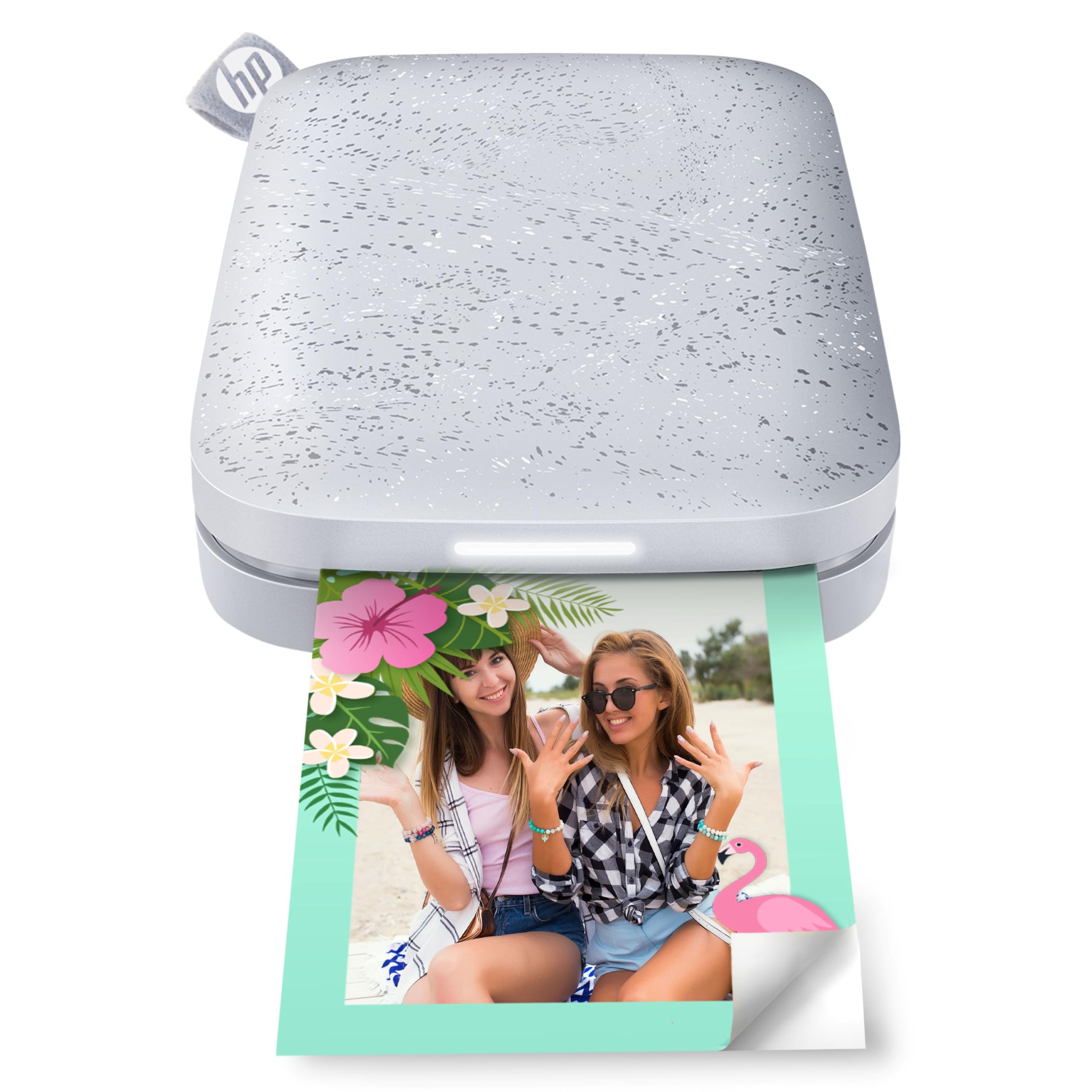
The HP Sprocket 2nd Edition remains one of the most durable and well-supported pocket printers in its class. It uses ZINK zero-ink paper and outputs 2×3-inch sticky-backed photos that resist smudging and tearing. Bluetooth 5.0 keeps the connection stable even when your phone is inside a bag, and the sleep mode preserves battery life between uses.
A standout party feature is multi-device support with personalized LED notifications — the lights show whose photo is currently printing. The HP Sprocket app includes a full editing suite with borders, stamps, and augmented reality scanning that plays a virtual photo queue on your phone screen. Battery life is solid, holding a charge for weeks if left unused.
The main drawback is color consistency. Uncalibrated prints can lean pink or cyan, requiring you to edit the tint and saturation in the app before printing. A black-and-white test print helps dial in the calibration, but it’s an extra step that less patient users may find frustrating. Expect to spend five minutes tweaking color settings before you get the look you want.
Why it’s great
- Proven durability and active firmware support
- Multi-device printing with LED indicators
- Excellent standby battery life
Good to know
- Color cast (pink/cyan) requires manual calibration
- Only 10 starter sheets included in the box
7. KODAK Step Instant Smartphone Printer
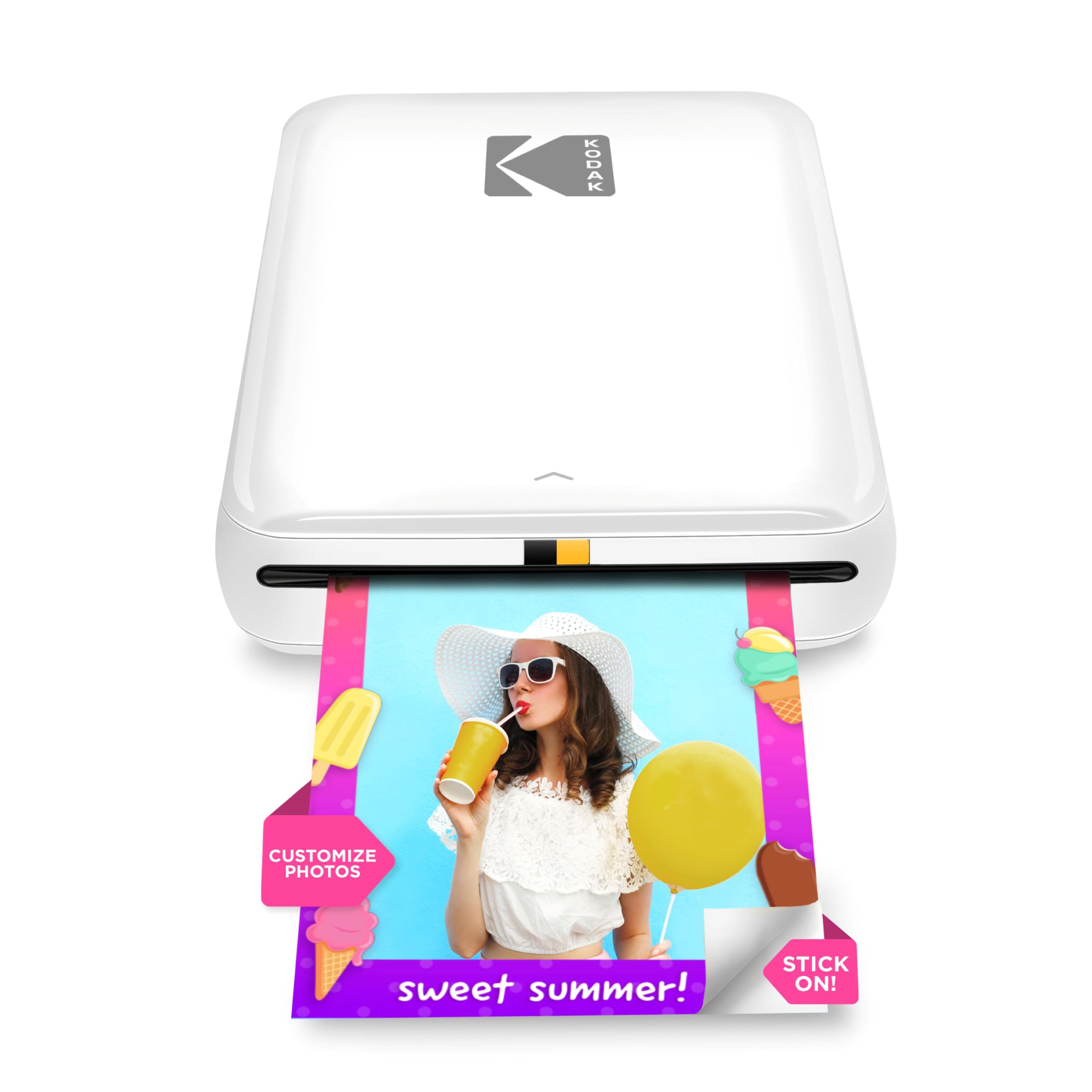
The KODAK Step is the entry-level gateway into the cheap photo printer world, offering a proven ZINK platform at the lowest entry point. It connects via Bluetooth or NFC to any iOS or Android device and prints 2×3-inch sticky-backed photos with zero ink cartridges.
The KODAK app provides a full editing suite with filters, borders, stickers, and text overlays. Battery life is rated for approximately 25 prints per full charge, matching the HP Sprocket 2nd Edition. Setup is genuinely plug-and-play: charge the unit, load the ZINK paper, pair via Bluetooth, and print within three minutes of opening the box.
Image quality is good for the size, though color accuracy isn’t as strong as the inkjet-based Nelko PP01. You may notice streaks or slight banding in solid color areas, especially when printing portraits with a uniformly lit background. The five starter sheets are enough for a test run, but you’ll need to buy more ZINK paper immediately if you plan to use it regularly.
Why it’s great
- Lowest entry price into photo printing
- Simple Bluetooth/NFC setup with no ink hassle
- Compact design that fits in any bag
Good to know
- Occasional banding or streaks in solid color areas
- Only 5 starter sheets included
FAQ
What is the cheapest per-print cost among affordable photo printers?
Can I print 4×6 photos without a desktop printer?
How long do ZINK prints last compared to dye-sublimation prints?
Is it worth paying more for a printer with a built-in Wi-Fi hotspot?
Final Thoughts: The Verdict
For most users, the best cheap photo printer winner is the Liene M100 Bundle because it delivers true 4×6 prints with a protective laminate layer at the lowest per-print cost, including 180 sheets and five ink cartridges right out of the box. If you want the highest resolution in a pocket-friendly size for travel and scrapbooking, grab the Nelko PP01. And for a zero-ink, no-hassle experience with multi-device party support, the HP Sprocket 3×4 offers the largest ZINK print format in a portable package.