
That moment when your laptop dies at 30% — or refuses to hold a charge longer than an hour — means the lithium-ion cells inside have reached their cycle limit. A fresh internal battery restores full mobility without buying a whole new machine, but picking the wrong model leaves you stuck with a swollen pack or a BIOS error. This guide cuts through the compatibility chaos and focuses on the voltage, capacity, and physical dimensions that actually matter.
I’m Min — the co-founder and writer behind Gadgets Feed. I’ve logged hundreds of hours analyzing replacement battery listings, cross-referencing part numbers, and decoding customer reports of capacity discrepancies and installation quirks specific to laptop batteries.
Whether you are trying to revive an aging Dell Latitude, an XPS 15, or a 12-inch MacBook, finding the best laptop battery means matching the exact model number and watt-hour rating to avoid fitment and recognition issues.
How To Choose The Best Laptop Battery
Every replacement battery starts with a single hard rule: the original part number must match. Laptop manufacturers encode voltage, cell count, and connector orientation in codes like 6GTPY or WDX0R. Guessing by laptop model alone risks buying a battery that physically fits but triggers a “not supported” error at boot.
Watt-Hours vs. Milliamp-Hours
Wh (watt-hours) is the true measure of energy storage because it factors in voltage. A 42Wh pack and a 92Wh pack can both be 11.4V, but the 92Wh unit delivers over double the runtime. Always compare Wh — mAh numbers only make sense when voltage is identical between the original and replacement.
Cell Count and Physical Dimensions
Three-cell (3-cell) batteries are thinner and lighter, typically 42Wh or less. Six-cell (6-cell) packs run 51Wh to 97Wh but are thicker and heavier. Measure the original battery compartment depth before ordering a higher-capacity 6-cell unit — not every chassis has the internal clearance for the extra cells.
Safety Certifications
UL, CE, and FCC certifications indicate that the battery has passed overcharge, short-circuit, and thermal-runaway testing. Grade-A cells also provide 500 recharge cycles versus 300 from cheaper alternatives. Avoid uncertified “no-name” packs that lack over-discharge protection.
Quick Comparison
On smaller screens, swipe sideways to see the full table.
| Model | Category | Best For | Key Spec | Amazon |
|---|---|---|---|---|
| Mobik 69KF2 | 6-Cell Li-ion | XPS 15 & Alienware G15 | 86Wh capacity | Amazon |
| Futurebatt VG93N | 6-Cell Li-ion | Latitude 5580 & Precision 3520 | 92Wh capacity | Amazon |
| Dentsing 6GTPY | 6-Cell Li-ion | XPS 15 9560/9570 | 97Wh capacity | Amazon |
| NDWQGFS A1527 | Li-Polymer | MacBook 12-inch (2015-2017) | 5263mAh capacity | Amazon |
| Mobik 7WNW1 | 6-Cell Li-ion | Latitude Rugged Extreme | 51Wh capacity | Amazon |
| ZTHY 3HWPP | 4-Cell Li-ion | Latitude 5401 & Precision 3541 | 68Wh capacity | Amazon |
| SANISI WDX0R | 3-Cell Li-Po | Inspiron 5000/7000 Series | 42Wh capacity | Amazon |
In‑Depth Reviews
1. Mobik 69KF2 86Wh (Dell XPS 15 / G15)
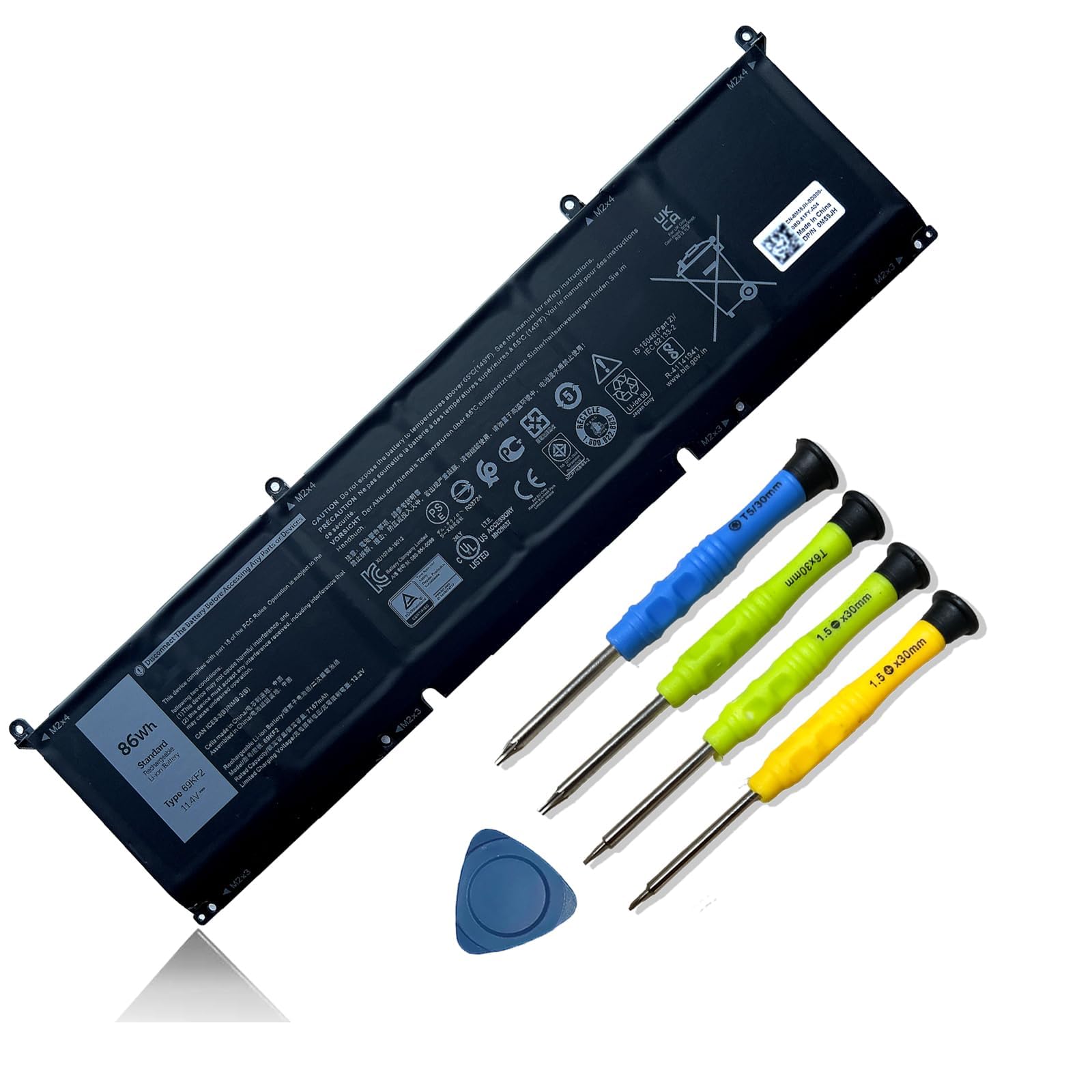
The Mobik 69KF2 packs an 86Wh capacity at 11.4V — a substantial upgrade over the 56Wh standard packs found in many Dell XPS 15 and G15 configurations. With Grade-A lithium-ion cells rated for 500 cycles, this six-cell unit restores all-day runtime for power users running virtual machines or rendering workloads. The included screwdrivers simplify the swap, and the battery recognized immediately on first boot according to owner reports.
Compatibility spans a wide net: XPS 15 9500/9510/9520, Precision 5550/5560, Alienware M15 R3-R7, and G15 5510/5511/5520. The 86Wh rating sits below the 99Wh airline limit, so it travels without regulatory friction. Customer feedback notes that after a full discharge to 5% and recharge cycle, the battery reports capacity very close to the design spec, with no BIOS errors.
One limitation: the 86Wh cell count makes the battery slightly heavier than 3-cell alternatives, adding about 230 grams to the chassis. The included tools are basic — a magnetic screwdriver would make the job smoother. For the combination of capacity, safety certifications (UL/CE/FCC), and broad platform support, this is the strongest all-around pick.
Why it’s great
- 86Wh capacity delivers nearly double the runtime of standard 56Wh packs.
- Grade-A cells with 500-cycle lifespan and UL/CE/FCC certification.
- Compatible with XPS 15, Precision, Alienware M15, and G15 series — wide coverage.
Good to know
- Heavier than 3-cell alternatives due to 6-cell construction.
- Included screwdrivers are functional but feel cheap; a magnetic kit helps.
2. Dentsing 6GTPY 97Wh (Dell XPS 15 9560/9570)
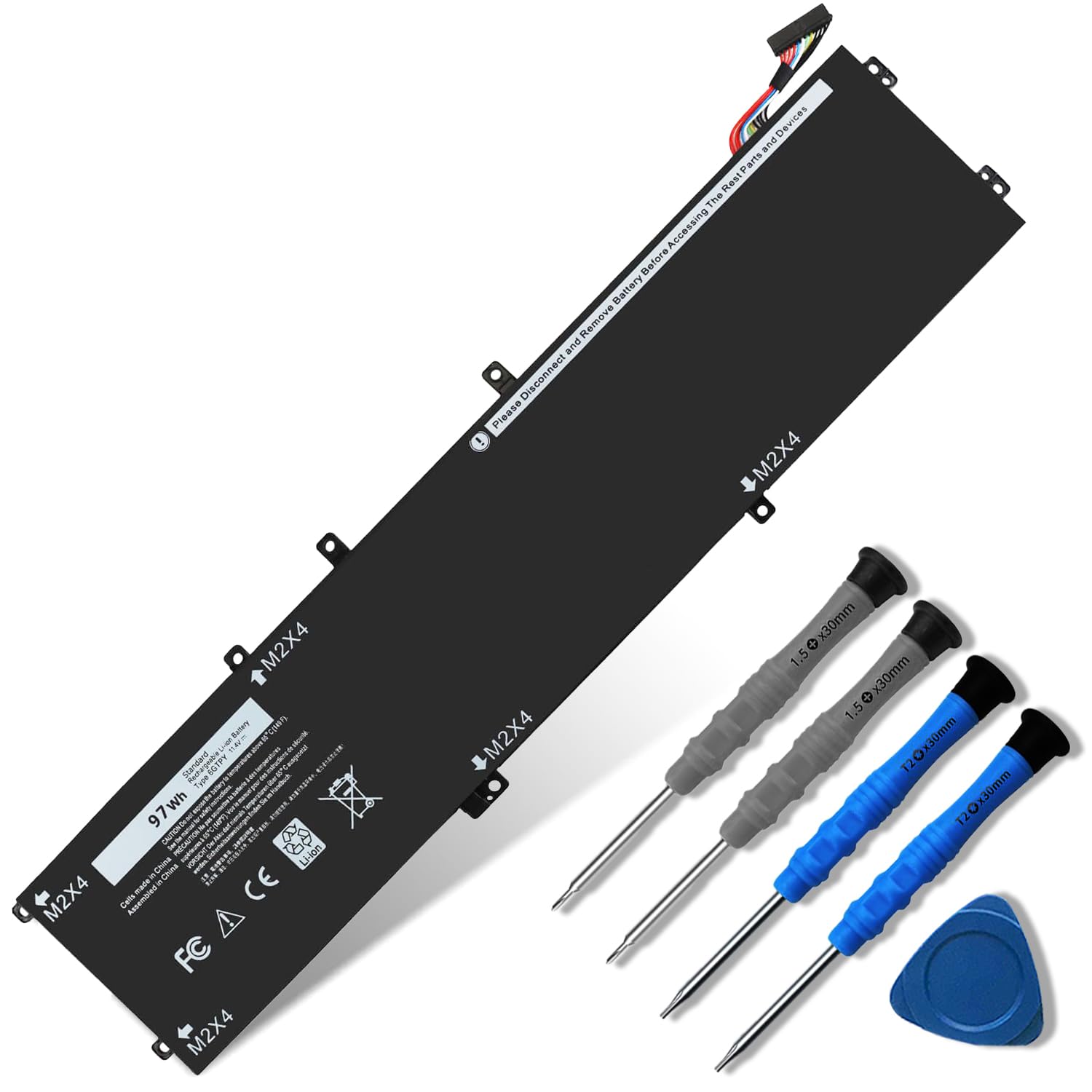
The Dentsing 6GTPY delivers a massive 97Wh capacity — the maximum allowed by most airlines without special approval — making it a direct upgrade for Dell XPS 15 9560 and 9570 owners who originally shipped with smaller 56Wh packs. The 11.4V, six-cell lithium-ion construction matches the original 6GTPY part footprint exactly, so no chassis modification is needed for owners of the Precision 5510/5520 or Vostro 7500 series.
Customer reviews highlight that the battery arrived pre-charged to roughly 72%, which means the controller was active from the factory. Installation requires separating the adhesive-sealed bottom panel — a plastic pry tool or guitar pick helps avoid damaging the magnesium alloy chassis. Once seated, the laptop recognized the battery immediately and reported accurate charge percentages without the phantom 255% reading seen in some competitors.
The trade-off is a tighter fit in some models: reviewers note the connector cable may need a slight twist to align with the motherboard header. The 12-month warranty provides a safety net, but Amazon’s return window closes at 30 days, so testing promptly after installation is wise. For sheer capacity per dollar in the XPS 15 ecosystem, this is the top contender.
Why it’s great
- 97Wh capacity — the highest allowed for air travel without special approval.
- Pre-charged to 72% out of the box; no deep-discharge recovery needed.
- Covers XPS 15 9560/9570 and Precision 5510/5520 with one part number.
Good to know
- Bottom panel adhesive is aggressive; plastic pry tools may break.
- Connector cable may need a slight twist to seat fully.
3. Futurebatt VG93N 92Wh (Latitude 5580 / Precision 3520)
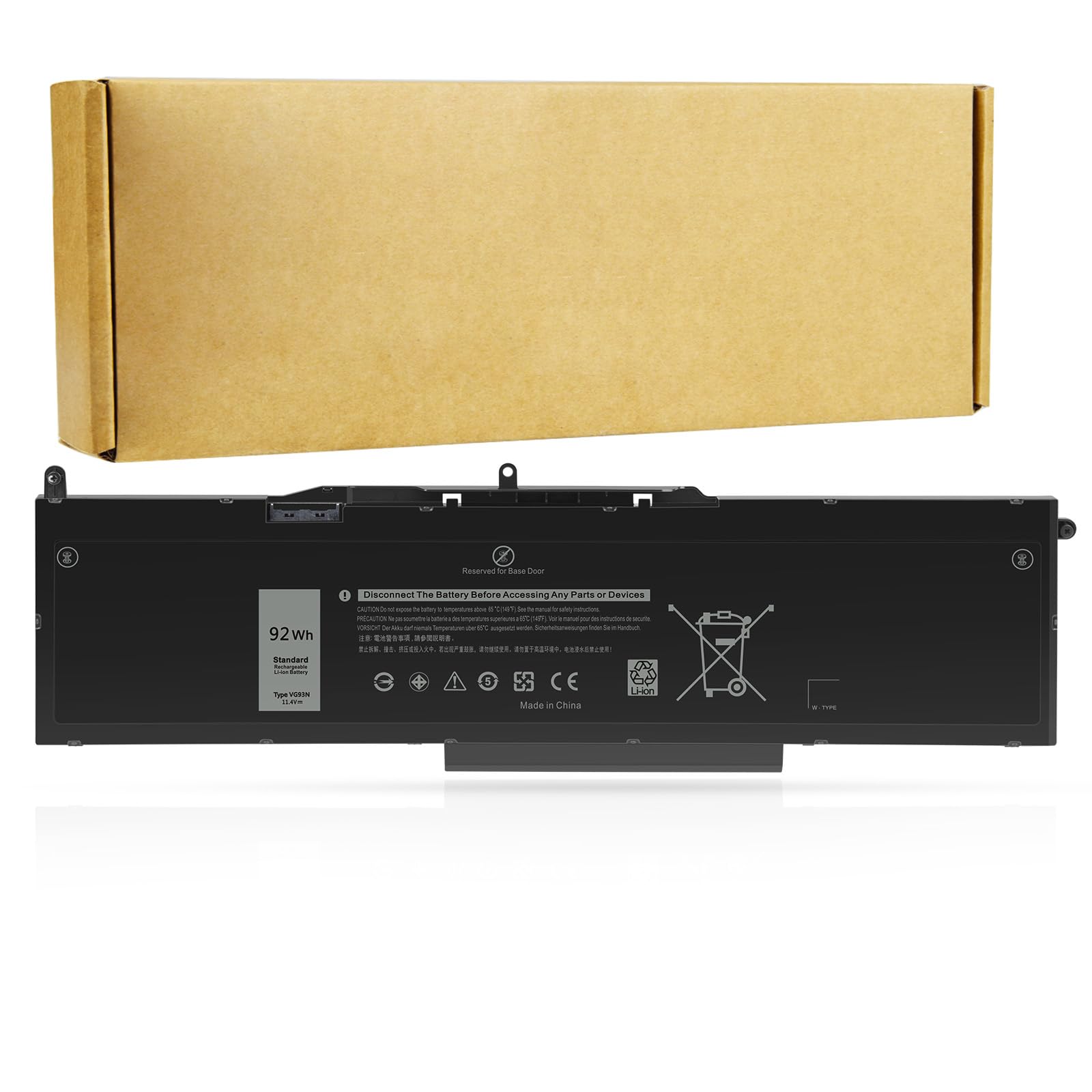
The Futurebatt VG93N pushes 92Wh from a six-cell, 11.4V configuration specifically designed for Dell Latitude 5580/5590/5591 and Precision 15 3520/3530 series. At 8070mAh, this is one of the highest-capacity drop-in replacements for these business-class machines, which often came from Dell with 42Wh or 56Wh standard packs. The upgrade effectively triples runtime for field workers who need unplugged access through a full shift.
Installation follows the standard Latitude procedure: remove the bottom cover by unscrewing the perimeter and prying the seam. The battery fits snugly without wobble, though one reviewer noted a slightly looser fit than the OEM pack — not enough to affect performance, but worth checking that the connector clicks in fully. The battery charges rapidly and the controller reports capacity accurately after the initial 5% discharge conditioning cycle.
There is an important compatibility caveat: the VG93N only works with laptops that use M.2 SSD storage. Older models with SATA hard drives may require a different part number. The 12-month warranty and 30-day money-back guarantee provide reasonable protection, but verify your chassis before ordering.
Why it’s great
- 92Wh capacity offers a massive upgrade over stock 42Wh/56Wh packs.
- Fast charging and accurate battery health reporting after conditioning.
- Designed specifically for M.2 SSD equipped Latitude and Precision models.
Good to know
- Not compatible with SATA HDD based laptops — M.2 only.
- Some users report a slightly looser fit compared to OEM battery.
4. NDWQGFS A1527 (MacBook 12-inch 2015-2017)
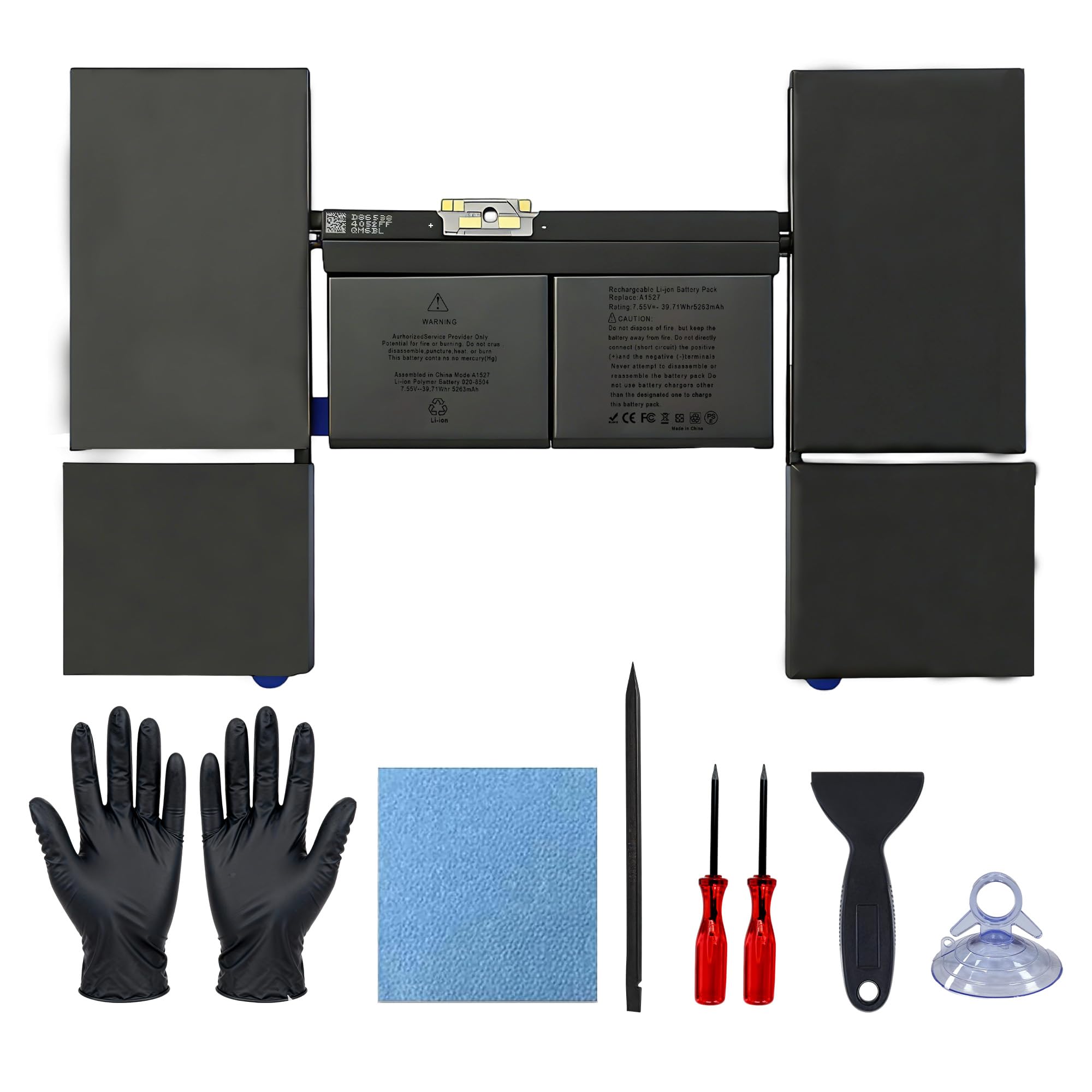
The NDWQGFS A1527 is a custom-fit lithium-polymer battery for the 12-inch Retina MacBook models from Early 2015 through Mid 2017 (A1534/A1705). At 5263mAh and 39.71Wh, it matches the OEM specification precisely, restoring the original 9-10 hours of web browsing time that these ultraportables delivered when new. The kit includes two screwdrivers and detailed step-by-step instructions tailored to the MacBook’s tricky bottom-case removal process.
A standout feature is the “Upgraded 4.0 Technology” — high-cobalt cells paired with a smart chip that communicates battery health data directly to macOS. Users report the system immediately shows “Service Recommended” as cleared after installation, with full charge capacity reported at 100% after calibration. The UL, CE, FCC, and RoHS certifications add confidence for a battery that sits millimeters away from the logic board.
The primary installation challenge involves the adhesive strips securing the original battery to the upper case. The included instructions guide you through the gentle prying required, but one review noted that a screw hole on the replacement wasn’t fully threaded — an easy fix with a small drill bit. For owners of the fanless 12-inch MacBook whose original battery has swollen or dropped below 80% health, this is the only reliable drop-in option.
Why it’s great
- Precision fit for 12-inch MacBook (A1534/A1705) with matching connector.
- High-cobalt cells rated for over 1500 recharge cycles.
- Full safety certification suite: UL, CE, FCC, RoHS.
Good to know
- Adhesive removal from original battery requires patience and a plastic spudger.
- One reported QC issue with a partially threaded screw hole.
5. Mobik 7WNW1 51Wh (Latitude Rugged Extreme)

The Mobik 7WNW1 is engineered specifically for Dell Latitude Rugged Extreme models — the 5424, 5420, and 7424 — which require battery packs that withstand vibration, temperature extremes, and physical shock. At 51Wh (11.4V, 4342mAh), it provides enough power for a full field shift while maintaining the sealed, hot-swap capable design these notebooks demand. The grade-A cells carry UL, CE, FCC, and RoHS marks, and the pack includes overcharge and short-circuit protection.
Customer feedback from field technicians highlights the straightforward installation: the battery bolts into the rear compartment without adhesive, and the connector clicks into place with audible feedback. The battery is recognized immediately with no BIOS errors. One user running multiple data-collection applications reported that the 51Wh pack outlasted their original battery by about 30 minutes, suggesting the cells are fresh and within rated capacity.
The 51Wh rating is deliberately moderate to keep the battery physically smaller than the 6-cell 86Wh options — critical for Rugged models where internal space is already tight due to the reinforced chassis. If you own a Rugged Extreme and need a reliable replacement that won’t swell in hot environments, this is the correct part.
Why it’s great
- Purpose-built for Dell Latitude Rugged Extreme shock and temperature specs.
- Secure rear-compartment install with no adhesive required.
- Grade-A cells with full UL/CE/FCC/RoHS certification.
Good to know
- 51Wh capacity is modest compared to 86Wh+ options for non-rugged models.
- Verify your exact Rugged model number — 5424 vs 7424 require different mounts.
6. ZTHY 3HWPP 68Wh (Latitude 5401 / Precision 3541)
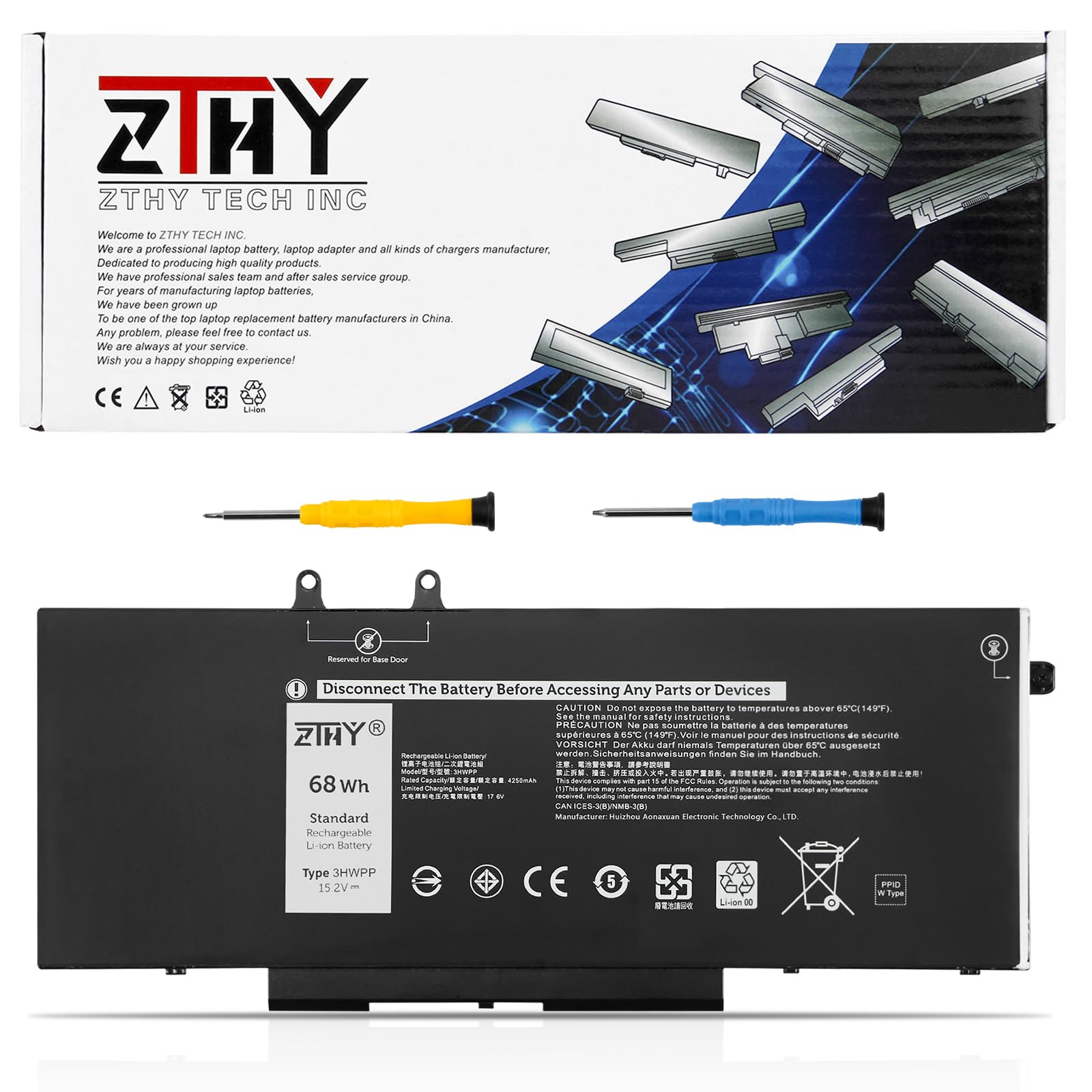
The ZTHY 3HWPP is a 68Wh, 4-cell replacement for a broad range of Dell Latitude 5401/5410/5411, Precision 3541/3550/3551, and Inspiron 17 7706/7500 series laptops. At 15.2V, this is one of the higher-voltage packs in the lineup, delivering 4250mAh of capacity in a slimmer profile than 6-cell alternatives. CE and UL certifications confirm that the protection circuitry meets consumer safety standards.
User reviews span multiple years of use, with one reviewer reporting two to three years of reliable service — competitive with OEM batteries at a fraction of the cost. Initial installation may show a phantom 255% charge level or incorrect “charging” status. The fix is straightforward: remove the battery, boot the laptop without it, then reinstall. After a few discharge/recharge conditioning cycles, the controller recalibrates and reports accurate percentages.
A few buyers noted that the actual usable capacity measured slightly below the 68Wh design spec — stabilizing around 58,200mWh according to one report. This is typical for third-party batteries and still represents a significant improvement over an aged original pack. The 376-gram weight is manageable, and the black finish blends seamlessly with the Latitude chassis.
Why it’s great
- 68Wh capacity at 15.2V delivers strong runtime for Latitude and Precision models.
- Longevity reported at 2-3 years by multiple verified owners.
- CE and UL certified for safe operation.
Good to know
- Initial installation may show 255% charge until battery management resets.
- Actual usable capacity measured around 58Wh rather than full 68Wh.
7. SANISI WDX0R 42Wh (Dell Inspiron 5000/7000)

The SANISI WDX0R is a 42Wh, 3-cell lithium-polymer battery built for a massive swath of Dell Inspiron models: the 13-inch 5368/5378/5379, 15-inch 5565 through 5584, 17-inch 5765 through 5775, plus Vostro 5468 series. Its 11.4V output and 240-gram weight make it one of the lightest options here, ideal for users who prioritize portability over extreme runtime. The battery includes overcharge, overdischarge, and short-circuit protection circuits.
Installation is approachable for beginners: eleven screws secure the bottom cover (three captive near the hinge), then four screws release the battery. One reviewer flagged that the original battery may swell and cause the keyboard ribbon cable to stick — careful prying with a plastic spudger prevents damage to the white “KB” connector. After replacement, the system recognizes the battery immediately and reports accurate health data.
With 42Wh, this pack delivers roughly 3-4 hours of mixed productivity use, which matches the original specifications for these mid-2010s Inspiron models. The 12-month warranty covers defects, and for a user whose laptop has become a desktop due to a dead battery, even this entry-level capacity restores true mobility. Just note that some Inspiron 7586 models shipped with a 56Wh 33YDH battery — double-check your original part before buying.
Why it’s great
- Lightweight 3-cell design at 240 grams keeps the laptop portable.
- Covers a very wide range of Inspiron and Vostro models.
- Beginner-friendly installation with accessible screw locations.
Good to know
- 42Wh capacity yields only 3-4 hours of typical use.
- Incompatible with Inspiron 7586 units that require 56Wh 33YDH part.
FAQ
My new battery shows 255% charge. Is it defective?
Can I install a higher Wh battery than my original?
How do I prevent a swollen battery from damaging my laptop?
Final Thoughts: The Verdict
For most users, the best laptop battery winner is the Mobik 69KF2 86Wh because it balances high capacity, broad compatibility with XPS 15 and G15 systems, and verified Grade-A cell construction. If you want the absolute maximum runtime per charge, grab the Dentsing 6GTPY 97Wh for your XPS 15 9560/9570. And for a Latitude or Precision field machine that lives on battery, nothing beats the Futurebatt VG93N 92Wh.