
Our readers keep the lights on and my morning glass full of iced black tea. As an Amazon Associate, I earn from qualifying purchases.
Specs are compiled from manufacturer listings and verified buyer reviews and can change over time — please confirm the key details on the product page before buying.
Upgrading to an NVMe SSD is the single best way to make an older laptop or desktop feel brand new. You get faster boot times, quicker game loading, and snappier file transfers without touching your processor or RAM. This guide cuts through the spec noise to help you find the right 512GB PCIe SSD for your specific machine and budget, whether you’re a gamer, a video editor, or just tired of watching a spinning wheel.
I’m Min — the founder and writer behind Gadgets Feed. This guide is built by comparing the manufacturers’ published specifications and the patterns across verified customer reviews, so you get each pick’s real strengths and trade-offs instead of marketing spin.
We’ve broken down the top drives by performance, compatibility, and real-world reliability to simplify your search for the best 512gb pcie ssd.
Our Picks at a Glance


How To Choose The Best 512GB PCIe SSD
The first thing to check is your motherboard or laptop’s M.2 slot. You need to know if it supports the NVMe protocol and whether it runs on the older PCIe 3.0 or the newer PCIe 4.0 standard. A Gen4 drive is faster, but it will only run at Gen3 speeds if your slot is the older type.
Speed vs. Real-World Feel
A drive’s sequential read speed (like 3,500 MB/s) is the headline number, but it mostly matters for moving large files. For booting Windows and loading games, even a PCIe 3.0 drive feels dramatically faster than a SATA hard drive. The jump from a hard drive to any NVMe SSD is huge, while the jump from a Gen3 to a Gen4 SSD is only noticeable in specific heavy tasks.
NAND Type and Warranty
Look for the NAND flash type, which is the memory inside the drive. TLC (Triple-Level Cell) is generally more durable and faster at sustained writes than QLC (Quad-Level Cell), which is cheaper but sometimes slower under heavy load. A longer warranty (like 3, 5, or 6 years) is a good sign of the manufacturer’s confidence in the drive’s longevity.
Quick Comparison
| Model | Best For | Interface | Read Speed | Write Speed | Amazon |
|---|---|---|---|---|---|
| Ediloca EN600 PRO★ Best Overall | Reliable daily driver | PCIe 3.0 x4 | 3000 MB/s | 1100 MB/s | Amazon |
| Fikwot FX550Best Value | Fast boot speeds | PCIe 3.0 x4 | 3200 MB/s | 1300 MB/s | Amazon |
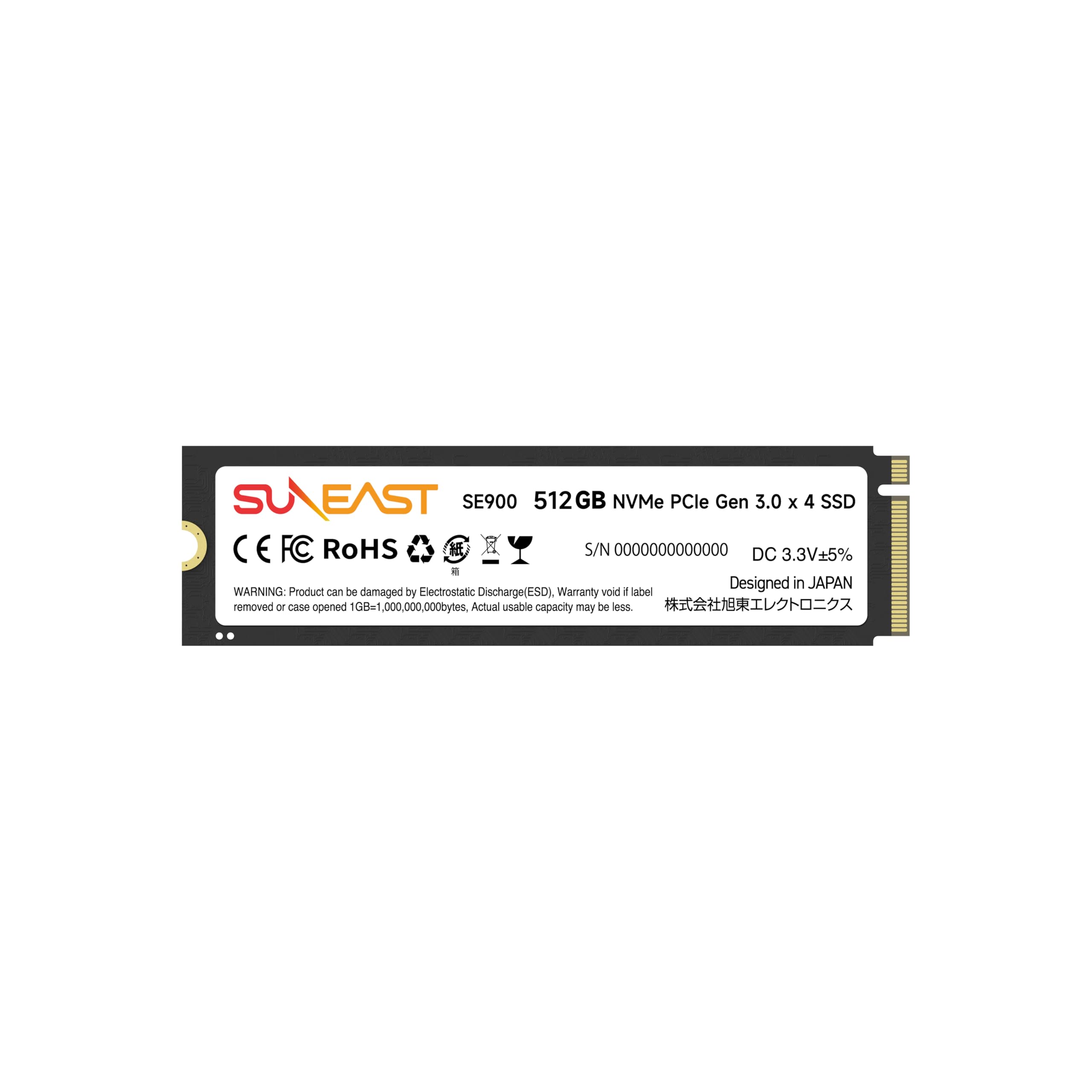
| SUNEAST Gen3x4Top Performer | High sustained read speed | PCIe 3.0 x4 | 3500 MB/s | 1800 MB/s | Amazon |
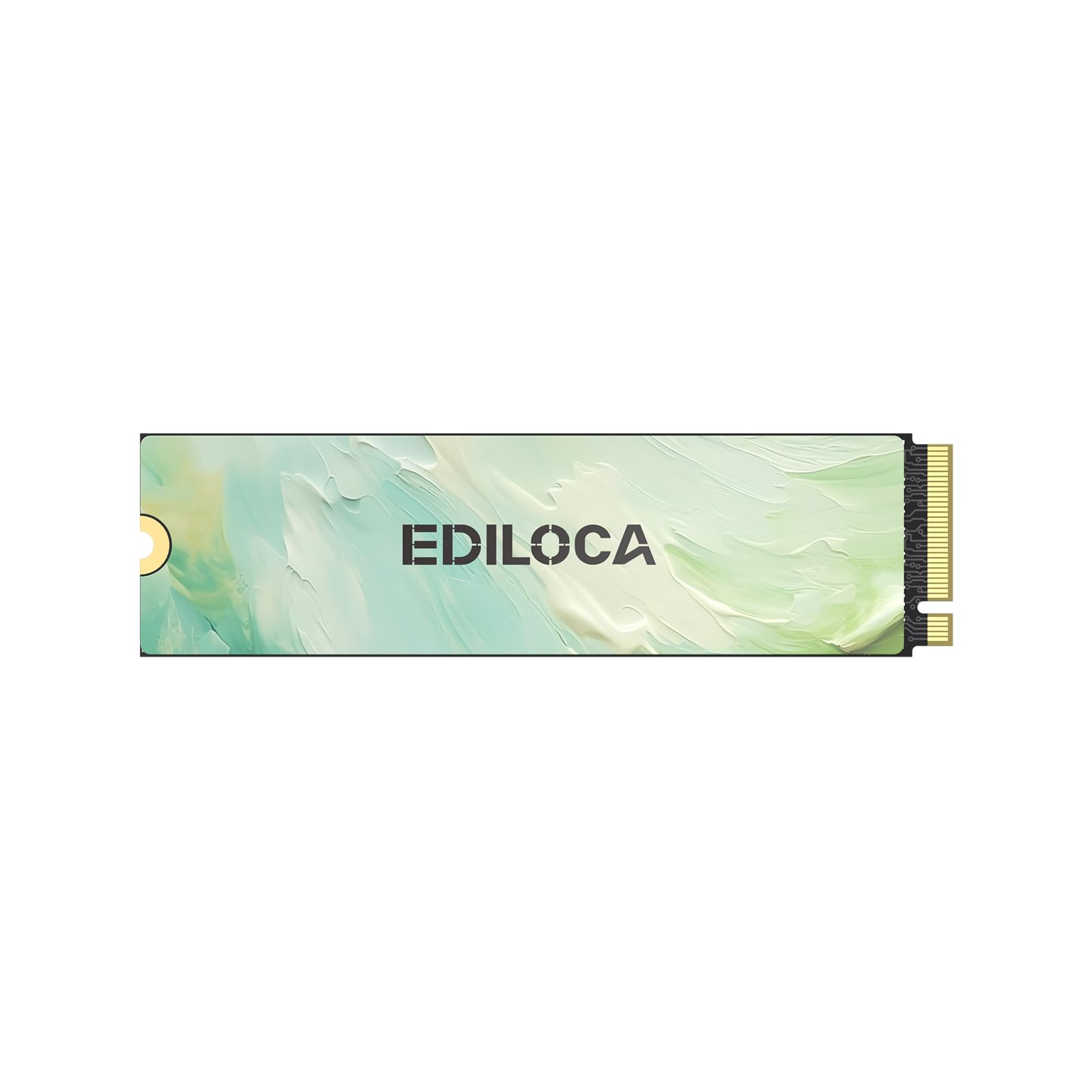
| Ediloca EN680E | Balanced value & security | PCIe 3.0 x4 | 2050 MB/s | 1000 MB/s | Amazon |
| Vansuny NVMe SSD | Reviving old laptops | PCIe 3.0 x4 | 3400 MB/s | 2900 MB/s | Amazon |
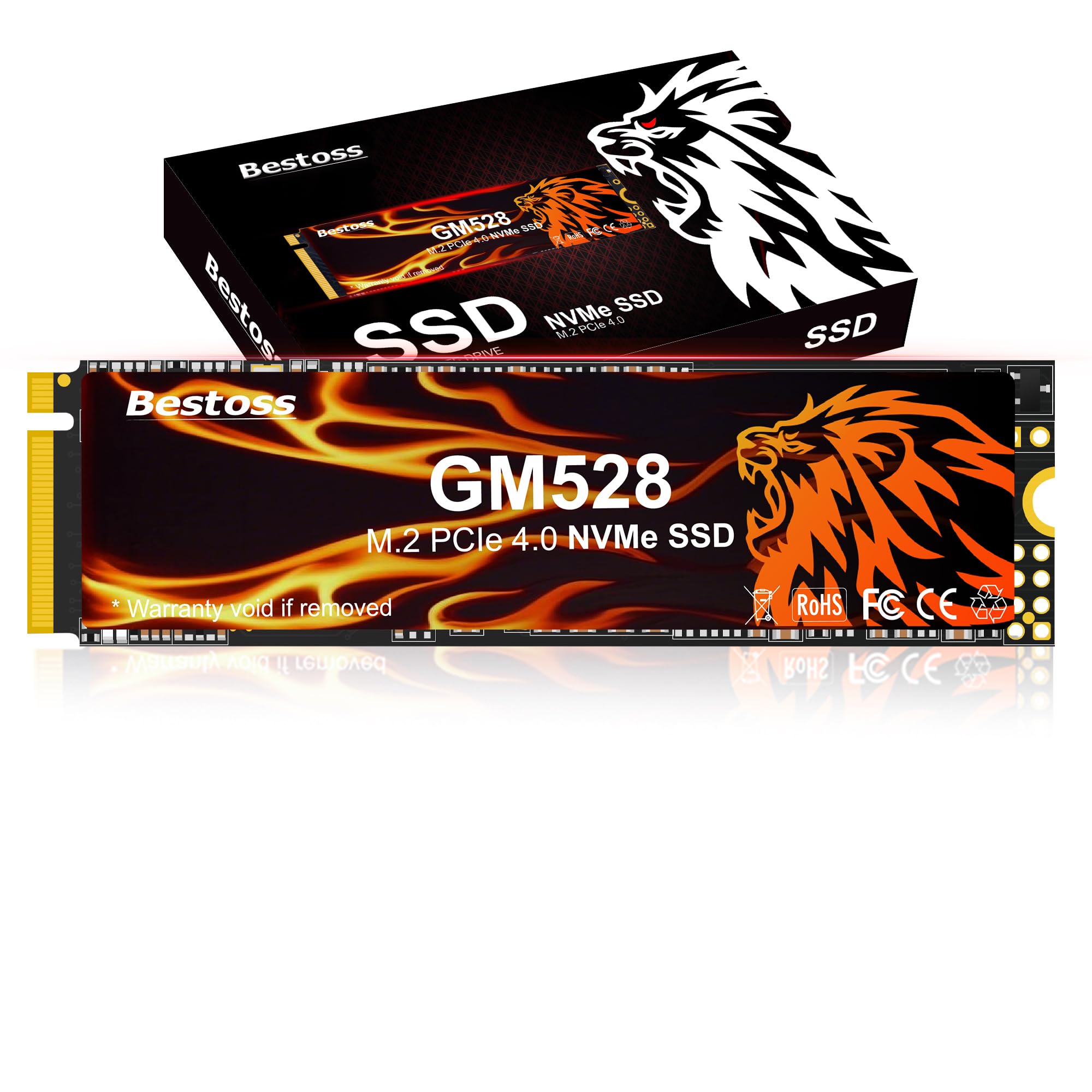
| Bestoss Gen4 (5000) | Balanced Gen4 upgrade | PCIe 4.0 x4 | 5000 MB/s | 2800 MB/s | Amazon |
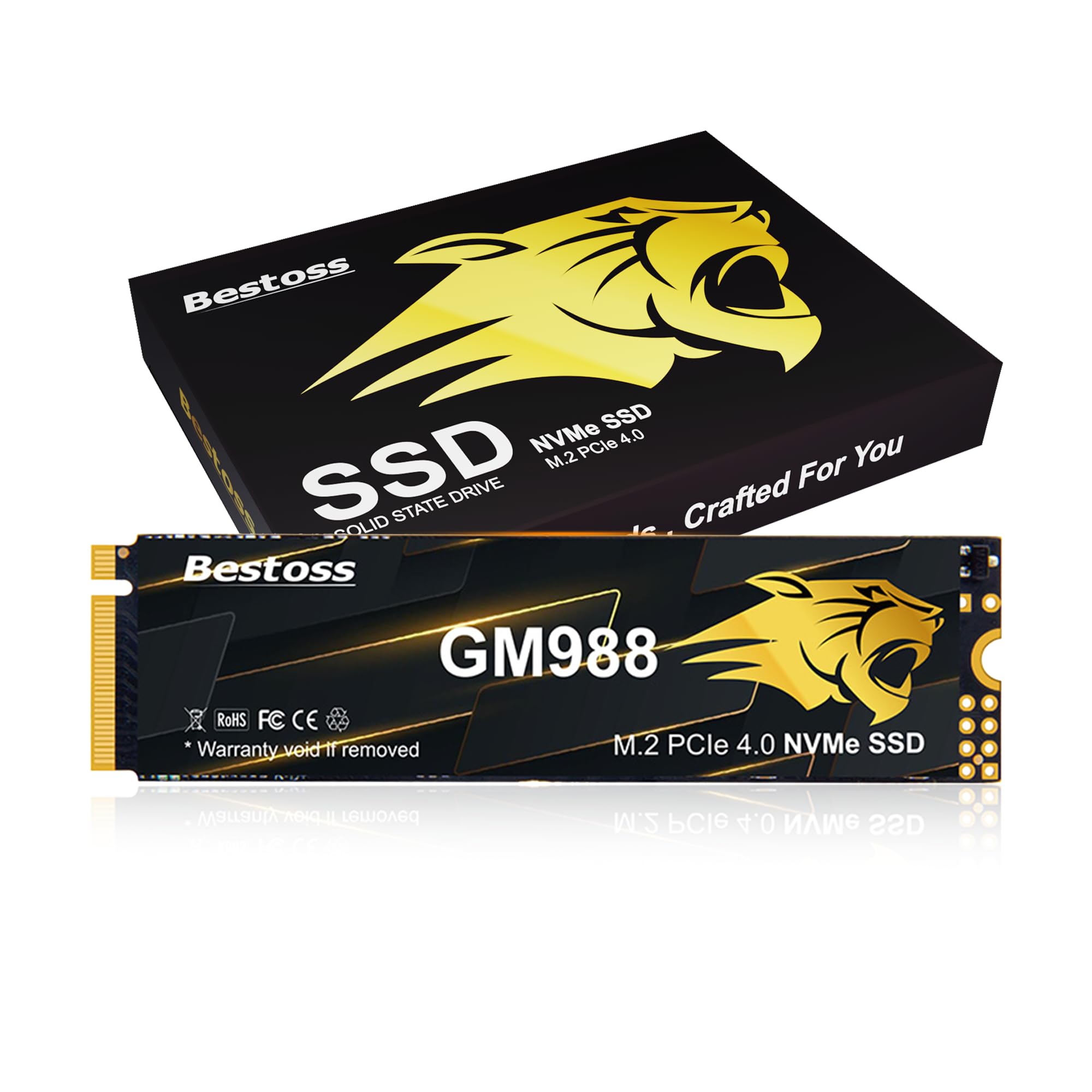
| Bestoss Gen4 (7350) | PS5 expansion & pro users | PCIe 4.0 x4 | 7350 MB/s | 5000 MB/s | Amazon |
| TEAMGROUP T-Force G50 | PS5 gaming on a budget | PCIe 4.0 x4 | 5000 MB/s | 2500 MB/s | Amazon |
| INLAND TN320 | Long warranty & endurance | PCIe 3.0 x4 | 2000 MB/s | 1600 MB/s | Amazon |
In‑Depth Reviews
1. Ediloca EN600 PRO
Our pick — over 4.5★ from 950+ verified ratings; the strongest balance of quality and price.
The crowd-pleasing workhorse that simply gets the job done without drama or premium pricing.
This is the drive most people should buy because it balances speed, reliability, and cost better than anything else here. It hits sequential read speeds up to 3000 MB/s, which is plenty fast for booting Windows or loading large game maps, and it uses 3D NAND TLC flash for good long-term endurance. The included graphene cooling sticker helps keep performance steady during longer sessions, so you are less likely to hit thermal slowdowns when copying big files.
You get a drive that just works, according to over thirty buyers who praise its reliability, speed, and value. It boots Linux Mint in a tiny HP Z2 Mini G5 and handles 5GB file transfers without stuttering. Installation is famously easy—one 15-year-old fitted it with the included mounting screw and screwdriver, and it has run great for over two months. Buyers report you can recommend it “confidently despite brand concerns.”
Skip this drive if you own a PS5—it is not compatible, so console gamers need a Gen4 model instead. The 3-year limited service is decent for the price tier. It works with Windows 7, 8, 10, 11, and Mac OS 10.9 and later, so it is a safe bet for almost any older desktop or laptop with an M.2 NVMe slot.
What Wins People Over
- Proven reliability with consistent performance over months of use
- Blistering fast boot and transfer speeds for the price
- Graphene sticker keeps it cool under sustained load
Who Should Look Elsewhere
- Not compatible with PlayStation 5 consoles
- Write speed of 1100 MB/s is modest compared to rivals
Reach for this if: you want a trusted, fast, and easy-install upgrade for a laptop or desktop without paying a premium.
Look elsewhere if: you need to expand a PS5 or demand the absolute highest sequential write speeds.
2. Fikwot FX550
A speed demon that beats the top pick on paper with a longer warranty to match.
The Fikwot FX550 edges out the Ediloca with a slightly higher maximum read speed of 3200 MB/s compared to the Ediloca’s 3000 MB/s, and it pairs that with write speeds up to 1300 MB/s. Part of that speed comes from dynamic SLC cache and HBM memory buffer technology, which together deliver the maker’s claim of a 10-second fast boot. For gamers and multitaskers, this translates to quicker level loads and smoother switching between heavy apps.
Reliability tops the praise here too, with speed and value close behind. It is a favorite for NAS setups—owners mention installing two in a Synology DS425+ for read/write cache. After a quick command-line tweak to authorize the non-Synology drives, they note “transfer speeds now limited to ethernet line speeds.” The single-sided chip design makes it a clean fit for slim laptops and mini PCs where space underneath is tight.
The one thing to watch is that this is a QLC NAND drive, which is generally less durable for heavy sustained writes than TLC. But Fikwot backs it with a 5-year limited warranty, which is one of the longest here and signals real confidence in the product. It runs Windows 8, 10, 11, and Linux, and it is not compatible with the PS5.
Why it stands out: The 5-year warranty cuts the risk of buying a QLC drive, making this the smartest value play in the lineup.
The trade-off: QLC NAND means it’s better suited to boot drives and gaming than to constant, heavy video-editing workloads.
3. SUNEAST Gen3x4
The fastest Gen3 drive here, built for heavy workloads and demanding creative professionals.
Pick SUNEAST’s drive for the absolute top speed on the PCIe 3.0 standard. Its sequential read speeds hit up to 3500 MB/s, beating the Fikwot’s 3200 MB/s, and it leads on writes at up to 1800 MB/s—so video editing and large file transfers go faster. This performance comes from premium 3D NAND flash chips, which the maker says provide enhanced durability and power efficiency for heavy workloads.
Real-world owner stories back up the performance claims. Customers note it saved the day after a dead SSD in a Lenovo T14s, getting them back to work in less than 24 hours. One describes it as “a stable, reliable SSD” that boots macOS in seconds on an old Mac Pro. It also runs cool without a heatsink, with no thermal throttling even under sustained use.
The biggest caveat is the warranty: one owner deducted a star because it’s only 1-year, which is significantly shorter than the 3-year or 5-year coverage on other drives here. That said, the performance and reliability make it a strong pick for a desktop or laptop that you plan to use heavily for the next year or two, and it works with Windows, Linux, and major motherboard brands.
Built for creators: The 3500 MB/s read and 1800 MB/s write speeds are the headliners, handling 4K video and large project files with ease.
The honest catch: The 1-year warranty is short, so it’s best for users who upgrade frequently rather than those seeking a decade-long solution.
4. Ediloca EN680E
A secure and cool-running upgrade that prioritizes data protection and steady performance.
This second Ediloca entry takes a different approach from the EN600 PRO, using newer NVMe 1.4 technology and topping out at 2050 MB/s read and 1000 MB/s write speeds. Those numbers are lower than the EN600 PRO, but this drive’s defining feature is data security—AES-256 encryption protects sensitive files and mission-critical tasks. The nano-coated graphene heat dissipation is designed to minimize thermal throttling, keeping performance consistent during long 4K video editing sessions.
Value for money is what owners praise most about this drive, with speed running a close second, and the feedback highlights how 100 GB files transfer quickly with no issues. It’s a direct drop-in replacement for many older drives; reviewers point out it fits perfectly in a 7-year-old HP Elitebook, noting the card “works flawlessly and a lot quicker than I anticipated” on a fresh Windows 10 install. It’s an ideal choice for anyone who doesn’t chase the highest benchmark numbers but wants a dependable, secure storage upgrade.
Be aware that it doesn’t come with a mounting screw, which a few owners note is a minor annoyance. It supports Windows 7, 8, 10, 11 and Linux, but it is not compatible with the PS5 due to its Gen3 interface.
Security & Stability First
- AES-256 encryption keeps your personal data safe
- Graphene cooling and thermal management prevent slowdowns
- Truly plug-and-play for older HP and Intel systems
Before You Buy
- No mounting screw or base included in the box
- Read/write speeds are modest compared to Gen3 rivals
Choose this for: a secure, low-heat OS drive where data protection matters more than chasing top benchmark numbers.
Think twice if: you need the fastest Gen3 speeds or expect a mounting screw to be included.
5. Vansuny NVMe SSD

The budget hero that gives aging laptops a second life with impressive speed and a full screw kit.
Vansuny’s drive is all about the dramatic real-world transformation it delivers in older machines. It boasts read and write speeds up to 3400 MB/s and 2900 MB/s respectively — some of the highest numbers on the Gen3 side — which makes it a monster for quick system boot-ups and snappy application responses. For context, that write speed is more than double the Ediloca EN600 PRO’s 1100 MB/s, making it a much better choice for people who move large files around regularly.
Reliability and quality are the most-praised aspects, and the owner stories show exactly why. One account describes a laptop that took 30-40 minutes to boot from a hard drive, and after installing this SSD with Windows on it, the same machine boots in 5-8 seconds — a “new life” for the computer. The drive was also a perfect fit for an old-school Acer laptop, running Windows 10 smoothly and proving much faster than the internal HD it replaced.
The standout practical feature is the included screw kit: six screws in two types (KM2*5mm*2 & KM3*6mm*2) to match different motherboards, which removes a common frustration with other budget drives. That said, there is an occasional report of a drive failing after a Windows 11 update, with poor manufacturer support, so it’s a slight gamble. It’s best suited for breathing new life into an older PC where the cost is low and the speed gain is massive.
The headline act: 2900 MB/s write speed and a full two-type screw kit make this the best value for DIY upgraders on a budget.
The risk to know: A small number of shoppers say post-update failures, so keep backups for critical files.
6. Bestoss Gen4 (5000 MB/s)
A future-proof Gen4 drive that doubles the speed of Gen3 options for a small premium.
If your motherboard has a PCIe 4.0 slot, this Bestoss drive open up a whole new tier of speed. It reaches sequential speeds of up to 5000 MB/s read and 2800 MB/s write, which is roughly 60% faster on reads than the fastest Gen3 drive here. This performance comes from a PCIe Gen4×4 controller paired with TLC NAND and dynamic SLC cache, a combination the maker says balances high performance with daily real-world use, from office work to video editing and mainstream gaming.
Owners consistently rate this drive for its straightforward performance and easy installation. It’s a simple drop-in for an HP laptop, and one buyer described cloning their existing drive with an external enclosure case and finishing the whole process in 19 minutes. Another noted they could reset their computer in just 41 seconds, and benchmarks consistently land in the range the manufacturer promised — exactly what you want from a storage upgrade with “no drama.”
The catch is that you need a PCIe 4.0 slot to see these speeds. Plug it into an older Gen3 slot and it will work fine, but it will be limited to Gen3 speeds, so you won’t get the full benefit. It supports PCIe 3.0 and 4.0 interfaces and is compatible with laptops, desktops, and NAS devices, but it is not listed as a PS5-compatible drive, so console users should look at the other Bestoss model below.
The Payoff
- Blazing 5000 MB/s read speed for large files and games
- TLC NAND with dynamic SLC cache for stable sustained performance
- Graphene-copper cooling keeps it chill under AAA game loads
The Requirement
- Needs a PCIe 4.0 slot to hit full advertised speeds
- Not listed as a compatible PS5 expansion drive
Get this if: you have a modern motherboard with a Gen4 slot and want a fast, well-priced upgrade for gaming and creative work.
skip it if: your PC is Gen3-only — you would be paying for speed you can’t use.
7. Bestoss Gen4 (7350 MB/s)
The fastest drive in this lineup, engineered for PS5 expansion and pro-grade 4K workflows.
This is the performance king of the group, and the only Gen4 drive explicitly marketed for PlayStation 5 expansion. It hits a read speed of up to 7350 MB/s with write speeds up to 5000 MB/s, using HMB plus Dynamic SLC Cache to deliver what the maker describes as “extreme explosive power.” For a video editor or hardcore gamer, this means near-instant level loads, swift 4K game loading, and real-time saving during 3D rendering without lag.
Performance is the top-praised aspect by far, with ease of installation and speed right behind. Owners love it as a PS5 addition—a heatsink was easy to attach and install into the console. It is also a hit with Mac users: one video editor using Final Cut Pro on a Mac Mini M4 reported the drive works brilliantly for project storage. “Data transfer is almost instant,” the feedback notes, and graphene copper cooling keeps read speeds near peak even in high-definition games.
It’s the priciest drive on this list, so it’s not for casual upgraders. But if you have a PCIe 4.0 slot or a PS5 and want the absolute best performance, this is the one. It offers capacities up to 4TB, is compliant with PS5 expansion specifications, and comes with a 3-year limited warranty, backed by lifetime technical support.
The headline spec: 7350 MB/s read and explicit PS5 compatibility make this the obvious choice for console gamers and pro creators.
The honest cost: You pay a premium for this speed; a Gen3 drive would handle basic booting and gaming for much less.
8. TEAMGROUP T-Force G50

A trusted gaming brand with a PS5-ready drive and a 5-year warranty for confidence.
From a well-known gaming component maker, this TEAMGROUP drive brings a level of brand recognition that some of the other names here lack. It offers Gen4 speeds of 5000 MB/s read and 2500 MB/s write, which is more than enough for fast game loading and smooth system operation on a PS5 or a modern PC. Its ultra-thin patented graphene heat spreader makes installation into tight spots painless, and it’s built with 3D TLC NAND for solid reliability.
Storage capacity is what owners praise most here, with performance and value close behind. PS5 users report it “works well” as an expansion drive, and it is a clean install into a Windows 11 laptop—just a quick format by the operating system and it is ready. The drive uses InnoGrit’s PCIe Gen4x4 controller, balancing reliability and lifetime as you would expect from a T-Force product.
There is a small minority of owners who report issues with drive recognition, so it’s worth making sure your system’s BIOS is up to date before installing. The 5-year limited warranty is a standout feature, giving you long-term confidence in the purchase — something the cheaper brands can’t always offer.
Why Gamers Pick It
- PS5-compatible with fast 5000 MB/s read speeds
- 5-year limited warranty for long-term confidence
- Ultra-thin graphene heat spreader for easy installs
What to Watch For
- A few buyers report drive recognition issues on some systems
- Premium price compared to non-gaming-brand Gen4 drives
Best for: gamers who want a reputable brand, PS5 compatibility, and the safety net of a 5-year warranty.
Not for: budget builders who are happy to trade brand cachet and warranty length for a lower price.
9. INLAND TN320

The durability specialist built to outlast every other drive on this list.
Pick this INLAND drive if you value longevity over raw speed. It is the Micro Center house brand, backing the TN320 with a 6-year warranty and an endurance rating of up to 1200 TBW (Terabytes Written)—so it can handle a huge amount of data written over its life. Its MTBF (Mean Time Between Failures) rating of 2.0 million hours is an industry-leading figure, and with 1500G/0.5ms shock resistance, it shrugs off accidental bumps and drops that would kill a hard drive.
The specs are more modest — 2000 MB/s read and 1600 MB/s write — but the owner feedback shows it’s “more than just good enough” for daily use. Owners mention it “revived an aging laptop” with quality comparable to higher-tier products, and one notes that file transfers are fast with no cache-related speed drops, directly contradicting some of the YouTube criticism the drive has attracted. It’s a budget alternative that consistently overdelivers in real-world use.
There is one very serious negative review here: an owner reports the drive failed completely after about 5 months, causing data loss. While the 6-year warranty would cover a replacement, the data itself could be lost. This makes it a strong choice for a boot drive where you keep backups, but a riskier one for irreplaceable files. It supports Windows 8, 10, and 11, and comes with power management support for APST, ASPM, and L1.2 to help with laptop battery life.
The durability pitch: A 6-year warranty and 1200 TBW endurance rating make this the safest long-term bet against wear and tear.
The reality check: Occasional complete failures are reported, so always keep a separate backup of critical data.
Understanding the Specs
Sequential Read/Write Speeds
These are the headline numbers you see on the box, like 3000 MB/s or 5000 MB/s. They represent the maximum speed the drive can transfer large, continuous files. This directly affects how fast you can copy a massive video project or how quickly a game level loads. For daily booting and app opening, most drives will feel similar, but these numbers matter for heavy data work.
The NAND Flash Type
This is the memory technology inside the drive. You’ll see TLC (Triple-Level Cell) and QLC (Quad-Level Cell) in the specs. Generally, TLC drives are faster and more durable for sustained writes, making them better for video editing and heavy gaming. QLC drives are cheaper to produce and often have larger capacities for the price, but they may slow down during massive file transfers. Check this spec to match the drive to your workload.
FAQ
Will this SSD work in my older laptop or desktop?
What is the difference between PCIe 3.0 and PCIe 4.0?
Can I use any of these 512GB PCIe SSDs to upgrade my PlayStation 5?
How long does a 512GB NVMe SSD typically last?
Is there a big real-world speed difference between TLC and QLC NAND?
Do I need a heatsink for my new M.2 SSD?
Is installing a new NVMe SSD difficult?
How do I transfer my old operating system to the new SSD?
Why is my new 512GB SSD showing less space than 512GB?
What warranty should I expect from a 512GB PCIe SSD?
Final Thoughts: The Verdict
Across the board, the clear winner for a 512gb pcie ssd is the Ediloca EN600 PRO because it nails a strong balance of reliable performance, easy installation, and value. If you have a PS5 or a modern Gen4 system and want the absolute top speed, grab the Bestoss Gen4 instead. And for the budget-conscious looking to revive an old laptop, the Vansuny is the one to reach for, offering massive speed gains for very little outlay. Remember, whichever you choose, the jump from an old hard drive to any of these NVMe SSDs will be the most dramatic performance upgrade you can make.
How We Picked
We do not accept paid placement. Every pick is matched to a real buyer and a real use-case; we do not hands-on test units.
Sources & Methodology
Specifications: manufacturer listings and product documentation. Review insights: verified customer reviews, as of August 2026. Pricing: not shown on this page (it changes often); check the current price via the retailer link.
As an Amazon Associate, Gadgets Feed earns from qualifying purchases. This does not affect which products we feature.