
A student laptop shouldn’t be a compromise between price and performance—it should be a smart investment in your productivity. The market is flooded with options that look great on paper but choke under a dozen browser tabs and a video call, so knowing exactly which specs matter for your workload is the only way to avoid wasted cash.
I’m Min — the co-founder and writer behind Gadgets Feed. I have spent hundreds of hours cross-referencing processor benchmarks, RAM configurations, storage types, and real-world battery tests to separate the genuine student workhorses from the marketing fluff in this specific price tier.
This guide distills that research into actionable picks so you can confidently choose the best budget laptop for students and get back to what matters—your studies, not tech headaches.
How To Choose The Best Budget Laptop For Students
Choosing a student laptop under tight budget constraints means prioritizing components that directly affect daily productivity—word processing, research, video conferencing, and light content consumption. The wrong trade-off can mean a machine that lags within a semester.
Processor and Core Count
The CPU is the brain of your laptop. For a student, a quad-core or better processor (like an Intel Core i3/i5 or AMD Ryzen 5/7) provides smooth multitasking. Avoid dual-core Celeron or Pentium processors unless your work is strictly text-based, as they struggle with modern web apps and video calls.
RAM and Storage Type
8GB of RAM is the baseline for Windows 11 and running multiple browser tabs side-by-side with Office. 16GB is a safer bet for heavier workloads like programming or large spreadsheets. For storage, always choose a solid-state drive (SSD) over eMMC—NVMe SSDs offer 5–10x faster boot and load times, which makes a massive daily difference.
Battery Life and Portability
A full school day away from an outlet means you need 8+ hours of real-world battery life. Also consider weight—a 3.5-pound laptop is far easier to carry between buildings than a 5-pound one. Ports like USB-C, HDMI, and a headphone jack reduce the need for dongles in a classroom setting.
Display Quality
A 1080p (Full HD) IPS display offers significantly better clarity and viewing angles than a 1366×768 panel, especially for reading PDFs or watching lectures. Anti-glare coatings also reduce eye strain during long study sessions.
Quick Comparison
On smaller screens, swipe sideways to see the full table.
| Model | Category | Best For | Key Spec | Amazon |
|---|---|---|---|---|
| Lenovo 2026 Premium Business & Student Laptop | Premium Ultraportable | Heavy multitasking & content creation | 13th Gen Intel Core i5-13420H | Amazon |
| Acer Aspire Go 15 (Ryzen 7) | Premium Value | Performance & battery balance | AMD Ryzen 7 7730U | Amazon |
| ASUS Vivobook Go 15 | Mid-Range Performer | Light gaming & campus use | AMD Ryzen 5 7520U | Amazon |
| NIMO 15.6″ FHD IPS Laptop | Mid-Range Feature-Rich | Expandable RAM & fast SSD | AMD Ryzen 5 (4-core, 3.7GHz) | Amazon |
| HP 15.6″ FHD Laptop (16GB RAM) | Mid-Range Workhorse | Large memory for multitasking | 16GB RAM + Intel N100 | Amazon |
| Dell 15 Laptop DC15250 | Mid-Range All-Rounder | 120Hz display & Dell service | Intel Core 3 100U | Amazon |
| Acer Aspire Go 15 (Intel Core 3) | Entry-Level Plus | USB-C charging & Wi-Fi 6 | Intel Core 3 N355 | Amazon |
| HP Essential Laptop (14″) | Entry-Level Portable | Ultra-light & compact design | Intel N150 quad-core | Amazon |
| Lenovo 2026 Student Laptop (14″) | Entry-Level All-Day | Long battery & Wi-Fi 6 | Intel Celeron N4500 | Amazon |
| Jumper 15.6″ FHD Laptop | Budget Capacity King | Large storage & included Office | 12GB RAM + 640GB total storage | Amazon |
| Molegar 15.6″ Laptop | Budget Basic | Lowest entry price & fingerprint | Celeron N5100 + 8GB RAM | Amazon |
In‑Depth Reviews
1. Lenovo 2026 Premium Business & Student Laptop

The Lenovo Premium laptop is the clear top performer for students who need genuine power without stepping into dedicated gaming or workstation pricing. Its 13th Gen Intel Core i5-13420H processor (8 cores) and 16GB of DDR5 RAM handle virtual machines, programming IDEs, and dozens of Chrome tabs without hesitation—a level of multitasking that budget Celeron or Pentium machines simply cannot manage.
The 15.3″ WUXGA (1920×1200) IPS display with anti-glare coating provides excellent vertical screen real estate for coding and spreadsheets. The 1TB NVMe SSD offers massive storage for project files, media libraries, and local backups, while the MIL-STD-810H durability rating and 3.51-pound chassis make it genuinely portable for campus.
With Wi-Fi 6, Bluetooth 5.2, and a full keyboard with numeric pad, it covers all the connectivity and ergonomic bases. The battery easily lasts through a full class day, and the included Microsoft 365 is a bonus for word processing and presentations.
Why it’s great
- 16GB DDR5 RAM and 1TB SSD outpace any rival near this price
- 8-core processor handles heavy workloads without slowdown
- Military-grade build and lightweight design for travel
Good to know
- Speakers are on the weaker side for media consumption
- Screen brightness may struggle in direct outdoor sunlight
2. Acer Aspire Go 15 AI Ready Laptop (Ryzen 7)

The Acer Aspire Go 15 with the AMD Ryzen 7 7730U processor delivers exceptional CPU and GPU performance for the student market, striking a near-perfect balance between speed and battery efficiency. With 16GB of DDR4 memory and a 512GB PCIe Gen4 SSD, it boots in seconds and runs multiple heavy applications—including video editing tools or data analysis software—without bogging down.
The 15.6″ Full HD IPS display includes Acer’s BluelightShield for reduced eye strain during late-night study sessions, and the narrow bezel design keeps the form factor remarkably compact. Acer’s TNR technology and PurifiedVoice improve webcam quality in low light, making it a strong choice for virtual classes and group projects.
Connectivity is future-proof with Wi-Fi 6, HDMI 2.1, and a full-function USB Type-C port that supports charging and display output. The Copilot AI key in Windows 11 is a thoughtful productivity addition for students who want quick access to AI-powered tasks.
Why it’s great
- Ryzen 7 CPU plus 16GB RAM handles creative workloads well
- Full-function USB-C simplifies charging and peripherals
- AI noise reduction enhances video call clarity
Good to know
- RAM is soldered and not upgradeable
- Charger not included in all configurations
3. ASUS Vivobook Go 15.6″ Slim Laptop

The ASUS Vivobook Go 15 is an excellent mid-range option that brings AMD Ryzen 5 performance to a student-friendly price. The Ryzen 5 7520U pairs well with 8GB of memory and a 512GB SSD, delivering fast responsiveness for web research, Office apps, and even light gaming with Radeon integrated graphics that outperform typical Intel UHD solutions.
Its 15.6″ NanoEdge display offers a 45% NTSC color gamut and 250-nit brightness—adequate for indoor use, though not ideal for outdoor or brightly lit spaces. The 3.5mm headphone jack and SonicMaster speakers provide decent audio for lectures and media, while the webcam shield adds privacy peace of mind during remote classes.
Weighing under 4 pounds, it is genuinely portable, and fast charging support gets you back to class quickly. The military-grade durability certification means it can handle the occasional bump in a crowded backpack.
Why it’s great
- Ryzen 5 provides strong multi-core performance for the price
- 512GB SSD gives generous storage for projects and media
- Lightweight build with military-grade durability
Good to know
- RAM is soldered and not upgradeable beyond 8GB
- Wi-Fi 5 instead of Wi-Fi 6 limits peak network speed
4. NIMO 15.6″ FHD IPS Student Laptop Computer

The NIMO student laptop stands out for its generous 16GB of DDR4 RAM and 512GB PCIe SSD at a mid-range price, giving students the headroom to run numerous apps simultaneously without hitting memory limits. Its AMD Ryzen 5 processor (4 cores, up to 3.7GHz) handles coursework, digital art, and even some older Steam titles like Skyrim smoothly.
The 15.6″ Full HD IPS anti-glare display has an 85% screen-to-body ratio, delivering vibrant colors and crisp text. The backlit keyboard with adjustable brightness and integrated fingerprint reader on the touchpad add convenience for late-night library sessions and quick secure logins. A 65W USB-C PD fast charger can give 2 hours of use in 15 minutes.
Partially assembled in the USA with a 2-year warranty and 90-day returns, NIMO backs its build quality confidently. The expandable RAM slot allows future upgrades, making this laptop a long-term investment for students.
Why it’s great
- 16GB RAM and PCIe SSD provide smooth multitasking
- Fingerprint reader and backlit keyboard improve daily usability
- 65W USB-C fast charging with included cable
Good to know
- Webcam quality is mediocre for video calls
- Number pad layout is slightly non-traditional
5. HP 15.6″ FHD Laptop 2026 Edition (16GB RAM)

The HP 15.6″ laptop focuses on memory capacity over processing power, loading 16GB of RAM alongside an Intel N100 quad-core processor. This configuration is ideal for students whose workloads involve dozens of browser tabs, streaming, and Office apps simultaneously—the RAM prevents lag, even if the CPU is not suited for heavy compilation or rendering tasks.
The 15.6″ anti-glare display reduces eye strain, and the full-size keyboard with numeric keypad is comfortable for typing essays and crunching numbers. At 3.64 pounds, it is light enough for daily campus carry, and Wi-Fi 6 ensures stable connectivity for Zoom classes and large downloads.
The 256GB SSD is adequate for documents and cloud-based workflows, though power users will want external storage. The included lifetime Office for web is a solid value for students who rely on Word, Excel, and PowerPoint.
Why it’s great
- 16GB RAM keeps multitasking fluid even with many tabs
- Lightweight design with numeric keypad
- Wi-Fi 6 and lifetime Office for web included
Good to know
- Intel N100 is slower than Core i3/Ryzen 3 processors
- Only 256GB storage may fill quickly
6. Dell 15 Laptop DC15250

The Dell 15 stands out with its 120Hz refresh rate FHD display—an uncommon feature in this price range that makes scrolling through documents and web pages noticeably smoother. The Intel Core 3 100U processor (12th Gen, up to 4.7GHz) provides capable performance for daily school tasks, and the 512GB SSD offers ample local storage for projects and media files.
Dell’s ComfortView software reduces harmful blue light emissions, which is a genuine benefit for students who spend hours reading on screen. The lifted hinge design creates an ergonomic typing angle, and the 1-year onsite service provides peace of mind—Dell will come to you if hardware issues arise.
The 8GB DDR4 RAM is sufficient for basic multitasking, though power users may find it limiting. The generous 512GB SSD is a strong advantage over competitors offering 128GB or 256GB at similar prices.
Why it’s great
- 120Hz display provides exceptional smoothness for daily use
- 512GB SSD offers double the storage of many rivals
- Onsite service warranty from Dell
Good to know
- Battery life is shorter than some competitors
- Only two USB ports
7. Acer Aspire Go 15 AI Ready Laptop (Intel Core 3)

The Acer Aspire Go 15 with the Intel Core 3 N355 (8-core) processor delivers a solid entry-level experience backed by DDR5 memory and Wi-Fi 6 connectivity. Its dual full-function USB Type-C ports (USB 3.2 Gen 2, up to 10 Gbps) allow simultaneous charging and display output, a rare convenience in this budget segment that simplifies connecting to external monitors and projectors.
The 15.6″ Full HD IPS display with narrow bezels and Acer BluelightShield is easy on the eyes during long sessions. The 128GB UFS storage is fast for booting but limited in capacity—students who store many local files should plan for cloud or external storage. The Copilot AI key offers quick access to Windows AI tools.
Acer TNR technology improves low-light webcam quality, and PurifiedVoice reduces background noise during calls. With an Energy Star certification and EPEAT Gold registration, it is also one of the more environmentally responsible choices.
Why it’s great
- Two full-function USB-C ports with fast data and charging
- DDR5 memory improves efficiency over DDR4
- AI-enhanced webcam and audio for online classes
Good to know
- 128GB UFS storage is small for heavy local use
- Plastic build feels less premium
8. HP Essential Laptop Computer for Home & Student
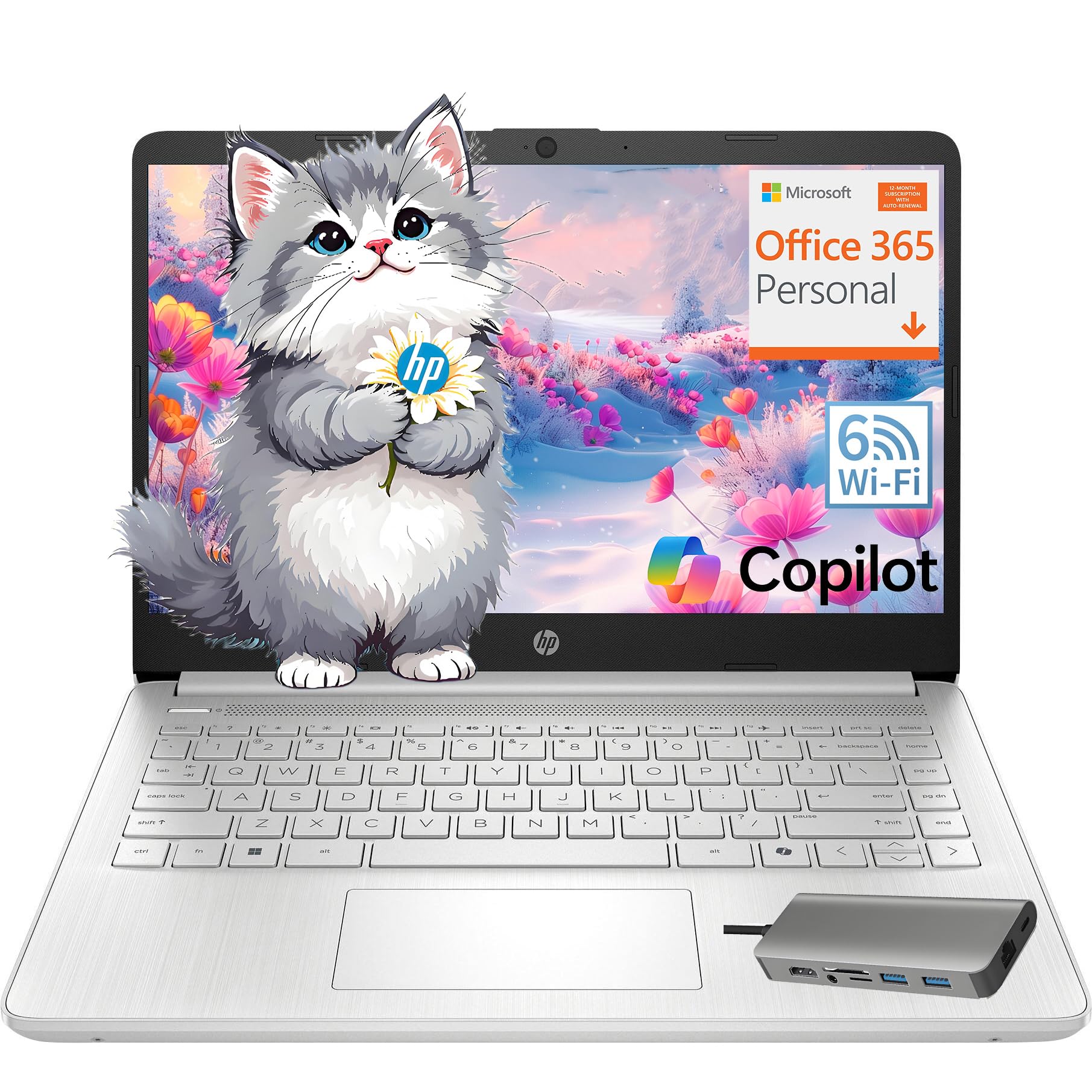
The HP Essential Laptop is an ultraportable 14-inch option that prioritizes compactness and price accessibility for basic student needs. Its Intel N150 quad-core processor and 8GB of RAM handle web browsing, Office documents, and streaming adequately, and the included HUB docking station adds essential connectivity ports like USB-C, RJ-45, and SD card slots.
The 14″ anti-glare LED display (1366×768) is serviceable for reading and presentations, though the lower resolution means less screen real estate compared to 1080p panels. Weighing just 3.24 pounds, it is one of the lightest laptops here, making it ideal for students who walk between classes.
Wi-Fi 6 and Bluetooth 5.3 ensure fast wireless connections in crowded campus networks. The included 1-year Office 365 subscription is a welcome bonus for new students.
Why it’s great
- Very lightweight and easy to carry all day
- Comes with a HUB docking station for extra ports
- Includes 1-year Office 365 subscription
Good to know
- Display resolution is only 1366×768
- N150 processor is entry-level, not for heavy apps
9. Lenovo 2026 Laptop for Student & Home (14″)
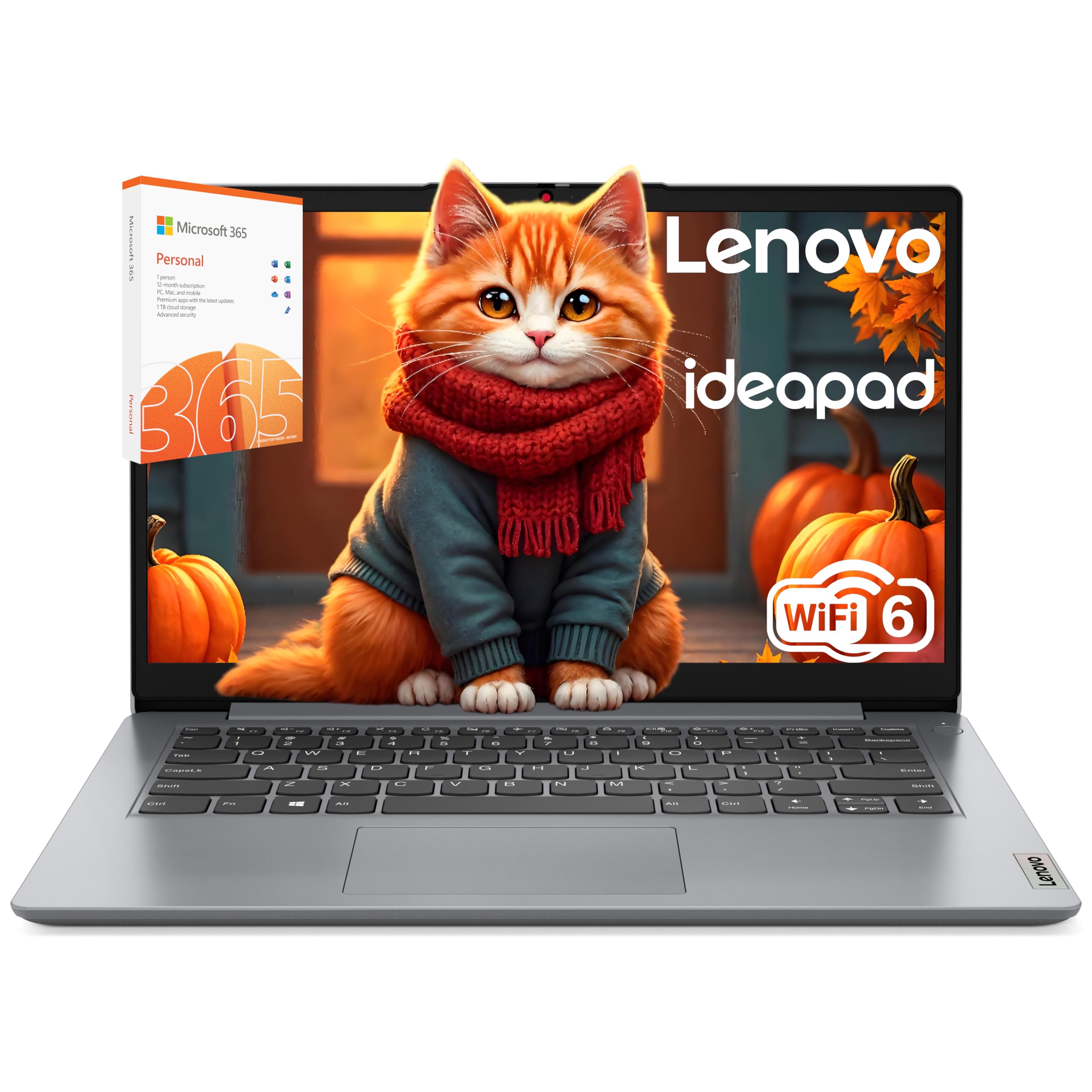
The Lenovo 14-inch student laptop focuses on battery endurance and reliable connectivity, offering up to 10 hours of real-world use from its energy-efficient Intel Celeron N4500 processor. For students who primarily need a machine for note-taking, research, streaming lectures, and light document creation, this machine delivers a full day of work without hunting for an outlet.
The 14″ HD anti-glare display (1366×768) is adequate for indoor use and comfortable for reading. Wi-Fi 6 and Bluetooth 5.1 support snappy campus network connectivity. The 256GB SSD plus 128GB eMMC provides a combined 384GB of storage, which is generous for the entry-level tier.
Windows 11 S mode provides a locked-down, secure environment suitable for younger students or those who want minimal distractions. The dual-core Celeron processor is limited to basic tasks, so heavy multitasking or large spreadsheets will cause slowdowns.
Why it’s great
- Excellent battery life lasting a full school day
- Wi-Fi 6 for fast and stable campus connections
- Combined 384GB storage is roomy for documents and media
Good to know
- Celeron N4500 is only a dual-core processor
- 1366×768 display lacks the sharpness of 1080p panels
10. Jumper 15.6″ FHD Laptop

The Jumper 15.6″ laptop offers an unusual 12GB of RAM and a combined 640GB storage (128GB eMMC + 512GB SSD) at a very accessible price point. This configuration is perfect for students who need to store large project files, media libraries, and multiple software packages locally without worrying about running out of space.
The Intel 5205U processor (10th Gen, dual-core) provides adequate performance for basic office work, browsing, and media playback. The 15.6″ Full HD IPS screen delivers clear, bright visuals, and the full numeric keyboard is a plus for data entry and accounting students. The included 1-year Office 365 license adds immediate software value.
Connectivity options include Type-C, HDMI, USB 3.0, and a Micro TF slot. The 38Wh battery is modest, and the Celeron-class CPU limits heavy multitasking, but for the price, the raw memory and storage capacity are unmatched.
Why it’s great
- 12GB RAM and 640GB storage exceed most budget laptops
- Full HD IPS display with crisp resolution
- Includes 1-year Office 365 license
Good to know
- Intel 5205U processor is only dual-core
- Battery life is shorter than 8+ hour competitors
11. 2026 Latest Laptop Computer Notebook (Molegar)
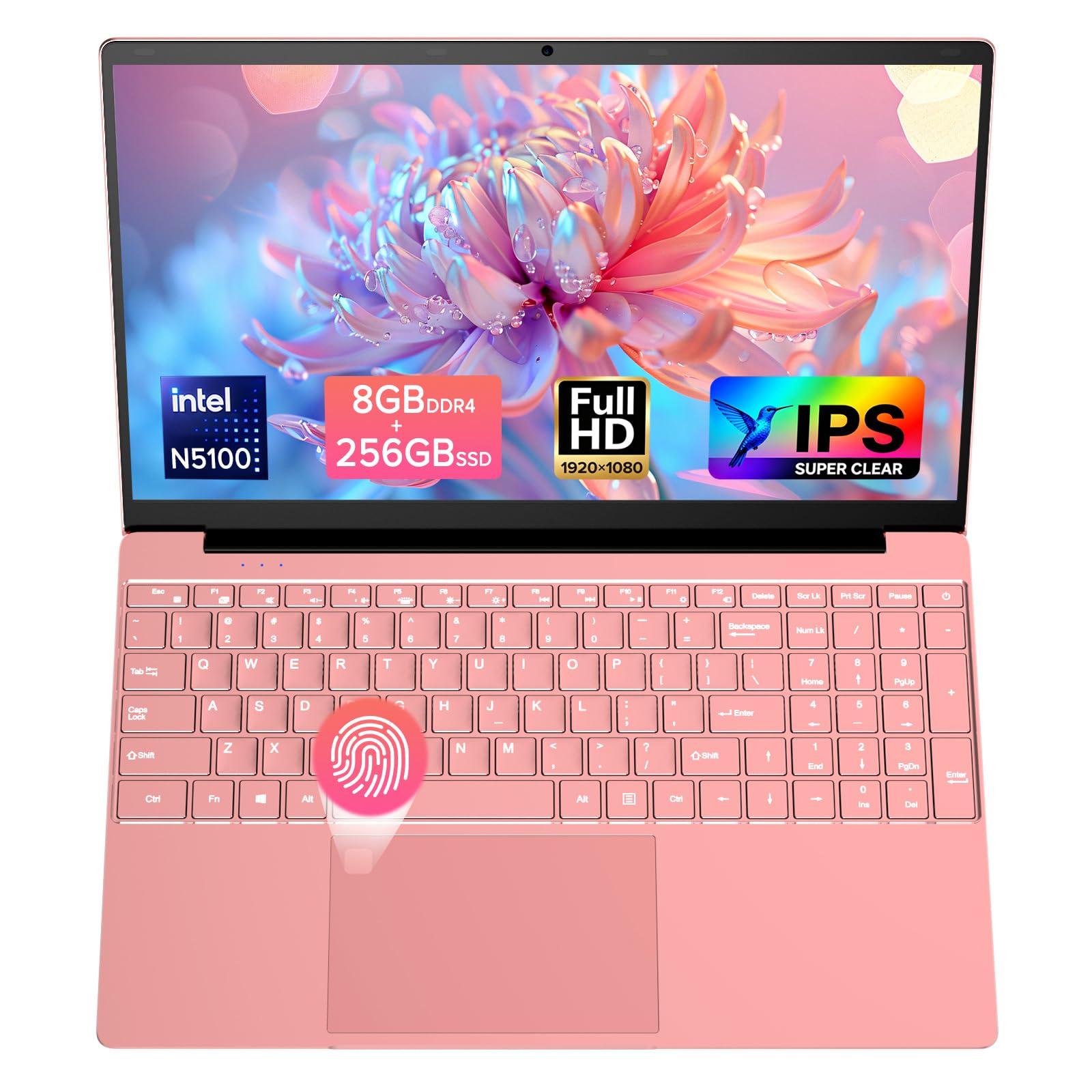
The Molegar 15.6″ laptop is a no-frills entry-level machine that covers the basics: an Intel Celeron N5100 quad-core processor, 8GB of DDR4 RAM, and a 256GB SSD for fast boot times. Its 15.6″ Full HD IPS display offers a bright and sharp viewing experience that is rare at the lowest price tier, making it solid for reading, streaming, and light document work.
Additional features like a fingerprint reader for quick logins and a backlit keyboard (toggled via FN+F5) add convenience that many ultra-budget laptops omit. The 38Wh battery delivers around 4 hours of real-world use, which is enough for a few classes but shorter than the full-day models.
The included 1-year warranty provides basic coverage. While the Celeron N5100 cannot handle heavy multitasking or demanding applications, it is perfectly usable for a student whose primary needs are word processing, web access, and video playback.
Why it’s great
- Full HD IPS display at the lowest price point
- Fingerprint reader and backlit keyboard included
- SSD storage ensures fast boots and app loading
Good to know
- Celeron N5100 struggles with heavy multitasking
- Battery life is only around 4 hours
FAQ
Is 8GB of RAM enough for a student laptop in 2026?
Can a budget student laptop handle coding and programming?
What is the difference between eMMC, UFS, and SSD storage?
Should I buy a laptop with Windows 11 Home or S mode?
Final Thoughts: The Verdict
For most users, the best budget laptop for students winner is the Lenovo 2026 Premium Business & Student Laptop because it delivers a 13th Gen Intel Core i5 processor, 16GB DDR5 RAM, and a 1TB SSD at a price that punches far above its class for productivity. If you want a seamless all-day battery and a balanced Ryzen 7 experience, grab the Acer Aspire Go 15 (Ryzen 7). And for the absolute best value-to-features in the mid-range segment, nothing beats the NIMO 15.6″ laptop with 16GB RAM and a fingerprint reader.