
That old rotary phone or trusted fax machine still works perfectly, yet modern VoIP systems only speak Ethernet. An Analog Telephone Adapter (ATA) bridges that gap, converting SIP digital streams into analog signals your legacy hardware understands. Without one, you are either paying for a copper landline you do not need or tossing gear that still has years of life.
I’m Min — the co-founder and writer behind Gadgets Feed. I have spent countless hours cross-referencing firmware compatibility, security encryption methods, and PSTN integration quirks across the current ATA market so you do not have to trial-and-error your way through provisioning menus.
Whether you need to connect an old fax machine, a cordless phone system, or preserve a cherished rotary phone, this guide to the best analog telephone adapter ata for your specific setup will help you make the right call.
How To Choose The Best Analog Telephone Adapter ATA
An ATA sits between your analog phone and your router, translating SIP packets into analog audio. The right choice depends on port count, security requirements, and whether you need a built-in router or T.38 fax support.
FXS Ports and Line Count
A single FXS port supports one analog line or phone. Two-port models like most units in this guide let you run two separate phone numbers through two devices or enable a second line for a fax machine without extra hardware. More ports mean more complexity in provisioning separate SIP profiles.
Security Protocols (TLS & SRTP)
If you route calls over the public internet, unencrypted SIP signaling exposes your account credentials and call metadata. TLS encrypts the signaling path, while SRTP encrypts the actual audio stream. Premium and mid-range ATAs including Grandstream and Cisco models support both out of the box.
T.38 Fax Support
Standard G.711 codecs often fail with fax transmissions because they lack error correction for packet loss. T.38 is a dedicated fax-over-IP protocol that converts analog fax tones into digital packets with redundancy. If fax reliability matters, verify explicit T.38 support rather than assuming generic fax pass-through will work.
Quick Comparison
On smaller screens, swipe sideways to see the full table.
| Model | Category | Best For | Key Spec | Amazon |
|---|---|---|---|---|
| Grandstream HT812 | Mid-Range | Gigabit network integration | 2 FXS + dual Gigabit ports | Amazon |
| Cisco ATA 191 | Premium | Enterprise reliability | TLS/SRTP + SHA-2 encryption | Amazon |
| Grandstream HT802 V2 | Mid-Range | Best overall value | 2 FXS + TR-069 provisioning | Amazon |
| Polycom OBI 302 | Premium | Multi-SIP account bridging | 4 SIP accounts across 2 ports | Amazon |
| Ubiquiti UT-ATA | Premium | Unifi ecosystem integration | Single FXS + Talk app control | Amazon |
| magicJack | Budget | All-in-one service bundle | Built-in 12-month calling plan | Amazon |
| Yeastar TA200 | Budget | USB-powered compact deployment | USB powered + pulse dialing | Amazon |
In‑Depth Reviews
1. Grandstream HT802 V2

The HT802 V2 delivers two independent FXS ports with individual SIP profiles, each supporting TLS and SRTP encryption for secure call transport. Its 10/100Mbps Ethernet port may not be Gigabit, but it handles faxing via T.38 and three-way conferencing without taxing bandwidth. The TR-069 and XML auto-provisioning make mass deployment painless for IT admins managing multiple units.
Voice clarity stands out across customer reports, with no dropped calls reported even through extended usage. The failover SIP server automatically switches to a secondary server if the primary connection drops, a feature rarely seen at this tier. LED indicators for power, network, and both phone lines give immediate visual feedback on registration status.
Setup requires a firmware update immediately out of the box, as the manufacturer strongly recommends version 1.0.19.11 or later. Configuring SIP parameters demands moderate technical knowledge — provider-locked devices are simpler, but the HT802 V2 rewards flexibility with deep parameter control and compatibility with Grandstream’s UCM series for zero-touch provisioning.
Why it’s great
- Two independent FXS ports with individual SIP profiles
- TLS and SRTP encryption for secure VoIP calls
- T.38 fax support works reliably with Fax-over-IP
- Failover SIP server for automatic redundancy
Good to know
- Only 10/100Mbps Ethernet, no Gigabit
- Requires immediate firmware update before use
- Configuration requires technical SIP knowledge
2. Cisco ATA 191

The Cisco ATA 191 brings enterprise-grade voice processing to a compact chassis, featuring advanced echo cancellation, voice activity detection, and comfort noise generation that deliver natural-sounding audio. Its dual RJ-11 FXS ports support two independent analog lines, while the single 10/100Mbps Ethernet port connects to your LAN. Security is the headline here: TLS, SHA-2, and sRTP cipher suites ensure signaling and media are encrypted to modern standards.
Users report reliable performance with major providers like RingCentral, where the ATA 191 integrates smoothly via the admin portal for straightforward provisioning. The hardware is sturdy and compact at 3.9 inches cubed, fitting neatly on a desk or in a network closet. The one-year limited hardware warranty adds peace of mind for a device meant to run continuously.
Setup through the browser interface is functional but laborious, and the documentation focuses overwhelmingly on Cisco’s own Unified Communications Manager environments. Third-party VoIP providers require manual configuration of dial plans and SIP parameters, and the voicemail indicator behavior across both lines can be inconsistent. This is a device for users who prioritize rock-solid audio processing over plug-and-play simplicity.
Why it’s great
- Enterprise-grade echo cancellation and VAD for clear audio
- Full TLS, SHA-2, and sRTP security encryption support
- Compact footprint at 3.9 x 3.9 x 1.1 inches
- Works reliably with major providers like RingCentral
Good to know
- Documentation heavily focused on Cisco UCM environments
- Browser-based setup is laborious for third-party SIP
- Voicemail indicator behavior can be inconsistent
3. Grandstream HT812
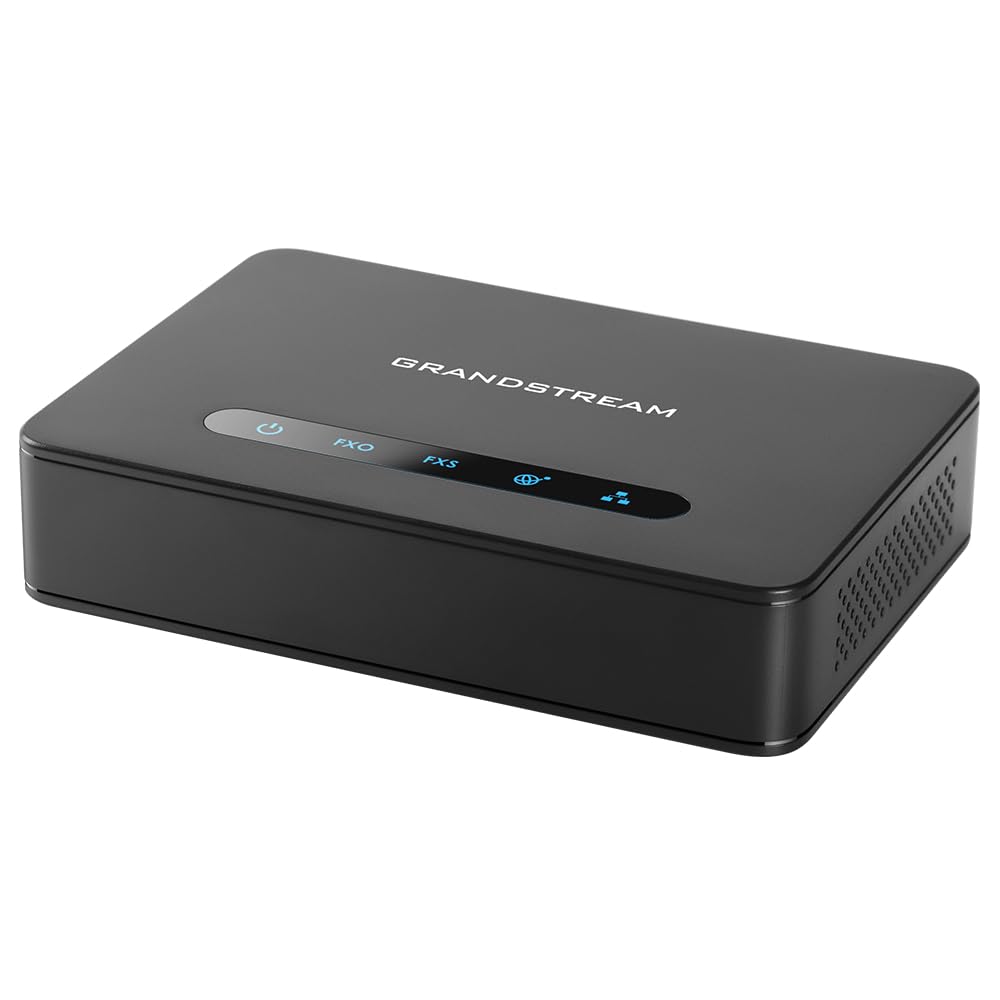
The Grandstream HT812 sets itself apart with dual Gigabit Ethernet ports and a built-in NAT router capable of routing speeds up to 100Mbps. This means the ATA doubles as a network switch, so you do not lose a port on your router when adding VoIP to your setup. The two FXS ports support independent SIP profiles with TLS and SRTP encryption, and the device runs cool and unobtrusive even under continuous load.
Customer reports confirm that porting a landline number to a SIP provider through the HT812 resulted in no noticeable difference in call quality. The WebUI, while dated in appearance, exposes hundreds of configurable parameters for fine-tuning. Encryption is supported to protect both signaling and audio, and config backup and restore make swapping units straightforward.
Setup is moderately complex — users with networking experience can navigate the settings, but the factory firmware may have an incorrect upgrade URL that needs manual correction. The device works well with providers like VoIP.ms but lacks out-of-the-box compatibility with walled-garden services. For home lab enthusiasts or small offices wanting Gigabit throughput without an extra switch, the HT812 delivers exceptional value.
Why it’s great
- Dual Gigabit Ethernet ports with built-in NAT router
- TLS and SRTP encryption for secure SIP communication
- Config backup and restore for easy replacement
- Runs cool and unobtrusive in continuous operation
Good to know
- WebUI interface appears dated
- Factory firmware upgrade URL may be incorrect
- Setup requires moderate networking knowledge
4. Polycom OBI 302

The Polycom OBI 302 is a SIP-service-only adapter supporting up to four SIP accounts, with aggregation and bridging capabilities that let you access any available service from each phone port independently. This makes it a strong fit for power users who juggle multiple VoIP providers or need separate lines for different purposes. The two FXS ports provide physical connectivity for analog phones or fax machines.
Users report successful deployment with Zoom Phone — entering the MAC address in Zoom’s portal and performing a factory reset gets the device provisioned in minutes. Fax machine connectivity works reliably when configured through a compatible provider. The device includes a 12V power adapter, Ethernet cable, and quick-start guide in the box.
Critical caveats exist as of late 2024. The ObiTalk service has been officially decommissioned, and Polycom support has been absorbed by HP with no active product listing or ticket system. The obitalk.com website is broken and will not provision the device. Third-party SIP providers like VoIP.ms bypass this issue, but the ObiTalk features are lost. This device is only suitable for users comfortable with direct SIP configuration and who accept zero manufacturer support.
Why it’s great
- Supports up to four independent SIP accounts
- Aggregation and bridging across both phone ports
- Works reliably with Zoom Phone provisioning
- Fax machine connectivity tested and functional
Good to know
- ObiTalk service decommissioned as of Nov 2024
- No manufacturer support available after Polycom/HP acquisition
- Setup requires direct SIP provider configuration
5. Ubiquiti UT-ATA

The Ubiquiti UT-ATA is designed exclusively for the Unifi Talk ecosystem, integrating seamlessly with a Dream Machine Pro or other Unifi console. Setup is near-instantaneous within the Unifi environment — the device auto-discovers and provisions through the Talk application. The single FXS port supports one analog line, and the compact 5.16 x 4.33 x 1.1-inch chassis blends into any Unifi rack or desktop setup.
Users within the Unifi ecosystem report flawless operation: the device performs exactly as expected with simple, quick setup. Caller ID is supported, and the digital answering system integrates with Unifi’s voicemail features. The build quality meets Ubiquiti’s usual standard, with a plastic enclosure that feels solid for its class.
The UT-ATA has critical limitations outside its native ecosystem. It fails with CGNAT (Carrier-Grade NAT) connections, common with many ISPs, blocking incoming calls entirely. There is no second FXS port for a fax line, and Unifi offers no direct tech support — only self-service documentation. For anyone not fully committed to the Unifi Talk platform, this device is a non-starter.
Why it’s great
- Seamless auto-provisioning within Unifi Talk environment
- Compact form factor fits Unifi rack setups
- Caller ID and digital answering system supported
- Setup is quick and simple for Unifi users
Good to know
- Does not function with CGNAT internet connections
- Single FXS port only — no second line for fax
- No direct tech support from Ubiquiti
6. magicJack
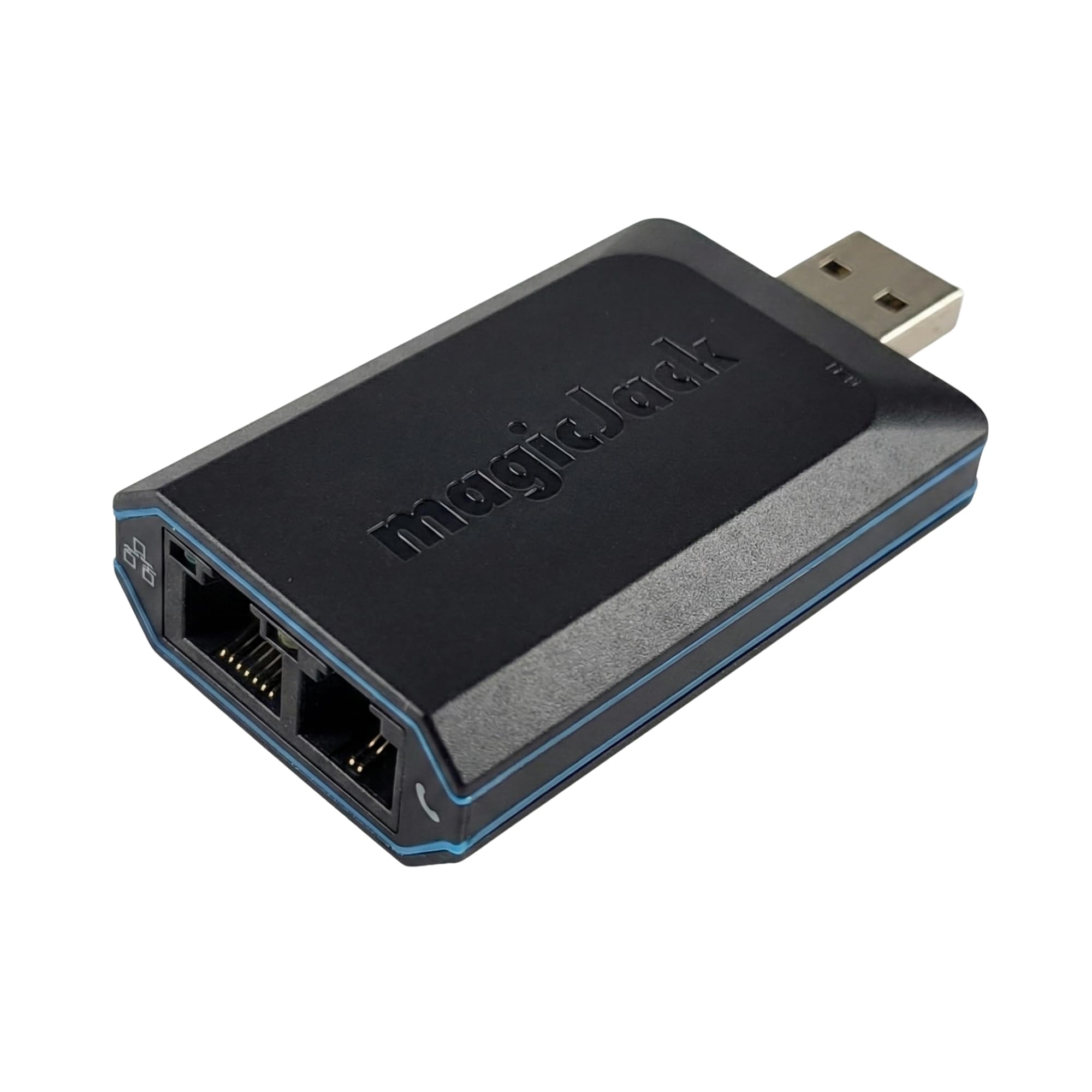
The magicJack is an all-in-one VoIP adapter and service bundle that includes 12 months of unlimited calling to the US, Canada, Puerto Rico, and the Virgin Islands with no monthly bill. It plugs into any high-speed internet connection via Micro USB or USB Type C and works with any cordless or landline phone. The unit features a faster CPU at 4x the speed of prior models and additional memory for reliable call handling on busy networks.
Setup is genuinely plug-and-play — users consistently report that it works out of the box without technical configuration. Call clarity is very good, and the free companion app syncs to your smartphone so calls ring both devices simultaneously. Voicemail is transcribed and forwarded via email, and the magicIN/magicOUT services handle call routing behind the scenes.
The magicJack is a service-locked device, not a generic SIP ATA. It does not work with third-party VoIP providers, and you cannot configure it independently. Caller ID name is not supported, and voicemail notification can glitch with duplicate messages. Number porting costs a one-time fee. For users who want a simple, zero-configuration alternative to a landline without any technical depth, it is the most accessible entry point.
Why it’s great
- 12 months of unlimited US/Canada calling included
- Truly plug-and-play setup — no technical knowledge needed
- Free mobile app syncs calls between home phone and smartphone
- Voicemail transcription emailed to your inbox
Good to know
- Service-locked — cannot use with third-party SIP providers
- No caller ID name support
- Voicemail notification can produce duplicate messages
7. Yeastar TA200
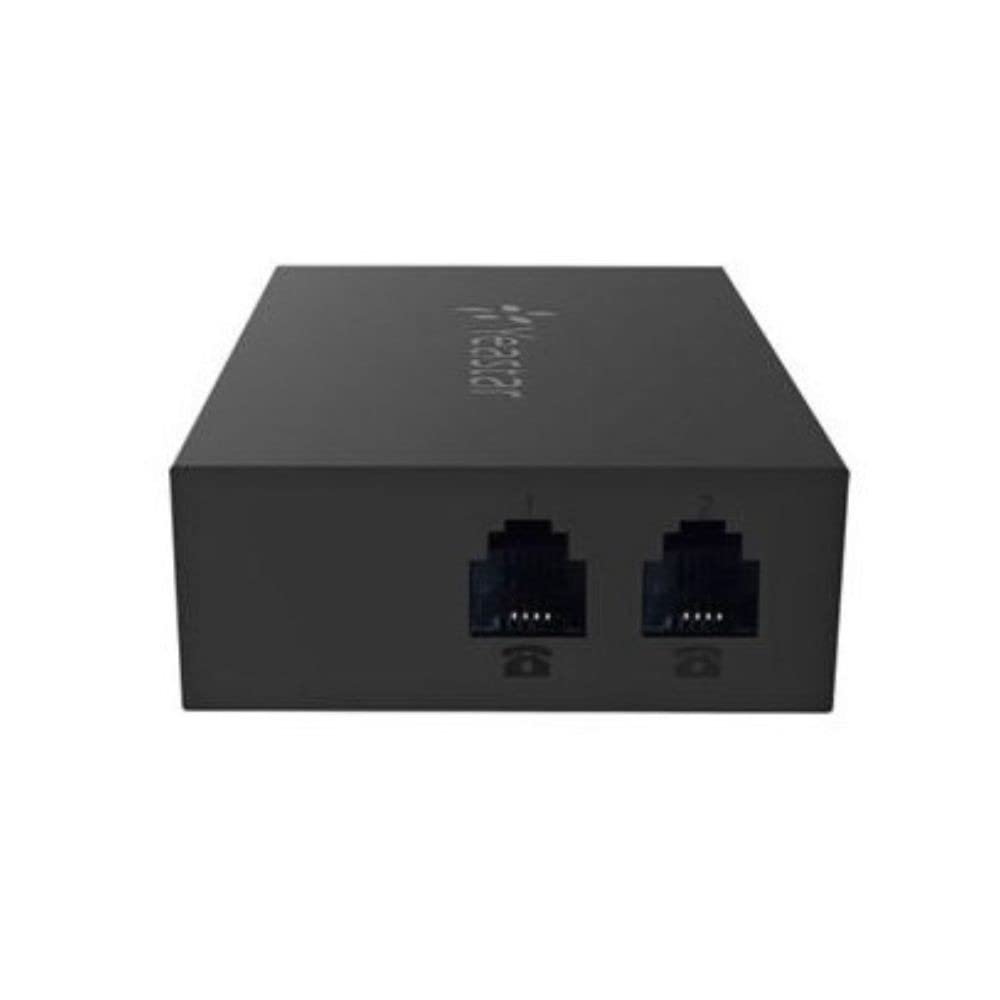
The Yeastar TA200 is a dual-port ATA powered directly via USB from a PC or IP-PBX, eliminating the need for a separate wall adapter. Its miniature form factor saves desk space, making it ideal for home offices or temporary deployments where every outlet counts. The Web-based configuration interface is simple and intuitive, reducing the time needed to set up SIP profiles and codec preferences.
A standout feature is pulse dialing support — the TA200 works correctly with vintage rotary phones, a rare capability in the current ATA market. Users report successful operation with fax machines as well, making it a dual-purpose device for legacy hardware. The plastic enclosure is lightweight at under 300 grams, and multi-line operation is supported for basic call management.
The TA200 lacks caller ID support, which may be a dealbreaker for users who rely on name and number display. Some users report incompatibility with 3CX phone systems, so verify your platform before purchasing. The device is best suited for Yeastar IP-PBX environments or simple DIY setups where USB power and pulse dial compatibility outweigh feature depth.
Why it’s great
- USB-powered — no separate power adapter required
- Works with pulse dialing rotary phones
- Compact form factor saves desk space
- Simple Web-based configuration interface
Good to know
- Does not support caller ID
- Incompatible with 3CX phone systems
- Best suited for Yeastar IP-PBX ecosystems
FAQ
Can I use an ATA with any VoIP provider?
How do I know if my ATA supports faxing?
What does CGNAT mean for my ATA?
Final Thoughts: The Verdict
For most users, the best analog telephone adapter ata winner is the Grandstream HT802 V2 because it combines two independent FXS ports, TLS/SRTP encryption, and T.38 fax support at a price that outperforms the competition. If you want Gigabit throughput and a built-in NAT router, grab the Grandstream HT812. And for enterprise reliability with crystal-clear audio processing, nothing beats the Cisco ATA 191.