
The jump from 144Hz or 240Hz to a locked 280Hz refresh rate isn’t just a number—it’s a visible reduction in motion blur and input latency that competitive gamers and high-FPS enthusiasts can feel in every flick track and spray pattern. On a 27-inch QHD panel running at 280Hz, the pixel transition time matters as much as the refresh ceiling, which is why the panel technology (Fast IPS, Fast VA, QD-OLED, or WOLED) dictates whether that 280Hz delivers crisp clarity or smeary afterimages.
I’m Min — the co-founder and writer behind Gadgets Feed. I’ve spent hundreds of hours analyzing panel specifications, response time performance, adaptive sync implementation, and color accuracy metrics across dozens of high-refresh-rate monitors to separate genuine 280Hz performance from marketing claims.
After comparing 11 models across IPS, VA, TN, and OLED panel types at QHD and FHD resolutions, these are the monitors that actually deliver on the promise of a smooth, tear-free gaming experience. This guide breaks down the best 280hz gaming monitor for every budget and use case.
How To Choose The Best 280Hz Gaming Monitor
A 280Hz monitor is a serious investment for competitive and high-fidelity gaming. Three factors—panel technology, resolution balance, and adaptive sync implementation—will make or break your experience.
Panel Technology: OLED vs Fast IPS vs Fast TN
280Hz is only as clean as the pixel response time allows. OLED panels (QD-OLED and WOLED) deliver 0.03ms GtG response times, making motion virtually blur-free. Fast IPS panels offer 1ms GtG with excellent color accuracy. For esports purists, Fast TN panels like BenQ’s DyAc 2 provide the sharpest motion clarity with minimal overshoot, though at the cost of viewing angles and color vibrancy. Fast VA panels offer good contrast (3000:1) but can struggle with dark-level smearing at high refresh rates.
Resolution and GPU Pairing
A 280Hz QHD (2560×1440) monitor demands serious GPU horsepower—a mid-range card like an RTX 3070 or RX 6800 can hit 280fps in esports titles but will struggle in AAA games. For pure frame rate chasing, 1080p at 280Hz is more achievable with budget GPUs. 4K at 280Hz is only possible via dual-mode monitors that switch to 1080p for high refresh, or with flagship GPUs in less demanding games.
Adaptive Sync and Connectivity
FreeSync Premium or G-Sync Compatible certification ensures tear-free variable refresh rate performance at 280Hz. HDMI 2.1 is essential for modern consoles and high-bandwidth PC connections. DisplayPort 1.4 is the standard for hitting 280Hz at QHD with 10-bit color. USB-C with DisplayPort Alt Mode adds convenience for laptop users, while built-in KVM switching simplifies multi-device setups.
Quick Comparison
On smaller screens, swipe sideways to see the full table.
| Model | Category | Best For | Key Spec | Amazon |
|---|---|---|---|---|
| GIGABYTE MO27Q28G | OLED | Best Overall 280Hz OLED | 280Hz / 0.03ms GtG / WOLED | Amazon |
| LG 27GX700A-B | OLED | Brightest 280Hz OLED | 280Hz / 0.03ms GtG / 4th Gen OLED | Amazon |
| MSI MAG 271QP QD-OLED X28 | QD-OLED | Best QD-OLED Color Accuracy | 280Hz / 0.03ms GtG / QD-OLED | Amazon |
| ASUS ROG Strix XG32UCG | Fast IPS | 4K Dual Mode Flexibility | 4K 160Hz / FHD 320Hz / 0.3ms | Amazon |
| Deco Gear 27 QHD OLED | OLED | Value 280Hz OLED | 280Hz / 0.03ms GtG / HDR400 | Amazon |
| INNOCN 2780s | QD-OLED | Budget QD-OLED 280Hz | 280Hz / 0.03ms GtG / QD-OLED | Amazon |
| Acer Predator X27U | QD-OLED | Esports-Tuned 240Hz OLED | 240Hz / 0.03ms GtG / QD-OLED | Amazon |
| LG 27G640A-B | IPS | Best Value 300Hz IPS | 300Hz / 1ms GtG / IPS | Amazon |
| ASUS ROG Strix XG27WCMS | Fast VA | Best Curved 280Hz Value | 280Hz / 1ms GtG / VA | Amazon |
| BenQ Zowie XL2546X+ | Fast TN | Competitive Esports Clarity | 280Hz / 1ms GtG / Fast TN + DyAc 2 | Amazon |
| AOC Q27GAZD | QD-OLED | Entry-Level QD-OLED 240Hz | 240Hz / 0.03ms GtG / QD-OLED | Amazon |
In‑Depth Reviews
1. GIGABYTE MO27Q28G Gaming Monitor OLED
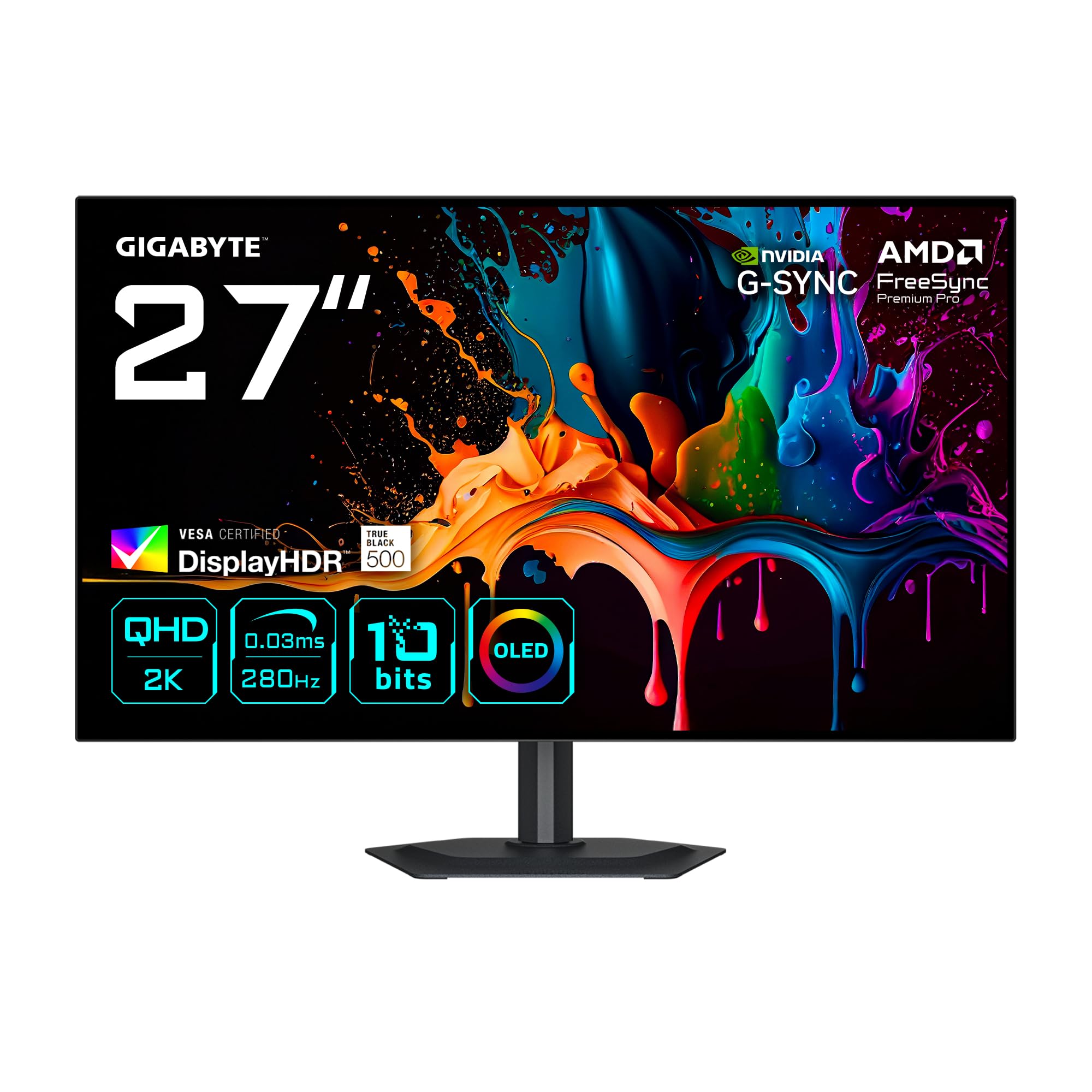
The GIGABYTE MO27Q28G pairs a 27-inch WOLED panel with a 280Hz refresh rate and 0.03ms GtG response time, delivering elite-level motion clarity with infinite contrast. The 99.5% DCI-P3 color gamut and VESA DisplayHDR True Black 500 certification ensure that HDR games and content look deeply saturated with true blacks, not grayish shadows. The matte anti-glare coating makes it a strong choice for brightly lit rooms where reflections on glossy OLED panels become distracting.
<
The 2560×1440 resolution hits a sweet spot for competitive gaming—sharp enough for detailed textures but not as demanding as 4K, making 280fps achievable with high-end GPUs in esports titles. The built-in KVM functionality is a practical bonus for users managing both a gaming PC and a work laptop on a single desk. Initial gray banding has been reported by some users, but this tends to resolve after the first pixel refresh cycle around the 4-hour usage mark.
Connectivity is modern and complete: DisplayPort 1.4 and HDMI 2.1 ports support the full 280Hz at QHD with VRR, while AMD FreeSync Premium Pro and NVIDIA G-Sync compatibility cover both GPU ecosystems. The ergonomic stand offers height, tilt, swivel, and pivot adjustments. The price point sits at the premium end of the spectrum, but the WOLED panel, 280Hz capability, and HDR True Black 500 performance justify the investment for serious gamers.
Why it’s great
- Infinite OLED contrast with 280Hz blur-free motion
- Matte coating eliminates glare in bright rooms
- KVM switch and multi-platform connectivity
Good to know
- Initial gray banding may require a pixel refresh
- Text clarity slightly softer than premium IPS panels
2. LG 27GX700A-B Ultragear OLED Gaming Monitor

LG’s 27GX700A-B uses the 4th generation OLED tandem technology, which pushes peak brightness to approximately 1500 nits—substantially brighter than standard OLED panels. This helps combat the traditional OLED weakness of dim HDR highlights, making explosions, sunlight, and bright environments in games like Alan Wake 2 or Cyberpunk 2077 look punchy without washing out blacks. The 280Hz refresh rate and 0.03ms GtG response time deliver that instant pixel transition that OLED is famous for.
The VESA DisplayHDR True Black 500 certification goes beyond typical HDR400, ensuring low-luminance scenes retain detail and contrast without clipping. The semi-glossy matte coating sits between a pure matte and glossy finish, managing reflections well while preserving a bit of the pop that glossy panels provide. The 4-pole headphone jack with DTS HP:X spatial audio is a thoughtful addition for late-night gaming sessions where external speakers aren’t an option.
Users report that VRR flicker is present but can be mitigated by locking the refresh rate to 280Hz and disabling adaptive sync. The OLED Care auto-cleans pixels on shutdown to reduce burn-in risk. The only notable downside is that some units exhibit horizontal banding on static color screens, though this varies by production batch. At its mid-range price point, it represents excellent value for a bright OLED that hits the 280Hz target.
Why it’s great
- Up to 1500 nits peak brightness for impactful HDR
- DisplayHDR True Black 500 deepens shadow detail
- Excellent color fidelity out of the box (99.5% DCI-P3)
Good to know
- VRR flicker noticeable in some titles
- LG Switch software can be intrusive
3. MSI MAG 271QP QD-OLED X28 Gaming Monitor
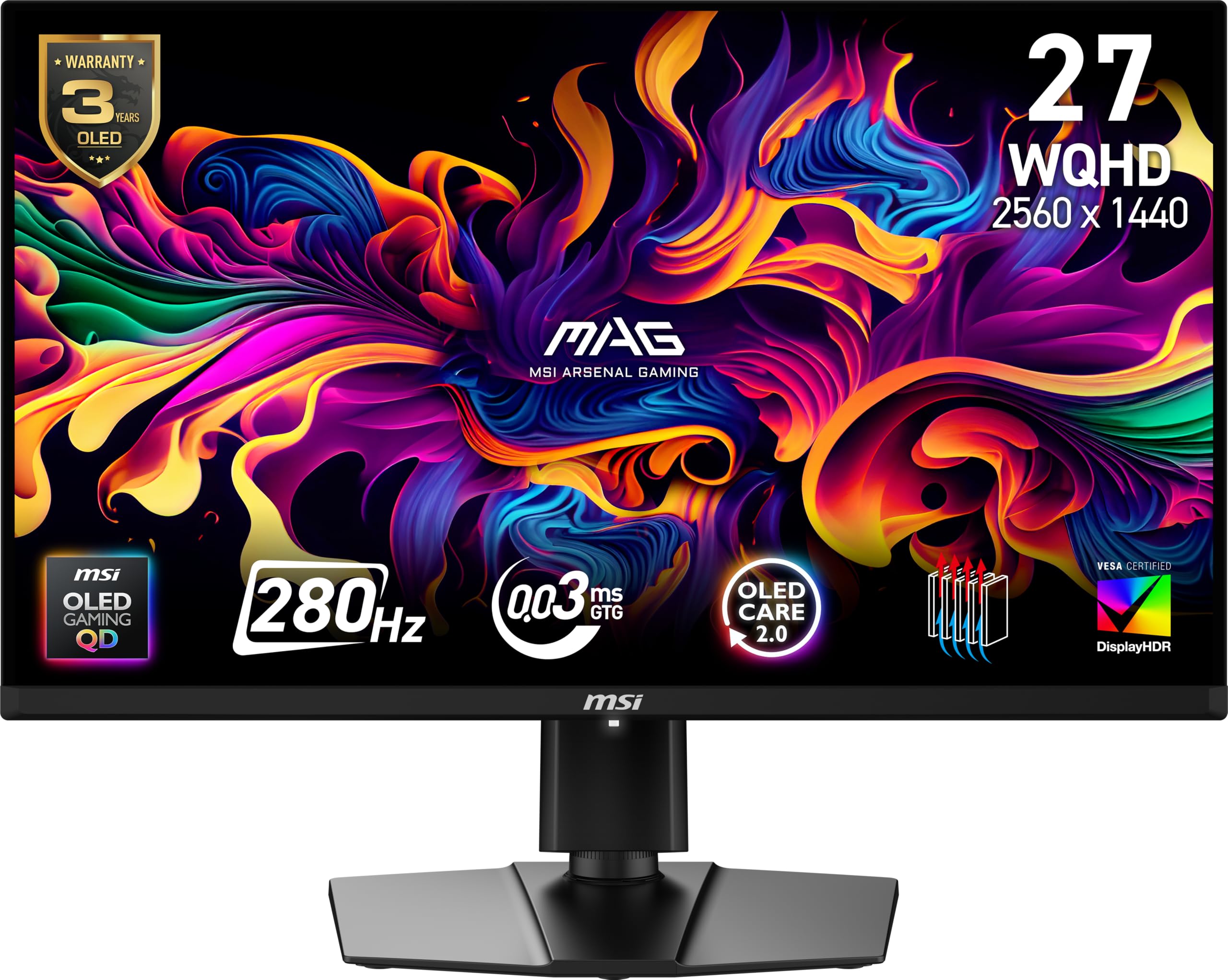
The MSI MAG 271QP QD-OLED X28 uses a Quantum Dot OLED panel with an enhanced sub-pixel layout that improves text clarity—a known pain point for early-gen OLED monitors. The 10-bit color depth at 99% DCI-P3 coverage and Delta E ≤2 accuracy make this monitor viable for color-critical work alongside gaming. The 280Hz refresh rate and 0.03ms GtG response time combine with VESA ClearMR 15000 certification, meaning motion blur is virtually non-existent.
MSI’s OLED Care 2.0 software handles burn-in prevention through pixel shifting and panel refresh cycles, and the graphene heatsink operates fanlessly, keeping the chassis cool and silent. The Gaming Intelligence software suite includes Smart Crosshair (an AI-assisted reticle) and Console Mode for console players. The 4-way adjustable stand covers height, tilt, swivel, and pivot, and the VESA 100mm mount is compatible with most monitor arms.
Connectivity is future-proofed with DisplayPort 1.4a and HDMI 2.1 CEC ports, plus USB Type-C with 15W Power Delivery. The glossy screen coating can be reflective in bright rooms, which is the main compromise versus matte OLEDs. For users upgrading from an older IPS or VA panel, the jump in contrast and motion clarity is immediately striking—blacks are truly black, and fast camera pans show zero ghosting.
Why it’s great
- Superb color accuracy (Delta E ≤2) for creative work
- Enhanced text clarity over older QD-OLED panels
- Fanless graphene heatsink for silent operation
Good to know
- Glossy screen shows reflections in bright rooms
- Not the brightest for HDR highlights
4. ASUS ROG Strix XG32UCG Gaming Monitor

The ASUS ROG Strix XG32UCG introduces a dual-mode function that lets you switch between 4K at 160Hz for immersive single-player games and FHD at 320Hz for competitive esports—all on a single 32-inch Fast IPS panel. The 0.3ms GtG response time is among the fastest for IPS monitors, making motion blur nearly invisible even at high frame rates. The 95% DCI-P3 color gamut and ASUS gray-scale tracking deliver smooth color gradation out of the box.
ELMB Sync technology allows simultaneous use of the backlight strobing motion blur reduction feature with variable refresh rate, eliminating both ghosting and tearing. This is a rare capability that few monitors offer. The DisplayWidget Center software enables settings adjustments via mouse instead of physical buttons, and the ROG Gaming A.I. suite provides AI-powered features like dynamic crosshair and shadow boost. The tripod socket on top is a unique design touch for mounting cameras or webcams.
The downside is that the 32-inch size at 4K requires serious GPU power to drive 4K 160fps consistently, and the dual-mode resolution scaling can look soft in FHD mode on a large screen. The semi-glossy coating reduces reflections better than a pure glossy finish. For users who want one monitor that handles both 4K content creation and high-refresh esports, this is as close as it gets to a two-in-one solution.
Why it’s great
- Dual mode: 4K 160Hz for immersion, FHD 320Hz for competition
- ELMB Sync works with VRR for tear-free blur reduction
- Excellent color accuracy and gray-scale tracking
Good to know
- FHD mode on 32-inch screen can appear soft
- Requires a powerful GPU for 4K high refresh
5. Deco Gear 27 QHD OLED Gaming Monitor
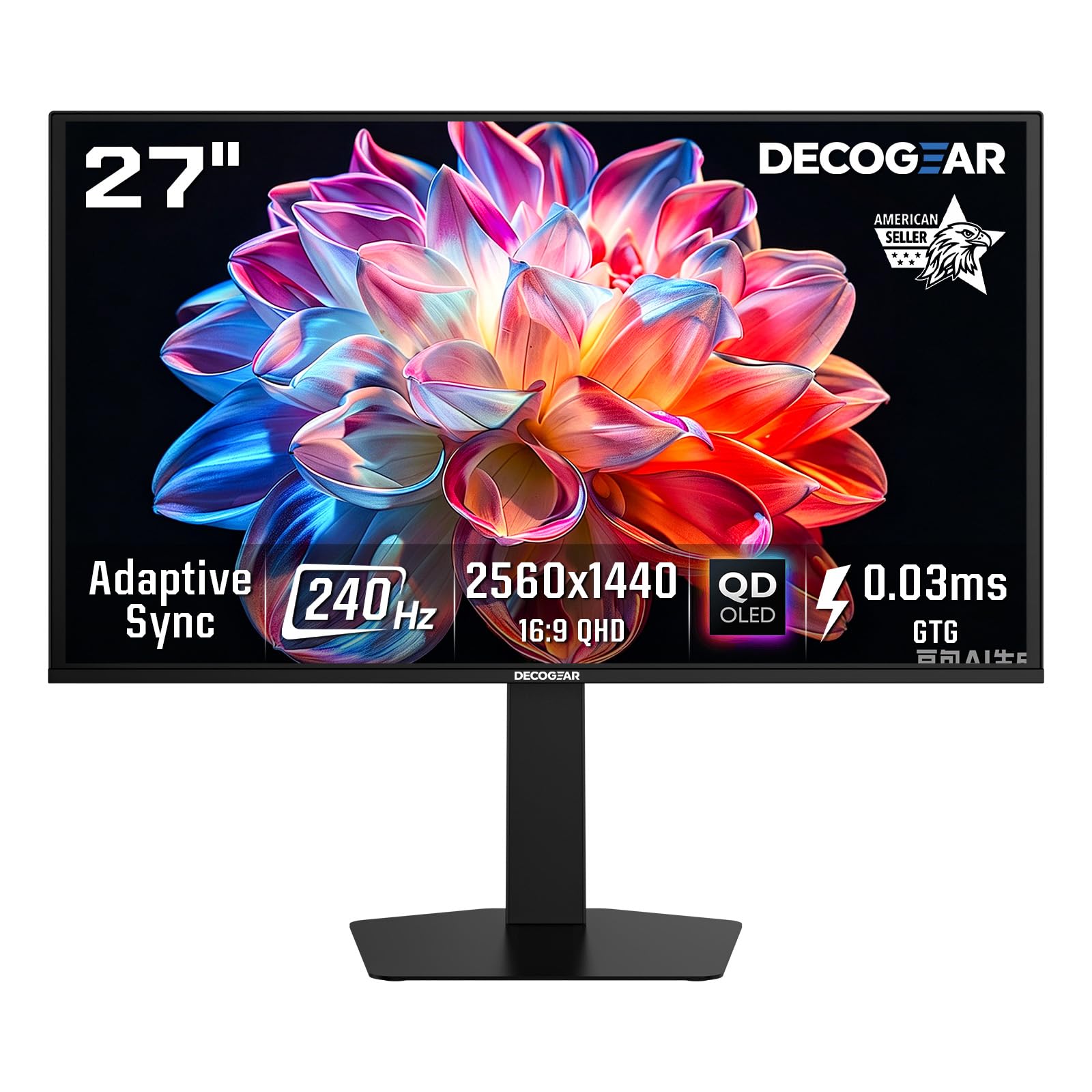
The Deco Gear 27 QHD OLED brings a 280Hz refresh rate and 0.03ms GtG response time to the mid-range segment, targeting gamers who want OLED-tier performance without paying flagship prices. The self-lit OLED pixels deliver the hallmark infinite contrast ratio (1,500,000:1) and perfect blacks that make HDR content pop. The 98% DCI-P3 color gamut and HDR400 certification ensure colors are vibrant and bright enough for most gaming environments.
The borderless design and low blue light mode make extended gaming sessions more comfortable, and the anti-glare non-reflective coating helps manage ambient light. The included anti-burn-in protection program is a welcome addition for buyers worried about OLED longevity. Dual HDMI 2.1 ports and DisplayPort 1.4 provide full bandwidth for 280Hz at QHD, and the stand offers height, tilt, swivel, and pivot adjustments for ergonomic flexibility.
Early user reports indicate excellent color performance and motion clarity, though the brightness ceiling is lower than premium OLED competitors at 250 cd/m² typical. This means HDR highlights won’t be as impactful, and very bright rooms may wash out the image slightly. The brand’s support reputation is still building compared to established names like ASUS or LG. For budget-conscious buyers who prioritize OLED contrast and 280Hz above all else, it’s a compelling entry point.
Why it’s great
- OLED contrast and 280Hz at a mid-range price
- Anti-burn-in protection software included
- Fully ergonomic stand with HDMI 2.1
Good to know
- Lower peak brightness (250 cd/m²) for HDR
- Brand support and reliability less established
6. INNOCN 27″ QD-OLED 2K QHD Gaming Monitor 2780s

The INNOCN 2780s is a 27-inch QD-OLED monitor that hits 280Hz and 0.03ms GtG response time at a price point well below the category average. The QD-OLED panel technology delivers the wide color gamut (100% sRGB) and deep blacks that make OLED gaming look transformative compared to LCD panels. HDR400 certification ensures decent brightness for HDR content, though it won’t match the peak luminance of premium models.
HDMI 2.1 and DisplayPort inputs support the full 280Hz at QHD resolution, making it compatible with both high-end PCs and next-gen consoles at their native refresh rate. The adjustable stand includes height, tilt, and pivot adjustments for long comfort sessions. INNOCN offers lifetime technical support and a 30-day free replacement warranty, which addresses concerns about buying from a less established brand.
User feedback suggests the image quality is a significant upgrade from VA or IPS panels, with a near-instantaneous pixel response that eliminates motion blur. The QD-OLED’s color volume is particularly impressive in HDR games. The main trade-offs are a less sophisticated OSD menu compared to premium competitors and integrated speakers that are best described as functional. For users wanting to step into QD-OLED at 280Hz without paying the premium, the INNOCN is a strong candidate.
Why it’s great
- QD-OLED 280Hz at a budget-friendly price point
- HDMI 2.1 supports full 280Hz console gaming
- Lifetime technical support included
Good to know
- Brightness lower than premium OLED competitors
- OSD menu is less intuitive than major brands
7. Acer Predator X27U W1bmiipprx Gaming Monitor

The Acer Predator X27U uses a 26.5-inch WQHD QD-OLED panel with a 240Hz refresh rate and 0.03ms GtG response time. While it falls 40Hz short of the 280Hz ceiling, the visual clarity from the QD-OLED’s instantaneous pixel response means that 240Hz still delivers stunningly smooth motion, with no visible ghosting or smearing. The true 10-bit panel with 99% DCI-P3 color gamut produces rich, saturated colors that make games look noticeably more vibrant than IPS panels.
The ZeroFrame design minimizes bezels for an immersive visual experience at the 26.5-inch size—a dimension favored in esports tournaments for keeping the entire screen in your peripheral vision. The stand supports height, tilt, pivot, and swivel adjustments, and the built-in speakers are usable for casual gaming. AMD FreeSync Premium is supported, and G-Sync compatibility works well with NVIDIA GPUs despite not being officially certified.
Some users note the HDR brightness is lower than premium OLED monitors, meaning highlights in bright scenes aren’t as punchy as the more expensive LG 27GX700A. The plastic build feels less premium than aluminum-clad competitors. However, at a mid-range price point, it offers the core QD-OLED advantages—infinite contrast, vibrant colors, and blur-free motion—making it one of the best values for gamers who prioritize image quality over chasing the absolute highest refresh rate numbers.
Why it’s great
- QD-OLED’s vibrant colors and true blacks at a mid-range price
- ZeroFrame design maximizes immersive viewing
- Versatile ergonomic stand with full adjustments
Good to know
- 240Hz not 280Hz, though pixel response makes it feel comparable
- HDR brightness lacks punch of premium models
8. LG 27G640A-B Ultragear QHD IPS Gaming Monitor

The LG 27G640A-B uses a 27-inch QHD IPS panel that pushes past the 280Hz target to 300Hz, combined with a 1ms GtG response time and VESA DisplayHDR 400 certification. The IPS panel delivers consistent color reproduction across wide viewing angles and a 95% DCI-P3 color gamut, making it viable for both competitive gaming and content consumption. At its price point, it’s difficult to find any IPS monitor with a higher refresh-to-dollar ratio.
NVIDIA G-Sync compatibility and AMD FreeSync Premium support mean tear-free gaming is assured regardless of GPU brand. HDMI 2.1 and USB Type-C (with 15W Power Delivery) provide versatile connectivity for laptops, consoles, and PCs. The on-screen crosshair, black stabilizer, and dynamic action sync features are standard LG gaming tools that work without software. The stand offers height, tilt, swivel, and pivot adjustments for ergonomic comfort.
One notable drawback is the aggressive sleep mode behavior that can’t be disabled in the OSD, which briefly blanks the display when switching inputs or after short periods of inactivity. The built-in speakers are functional but weak—plan on using external speakers or headphones. For value-conscious gamers who want a high-refresh IPS panel with reliable adaptive sync and QHD resolution, the LG 27G640A-B is a well-rounded, budget-friendly pick that delivers 300Hz smoothness.
Why it’s great
- 300Hz exceeds the 280Hz target with IPS color quality
- G-Sync Compatible + FreeSync Premium dual certification
- USB Type-C with 15W PD for laptop users
Good to know
- Aggressive sleep mode can be annoying
- Built-in speakers are poor quality
9. ASUS ROG Strix XG27WCMS Curved Gaming Monitor

The ASUS ROG Strix XG27WCMS is a 27-inch curved QHD monitor using a Fast VA panel that overclocks to 280Hz with a 1ms GtG response time. The VA panel’s 3000:1 native contrast ratio is significantly higher than IPS monitors (typically 1000:1 or 1300:1), giving dark scenes in games like Diablo IV or Elden Ring deeper blacks without the blooming artifacts of edge-lit IPS monitors. The 95% DCI-P3 color gamut delivers vibrant, punchy colors that make the VA panel look rich and saturated.
ASUS’s Extreme Low Motion Blur Sync (ELMB SYNC) is a standout feature—it enables the backlight strobing motion blur reduction to work simultaneously with variable refresh rate, eliminating both ghosting and tearing. Most monitors force you to choose between ELMB and VRR, but this one lets you have both. The DisplayWidget Center software allows OSD adjustments via mouse, and the tripod socket on top is useful for mounting a webcam or microphone arm.
The curved 1500R screen adds immersion for single-player games and productivity multitasking, though it may not suit competitive players who prefer flat panels for precision aim. Some users report G-Sync compatibility requires deep profile tweaks and isn’t fully recognized by the Nvidia control panel. The stand is excellent. For the price, it offers the best contrast of any sub-premium monitor in this guide, making it a strong choice for gamers who prioritize dark scene detail.
Why it’s great
- 3000:1 contrast ratio for deep blacks and immersive dark scenes
- ELMB SYNC works simultaneously with VRR
- 1500R curvature enhances immersion
Good to know
- G-Sync recognition may require manual configuration
- Curved screen not ideal for all competitive players
10. BenQ Zowie XL2546X+ Fast TN Gaming Monitor
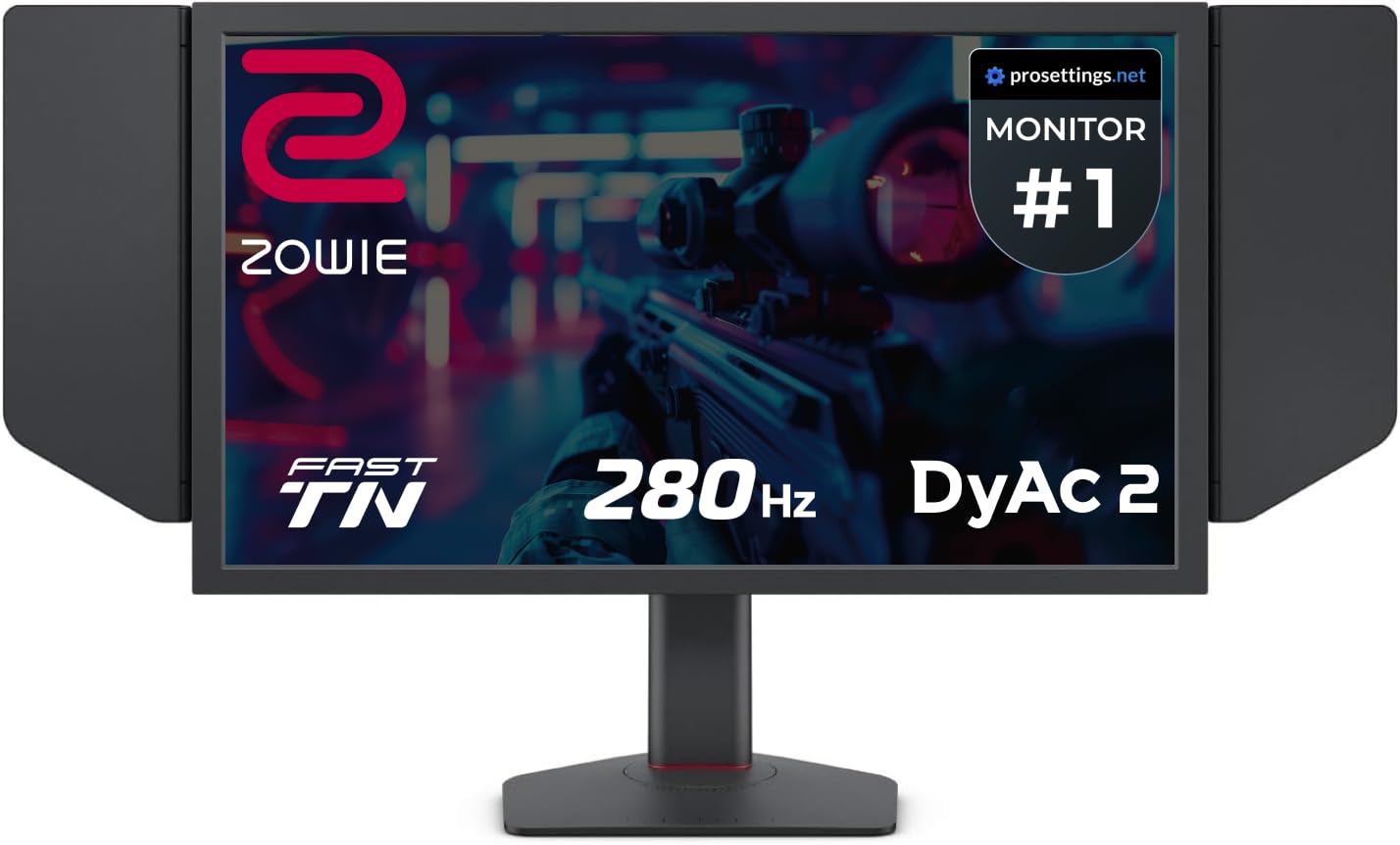
The BenQ Zowie XL2546X+ is built for one purpose: competitive esports motion clarity. It uses a 24.1-inch Fast TN panel with a 280Hz refresh rate and BenQ’s proprietary DyAc 2 (Dynamic Accuracy) technology, which uses dual backlight modulation to reduce motion blur more effectively than any IPS or OLED panel can at the same refresh rate. For games like Valorant or Counter-Strike, this translates to sharper outlines of moving enemies and cleaner spray patterns.
The 1080p resolution is deliberate—it allows mid-range GPUs to consistently hit 280fps in esports titles without frame drops. The included S Switch offers hardware-level profile switching, and the shielding hood blocks ambient light for undisturbed focus during LAN events or dark-room sessions. The industrial-grade bearing height adjustment mechanism is robust and smooth. BenQ has also redesigned the TN LCD to improve color performance, so it’s no longer the washed-out look of older TN panels—though it still can’t match IPS or OLED color vibrancy.
The primary trade-off is that this monitor is specialized for competitive gaming: the 24.1-inch size and 1080p resolution limit its appeal for single-player immersion, content creation, or productivity. The viewing angles are narrow, so color shifts are visible when viewing off-center. For any player who competes seriously in esports and values the absolute best motion clarity, the DyAc 2 technology makes the XL2546X+ the reference standard.
Why it’s great
- DyAc 2 provides the industry’s best motion blur reduction
- S Switch for instant profile switching
- Shielding hood blocks glare in competitive play
Good to know
- 1080p panel limits versatility for non-competitive use
- TN viewing angles and color quality trail IPS and OLED
11. AOC Q27GAZD QD OLED Gaming Monitor

The AOC Q27GAZD offers a 27-inch QHD QD-OLED panel with a 240Hz refresh rate and an incredibly fast 0.03ms GtG response time. While it runs at 240Hz rather than 280Hz, the QD-OLED panel’s instantaneous pixel response makes the motion clarity feel superior to any 280Hz LCD panel. The color gamut covers 147.6% sRGB and 110.2% DCI-P3, which leads to oversaturated but visually stunning colors that pop more aggressively than any IPS or VA panel.
HDR400 True Black certification ensures that black levels are genuinely black rather than dark gray, and the 1,500,000:1 contrast ratio delivers exceptional depth. The anti-glare coating on the QD-OLED manages reflections better than earlier glossy QD-OLED designs. It supports Adaptive-Sync for tear-free gaming with both AMD and NVIDIA GPUs, and connectivity includes DisplayPort and HDMI, though HDMI is limited to 165Hz—DisplayPort is required to hit the full 240Hz.
Some users note that the stand is short and lacks adjustability, so a monitor arm is recommended for ergonomic positioning. The glossy screen shows reflections in bright rooms, and the HDR brightness ceiling is moderate. The bezels are thicker than expected from a modern monitor. However, as an entry point into QD-OLED gaming, it delivers the transformative contrast and color that make OLED compelling, at a price that undercuts more established OLED options.
Why it’s great
- Stunning QD-OLED color vibrancy and contrast
- 240Hz smoothness feels faster than LCD 280Hz
- Anti-glare coating improves usability in lit rooms
Good to know
- Stand is basic and short, monitor arm recommended
- HDMI limited to 165Hz, need DisplayPort for 240Hz
FAQ
Do I need an HDMI 2.1 cable to reach 280Hz at QHD?
Is a 280Hz monitor worth it over a 240Hz monitor?
Can a console run a 280Hz monitor at its full refresh rate?
Final Thoughts: The Verdict
For most users, the best 280hz gaming monitor winner is the GIGABYTE MO27Q28G because it combines a 280Hz WOLED panel with HDR True Black 500 and KVM functionality at a competitive price point. If you want the brightest OLED with the best HDR impact, grab the LG 27GX700A-B. And for competitive esports players who need absolute motion clarity, nothing beats the BenQ Zowie XL2546X+.