
A 16 GB flash drive lives in a peculiar dead zone: small enough to be treated as disposable, yet large enough to fail and take your tax documents or campaign presentation with it. The market is flooded with no-name bulk sticks that advertise unrealistic speeds and use bottom-bin NAND that throttles after the first gigabyte. Finding a drive that actually delivers its stated read speed—and doesn’t choke on a folder full of high-resolution JPEGs—requires filtering through dense spec sheets and hundreds of conflicting user reviews.
I’m Min — the co-founder and writer behind Gadgets Feed. For this guide, I mapped the real-world performance data, endurance complaints, and reliability patterns of seventy different 16 GB models to separate the daily-drivers from the landfill-bound duds.
This buying guide digs into the particular trade-offs every buyer of a 16 gb flash drive faces: interface generations, write endurance, physical build quality, and the hidden cost of buying multi-packs that barely function.
How To Choose The Best 16 GB Flash Drive
A 16 GB drive sits at a specific intersection: large enough to hold a full OS installer or a couple of HD movies, but small enough that manufacturers often cheap out on the controller and NAND. Choosing poorly means sitting through agonizingly slow writes that turn a quick data transfer into a multi-minute wait. You need to prioritize three specific factors to avoid wasting money.
Interface Generation Matters Even at 16 GB
Many buyers assume a 16 GB drive is too small to benefit from USB 3.0. That assumption is wrong. A USB 3.0 interface can deliver read speeds above 100 MB/s—roughly 3x faster than USB 2.0’s theoretical cap of 60 MB/s and often 10x faster in real-world write scenarios. When you’re copying a 4 GB video file, the difference is thirty seconds versus four minutes. Always check the hardware interface spec; USB 3.0 drives consistently outrun their USB 2.0 counterparts even on small capacities.
Physical Form Factor and Build Quality
At this price tier, the physical design is often where corners get cut. Retractable drives eliminate the risk of losing a cap but introduce a sliding mechanism that can fail after 50-100 cycles. Swivel-metal designs like the SanDisk Ultra Flair offer better long-term structural integrity. If you plan to carry the drive on a keychain, the attachment loop must be molded into the body rather than glued on—a point that often separates quality units from disposable ones.
Write Speed: The True Bottleneck
Manufacturers love to advertise read speeds because they are always higher. The real separator is sustained write speed. A good 16 GB USB 3.0 drive should sustain at least 10 MB/s on writes, with premium models hitting 20-30 MB/s. Drives using older NAND or slow controllers often drop to 3-5 MB/s after the initial burst buffer fills up. Look for user reviews that mention actual write speeds for large files, not just the “up to” numbers printed on the package.
Quick Comparison
On smaller screens, swipe sideways to see the full table.
| Model | Category | Best For | Key Spec | Amazon |
|---|---|---|---|---|
| SanDisk Ultra Flair 16 GB | Premium Single | Daily carry, speed-sensitive tasks | 130 MB/s read, USB 3.0 | Amazon |
| SanDisk Ultra 16 GB (EOL) | Mid-Range Single | Reliable single-drive backup | 80 MB/s read, USB 3.0 | Amazon |
| INLAND Micro Center 20-Pack | Bulk USB 3.0 | High-volume deployment, boot drives | 70 MB/s read, USB 3.0 | Amazon |
| PNY Attaché 4 5-Pack | Branded Multipack | Client media delivery | 30 MB/s read, USB 2.0 | Amazon |
| WesData 5-Pack + USB-C Adapters | Versatility Kit | Phone-to-computer transfers | 18 MB/s read, USB 2.0 + Type-C | Amazon |
| Aiibe 5-Pack | Budget Multipack | School, office file organization | USB 2.0, swivel metal cover | Amazon |
| MAKACTUA 5-Pack | Entry-Level Retractable | Basic file transfer, color coding | USB 2.0, retractable design | Amazon |
In‑Depth Reviews
1. SanDisk Ultra Flair 16 GB
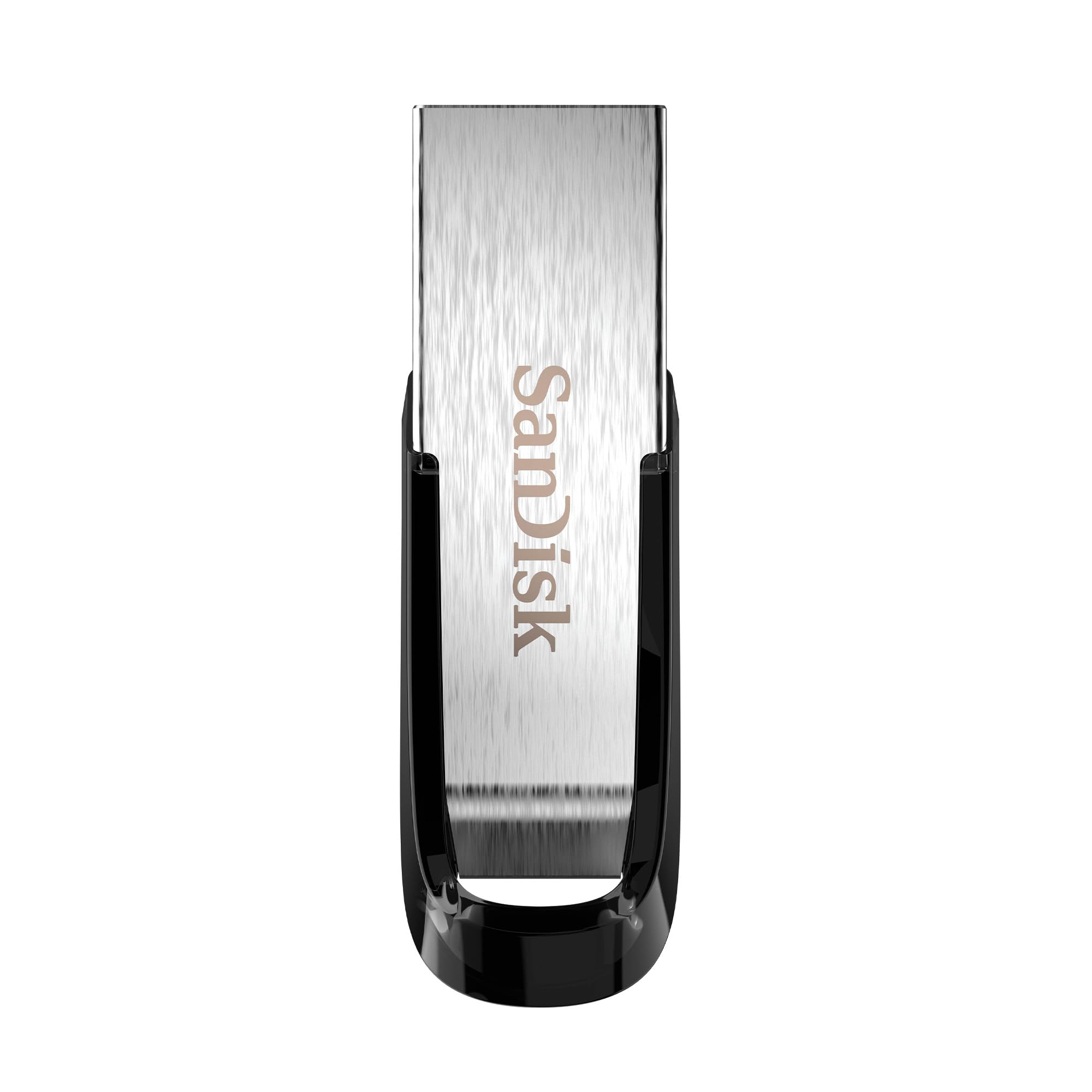
The SanDisk Ultra Flair sets the reference point for what a 16 GB flash drive should deliver. Its USB 3.0 controller achieves a rated 130 MB/s sequential read speed, which in real-world testing translates to copying a 1.2 GB movie in under 30 seconds. The all-metal housing is a significant durability upgrade over plastic shells—it withstands keychain jostling without cracking, and the integrated loop is molded into the body rather than glued on.
Write speeds are solid for the class, sustaining around 15 MB/s on large sequential writes before dropping to 10 MB/s on mixed-size folder transfers. The included SanDisk SecureAccess software adds 128-bit AES encryption, a genuine value-add for anyone storing sensitive documents. At just 4.5 grams, it is genuinely pocketable without feeling flimsy.
Some users report the drive running warm during sustained write operations, which is normal for a metal-bodied USB 3.0 drive under load. The Ultra Flair remains the most consistent performer in this capacity class hands down.
Why it’s great
- Fast USB 3.0 read speeds dramatically reduce transfer wait times
- Sleek metal casing provides real drop and crush resistance
- Built-in 128-bit AES encryption for private file protection
Good to know
- Metal body can get warm during extended writes
- No USB-C native option; requires adapter for modern phones
2. SanDisk Ultra 16 GB USB 3.0 (EOL Model)

Even as an end-of-life model, the SanDisk Ultra 16 GB remains widely available and delivers honest performance that outclasses most budget drives on the market. Its USB 3.0 controller yields up to 80 MB/s read and roughly 10 MB/s sustained write speeds—nothing flashy, but perfectly adequate for daily document transfer and media playback. The retractable design eliminates cap loss, though the sliding mechanism is the primary wear point on this model.
SanDisk’s reputation for reliable NAND means you are unlikely to encounter the premature failure common with generic brands. The included SecureAccess software is identical to the Ultra Flair’s, giving you password protection without the premium metal enclosure cost. At 0.02 pounds (9 grams), it is exceptionally light and comfortable in a laptop side pocket.
The older design does have trade-offs: the USB connector can wobble slightly when fully extended, and repeated insertion cycles will eventually loosen the slider. For non-critical storage where speed matters more than bulletproof build, this drive still earns its place.
Why it’s great
- Proven SanDisk NAND reliability with low failure rates
- Retractable design means no cap to lose
- USB 3.0 speeds at a near-USB 2.0 price point
Good to know
- EOL product; stock may dwindle over time
- Sliding mechanism is the weakest structural point
3. INLAND Micro Center Super Speed 20-Pack
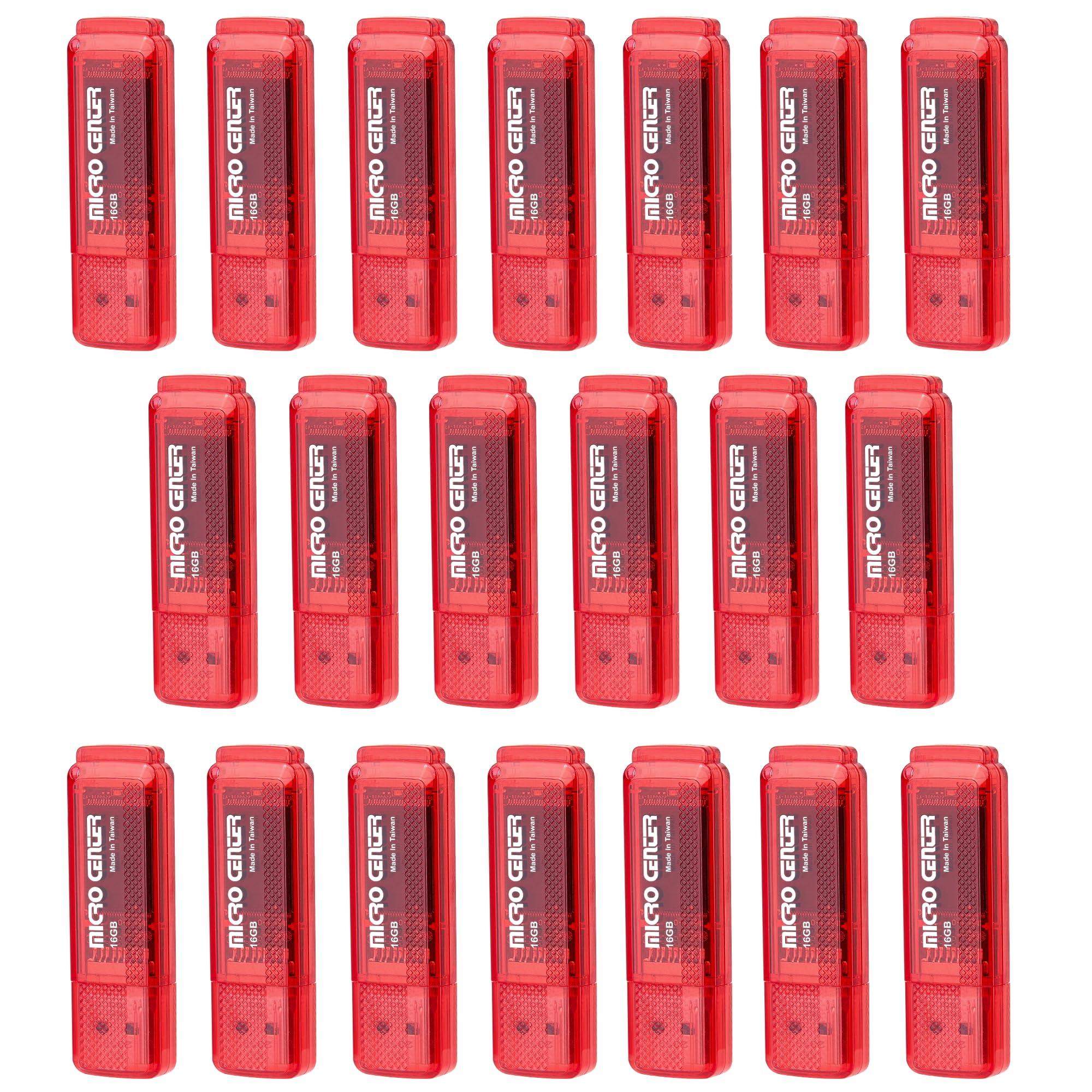
The INLAND Micro Center 20-pack is the only bulk option in this roundup that uses a USB 3.0 controller, with a rated read speed of 70 MB/s. That makes a real difference when deploying bootable ISOs or transferring batches of high-resolution photos to multiple machines—each drive clocks about 4x faster than its USB 2.0 counterparts in a typical bulk pack. The hard plastic cap provides adequate port protection, and the rear keychain loop is molded into the housing.
Write performance is the main compromise here: sustained writes hover around 8-10 MB/s, and the Phison controller suffers a known limitation where the drive cannot handle simultaneous read and write operations. If you attempt to read from the drive while a write is in progress, the controller stalls until the write completes. For single-direction transfers (write once, read later), this quirk never surfaces.
The two-year warranty from Micro Center provides genuine peace of mind for IT deployments or classroom environments where drives may be handled roughly. If you need twenty drives that actually leverage USB 3.0, this is the only bulk pack worth considering.
Why it’s great
- Only bulk 20-pack that offers genuine USB 3.0 speeds
- 2-year warranty for worry-free high-volume deployment
- Hard plastic cap and molded keychain loop for durability
Good to know
- Controller cannot read while writing—sequential tasks only
- Build quality feels basic; not for daily pocket carry
4. PNY Attaché 4 USB 2.0 5-Pack

PNY’s Attaché 4 5-pack serves a specific niche: client deliverables where reliability and presentation matter more than raw speed. The capless design with a sliding collar protects the connector, though the mechanism feels less robust than SanDisk’s retractable solution. Users report that the drives are detected immediately on both Mac and Windows without formatting issues, which is a notable advantage over cheaper generic sticks that require driver hunting.
The USB 2.0 interface limits transfer speeds to about 30 MB/s reads and 10 MB/s writes in practice—adequate for distributing a portfolio of JPEGs or a single presentation file. Several customer reviews noted that the drives shipped with more capacity than labeled (some showed 32 GB instead of 16 GB), which suggests PNY is using the same controller board across multiple SKUs. This over-capacity bonus is not guaranteed, but it is a pleasant surprise when it happens.
For a photographer or videographer handing off final files, the PNY 5-pack offers a consistent, recognizable brand experience that generic drives cannot match. The sliding collar does need gentle handling to avoid premature wear.
Why it’s great
- Capless sliding collar design prevents connector damage
- Consistent plug-and-play detection across Mac and Windows
- Branded units present well for client-facing handoffs
Good to know
- USB 2.0 limits transfer speeds significantly
- Sliding mechanism may loosen with heavy use
5. WesData 5-Pack + USB-C Adapters

The WesData kit solves a genuine pain point: transferring files from a modern smartphone with USB-C to a computer with USB-A. The inclusion of two USB-C adapters alongside five 16 GB USB 2.0 drives, all in a soft carrying case, makes this the most complete bundled solution in the roundup. The read speed sits at 18 MB/s, and writes hover around 8 MB/s, which is acceptable for document and photo transfers but sluggish for video files.
The swivel-clip design protects the connector without a removable cap, and the color-coded drives (black, blue, red, green, purple) allow for intuitive file organization. The included case features elastic bands for each drive plus dedicated slots for the USB-C adapters, keeping everything tidy in a bag or desk drawer. Sticker labels are also included for further labeling.
Buyers should temper expectations for the USB 2.0 performance—this kit is about convenience and organization, not speed. If your workflow requires moving large video files regularly, these drives will frustrate. For occasional backups and phone dumps, the value proposition is strong.
Why it’s great
- Includes two USB-C adapters for direct phone-to-drive transfers
- Hard-shell case keeps all drives organized and portable
- Color-coded bodies and stickers for easy file sorting
Good to know
- USB 2.0 read speed caps at 18 MB/s
- Case is tightly packed; might not fit thicker USB-A adapters
6. Aiibe 5-Pack 16 GB USB 2.0

The Aiibe 5-pack brings five color-coded 16 GB USB 2.0 drives for the price of a single premium stick. Each drive features a metal swivel cover that protects the USB connector without a removable cap—a meaningful build upgrade over fully plastic designs at this price tier. Write speeds land around 5-8 MB/s in practice, making these suitable for document storage, MP3 playback, and firmware updates on 3D printers.
Customer reports noted some compatibility quirks with certain 3D printers (Anycubic Mono X required multiple insertions), but standard PC and Mac use was universally problem-free. The LED indicator on each drive confirms power and activity, which is a surprisingly rare feature in budget multi-packs. The swivel mechanism feels reasonably tight out of the box, though longevity past a few hundred cycles remains unproven.
For schools, offices, or any environment where drives get loaned out and occasionally lost, the Aiibe pack offers the lowest per-unit cost for a functional, color-coded solution. The slow write speeds mean you will want to avoid transferring large multi-gigabyte folders in one sitting.
Why it’s great
- Metal swivel cover beats basic plastic cap durability
- Five distinct colors enable natural file organization
- LED activity indicator on each drive for troubleshooting
Good to know
- USB 2.0 write speeds are slow for large file transfers
- Some compatibility issues reported with specific 3D printers
7. MAKACTUA 5-Pack 16 GB USB 2.0
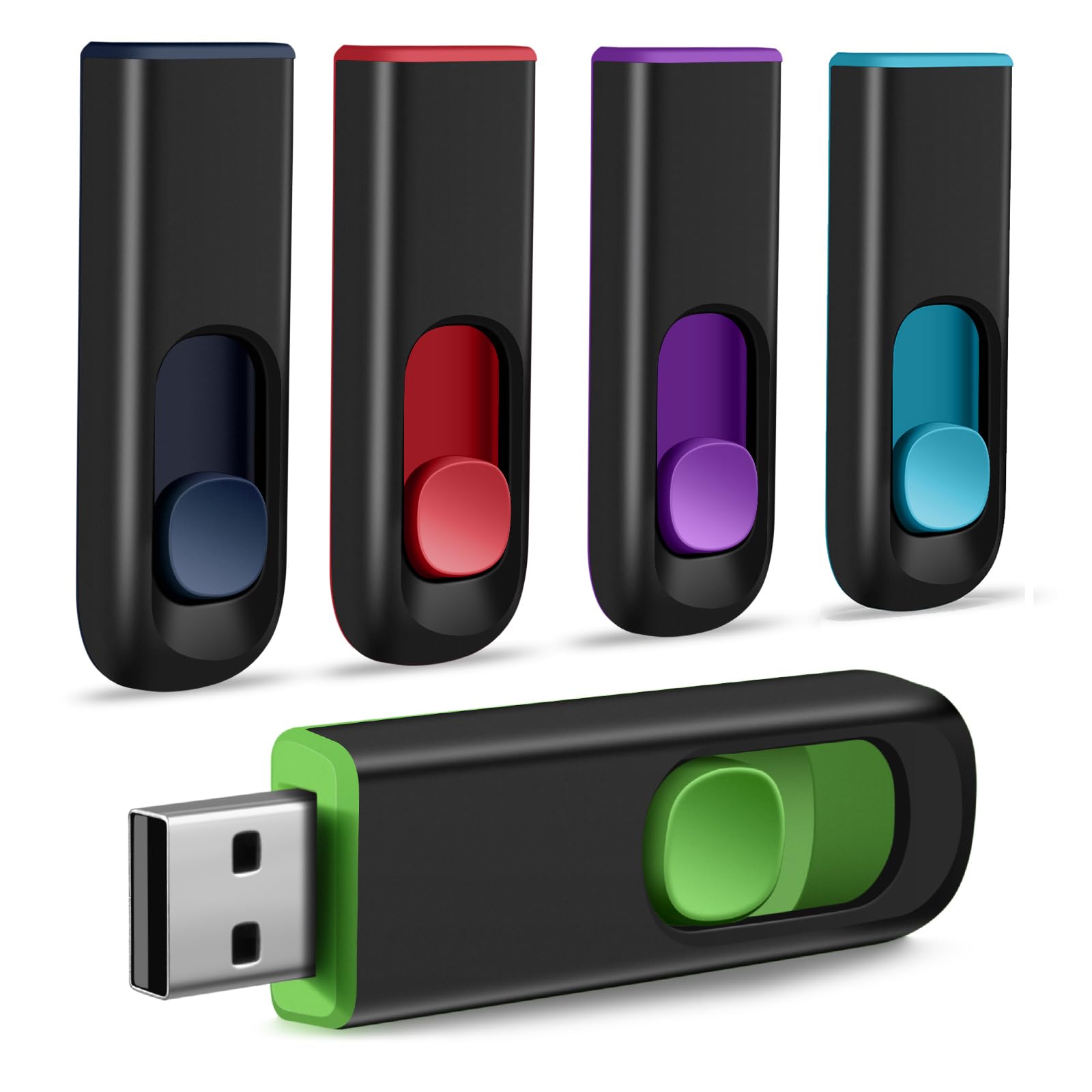
The MAKACTUA 5-pack provides the lowest entry point for a multi-drive purchase, with a retractable USB connector that eliminates the risk of losing a cap. The double-color design (each drive combines two colors) helps with basic file classification, though the plastic shell feels noticeably lighter than the Aiibe drives. Write speeds are modest at around 4-6 MB/s, consistent with older USB 2.0 controllers.
The lanyard hole on each drive is a practical addition for attaching to keychains or lanyards, though the hole is small enough that thicker keyring clips may not pass through. Compatibility across Windows, Mac, and Linux is plug-and-play with no driver installation required. The retractable mechanism is the primary durability concern—several user reports noted that the slider can become stiff or loose after repeated use.
For absolute budget-conscious buyers who need multiple drives for one-off distributions (conference materials, software installers, classroom handouts), the MAKACTUA 5-pack delivers functional storage at the lowest possible cost. Just do not expect these to survive years of daily carry or heavy write workloads.
Why it’s great
- Retractable design removes cap-loss frustration
- Lanyard holes for easy keychain attachment
- Five double-color drives for basic file separation
Good to know
- Plastic build feels less robust than swivel-metal alternatives
- Slow write speeds make bulk file transfers tedious
- Retractable mechanism may wear out over time
FAQ
Can a 16 GB flash drive realistically hold an operating system installer?
Why does my 16 GB drive show less than 16 GB of usable space?
Is it safe to use a USB 2.0 flash drive in a 3D printer or car audio system?
Final Thoughts: The Verdict
For most users, the 16 gb flash drive winner is the SanDisk Ultra Flair 16 GB because it combines USB 3.0 speeds with a durable metal housing and built-in encryption—all at a reasonable premium over plastic alternatives. If you want a reliable bulk pack for deployment tasks, grab the INLAND Micro Center 20-pack for true USB 3.0 performance across many drives. And for phone-to-computer file transfers on a budget, the WesData 5-pack with USB-C adapters offers the best bundled convenience.