
Our readers keep the lights on and my morning glass full of iced black tea. As an Amazon Associate, I earn from qualifying purchases.
Specs are compiled from manufacturer listings and verified buyer reviews and can change over time — please confirm the key details on the product page before buying.
Getting a good rubber 3D printing filament is less about buying the most expensive spool and more about matching the softness to what you actually want to make. A phone case needs a different feel than a gasket, and not every flexible filament is built to print cleanly on your first try. This guide walks through the top TPU filaments by their real-world performance — how easy they are to print, how soft they really are, and what owners consistently praise.
I’m Min — the founder and writer behind Gadgets Feed. This guide is built by comparing the manufacturers’ published specifications and the patterns across verified customer reviews, so you get each pick’s real strengths and trade-offs instead of marketing spin.
If you are printing bumpers for a drone, custom insoles, or a flexible hinge that must survive repeated bending, the right rubber 3d printing filament decides whether your project works or turns into a failed mess.
Our Picks at a Glance
How To Choose The Best Rubber 3D Printing Filament
Picking a flexible filament is not as simple as grabbing the cheapest spool. The Shore hardness, dimensional accuracy, and drying needs all change how the final part looks and behaves. Here is what to keep in mind before you click buy.
Shore Hardness: The Softness Scale
This number — written as 95A, 98A, or 85A — tells you how squishy the material is. A lower number means a softer, more rubbery feel. 95A is the most common balance for functional parts because it bends without being floppy. 98A is stiffer, closer to a tough polyurethane. 85A is noticeably softer and better for seals or grippy surfaces, but it is harder to feed through a Bowden tube (a long plastic tube that guides filament to the print head).
Dimensional Accuracy
This spec — usually listed as +/- 0.03mm or +/- 0.05mm — tells you how consistent the filament diameter is across the whole spool. A tighter tolerance means fewer jams and more reliable extrusion, especially on long prints. A tolerance of +/- 0.03mm is excellent and what most premium filaments aim for.
Print Speed and Feeding
TPU is naturally slower to print than PLA because the flexible material does not push through the extruder as cleanly. Some newer filaments are formulated for higher flow, letting you print up to 200mm/s without skipping. If you have a direct-drive extruder, you will have an easier time with softer filaments than a Bowden setup.
Quick Comparison
| Model | Best For | Shore Hardness | Dimensional Accuracy | Spool Weight | Amazon |
|---|---|---|---|---|---|
| ELEGOO TPU 95A★ Best Overall | Best Overall Balance | 95A | 1.75 mm | 1 kg | Amazon |
| SUNLU TPU-Silk 98AGlossy Finish | Glossy, Rigid Parts | 98A | +/- 0.03 mm | 1 kg | Amazon |
| Creality TPU 95ABrand Reliability | Brand Consistency | 95A | +/- 0.05 mm | 1 kg | Amazon |
| ZIRO Flex Opal TPU | Multi-Color Prints | 95A | +/- 0.05 mm | 0.8 kg | Amazon |
| OVERTURE TPU 95A | Reliable All-Rounder | 95A | 1.75 mm | 1 kg | Amazon |
| ANYCUBIC TPU 95A | Budget Performance | 95A | +/- 0.03 mm | 1 kg | Amazon |
| SUNLU High Speed 95A | Fast Printing | 95A | +/- 0.03 mm | 1 kg | Amazon |
| Polymaker PolyFlex 95A | Premium Print Quality | 95A | 1.75 mm | 0.75 kg | Amazon |
| Siraya Tech Flex 85A | Ultra-Soft & Specialty | 85A | 1.75 mm | 1 kg | Amazon |
In‑Depth Reviews
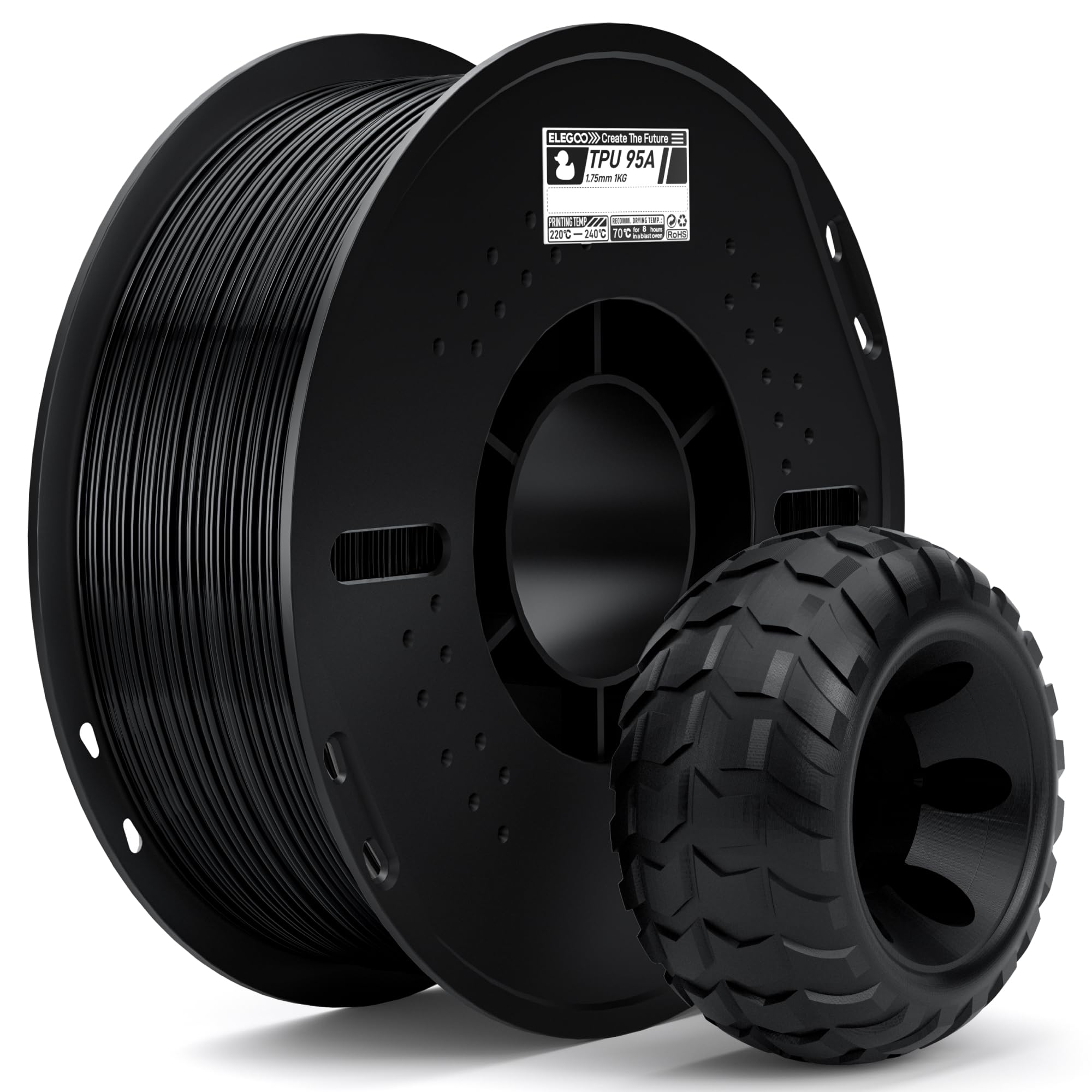
1. ELEGOO TPU Filament 95A
Our pick — over 4.5★ from 400+ verified ratings; the strongest balance of quality and price.
The crowd-favorite TPU that prints smoothly without the usual headaches.
ELEGOO hits the balance with a 95A Shore hardness — flexible enough to absorb impacts and stretch up to 5 times its original size without breaking, yet firm enough for functional parts like phone cases and gaskets. The dimensional accuracy sits at a standard 1.75mm tolerance, which buyers report as perfectly consistent for smooth feeding without clogs or bubbles. The vacuum-sealed packaging includes a thorough pre-dry, so you can often skip the drying step on the first print.
What really stands out across hundreds of owners is the quality — with quality and functionality being the most-praised aspects by a wide margin. People consistently note that the 95A hardness feels “just right” for functional parts, though there is some disagreement about just how flexible it really is. One experienced user summed it up well: “flexible but not very soft (like rigid polyurethane).” That makes it ideal for prints that need to bend and snap back, not flop around.
The only recurring caveat is that it is not super-soft, so if you need a squishy, grippy surface (like shoe soles), you might want a softer 85A instead. But for the vast majority of flexible printing projects, this is the filament that checks every box.
What Wins People Over
- Excellent quality consistency — the most-praised feature across 30+ mentions
- Very easy to print on Bambu, Prusa, and most direct-drive printers
- Pre-dried and vacuum-sealed, reducing first-print failures
- 95A hardness is ideal for functional parts like gaskets and bumpers
The Honest Trade-Offs
- Not as soft as some expect — 95A is more rigid than 85A filaments
- Some owners note that TPU in general requires dialed-in feed tension
- Limited to one hardness (95A), no softer options from the same seller
Best for: Any 3D printer owner who wants a reliable, easy-to-print flexible filament for functional parts that need to bend without being floppy.
Think twice if: You need a very soft, grippy rubber for insoles or sealing applications — look at a lower Shore hardness.
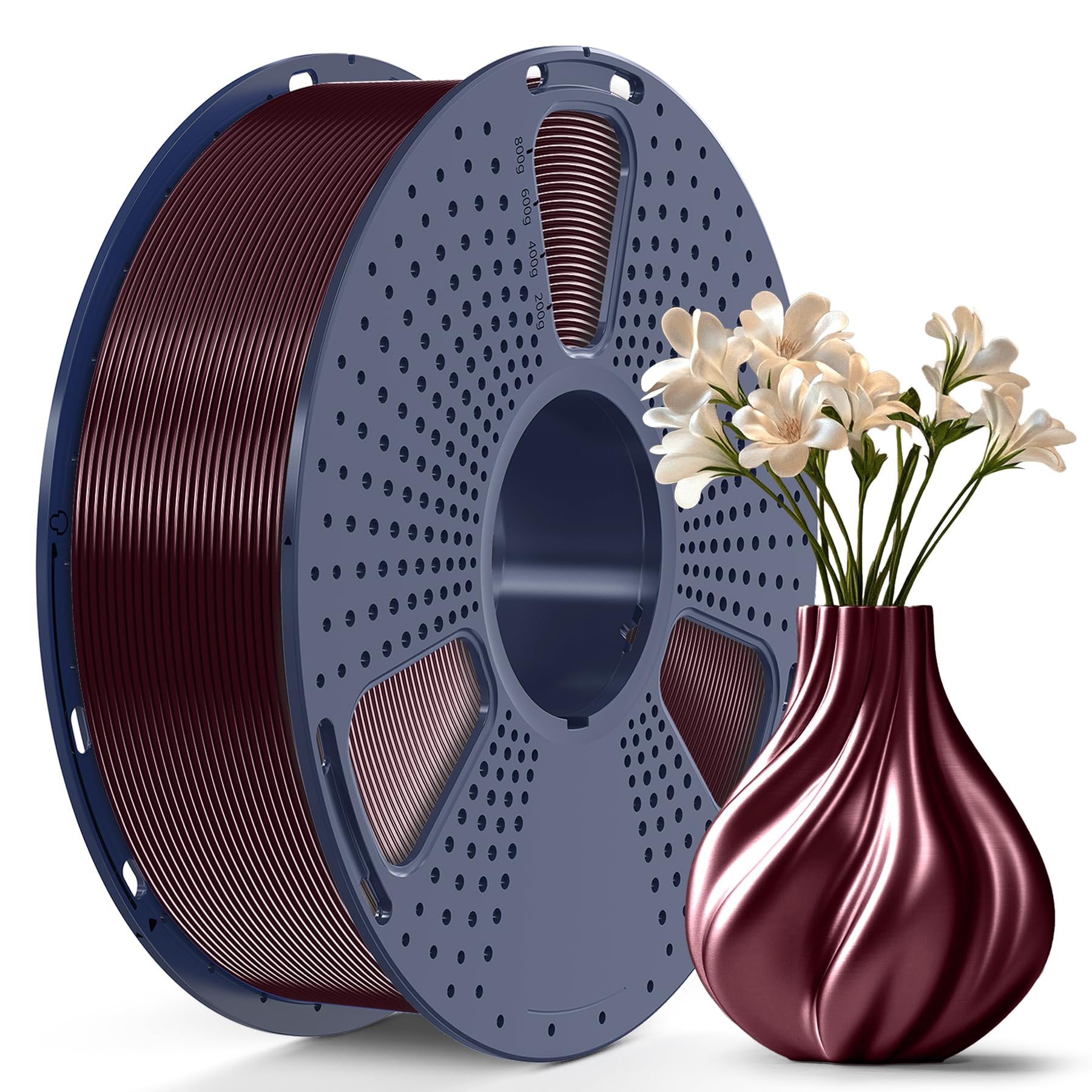
2. SUNLU TPU-Silk 98A
A glossy silk finish that prints as easily as PLA but flexes when needed.
SUNLU’s TPU-Silk is a unique hybrid — a 98A Shore hardness that feels “like half TPU, half PLA,” as buyers describe it. The stingiest TPU per verified buyer reviews, it is engineered for high impact resistance and can print up to 200mm/s, which is roughly 4 times faster than ordinary TPU. The dimensional accuracy is tight at +/- 0.03mm, meaning fewer feeding issues across the spool. The burgundy red color gets consistent praise for its metallic sheen and smooth, shiny surface finish.
This filament is not for soft, grippy projects. It is for parts that need to be tough, flexible under stress, and look great doing it. Printability is the top-rated aspect, with owners on Bambu P1P and P1S machines reporting it prints almost as easily as PLA with default settings. It also drops into the Bambu AMS without hardware changes, which is rare for a flexible filament. That said, the 98A hardness makes it more brittle in cold conditions — a few owners noted cracking in low temperatures, which is worth knowing if your part lives outside in winter.
If you want flex without the fuss of slow speeds or finicky feed rates, this is a polished, fast-printing option. It is stiffer than most TPU, so skip it if you need a squishy bumper or seal.
Why It Stands Out
- Glossy silk surface finish that irons to a matte sheen — rare for TPU
- Fast print speeds up to 200mm/s, much faster than standard 95A TPU
- Dimensional accuracy of +/- 0.03mm ensures reliable feeding
- Compatible with Bambu AMS without modifications
Who Should Look Elsewhere
- Not a soft, stretchy TPU — 98A is the stiffest TPU you will find
- Can crack in cold temperatures, so limit outdoor use in winter
Reach for this if: You want a fast-printing, shiny TPU that handles like PLA but still gives you impact-resistant flexibility for decorative or semi-functional parts.
Avoid if: You need a soft, grippy rubber — this is rigid and glossy, not pliable.
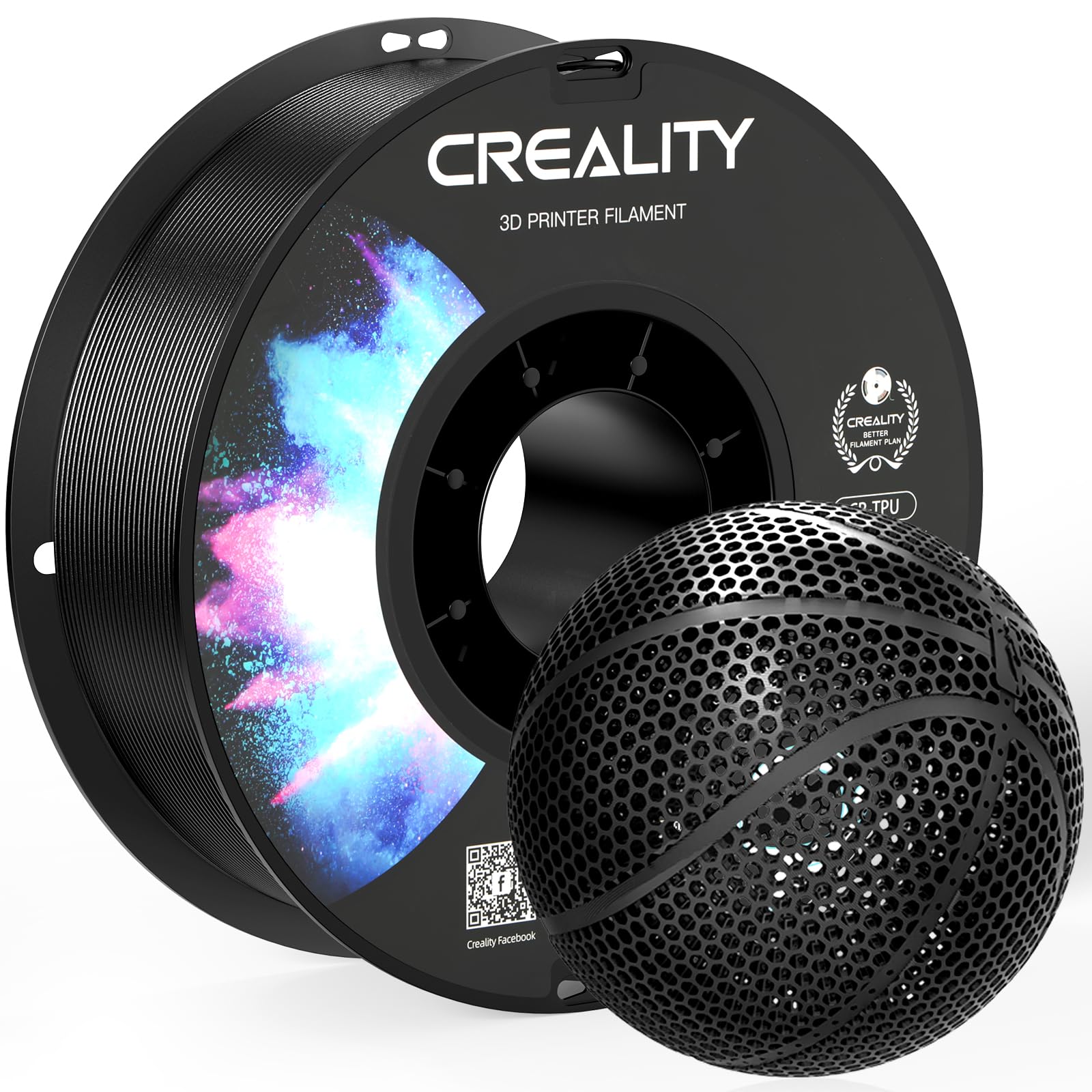
3. Creality TPU 95A
A household name in 3D printing brings its experience to flexible filament.
Creality’s TPU is a straightforward 95A Shore hardness filament that stretches 3 times its original length, engineered for easy printing on most desktop FDM printers. The dimensional accuracy is listed at +/- 0.05mm, which is a slightly wider tolerance than the tightest competitors — a difference that some owners find negligible and others notice in long, detailed prints. The brand’s “Clog-Free” patent is a real boon here, and owners consistently praise the quality and print results, calling it beginner-friendly and reliable at standard settings around 220°C.
The biggest practical note is that Creality recommends a direct-drive extruder for best results. Owners on Bowden setups report extra friction and some adhesion issues where the filament sticks to itself inside the tubing. That is not a defect of the filament itself but a compatibility consideration. The vacuum-sealed packaging and 24-hour pre-drying are standard, and the spool comes neatly wound.
If you already trust Creality for your PLA and PETG, their TPU is a safe, predictable choice — just make sure your printer is set up for flexible materials.
Strengths
- High quality and excellent print results praised by repeat buyers
- Very flexible with good elasticity, stretches 3 times its original length
- Clog-Free technology reduces failed prints
Considerations
- Broader tolerance (+/- 0.05mm) vs competition at +/- 0.03mm
- Adhesion issues reported in Bowden tube setups
- Durability mixed feedback — occasional layer bonding concerns
Best for: Creality printer owners who value brand consistency and want a reliable, stretchy TPU for flexible connections, gaskets, and wearable parts.
Look elsewhere if: Your printer uses a long Bowden tube — the friction may cause feeding trouble.
4. ZIRO Flex Opal TPU
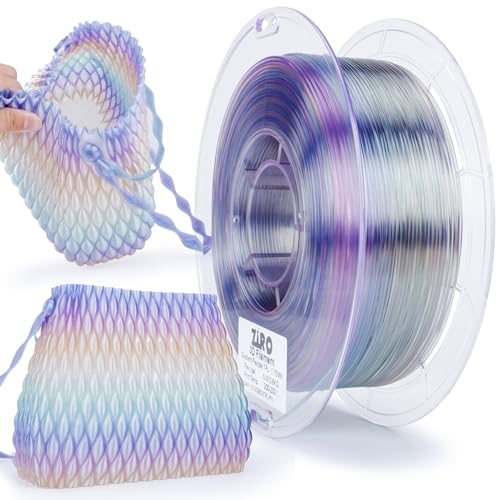
A single spool that shifts colors across your print — no multi-material unit needed.
ZIRO’s Flex Opal TPU is a 95A Shore hardness filament that combines multiple vibrant colors into one spool, so a single print can transition through a spectrum without pausing to swap filament. The dimensional accuracy is +/- 0.05mm, and the recommended print speed is 30-50mm/s, which is on the slower side but typical for flexible materials. The spool is 0.8kg rather than the standard 1kg, so you get slightly less material for the price.
Quality and printability are the most-praised aspects, with owners noting smooth feeding, neat spool winding with zero tangling, and excellent layer adhesion. The “Flex Opal” effect is described as vibrant and eye-catching, with one owner calling it the “best filament I’ve ever bought.” A few owners note that it works on Bambu printers in sport mode without issues. The included resealable bag and cleaning filament add value.
The trade-off is that the color-change effect only shows properly on larger models; smaller prints may not transition enough to see the full spectrum. It also does not fit AMS systems due to the flexible nature of the filament. For decorative parts with a wow factor, this is a fun pick.
Coolest Feature
- Fast color-change technology produces multi-color prints from a single spool
- Top-rated for quality and printability by a large margin among owners
- No tangling issues reported due to careful winding
Smaller Spool, Slower Speeds
- 0.8kg spool has 20% less material than standard 1kg rolls
- Color transition requires a minimum model size to show fully
- Not compatible with AMS/Lite systems due to flexibility
Best for: Makers who are tired of solid colors and want a gradient effect without upgrading to a multi-material system.
pass on it if: You need a full kilogram of material or print mostly small, detailed parts where the color shift would be invisible.
5. OVERTURE TPU 95A

among the most trusted names in affordable filament brings its signature consistency to TPU (thermoplastic polyurethane, a flexible plastic).
OVERTURE’s 95A TPU is exactly what you expect from the brand — reliable, well-packaged, and formulated for excellent layer adhesion with a smooth finish. The Shore hardness of 95A balances softness and resilience, making it suitable for flexible applications, robotics, and fashion projects. The spool is vacuum-sealed with a resealable foil bag, and Overture recommends drying for over 8 hours at 65°C if the filament has been exposed to humidity. The digital blue color gets consistent praise for its vibrancy.
Quality and printability are again the top aspects, with dozens of owners noting it prints nicely without much effort. One long-time user called Overture “the best affordable filament” and said their TPU experience was no exception — no clogging and vibrant color. The stringing and adhesion do get mixed feedback, with some owners reporting excellent bed adhesion and others noting raft issues. It works well on Bambu printers, including the H2S for printing shoes.
If you already buy Overture’s PLA or PETG in bulk, their TPU delivers the same no-surprises performance. Just plan to dry it thoroughly before printing — TPU is hygroscopic, and this one is no exception.
What Works
- Proven brand reputation for consistent, affordable filament
- Excellent layer adhesion with a smooth, glossy finish
- Vibrant color selection with the digital blue being a standout
Watch Out For
- Stringing can occur if not dried properly before printing
- Mixed adhesion reports — some owners had raft issues
Best for: Repeat Overture customers who trust the brand for PLA/PETG and want the same experience in a flexible material.
Think twice if: You do not have a filament dryer — TPU from any brand needs drying, and skipping it here can cause surface defects.
6. ANYCUBIC TPU 95A

Great print quality on a budget with tight dimensional accuracy for smooth feeding.
ANYCUBIC’s TPU is a 95A soft flexible filament with a tight dimensional accuracy of +/- 0.03mm, which is a strong spec at this price point. The rubber-like texture is comfortable to the touch and can bend at any angle, making it ideal for insoles, phone cases, and wristbands. The recommended print settings range from 195-230°C nozzle temperature and 50-150mm/s print speed, giving you flexibility across different printers.
Consistency and functionality are the most-praised aspects, with owners reporting it works well on first use with no stringing and smooth extrusion. On a Bambu X1C, one owner called it the “best TPU filament” they had tried and noted it works perfectly in an AMS. The quality is on par with other established TPU brands, making it a strong contender if you want to save a few dollars without sacrificing reliability.
The one catch that comes up repeatedly is that the filament sticks to the build plate extremely well — almost too well. Some owners found it was “sticking like crazy” and needed careful removal to avoid damaging the print or the plate. That is an easier problem to solve than poor adhesion, but it is note if you are used to PLA popping right off.
Why It Wins on Value
- Excellent dimensional accuracy at +/- 0.03mm for smooth, clog-free feeding
- Consistent quality praised across dozens of owners
- No stringing or bubbling when printed at recommended settings
A Note on Bed Adhesion
- Sticks very strongly to the build plate — can be hard to remove
- No dedicated slicer profile for Prusa printers, requires a generic “flex” setting
Best for: Budget-conscious makers who want tight tolerances and reliable prints without paying a premium.
Reach for something else if: You prefer prints that release easily from the build plate — this one likes to hold on.
7. SUNLU High Speed TPU 95A

Prints up to 3 times faster than standard TPU without sacrificing layer adhesion.
SUNLU’s High Speed TPU is a 95A Shore hardness filament formulated to print up to 3 times faster than ordinary TPU, with a recommended speed range of 80-120mm/s. The dimensional accuracy is tight at +/- 0.03mm, making it compatible with almost all 1.75mm FDM printers. The white color is popular for decorative and functional parts alike, though some owners note it is not fully opaque.
Quality and flexibility are the top aspects, with owners confirming the 95A Shore feels “firm but pliable” — great for functional parts like can covers, bumpers, and slipper soles. One owner had struggled with TPU on their Bambu printer before trying this brand and finally got excellent results. The vacuum-sealed packaging keeps the filament moisture-free, and the resealable bag is a welcome touch for storage.
This is essentially the same 95A formulation as SUNLU’s standard TPU but tuned for higher flow. If you are frustrated with slow TPU print speeds, this lets you keep productivity up without switching materials.
Speed Advantage
- Prints up to 3 times faster than standard TPU (80-120mm/s recommended)
- Tight dimensional accuracy of +/- 0.03mm for consistent feeding
- Excellent layer adhesion with a smooth finish
What to Know
- White color is not fully opaque, which may matter for some projects
- Some mixed feedback on jamming — drying is essential
Best for: Makers who want TPU parts fast without waiting for slow print speeds — especially useful for larger flexible parts.
Consider a standard TPU if: You prioritize ultimate flexibility over speed and do not mind waiting.
8. Polymaker PolyFlex TPU95
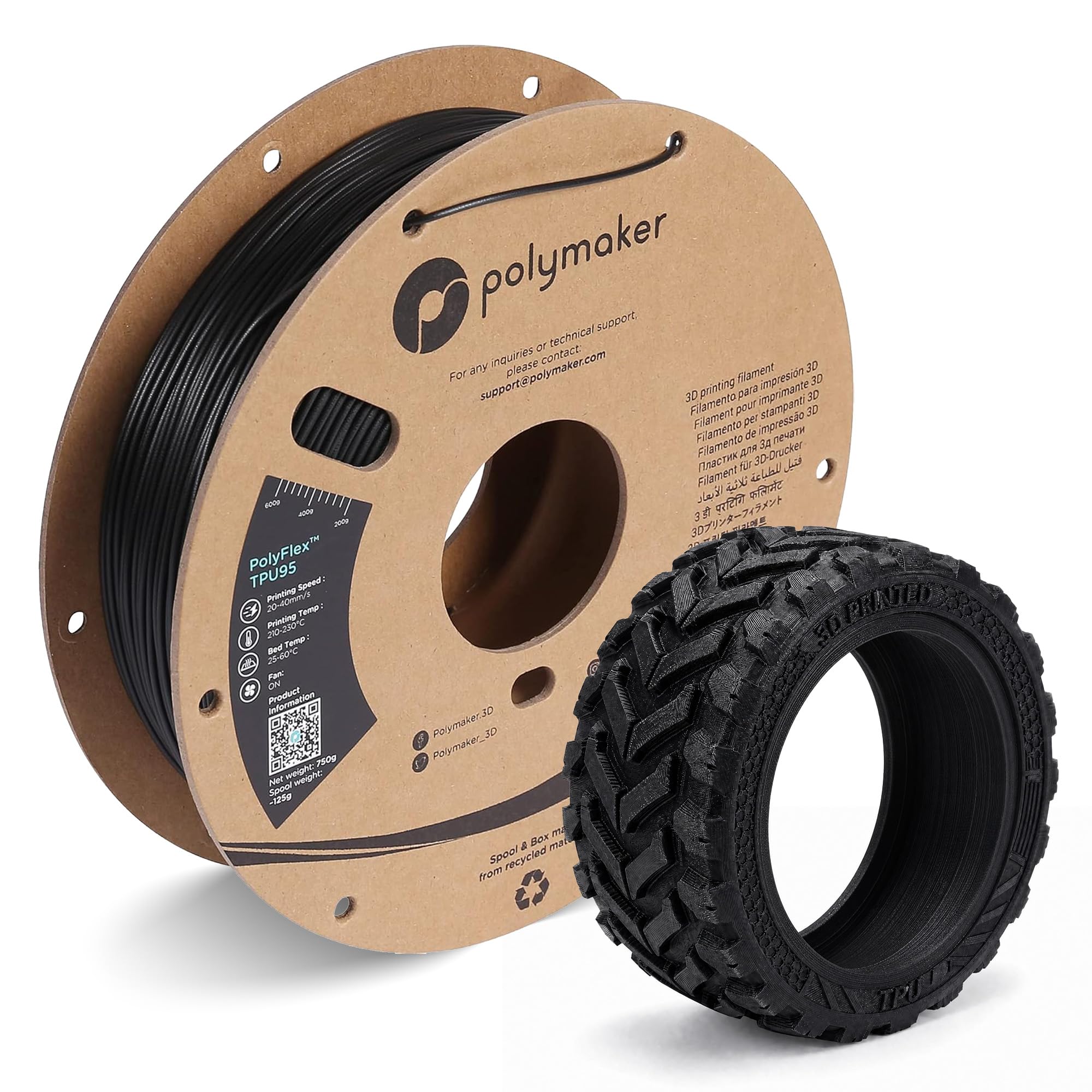
A premium TPU with print quality that reviewers call class-leading, though the spool is smaller than the competition.
Polymaker’s PolyFlex TPU95 is a 1.75mm flexible filament with a 95A Shore hardness and over 400% strain-to-failure, meaning it can stretch more than 4 times its original length before snapping. It is UV-resistant for outdoor use and is compatible with nearly all desktop FDM printers without hardware modifications. The recommended nozzle temperature is 210-230°C, bed temperature 25-60°C, and print speed 20-40mm/s. Print quality and quality tie as the most-praised aspects, with owners reporting results that rival standard PLA in detail when dialed in correctly.
The consensus among owners is clear: once you adjust your flow rate (many recommend 120% on Prusa MK3S) and keep retraction low, the results are “beautiful” with no visible layer lines at 100% infill. The filament works great with Bambu Lab P1S using a generic TPU profile. The cardboard spool is eco-friendly but has drawn some criticism for falling apart during use, which is a durability issue to be aware of.
This is a premium pick for those who prioritize print fidelity over spool size. At 0.75kg, you get less material than standard 1kg rolls, but the print quality justifies the price for demanding projects.
Print Fidelity
- Excellent print quality with invisible layer lines when dialed in
- UV-resistant for outdoor use — rare among TPU filaments
- Over 400% elongation for extreme flexibility and shape memory
The Smaller Spool
- 0.75kg spool is smaller than 1kg competitors
- Cardboard spool can degrade or fall apart during use
- Requires careful flow rate adjustment for best results
Best for: Detail-oriented makers who want the highest possible print quality from their TPU and are comfortable tweaking slicer settings.
Choose a different spool if: You print large parts that need a full kilogram of material or prefer the durability of plastic spools.
9. Siraya Tech Flex TPU 85A

The softest filament here — 85A Shore makes rubbery, grippy parts that squish and seal.
Siraya Tech’s Flex TPU is a unique 85A Shore hardness filament, noticeably softer and more pliable than the 95A filaments that dominate the market. It is designed for high flow and speed, allowing quicker prints than typical 95A TPU when using a direct-drive extruder. An unusual addition is the ISO 10993 testing for biological response, which provides data on potential biocompatibility — useful for external-use wearables and devices. The filament comes sealed in a moisture-resistant aluminum bag, with a claimed shelf life of up to 3 years.
Printability and material quality are the top aspects, with owners calling it the “best performing 85A TPU” they have tried, particularly comparing it favorably to Ninjaflex at a lower cost. It prints flawlessly on Bambu X1C using a 90A profile, producing parts that rival PLA in detail while being much more flexible. However, the softness means it can be tricky to feed through an AMS or long Bowden tubes, and some owners had to make a jig to prevent friction issues.
If you need a truly rubbery, squishy part — think gaskets, seals, or grippy protectors — this 85A is the right call. It is the most specialized filament in the guide and requires the most printer tuning.
Unique Advantages
- Much softer and more pliable than standard 95A TPU
- ISO 10993 testing for biocompatibility — rare for 3D printer filament
- Moisture-resistant aluminum packaging with 3-year shelf life
Printing Challenges
- Softness makes feed problematic in Bowden or AMS setups
- Some owners received a warped cardboard spool causing print failures
- Requires more tuning than standard 95A TPU
Best for: Specialized projects where 85A’s rubbery softness is needed — gaskets, seals, and body-contact wearables.
Stick with 95A if: You are new to TPU or do not want to fight with feeding issues on a standard printer.
Understanding the Specs
Shore A Hardness
This scale measures how easily a material is indented. A 95A TPU is firm but flexible — think of a car tire or a thick rubber band. A lower number like 85A feels more like a soft pencil eraser or a gel insole. The higher the number, the stiffer and more resistant to deformation the print will be. For most functional parts like phone cases, bumpers, and gaskets, 95A is the balance.
Dimensional Accuracy
This spec, given as a plus/minus value like +/- 0.03mm, tells you how consistent the filament diameter is across the whole spool. A tighter tolerance means the extruder gear gets a steady, predictable flow of material. Filaments with +/- 0.03mm accuracy are considered excellent and tend to cause fewer jams and extrusion inconsistencies than those with wider tolerances like +/- 0.05mm.
FAQ
Can I print TPU on any 3D printer?
What is the difference between 95A and 85A TPU?
Why does my TPU need to be dried before printing?
Can I use TPU in an AMS (Automatic Material System)?
How fast can I print with TPU?
What nozzle temperature should I use for TPU?
Can I leave TPU prints outside?
Does TPU need a heated bed?
Why does my TPU print keep sticking to the build plate?
Is TPU safe for wearables and body contact?
Final Thoughts: The Verdict
For most people, the rubber 3d printing filament winner is the ELEGOO TPU 95A because it balances reliable printability, excellent quality, and a fair price better than any other option here. If you want a glossy, rigid finish that prints fast, grab the SUNLU TPU-Silk 98A. And for specialty projects needing that soft, squishy rubber feel, the Siraya Tech Flex 85A is the one to reach for. Whichever you choose, remember to dry your filament first — it makes all the difference.
How We Picked
We do not accept paid placement. Every pick is matched to a real buyer and a real use-case; we do not hands-on test units.
Sources & Methodology
Specifications: manufacturer listings and product documentation. Review insights: verified customer reviews, as of July 2026. Pricing: not shown on this page (it changes often); check the current price via the retailer link.
As an Amazon Associate, Gadgets Feed earns from qualifying purchases. This does not affect which products we feature.